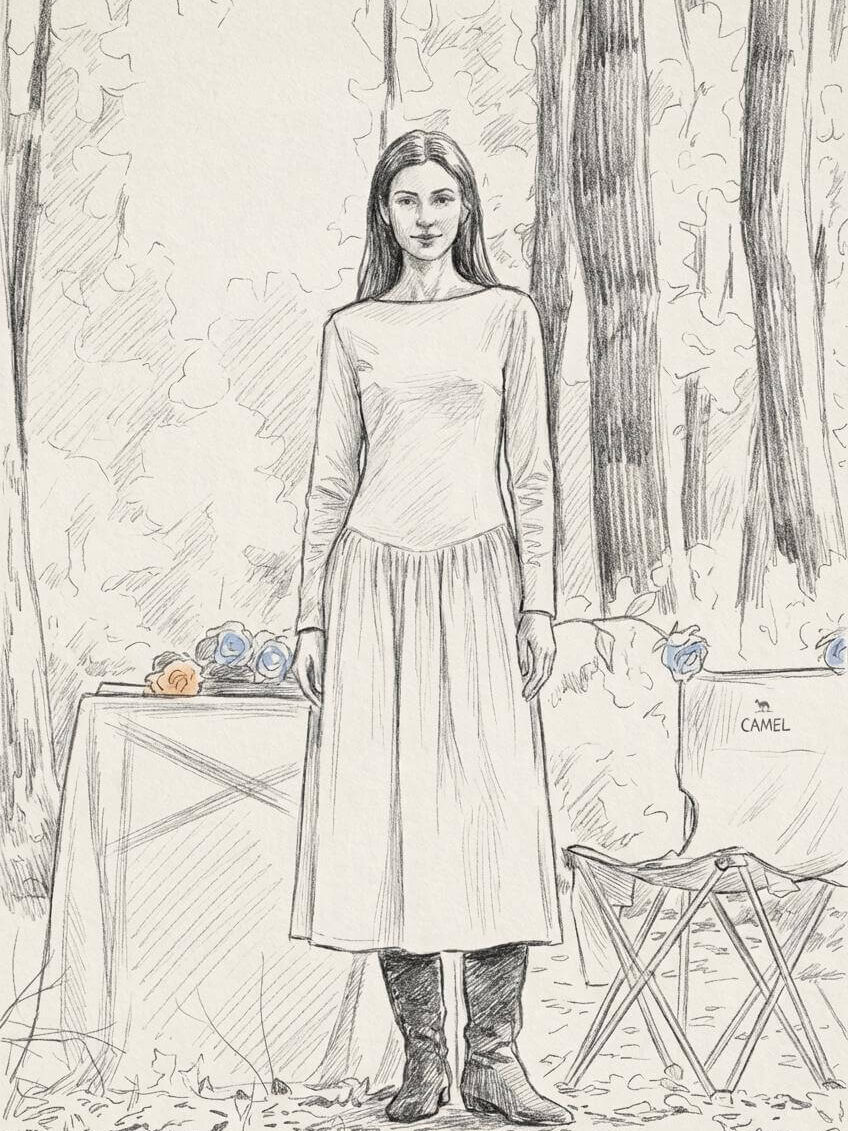
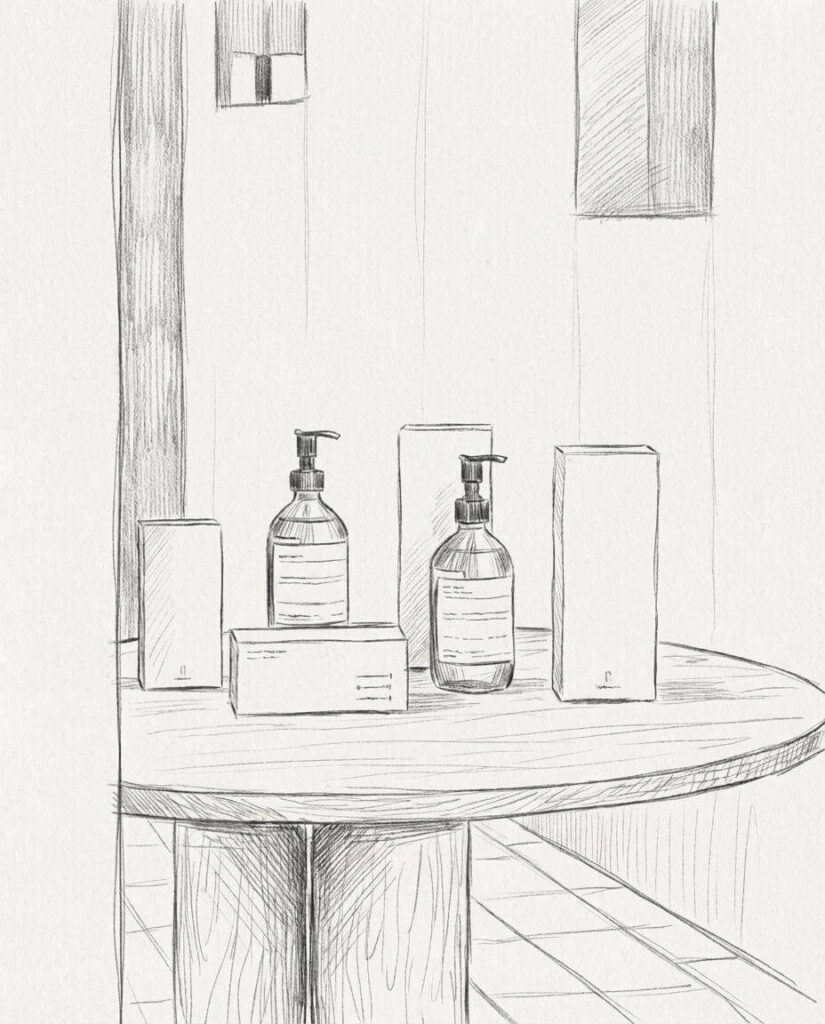
An AI Photo to Sketch Converter makes it easy to turn real photos into sketch-style artwork—no drawing skills required. Instead of learning complex tools or sketching by hand, you can upload a photo and let AI handle the conversion for you.
With WeShop AI’s Sketch Converter, photos become clean pencil sketches, line art, or artistic drawings in just a few clicks. Whether you’re working with portraits, products, landscapes, or creative concepts, this tool helps you explore sketch styles faster and with less effort.
In this guide, we’ll walk through what an AI Photo to Sketch Converter is, how WeShop AI’s version works, and where it fits best in real-world projects.
What Is an AI Photo to Sketch Converter?
An AI Photo to Sketch Converter is a tool that uses artificial intelligence to analyze a photo and recreate it as a sketch. Instead of simply adding a filter, the AI understands shapes, edges, lighting, and textures, then redraws the image in a sketch-like style.
This matters because traditional “sketch effects” often look flat or artificial. By contrast, an AI-based converter produces sketches that feel intentional—like they were drawn by hand.
With WeShop AI, the Sketch Converter focuses on:
- Clean outlines and fine details
- Natural shading and depth
- Multiple sketch styles, from pencil to line art
As a result, the final image feels usable, not gimmicky.
How WeShop AI’s Photo to Sketch Converter Works
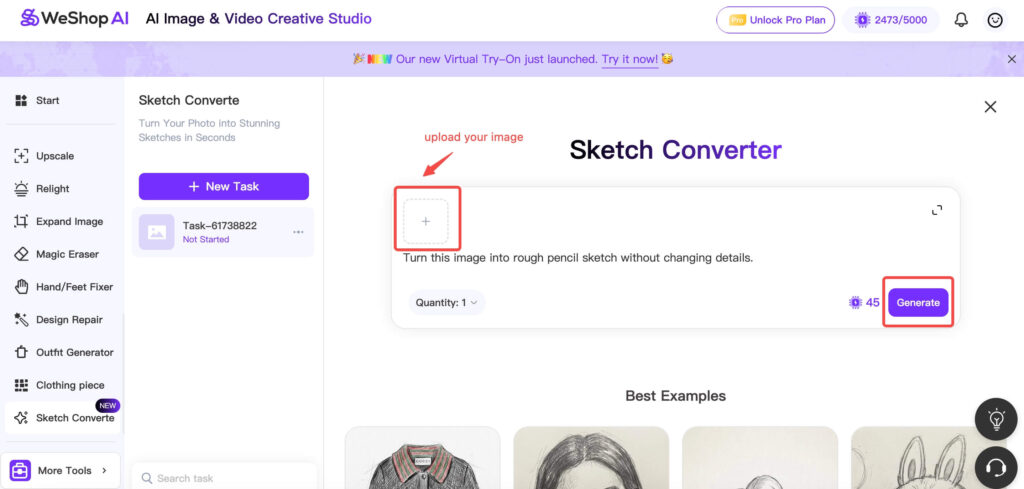
The WeShop AI Photo to Sketch Converter is designed to stay simple. You don’t need prompts, brushes, or manual tracing.
Here’s how it flows in practice.
First, you upload your photo. This can be a portrait, product image, still life, or even a landscape shot.
Next, the AI analyzes the image structure. It detects edges, contours, facial features, textures, and object boundaries. This step is key—it’s what keeps the sketch accurate instead of distorted.
Then, the Sketch Converter redraws the image in a sketch style. You can choose different looks, such as:
- Pencil sketch
- Fine line drawing
- Soft artistic sketch
Finally, you export a high-quality sketch image that’s ready for use.
Because everything runs in the cloud, you don’t need powerful hardware or design software.
Convert Portraits with an AI Photo to Sketch Converter
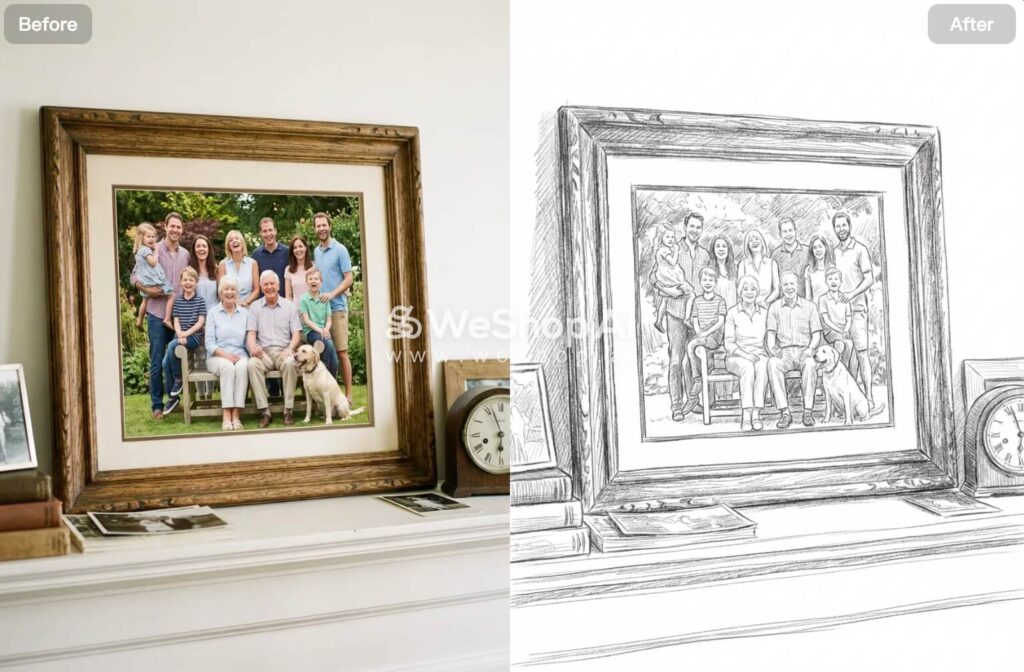
One of the most popular uses of an AI Photo to Sketch Converter is portrait conversion.
With WeShop AI, portrait photos turn into sketches that preserve facial structure and expression. The AI keeps important details like eyes, nose, and facial proportions while simplifying textures into clean lines.
As a result, these sketches work well for:
- Profile images and avatars
- Personal keepsakes
- Gifts or creative prints
- Stylized social media visuals
Instead of looking like a filter, the sketch feels deliberate and balanced.
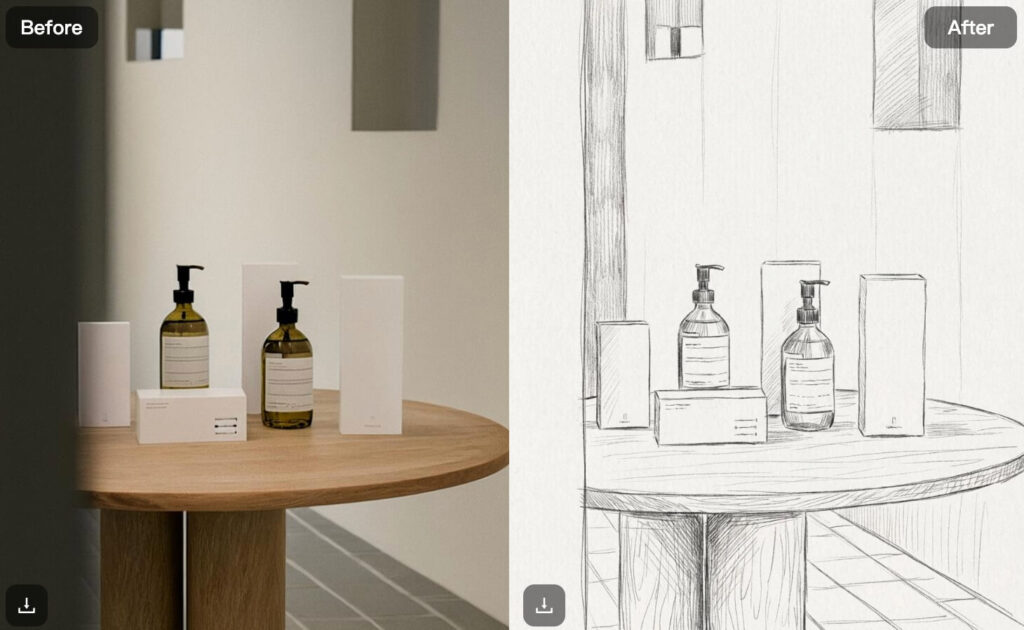
Create Product Sketches from Photos
The AI Photo to Sketch Converter also works extremely well for product images.
By converting product photos into sketches, brands and creators can:
- Highlight form and structure
- Focus attention on design details
- Create concept visuals for presentations
- Add artistic elements to catalogs or lookbooks
WeShop AI captures edges, silhouettes, and textures cleanly. That makes the sketch useful not just for art, but also for communication and design planning.
This approach works especially well for furniture, fashion items, accessories, and still-life setups.
Use the AI Photo to Sketch Converter for Landscapes and Still Life
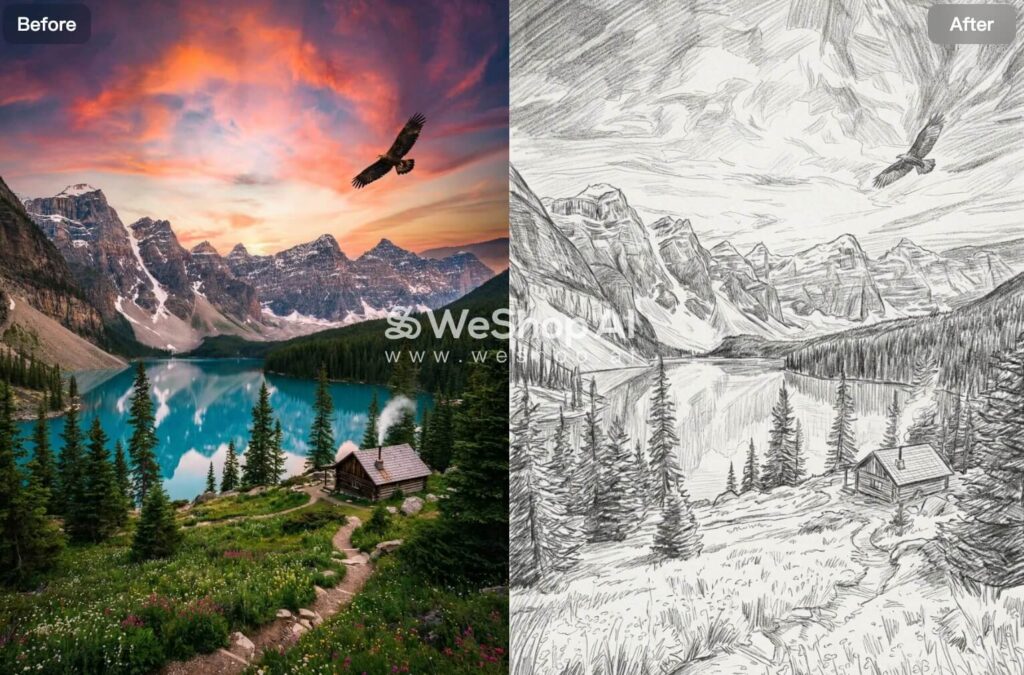
Beyond portraits and products, the AI Photo to Sketch Converter handles landscapes and still-life scenes with ease.
When you upload a landscape photo, the AI translates depth, perspective, and texture into sketch form. Trees, buildings, and backgrounds remain recognizable while gaining an artistic look.
This makes the Sketch Converter useful for:
- Illustrations
- Presentation slides
- Creative storytelling
- Print or digital artwork
The same applies to still-life images, where objects retain their shape while gaining a hand-drawn feel.
Experiment with Sketch Styles Using an AI Photo to Sketch Converter
Another advantage of WeShop AI’s Photo to Sketch Converter is flexibility.
Instead of locking you into one look, the tool allows you to experiment with different sketch styles. You can quickly compare results and choose the version that fits your project best.
This helps when:
- Testing creative directions
- Matching a specific visual tone
- Exploring ideas without committing early
Because the process is fast, experimenting feels natural rather than time-consuming.
Drawing Inspiration Without Drawing Skills
Not everyone can sketch—and that’s exactly where an AI Photo to Sketch Converter shines.
Artists, students, and beginners use WeShop AI to visualize ideas before drawing by hand. By converting photos into sketches, they gain a starting point for:
- Learning composition
- Understanding proportions
- Exploring illustration styles
Instead of starting from a blank page, you start with a sketch that already makes sense.
Who the AI Photo to Sketch Converter Is Perfect For
WeShop AI’s Photo to Sketch Converter fits a wide range of users.
It works especially well for:
- Creators who want stylized visuals without design software
- Students learning drawing or illustration
- Designers building moodboards or concept art
- Brands adding artistic elements to content
- Anyone who wants to turn photos into sketches quickly
Because the workflow stays simple, the tool adapts easily to different needs.
Why Choose WeShop AI’s Photo to Sketch Converter?
Many tools offer sketch effects, but WeShop AI focuses on clarity and usability.
Instead of heavy filters, the AI redraws images with structure and balance. The result feels clean, consistent, and ready to use.
On top of that, the tool:
- Requires no drawing experience
- Works fully online
- Produces high-resolution outputs
- Fits both creative and practical workflows
This makes it easy to turn everyday photos into sketch art without friction.
Conclusion
An AI Photo to Sketch Converter removes the barrier between photography and illustration. With WeShop AI, turning photos into sketches becomes fast, flexible, and accessible to anyone.
Whether you’re creating portraits, product sketches, landscapes, or concept visuals, the Sketch Converter helps you explore ideas without technical hurdles. Instead of struggling with tools, you focus on creativity—and let AI handle the rest.