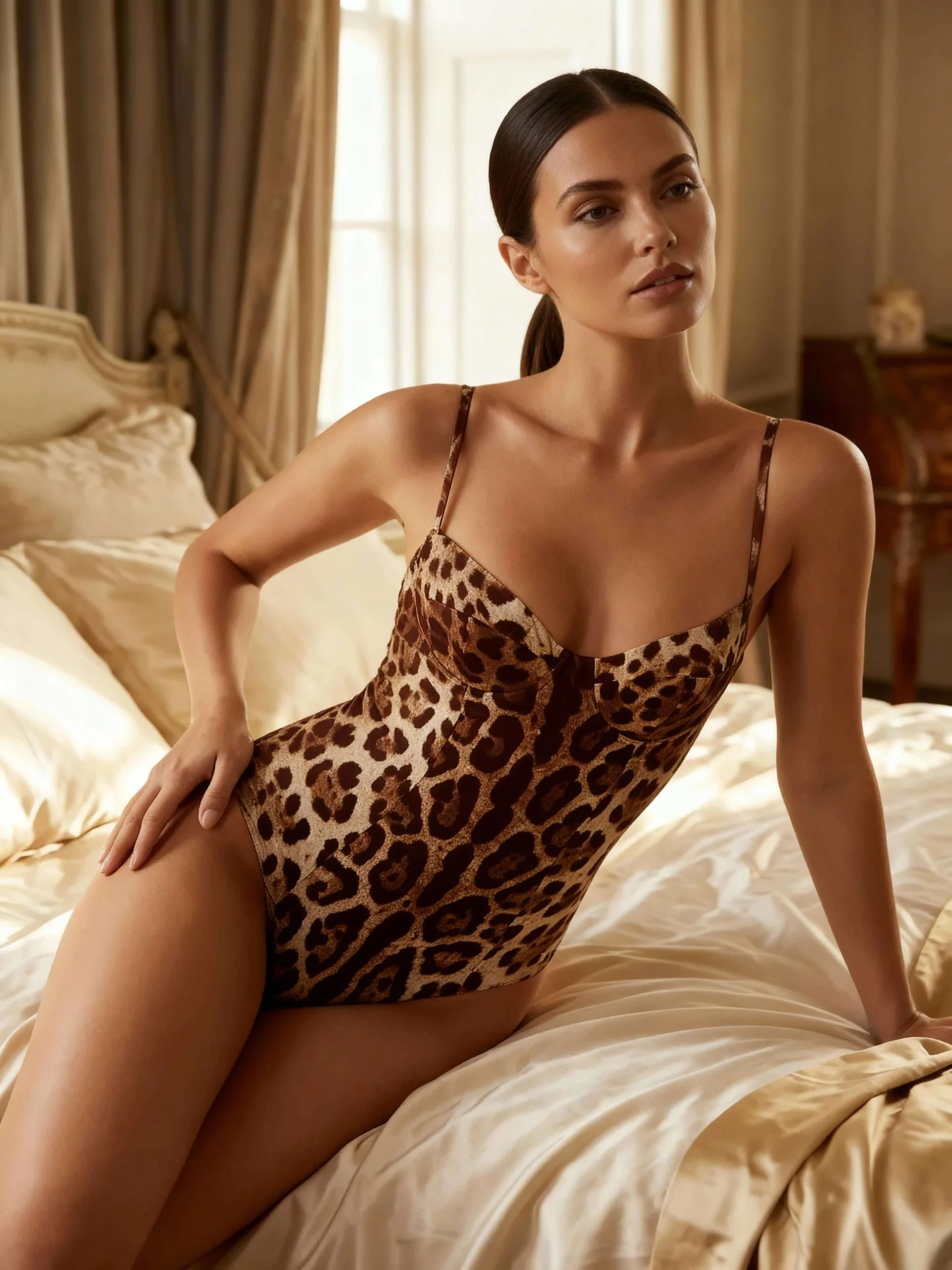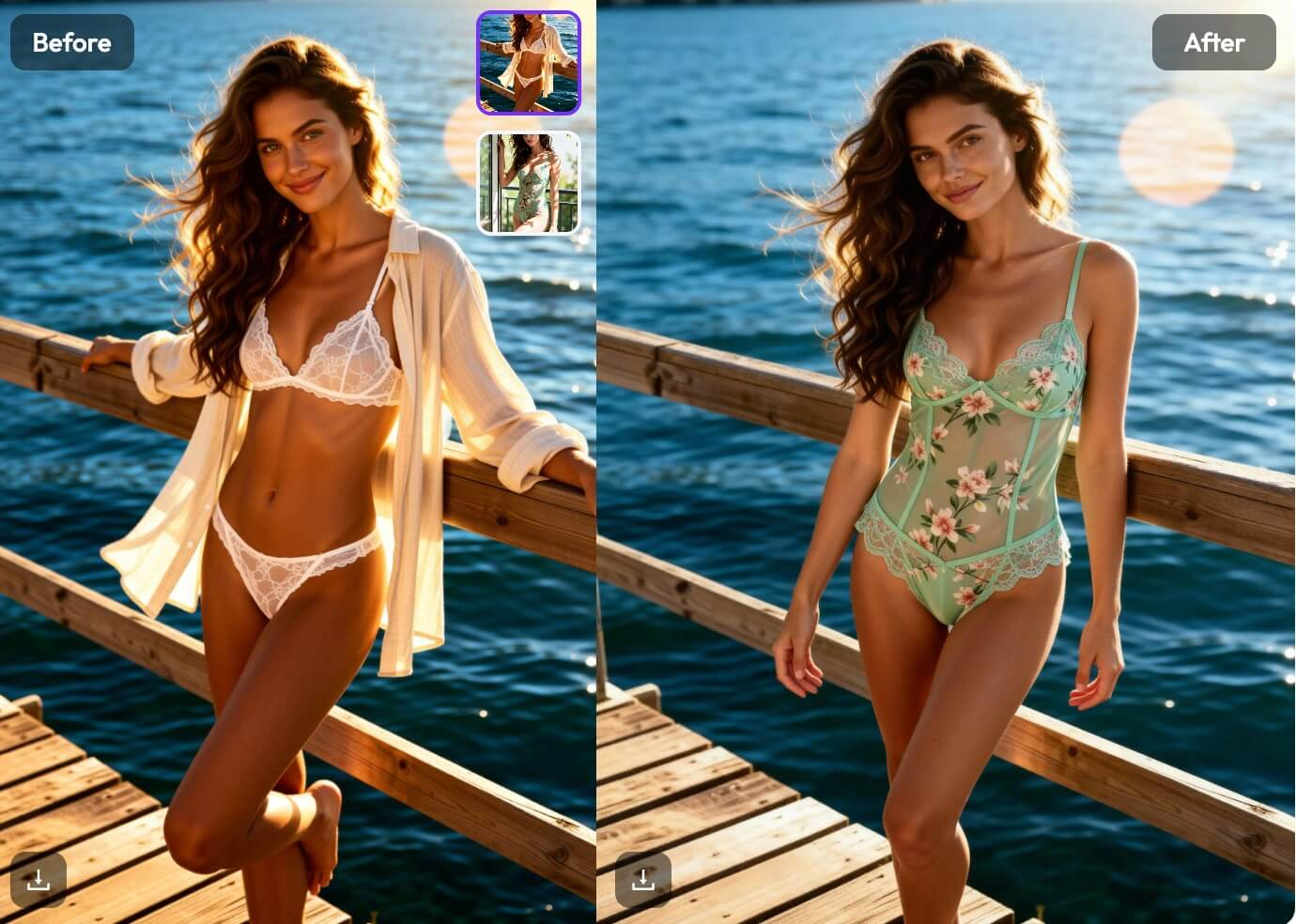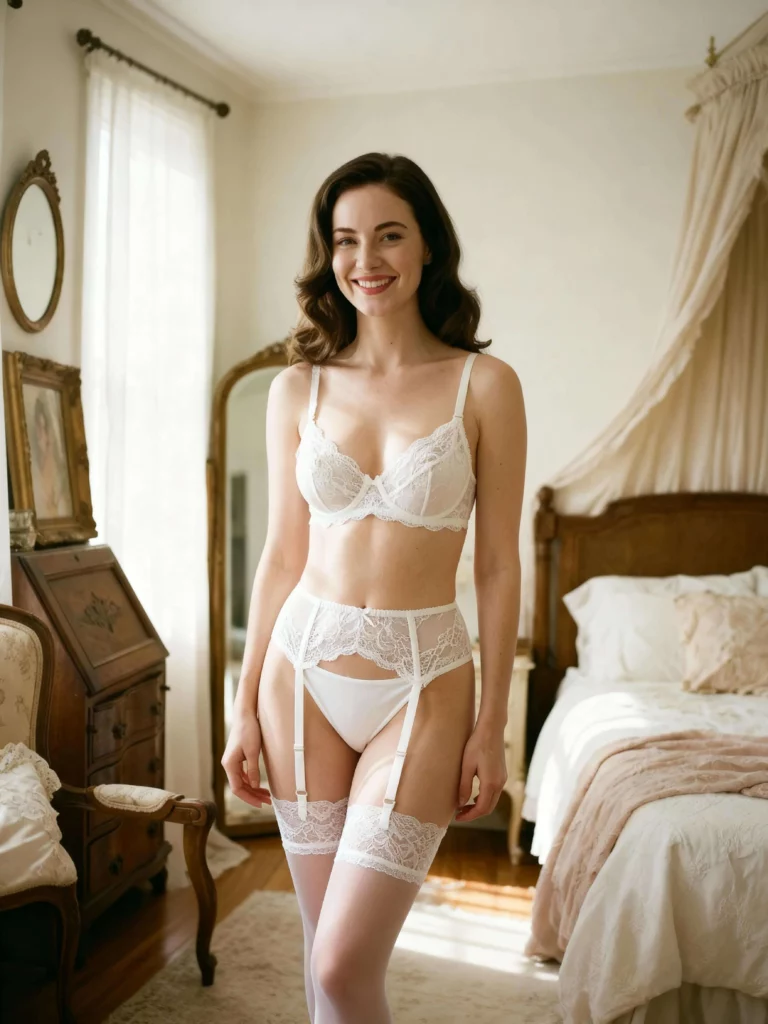

You have probably seen the viral trend of ai clothes remover technology on social media recently. It sounds like magic. You upload a photo, and the AI edits the clothing. However, most people don’t just want to remove clothes. They want to see how a new outfit looks on them. They want to swap styles. This is where WeShop AI changes the game. It takes the concept of removal and turns it into creation.
Beyond the Hype of Free AI Undress Tools
There is a lot of confusion about these tools. When you search for free ai undress apps, you often find low-quality websites. These sites are usually unsafe. They often produce blurry, unrealistic images. They lack control.
WeShop AI is different. It is a professional tool designed for high-quality results. It does not just delete pixels. It understands the 3D shape of the body. It allows you to replace the original outfit with a specific new one. This is far better than random generation. It gives you total control over the final look.
How WeShop AI Clothes Remover Technology Works
To change an outfit, you must first “remove” the old one. This is the core technology behind the ai clothes remover concept.
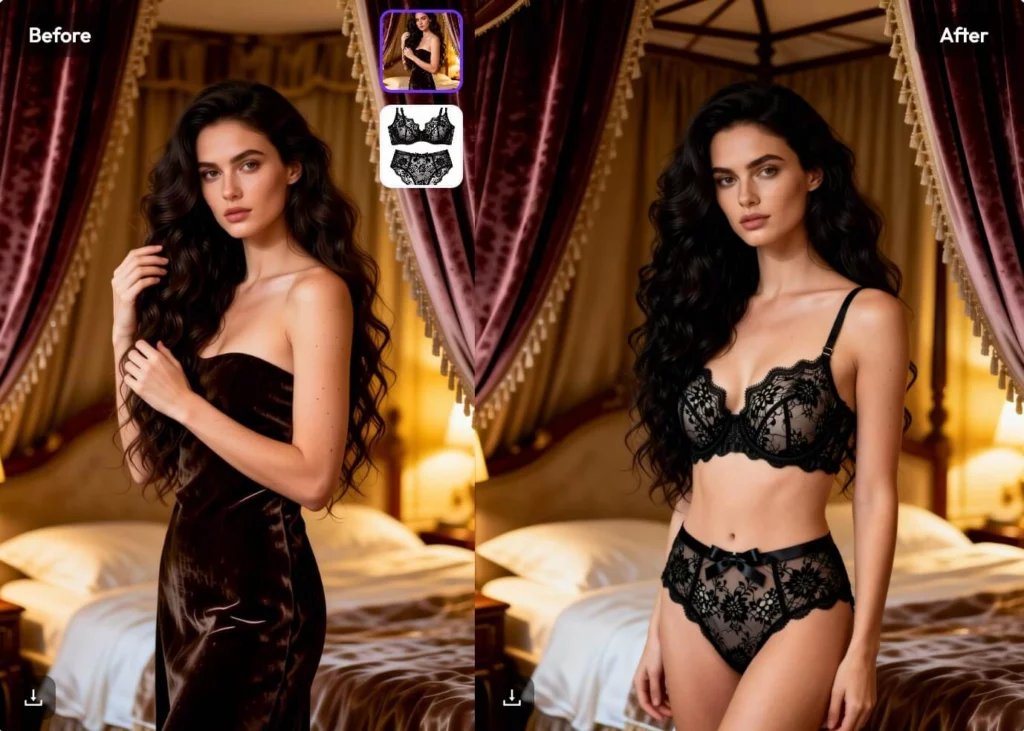
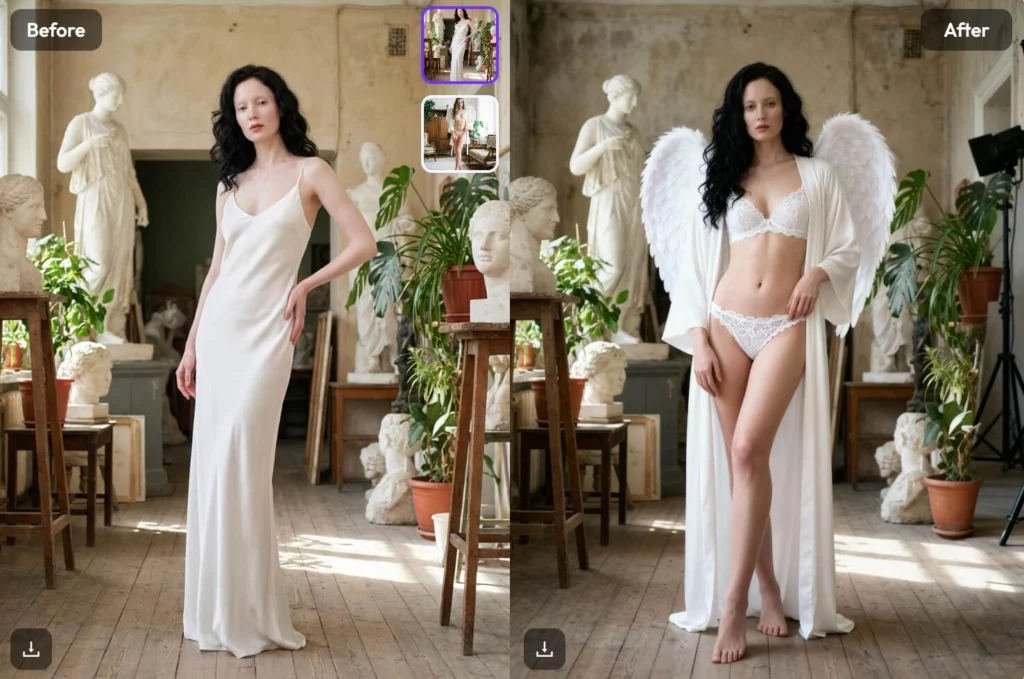
WeShop AI uses a smart dual-image system.
- The Subject: The person wearing the original clothes.
- The Reference: The new clothes you want to see.
The AI analyzes the first image. It identifies the body structure and pose. Then, it looks at the second image. It extracts the texture, style, and fabric of the new outfit. Finally, it seamlessly combines them. It effectively “removes” the old look and wraps the new one onto the subject. The result is photorealistic.
Step-by-Step: Using AI Clothes Remover to Swap Looks
Ready to try it? The process is simple. You do not need technical skills. Here is how to use the WeShop ai clothes remover features to change outfits.
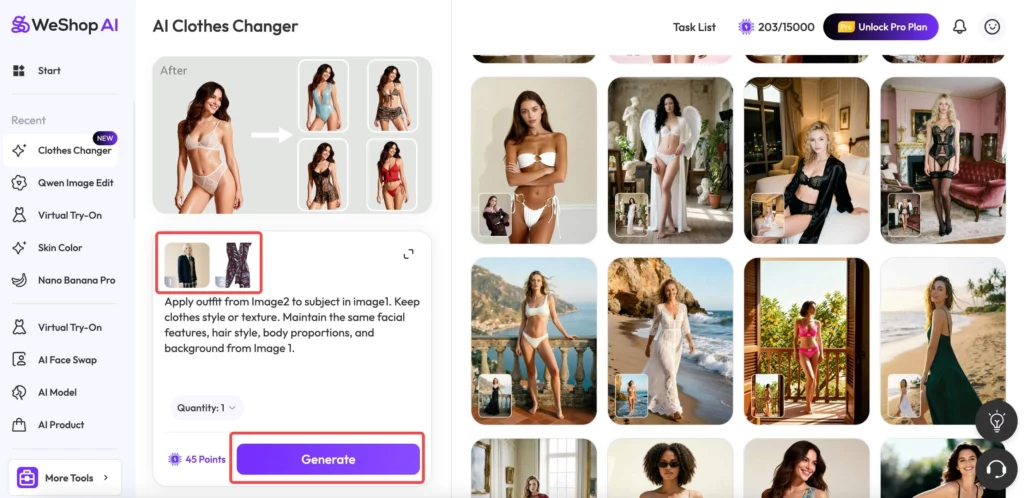
Step 1: Upload Your Subject Image
Go to the WeShop AI Clothes Changer tool. Upload the photo of the model or person. Ensure the lighting is good. This helps the AI see the body shape clearly.
Step 2: Apply the AI Clothes Remover Mask
This is the most important part. You will see a brush tool. Use this brush to paint over the clothes you want to change. By painting over them, you are telling the ai clothes remover where to work. You are technically “removing” the old visual information. Be precise with your brushing. Cover the entire piece of clothing.
Step 3: Upload Your New Outfit Reference
This is where WeShop beats any free ai undress tool. You are not guessing. You upload a second image of the actual clothes you want. This could be a picture of a dress on a hanger. It could be a screenshot from a store. The AI will read this reference image.
Step 4: Generate the New Look
Click the generate button. The AI takes over now. It removes the masked area. It maps the new outfit onto the subject. It adjusts for lighting and shadows. In seconds, you have a completely new photo. The face and background remain exactly the same. Only the outfit has changed.
Why Professionals Choose WeShop Over Free AI Undress Sites
Quality matters. If you are an e-commerce seller, you cannot use blurry photos. If you are a fashion blogger, you need realism.
- Texture Preservation: WeShop keeps the fabric details of the new outfit.
- Body Consistency: The subject’s body proportions do not change.
- Safety: Your data is secure. Many free ai undress sites carry privacy risks.
- Commercial Use: The images are high resolution and ready for use.
Practical Ways to Use AI Clothes Remover Features
You might wonder how to use this in real life. Here are the best scenarios for using an ai clothes remover for outfit swapping.
Virtual Try-On for Shoppers
Imagine buying clothes online. You are unsure if a style suits you. Use WeShop AI. Upload your photo. Upload the product photo. You can see yourself in that outfit instantly. It is like a fitting room in your browser.
Content Creation for Brands
Fashion brands save money with this tool. You do not need to reshoot models. Take one good photo of a model. Then, use the ai clothes remover function to swap in ten different colored shirts. You get ten product photos from one shoot.
Style Experiments
Maybe you want to try a new style. You usually wear jeans but want to see yourself in a suit. Simply find a picture of a suit. Use the tool to swap it. It is fun and helpful for personal styling.
Tips for the Best AI Clothes Remover Results
To get the best image, follow these simple tips.
- Clear Inputs: Make sure both uploaded images are high quality.
- Accurate Masking: When using the brush, do not go too far outside the lines.
- Similar Angles: Try to match the angle of the outfit to the person.
- Lighting: Avoid photos with extreme shadows.
Conclusion: The Smart Way to Change Clothes
The term ai clothes remover attracts a lot of attention. But the real power lies in replacement, not removal. WeShop AI offers a sophisticated way to handle this. It moves beyond the gimmicks of free ai undress websites. It provides a useful, professional, and fun tool for everyone.
Whether you are a seller or a shopper, this tool helps you. It saves time. It saves money on photography. It lets you visualize fashion in a new way.
Don’t just remove clothes. Replace them with something better. Try the WeShop AI Clothes Changer today and see the magic for yourself.