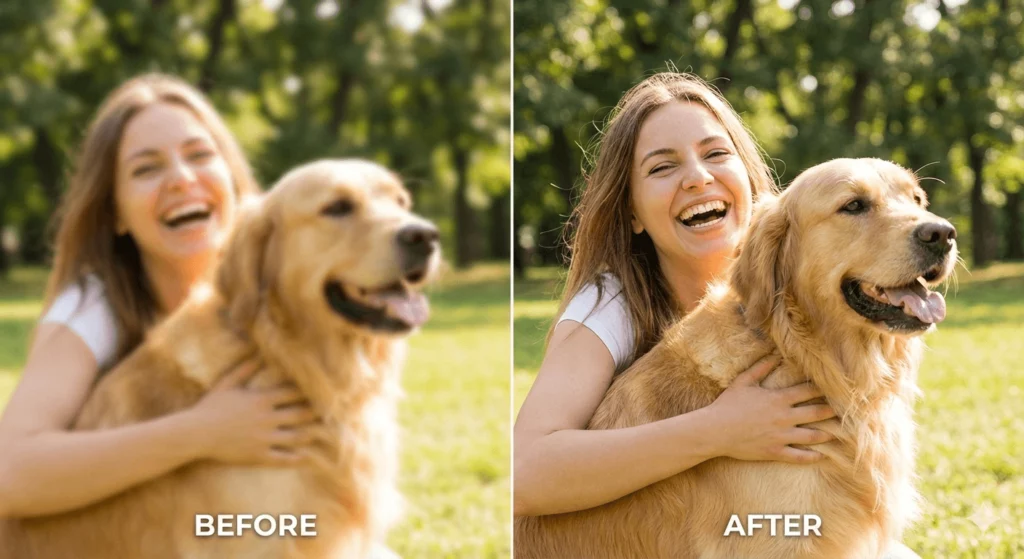
We have all been there. You capture a once-in-a-lifetime moment, but when you check your phone, the shot is a shaky mess. It is frustrating to realize your favorite memory is out of focus. Luckily, you do not have to delete those shots anymore. In 2026, the technology to unblur an image has reached a point where even a total beginner can fix a photo in seconds. You do not need expensive software or expert skills to get professional results.
Why Do Photos Get Blurry Anyway?
Before we dive into the tools, let’s look at why photos lose their clarity. Most blur comes from camera shake or a fast-moving subject. Sometimes, the lens just fails to lock focus on the right spot. In the past, these photos were permanent losses. Old-school sharpening tools just made the edges look “crunchy” and unnatural.
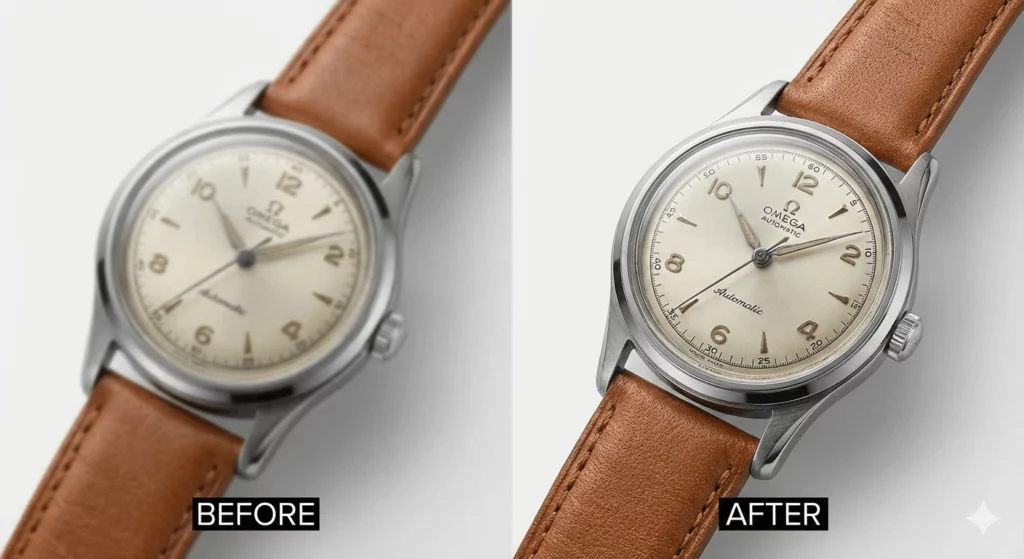
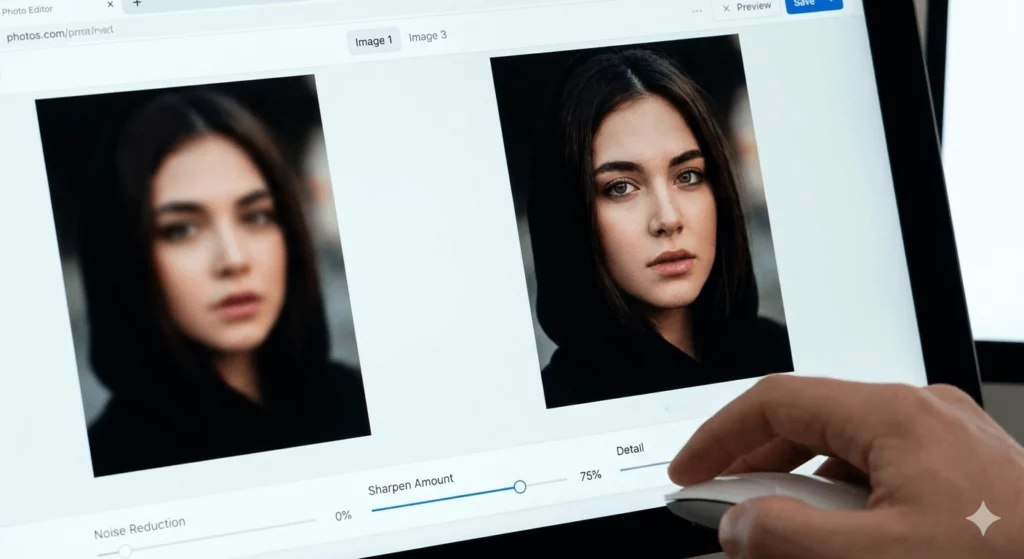
Modern AI is different. Instead of just adding contrast, an image sharpener powered by AI actually understands the scene. It can recognize eyes, hair, and textures. It fills in the missing details to reconstruct a clear version of your original photo.
5 Best Tools to Unblur an Image Free
Finding a high-quality unblur image free tool can be tricky. Many sites promise a lot but hide the results behind a paywall. Here are the five best options available right now that balance power and accessibility.
1. WeShop AI: The Pro Choice for E-commerce
If you are running a business, WeShop AI is a game-changer. While many tools focus on general snapshots, WeShop AI specializes in high-end visual content. It is a fantastic photo sharpener for fashion and product photography.
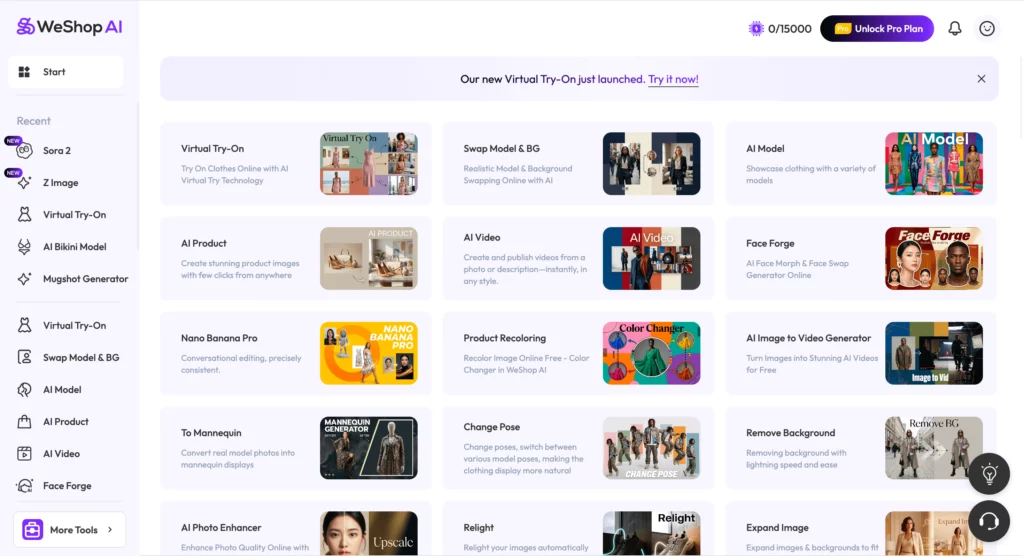
It uses advanced models to handle complex textures like fabric and skin. If your model shot has a slight motion blur, WeShop AI can fix it effortlessly. It does more than just sharpen image files; it enhances the overall aesthetic. This makes it perfect for creators who need their content to look polished for social media or online stores.
2. Adobe Express (Web & Mobile)
Adobe has integrated its “Firefly” AI into the free version of Adobe Express. It is a very reliable way to unblur an image without a Creative Cloud subscription. The interface is clean and very easy to navigate.
You simply upload your photo and use the “Sharpen” slider. The AI works in the background to reduce noise and bring back detail. It is a solid, all-around image sharpener for daily use.
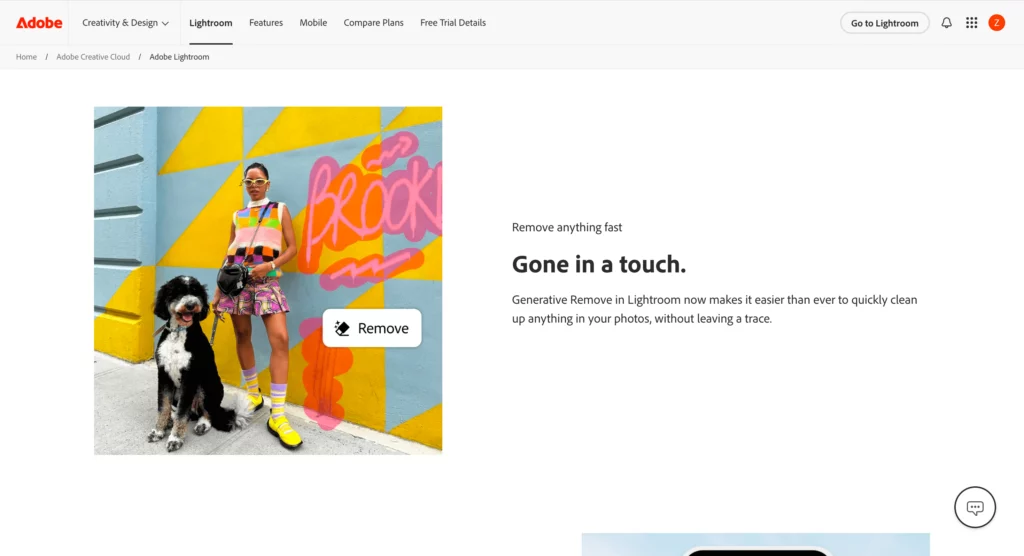
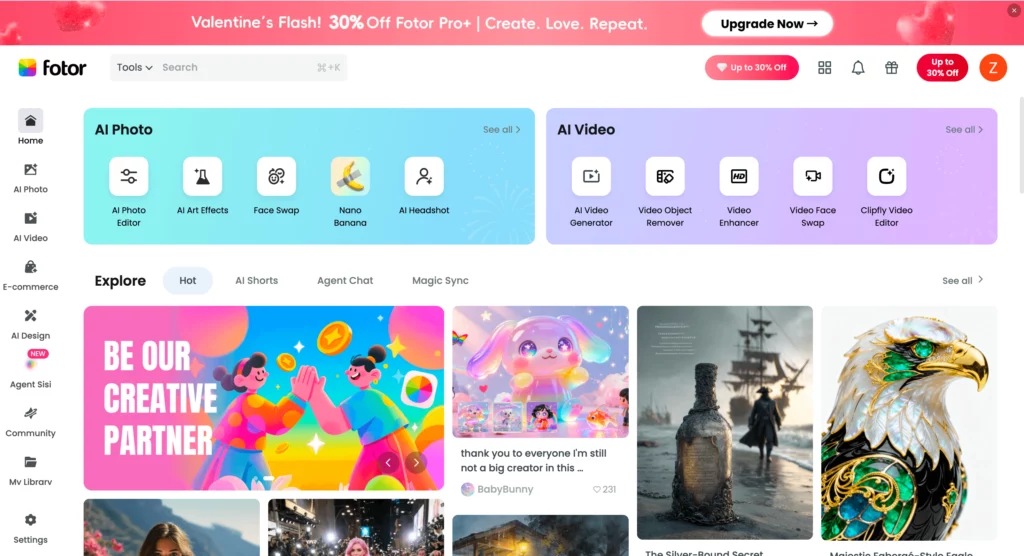
3. Fotor: The One-Click Solution
Fotor has been a leader in online editing for years. Their “AI Enlarger” tool is specifically designed to unblur an image free of charge for new users. It is famous for its “one-tap” enhance button.
It works best on portraits and landscapes. The tool detects faces and ensures the eyes stay sharp. If you want a fast way to how to unblur a photo without a learning curve, start here.
4. Remini: Best for Old Memories
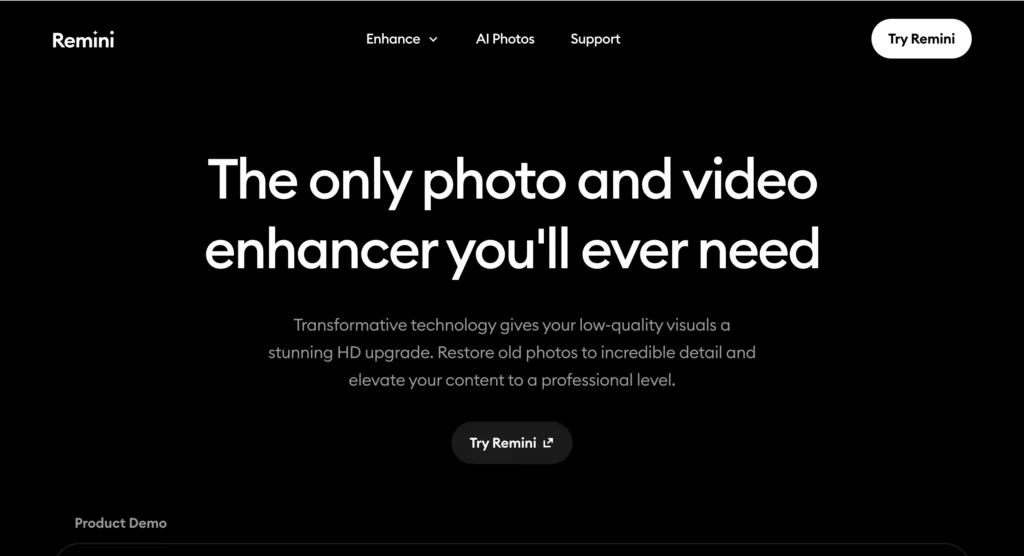
Remini is the king of restoring old, blurry family photos. It uses deep learning to “draw” missing facial features. If you have a blurry photo of a grandparent, this is the tool to use.
While the free version has ads, the results are stunning. It is perhaps the most powerful photo sharpener for extremely low-quality files. It makes faces look crisp and lifelike again.
5. VanceAI: Precision and Detail
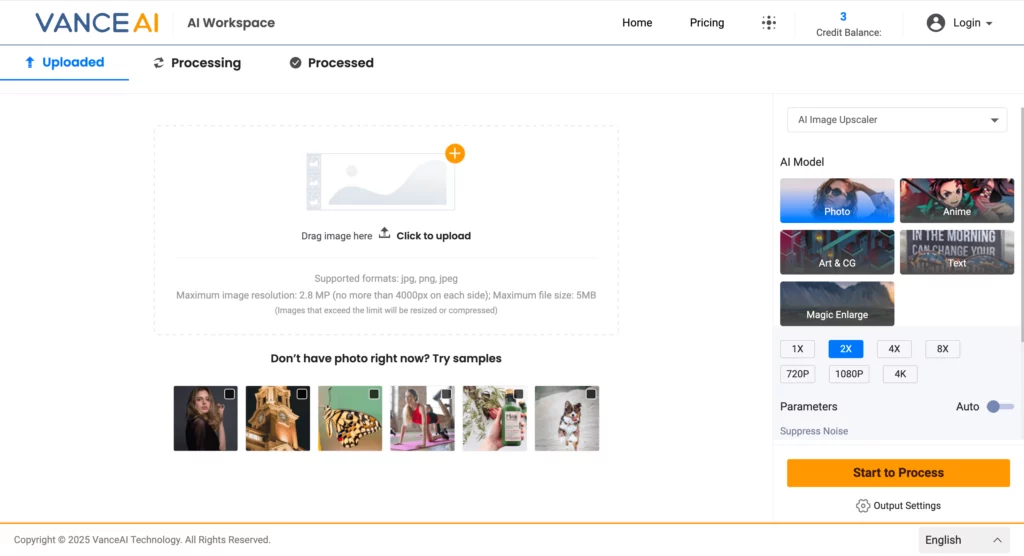
VanceAI offers a dedicated “AI Image Sharpener” module. It is great because it lets you choose the type of blur you want to fix. You can select “Motion Blur” or “Lens Blur.” This specificity helps the AI work more accurately. It is a great choice when you need to sharpen image quality on professional work.
How to Unblur an Image Like a Professional
Using the tools is easy, but getting a natural look takes a little bit of strategy. Follow these steps to ensure your photos don’t look “over-processed.”
Step 1: Choose the Right Image Sharpener
Not all tools are the same. If you have a product photo, use WeShop AI. If you have an old family portrait, try Remini. Choosing the right tool for the specific job is half the battle.
Step 2: Upload and Analyze
Upload your file. Look at where the blur is most prominent. Is it the whole photo or just the subject? Most AI tools will analyze this automatically.
Step 3: Don’t Overdo the Sharpening
When you sharpen image details, it is tempting to push the slider to 100%. Don’t do that. Over-sharpening creates “halos” around objects and makes skin look like plastic. Aim for a balance where the edges are clear but the textures remain soft.
Step 4: Use Noise Reduction
Often, when you unblur an image, the process adds a little bit of “grain” or noise. Use a noise reduction tool (usually found in the same app) to smooth out the background. This makes the sharp parts of the photo pop even more.
Pro Tips to Sharpen Image Quality Fast
If you want the absolute best results, keep these “secrets” in mind:
- Upscale First: If your photo is small and blurry, upscale it to 2x or 4x size first. Then, apply the photo sharpener. The AI has more pixels to work with this way.
- Focus on the Eyes: In portraits, the eyes must be sharp. If the eyes are clear, the human brain perceives the whole photo as high quality.
- Check the Lighting: AI works best when it can see contrast. If your photo is dark, brighten it slightly before you try to unblur an image.
FAQ: How to Unblur a Photo Successfully
Can any blurry photo be fixed?
Most photos can be significantly improved. However, if a photo is completely “white” or has zero detail, the AI has nothing to work with. AI needs at least a “ghost” of a shape to perform its magic.
Is it really possible to unblur an image free?
Yes. Most of the tools mentioned, like Adobe Express and Fotor, offer free daily credits or a free tier. You can get professional results without spending a dime if you only have a few photos to fix.
Which is the best photo sharpener for mobile?
Remini and Adobe Express are excellent on mobile. They allow you to unblur an image directly from your camera roll. This is perfect for fixing shots right after you take them.
Final Thoughts on How to Unblur an Image
You no longer have to settle for “good enough.” The power to unblur an image is now in your hands. Whether you are using WeShop AI for your brand or Remini for your family history, the results are incredible.
Stop letting a shaky hand ruin your best moments. Pick one of the tools above and start your journey from blurry to brilliant today. High-quality visuals are just a few clicks away.