In an era where visual content is fiercely competitive and trends evolve at lightning speed, brands need more than just model photos—they need a signature face that represents their identity. A uniquely identifiable AI brand models face does more than standard product imagery. It unifies a brand’s visual language, lowers recurring photo shoot costs, and builds a consistent, memorable brand image in the minds of consumers. It’s not just about visuals—it’s about establishing brand equity.
🔔 That’s why WeShop AI is introducing the “Signature Brand Face” Series—a creative initiative that helps brands build their own AI model persona. By customizing attributes such as character settings, skin tone aesthetics, and style templates, brands can create AI models that consistently express their visual identity. No more generic imagery—every image will carry the distinct essence of your brand.
A New Era of Brand Visuals: From “Model Photos” to “Brand Models Assets”
Now is the perfect time to make the shift. When you establish a consistent model identity, you’re not just creating marketing visuals—you’re building brand assets. These assets are reusable, scalable, and completely tailored to your brand’s narrative.
How Can You Get Your Own AI Brand Models?
It’s simple—just use our Create Model feature.
Step 1: Choose Your Ideal Model
Start by selecting a model that fits your brand’s product category and style. For example:

- Name: Tiana
- Style: Cool, Elegant, and Sophisticated
Once selected, you can create and save this model in your Model Library. From there, you can reuse this model across campaigns, locations, and themes—ensuring continuity in every piece of content you produce.
Step 2: Apply the Model to Cider Brand
Let’s see this in action. We selected a brand – Cider, and applied our created AI model, Tiana. With our newly released skin texture enhancement, the results instantly elevate your brand visuals, giving them a premium, refined finish.

We generated several images using:
- Original Product Photo
- Reference Scene Image
- Final Generated Brand Model Image
And here’s the result:
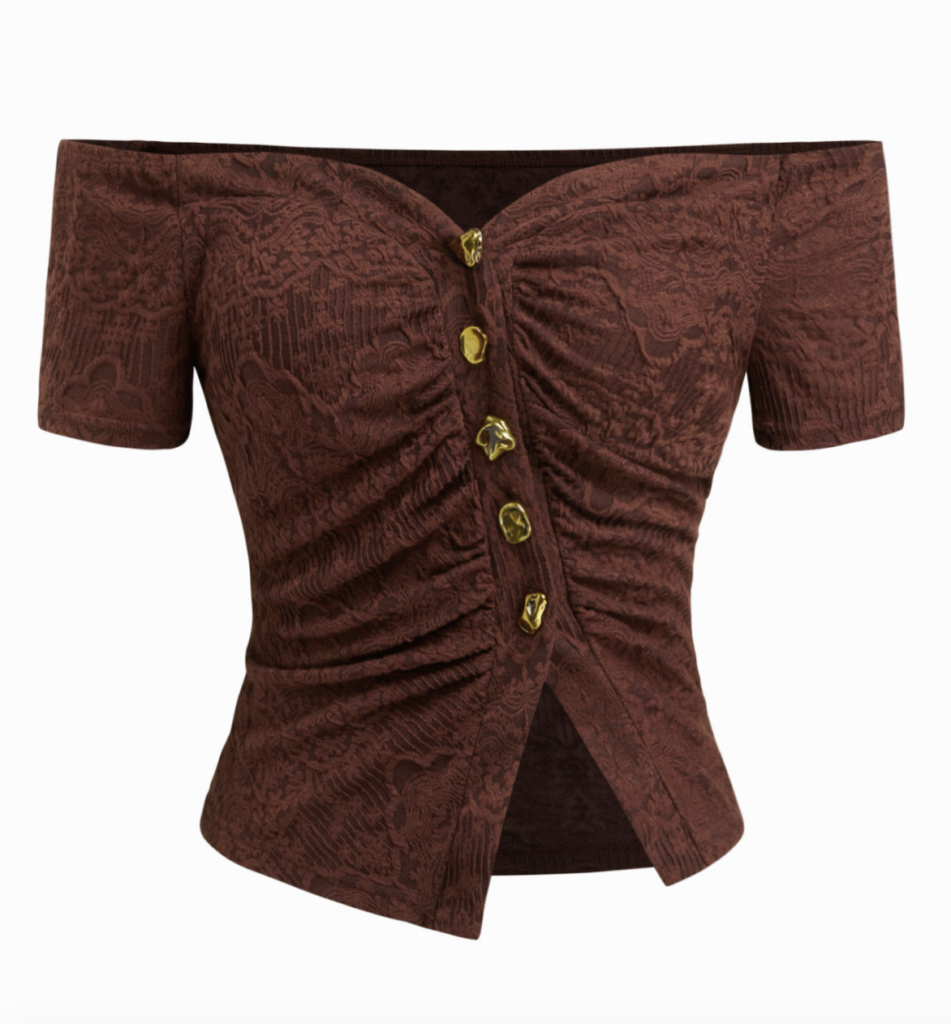

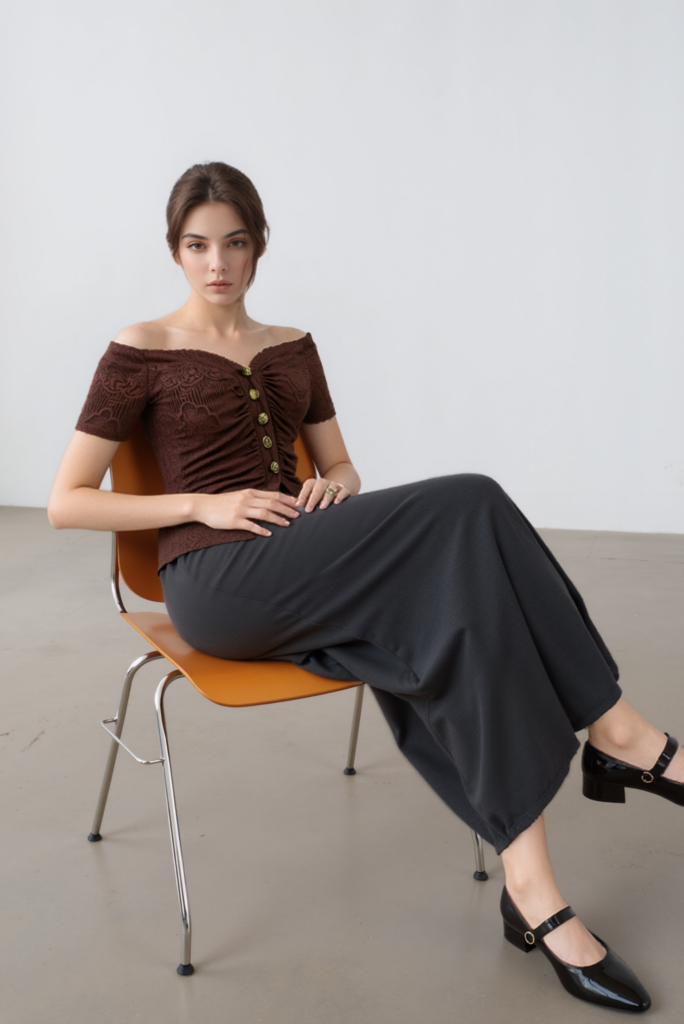
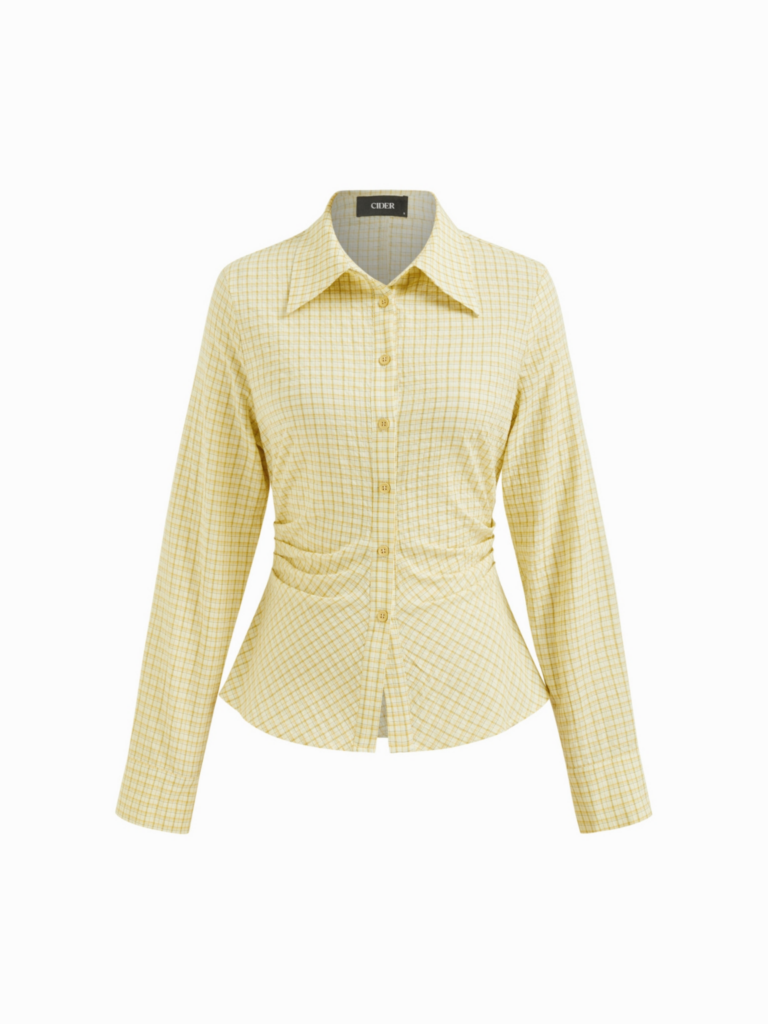
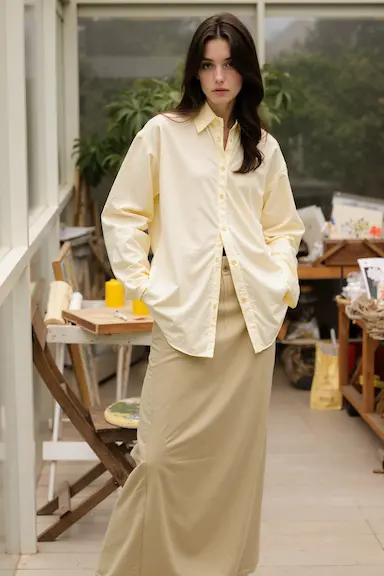
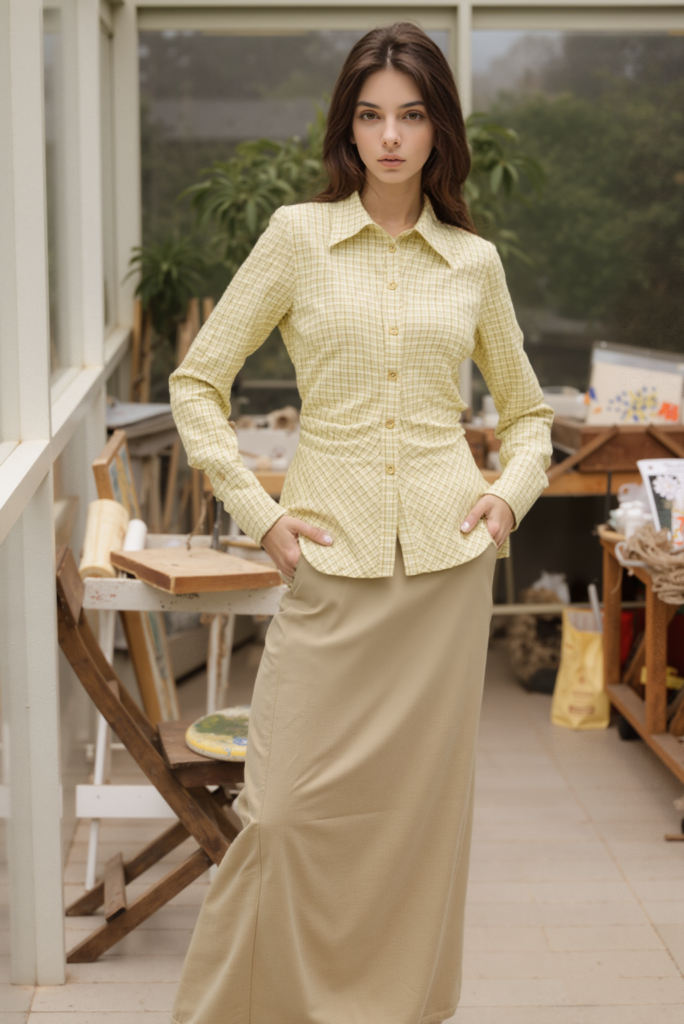
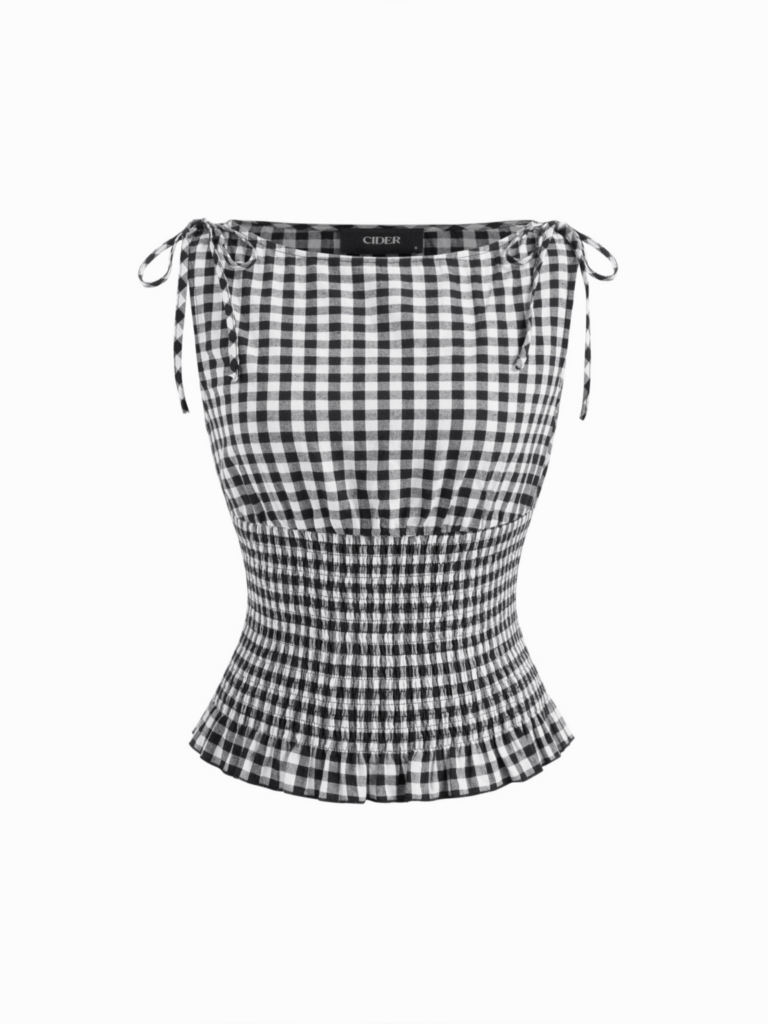

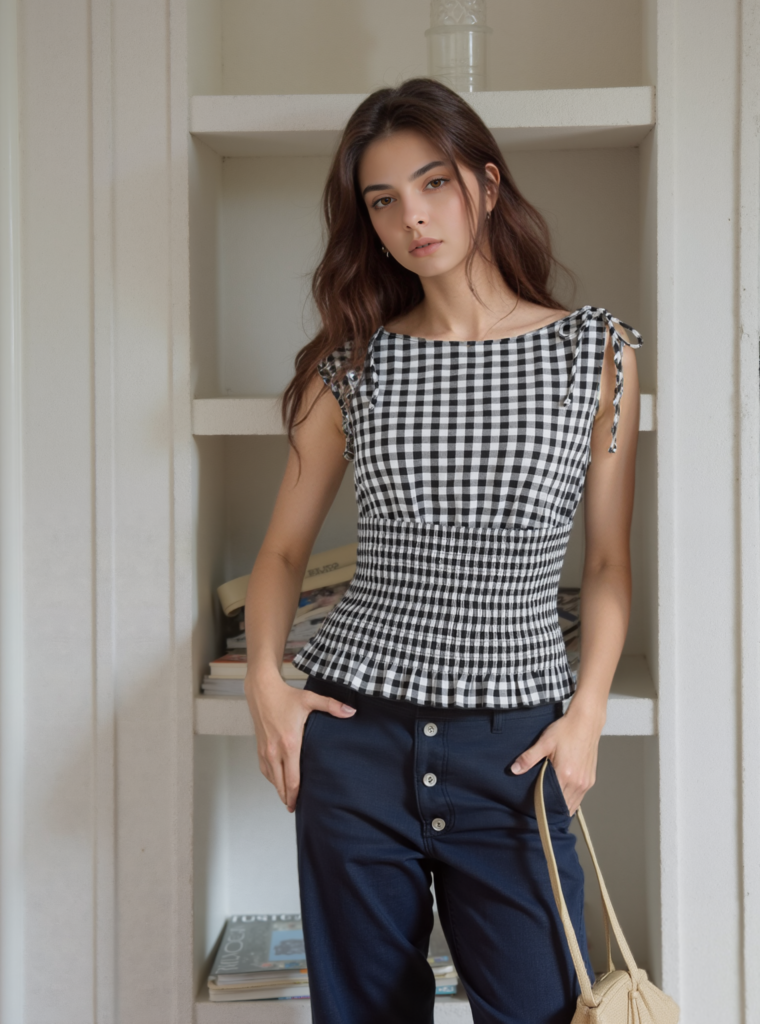
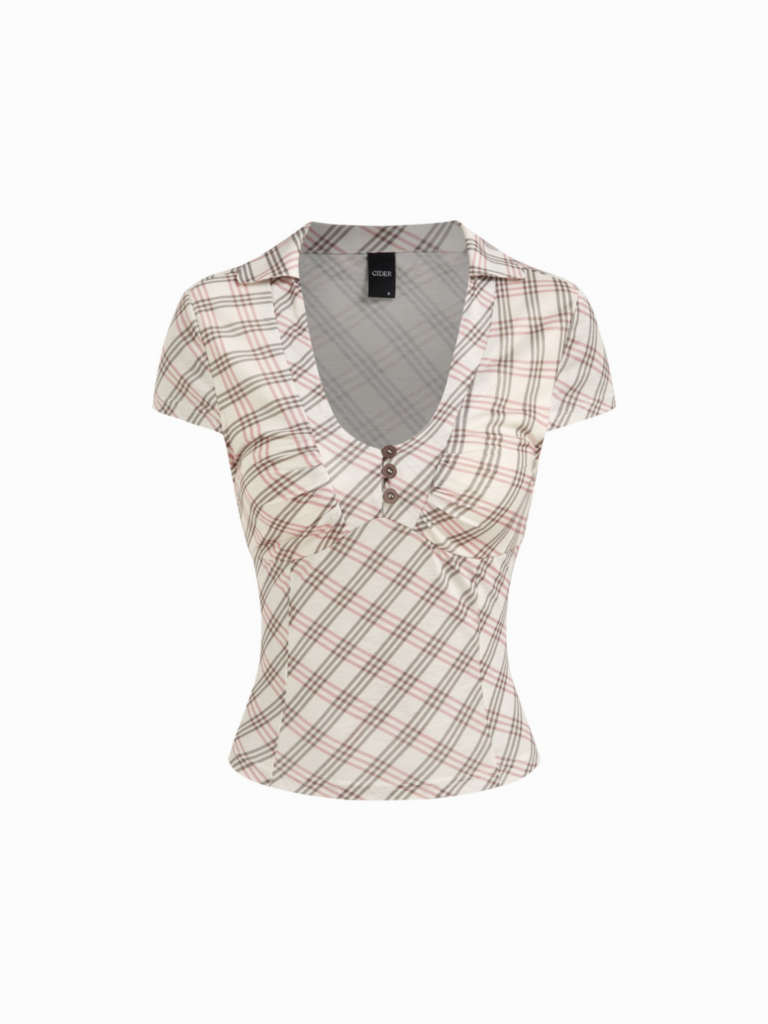
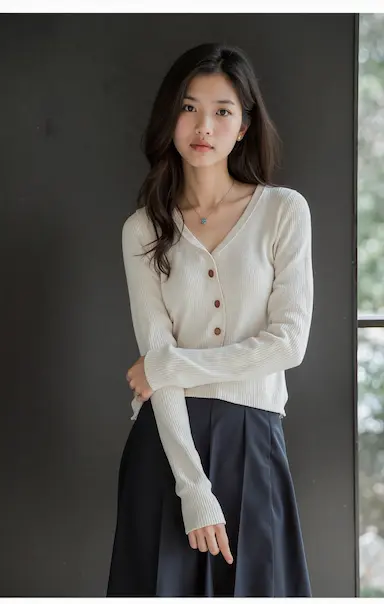
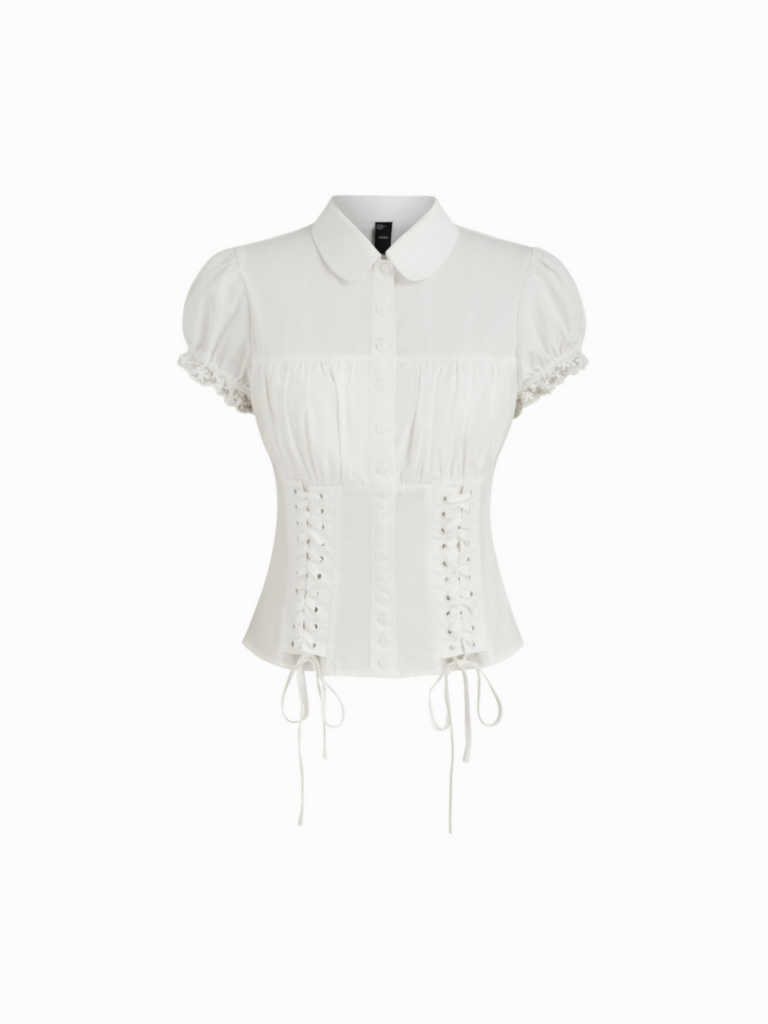
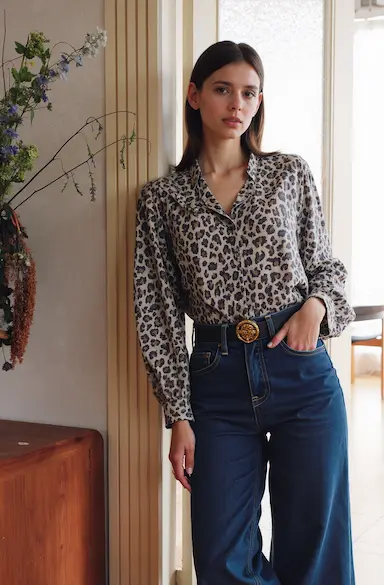
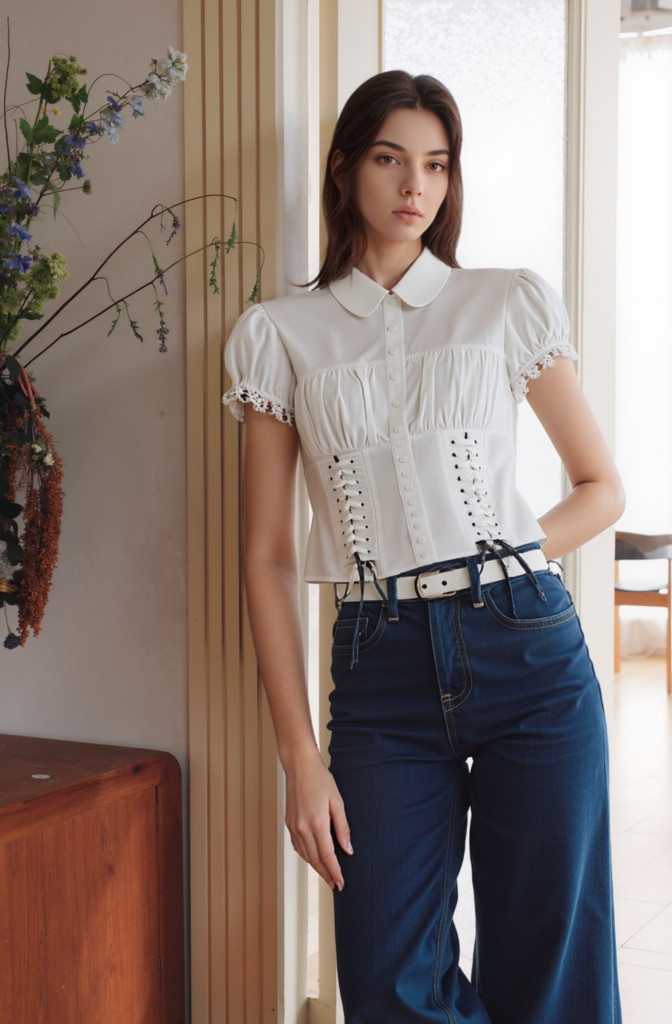
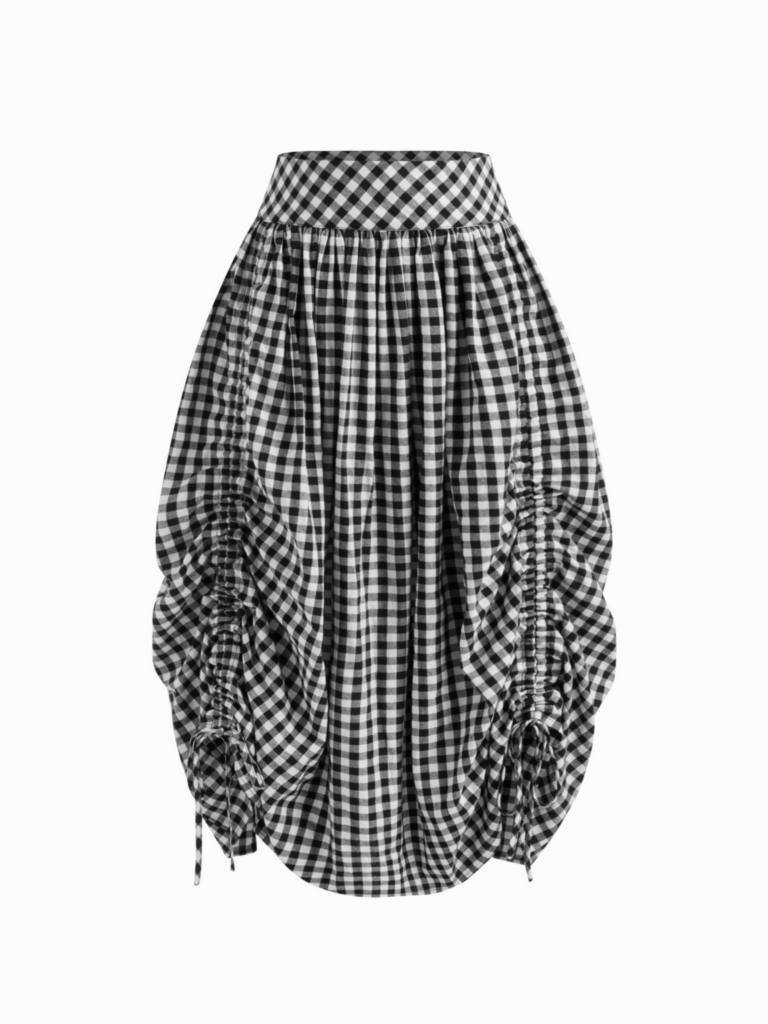
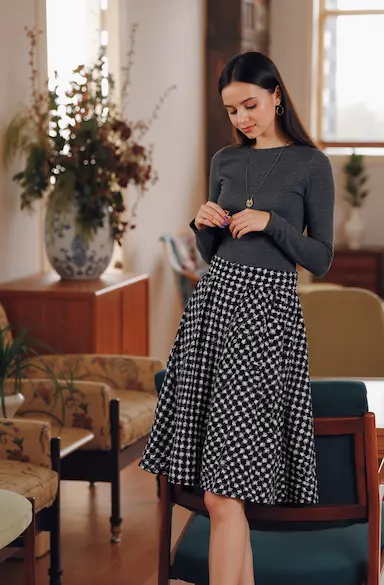
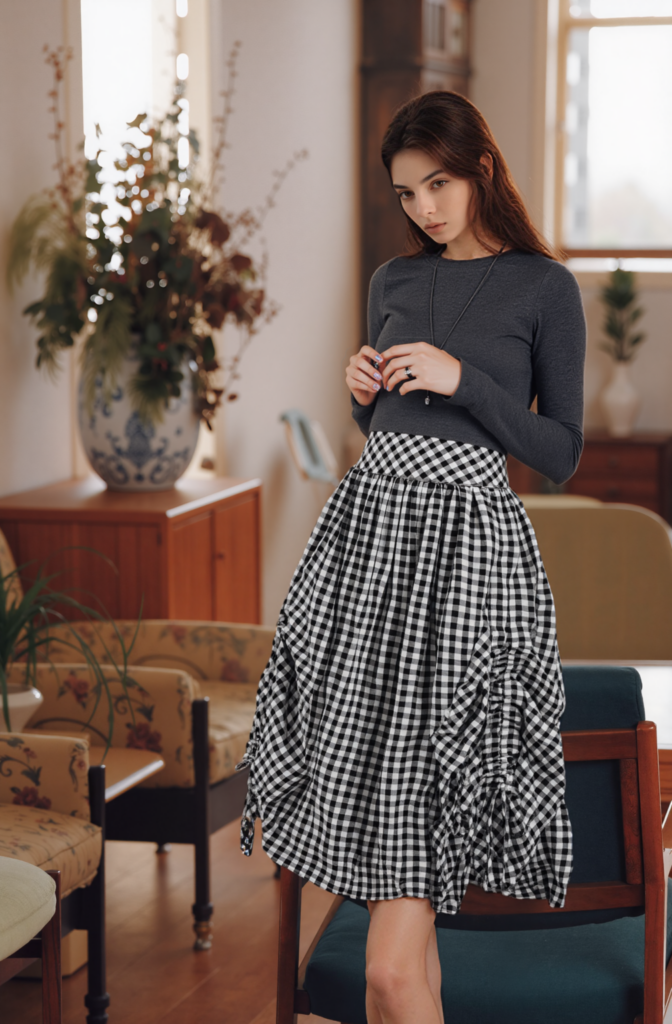
These transformations clearly showcase how a branded AI model can be seamlessly integrated into different settings while maintaining a consistent brand look.
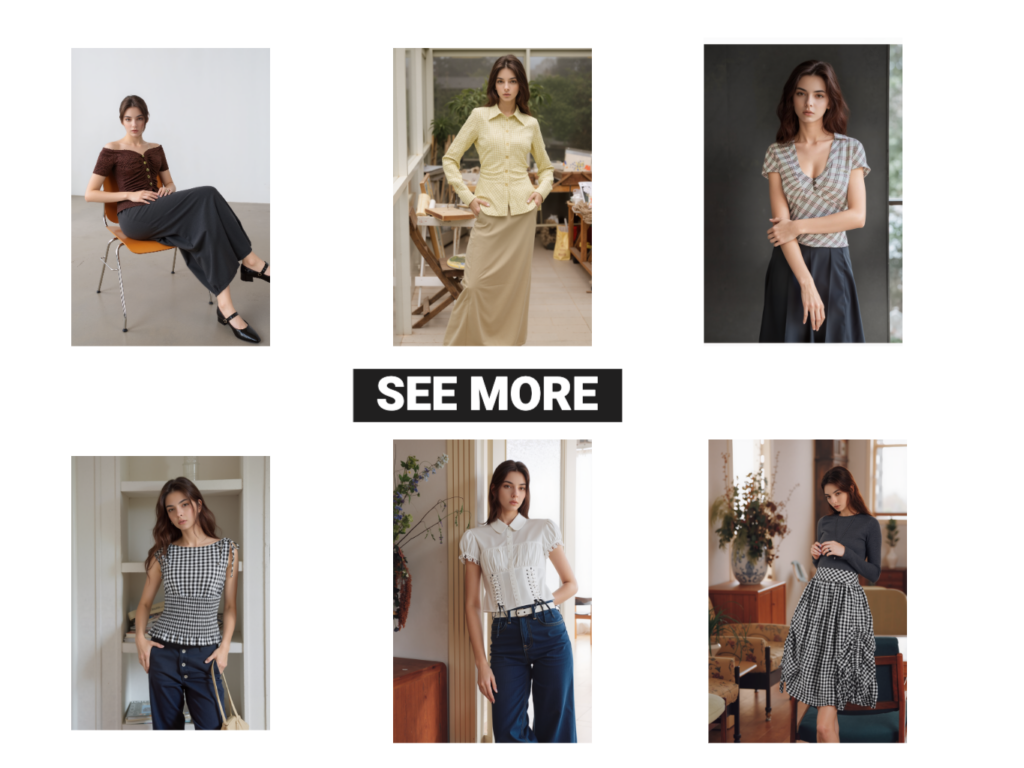
To unify the visuals, we used the Image Editor feature to compile them into a cohesive series—perfect for campaigns, lookbooks, or social media launches.
The Future of Brand Modeling Starts Here
With WeShop AI’s Signature Brand Face Series, you’re no longer relying on one-time photo shoots or generic faces. You’re investing in a visual identity that grows with your brand.
Ready to create your own brand model?
Start with our Create Model feature now, and elevate your brand from just using “model photos” to owning powerful model assets that define your brand identity.
Let’s build your AI brand face today.