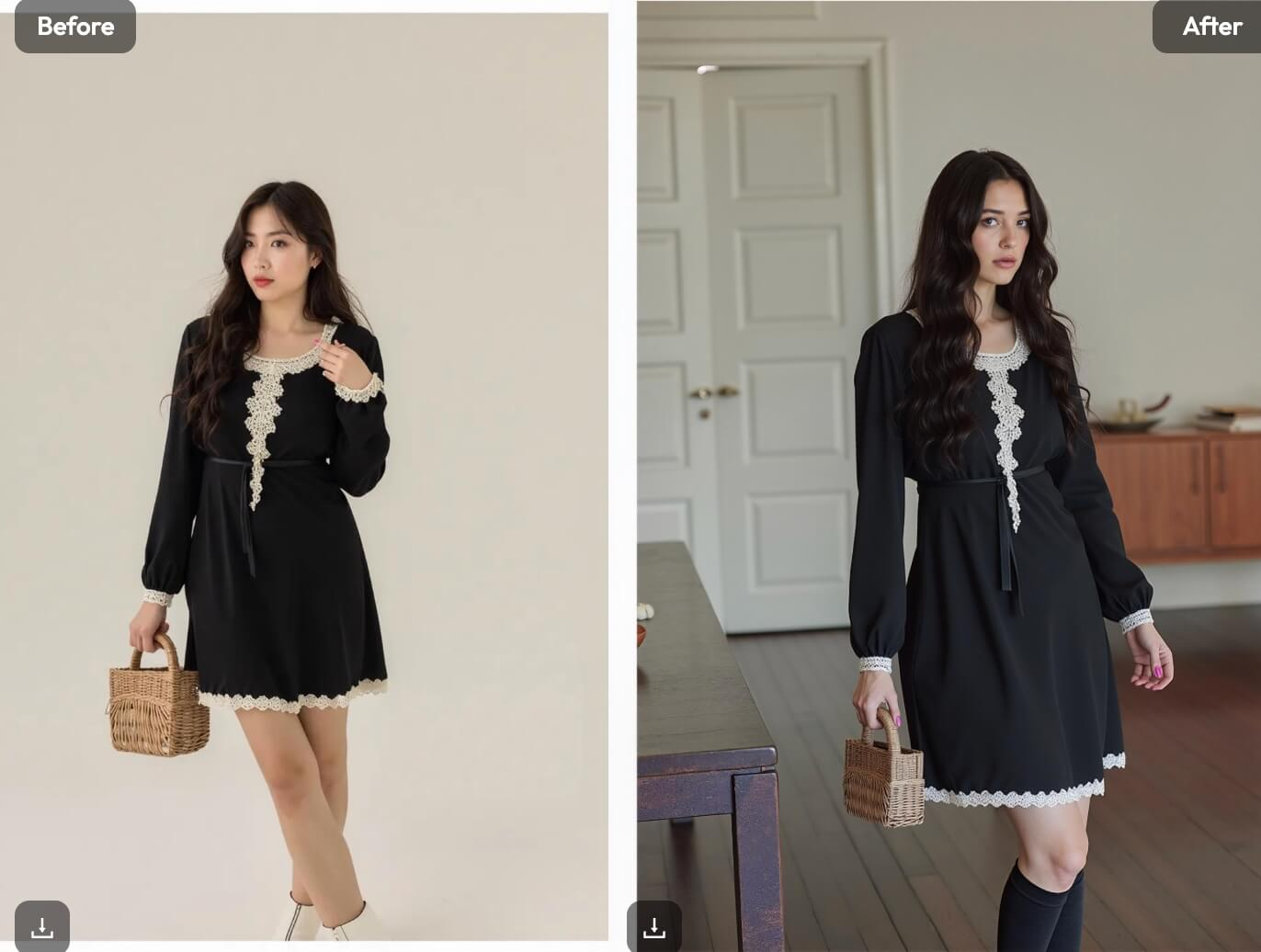
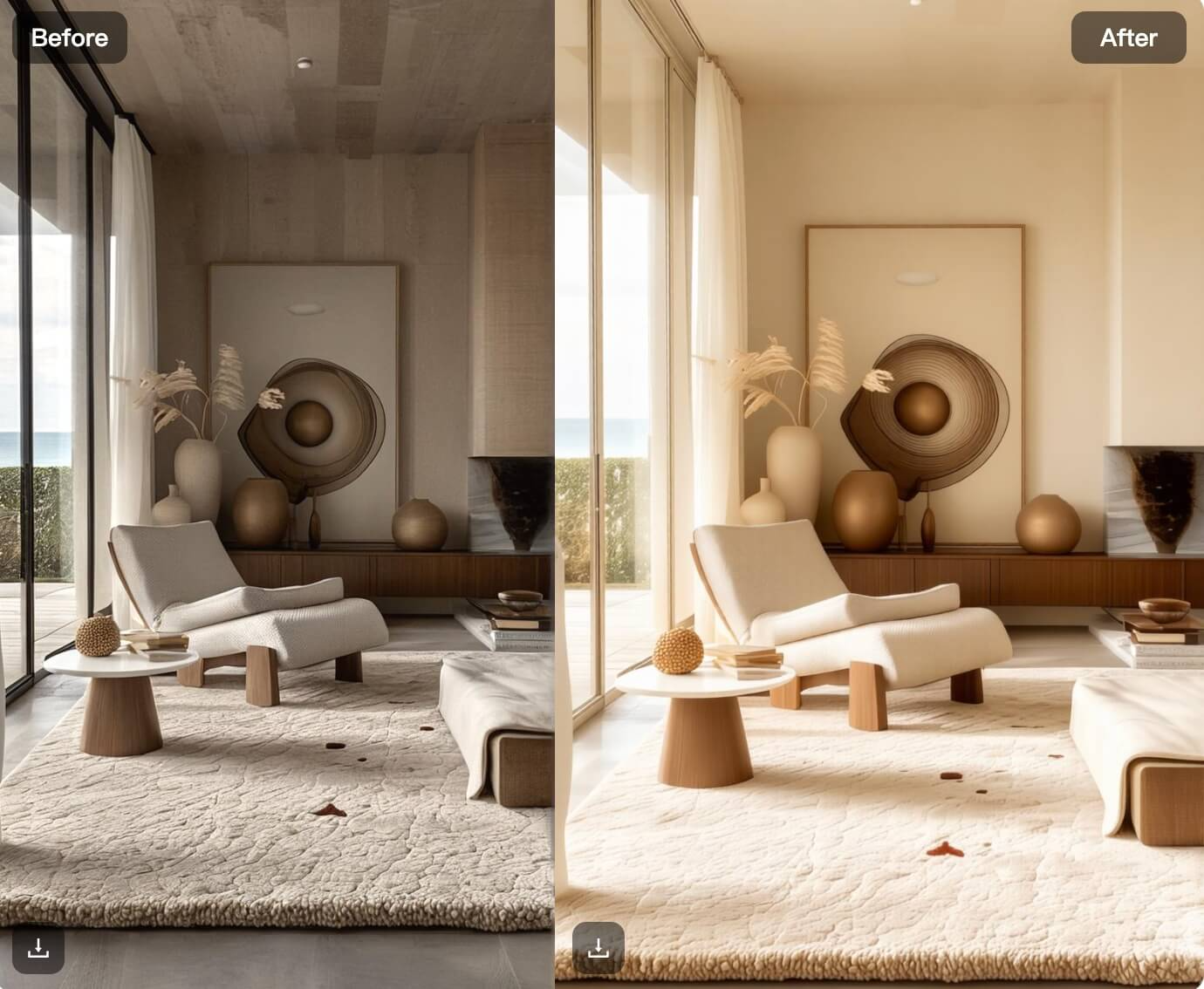
In fashion and e-commerce, presenting clothing effectively requires more than just capturing good images. High-quality visuals showcasing garments from different perspectives—half-body for intricate details and full-body for overall style—are essential for creating a seamless shopping experience. The challenge, however, lies in maintaining a consistent backdrop across these shots without relying on labor-intensive photoshoots or extensive editing. WeShop AI‘s AI Background 2.0 is a cutting-edge solution that streamlines product photography and visual storytelling. This innovative tool enables businesses to effortlessly generate consistent half and full-body shots with a uniform backdrop, revolutionizing the industry.
Why Consistency in Half and Full-Body Shots Matters
Consistency across images is vital for creating a polished and professional look. Here’s why maintaining uniformity in backdrop and style is important:
1. Improved Shopping Experience
Uniform visuals enhance product pages, making it easier for customers to evaluate garments without distractions caused by mismatched settings or perspectives.
2. Enhanced Brand Identity
Consistency in images reinforces professionalism and strengthens brand identity, creating trust and recognition among customers.
3. Efficient Workflow
AI Background 2.0 eliminates the need for separate setups and retouching, streamlining the production process for quicker turnaround times.
How AI Background 2.0 Works
The Replicate and Create functionality of AI Background 2.0 leverages advanced AI algorithms to generate multiple perspectives of a subject while maintaining background consistency. Here’s how:
1. Background Replication
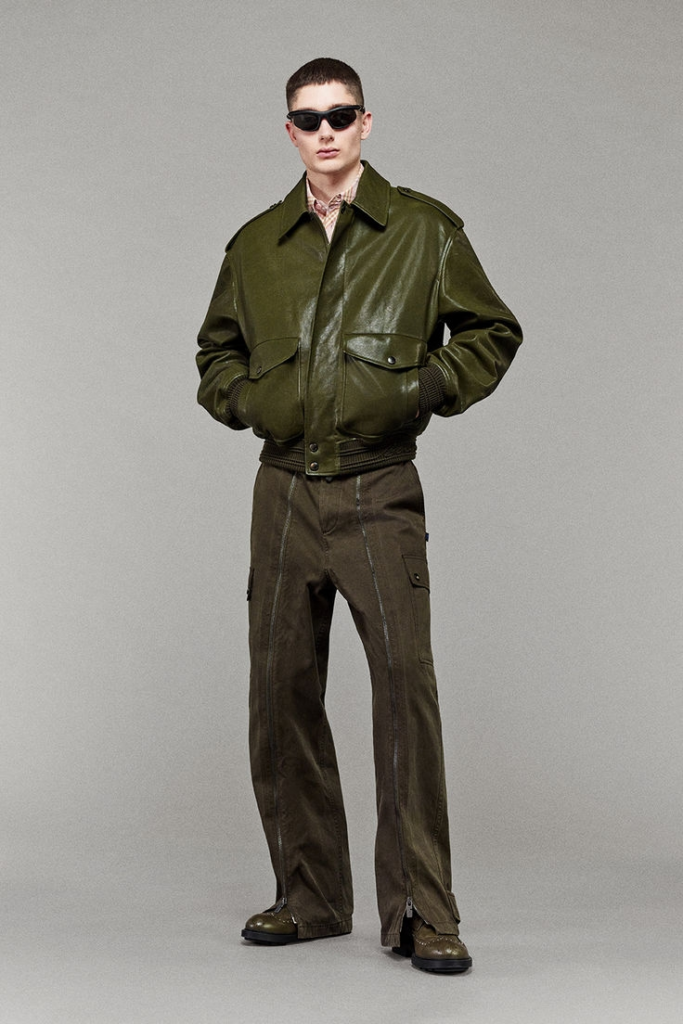
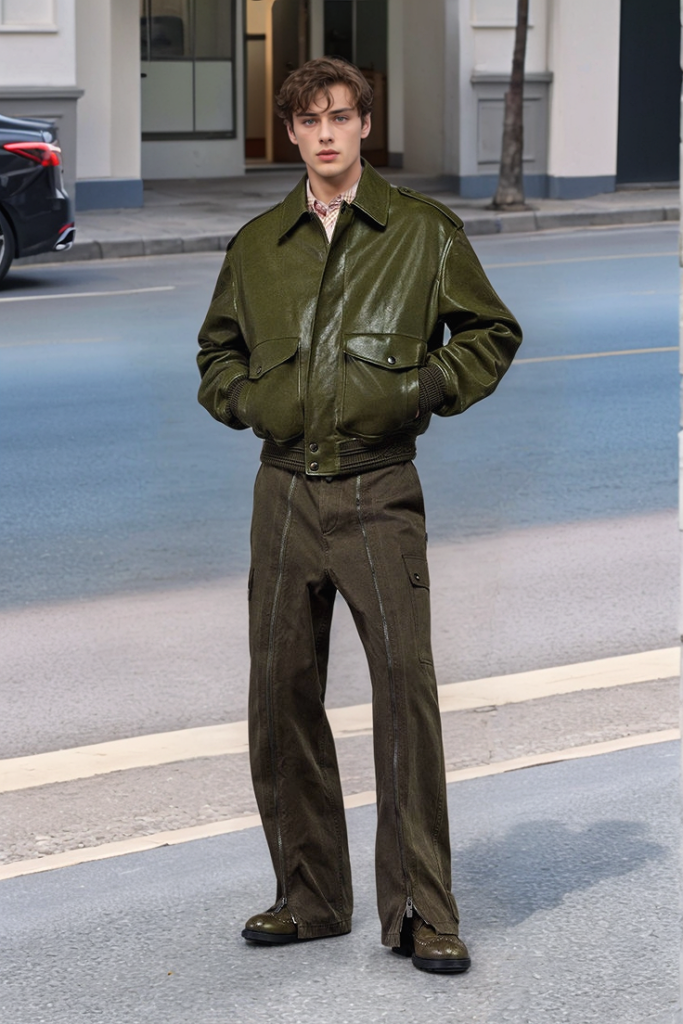
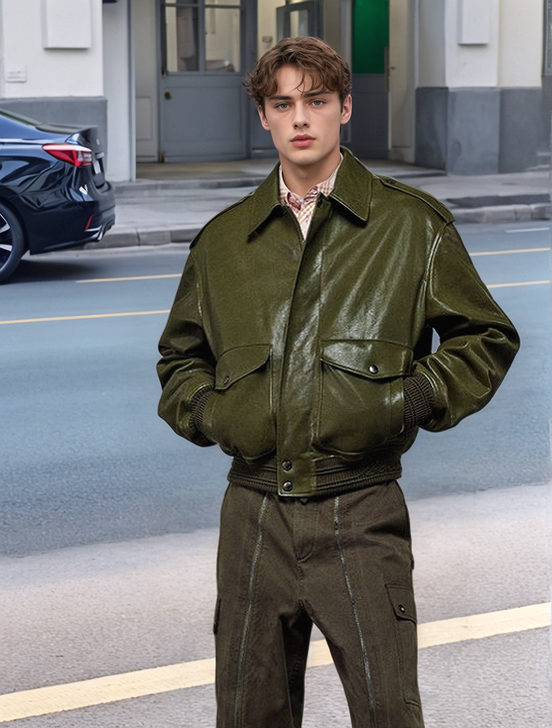
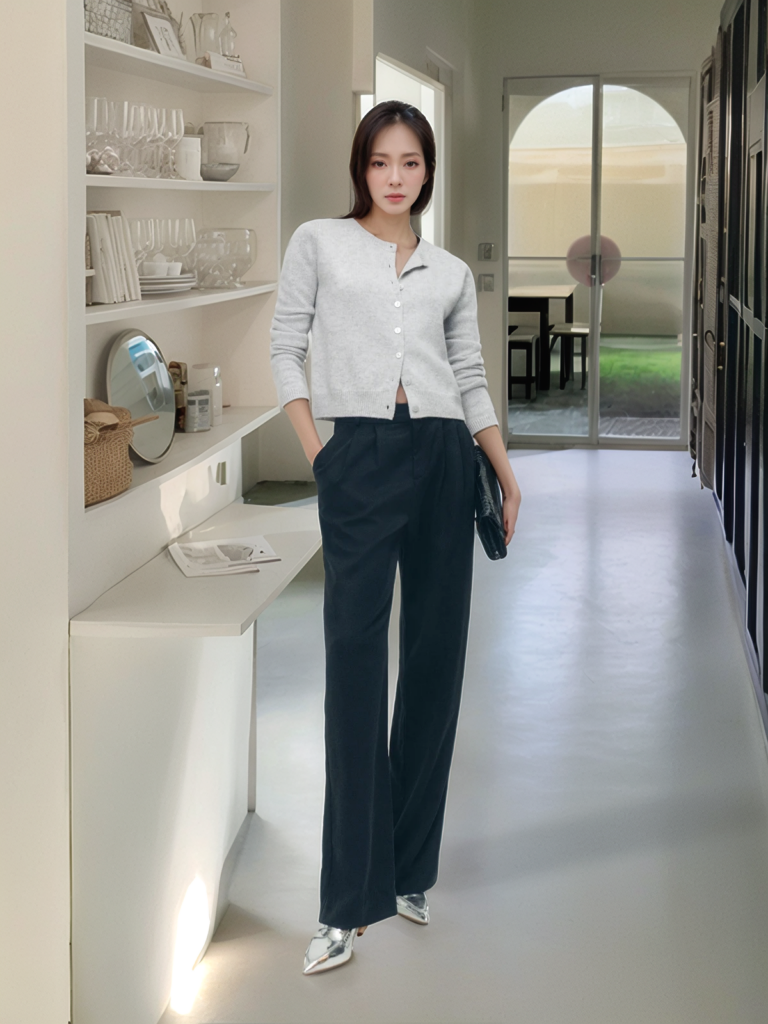
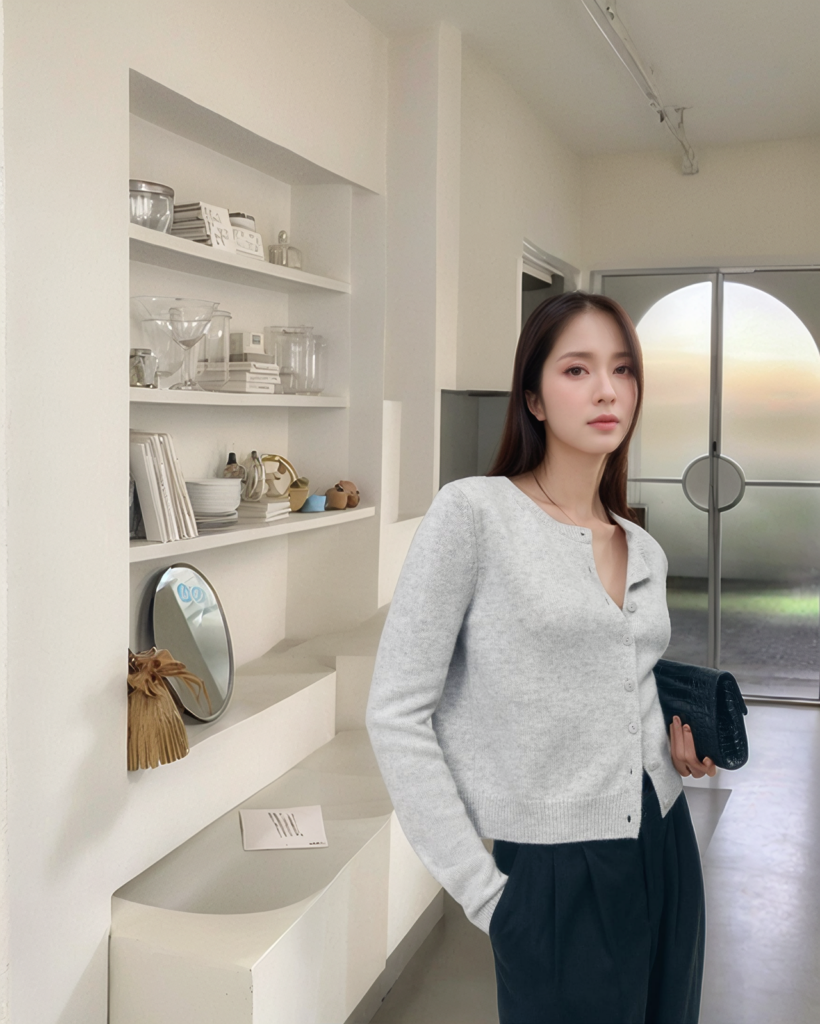
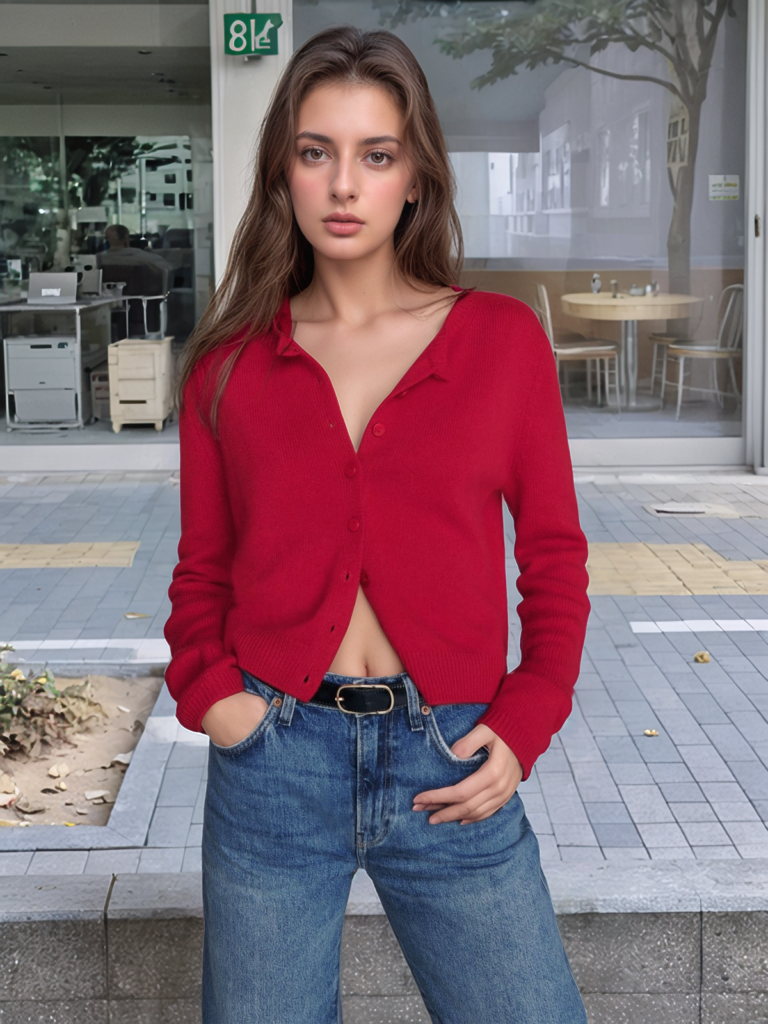
AI Background 2.0 allows users to replicate a consistent background across various images. For example, a full-body image with a vibrant outdoor scene can seamlessly translate into a half-body shot with the same backdrop, ensuring visual continuity.
2. Customizable Scenes
Users can upload their own reference backgrounds or select from a library of pre-designed templates tailored for e-commerce and fashion photography. This feature ensures that the backdrop aligns perfectly with the product’s theme and branding.
3. Flexible Composition Modes
- Reference to Original Image: Generates images that maintain the original photo’s composition.
- Reference to Selected Location: Creates images that adapt to the composition of a selected reference image.
These modes allow businesses to generate consistent visuals regardless of the starting input, ensuring every image meets branding requirements.
Step-by-Step: Using AI Background 2.0 for Consistent Shots
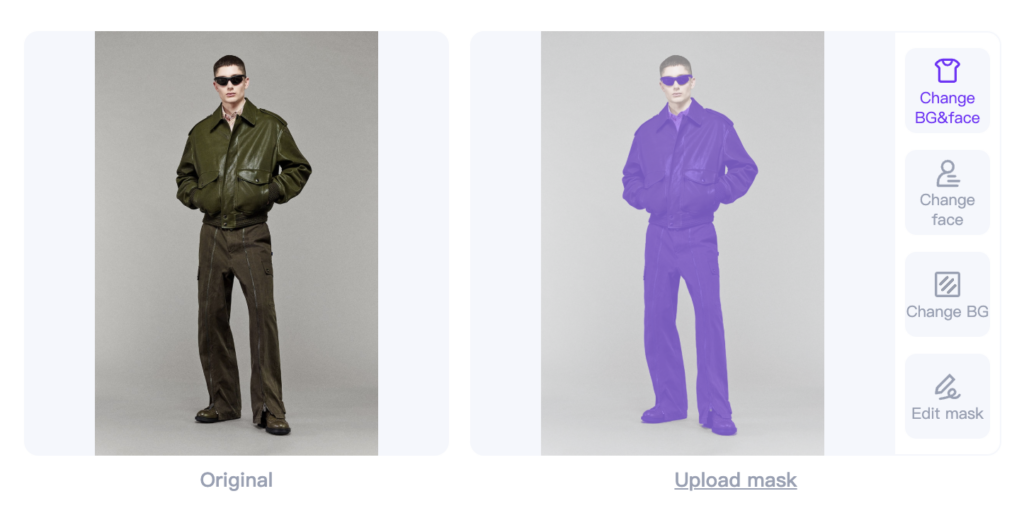
- Upload Your Original Image
Upload an image of your product, whether it’s a half-body or full-body shot.
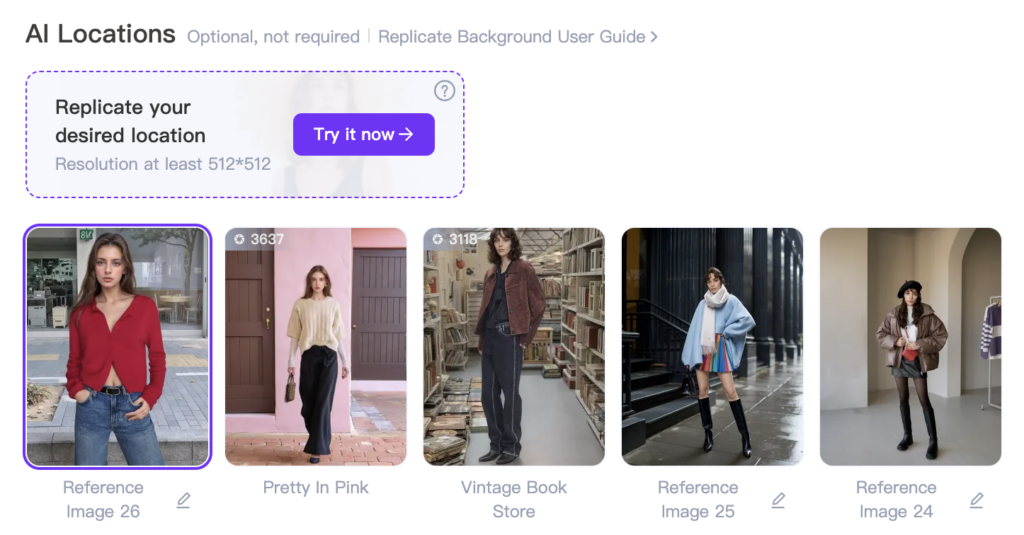
- Select a Background or Reference Image
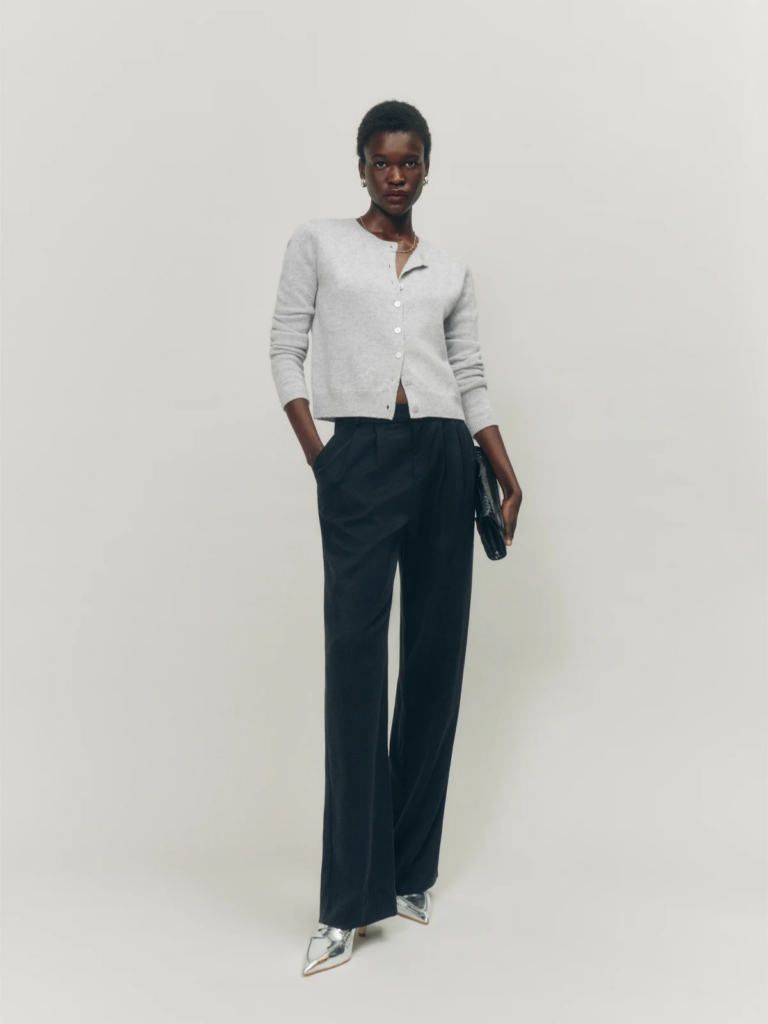
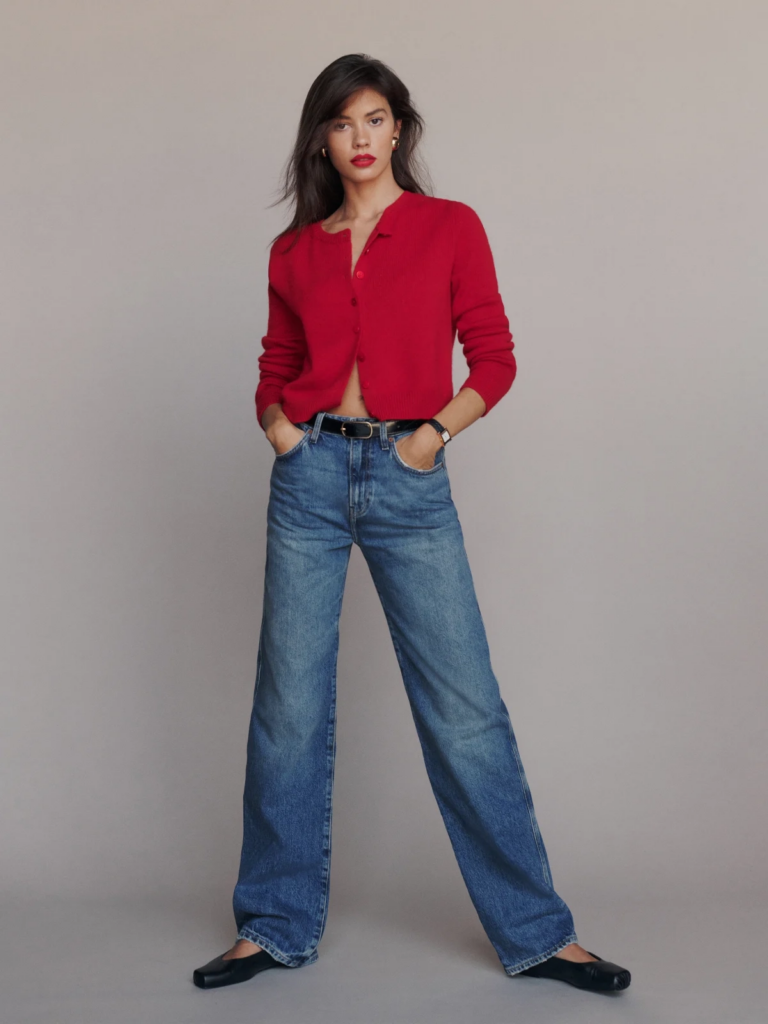
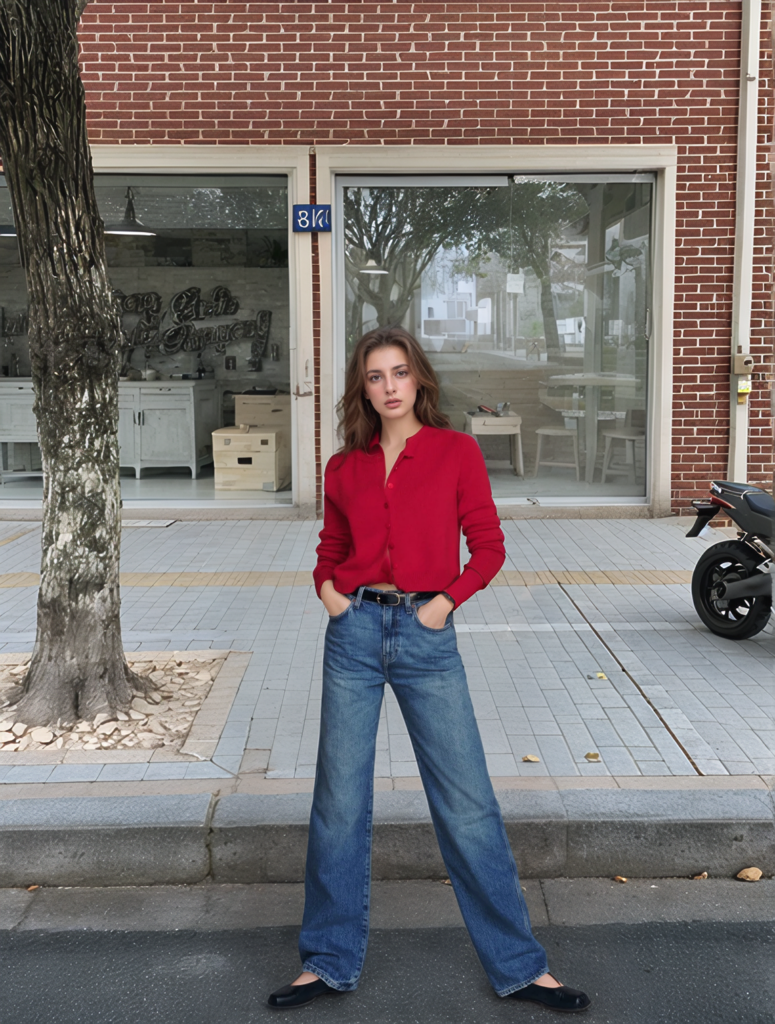
Choose a backdrop from the AI Background library or upload your own reference image. (The gender of the subject in the scene is irrelevant; it’s just for reference as the main subject.)
- Choose a Composition Mode
- Use Reference to Selected Location for adapting the scene to a new composition.
- Opt for Reference to Original Image to maintain the same framing while updating the background.
- Generate Your Images
With a single click, create half and full-body shots that seamlessly match the backdrop and style.
Examples Showcasing
Conclusion
WeShop AI’s AI Background 2.0 redefines how businesses approach product photography. By effortlessly generating consistent half and full-body shots within the same backdrop, it empowers brands to create stunning visuals that enhance customer experience, save time, and reduce costs.
Whether you’re showcasing a new collection, creating a lookbook, or updating your e-commerce store, AI Background 2.0 provides the tools to elevate your visuals and stay ahead in the competitive fashion landscape.
Ready to revolutionize your product photography? Try WeShop AI’s AI Background 2.0 today and see the difference for yourself.