Choosing the right tool for Photo Editing can feel like a full-time job. You want something powerful but easy to use. Some people need a professional studio setup. Others just want to fix a few vacation photos. This guide looks at the best photography software available today. We will compare high-end suites, AI tools, and the best free photo editor for mac. No matter your budget, there is an app here for you.
The Heavyweights: Professional Photography Software
When people think of pro work, they think of Adobe. It is the industry standard for a reason. However, it is not the only option anymore. Other companies now offer incredible features for a one-time price.
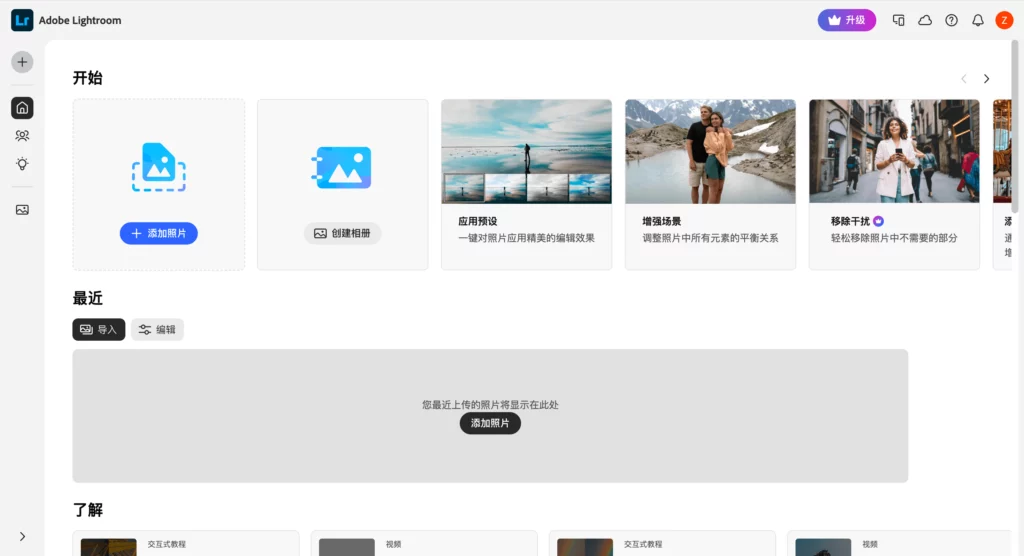
Adobe Lightroom: The Best Photo Editing Program for Speed
Lightroom is the king of workflow. It is designed to handle thousands of images at once. You can apply a specific look to an entire wedding shoot in seconds. The AI masking tools are now very advanced. You can select the sky or a person with one click. It is a subscription-based best photo editing program. This means you always have the latest features.
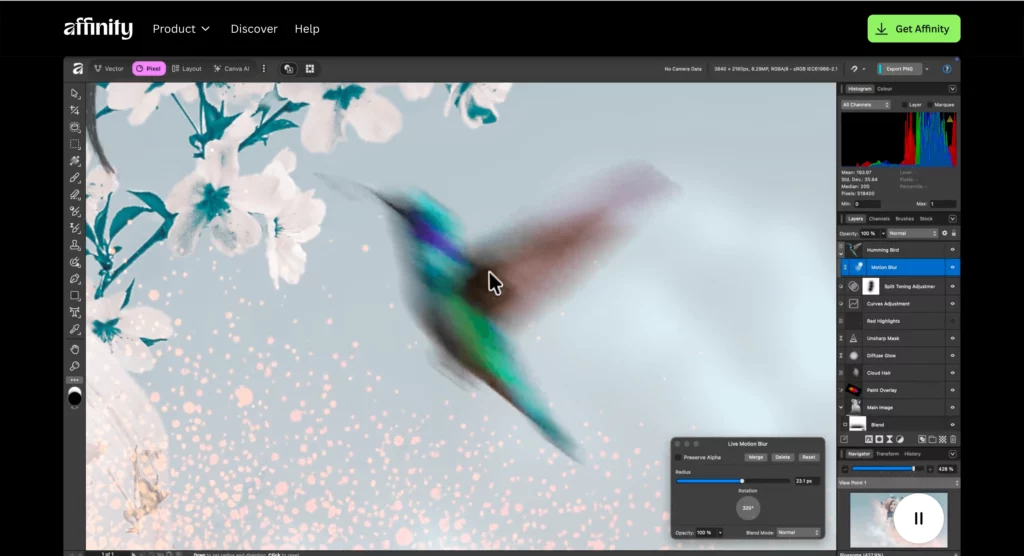
Affinity Photo: High-Power Photo Editing Without Subscriptions
Affinity Photo is a major rival to Photoshop. It is a fantastic photo editing app for pc and Mac. The best part? You pay for it once and own it forever. It is perfect for complex retouching and multi-layered compositions. It feels fast and smooth, even on older computers. If you hate monthly bills, this is your best bet.
AI-Driven Innovation in Photo Editing
AI is changing how we look at images. It is no longer just about fixing brightness. AI can now create entire scenes from scratch. This saves creators hours of manual labor.
WeShop AI: The Ultimate Photography Software for Business
If you sell products online, WeShop AI is a must-have. Traditional photo shoots are expensive and slow. You need models, lighting, and a studio. WeShop AI replaces all of that with smart technology.
You can take a simple photo of a garment on a mannequin. The AI can then place that garment on a realistic human model. It can also change the background to a sunny beach or a cozy cafe. This is the most efficient photography software for e-commerce in 2026. It helps small brands look like global giants. You get high-end results without the high-end costs.
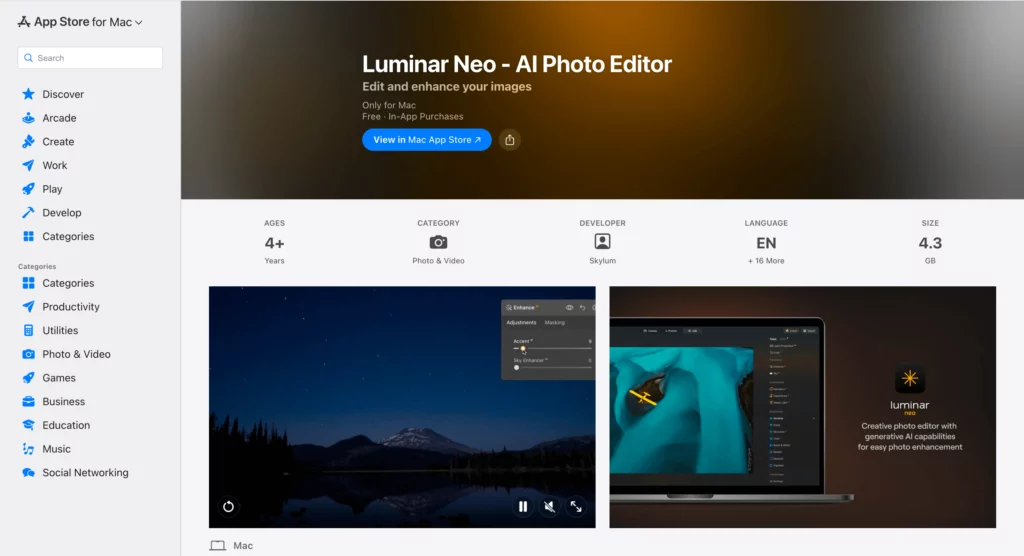
Luminar Neo: Simple AI-Powered Photo Editing
Luminar Neo focuses on “one-click” solutions. It is great for photographers who don’t want to spend hours on one image. It has a “Sky Replacement” tool that works like magic and a “Relight” feature to fix bad lighting. Luminar Neo a very user-friendly photo editing app for pc.

The Best Photo Editing App for PC Users
Windows users have a huge variety of choices. Some apps are built specifically to take advantage of PC hardware. These tools are often more customizable than Mac versions.
Corel PaintShop Pro: A Windows Classic
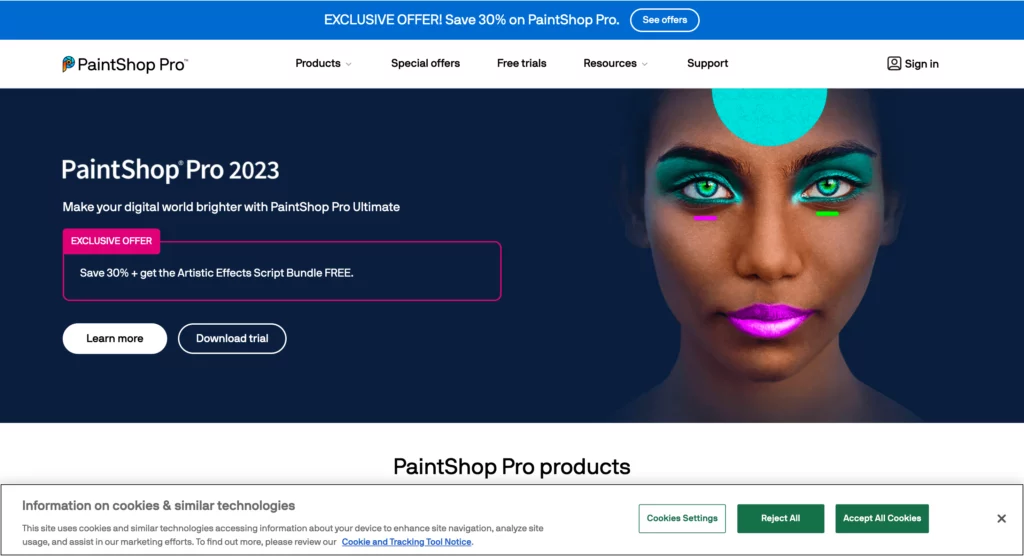
Corel has been around for a long time. PaintShop Pro is a solid photo editing app for pc. It combines photo tools with graphic design features, which is great for making posters or social media banners. It offers a lot of value for its price. The interface is familiar and easy to navigate.
Capture One: Elite Color Grading for PC
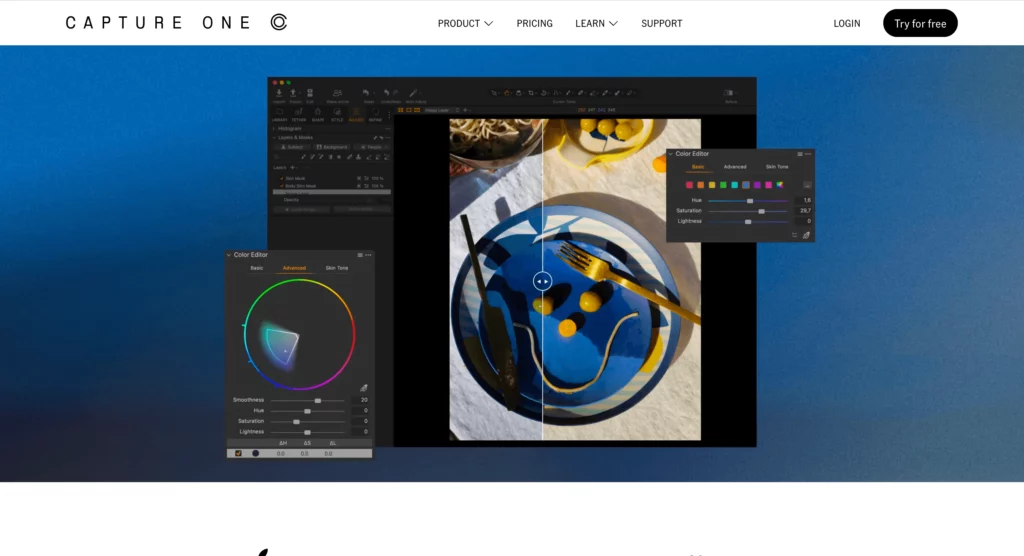
Capture One is often used by high-end fashion photographers. Its color editor is the best in the business. It allows for very fine adjustments to skin tones. It also works perfectly when your camera is plugged into your PC. This is called “tethered shooting.” It is a premium photography software choice for serious studio work.
Top Picks for a Free Photo Editor for Mac
Mac users often want apps that feel native to their system. They want clean designs and fast performance. Luckily, there are several great free options.
Apple Photos: The Hidden Powerhouse
Every Mac comes with Apple Photos. Many people ignore it, but it is a great free photo editor for mac. It handles RAW files from most cameras. The “Auto Enhance” button is surprisingly smart. It also syncs with your iPhone via iCloud. For basic daily edits, you might not need anything else.
Darktable: The Best Free Photo Editing for Mac Professionals
Darktable is an open-source alternative to Lightroom. It is completely free and very powerful. It uses non-destructive editing, so your original files stay safe. To be honest, it has a steep learning curve, but it is worth it. It is likely the most advanced free photo editor for mac on the market. It gives you total control over your RAW data.
Exploring the Best Freeware Image Editor Options
You do not need to spend money to get professional results. Some of the most powerful tools are developed by the community. These are great for students and beginners.
GIMP: The Best Freeware Image Editor for Advanced Users
GIMP is famous in the creative world. It is a best freeware image editor that acts like Photoshop. It supports layers, masks, and custom brushes. Because it is open-source, people create free plugins for it every day. It can be a bit messy to look at, but its power is undeniable.
Krita: Great for Painting and Photo Editing
Krita is mostly known for digital art. However, it is also a fantastic best freeware image editor. It handles high-bitrate images very well. The brush engines are smooth and responsive. If you like to “paint” on your photos, Krita is perfect. It is free for both Windows and Mac users.
PhotoScape X: The All-in-One Best Freeware Image Editor
PhotoScape X is a fun and easy app. It includes a viewer, a batch editor, and a collage maker. PhotoScape X is the best freeware image editor for people who want to be creative without the stress. It has lots of filters, stickers, and borders, which makes the Photo Editing process feel like a game.
How to Choose the Right Photography Software
With so many choices, how do you pick? Start by looking at your goals. Are you trying to build a business? Are you just saving memories?
- For Business: Choose WeShop AI. It saves money and produces high-quality commercial shots.
- For High-End Art: Go with Adobe or Capture One. They offer the most control.
- For Beginners: Try PhotoScape X or the Mac Photos app.
- For Budget Pros: GIMP or Darktable are your best friends.
Managing Your Photo Editing Workflow
Workflow is more than just the app you use. It is about how you organize your life. Good Photo Editing starts with a clean file system. Always back up your original shots. Use a consistent naming system for your folders. This makes it easy to find a photo from three years ago.
Don’t be afraid to switch tools. Most of these apps offer free trials. Spend a week with a few different ones. See which interface feels most natural to you. The best photography software is the one you actually enjoy using.
Conclusion: Start Your Photo Editing Journey Today
There has never been a better time to be a creator. You have access to professional photography software for any price point. You can use WeShop AI to grow a business or another best freeware image editor to learn the craft.
Your PC or Mac is a powerful creative hub. Don’t let it go to waste. Download a free photo editor for mac or a trial of a photo editing app for pc. Start experimenting with your images today. You will be amazed at what you can create with just a few clicks.