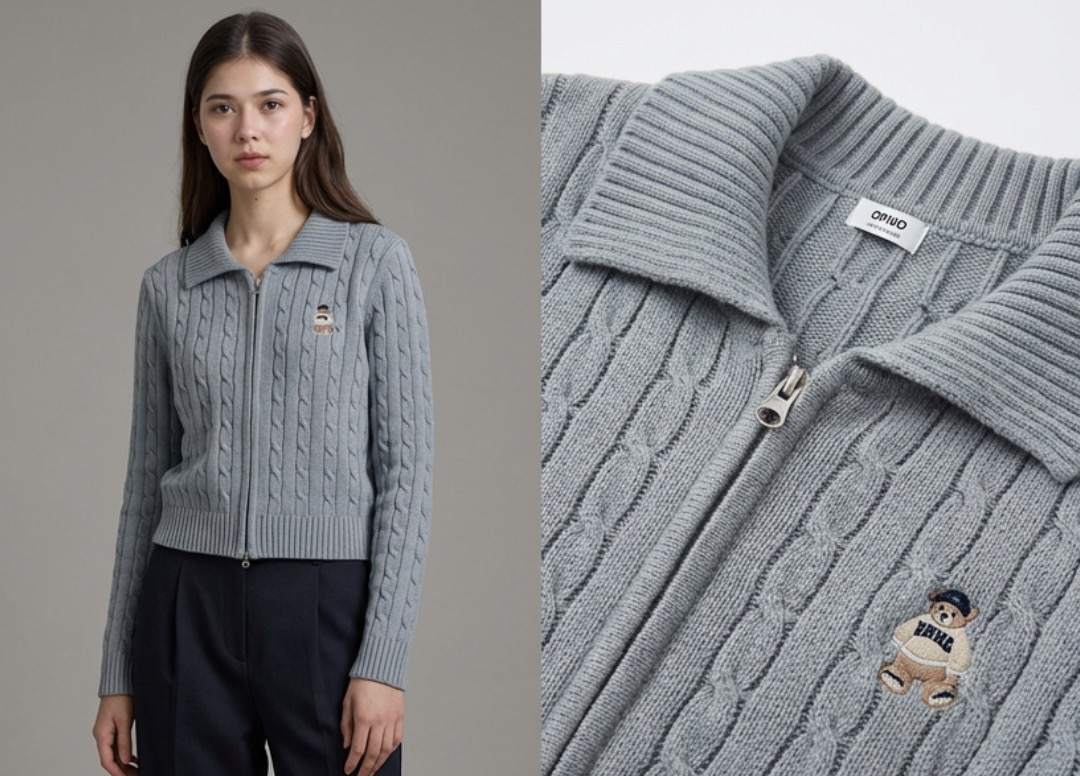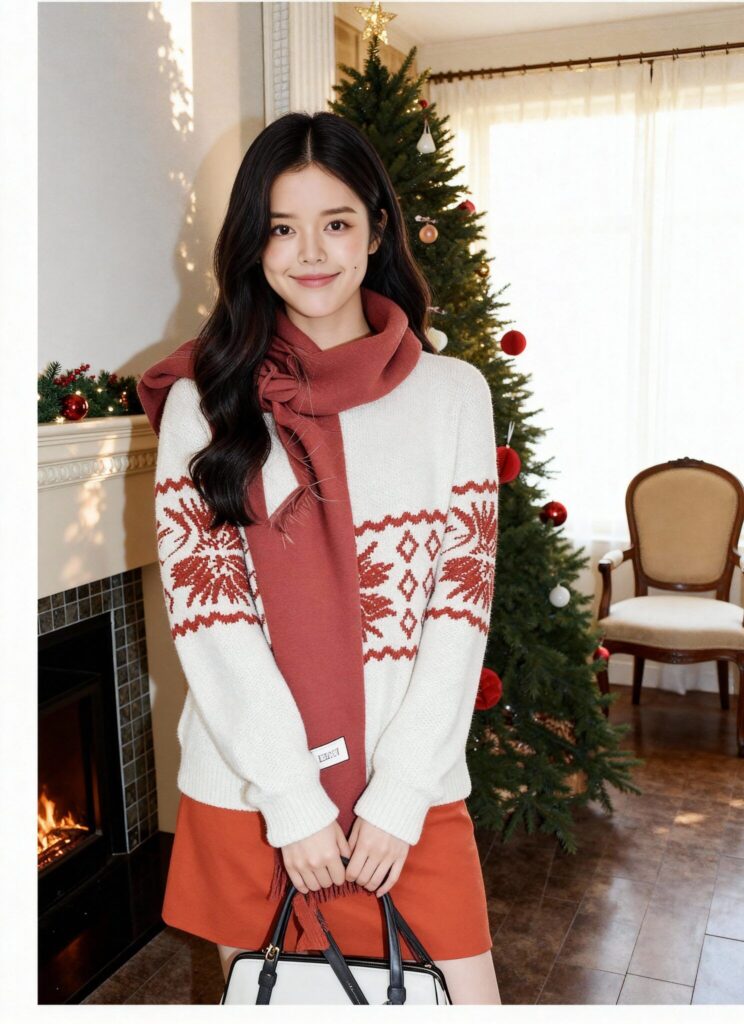
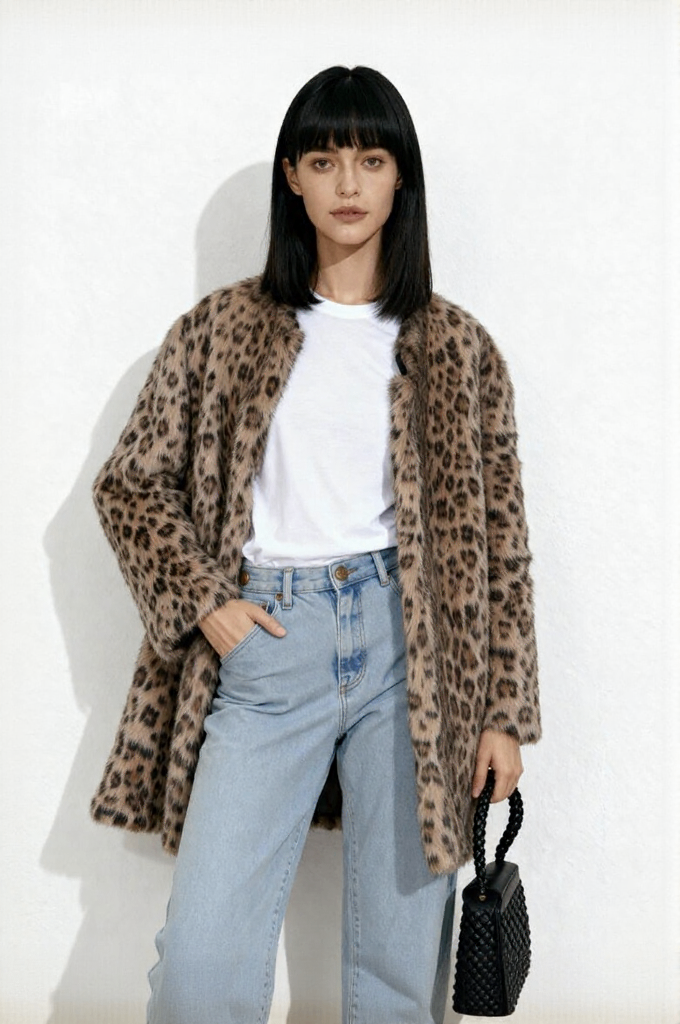
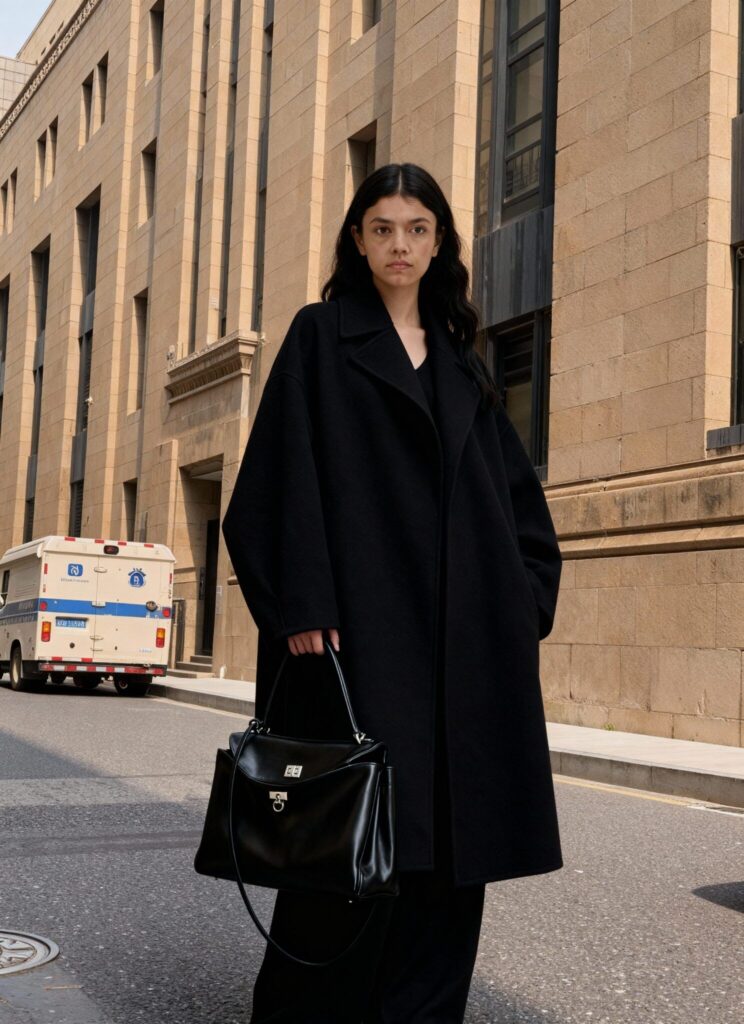
Let’s be honest. Last week, my teammate dropped three wrinkled T-shirts on my desk and said, “We need nine fresh listing photos by lunch.” No studio. No model. And No budget. I opened WeShop AI, clicked the new “Virtual Try-On” card, and went for coffee. When I came back, the shirts were already smiling on four different human bodies. That is the whole story.
Below, I will show you the before-and-after pictures, tell you why it matters, and answer the one question everyone keeps asking: “Does it really keep the print and wrinkles?” Spoiler: yes.
Why Do We Need Virtual Try-On?
The Old Way (Still Running in Many Offices)
- Steam the shirt
- Book a model
- Wait for the courier to send back the RAW files
- Pay $25 per shot, minimum
Total time: 3–5 days.
If the buyer then says, “Can we try a blond model instead?” the clock restarts.
The New Way (What We Actually Did)
- Took one flat-lay photo with my phone or laptop.
- Uploaded it to Virtual Try-On.
- Picked my favourite model and the most suitable location.
- Hit “Generate.”
- Four minutes later we had four clean lifestyle shots.
No retouch. No Photoshop. Everything is done by Weshop AI’s Virtual Try-On.
Common Worries About Virtual Try-On
“Will All My Shirts Look the Same?”
No.
The AI keeps the exact neckline, button color, and sleeve length of each SKU.
If you upload three different plaids, you get three unique shots.
The only thing that changes is the human wearing it.
“Can Buyers Spot a Fake?”
Scroll down to the user-generated reviews on our site.
No one mentions CGI.
They write: “True to size” and “Looks exactly like the photo.”
That is the only metric that counts.
Virtual Try-On Showcases
So let’s stop talking and start looking. Below are real files that left our desk this week—every single “after” frame began life as a flat-lay on a white board. Scroll once and you’ll see how Virtual Try-On turns that board into an INS-ready set: sun-drenched pavements, soft café light, even golden-hour rooftop vibes. No filter stack, no rented loft, just four clicks and your product is breathing in high-fashion air.
The First Showcase
Prompt: Swap the person in Image 1 with the face from Image 2, keep the exact outfit, then place her beside an elegant dining table. Tilt the body slightly toward the lens, lift the chin just a touch, raise the right hand with soft, curved fingers, and rest the left hand on the table edge. Shoot from above, letting the pale lace cloth and pink-ribbon desserts steal the scene.
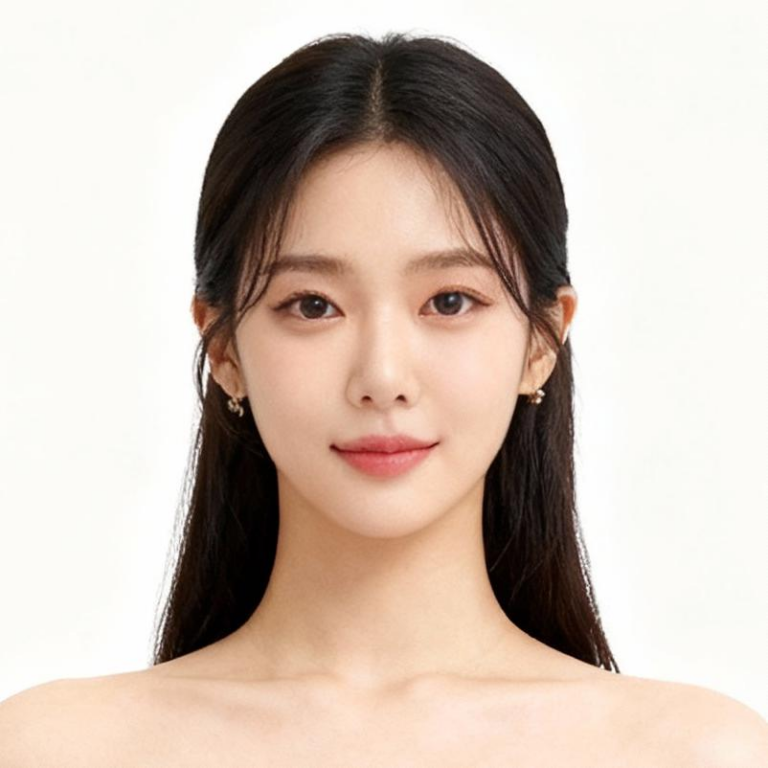
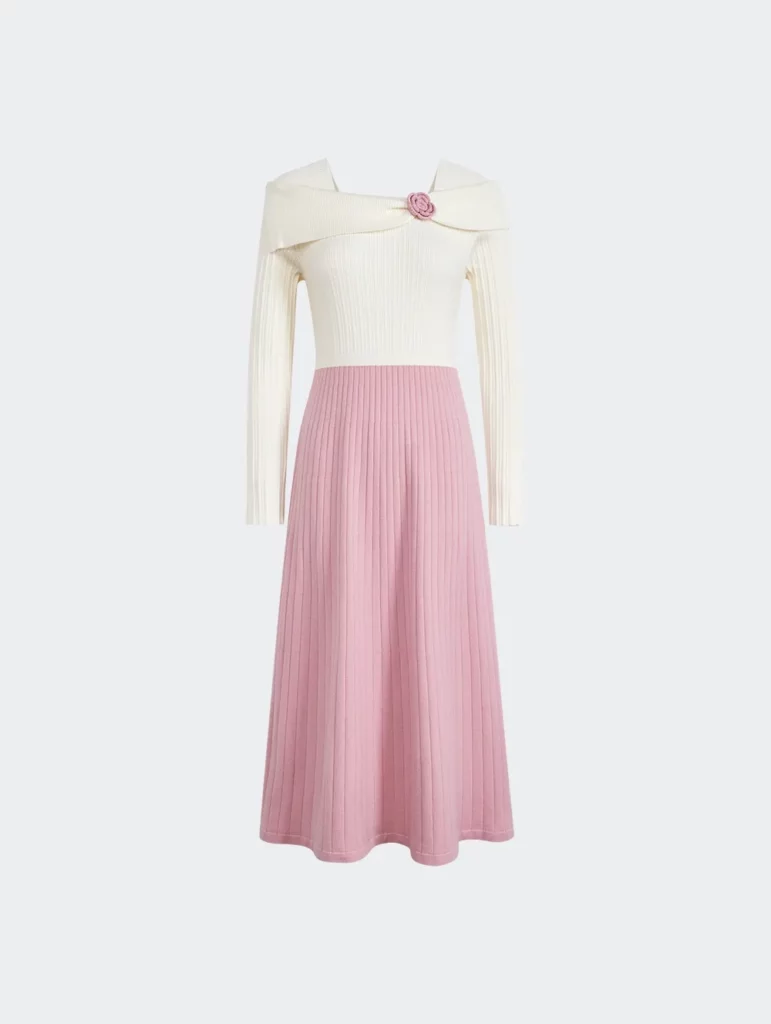
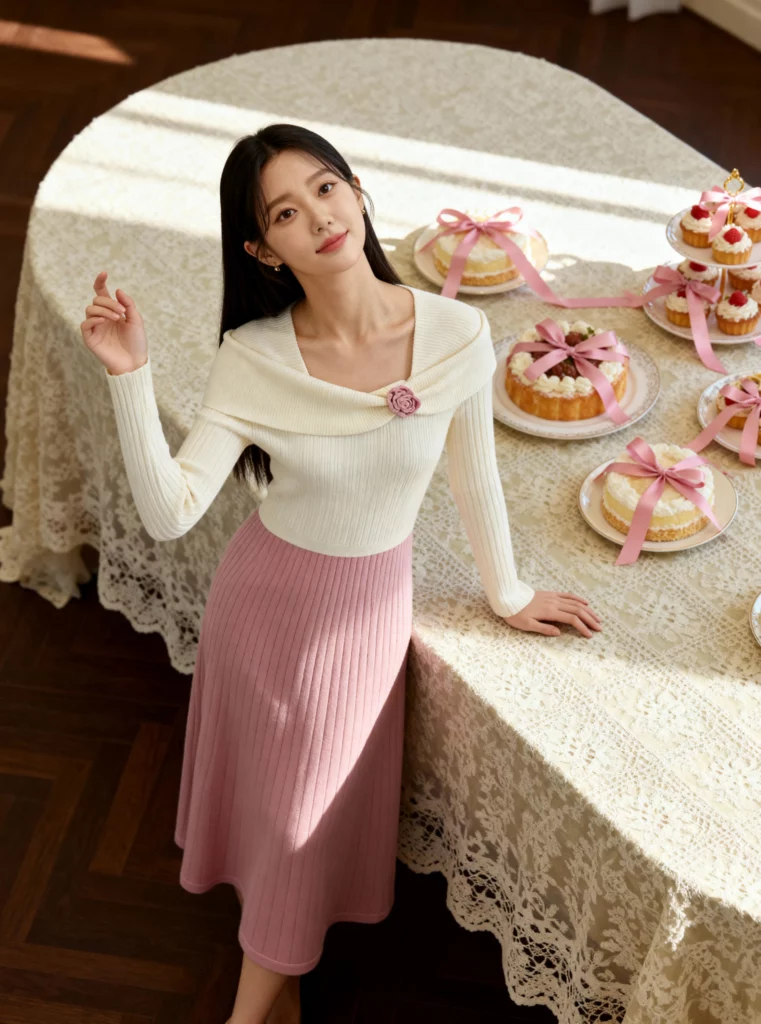

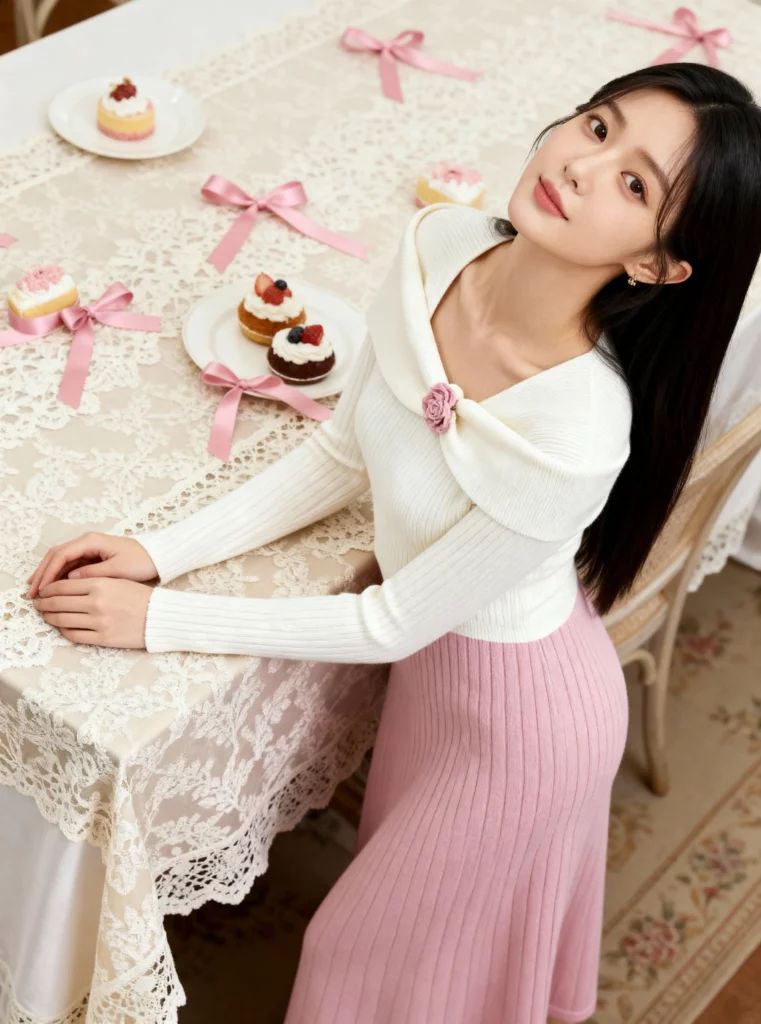
Done—sweet, candy-toned IG vibes in one breath. Ready for the next flip? Scroll on.
The Second Showcase
Prompt: Put the slick black suit from Image 2 on the figure, add the sunglasses from Image 1, then shoot almost under the chin with the lens pointing up—tight, wide, a little bit fish-eye. One finger grazes the frame; the stare stays cool and slightly challenging. A white floor bounces light upward, stretching the jaw-line and brow bone into pure attitude.
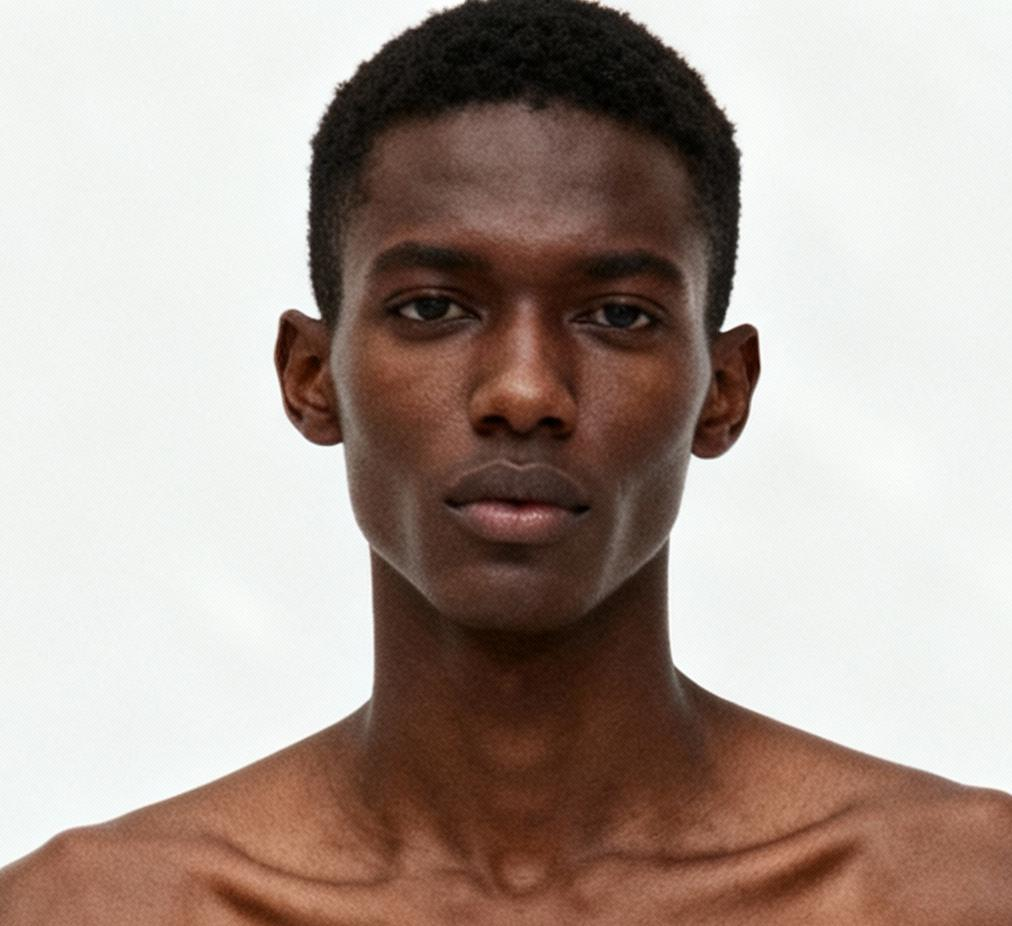
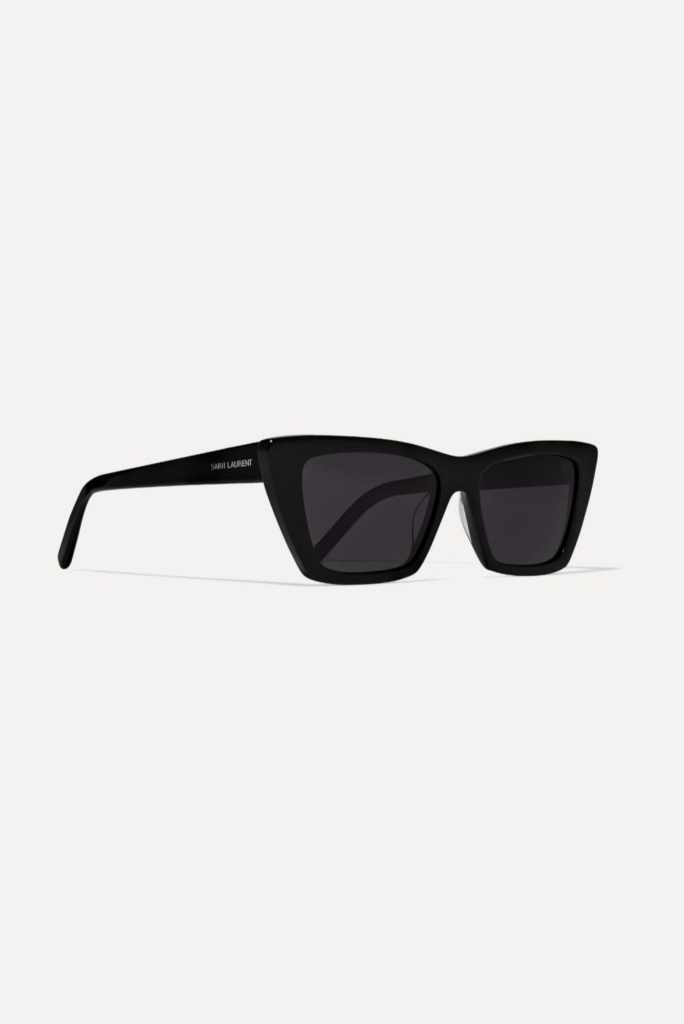
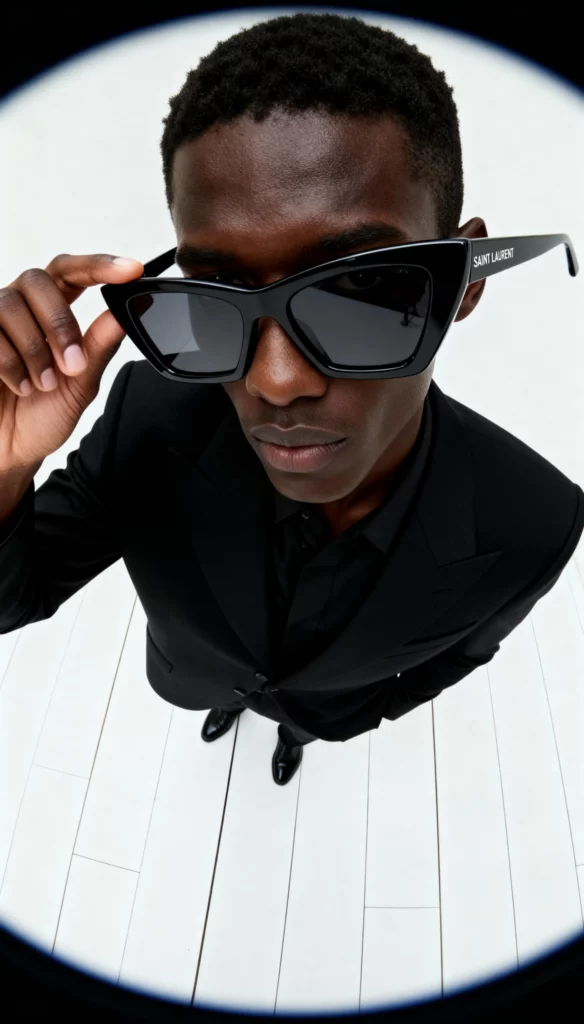
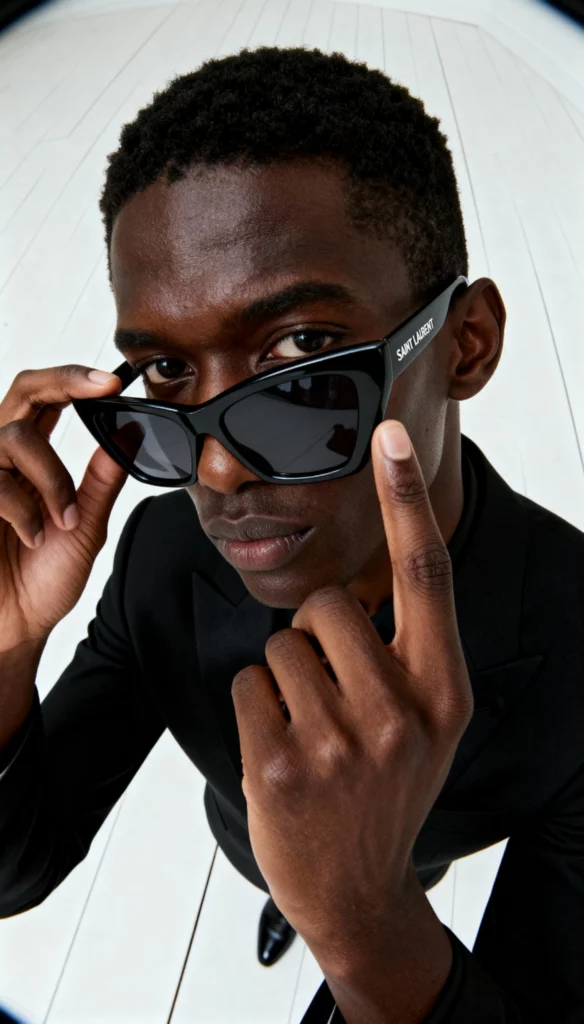
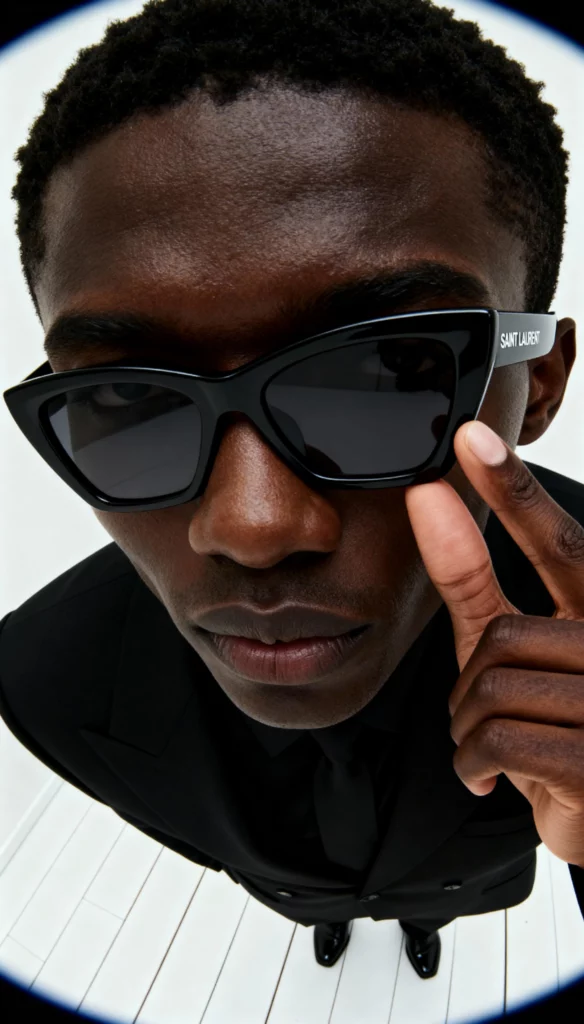
One sentence, one click, no location scout needed. Want to see how far we can push the vibe? Next frame, coming up.
Without changing the original image, let’s see how can we make new things only by change the prompt!
Prompt: The figure in Image 2 slips into a sharp black suit and the sunglasses from Image 1. Soft light drifts across a modern living room; an art sculpture peeks from the corner. He lounges on a low sofa, legs relaxed, gaze cool.
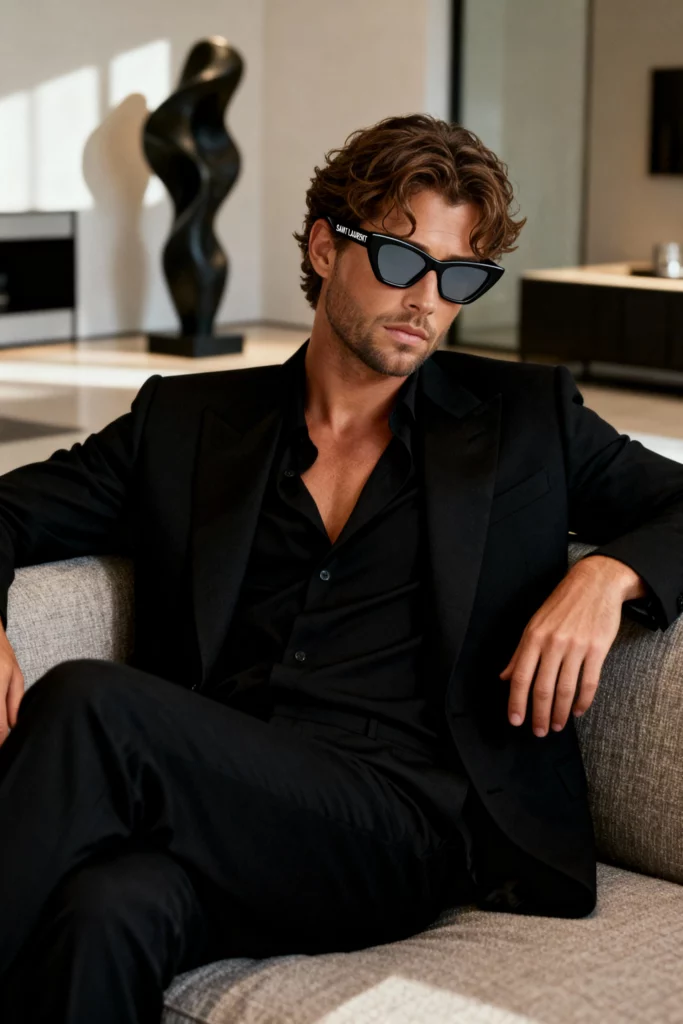
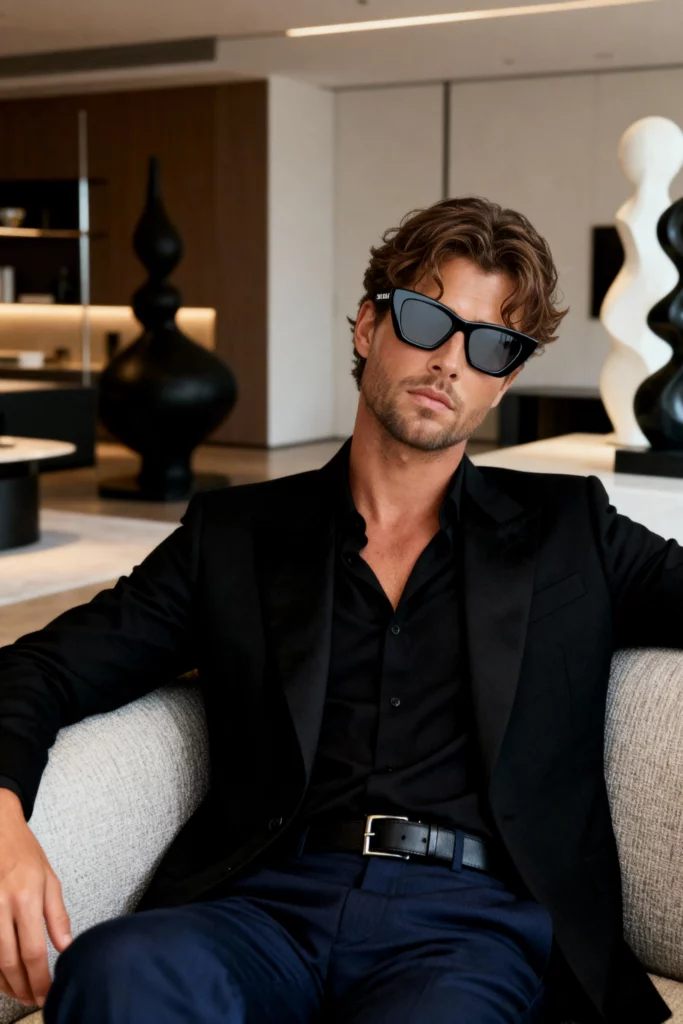
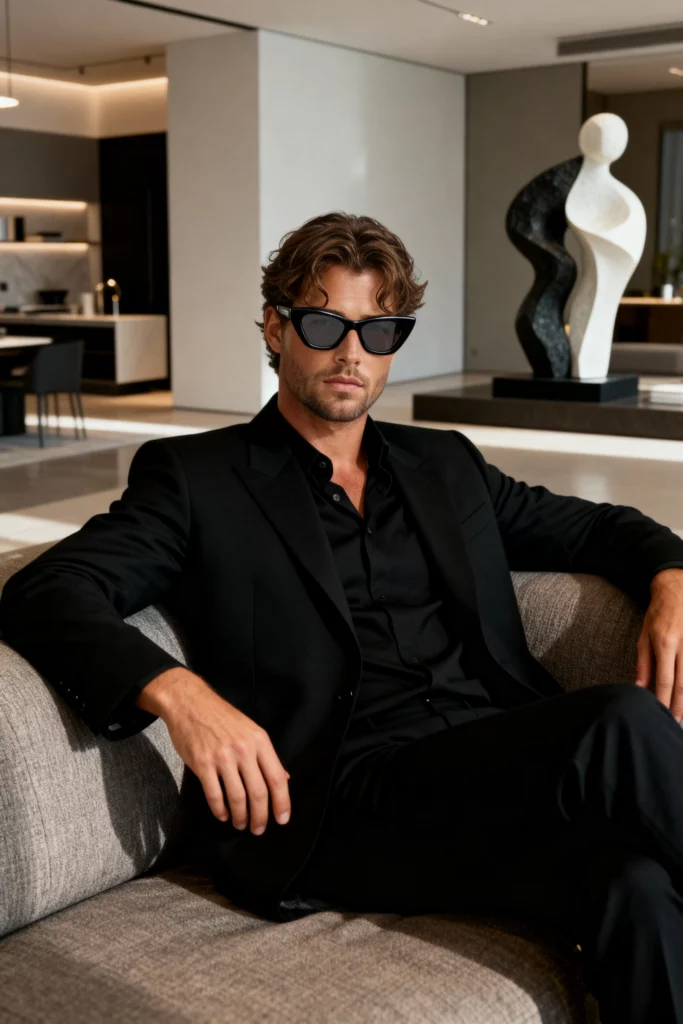
That’s the reel: flat-lay becomes front-row, phone shot turns campaign hero—no crew, no studio, no rewrite. Virtual Try-On wrote the prompt, pressed start, and signed the finished frame in under a minute. If these slides prove anything, it’s that the only gear you now need is a sentence and a click. Ready to write your own?
Conclusion
We started with a wrinkled tee and a tight deadline. In the next sip of coffee, Virtual Try-On had wrapped the product in four lifestyles, three continents and two lighting moods—no studio, no retouch, no wait. The cases above are not mock-ups; they are yesterday’s exports. If your workflow still involves booking models or begging sunlight, let this be the sign to park the lights, open a browser and type a sentence instead. Your next campaign frame is sixty seconds away—go hit Generate and watch the clock thank you.