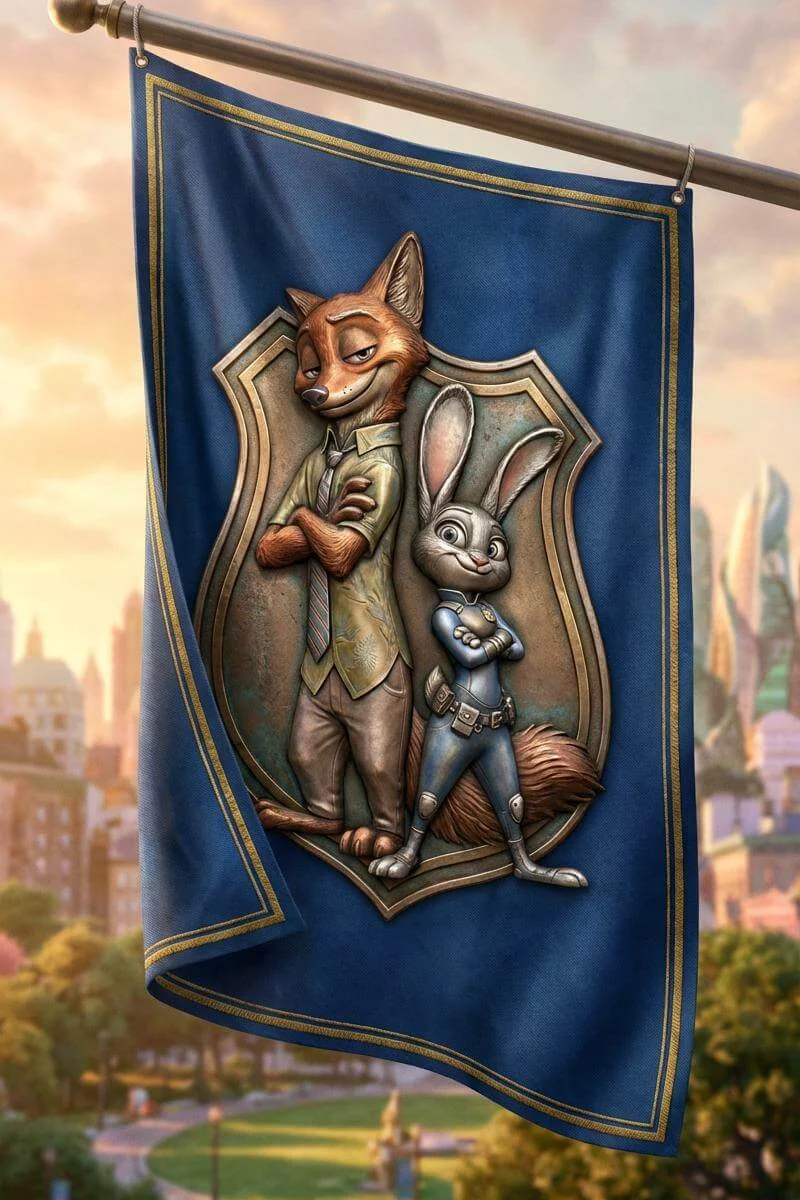
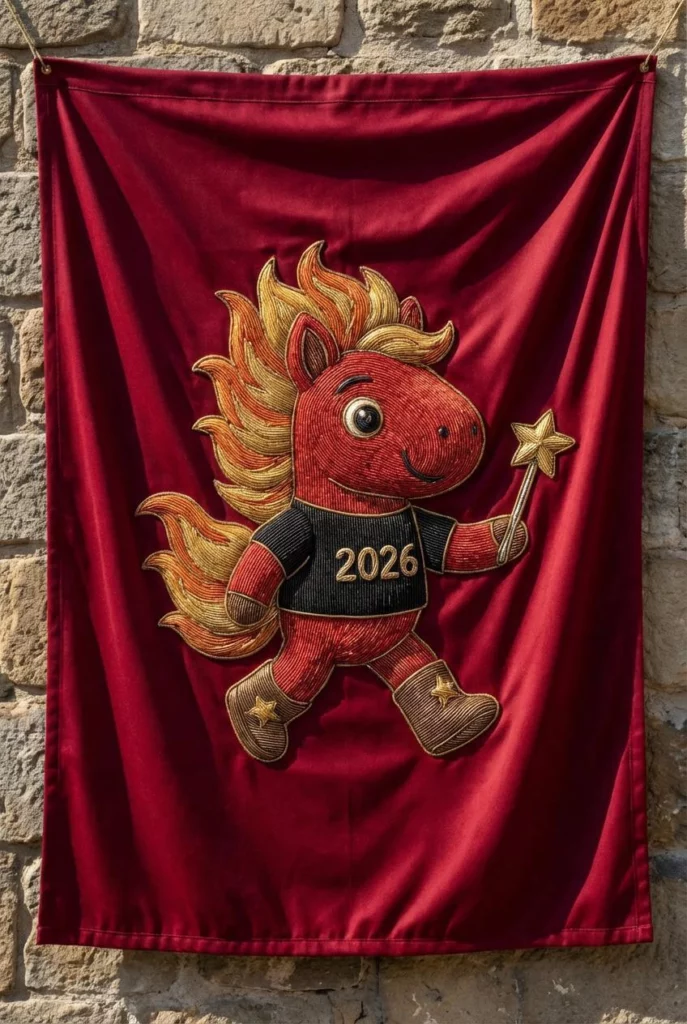
Designing a flag used to mean hiring a designer, learning complex software, or settling for generic templates. Today, a Flag Maker powered by AI makes the process much more accessible. With WeShop AI’s Flag Maker, anyone can create custom flags for creative projects, communities, events, or branding—simply by describing an idea or uploading an image.
Instead of starting from a blank canvas, you start with intent. The AI handles layout, color balance, and visual consistency, while you stay focused on the story your flag needs to tell.
In this guide, we’ll walk through what a Flag Maker is, how WeShop AI’s Flag Maker works, where it fits best, and how it compares to traditional flag design workflows.
What Is a Flag Maker?
A Flag Maker is a tool that helps users design flags by combining symbols, colors, layouts, and themes into a finished visual. Traditional flag makers rely on manual design tools or fixed templates. An AI-powered Flag Maker goes a step further by understanding your ideas and turning them into complete designs automatically.
With WeShop AI’s Flag Maker, you don’t need design experience. You can:
- Describe a flag idea in words
- Upload a logo, illustration, or reference image
- Experiment with colors, symbols, and styles
The AI then generates a polished flag design that looks intentional and balanced, rather than stitched together from random elements.
How the Flag Maker Works in WeShop AI
Using the Flag Maker in WeShop AI feels closer to a creative conversation than a technical task. There are two main ways to get started, depending on how clear your idea is.
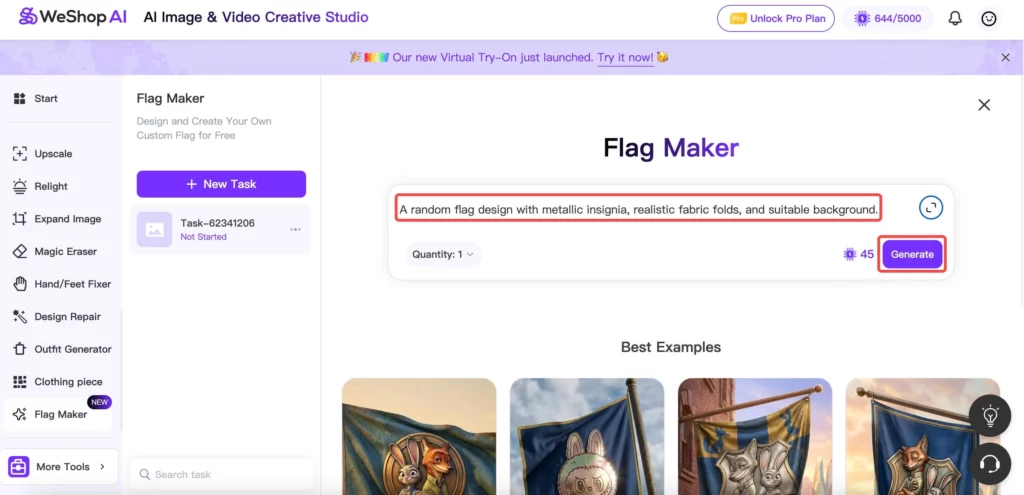
Create a Flag from a Text Prompt
If you have a concept in mind, you can simply describe it. For example:
- The theme or mood (fantasy, historical, minimalist, playful)
- Symbols you want to include (animals, stars, plants, icons)
- Preferred colors or cultural references
The Flag Maker interprets your prompt and generates a flag that matches the description. This approach works especially well for fictional worlds, storytelling projects, or early concept exploration.
Design a Flag Using an Image or Logo
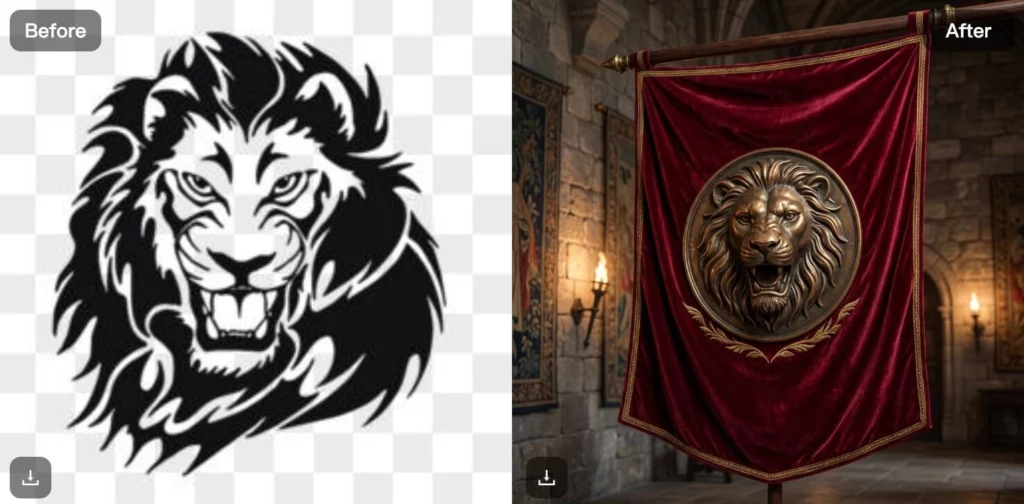
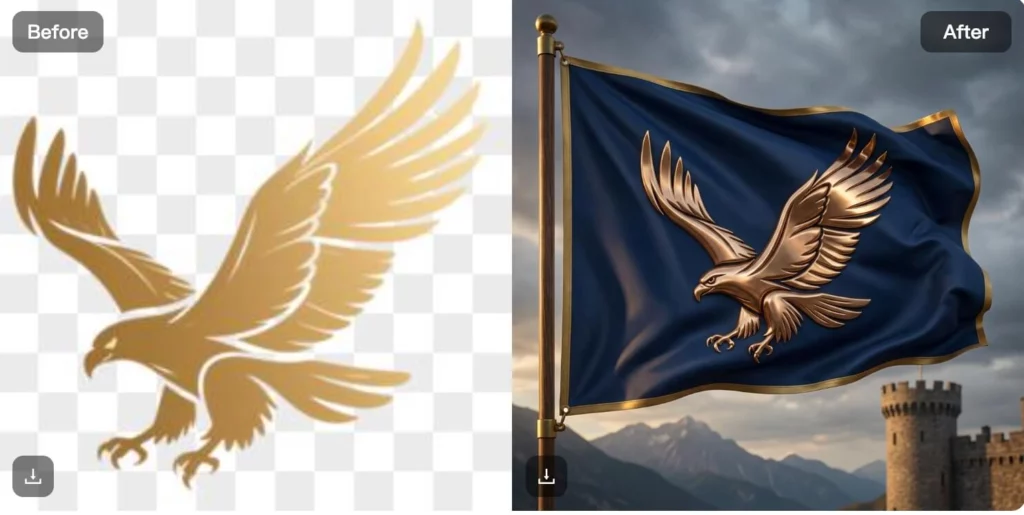
If you already have visual elements—such as a logo, mascot, or illustration—you can upload them directly. The Flag Maker builds a flag layout around your image, adjusting composition, contrast, and spacing so the design reads clearly when displayed as a flag.
This method is useful for organizations, events, or small businesses that already have brand assets but need a flag design quickly.
What You Can Create with a Flag Maker
The strength of a Flag Maker lies in how many different scenarios it can support. Below are the most common use cases seen with WeShop AI.
Flags for Fictional & Creative Projects
Writers, gamers, and creators use the Flag Maker to design flags for imaginary kingdoms, guilds, or factions. Because the AI understands style and symbolism, it’s easy to keep designs consistent across a fictional world.
These flags often become:
- World-building references
- Story visuals
- Community emblems for creative groups
Custom Flags for Sports Teams & Events
Sports teams, schools, and local organizations often need flags that feel unified and recognizable. The Flag Maker helps create designs that stay legible from a distance and maintain strong visual contrast.
Instead of manually testing color combinations and layouts, users can explore variations quickly until the design feels right.
Pride Flags & Community Symbols
Community groups and nonprofits use the Flag Maker to design pride flags, awareness banners, and symbolic visuals. The ability to experiment with color palettes and icons makes it easier to express values clearly and respectfully.
Because designs can start from text or simple references, the tool works even when no official logo exists.
Flags for Small Business Branding
Small businesses often need visual elements for storefronts, pop-up booths, or seasonal promotions. The Flag Maker allows business owners to create custom flags that match their brand tone without hiring a designer.
This is especially useful for:
- Temporary campaigns
- Outdoor signage
- Event branding
Who the Flag Maker Is Perfect For
The Flag Maker in WeShop AI works best for people who want results without complexity.
- Creators & storytellers building fictional worlds
- Community organizers designing symbolic visuals
- Small businesses needing quick branding assets
- Educators & students working on creative projects
- Non-designers who want professional-looking results
If you know what you want to express but don’t want to learn design software, the Flag Maker fits naturally into your workflow.
Best Tips for Designing a Flag Effectively
Even though the Flag Maker handles most of the heavy lifting, a few simple tips can improve results.
Be Clear About the Core Idea
Before generating a flag, decide what the symbol represents. Is it unity, strength, playfulness, or tradition? A clear idea helps the AI choose better visual elements.
Keep Symbols Simple
Flags work best when symbols are bold and readable. Avoid overcrowding the design with too many elements.
Test Color Contrast
High contrast improves visibility, especially for outdoor or large-format flags. The Flag Maker usually handles this well, but it helps to keep contrast in mind when describing colors.
Iterate, Don’t Overthink
Because designs generate quickly, it’s better to explore a few variations than aim for perfection on the first try.
Flag Maker vs Traditional Flag Design
Traditional flag design often involves graphic design software, manual layout, and multiple revisions. This approach gives full control, but it also requires time, experience, and technical skill.
A Flag Maker powered by AI offers a different trade-off:
- Faster concept creation
- Lower barrier to entry
- Less manual adjustment
For projects that prioritize speed, exploration, or accessibility, the Flag Maker approach makes more sense. For highly specialized or regulated designs, traditional tools may still play a role.
Why Use WeShop AI’s Flag Maker?
WeShop AI’s Flag Maker focuses on clarity and ease of use. Instead of overwhelming users with options, it guides them toward visually balanced results through AI-assisted design.
Because it supports both text-based ideas and image-based inputs, it adapts well to different creative styles and experience levels. Whether you’re designing a fictional banner or a real-world event flag, the tool helps you move from idea to visual with less friction.
Conclusion
A Flag Maker removes many of the barriers that once made flag design feel complicated or inaccessible. With WeShop AI’s Flag Maker, creating meaningful, well-composed flags becomes a straightforward creative process rather than a technical challenge.
By combining AI-driven design with flexible input methods, the Flag Maker allows users to focus on what matters most—the message behind the flag.