The gap between a product photo that sells and one that scrolls past often comes down to a single thing: the background. Clean, consistent, distraction-free backgrounds increase conversion rates by 20–30%. Yet most small e-commerce teams still waste hours in Photoshop achieving what an AI background remover handles in seconds.

Why Background Quality Is the Silent Conversion Killer
Marketplace algorithms — Amazon, Shopify, Etsy — increasingly prioritize listing image quality in search rankings. A product on a cluttered background signals “amateur seller” to both algorithms and buyers. The same product on a clean background signals professionalism and trust.
The math: a seller with 200 SKUs who spends 5 minutes per image on manual background removal loses 16+ hours per catalog refresh. At e-commerce speed, where seasonal collections turn over monthly, that’s 200 hours per year on a task AI handles in 400 seconds total.
The Five Background Removers That Dominate E-Commerce Workflows
1. WeShop AI — The Full-Pipeline Solution
WeShop AI’s background remover is the entry point to an integrated product photography pipeline. Remove the background, swap to a lifestyle scene with AI Change Background, enhance resolution with Image Enhancer, or generate new model poses with AI Pose Generator.
Why e-commerce teams prefer it: Batch processing handles entire catalogs. The cascaded neural network preserves edge detail on complex products — jewelry, textured fabrics, transparent packaging. Free tier processes at full resolution with no watermarks.

Full-resolution processing preserves every texture detail — critical for high-value product photography.
2. Remove.bg — The Pioneer
Remove.bg established the category with its simple upload-process-download flow. The U-Net architecture handles standard product shots well. Free tier caps at 0.25 megapixels — fine for social thumbnails, but insufficient for marketplace hero images requiring 2000×2000 pixels.
3. Canva — The Designer’s Default
Canva’s background removal integrates into their design workflow, eliminating export-import friction for teams already in the Canva ecosystem. AI quality is moderate — reliable for marketing collateral, sometimes imprecise on complex edges.
4. PhotoRoom — The Mobile-First Option
PhotoRoom’s strength is mobile product photography — shoot, remove background, apply template, all without leaving the app. The mobile-optimized network trades some edge precision for speed.
5. Pixlr — The Browser-Based Editor
Pixlr combines background removal with a full browser-based editor for post-removal touch-ups without downloading software.
The Real Cost Comparison: Time Is the Metric That Matters
| Metric | Photoshop Manual | AI Background Remover |
|---|---|---|
| Per-image time | 5–15 min | 2–3 seconds |
| 200-SKU catalog | 16–50 hours | 7 minutes |
| Skill required | Intermediate PS | None |
| Edge quality (hair/fabric) | Excellent (if skilled) | Excellent (AI-dependent) |
| Consistency | Variable | Uniform |


Uniform quality across your entire catalog — AI doesn’t get tired on image 200.
Workflow Integration: From Raw Photo to Live Listing
- Batch upload product photos to WeShop AI (drag entire folder)
- AI processes all images — transparent PNGs ready in minutes
- Optional: Run through AI Change Background for lifestyle context
- Optional: Enhance with Image Enhancer for marketplace resolution
- Export and upload to your marketplace listing tool

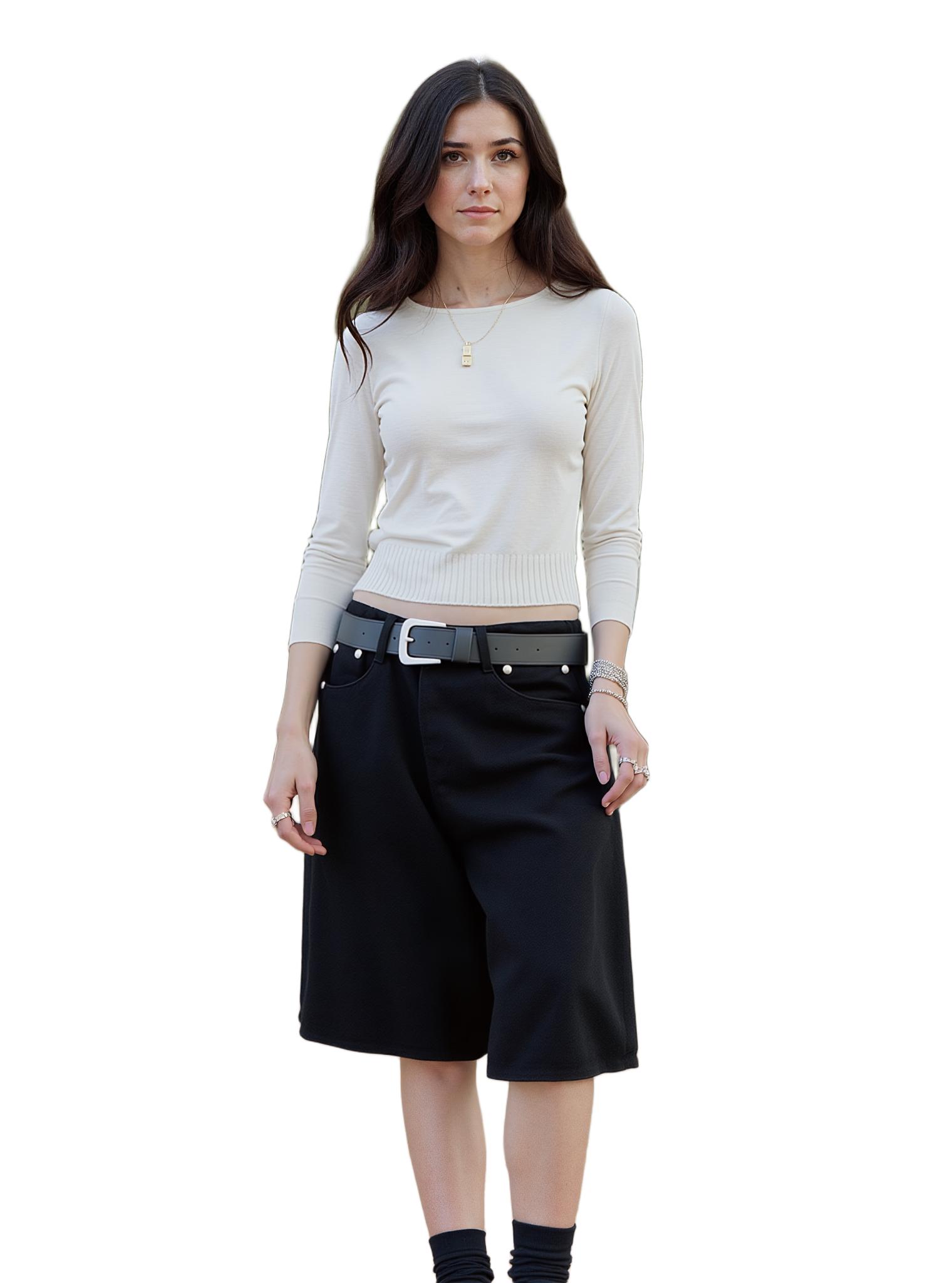
From raw product photo to marketplace-ready listing image in under 10 seconds.
Expert FAQ
Will AI background removal work on reflective products like jewelry?
Tools using hybrid segmentation-matting pipelines (like WeShop AI) handle reflections and transparency significantly better than pure segmentation tools. For high-value jewelry, test your most challenging product first — results are typically strong enough for marketplace use.
Amazon requires pure white backgrounds. Do AI tools meet this standard?
Yes. Most AI background removers output transparent PNGs. Composite onto a #FFFFFF white layer for Amazon compliance. WeShop AI’s workflow can automate this step.
How should I handle product shadows after background removal?
For marketplace listings, remove the original shadow and add a subtle drop shadow in post-processing for a professional float effect. Several AI tools can add natural-looking shadows automatically after removal.
My product photos have inconsistent lighting. Will AI still work?
AI background removal is robust to lighting variations. Very dark products on dark backgrounds may benefit from a quick brightness adjustment before uploading.
Can I process images via API for automated listing updates?
Yes. WeShop AI and several other tools offer API access for programmatic background removal, enabling integration with inventory management systems for fully automated image generation.
© 2026 WeShop AI — Powered by intelligence, designed for creators.