You finally found it. The perfect photo for your website or a precious memory from an old camera. You open the file, but your heart sinks. It is a blurry, blocky mess. You need to unpixelate image quality, and you need to do it now. In the past, a blurry photo was a dead photo. You would try to “sharpen” it in an editor, only to make it look worse.
Today, things have changed. Artificial Intelligence has turned the “enhance” button from movies into a reality. You can now depixelate image files with a few clicks. This guide will show you exactly how to fix pixelated pictures using the latest AI secrets. We will keep it simple and skip the technical jargon.
Why Your Pixelated Image Looks Bad
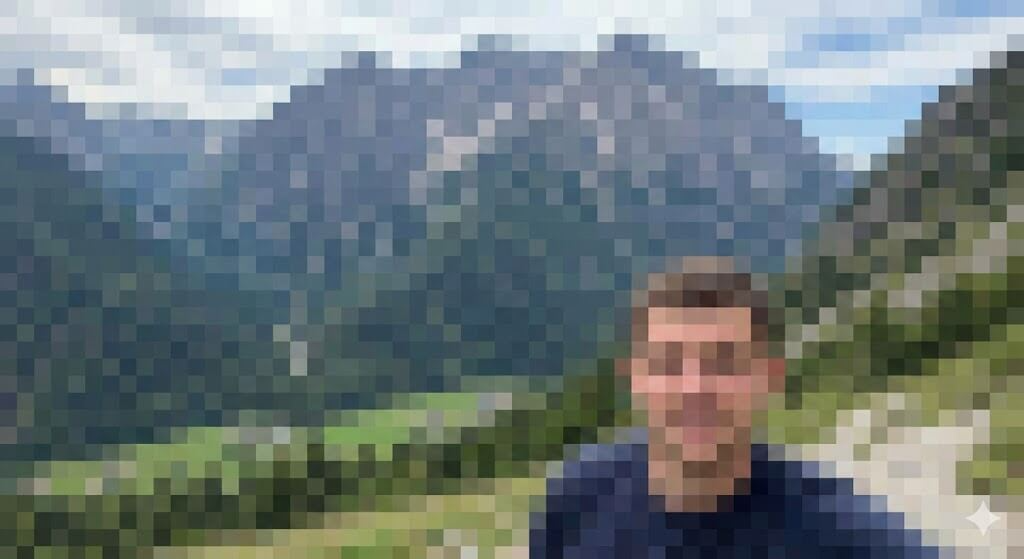
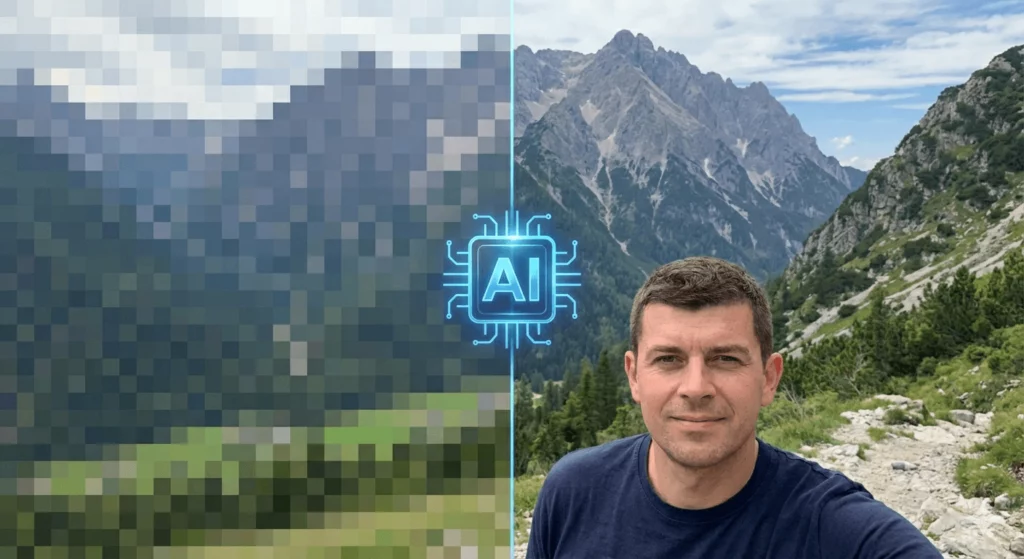
Before we fix it, let’s look at the problem. A pixelated image happens when there isn’t enough data. Each “pixel” is a tiny square of color. When you blow up a small photo, those squares become visible. Your eyes see blocks instead of smooth lines.
Traditional editors just smudge the edges of these blocks. AI does something different. It “imagines” the missing details. It uses millions of reference photos to guess what should be there. This is the key to unpixelate a picture without making it look like a cartoon.
5 Secrets to Unpixelate Image Quality
Restoring photos is an art, but AI provides the tools. Here are five secrets professionals use to get crisp results.
1. Use Super-Resolution Upscaling
Most people try to resize an image first. That is a mistake. Instead, use “Super-Resolution.” This AI technique adds new pixels based on context. It doesn’t just stretch the photo; it rebuilds it. This is the fastest way to unpixelate image files for printing or high-res displays.
2. Leverage WeShop AI for Product Photos
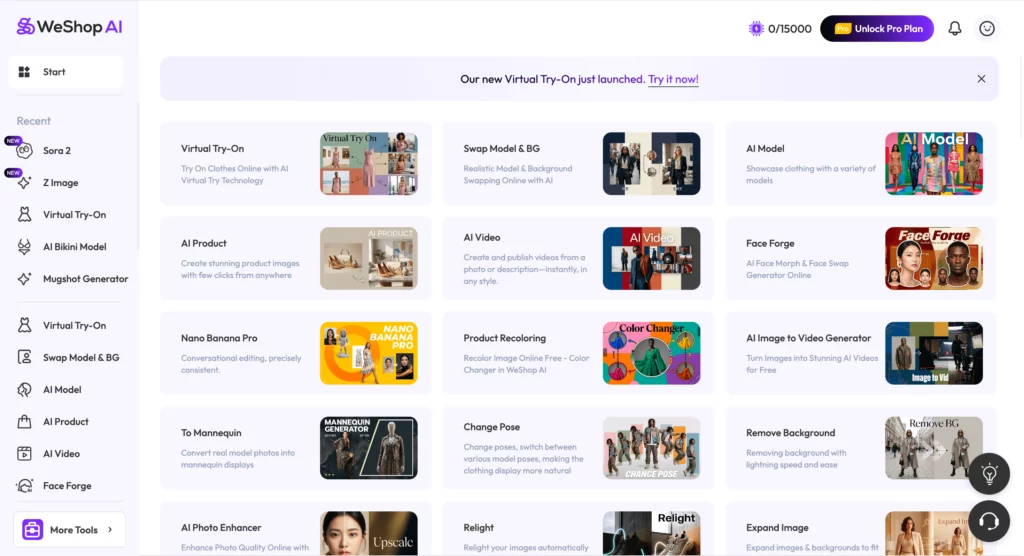
If you are a business owner, you know the pain of low-quality product shots. WeShop AI is a secret weapon here. It specializes in e-commerce visuals. If you have a pixelated image of a model or a product, WeShop AI can help.
It uses advanced generative models to create high-quality backgrounds and crisp details. It doesn’t just fix pixelated pictures; it transforms them into professional marketing assets. You can change the setting or the lighting while keeping the product sharp. This saves hours of reshooting.
3. Focus on “Face Restoration” Models
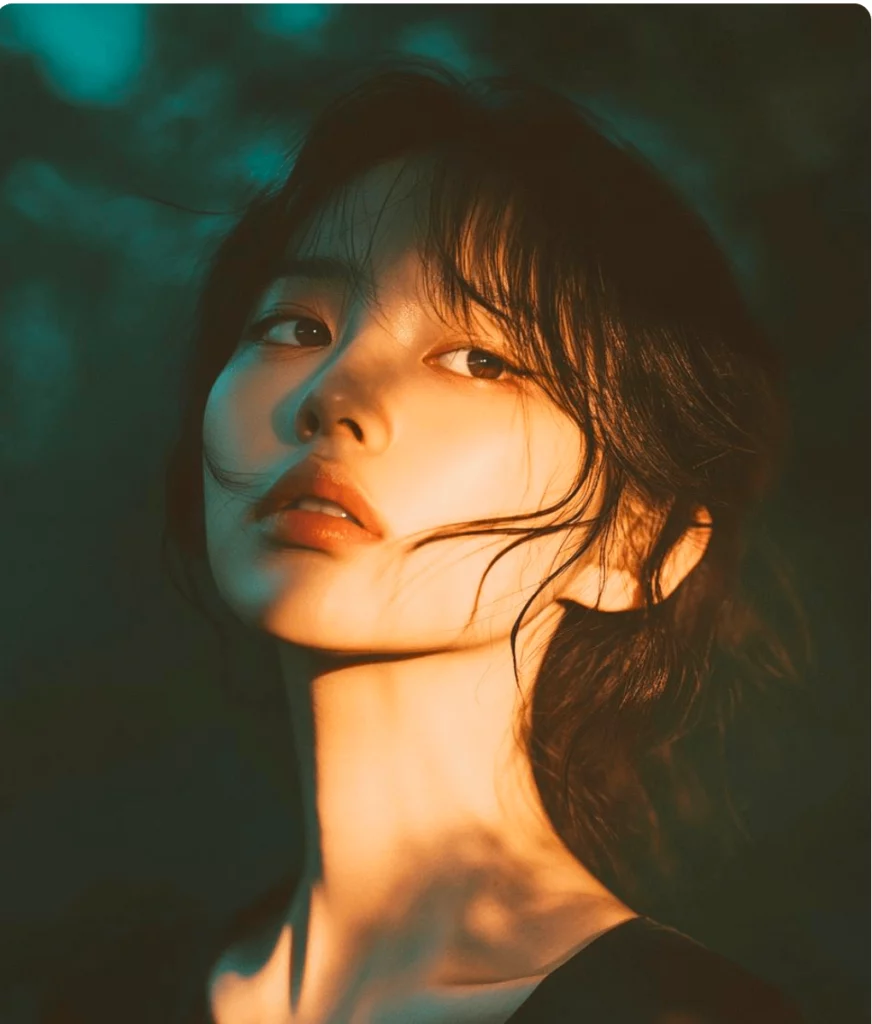
Faces are the hardest part to fix. Our brains are very good at spotting “fake” faces. When you try to unpixelate a picture of a person, use a tool with a dedicated face model. These AI sets are trained specifically on human features. They can fix “pixel eyes” or blurry skin textures while keeping the person recognizable.
4. Denoise Before You Upscale
Sometimes, a photo isn’t just pixelated; it is “noisy.” This looks like grain or static. If you try to unpixelate image files that are noisy, the AI gets confused. It might try to sharpen the noise. Always use a denoiser first. This gives the AI a clean canvas to work on.
5. Use Generative Fill to Unpixelate Image Edges
Sometimes the center of your photo is fine, but the edges are a mess. Use generative fill tools. These allow you to highlight a blurry area and ask the AI to “fill” it with fresh data. This is great for depixelate image tasks where only part of the photo is damaged.
How to Fix Pixelated Pictures in 3 Simple Steps
You don’t need a degree in computer science to do this. Follow these steps to get a clear result every time.
Step 1: Choose Your AI Tool Pick a tool that fits your needs. For professional e-commerce work, WeShop AI is the top choice. For old family photos, look for tools like Remini or Adobe Firefly.
Step 2: Upload and Analyze Upload your pixelated image. Most AI tools will analyze the damage automatically. Look for settings like “High Fidelity” or “Remove Artifacts.”
Step 3: Export in the Right Format Once you unpixelate a picture, don’t save it as a low-quality JPEG. Use PNG or TIFF. These formats keep the new details sharp. If you save as a compressed JPEG, you might end up with a pixelated image all over again.
Pro Tips to Unpixelate Image Results
Getting a “good” result is easy. Getting a “perfect” result takes a little more effort.
Don’t Over-Process
It is tempting to slide every bar to 100%. Don’t do it. Over-processed photos look like plastic. If you want to depixelate image files naturally, keep some original texture. Skin should have pores. Fabric should have weave.
Match the Resolution to the Use Case
You don’t always need 8K resolution. If the photo is for an Instagram story, a small boost is enough. If you are printing a poster, you need to unpixelate image data much more aggressively.
Best Software to Unpixelate Image Files in 2026
The market is crowded, but a few tools stand out. Here is a quick breakdown.
WeShop AI
As mentioned, this is the go-to for professionals and creators. It is built for the “Creative ROI.” It focuses on making images look expensive and high-end. It is excellent for anyone needing to fix pixelated pictures for a store or a brand.
Topaz Photo AI
This is a heavy-duty desktop software. It is great for photographers who have a lot of “noise” in their shots. It is very effective to unpixelate image files from old digital cameras.
Adobe Lightroom (AI Version)
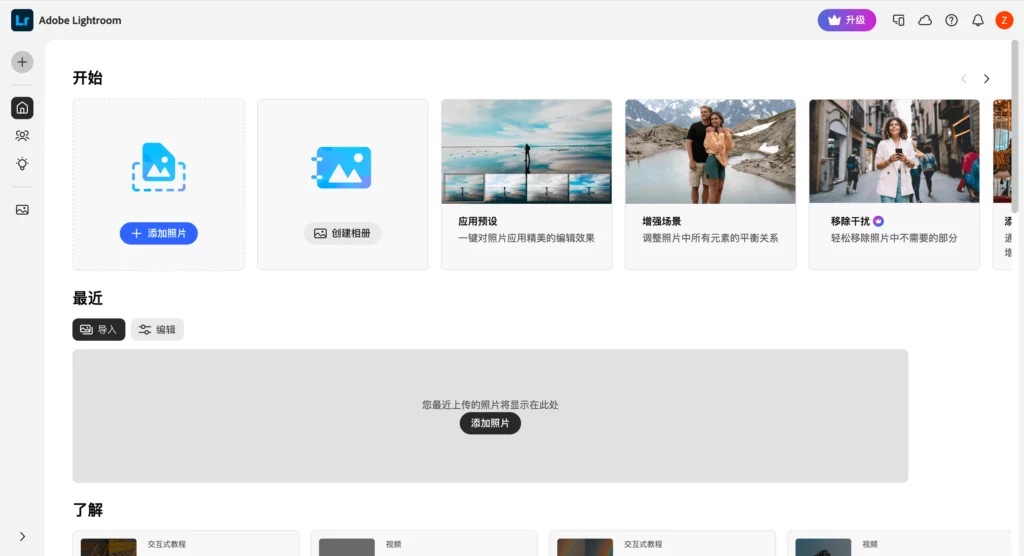
Lightroom now has a “Denoise” and “Raw Details” feature. It is a solid choice if you are already in the Adobe ecosystem. It works well to depixelate image files during the editing phase.
Common Mistakes When You Fix Pixelated Pictures
Even with AI, things can go wrong. Watch out for these common traps.
- Upscaling a screenshot: Screenshots are already low quality. Try to find the original file first.
- Ignoring Lighting: AI can fix pixels, but it struggles with bad lighting. Try to adjust exposure before you unpixelate image details.
- Trusting “Free” Online Tools: Many free sites just add a blur filter. They don’t actually depixelate image data. Stick to reputable AI platforms.
Frequently Asked Questions
Can I unpixelate a picture for free? Yes, many tools offer a few free credits. However, high-quality AI processing costs money to run. For professional results, you usually need a subscription or a “pay-per-photo” plan.
How do I fix pixelated pictures on my phone? There are many apps like Remini or Pixelup. These are great for quick fixes. For better control, use a web-based tool like WeShop AI on your mobile browser.
Is it possible to depixelate image files from 20 years ago? Yes! AI is actually best at this. It recognizes common patterns in old digital photos. It can often make a 2004 flip-phone photo look like it was taken today.
Will the photo look fake after I unpixelate image quality? Only if you over-do it. Modern AI is very good at maintaining “natural” looks. The key is to use the “Strength” slider wisely.
Conclusion: Take Control of Your Pixels
You no longer have to settle for bad quality. Whether you have an old memory or a product photo, you can unpixelate image files easily. Start by trying a tool like WeShop AI to see how generative tech changes the game.
Stop letting blur hold you back. Follow the secrets in this guide, and you will never have to worry about a pixelated image again. The technology is here, and it is easier to use than ever.