
 Tracy
Tracy Learn how to create clean, realistic virtual try on images using WeShop AI Model and Magic Eraser step by step,— all in just a few steps.
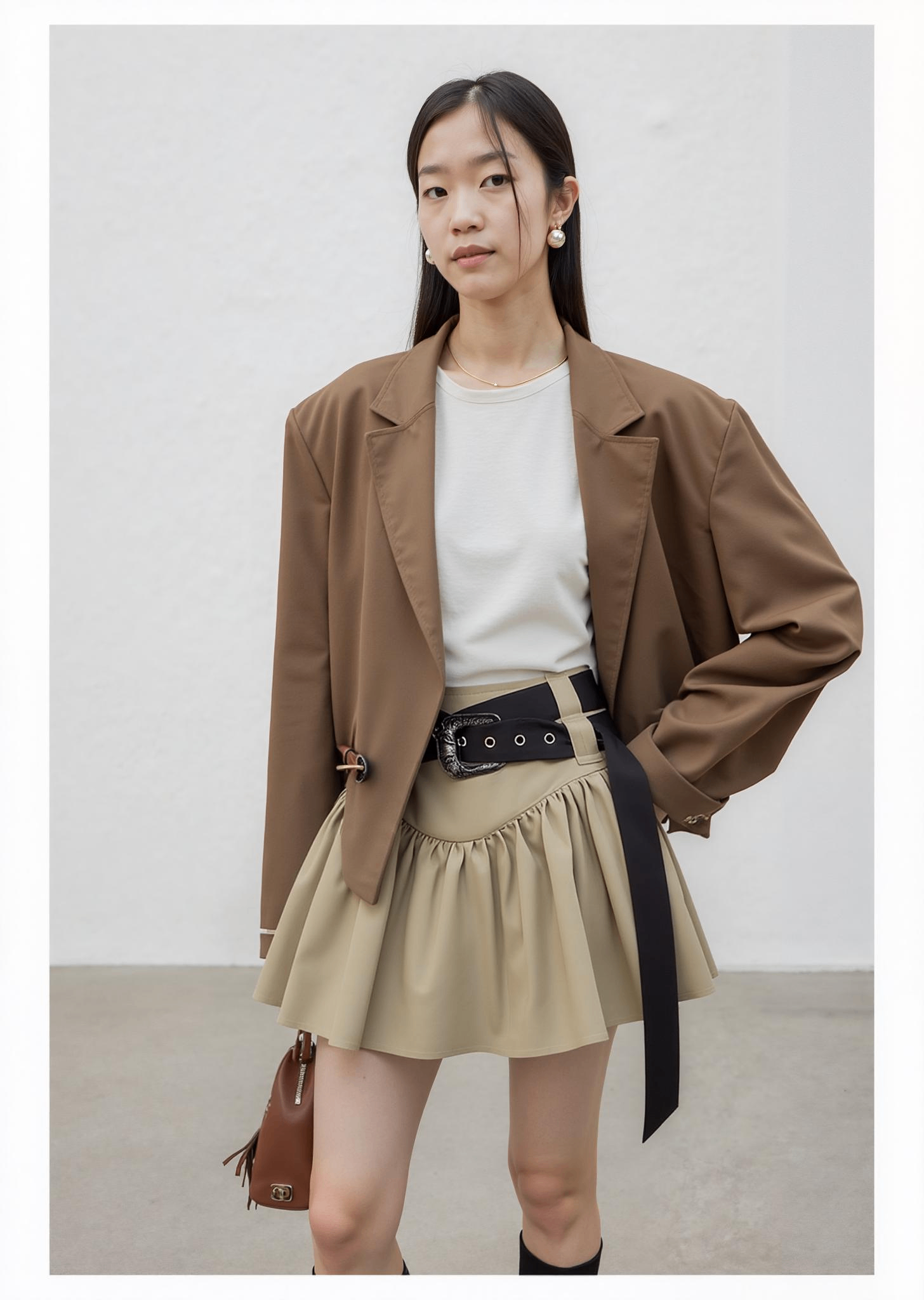 Tracy
Tracy Turn 3D product renders into realistic model photos with WeShop AI Model. Quickly generate lifelike images, change backgrounds, and create professional visuals.
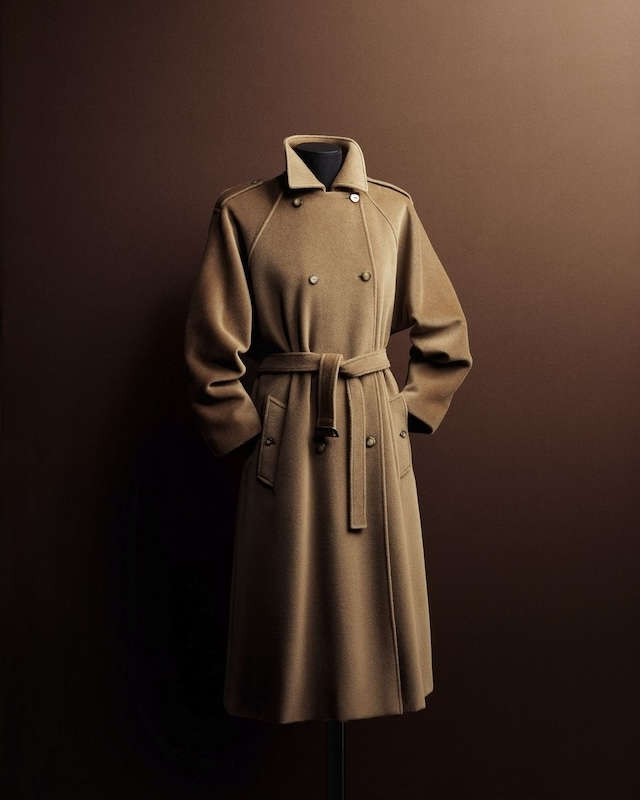 Tracy
Tracy This blog explores how WeShop AI’s AI Model and AI Video features help businesses quickly transform static product images into dynamic, engaging videos.
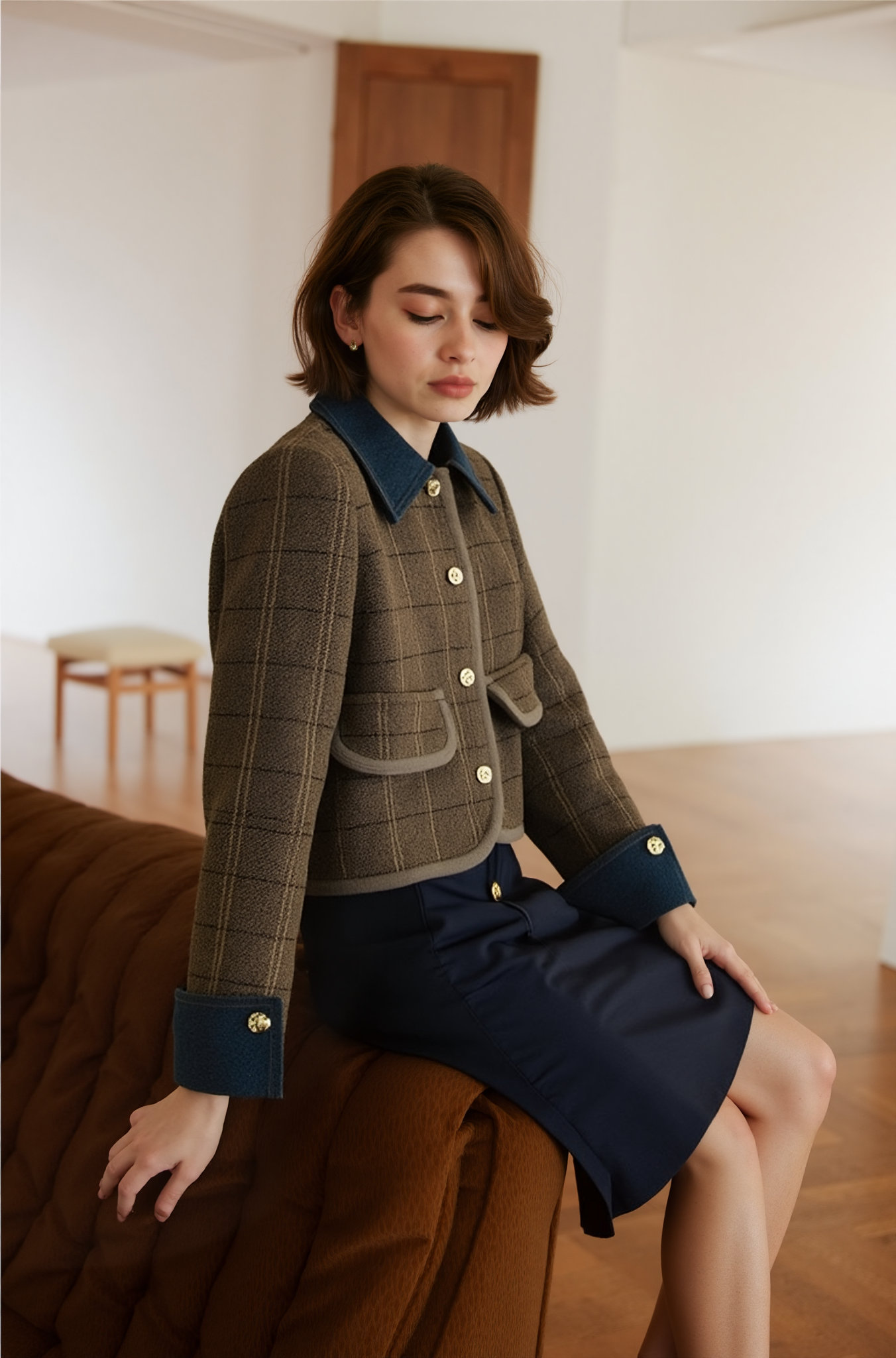 Tracy
Tracy Discover how AI Recolor and AI Model can transform fashion design and e-commerce. Learn how to change the color of flatlay clothing images.
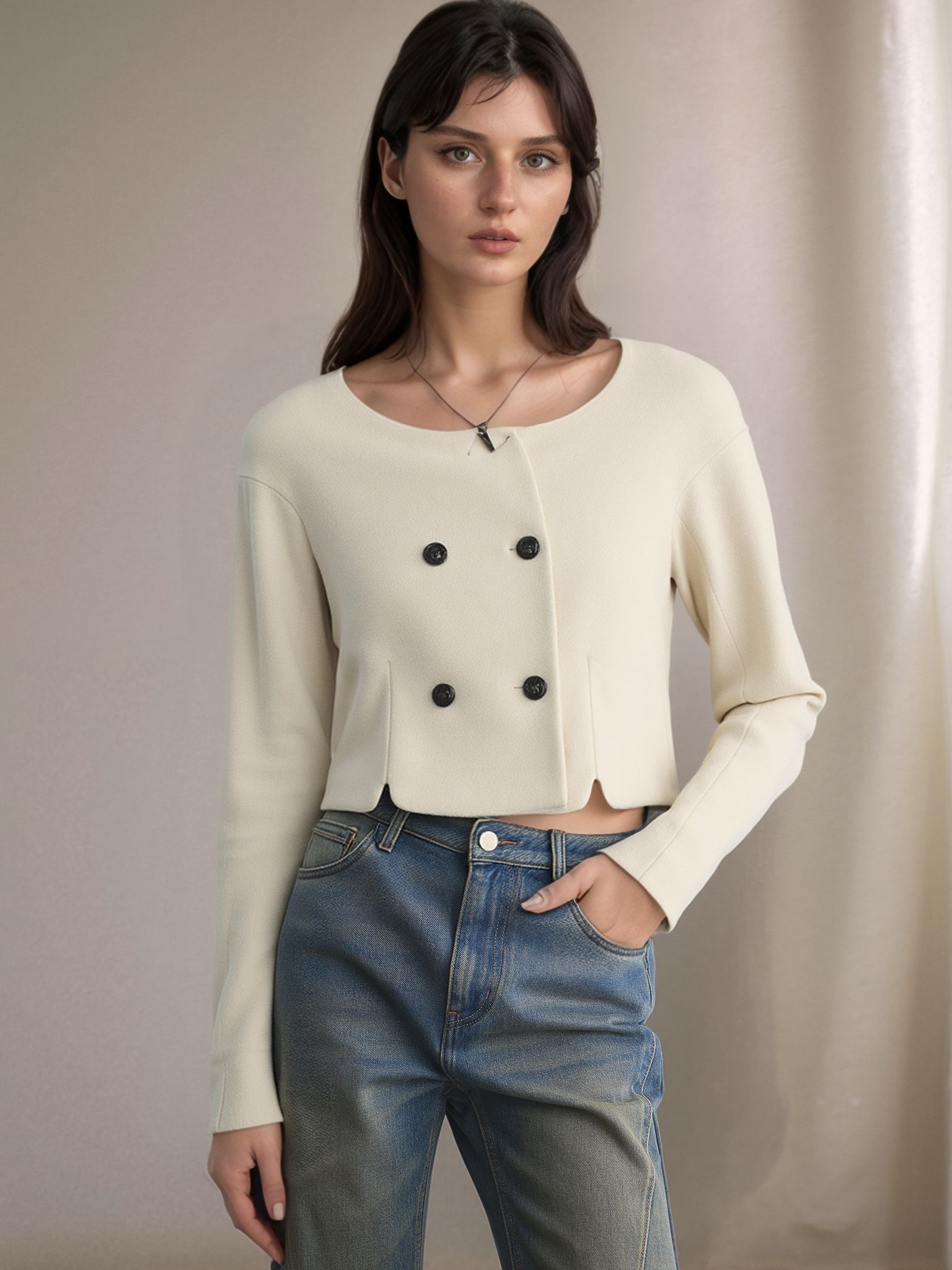 Tracy
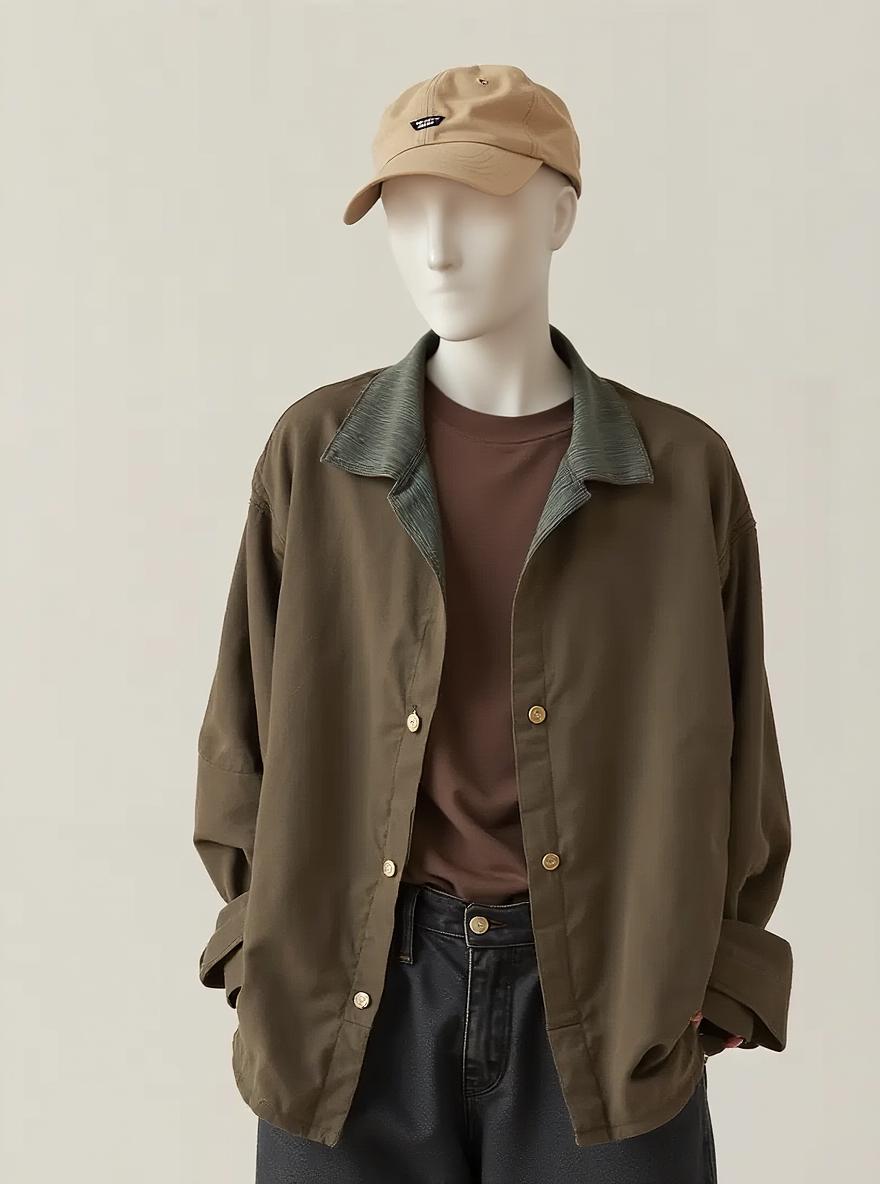
Tracy AI Recolor transforms the way fashion items are presented by allowing users to quickly change colors and display products on a virtual mannequin.
 Tracy
Tracy Discover how WeShop AI’s Magic Eraser makes photo editing effortless. Remove unwanted objects, logos etc. You can use the image for you shop or social media.
 Tracy
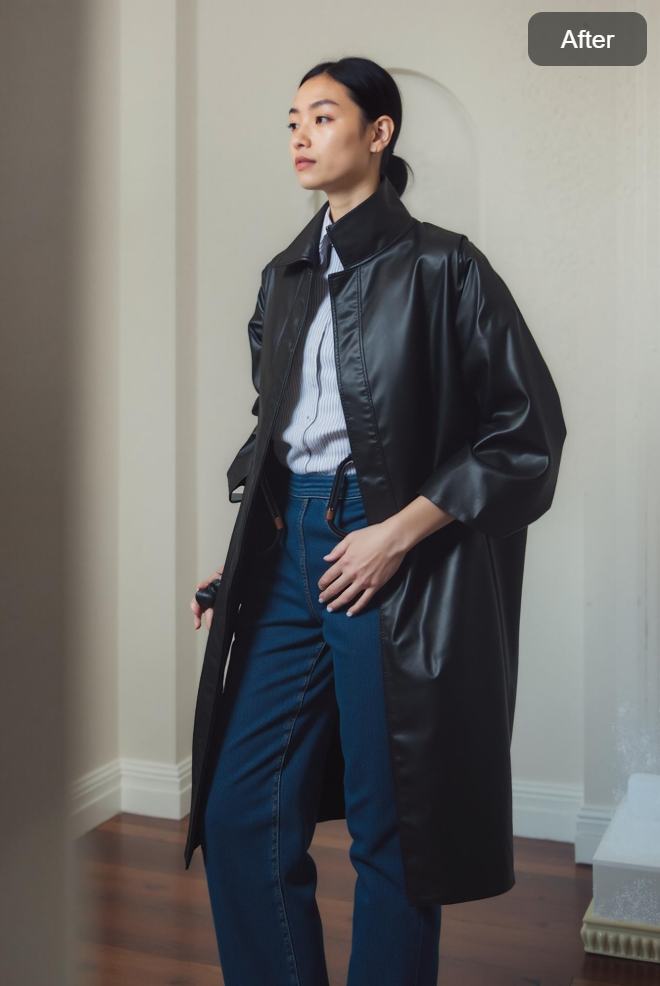
Tracy Explore how WeShop AI’s AI Model feature transforms e-commerce visuals by enabling users to transfer clothing onto virtual models of different body sizes.
 Tracy
Tracy Weshop AI Video Agent lets fashion brands turn static product images into dynamic videos. It helps brands engage customers effortlessly.
 Tracy
Tracy Learn how to create stunning looking-up poses with Weshop AI Pose Generator. Making better photography using AI-powered design.
 Tracy
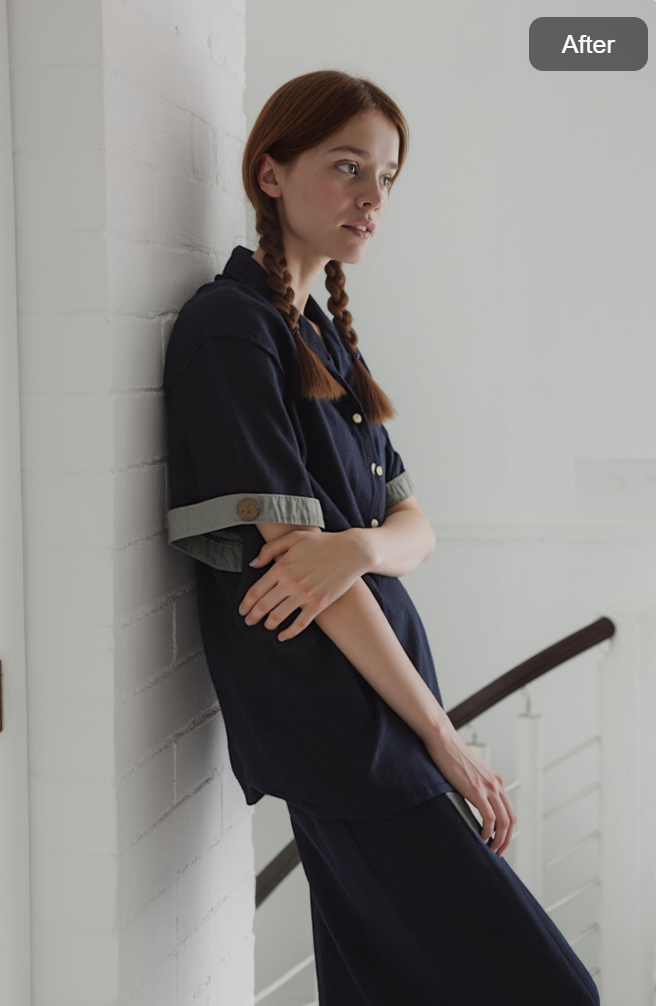
Tracy Learn how to create natural and stylish wall-leaning poses using Weshop AI Pose Generator. Discover prompt tips, common mistakes, and best AI pose examples.
 Instagram