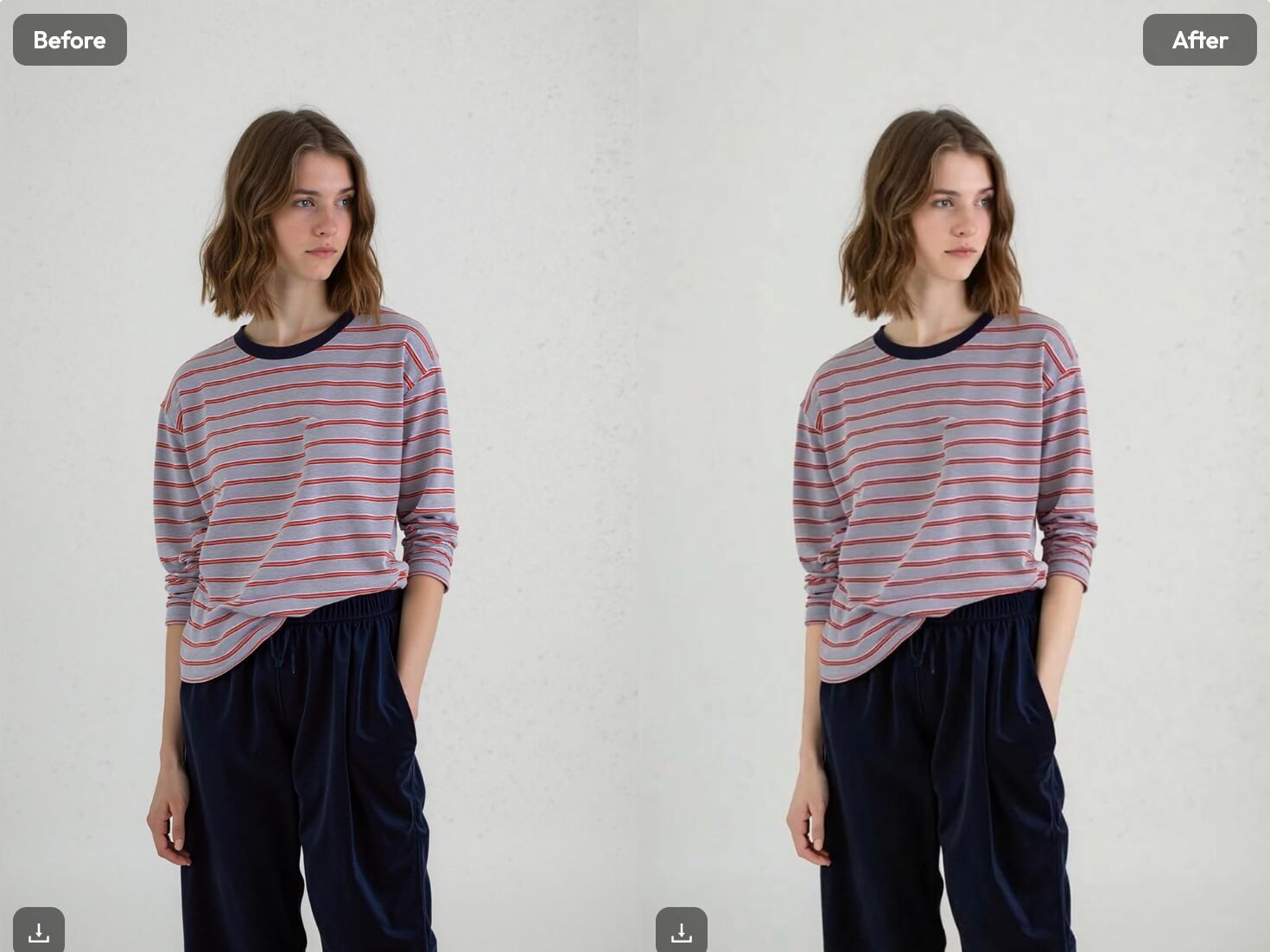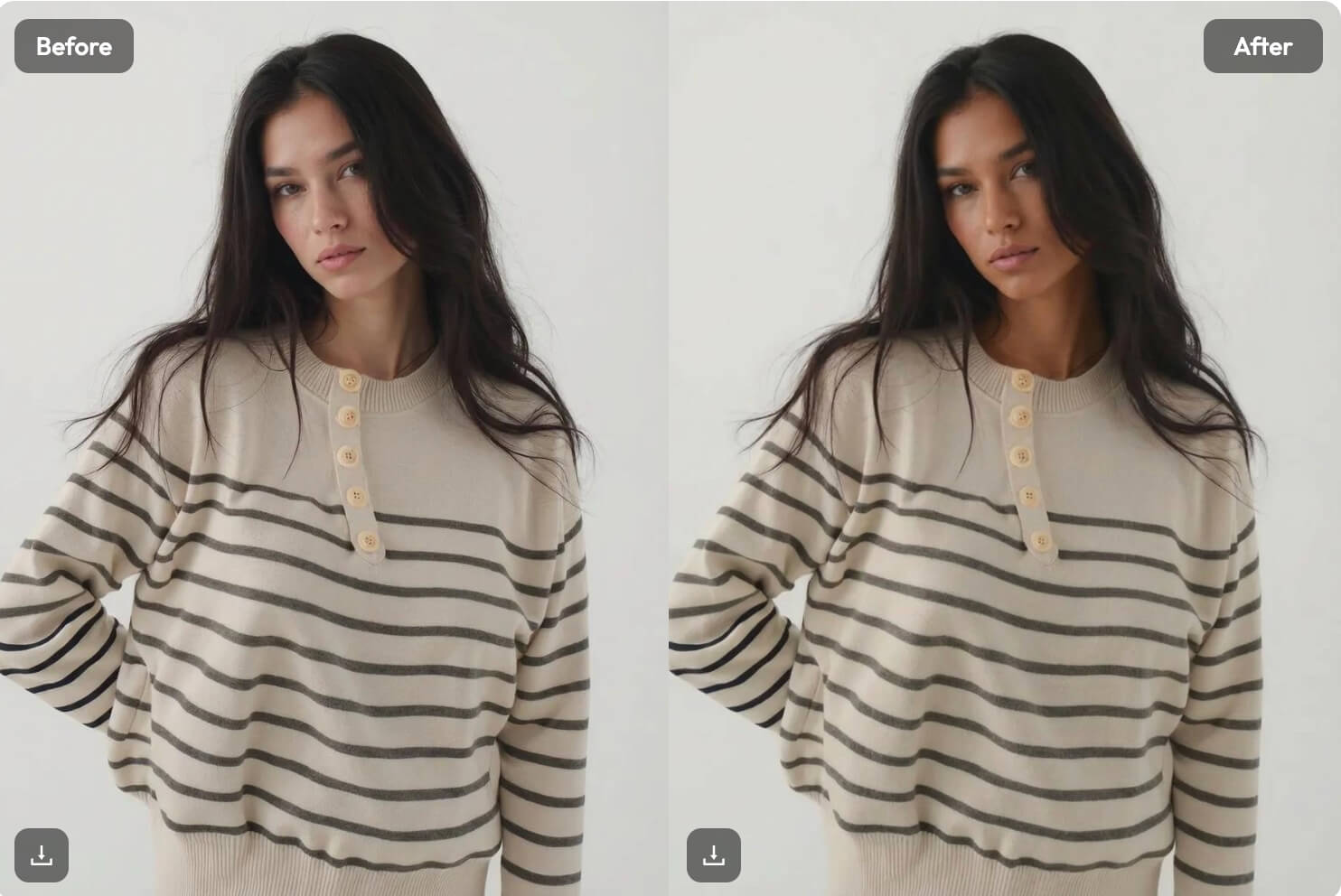
As one of the latest features released by WeShop AI, AI Skin Color Changer is designed to help creators, brands, and everyday users adjust skin tone in photos quickly and naturally—without complex editing or professional retouching skills.
Visual standards online are becoming higher than ever.
From e-commerce listings to social media content, audiences expect images that look clean, balanced, and realistic at first glance.
But skin tone is one of the most difficult details to get right.
Lighting differences, camera exposure, shadows, or sun tan can easily cause uneven skin tone in photos. Traditional photo editing often requires time-consuming manual retouching, and results can easily look over-processed or unnatural.
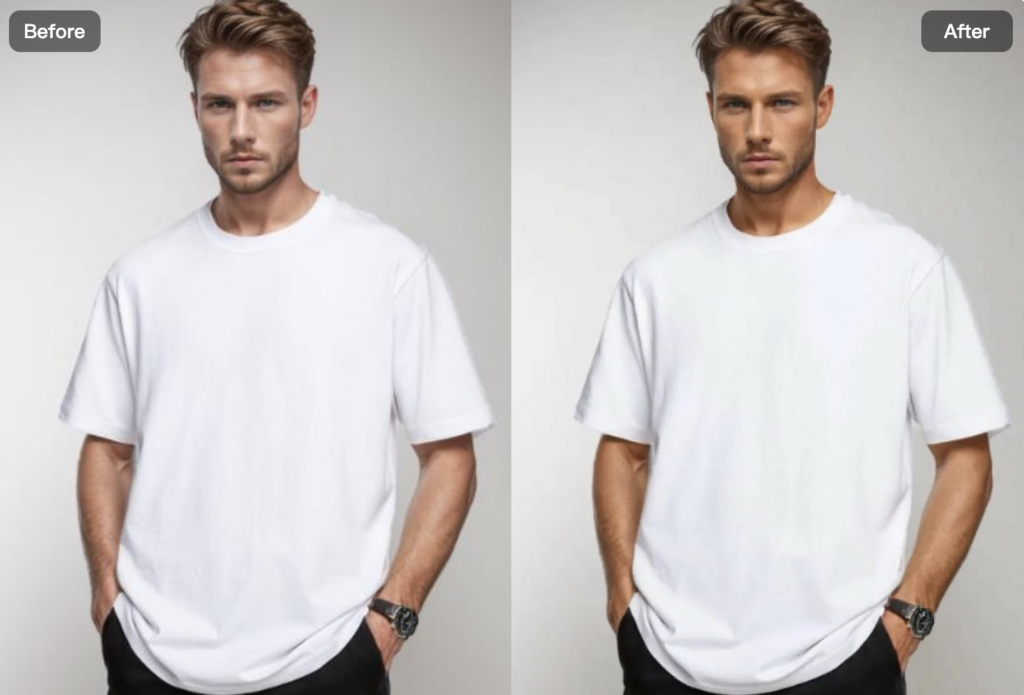
AI Skin Color Changer solves this problem by using artificial intelligence to adjust skin color and skin tone smoothly—while preserving texture, lighting, and facial details.
Let’s take a closer look at how it works, why it matters, and how it fits into real-world workflows.
Try AI Skin Color Changer Now!
What Is AI Skin Color Changer?
AI Skin Color Changer is a free, AI-powered photo editing tool inside WeShop AI that allows users to change skin color and adjust skin tone online with natural-looking results.
In simple terms, it helps you:
- Upload a photo
- Detect skin areas automatically
- Adjust skin tone evenly and realistically
- Match undertones (warm, cool, neutral)
- Export results without advanced editing
Instead of manually painting skin layers or adjusting curves, the AI analyzes skin regions, lighting, and shadows to create smooth transitions that look natural and consistent.
The tool is designed for practical use—not heavy beauty filters or artificial effects.



Why Skin Tone Editing Matters
Skin tone is one of the first things people notice in an image.
Uneven tone caused by lighting, shadows, or sun exposure can make photos look unbalanced—even if everything else is well shot.
Many users face the same challenges:
- Face and neck skin tones don’t match
- Different people in group photos appear under different lighting
- Strong light causes overexposed or dull skin
- Manual retouching looks unnatural or too smooth
These issues slow down content production and increase retouching costs.
AI Skin Color Changer helps solve this by creating clean, consistent, and realistic skin tone adjustments—quickly.
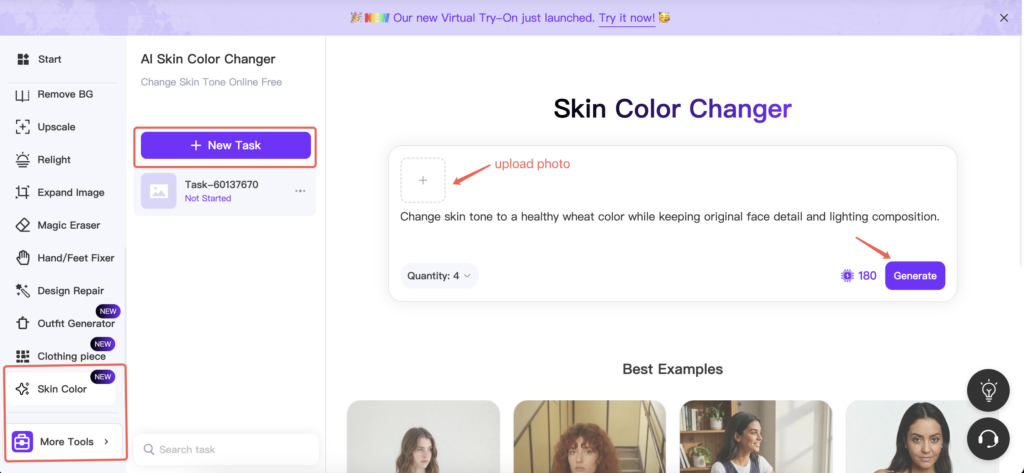
Step-by-Step: How AI Skin Color Changer Works
The workflow is designed to be simple and accessible.
Step 1: Upload Your Image
Upload a clear photo. The AI automatically detects skin areas—no manual selection needed. It works for portraits, full-body images, and group photos.
Step 2: Preview and Fine-Tune
Get an instant preview. Want to try a different tone? Simply adjust and regenerate. The AI processes quickly, making experimentation easy.
Step 3: Download and Use
Once satisfied, download your image in high quality—no watermark included.
What Makes AI Skin Color Changer Different
AI-Powered Skin Detection
The tool focuses only on skin areas, leaving facial features, hair, makeup, and clothing untouched.
Natural Texture Preservation
Unlike basic filters, the AI preserves natural skin texture instead of flattening or blurring it.
Even Skin Tone Without Harsh Edges
Lighting inconsistencies are corrected smoothly, avoiding visible editing marks.
Works Online for Free
No downloads, no software installation, and no professional skills required.
Who Should Use AI Skin Color Changer?
This tool is especially useful for:
- Content creators
- E-commerce sellers
- Beauty and lifestyle brands
- Social media managers
- Designers and artists
- Everyday users who want clean, natural photos
If you care about realistic visuals and efficiency, AI Skin Color Changer fits naturally into your workflow.


Privacy & Safety
WeShop AI prioritizes user privacy.
- Images are processed securely
- Files are automatically deleted after use
- No downloads or personal information required
- Free to use online
You can edit skin tone confidently and responsibly.
Tips for Best Results
To achieve the most realistic outcome:
- Use well-lit photos
- Avoid heavy filters or extreme makeup
- Choose clear images with visible skin areas
- Make subtle adjustments first, then refine
Clean inputs always lead to better AI results.

Conclusion
AI Skin Color Changer is built to solve a common but often overlooked visual problem: inconsistent skin tone.
By combining intelligent skin detection, undertone awareness, and realistic texture preservation, the tool makes professional-quality skin tone editing accessible to everyone.
No complicated retouching.
No unnatural filters.
Just clean, balanced, and natural-looking results—ready in seconds.
If you want better-looking photos without extra effort, AI Skin Color Changer helps you get there faster.