A designer recently posted a side-by-side timing test: extracting a complex logo from a busy background took 12 minutes in Photoshop’s Select and Mask. The same image through an AI background remover took 1.2 seconds. That’s not a 2x improvement — it’s a full order of magnitude. And the AI version had cleaner edges.

The Manual Extraction Bottleneck Nobody Talks About
Adobe Illustrator’s Image Trace and Photoshop’s Select Subject are powerful tools — in isolation. The problem emerges at scale. A freelance designer handling 30 client assets per week spends 5–8 hours on extraction alone. That’s an entire working day consumed by a task that adds zero creative value.
The cognitive load compounds the time cost. Manual extraction demands sustained focus: tracing edges pixel by pixel, adjusting threshold sliders, checking for artifacts at 200% zoom. After the 15th image, attention drifts and quality drops. AI doesn’t have an attention span — it applies identical precision to every image.
How AI Background Removers Achieve the Speed Differential
The 10x speed gap isn’t just about faster processors — it’s a fundamentally different approach to the problem. Manual tools require humans to describe what they want extracted (by clicking, dragging, adjusting). AI tools perceive the subject directly through learned pattern recognition.
WeShop AI’s background remover processes the entire image in a single forward pass through its neural network. There’s no iterative refinement loop, no slider adjustment, no edge cleanup step. The network predicts foreground probability for every pixel simultaneously — roughly 8 million predictions for a 4K image, completed in under 3 seconds.

What took 12 minutes manually now takes 1.2 seconds — with cleaner edge definition.
Where AI Still Needs Human Judgment (And Where It Doesn’t)
AI handles independently: Standard product photography, portrait extraction, logo isolation, batch catalog processing, social media asset creation. For these tasks, the output is production-ready without human intervention.
AI benefits from human review: Artistic compositions where “foreground” is ambiguous, images with intentional background elements that should be preserved, multi-subject scenes where the desired subject isn’t the most prominent element.
The practical insight: AI background removal eliminates 90% of extraction work entirely. The remaining 10% still benefits from AI as a starting point — even when manual refinement is needed, starting from an AI-generated mask saves 60–70% of the time compared to starting from scratch.
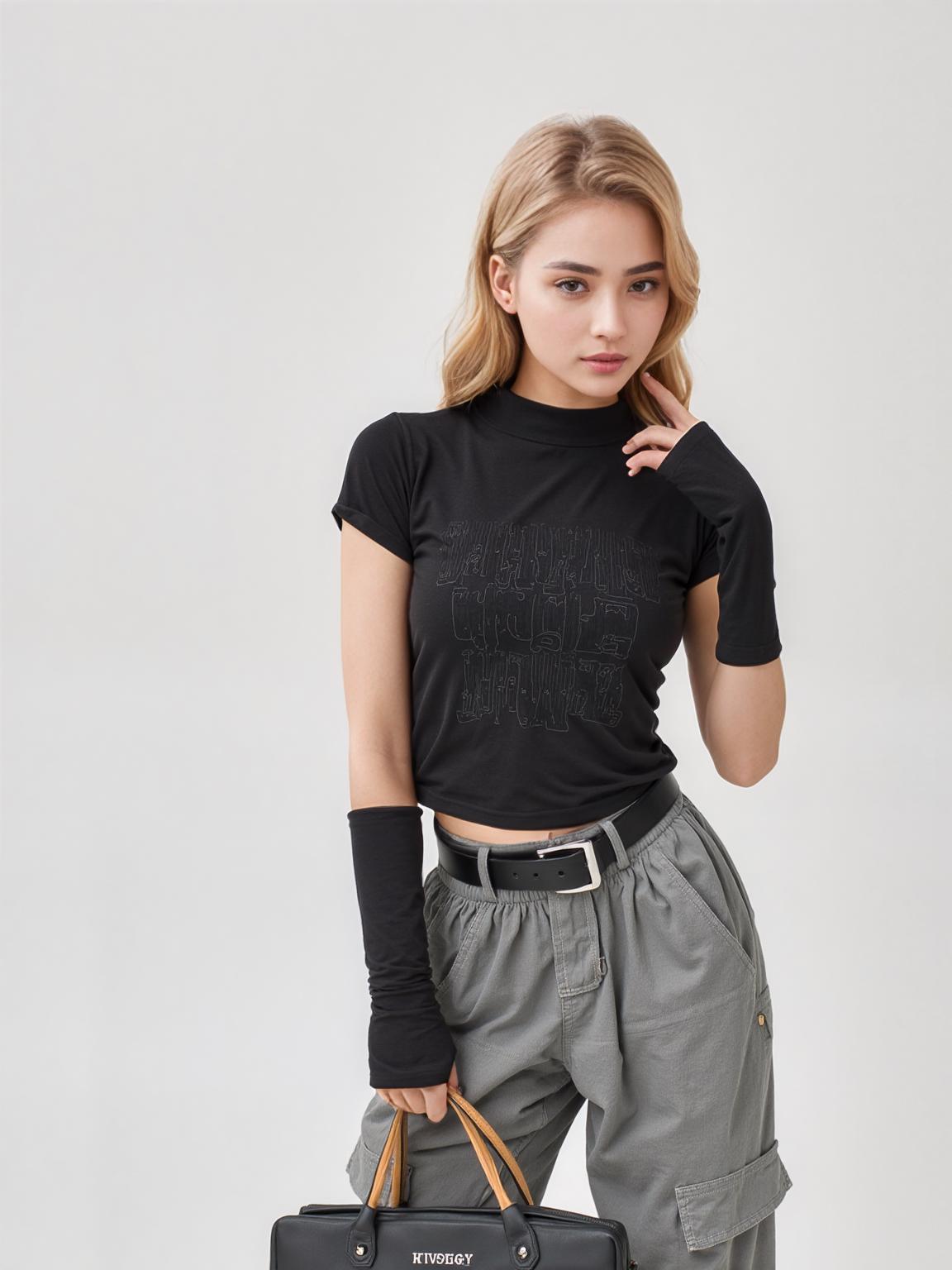
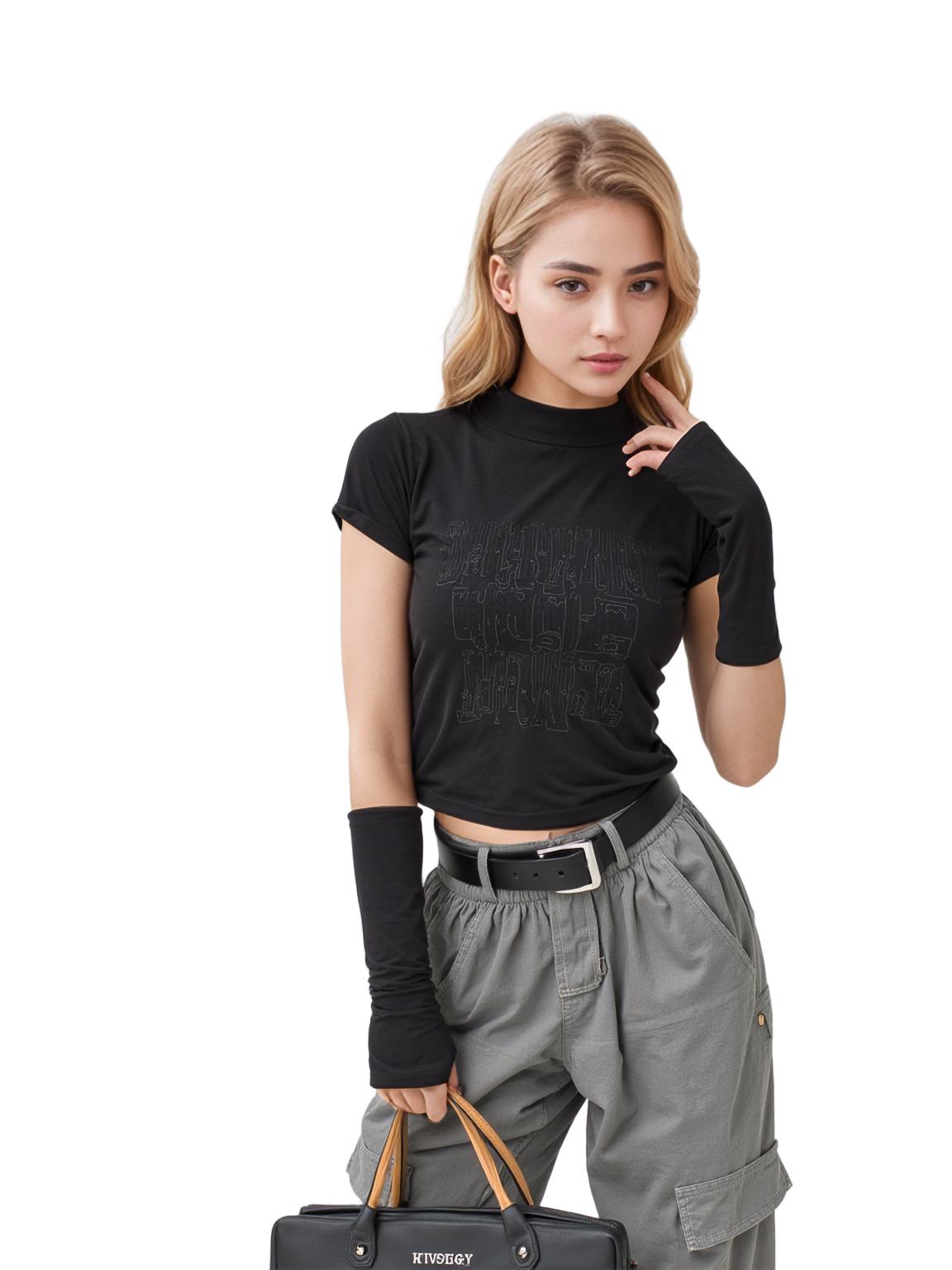
Complex fabric textures and fine details preserved automatically — no manual edge refinement needed.
The Workflow Shift: From Extraction Specialist to Creative Director
When background removal takes 2 seconds instead of 12 minutes, the job description changes. Designers stop being “the person who cuts things out” and start being “the person who decides what goes where.” The creative layer — composition, color harmony, brand consistency — gets the attention it deserves.
WeShop AI’s integrated pipeline accelerates this shift: after removing the background, immediately use AI Change Background to test multiple scene compositions, or run the cutout through AI Product Photography to generate styled product shots. The time previously spent on extraction now goes to creative exploration.


Background removal as step one — the creative compositing that follows is where real value lives.
Expert FAQ
Is AI background removal accurate enough to replace manual extraction entirely?
For 90% of standard use cases (product photos, portraits, logos), yes. For artistic or ambiguous compositions, AI provides an excellent starting point that reduces manual work by 60–70%.
Does Illustrator’s Image Trace do the same thing as AI background removal?
No. Image Trace converts raster images to vector paths — useful for logos and illustrations but destructive to photographic detail. AI background removal preserves the original raster image at full quality while removing only the background pixels.
Can AI handle batch extraction of different product types in one run?
Yes. WeShop AI’s batch processing handles mixed product types — clothing, electronics, food packaging, jewelry — in a single upload. The neural network adapts to each image independently.
What happens to the edges on high-contrast vs. low-contrast images?
High-contrast edges (dark product on white background) are trivial for all tools. Low-contrast edges (beige product on cream background) separate good AI tools from basic ones. WeShop AI’s multi-scale attention specifically targets these challenging boundary regions.
Will AI background removal affect the color accuracy of my product?
Quality AI tools preserve original pixel colors exactly — they modify only the alpha (transparency) channel, not the RGB color values. Your product colors remain untouched.
© 2026 WeShop AI — Powered by intelligence, designed for creators.