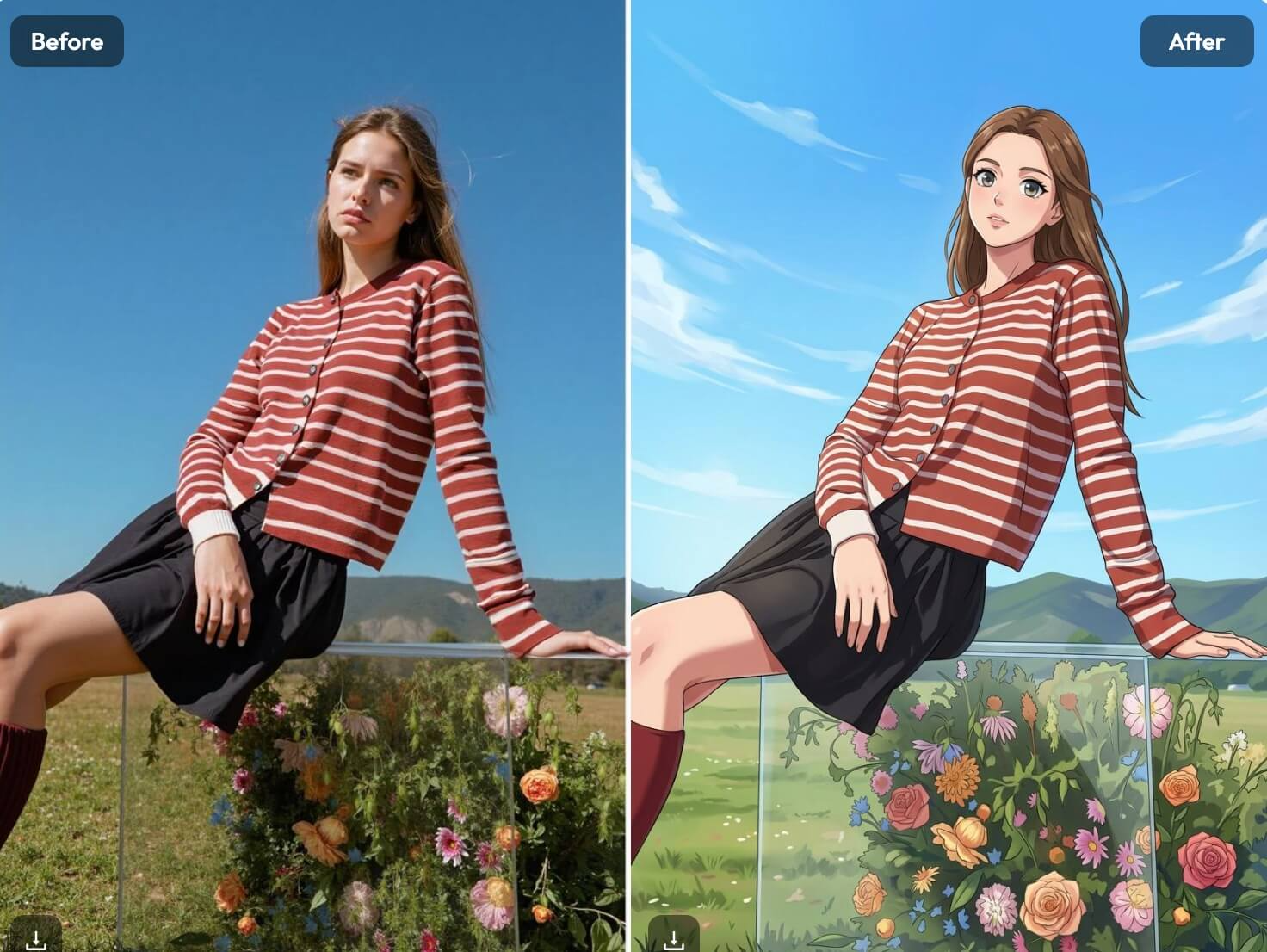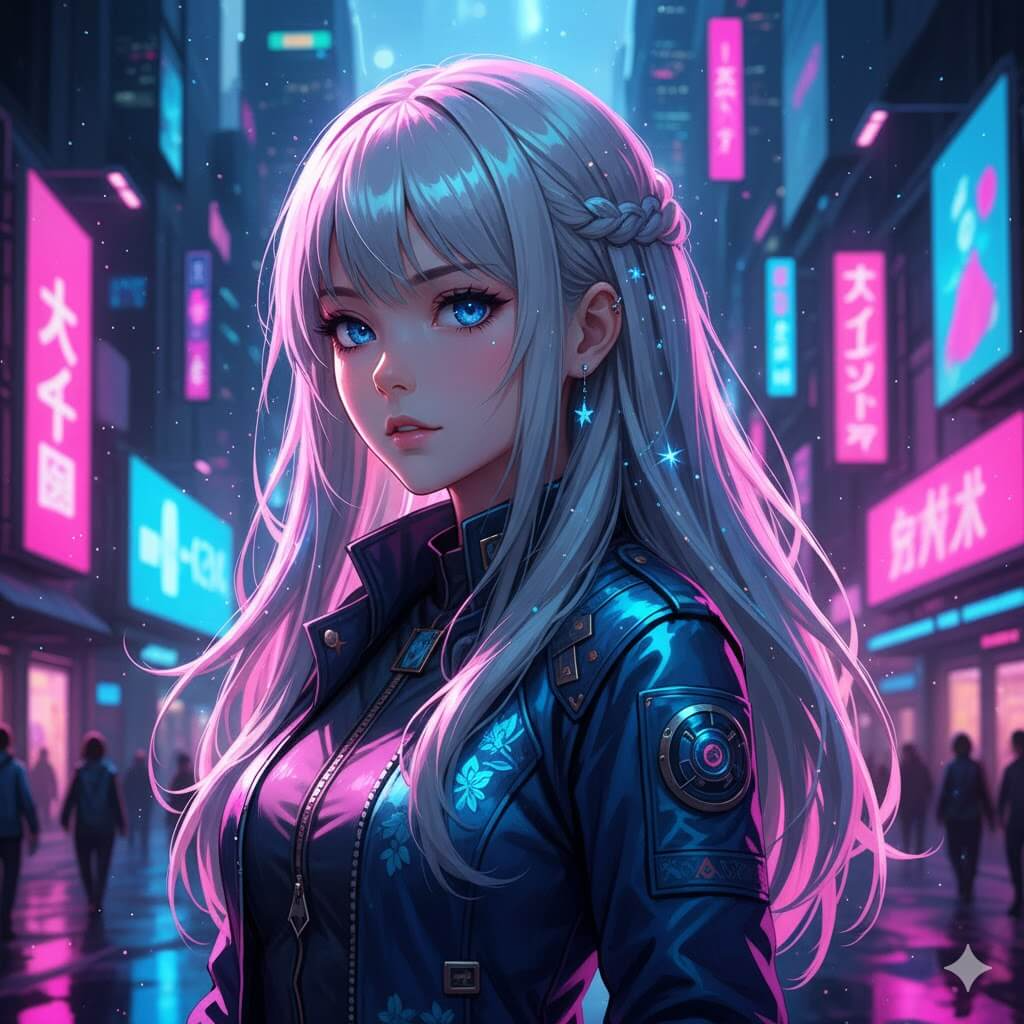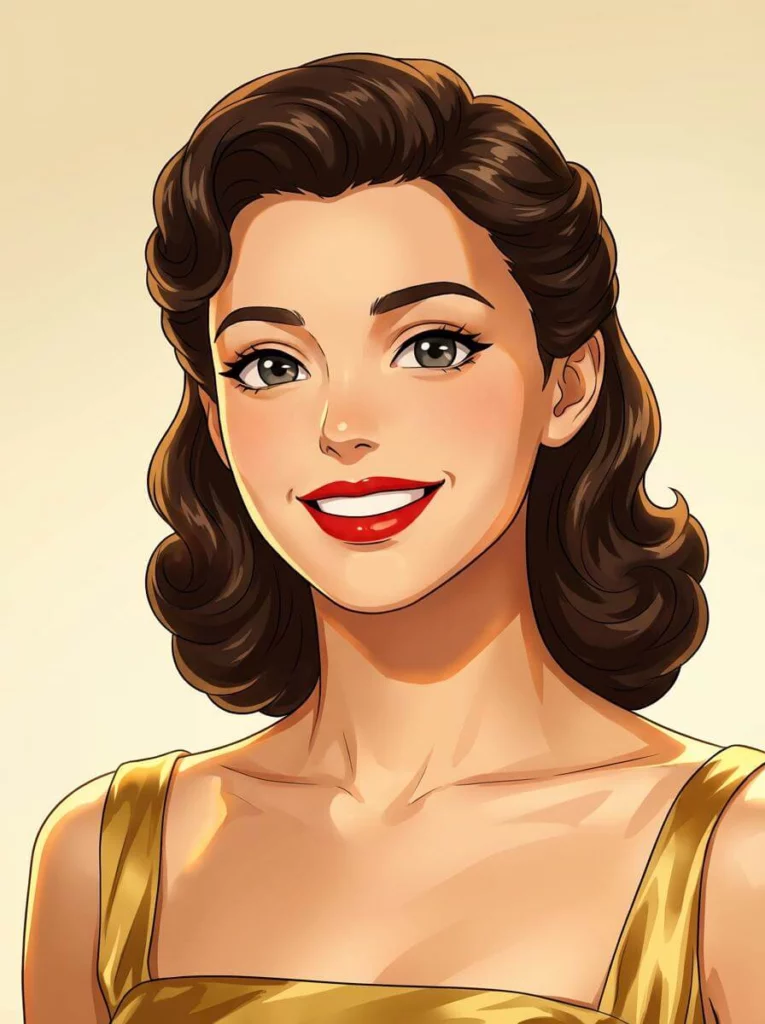
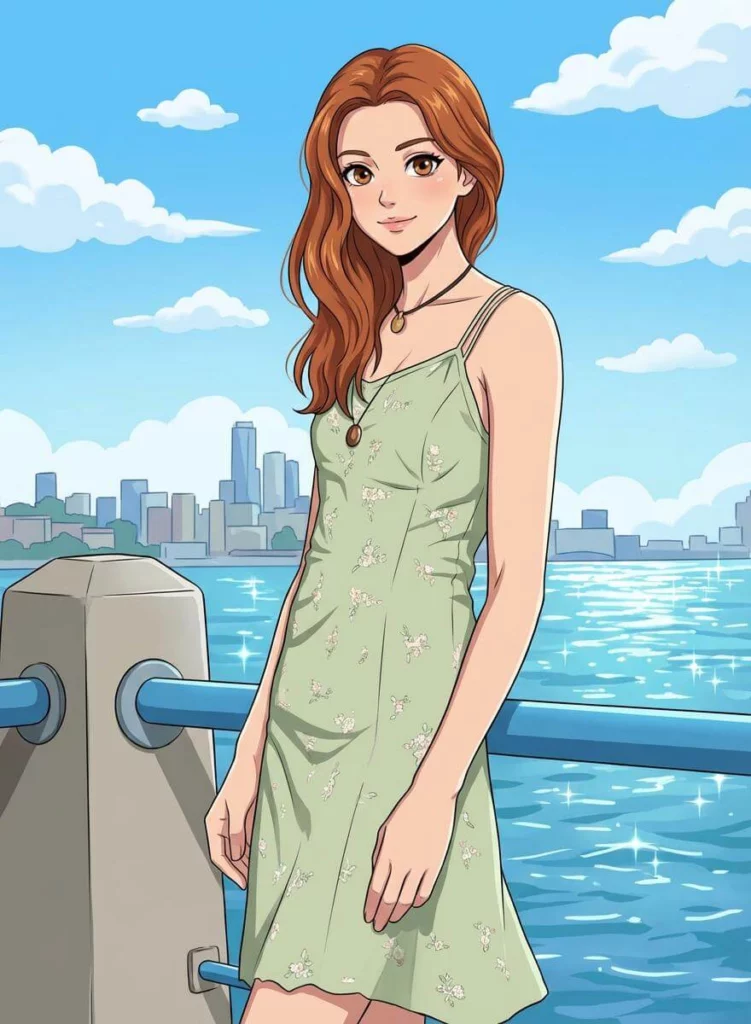
AI Anime Image tools are changing how people create anime-style visuals—without drawing skills, complex software, or long learning curves. With the Anime Image Converter in WeShop AI, you can turn real photos into anime art in seconds, whether you’re creating avatars, character designs, or viral social content.
Instead of starting from a blank canvas, you upload a photo, choose an anime style, and let AI handle the transformation. The result feels fast, creative, and surprisingly flexible. In this guide, we’ll walk through what an AI Anime Image converter is, how it works in WeShop AI, and how different creators actually use it in real projects.
What Is an AI Anime Image Converter?
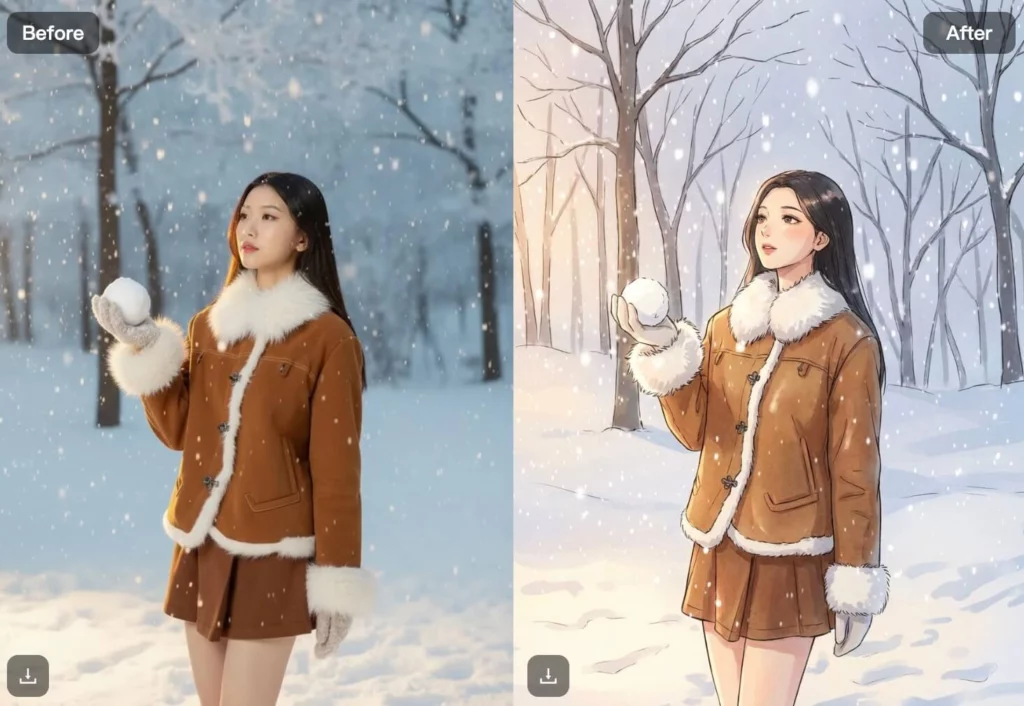
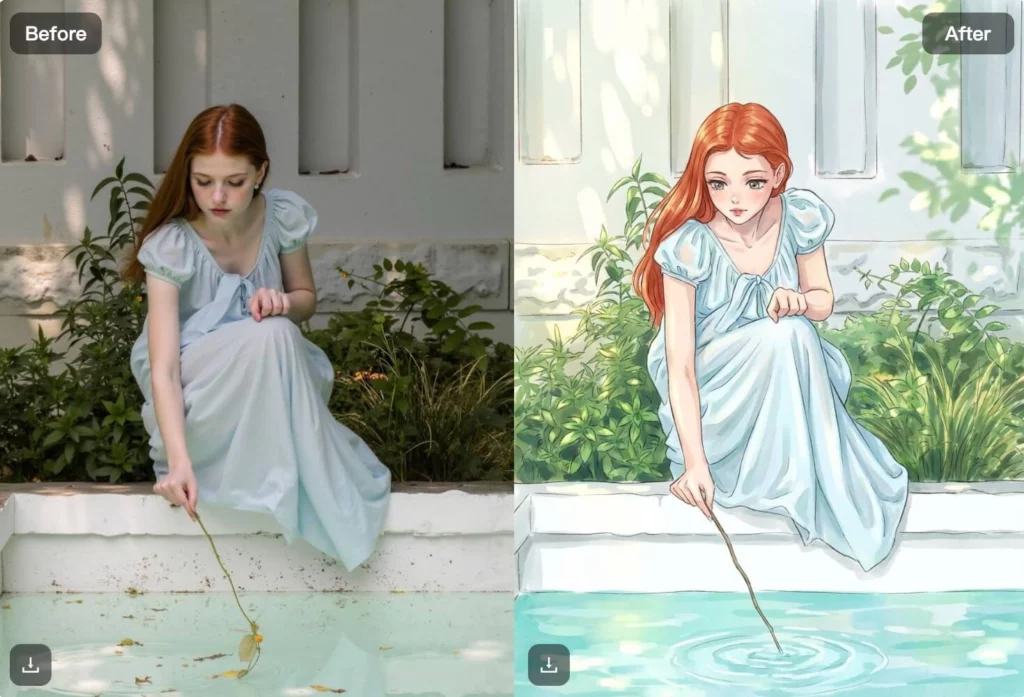
An AI Anime Image converter is a tool that transforms real photos into anime-style illustrations using artificial intelligence. It keeps key facial features and proportions while applying anime-inspired line work, colors, and textures.
Unlike basic filters, an AI Anime Image converter doesn’t just “overlay” a style. It understands faces, hair, clothing, and backgrounds, then redraws them in an anime visual language. That’s why the results feel closer to hand-drawn anime art rather than a cartoon effect.
With WeShop AI’s Anime Image Converter, the focus is simple:
- Preserve identity
- Apply consistent anime aesthetics
- Produce high-quality images that are ready to share or reuse
This makes it useful not only for fun experiments, but also for creators who need repeatable, clean anime visuals.
How to Create an AI Anime Image with WeShop AI
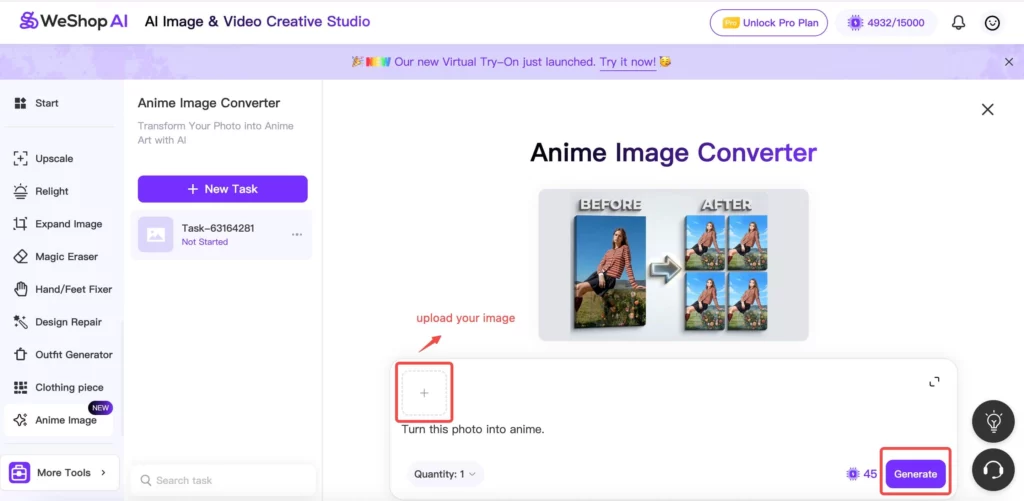
Creating an AI Anime Image in WeShop AI is intentionally simple. You don’t need to adjust layers, brushes, or technical settings.
Step 1: Upload Your Photo
Start by uploading a clear photo. Portraits work best, but full-body images also convert well. If you don’t have a photo, you can still start from AI-generated images.
Step 2: Choose Anime Style Conversion
The Anime Image Converter automatically analyzes facial features, hair, and lighting. From there, it applies an anime art style that feels cohesive rather than exaggerated.
Step 3: Add or Refine a Prompt (Optional)
You can describe the vibe you want—soft anime, vibrant colors, cinematic lighting, or classic manga-inspired looks.
If you’re not sure how to phrase it, WeShop AI can help refine your prompt.
Step 4: Generate and Download
Click generate, preview the results, and download your anime image. You can generate multiple variations to explore different looks without re-uploading.
This workflow keeps the process fast, especially if you’re testing ideas or creating multiple anime images for one project.
What You Can Create with an AI Anime Image Converter
Once you understand the basics, the creative possibilities open up quickly. Here are some of the most common ways people use AI Anime Image tools in WeShop AI.
Anime Avatars for Social Media and Gaming
Many users create anime avatars for:
- Instagram and TikTok profiles
- Discord servers
- Gaming platforms
Because the AI preserves facial identity, the avatar still feels “like you,” just in anime form.
Anime Art for Character Design
Writers, game designers, and illustrators use AI Anime Image conversion to explore character ideas. Turning a real photo into anime art helps:
- Test hairstyles and expressions
- Visualize characters before drawing
- Create references for later illustration work
This is especially useful when building a character series with consistent style.
Anime Selfies and Viral Content
Short-form platforms reward eye-catching visuals. Anime-style images stand out instantly in a feed.
Creators often use AI Anime Image tools to:
- Turn selfies into anime art
- Create before/after transformations
- Build themed anime content for trends
Because the process is fast, creators can respond to trends without slowing down production.
Consistent Anime Image Sets
For profiles, teams, or themed projects, consistency matters. WeShop AI makes it easy to convert multiple photos using the same anime style, helping creators maintain a unified visual identity.
Who Is the AI Anime Image Converter Perfect For?
The Anime Image Converter isn’t limited to one type of user. In practice, different groups use it in different ways.
Content Creators and Influencers
If you create content regularly, an AI Anime Image tool gives you:
- Fresh visual styles without redesigning everything
- Fast experimentation for new ideas
- Shareable images that feel custom
Anime Fans and Hobbyists
Not everyone wants to draw, but many people love anime. This tool lets fans create anime versions of themselves or friends without learning illustration software.
Artists and Designers
Some artists use AI Anime Image conversion as a reference or inspiration tool. It’s not a replacement for drawing—but it’s a fast way to explore composition, lighting, and character mood.
Brands and Communities
Anime-themed communities, events, or online groups often need visuals that feel cohesive. AI Anime Image tools help create branded avatars, banners, and profile sets quickly.
Best Tips for Better AI Anime Image Results
If you want stronger results from an AI Anime Image converter, a few small choices make a big difference.
Use Clear, Well-Lit Photos
Good lighting helps the AI understand facial structure. Avoid heavy shadows or blurry images when possible.
Keep Backgrounds Simple
Busy backgrounds can distract from the subject. Clean or neutral backgrounds usually convert better into anime art.
Be Specific with Prompts
Instead of “anime style,” try phrases like:
- “soft anime illustration with pastel colors”
- “clean line art, studio Ghibli-inspired mood”
- “vibrant anime portrait with cinematic lighting”
Clear prompts guide the AI toward the look you want.
Generate Variations
Don’t stop at the first result. Generating multiple versions helps you compare styles and choose the strongest image.
AI Anime Image vs Traditional Illustration Methods
It’s worth understanding how AI Anime Image tools compare to traditional workflows.
Traditional Anime Illustration
- Requires drawing skills
- Takes hours or days per image
- Full creative control, but slower
AI Anime Image Conversion
- No drawing skills needed
- Results in seconds
- Great for speed, testing, and volume
Many creators combine both approaches. AI handles exploration and speed, while hand-drawing refines final artwork.
Why Use WeShop AI for AI Anime Images?
What makes WeShop AI’s Anime Image Converter stand out is balance. It focuses on:
- Ease of use
- Visual consistency
- High-quality outputs
You don’t need advanced settings to get clean anime images, and you’re not locked into one rigid style. That flexibility is why people use it not just once, but as part of their regular creative workflow.
Final Thoughts
AI Anime Image tools have moved beyond novelty. They now play a real role in how people create avatars, explore characters, and produce anime-style content at scale.
With WeShop AI’s Anime Image Converter, turning photos into anime art feels simple, fast, and creative—without sacrificing quality. Whether you’re experimenting for fun or building a consistent anime-themed presence, this tool gives you an accessible way to bring anime visuals into your workflow.