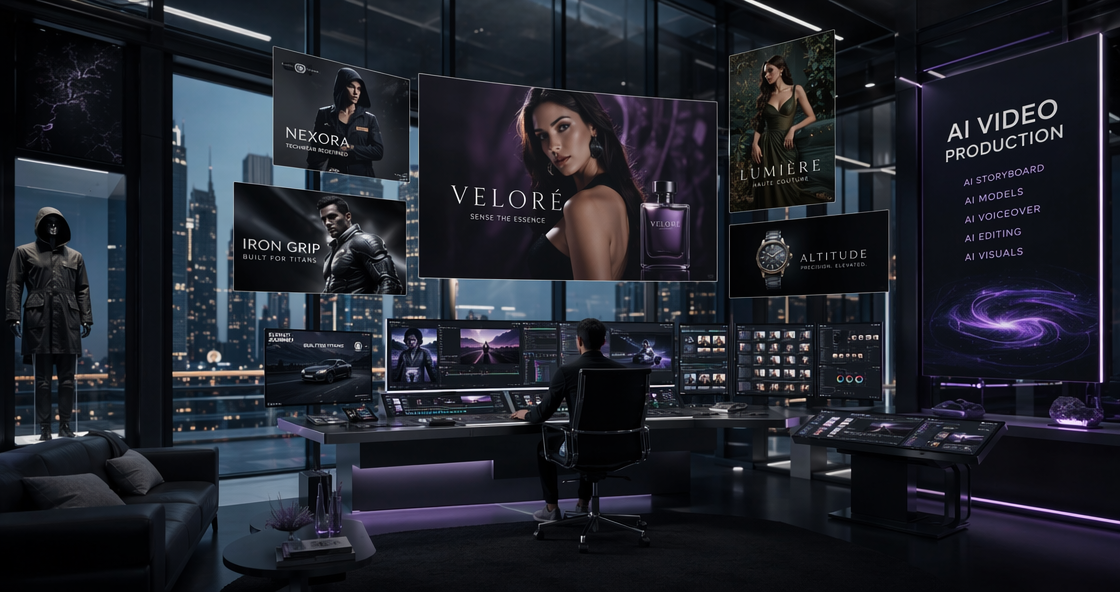

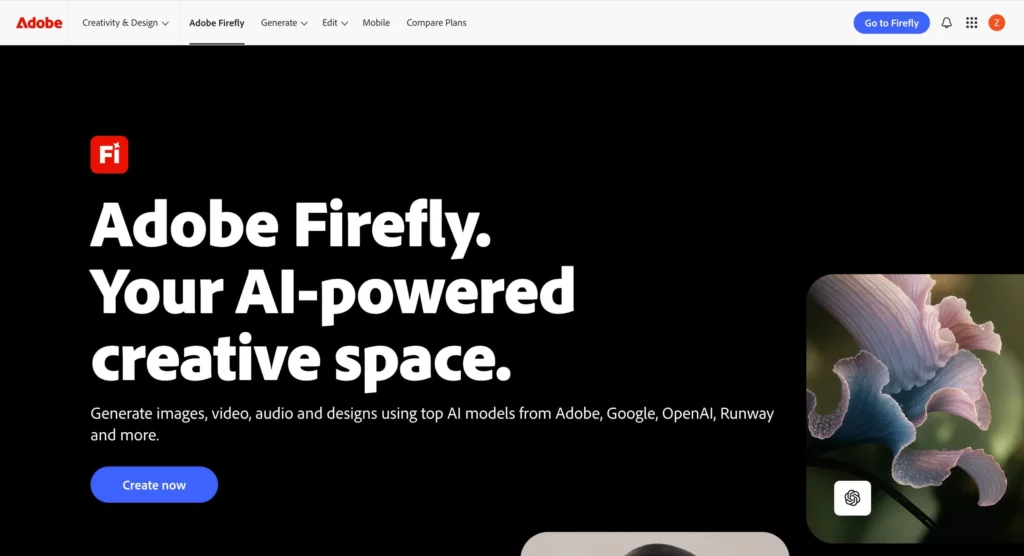
The design world looks very different today than it did just two years ago. In 2026, we no longer debate if AI should be used in design. Instead, we ask which tool handles the workload best. Adobe Firefly has become the central answer for millions of professional creators. It is not just a prompt box on a website. It is a deeply integrated engine that lives inside the tools we use daily. From Photoshop to Premiere, this AI has changed how we move from an idea to a finished file.
The Evolution of Adobe Firefly Features in 2026
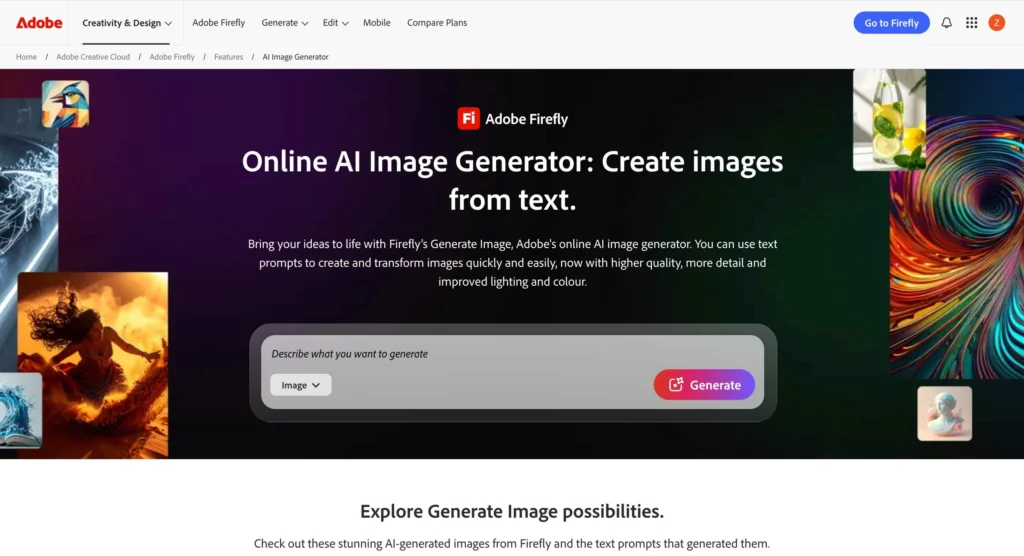
The growth of Adobe Firefly has been impressive over the last few years. It started as a simple text-to-image tool. Now, it is a multi-modal powerhouse. In early 2026, Adobe released several major updates to the Firefly ecosystem.
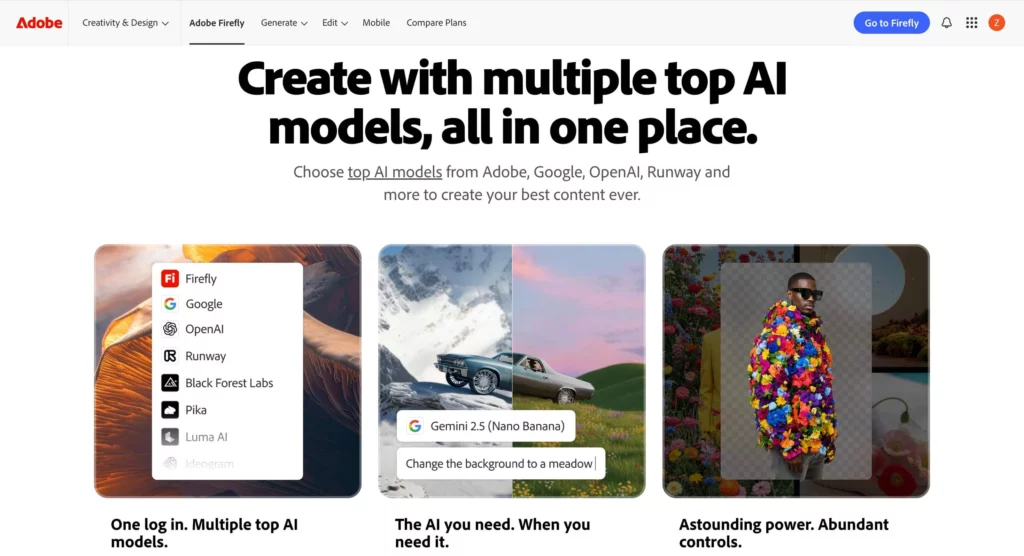
The most significant change is the full integration of the Video Model. Users can now generate high-quality video clips from a simple text prompt. You can also turn a static image into a moving scene. This feature is perfect for creating social media content or B-roll footage. It saves hours of manual animation work.
Another highlight is the “Prompt to Edit” control for video. Imagine you have a great shot, but the background is too busy. You can now use a text command to remove a person. You can even change the sky from sunny to overcast. This level of control was impossible just a year ago.
Mastering Generative Video and Audio Tools
Video editing used to be a very technical task. Now, it is becoming much more accessible. Adobe has added “Generative Extend” to Premiere Pro. This tool allows you to add extra frames to a clip. It helps you cover gaps in your timeline perfectly.
The audio features are also a game-changer. You can now generate sound effects using just your voice. If you need the sound of a lion’s roar, you can mimic the rhythm. Firefly will generate a high-quality audio file that matches your energy.
Localization has also become much easier in 2026. The new Dubbing and Lip Sync features allow you to translate dialogue instantly. The AI keeps the original voice but matches the lip movements. This is a massive win for global marketing teams.

Adobe Firefly 2026 Pricing and Credit Plans
For many professionals, the cost is the most important factor. Adobe has simplified its pricing tiers for 2026. The structure is designed to fit different needs and budgets.
| Plan Name | Monthly Price | Monthly Credits | Key Benefits |
| Firefly Standard | $9.99 | 2,000 | Basic image and vector tools. |
| Firefly Pro | $19.99 | 4,000 | Unlimited Nano Banana Pro 2K. |
| Firefly Premium | $199.99 | 50,000 | Full access to the Video Model. |
| Creative Cloud Pro | $69.99 | 4,000 | Access to 20+ Adobe apps. |
The Firefly Pro plan is the most popular choice for freelancers. It provides enough credits for a full month of work. If you are an enterprise user, the Firefly Premium plan is better. It offers a massive credit pool for large teams.
Many users find the Creative Cloud Pro bundle to be the best value. It includes Photoshop, Illustrator, and Premiere Pro. You get the AI features as part of the package.
Adobe Firefly vs Midjourney in 2026
The battle between Adobe and Midjourney is still going strong. However, both tools have found their own niches.
Midjourney V7 is still the king of artistic flair. It produces images with deep texture and cinematic lighting. If you are creating concept art, Midjourney is hard to beat. It feels like an art director with a unique soul.
In contrast, Adobe Firefly excels at commercial reality. It creates clean, usable files that fit brand guidelines. Its “Text to Vector” tool is a perfect example. Designers can generate a logo and edit the paths in Illustrator instantly. Midjourney only produces raster images, which can be hard to resize.
Workflow integration is where Adobe really wins. You never have to leave your main app to use AI. In Photoshop, you just select an area and use “Generative Fill.” This saves a lot of time compared to exporting files.
Professional Workflows for Design Agencies
Agencies are using AI to speed up their client approvals. Instead of sketching for days, they create “Boards”. These boards allow teams to test different styles in minutes.
The new Topaz Astra integration is another professional highlight. It allows you to upscale AI video clips to 4K. Low-resolution drafts can now become high-quality final assets. This makes AI-generated content viable for YouTube or television.
Collaboration is also smoother in 2026. Teams can share custom models trained on their own brand assets. This ensures that every AI-generated image stays on-brand. It prevents the “generic AI look” that many companies want to avoid.
The Commercial Safety of Adobe Firefly Assets
One of the biggest concerns with AI is copyright. Adobe has addressed this with their ethical training model. They only use licensed or public domain images. This makes Adobe Firefly safe for commercial use.
Brands can use these images without worrying about legal trouble. Adobe even offers an indemnity for enterprise users. This is a major reason why big companies choose Adobe over Midjourney.
The “Content Authenticity” API is another key feature. It adds a digital signature to every file. This proves the image was made with AI. It helps build trust with audiences in an age of deepfakes.
Step-by-Step Guide for Creative Success
If you want to master these tools, follow this simple process.
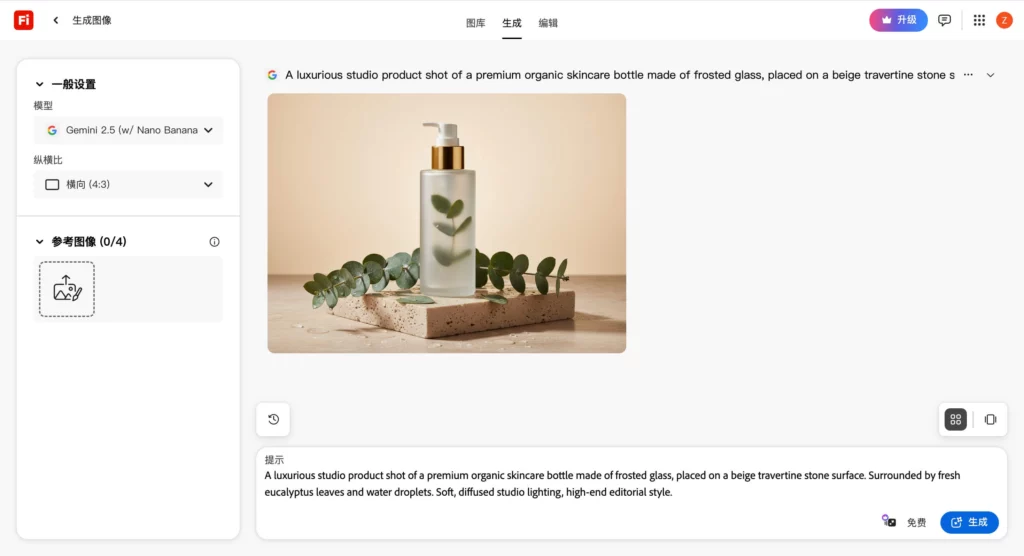
- Start with a clear prompt. Use simple language. Describe the subject and the lighting clearly.
- Use reference images. Upload a photo to guide the AI’s style. This helps you get a consistent look.
- Iterate with Generative Fill. Don’t try to get a perfect image in one go. Fix small details step by step.
- Export to the right format. Use the built-in tools to save as SVG or high-res TIFF.
Experimentation is the key to discovering the full potential of these features. Don’t be afraid to try “Intelligent Color Matching” to balance your scenes.
Adobe Firefly Final Verdict and Niche Options
In 2026, Adobe Firefly is the most complete tool for professional designers. It balances creativity with the technical needs of a modern workflow. It is reliable, safe, and deeply integrated into our lives.
However, general tools aren’t always perfect for every task. For example, if you focus strictly on e-commerce photography, you may need more. While Adobe is great for art, Weshop AI is a specialized tool for retail. It helps you create perfect model shots with 100% product accuracy.