The instinct makes perfect sense: you have a blurry photo, you ask the smartest AI you know to fix it. “Hey ChatGPT, can you enhance this photo?” The answer you get is helpful — a list of tools, a brief explanation of upscaling techniques, maybe even some Python code for running Real-ESRGAN locally. What you don’t get is your photo actually fixed. Because large language models don’t process images the way dedicated vision models do.
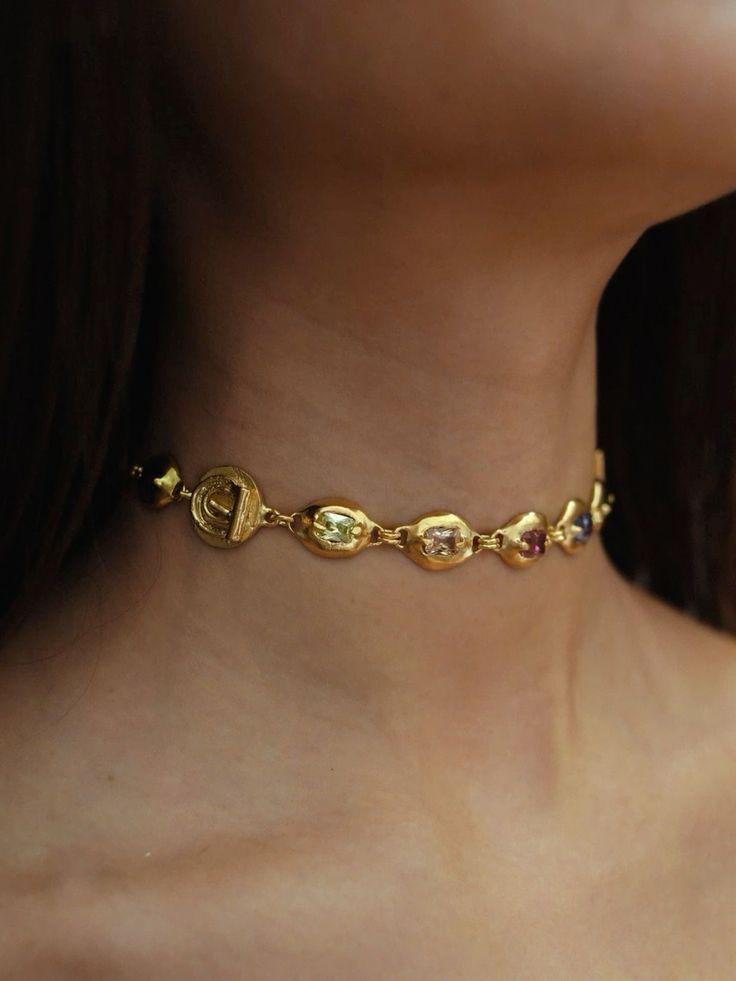
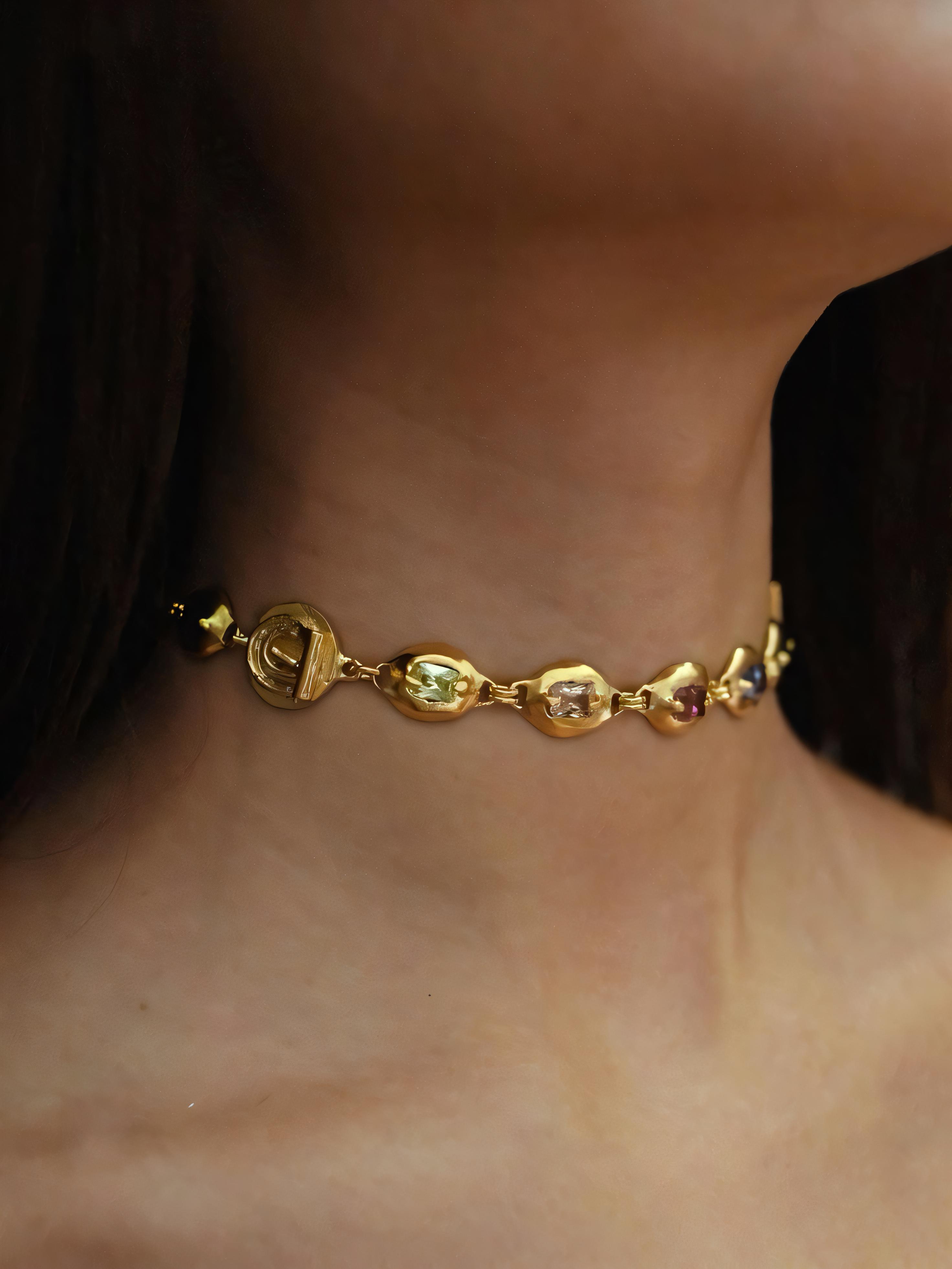
Left: The photo ChatGPT can describe but not fix | Right: The same photo after dedicated neural enhancement — a fundamentally different AI architecture
The Science Behind Why ChatGPT Can’t Fix Your Photos (And What Can)
ChatGPT, Claude, Gemini — these are language models. They process text tokens. When you upload an image, they can analyze it (describe content, identify objects, read text) but they cannot modify pixels. It’s the difference between a film critic who can brilliantly analyze a movie and a filmmaker who can actually shoot one. Both involve deep understanding of the medium, but the skills are fundamentally different.
Dedicated image enhancement models — convolutional neural networks, U-Net architectures, diffusion models fine-tuned for super-resolution — operate on pixel data directly. They process spatial relationships, texture patterns, and color gradients at the mathematical level that image quality requires. No amount of language model sophistication will match a vision model for pixel-level tasks.
The irony: ChatGPT is excellent at recommending the right image enhancement tool. It just can’t be that tool. The most productive use of a chatbot for photo enhancement is asking it to explain which tool fits your specific situation, then using that dedicated tool directly.
The Right Tool for the Right Job: AI Enhancement Architecture Explained
The AI ecosystem for photo enhancement consists of three tiers:
- Tier 1: Language Models (ChatGPT, Claude) — Excellent for advice, terrible for execution. Can analyze your photo’s problems, recommend solutions, and even write code to automate batch processing. Cannot touch your pixels.
- Tier 2: General-Purpose Image Generators (DALL-E, Midjourney) — Can create new images from descriptions and sometimes “enhance” by regenerating. But regeneration changes the content — your grandmother’s face becomes a different grandmother’s face. Not restoration.
- Tier 3: Dedicated Enhancement Models (Super-Resolution Networks) — Purpose-built for one job: making existing photos better without changing their content. These are the tools that actually fix blurry photos, enhance resolution, and restore degraded images.
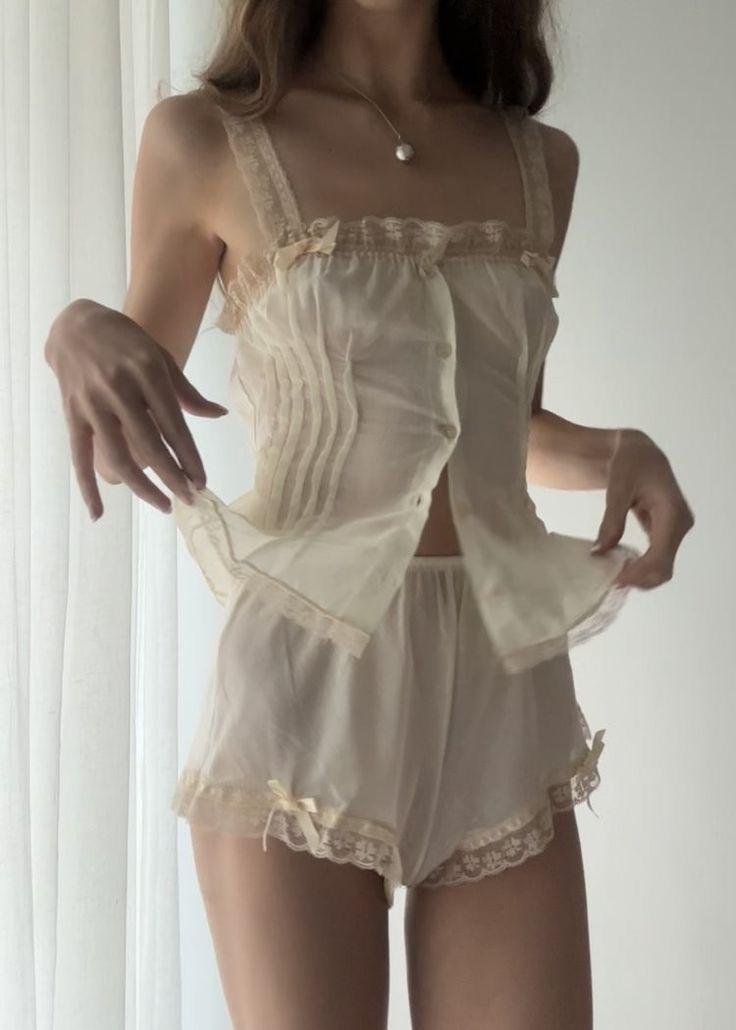
The dedicated enhancement model preserves identity while adding detail — something language models and image generators structurally cannot guarantee
Actionable Scene Guide: The Correct AI Tool for Every Photo Problem
Blurry Photo from an Old Phone Camera
Skip ChatGPT entirely. Go directly to a dedicated enhancer. Upload, wait 4 seconds, download. The neural model will upscale resolution and reconstruct texture detail that the original camera sensor couldn’t capture. No prompting, no code, no intermediate steps.
Damaged Old Family Photo Needing Color Correction
Dedicated enhancement handles both resolution and color correction in a single pass. The model recognizes degradation patterns (yellowing, fading, color channel shifts) and corrects them alongside detail reconstruction. No need to manually adjust color before or after.
Product Photo Too Low-Res for Your E-commerce Listing
Enhancement → background removal → professional background. Three dedicated tools, each doing one job excellently. Total time: under 30 seconds. ChatGPT could describe this workflow; these tools execute it.
Screenshot or Compressed Image Needing Quality Recovery
JPEG compression artifacts — the blocky, banded patterns from aggressive compression — are a specific degradation type that enhancement models are explicitly trained to reverse. Upload the compressed image directly without any preprocessing.
Batch Processing Hundreds of Photos
This is where ChatGPT actually helps: ask it to write a Python script that calls an enhancement API in a loop. The chatbot handles the automation logic; the dedicated model handles the pixel processing. Best of both worlds.
Expert FAQ: Chatbots vs. Dedicated AI for Photo Enhancement
Will ChatGPT eventually be able to enhance photos directly?
Multimodal models are evolving toward image editing capabilities, but the architecture is fundamentally different from dedicated vision models. Even when chatbots gain basic image manipulation, dedicated super-resolution models will maintain a quality advantage for the same reason that a Swiss Army knife never outperforms a chef’s knife at slicing.
Can I use DALL-E or Midjourney to “enhance” my existing photos?
You can use img2img features to generate a higher-quality version, but the output will not be your photo — it will be a new image inspired by your photo. Facial features, background details, and subtle elements will differ. For restoration where identity preservation matters, this approach fails. For creative reinterpretation, it’s a different valid use case.
What’s the best way to ask ChatGPT about photo enhancement?
Be specific about your source material and goal. “I have a 640×480 JPEG from 2008, moderately blurry, need it print-ready at 8×10 inches” gets more useful advice than “how do I make my photo better?” The chatbot excels at matching your specific situation to the right tool.
Are there AI tools that combine chatbot intelligence with image processing?
Some platforms are integrating conversational interfaces with vision model backends — you describe what you want in natural language and the system routes your request to the appropriate specialized model. This is the likely future: chatbot as router, specialist models as executors.
Is AI photo enhancement a one-time thing or should I re-enhance as models improve?
Enhancement models improve significantly every 12-18 months. A photo enhanced with 2024 technology can be re-enhanced with a 2026 model for noticeably better results. Keep your original unenhanced files — they’re the “master negatives” that future models will extract even more detail from.
Published by the WeShop Visual Intelligence Team
© 2026 WeShop AI — Powered by intelligence, designed for creators.