“It’s sharp but it looks… soft? Like someone smeared vaseline on a 4K screen.” The complaint is universal among creators who’ve tried AI upscaling and gotten results that are technically larger but aesthetically worse. The industry calls it “over-smoothing” — the single most common failure mode in AI photo enhancement.
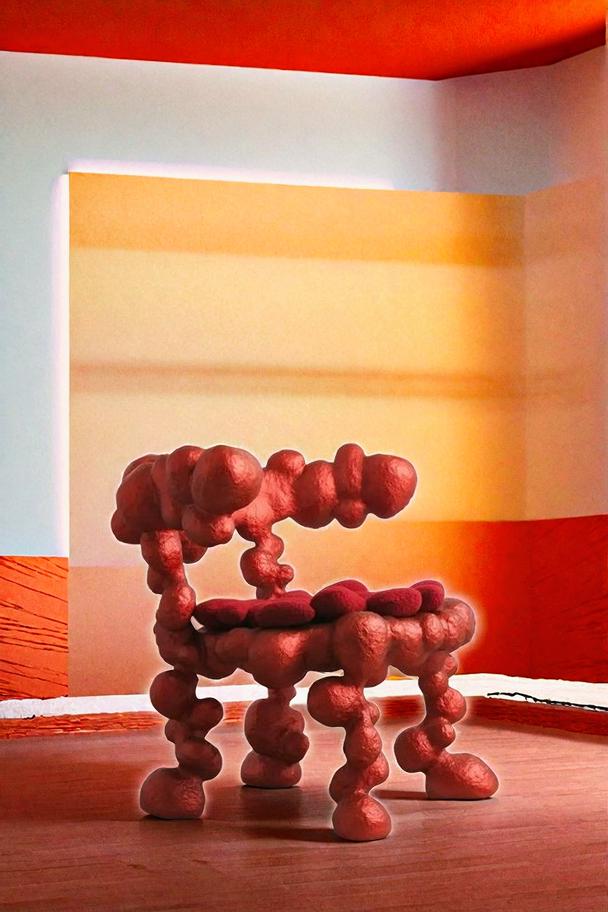
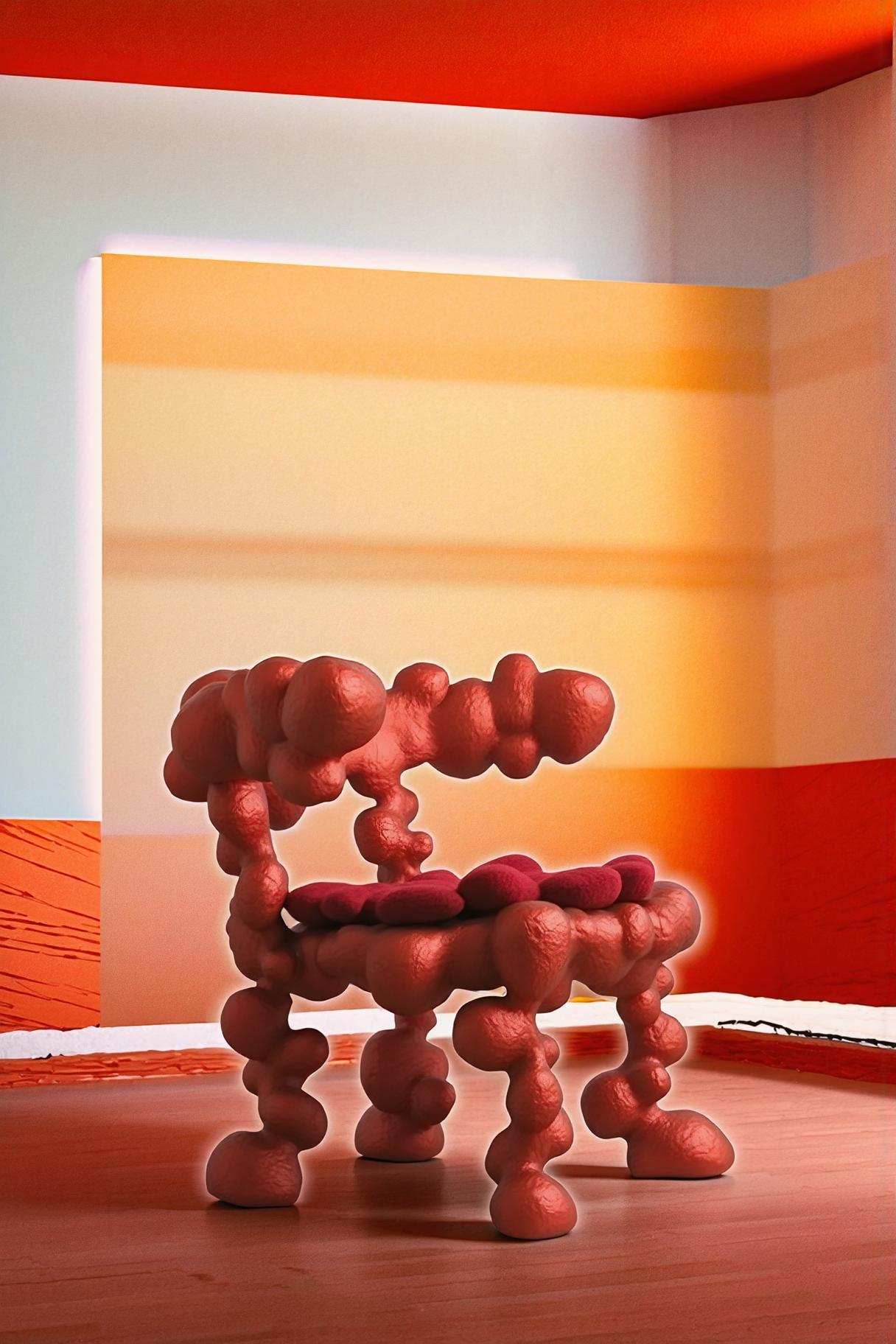
Left: Original low-resolution source | Right: Neural enhancement preserving texture instead of smoothing it
The Science Behind Over-Smoothing in AI Image Upscaling
Over-smoothing is a mathematical inevitability in models trained with pixel-level loss functions. When a neural network minimizes the average difference between output and ground truth, it produces the statistical average of all possible high-resolution versions of a given low-resolution input. The average of many sharp images is a blurry image.
This is regression to the mean — the fundamental tension in super-resolution research. A model producing the “safest” output will always be smoother than any single correct answer because committing to specific detail risks being wrong.
The solution, pioneered by GAN-based architectures and refined by diffusion models, is adversarial training. Instead of optimizing for mathematical closeness to ground truth, the model learns to produce outputs that a discriminator network cannot distinguish from real high-resolution images. This means the model must generate specific, committed detail — even if it’s not the exact detail from the original — because the discriminator rejects smooth, noncommittal output.
The practical result: GAN-trained and diffusion-based upscalers produce dramatically sharper, more textured results than L1/L2-loss-trained models. The tradeoff is occasional hallucinated detail that’s plausible but incorrect. For most use cases, this tradeoff overwhelmingly favors sharpness over mathematical accuracy.
The One-Setting Fix: Choosing the Right Enhancement Model Architecture
The “setting” isn’t a slider — it’s choosing the right tool. The mushy output from your current upscaler is an architectural problem, not a configuration problem. No amount of post-processing sharpening will fix over-smoothing because the model has already thrown away the high-frequency detail it should have generated.
The diagnostic test: enhance your photo, then zoom to 400% on a textured area (skin, fabric, foliage). If you see smooth gradients where there should be texture, the model is over-smoothing. If you see texture that looks plausible (even if slightly different from the original), the model is doing its job.
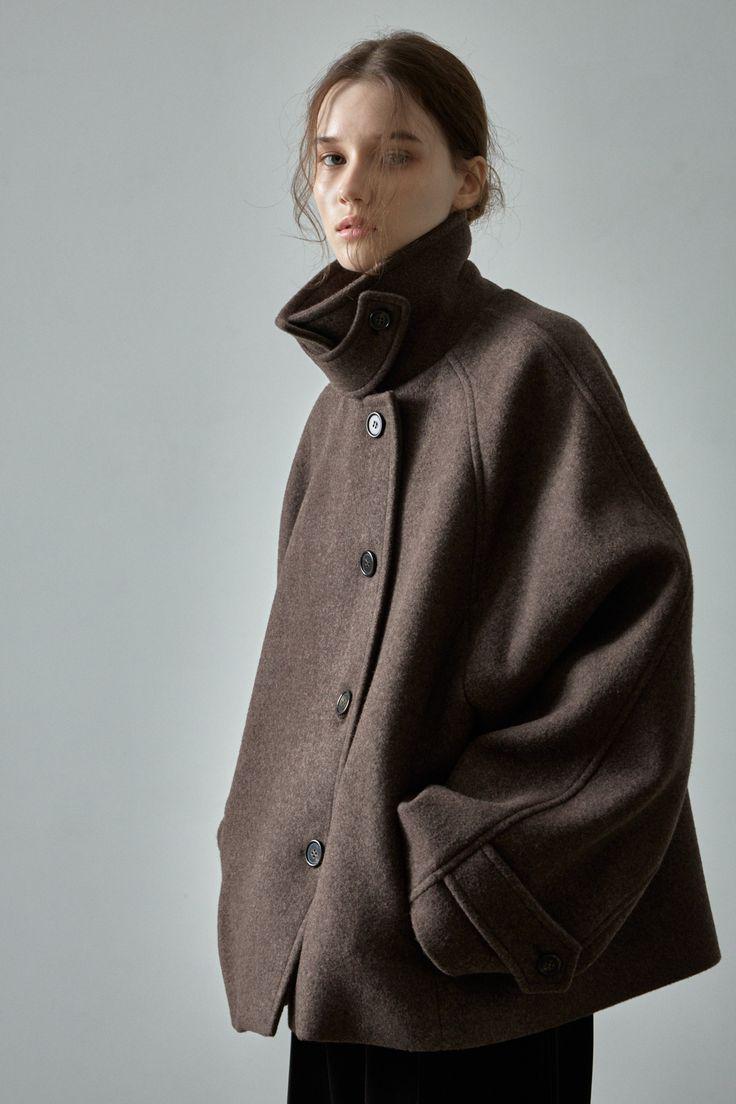
400% zoom comparison: Left region shows over-smoothed output from L2-loss model; Right region shows texture-preserving output from adversarial model
Actionable Scene Guide: Fixing Mushy AI Enhancement for Every Use Case
Portrait Photography Enhancement Without Wax-Face Effect
Over-smoothed portraits develop the characteristic “wax figure” look — unnaturally perfect skin without pores, wrinkles, or color variation. The fix: use models specifically trained on portrait data with GAN or perceptual loss. After enhancement, check at 300% zoom that forehead and cheek textures are visibly different.
Product Photography for Amazon and Shopify Listings
Product images need texture detail — fabric weave, material grain, surface finish. Over-smoothed product photos look like CGI renders, which actually decreases buyer trust. Enhance with a texture-preserving model, then use the background remover for clean marketplace-ready isolation.
Landscape and Nature Photography at Print Resolution
Landscapes suffer most from over-smoothing because natural scenes are defined by complex texture at every scale — bark, leaves, water, rock. A smooth landscape looks like a video game screenshot from 2015. Use maximum enhancement with adversarial models that generate natural texture variation.
Architectural Photography with Clean Edges
Buildings and structures need sharp edges, not soft ones. Over-smoothing makes architectural lines look hand-drawn rather than precisely constructed. Look for enhancement that preserves straight-edge integrity while adding texture detail to material surfaces (brick, glass, concrete).
Vintage Photo Enhancement Preserving Film Character
The worst over-smoothing offense: removing film grain from vintage photos and replacing it with digital smoothness. Quality enhancement models recognize grain as texture to preserve, not noise to remove. The AI background changer can help when you need to preserve a grainy subject but replace a damaged background.
Expert FAQ: Over-Smoothing and AI Image Quality
Can I add sharpening after AI enhancement to fix over-smoothing?
Post-sharpening (Unsharp Mask, high-pass sharpening) increases edge contrast but doesn’t create texture. It makes smooth areas look crisp and smooth rather than soft and smooth. The texture information was never generated — you can’t sharpen what doesn’t exist. The fix is using a better model, not post-processing a worse one.
Why do some AI upscalers advertise “8× upscale” but produce mushy results?
Scale factor and quality are independent variables. An 8× upscale with a weak model produces a very large, very smooth image. A 4× upscale with a strong model produces a smaller but dramatically more detailed image. The useful metric is output quality, not output size. Don’t be seduced by large scale factor numbers.
Is over-smoothing worse at higher upscale factors?
Yes, dramatically. At 2×, even mediocre models produce acceptable results because they’re only inventing 75% of the pixels. At 4×, they’re inventing 94% of the pixels. At 8×, it’s 98.4%. The higher the scale factor, the more the model must hallucinate — and weak models hallucinate smoothness because it’s the safest bet.
Do paid AI upscalers produce less mushy results than free ones?
Not necessarily. The model architecture matters more than the price tag. Some free tools (Real-ESRGAN with specific models) produce excellent texture. Some paid tools use older architectures with L2 loss and produce mushy results at premium prices. Test before buying — and test at 400% zoom, not at screen resolution.
Will future AI models completely solve the over-smoothing problem?
The mathematical tension between accuracy and sharpness will always exist. But each generation of models moves the Pareto frontier — getting sharper results with fewer hallucination artifacts. Diffusion-based super-resolution (2025-2026 state of the art) has largely solved over-smoothing for 2-4× upscaling. The frontier is now 8×+ upscaling, where meaningful over-smoothing challenges remain.
Published by the WeShop Visual Intelligence Team
© 2026 WeShop AI — Powered by intelligence, designed for creators.