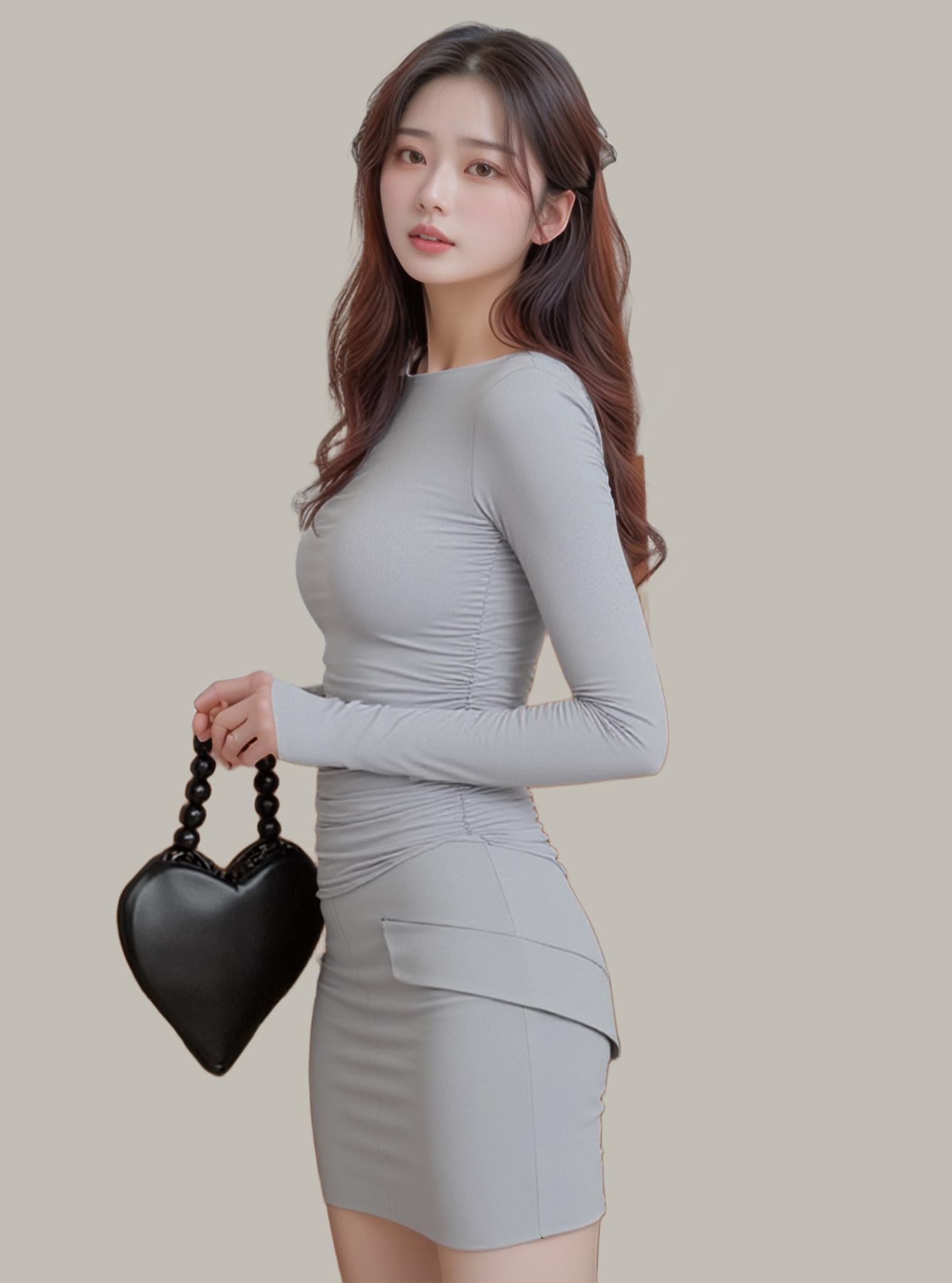
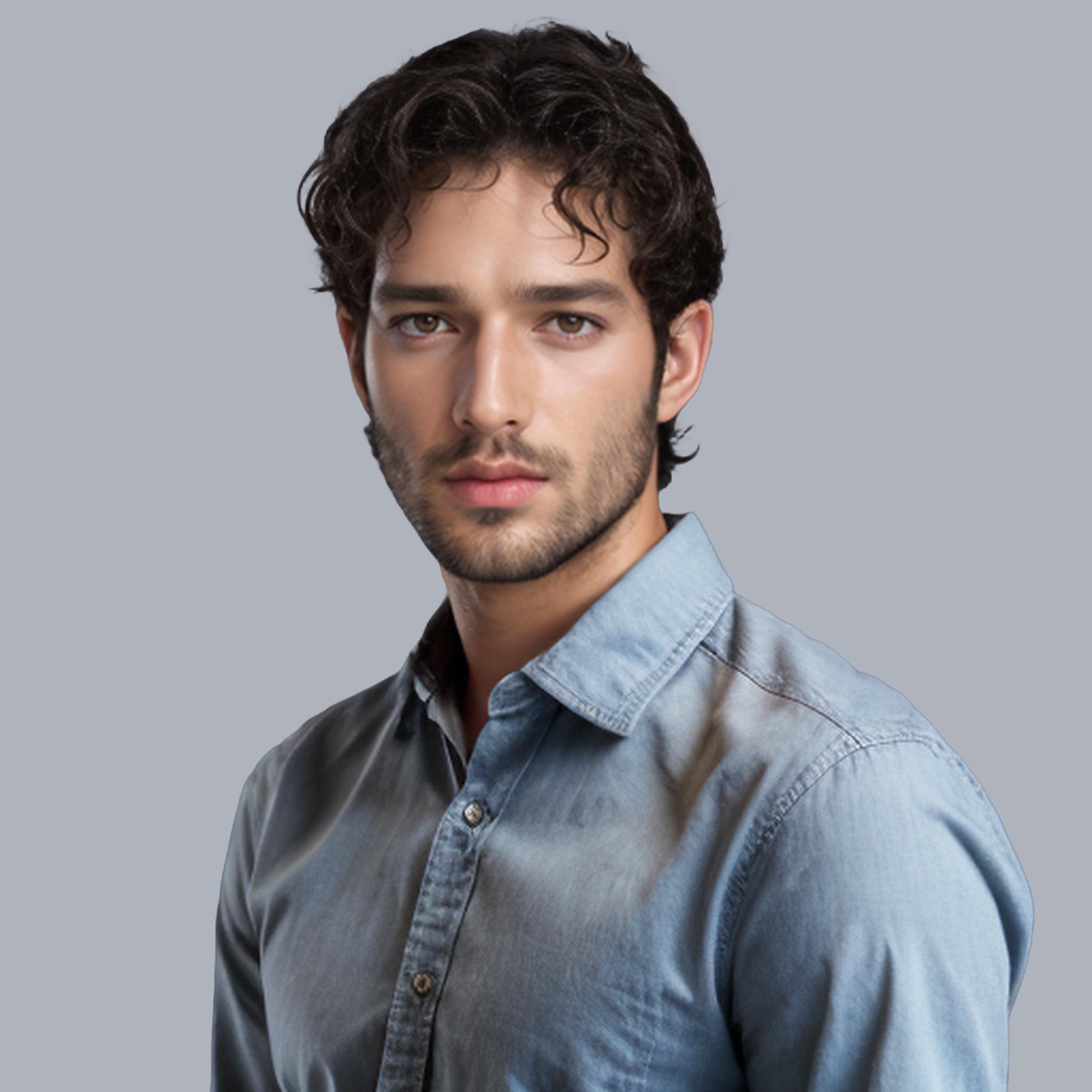
Hair strands are the final boss of background removal. Each strand occupies less than a single pixel at standard resolutions, yet your eye instantly detects when one is clipped unnaturally. The neural networks that remove background around hair represent some of the most sophisticated pixel-level reasoning in modern computer vision.
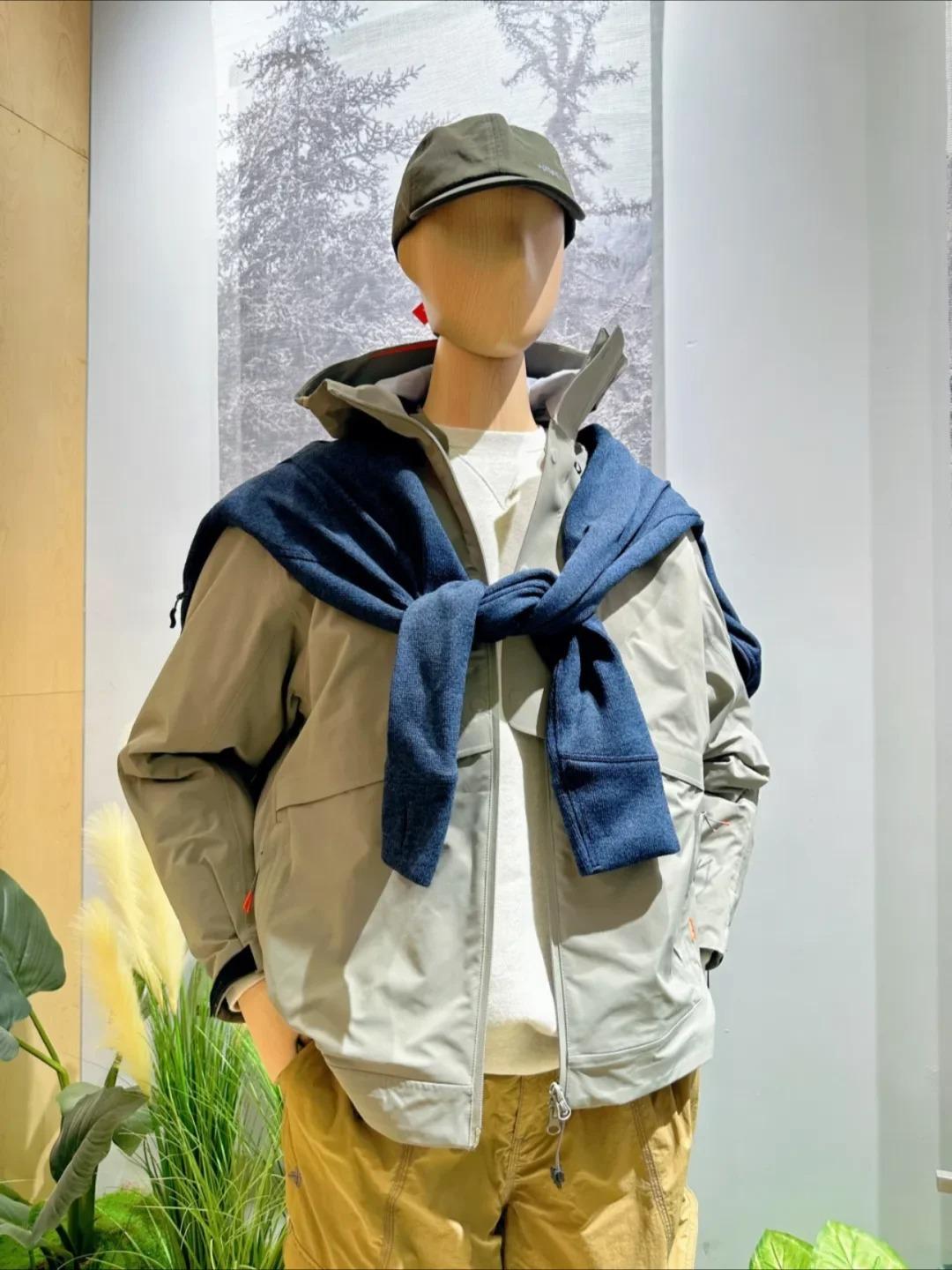

Before & After: One-click AI background removal with edge-perfect precision
Sub-Pixel Strand Detection: The Core Challenge of Hair-Level Remove Background
Standard segmentation networks operate at the semantic level — they know where a person ends and background begins. But hair exists in a twilight zone of semi-transparency where foreground and background blend at the sub-pixel level.
Production matting networks solve this through alpha prediction: instead of binary foreground/background classification, every pixel receives a continuous value between 0 (pure background) and 1 (pure foreground). A wispy hair strand might register at 0.3 alpha — mostly transparent, but enough to preserve visual continuity.
This alpha-aware approach is what separates AI tools that remove background cleanly from those that produce the dreaded “helmet hair” effect — a hard, unnatural boundary where flowing hair should be.
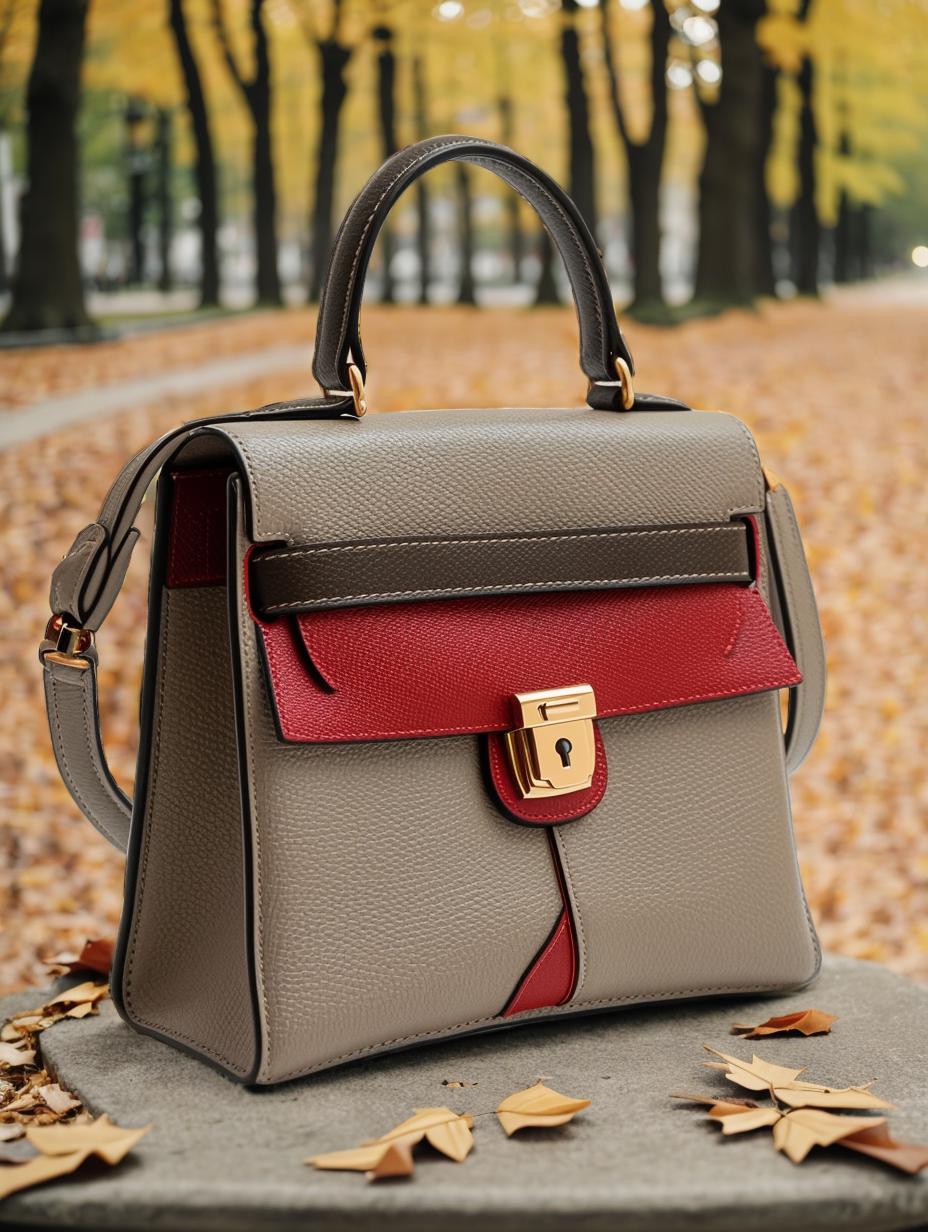
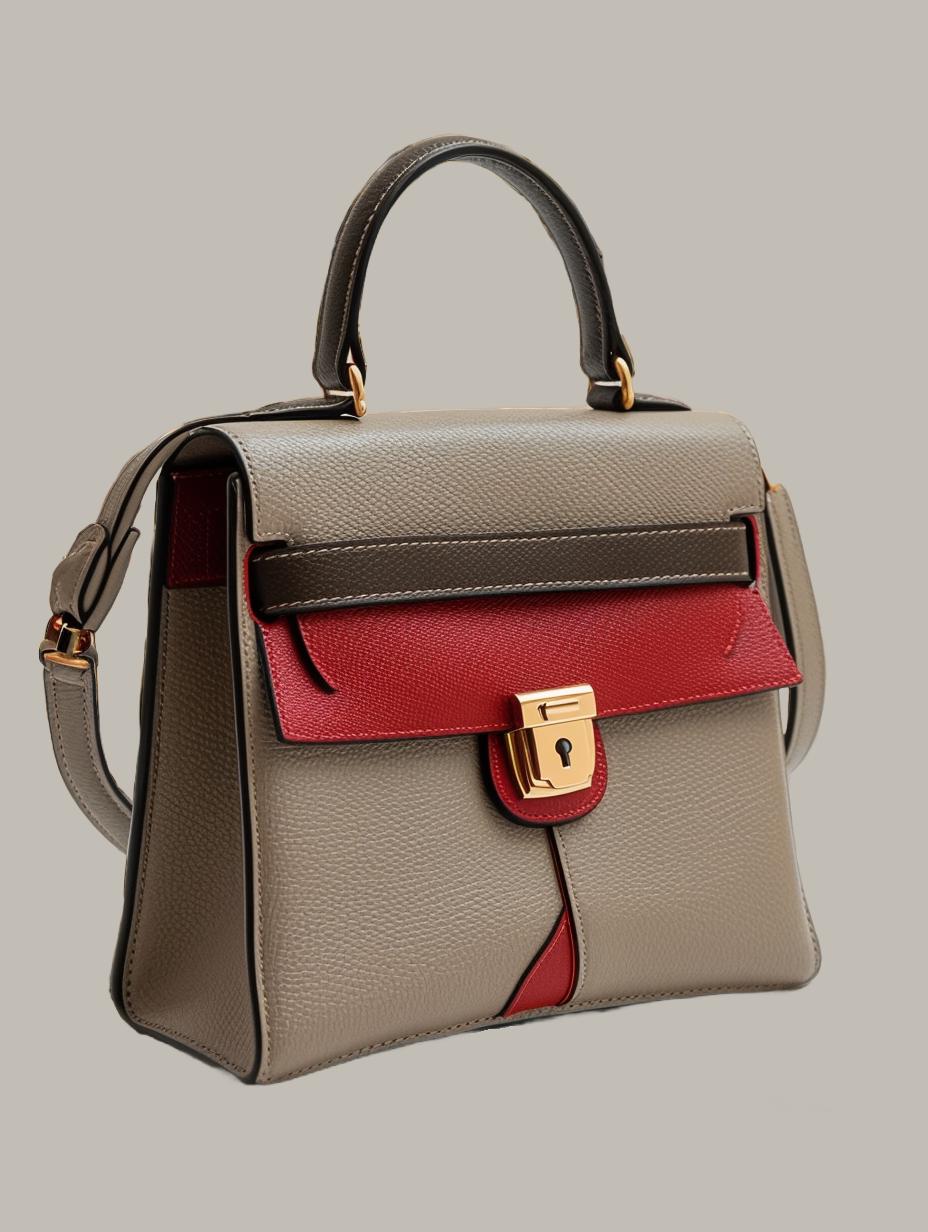
AI precision: complex edges handled with sub-pixel accuracy
Guided Filter Refinement: Recovering Details Lost in Downsampling
Neural networks process images at reduced resolution for efficiency. A 4000×6000 portrait might be analyzed at 512×768. The coarse alpha matte is then upsampled — but naive upsampling destroys the very edge detail we need for hair.
Guided filter refinement uses the original high-resolution image as a guide to sharpen the upsampled matte. Every color edge in the original photo that correlates with a matte boundary gets preserved. The result: strand-level precision at the original resolution, computed at the speed of the downsampled network.

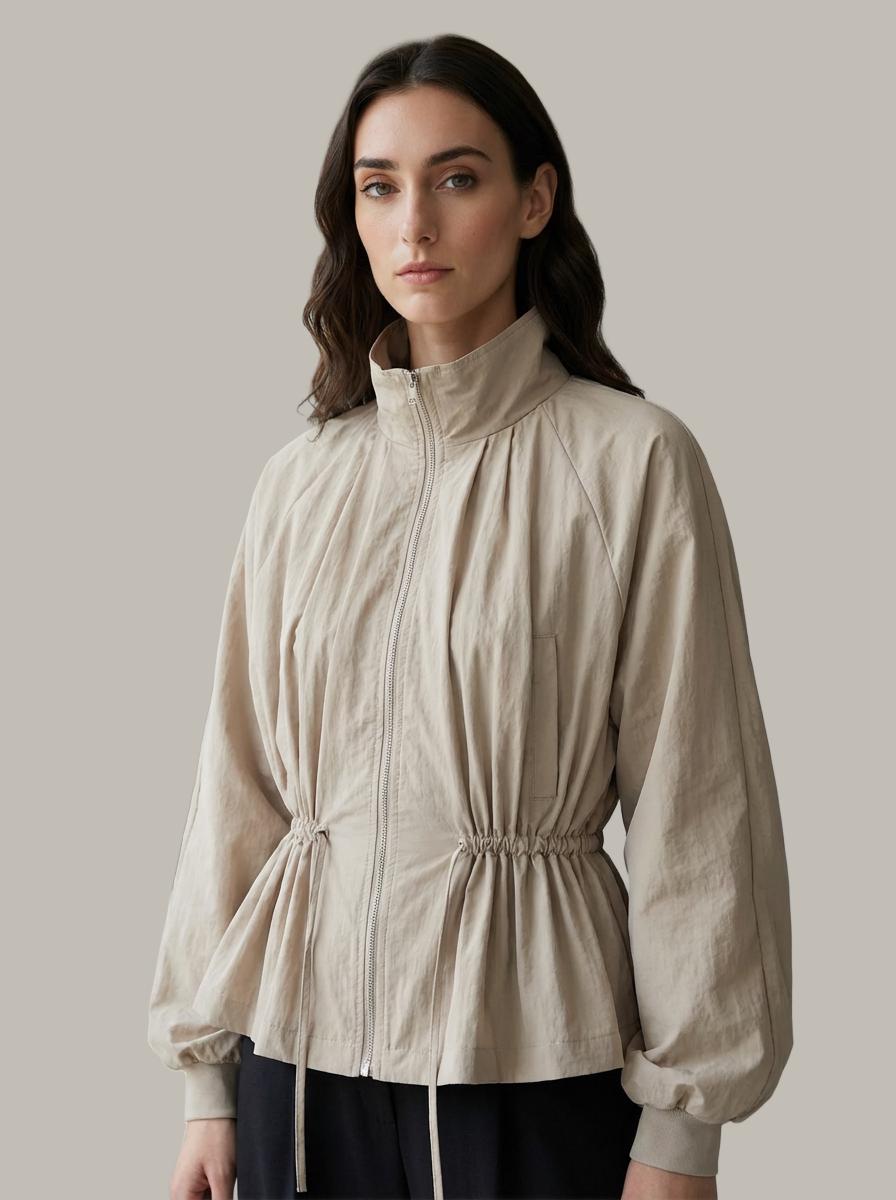
Batch-ready output: consistent quality across every image
From Photoshop Channels to One-Click AI: The Evolution of Hair Extraction
Photographers have extracted hair using Photoshop channel techniques for decades — select the highest-contrast color channel, adjust levels aggressively, paint corrections manually. A skilled retoucher spends 15–30 minutes per image.
AI matting networks compress that expertise into sub-second inference. But they also surpass human capability in consistency: the thousandth image receives the same precision as the first, with no fatigue-induced shortcuts.
For e-commerce teams processing seasonal catalogs of 500+ SKUs, this consistency alone justifies the switch. After background removal, images flow directly into Change Background for lifestyle scene placement.
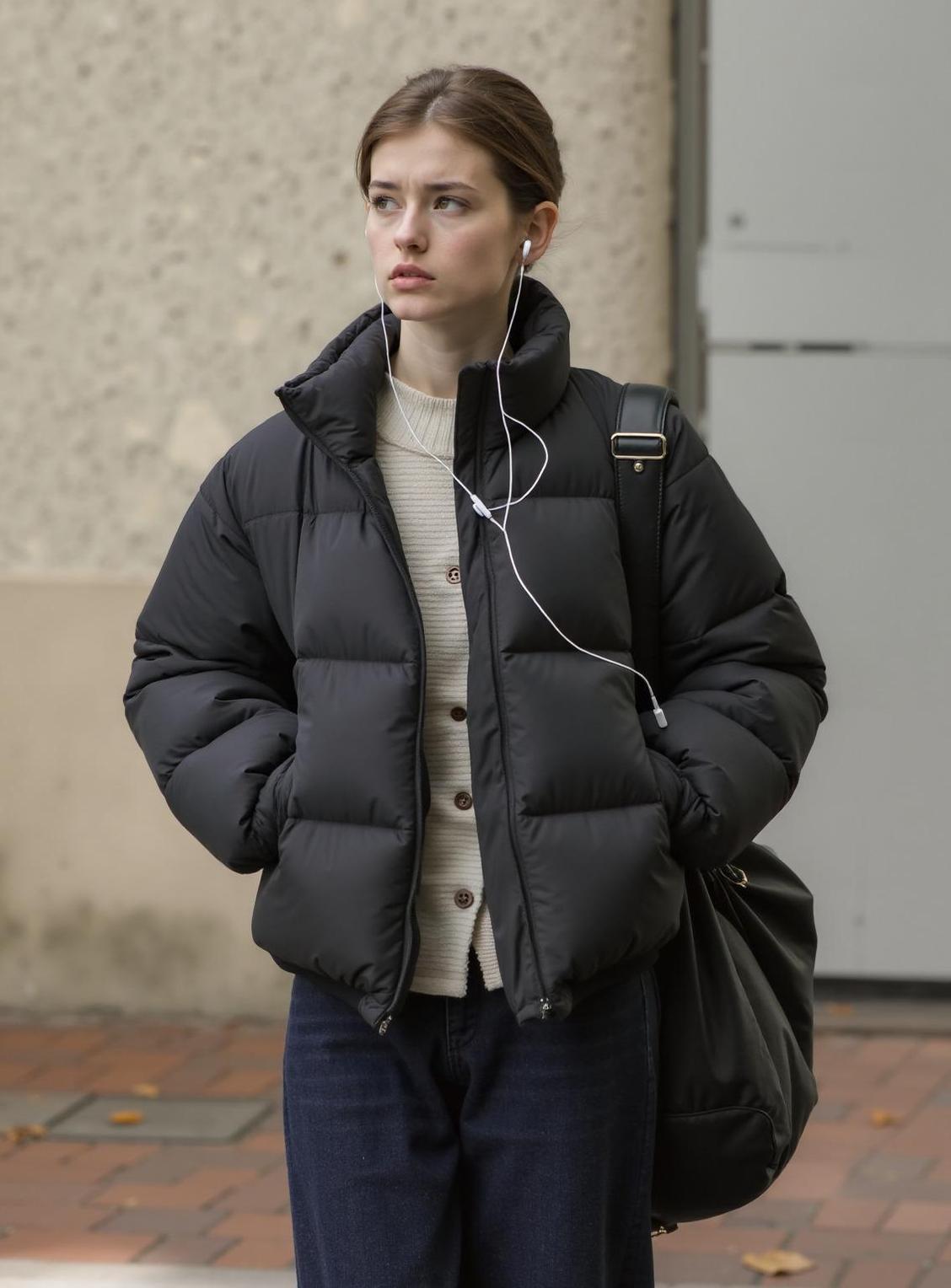
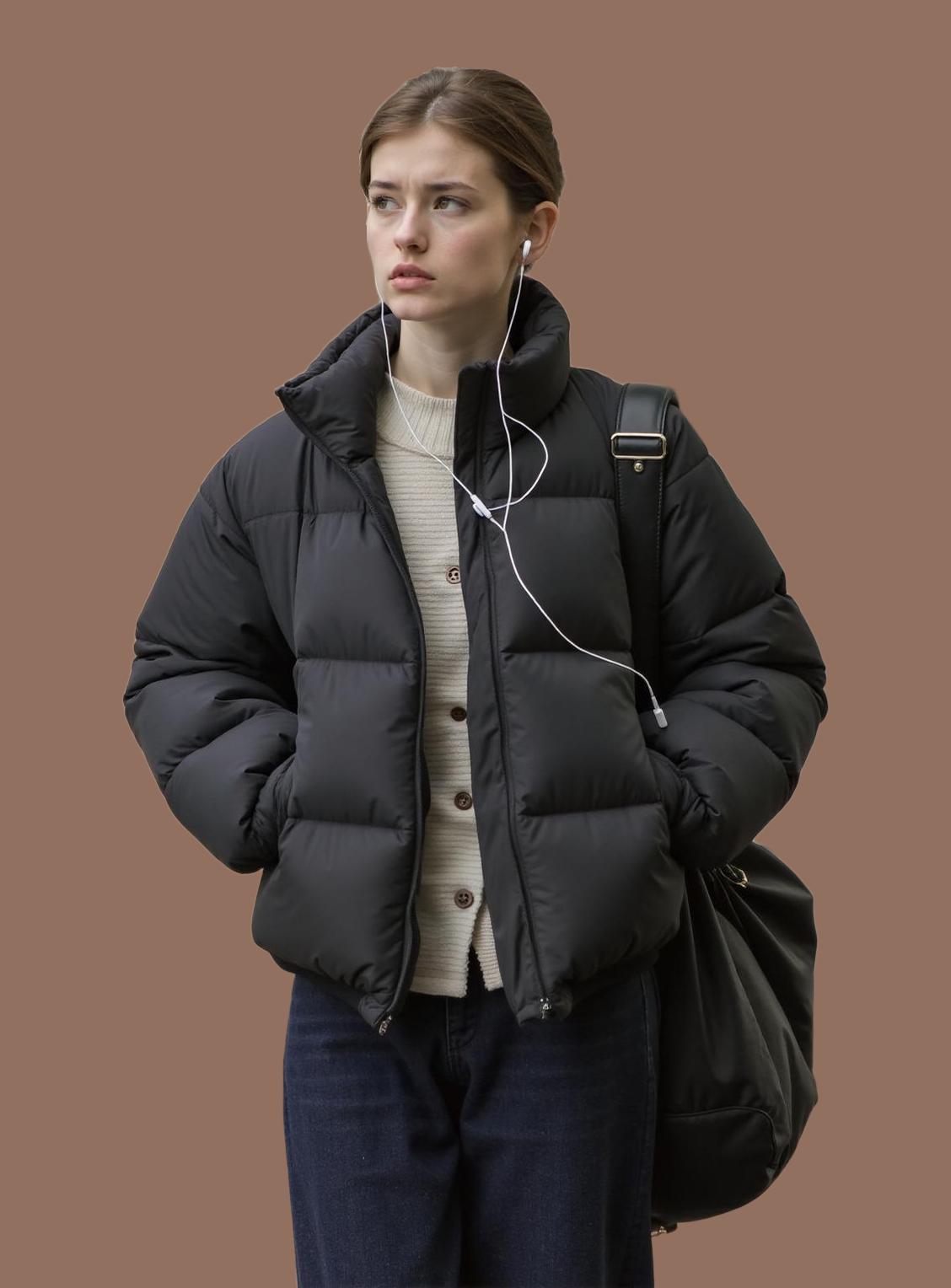
Production-grade matting: ready for compositing and publishing
Practical Parameters: Getting the Best Hair Matting Results
Upload resolution above 2000px on the longest side — more pixels mean more strand information for the network to work with.
Ensure contrast between hair color and background. Blonde hair on white background is the hardest case; dark hair on light background yields the cleanest results.
Avoid heavy compression before upload. JPEG artifacts at quality <80 can be misinterpreted as edge detail, creating phantom strands in the output.
For curly or textured hair, the network performs best when individual curl clusters are distinguishable. Heavy backlighting that creates a rim-light effect significantly improves strand detection.
Expert FAQ
Q: Does image resolution affect remove background quality?
A: Yes. Higher resolution provides more edge detail. Upload at least 2000px on the longest side for production use.
Q: Can AI handle transparent or reflective products?
A: Modern matting networks assign per-pixel transparency values, correctly preserving glass, water, and reflective surfaces while removing the actual background.
Q: How does batch processing maintain quality consistency?
A: Neural networks apply identical processing logic to every image. Quality on image #500 is mathematically identical to image #1.
Q: What output formats are available after background removal?
A: PNG for transparency, WebP for optimized web delivery with transparency, JPEG for solid-color backgrounds. Choose based on your downstream workflow.
Q: How does remove background AI differ from portrait mode blur?
A: Portrait mode blurs the background but keeps it present. AI background removal physically separates foreground from background, producing a transparent layer for true compositing flexibility.
© 2026 WeShop AI — Powered by intelligence, designed for creators.