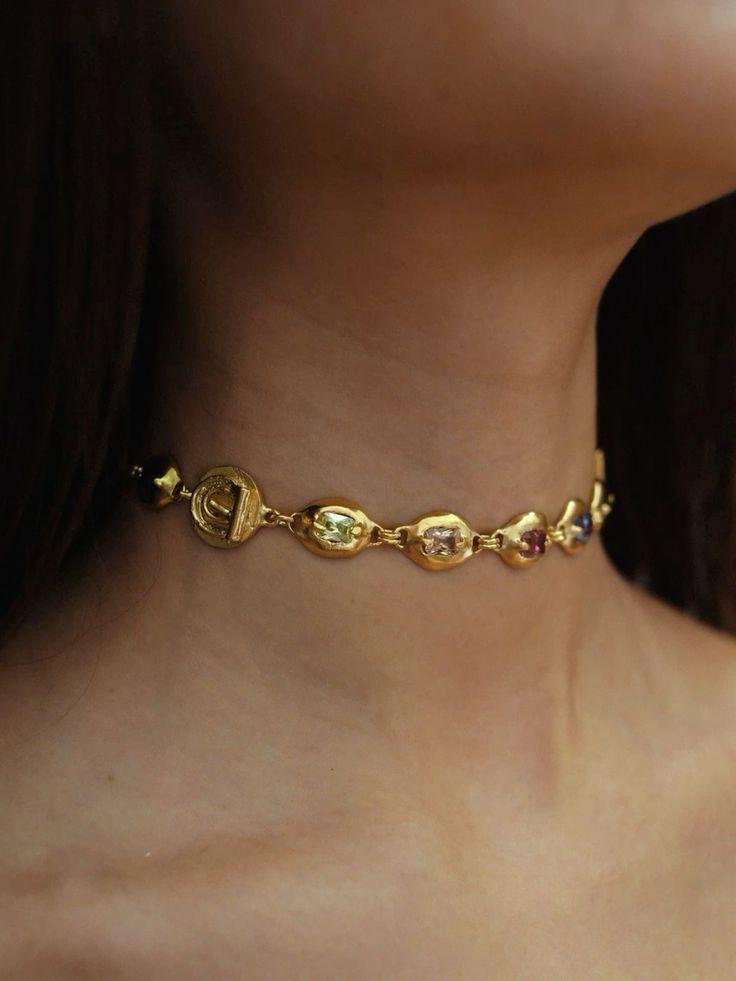
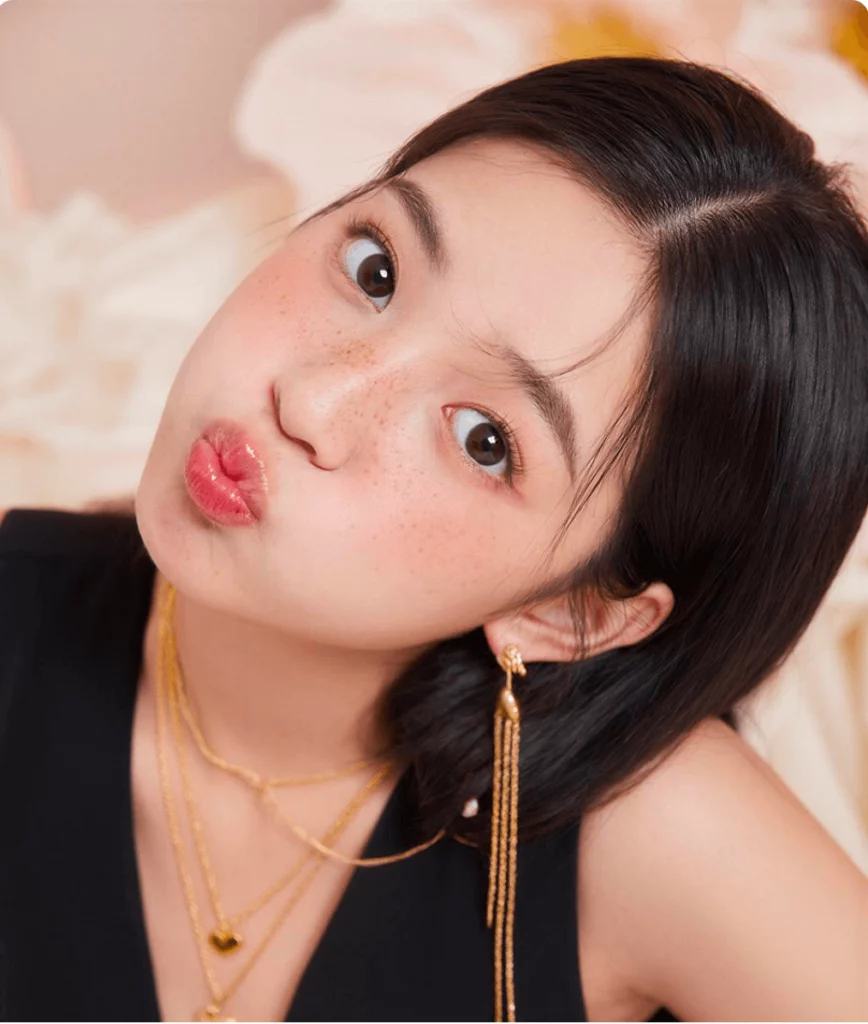
We used to spend hours tweaking sliders. We obsessed over contrast, brightness, and grain. It was exhausting work. But the game has changed completely. Today, a robust ai image filter can do the heavy lifting for you. It isn’t just about slapping a preset on a photo anymore. It is about understanding the image itself. These smart tools analyze your content and improve it in seconds. If you want to reclaim your time, you are in the right place.
Why an Artificial Intelligence Filter is Different
You might think you know filters. We all remember the early days of Instagram. You clicked “Sepia,” and the whole photo turned brown. That is a static filter. It applies the same math to every single pixel. It doesn’t care if the pixel is a face or a sky.
An ai image filter is much smarter. It uses machine learning to “see” your photo. It knows the difference between a sunset and a smile. Because it understands the content, it applies changes selectively. It might brighten a face while darkening a distracting background. This level of nuance used to require a professional editor. Now, it happens with one click.
The Speed Advantage
Time is your most valuable asset. Manual editing is a bottleneck. An artificial intelligence filter removes that bottleneck. You can process hundreds of images in the time it takes to manually edit one. This isn’t just a shortcut. It is a fundamental shift in how we work.
Exploring the Types of AI Image Filters
Not all tools are created equal. The market is flooded with options. To build a better workflow, you need to know what is available. Here is how we break down the current landscape of ai image filters.
The Enhancer: AI Photo Filter
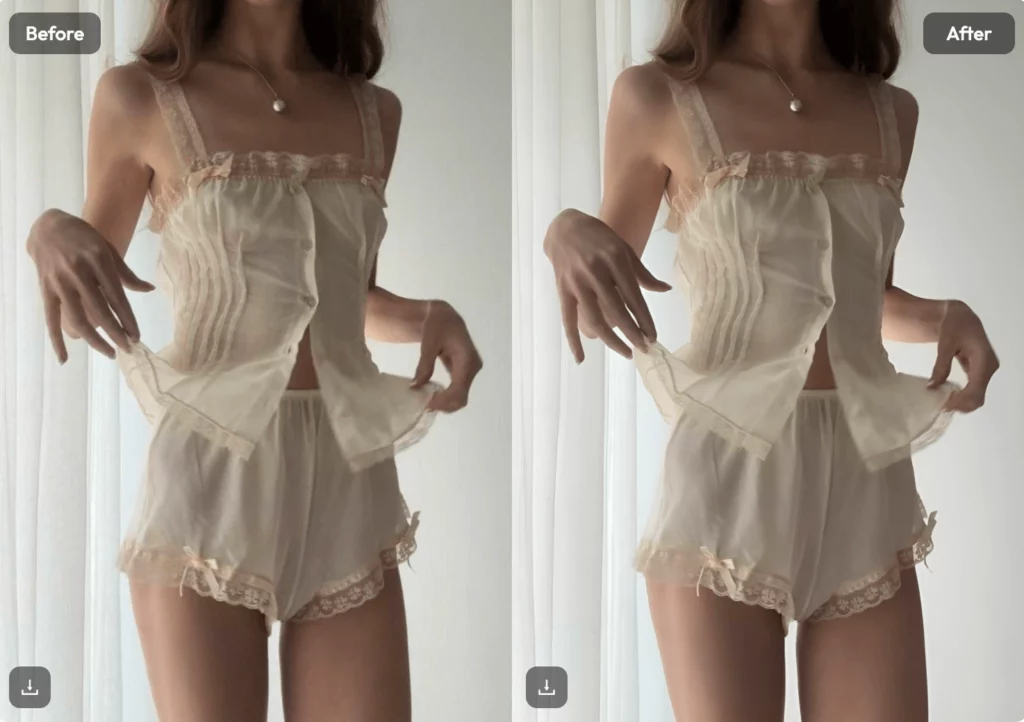
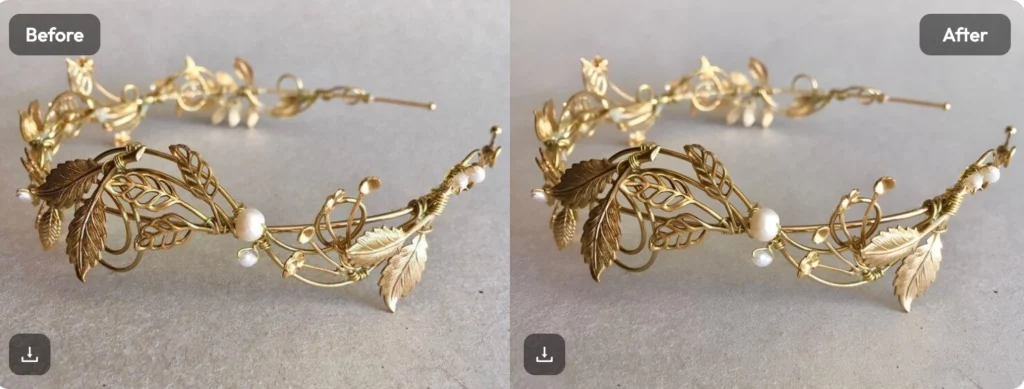
This is the bread and butter of modern editing. An ai photo filter focuses on quality. It looks for technical flaws. Is the image too dark or blurry? Is the white balance off? The AI detects these issues and fixes them.
- Noise Reduction: It removes grain without smoothing out details.
- Sharpening: It makes edges crisp without creating halos.
- Color Correction: It balances skin tones naturally.
You don’t need to adjust curves manually. The AI knows what a good photo looks like. It moves the pixels to match that standard.
The Creator: AI Art Filter
Sometimes accuracy isn’t the goal. Sometimes you want style. This is where an ai art filter shines. These filters use “style transfer” technology. They can turn a boring photo into a watercolor painting or a cyberpunk sketch.
Marketing teams love this. You can take a standard stock photo and make it unique. It allows for rapid prototyping of visual ideas. You can see ten different artistic directions in one minute. It sparks creativity when you are feeling stuck.
The Restorer: Old Photo Enhancement
This is a specific but powerful category. These filters breathe new life into old content. They can colorize black and white images. They can fix scratches and tears. If you have low-resolution assets, these filters can upscale them. They add pixels that weren’t there before. This allows you to upcycle old content for new platforms.

Choosing the Right AI Image Filter App
The software you choose matters. You don’t want a clunky interface slowing you down. When looking for the best ai filter app, keep a few criteria in mind.
First, look for batch processing. If an app only lets you edit one photo at a time, skip it. You need to apply your artificial intelligence filter to fifty photos at once. That is true efficiency.
Second, check the export quality. Some free apps compress your images. This ruins your hard work. Ensure the app supports high-resolution export.
Finally, look for “intensity control.” AI isn’t always right. Sometimes it goes too far. A good ai filter app like WeShop AI lets you dial back the effect. You want a slider that goes from 0 to 100. This gives you the final say.
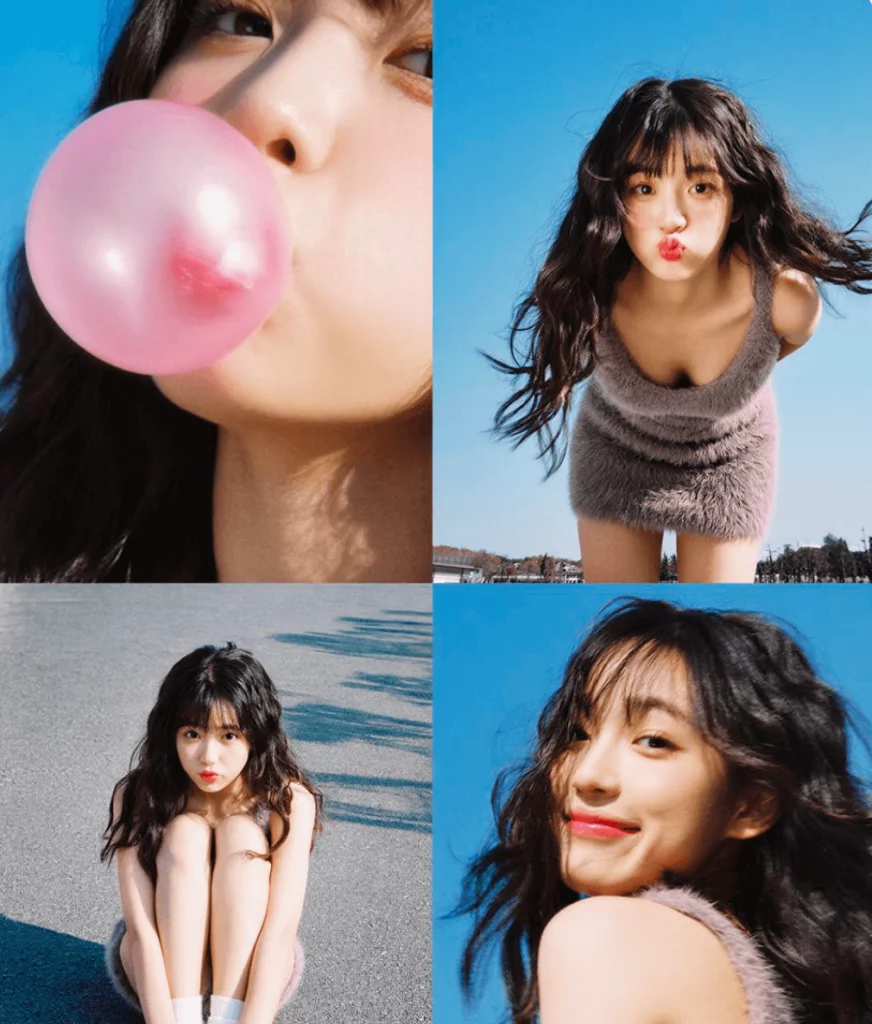
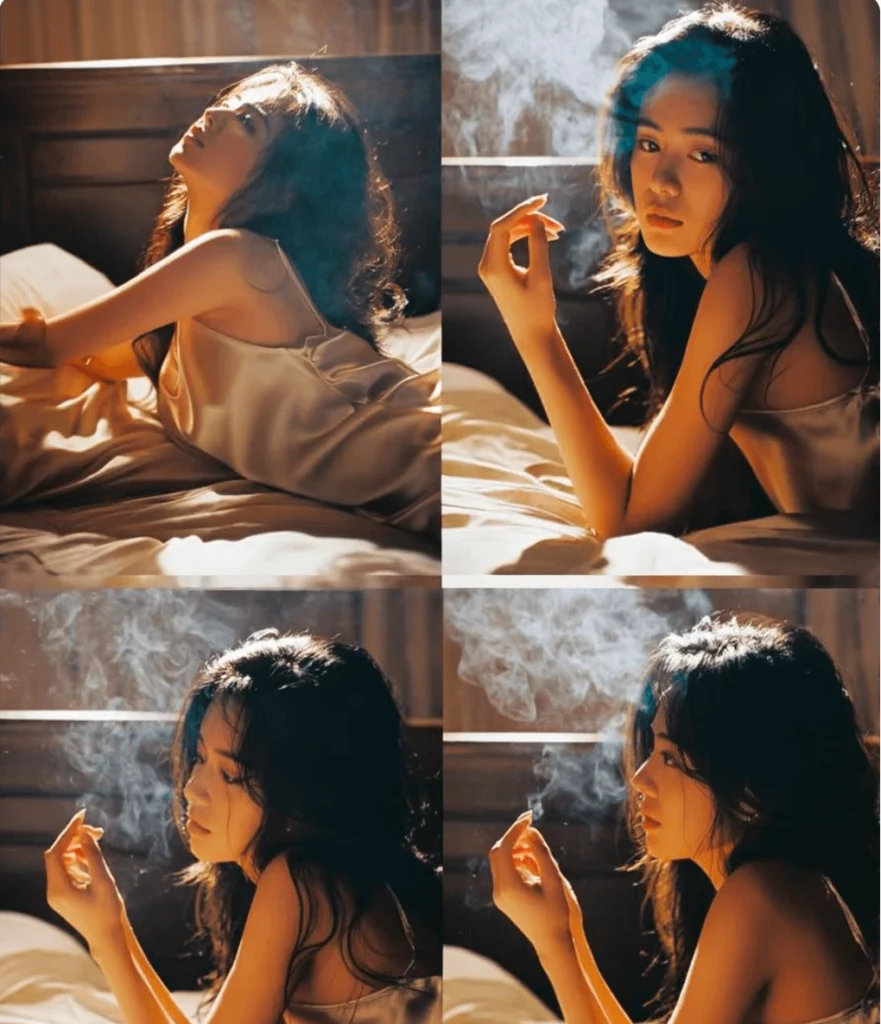
How to Integrate an AI Image Filter into Your Workflow
Buying the tool is the easy part. Using it effectively is the challenge. You need a system. Here is a step-by-step guide to transforming your process.
Step 1: The Culling Phase
Don’t filter everything. Pick your best shots first. AI is fast, but processing junk is still a waste of time. Curate your selection.
Step 2: The Base Layer
Apply your chosen artificial intelligence filter. Let the AI do the heavy lifting. It should get you 90% of the way there. It fixes the exposure and color balance. Treat this as your starting point, not the finish line.
Step 3: The Human Touch
This is where you come in. Look at the result. Does the skin look natural? Is the mood right? Make small manual adjustments. Maybe you add a vignette. Maybe you tweak the crop. You are now the art director, not the technician. The AI did the grunt work. You provide the vision.
Step 4: Consistency Check
If you are editing a batch, check for consistency. Does the first photo match the last one? AI image filters can sometimes vary based on the photo’s content. A quick review ensures your brand look remains solid.
Common Mistakes to Avoid
AI is powerful, but it is not magic. It is easy to misuse these tools. Here are a few traps to avoid.
- Over-Filtering: This is the biggest sin. If a photo looks “cooked,” you went too far. The best editing goes unnoticed. Dial it back.
- Ignoring Context: An ai art filter might look cool, but does it fit your brand? Don’t use a style just because it’s trendy. Stick to your visual identity.
- Blind Trust: Always zoom in. Sometimes AI creates artifacts. It might distort a hand or a background detail. Always quality check the final export.
Conclusion
We are only scratching the surface. The technology is moving fast. Soon, we will see these filters applied to live video in real-time. We will see filters that understand 3D depth perfectly.
But one thing won’t change. The need for human taste. An ai image filter is a tool, like a hammer. It needs a skilled hand to build something great.
By adopting these tools now, you are future-proofing your skills. You are freeing up your brain space. You stop worrying about pixels and start focusing on stories. That is the true power of this technology.
It’s time to stop working harder. Start working smarter. Download a few ai filter apps today. Test them out. See which one fits your style. Your workflow will thank you.