Let’s be honest. Creating pixel art by hand is a grind. You spend hours clicking tiny squares. One wrong pixel can ruin a whole character sprite. But things are changing fast. Using an ai pixel art generator is no longer a “cheat code.” It is a smart way to work. Whether you are a solo game dev or a designer, this tech saves you time. It lets you focus on the big picture while the AI handles the grid.
Why Everyone is Using an AI Pixel Art Generator
The demand for retro aesthetics is higher than ever. Indie games like Stardew Valley or Celeste proved that pixels are timeless. However, not everyone has the patience for manual placement. This is where an ai pixel art generator changes the game. It bridges the gap between a rough idea and a polished asset.
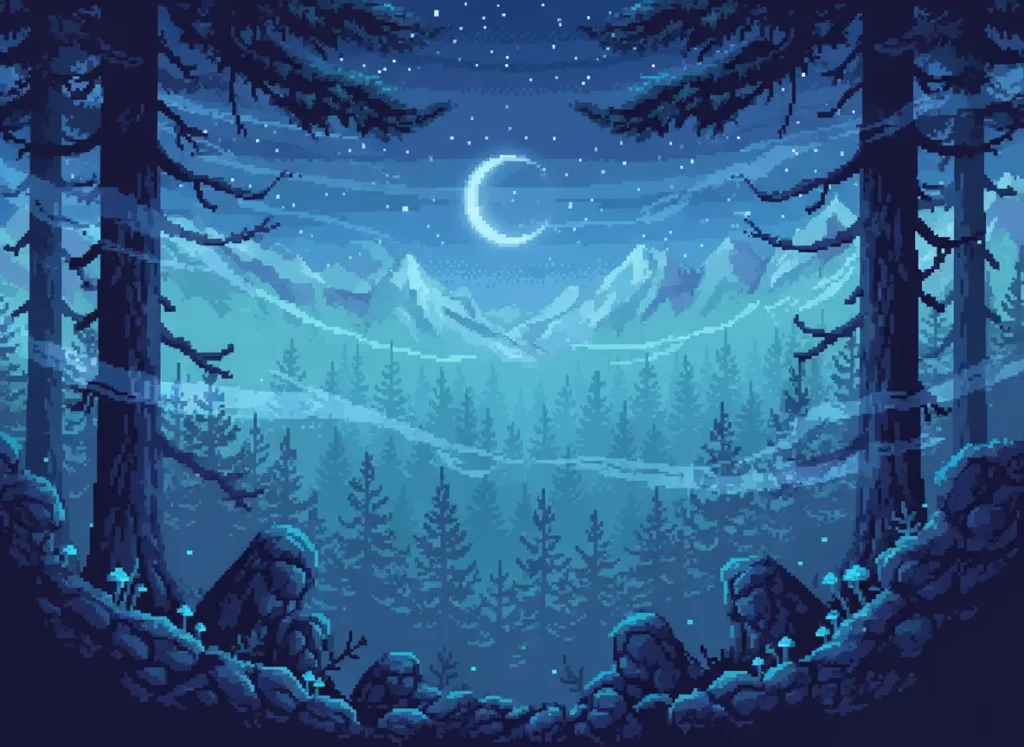
In the past, AI struggled with clean edges. It would create blurry messes instead of sharp squares. Now, specialized pixel art gen ai models understand the “grid.” They know that every color must sit in a specific box. This precision is why professional artists are integrating these tools into their daily routines.
Efficiency is the biggest win here. You can generate fifty variations of a sword in minutes. Doing that by hand would take a week. By using an ai pixel art generator, you keep your creative momentum high. You don’t get bogged down in the repetitive “pixel pushing.”
How to Pick the Right AI Pixel Art Generator for Your Project
Not all tools are created equal. Some are great for backgrounds. Others specialize in tiny 16×16 sprites. When searching for the right ai pixel art generator, look at the output control. You need to be able to dictate the palette.
Many creators now look for pixel art ia (the international term for AI) tools that offer “image-to-image” features. This allows you to sketch a rough shape. The AI then fills in the pixel details. It’s a collaborative process. You provide the soul, and the machine provides the labor.
Check for these features in your tool:
- Palette Locking: Keeps your colors consistent across assets.
- Resolution Settings: Lets you choose 32×32, 64×64, or higher.
- Clean Downscaling: Ensures the pixelated ai doesn’t look like a blurry photo.
Speeding Up Game Dev with Pixel Art Gen AI
Game developers are the primary users of this tech. Think about tilemaps. You need dozens of variations for grass, dirt, and stone. Using pixel art gen ai to brainstorm these tiles is a massive time-saver. You can generate a base texture and then refine it manually.
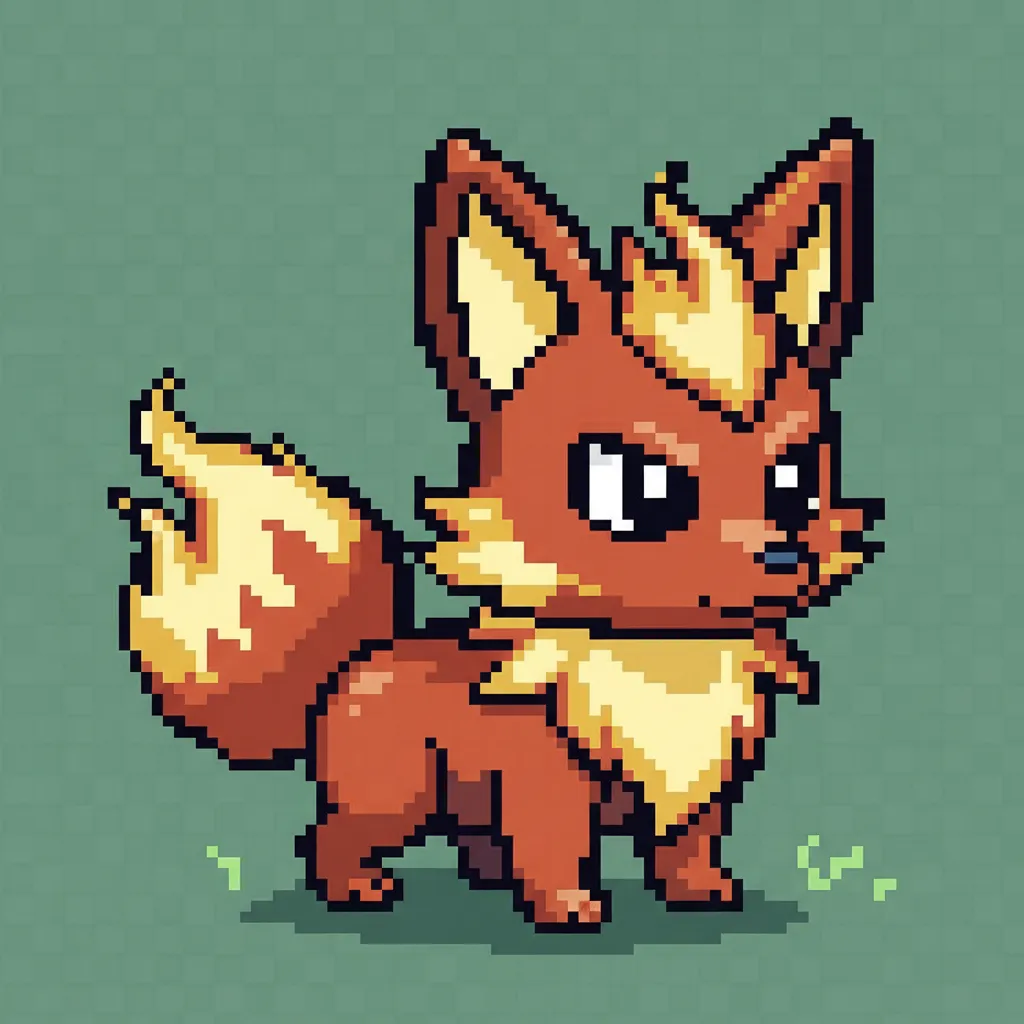
It’s also great for “mob” variety. If your game needs ten types of slimes, don’t draw ten slimes. Prompt the AI for variations. This keeps your game world feeling diverse without doubling your workload.
Creating Unique Social Media Assets with Pixel Art IA
Marketing needs to stand out. The “corporate flat art” style is tired. People love the nostalgia of pixelated ai visuals. Using a pixel art ia tool to create avatars or banners gives your brand a “cool” factor. It feels human and intentional, even if AI helped create it.
You can even use these tools to turn your team photos into retro characters. It’s a fun way to engage your audience. Plus, it’s much cheaper than hiring a custom illustrator for every small social post.
Mastering the “Grid” Prompt
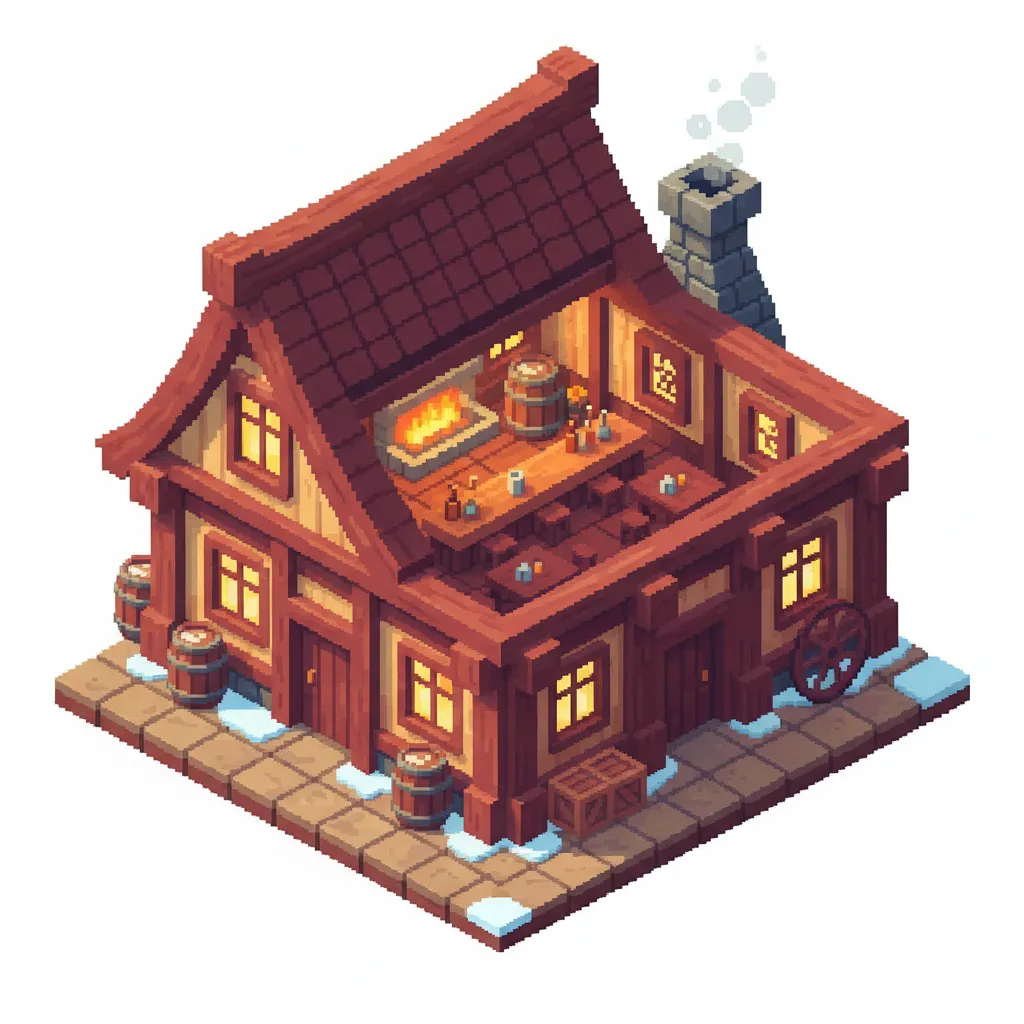
To get the best from an ai pixel art generator, you must prompt correctly. Simply typing “cat” won’t work. You need to be specific. Use terms like “16-bit,” “isometric,” or “Sega Genesis style.” These keywords tell the pixel art gen ai exactly how to constrain the pixels.
Avoid vague words. Instead of “detailed,” use “limited color palette.” This forces the AI to think like a real pixel artist. It prevents the image from becoming too “noisy.”
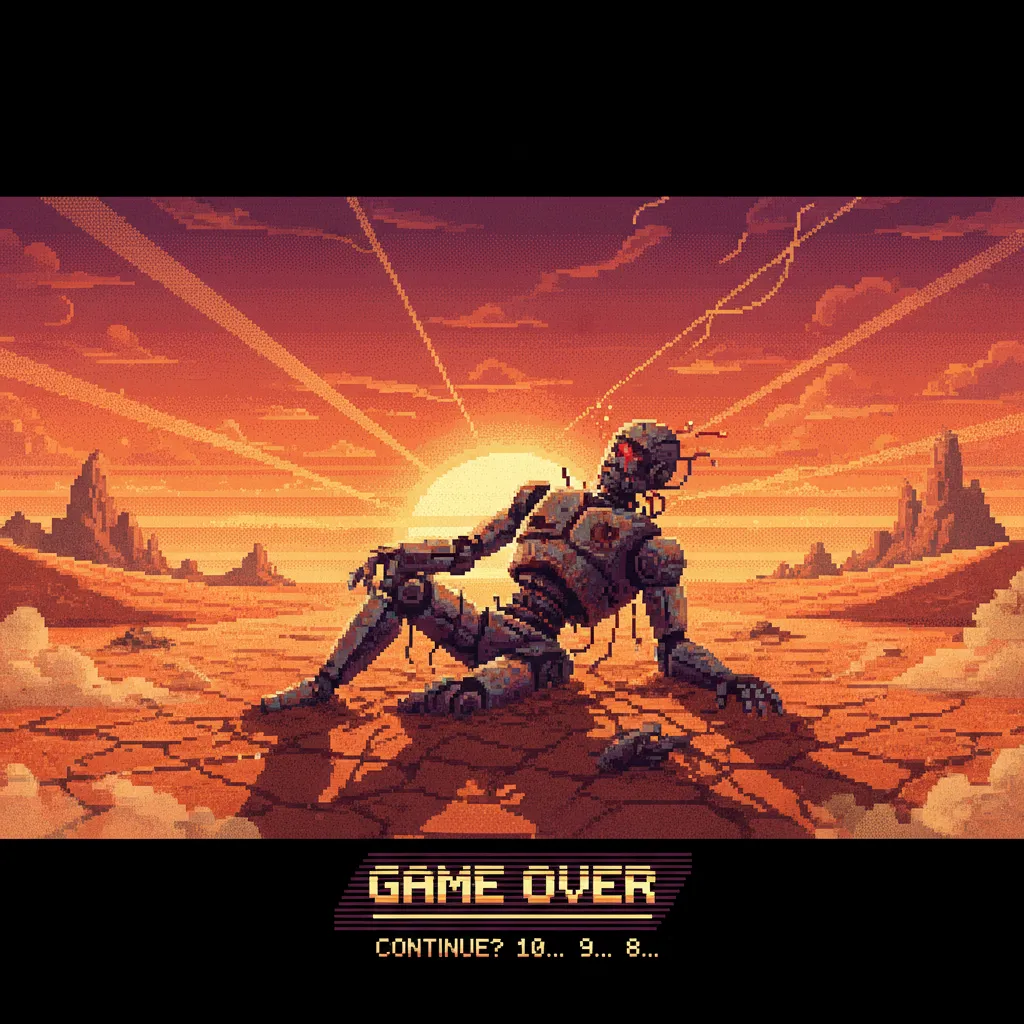
Secrets to Getting Perfect Results with Pixelated AI
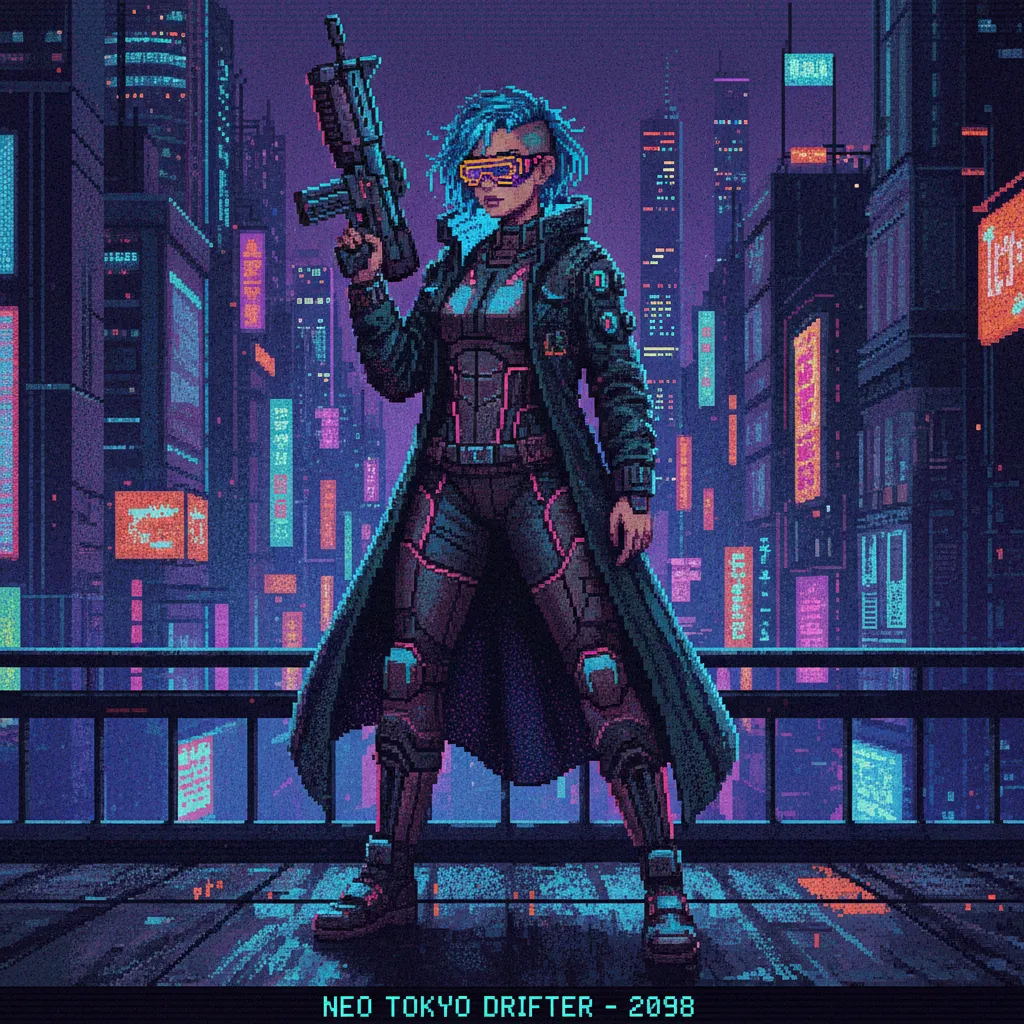
The secret to great pixelated ai isn’t just the prompt. It’s the post-processing. Most AI results need a “clean up” phase. You might take the AI output and open it in Aseprite or Photoshop. Here, you fix the “stray pixels.”
Think of the ai pixel art generator as a fast-working apprentice. It gives you a 90% finished product. You provide the final 10% to make it perfect. This hybrid workflow is the most effective way to use the technology today.
Another tip is to use “negative prompts.” Tell the AI what you don’t want. Words like “blur,” “gradient,” and “soft edges” are your enemies. You want high contrast and sharp transitions. This ensures your pixel art ia looks authentic.
Integrating an AI Pixel Art Generator into Your Workflow
How do you actually start? Don’t replace your whole process overnight. Start small. Use an ai pixel art generator for concept art first. See if you like the colors it suggests.
As you get comfortable, move to “prop” generation. These are the small items in a game, like crates or potions. These are low-risk but high-reward. Once you trust the pixel art gen ai, you can move on to complex backgrounds and character designs.
Remember, the goal is to “Transform Your Workflow.” It’s about working smarter. If a tool can do the boring parts, you have more energy for the fun parts. That is the true value of pixelated ai.
Common Myths About Pixel Art IA
Many people think AI will kill the “soul” of pixel art. This is a common fear. But pixel art is already a very technical medium. It’s about constraints. An ai pixel art generator is just another set of constraints.
Others think pixel art ia is only for people who can’t draw. That’s not true. Professional artists use it to speed up their sketching. It’s a tool for everyone. It lowers the barrier to entry, but it still rewards those with good taste.
Finally, some think the output is “ready to use” immediately. Sometimes it is. But usually, a human eye is needed to ensure the animation frames align. Use the AI to generate the frames, then align them yourself.
The Future of the AI Pixel Art Generator
Where is this going? We are seeing the rise of “real-time” generation. Imagine a game where the world changes its pixel style based on your mood. That is the power of pixel art gen ai.
We are also seeing better integration with game engines. Soon, you might prompt an ai pixel art generator directly inside Unity or Godot. This will remove even more friction. The gap between an idea and a playable game is shrinking every day.
The “look” of pixelated ai is also evolving. We are moving past simple NES clones. We are seeing new styles that blend 3D lighting with pixel grids. This “HD-2D” look is perfect for modern pixel art ia tools.
Wrapping Up: Your New Creative Partner
The ai pixel art generator is here to stay. It is not a fad. It is a powerful assistant that helps you build faster. By embracing pixel art gen ai, you unlock a level of productivity that wasn’t possible five years ago.
Don’t be afraid to experiment. Try different prompts. Mix and match tools. Use pixelated ai like Weshop AI to push your boundaries. Whether you call it pixel art ia or just a “time saver,” the result is the same. You get to spend more time being a creator and less time being a clicker.
The retro world is waiting for your next project. Why not start it today with a little help from AI?