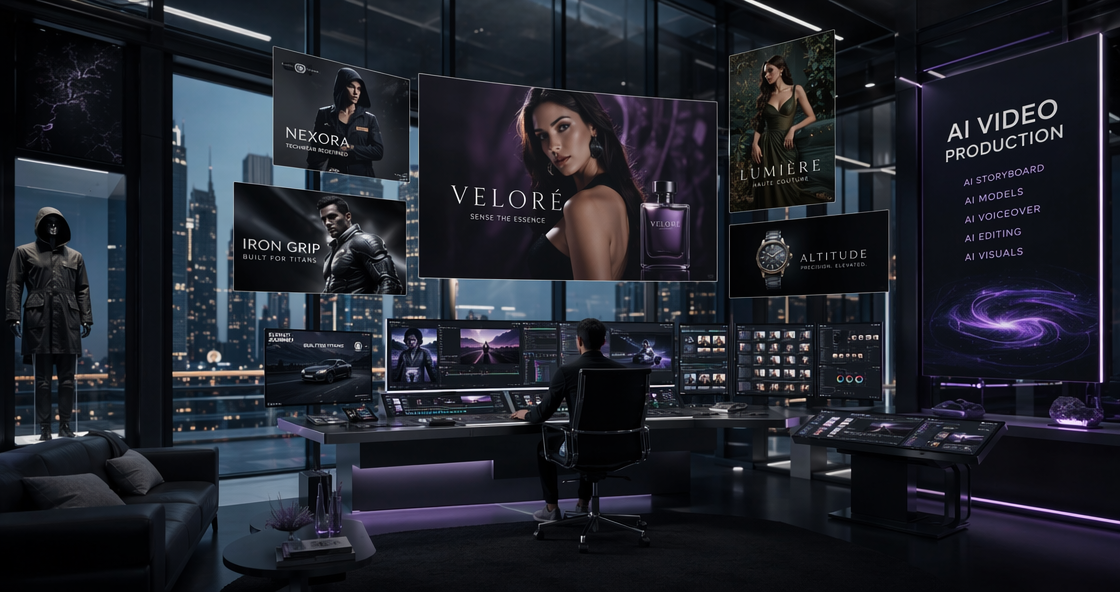
The world of AI art has changed fast. In 2026, we no longer just want “pretty pictures.” We need tools that handle real work. Lovart AI has stepped into this gap. Many designers are moving away from older platforms. They want more control and better workflows. This review looks at why Lovart AI is trending right now. We will test its features, check the new costs, and see if it fits your creative needs.
Why Everyone is Talking About Lovart AI Features
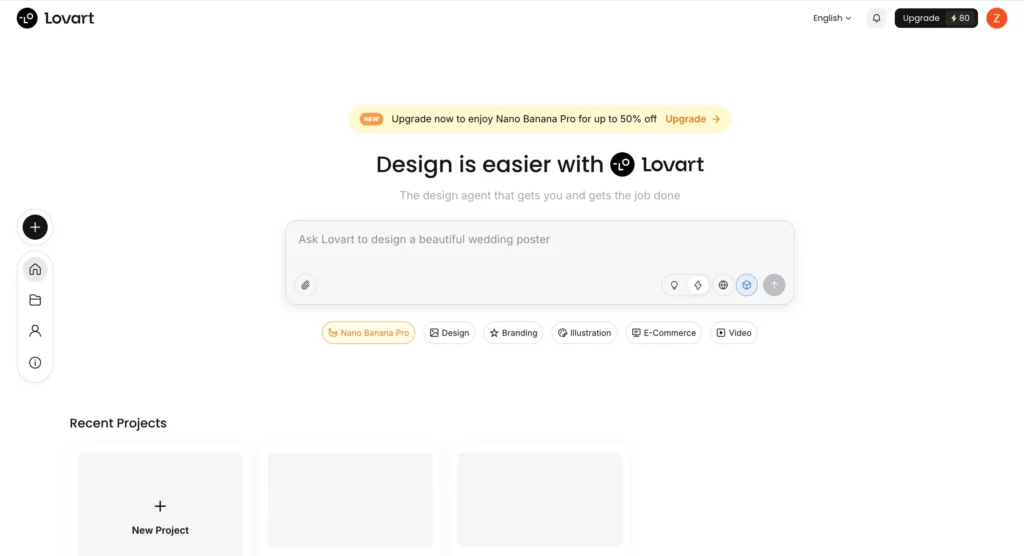
Most AI tools feel like a black box. You type a prompt and hope for the best. Lovart AI works differently. It acts more like a design partner than a simple bot.
The platform uses a “Multi-Model” system. This means you can access Nano Banana Pro, Seedream 4.5, and Kling in one place. You don’t need five different subscriptions anymore. This integration saves time and keeps your assets organized.
Understanding the Lovart AI ChatCanvas Workflow
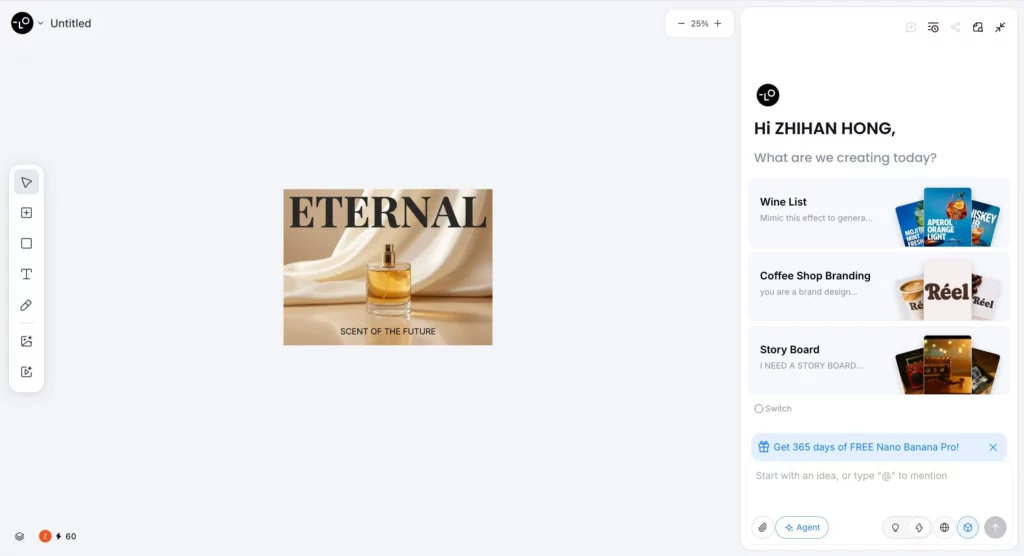
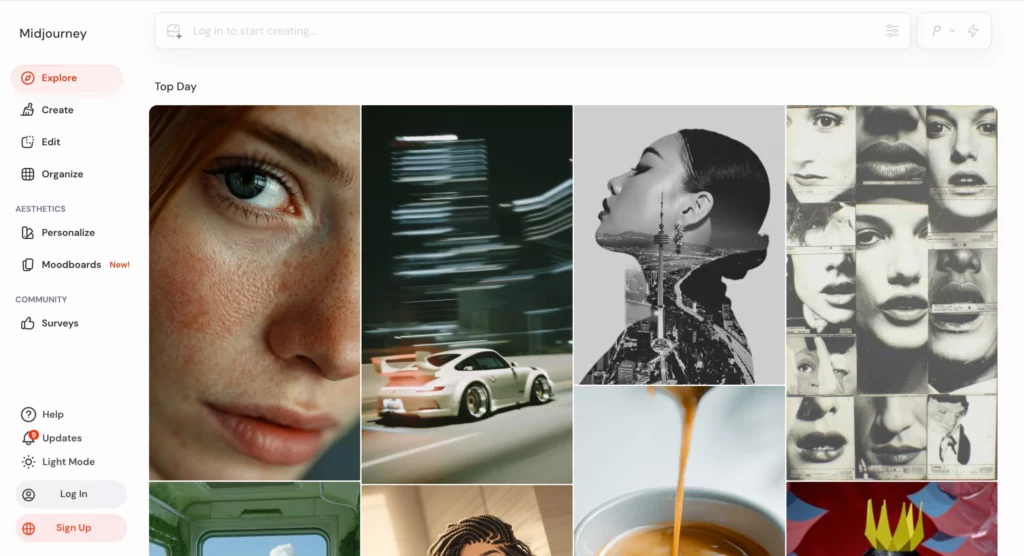
One of the best parts of Lovart AI is the ChatCanvas. In Midjourney, if the eyes look wrong, you often start over. With Lovart, you just talk to the image.
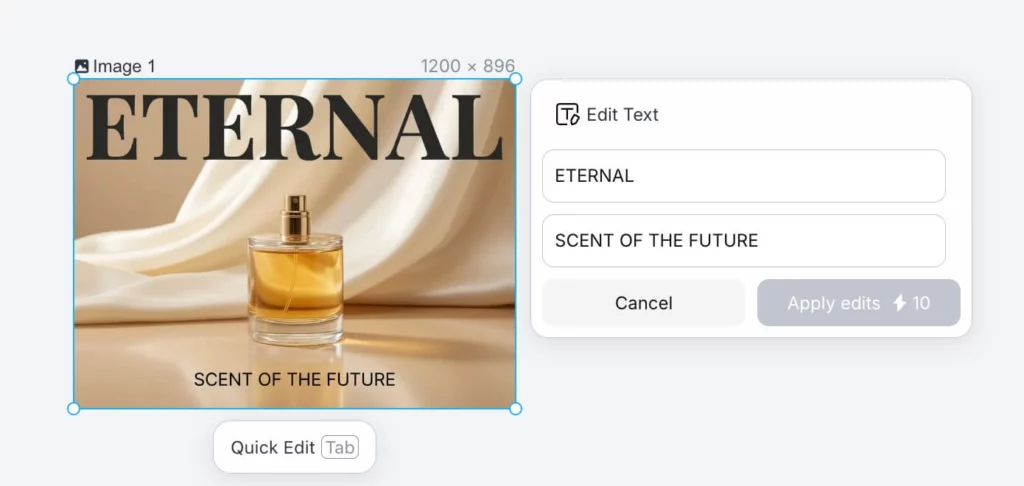
You can select a specific area. Then, you tell the AI what to change. You might say, “Make the lighting warmer”. The AI updates only that part. This makes it feel like you are working with a human illustrator.
A Deep Dive into Lovart AI 2026 Pricing
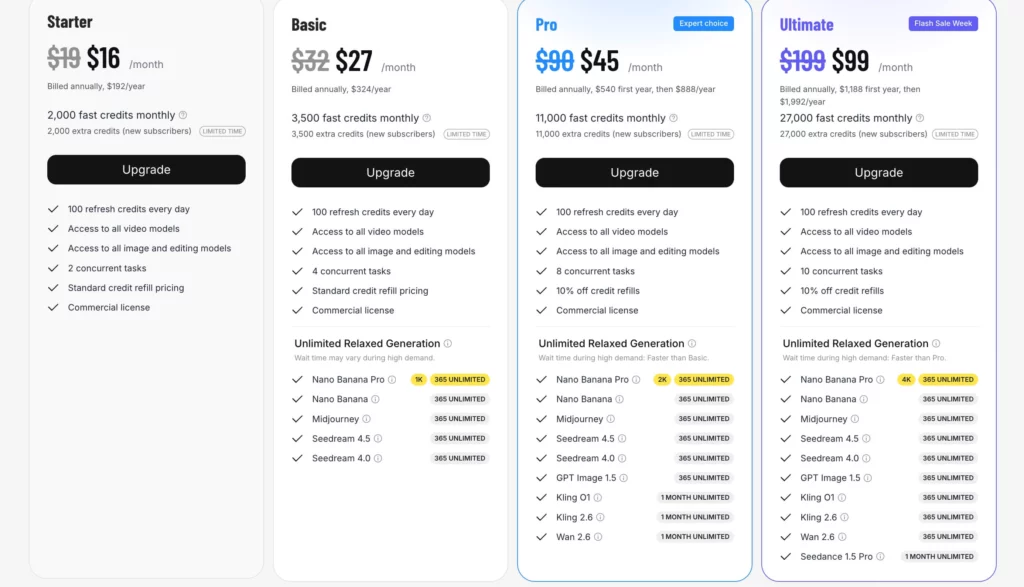
Cost is always a huge factor for pros. In 2026, Lovart AI offers four clear tiers. Paying annually is the best way to save money.
| Plan Name | Annual Price (Per Month) | Best For |
| Starter | $16 | Students and hobbyists. |
| Basic | $27 | Small social media teams. |
| Pro | $45 | Professional designers (Expert Choice). |
| Ultimate | $99 | Agencies with high volume. |
The Pro Plan is the sweet spot. It gives you 11,000 fast credits every month. It also unlocks the most advanced models like Kling 2.6 and Wan 2.6.
How Lovart AI Compares to Midjourney V7
Midjourney is famous for its artistic “soul”. However, it still lives inside Discord for many users. Lovart AI offers a much cleaner web experience.
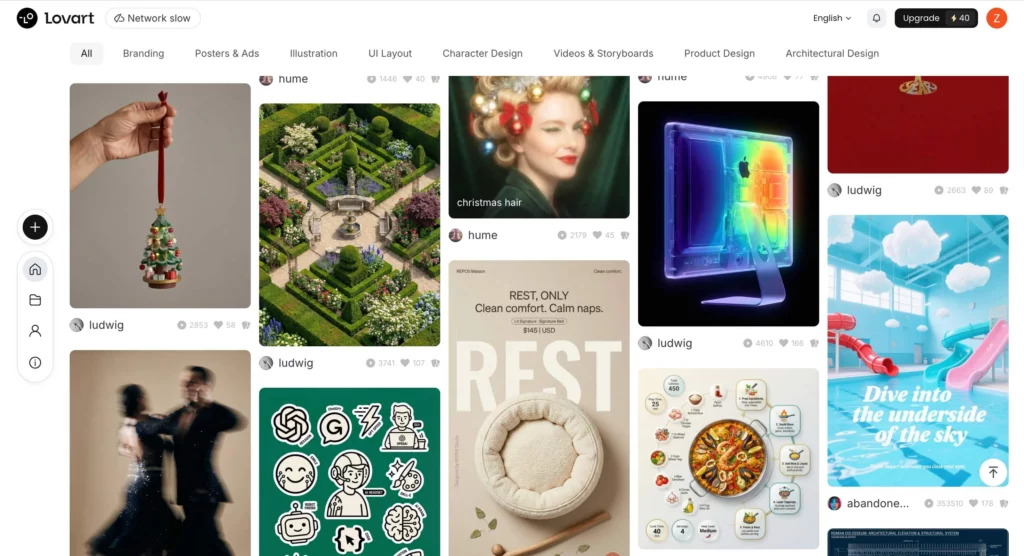
Lovart excels at commercial tasks. If you need a logo or a 3D character, Lovart is faster. It understands “design” better than “fine art”. For many businesses, that is the most important part.
Professional Tools Inside the Lovart AI Dashboard
It is not just about making images. Lovart AI includes tools for the final stages of design.
- Vector Conversion: Turn any AI art into a scalable vector file instantly.
- 3D Generation: Create character turnarounds for games or animation.
- Brand Identity: Generate consistent logos and color palettes for new brands.
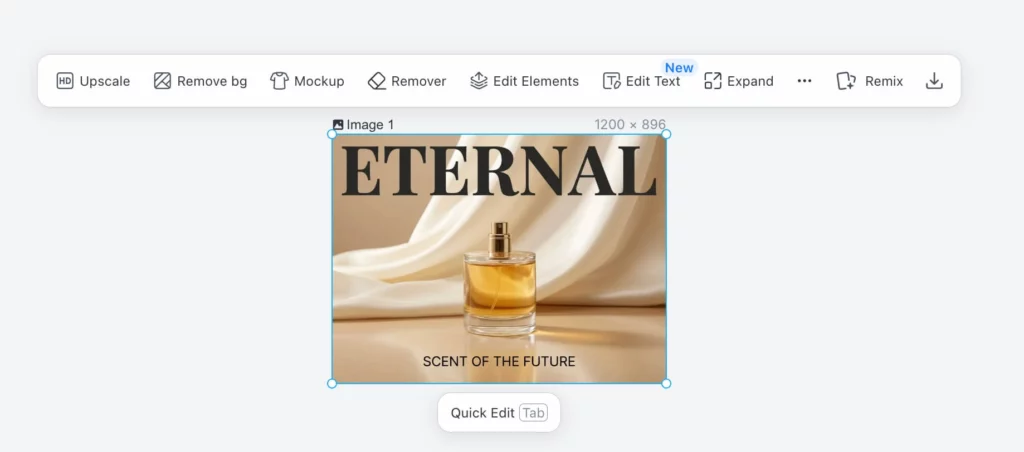
- Out-painting: Expand the background of any photo without losing quality.
Step-by-Step Guide to Success with Lovart AI
Getting started is easy. Follow these four steps to get professional results.
Step 1: Choose Your Base Model
Start by picking a model like Nano Banana Pro. This model is great for high-detail realism.
Step 2: Write Your First Prompt
Be specific but keep it simple. Describe the subject, the mood, and the lighting.
Step 3: Use the Chat to Refine
Once the image appears, don’t delete it. Use the chat to fix small details. This saves your credits and your time.
Step 4: Export and Scale
Use the built-in upscaler to reach 4k or 8k resolution. Your work is now ready for print or web.
Who Should Buy a Lovart AI Subscription?
If you are a freelance designer, this tool is a game-changer. It replaces several other expensive apps. If you work in an agency, the Ultimate Plan helps your team stay consistent.
The “Unlimited Relaxed Generation” is a huge bonus. Even if you run out of credits, you can still work. This removes the stress of “running out of juice” during a big project.
Final Verdict on Lovart AI in 2026
Lovart AI is more than a toy. It is a serious production tool for the modern age. It gives you the power of AI with the control of Photoshop.
For general design, character art, and brand work, it is hard to beat. However, every tool has its niche. If your work is strictly focused on E-commerce photography, you might need something even more specific. While Lovart is great at art, tools like Weshop AI specialize in keeping products 100% accurate in commercial shoots.