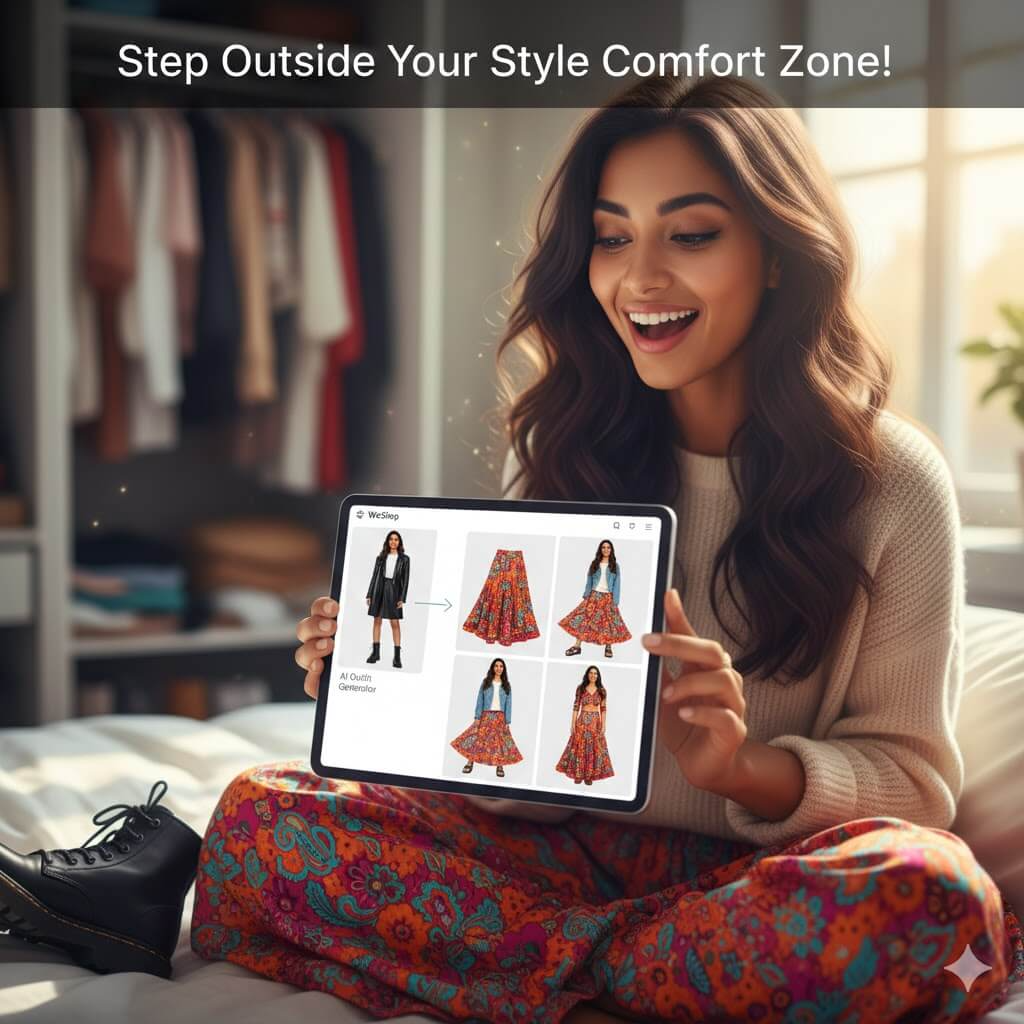
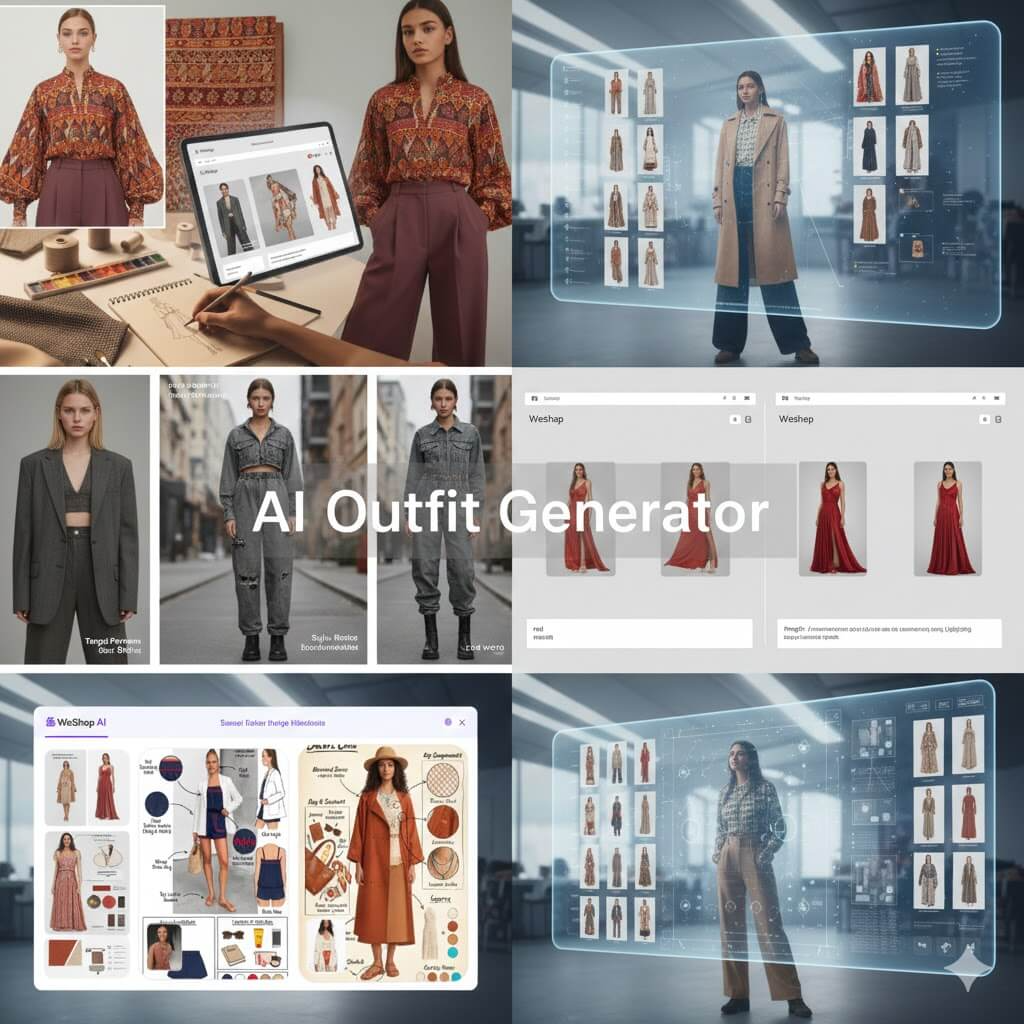
Every designer knows the struggle of a blank page. You have a mood. You have a target customer. But turning that vibe into a visual takes hours of sketching. This is where an AI Outfit Generator changes the game for your initial workflow. It is no longer just a toy for social media. It is a powerful tool for rapid prototyping. You can now visualize concepts before you even touch a sewing machine. This article explores how to integrate this technology into your creative process.
The Spark of Inspiration with an AI Outfit Generator
Traditional mood boards are often just a collection of disconnected images. You might have a fabric swatch here and a silhouette there. An AI Outfit Generator helps you fuse these elements instantly. You can test how a specific fabric looks on a specific body type.
Designers often get stuck in their own habits. We tend to use the same colors or shapes. AI introduces a bit of “controlled randomness.” This can spark ideas you never considered. It acts like a digital brainstorming partner. You provide the direction. The AI provides the visual options. This phase is all about speed and exploration.
Visualizing Your Target Persona Without the Samples
Designing for a specific demographic is a core part of fashion. Usually, you need a fit model and a prototype to see the result. Now, you can simply upload a photo of your target customer.
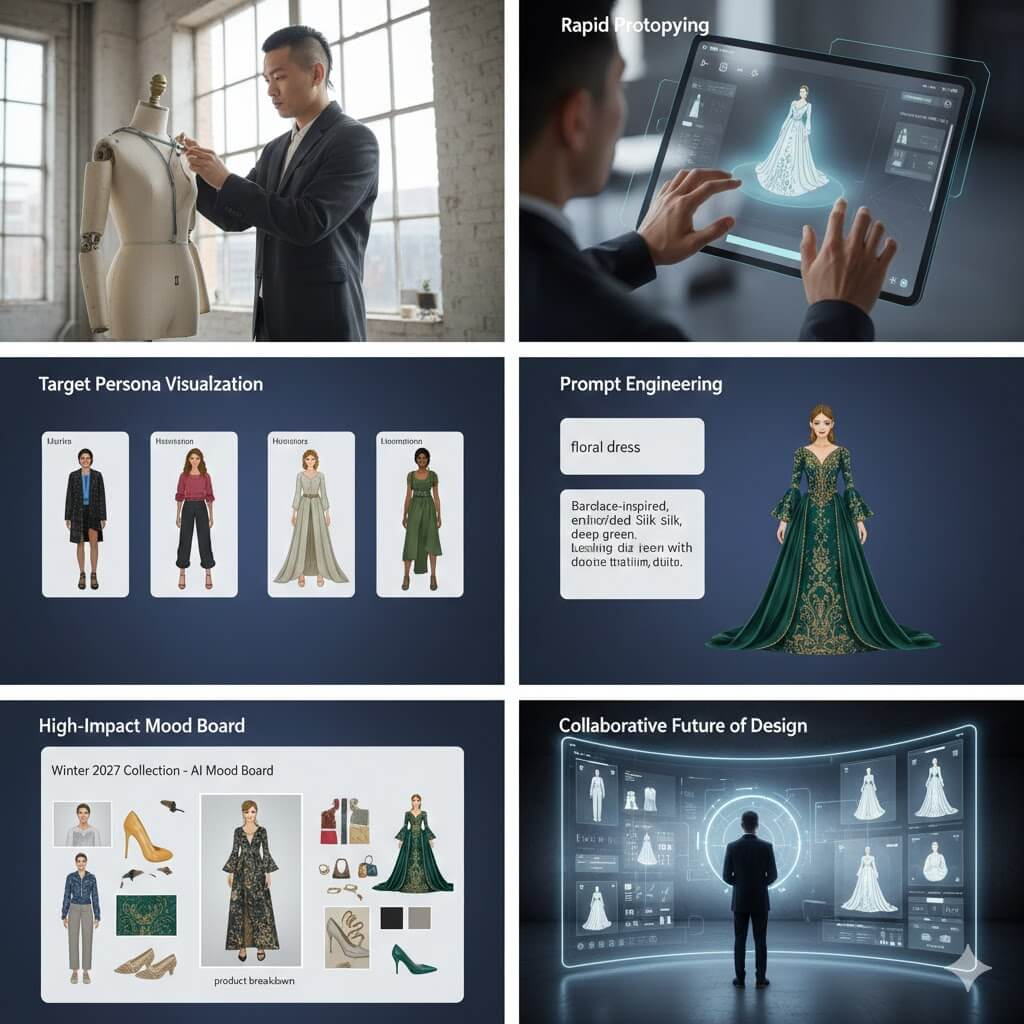
By using the generator, you see your ideas on a “real” person immediately. Does that oversized blazer work for a petite frame? Does the draped silk suit a Gen Z aesthetic? You can answer these questions in seconds. This saves you from creating physical samples that might not work. It bridges the gap between a concept and a market-ready look.
Fine-Tuning Your AI Outfit Generator Results
Many people think AI is purely random. However, professional tools allow for significant control through prompts. You can specify the “DNA” of your design. For example, you can mention “heavyweight organic cotton” or “asymmetrical hemline.”
The key is in the description. Do not just ask for a “blue dress.” Ask for a “cobalt blue midi dress with structured shoulders.” The more specific you are, the better the prototyping tool works. This allows you to iterate on a single idea. You can change the neckline or the sleeve length with one click. This level of detail makes the AI Outfit Generator a serious design asset.
Building Better Mood Boards for Internal Reviews
Internal design meetings can be difficult. It is hard to explain a vision to stakeholders. They might not see what you see in a sketch. Realistic AI images solve this problem.
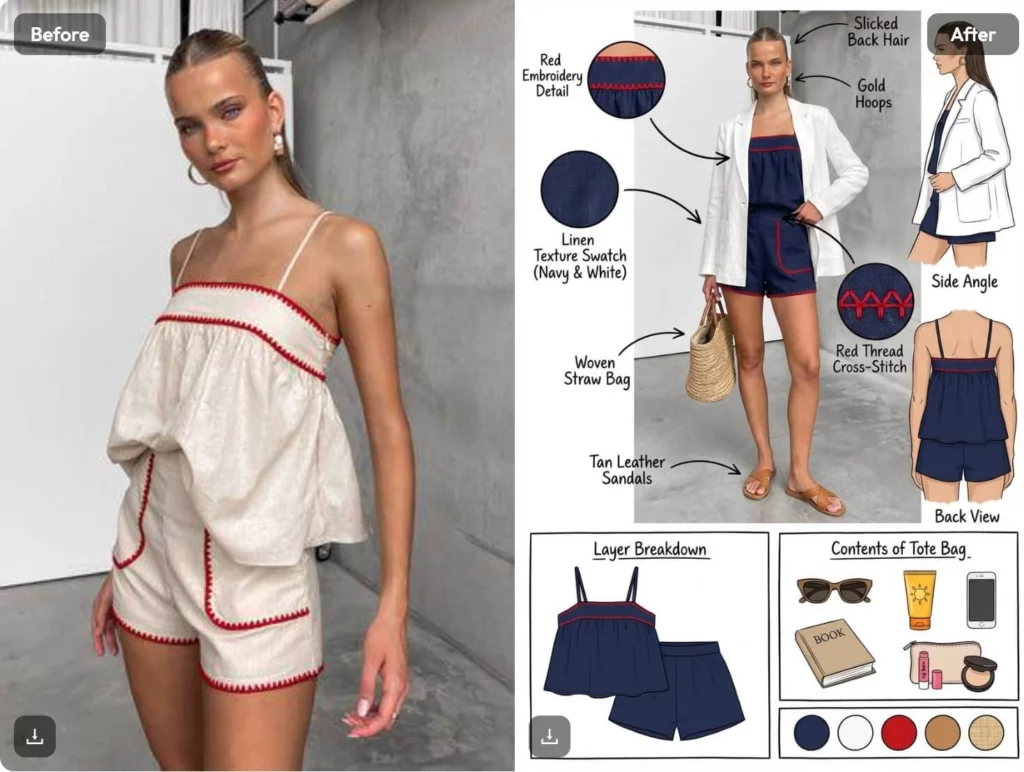
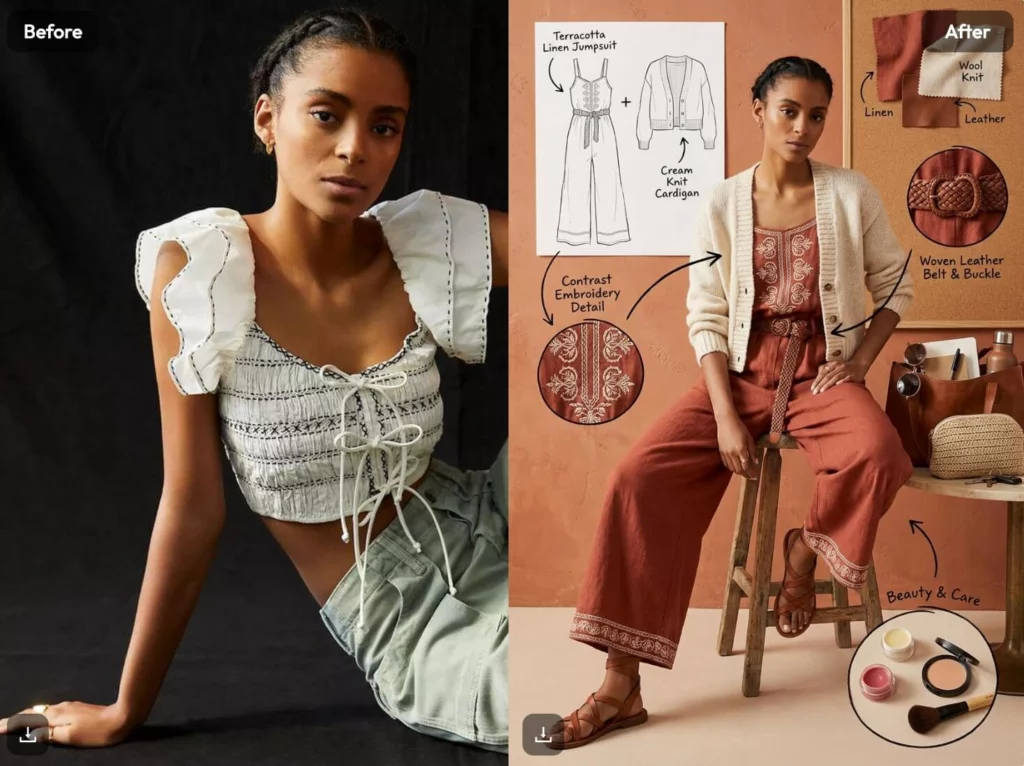
You can create a “product breakdown” collage. This shows the main garment, the styling, and the accessories together. It looks professional and polished. Your team will understand the direction instantly. This reduces the time spent on revisions. It also helps merchandising teams plan the collection earlier. A clear visual eliminates guesswork for everyone involved.
Scaling Creativity with an AI Outfit Generator
Scaling a brand requires a lot of content and ideas. Small teams often struggle to keep up. An AI Outfit Generator acts as a force multiplier. You can generate hundreds of variations for a single collection.
Think of it as a pre-selection process. You generate 50 looks and pick the best five to develop. This ensures that only the strongest designs make it to production. It also allows you to test trends quickly. If a new style goes viral, you can visualize it within your brand’s aesthetic. You stay relevant without the high cost of traditional R&D.
Why WeShop AI is the Professional Choice
Not all generators are built the same. For a designer, you need more than just a pretty picture. You need consistency and detail. WeShop AI offers tools that understand the needs of fashion pros.
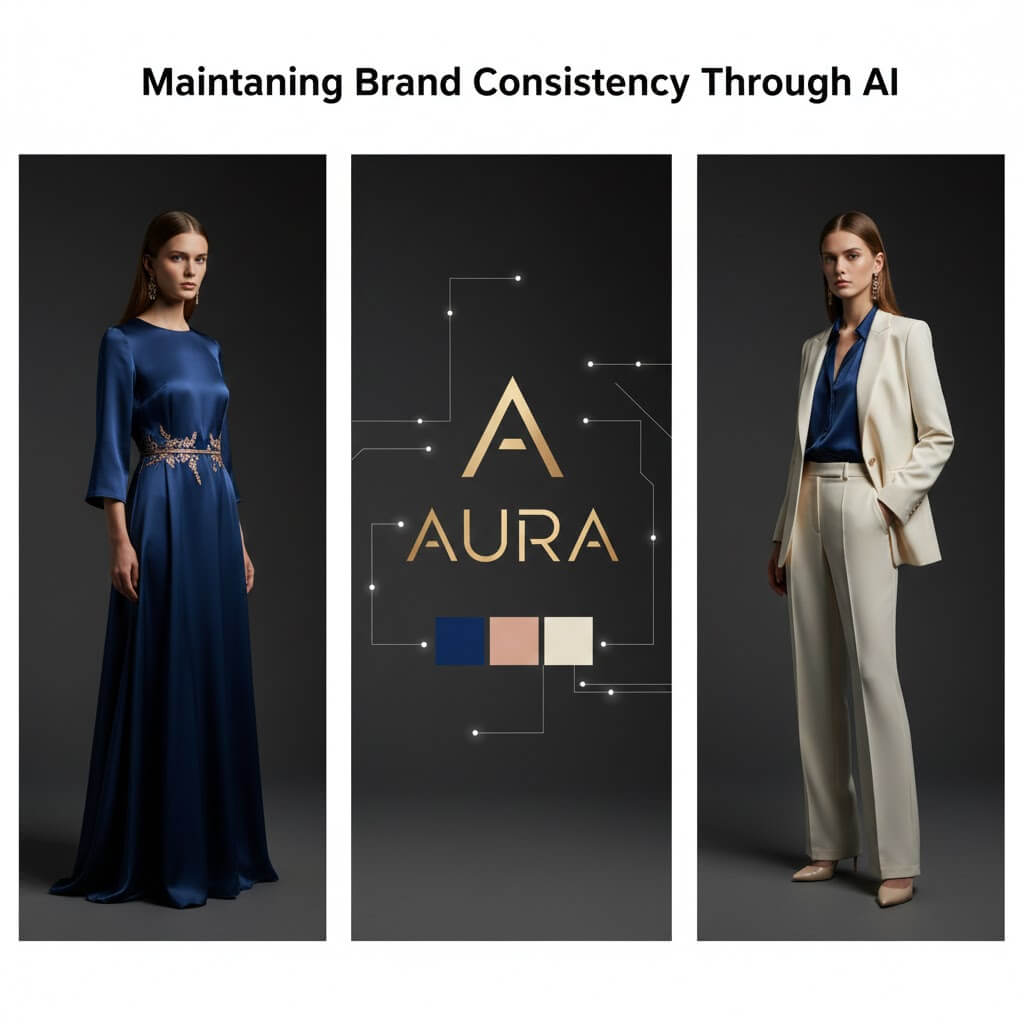
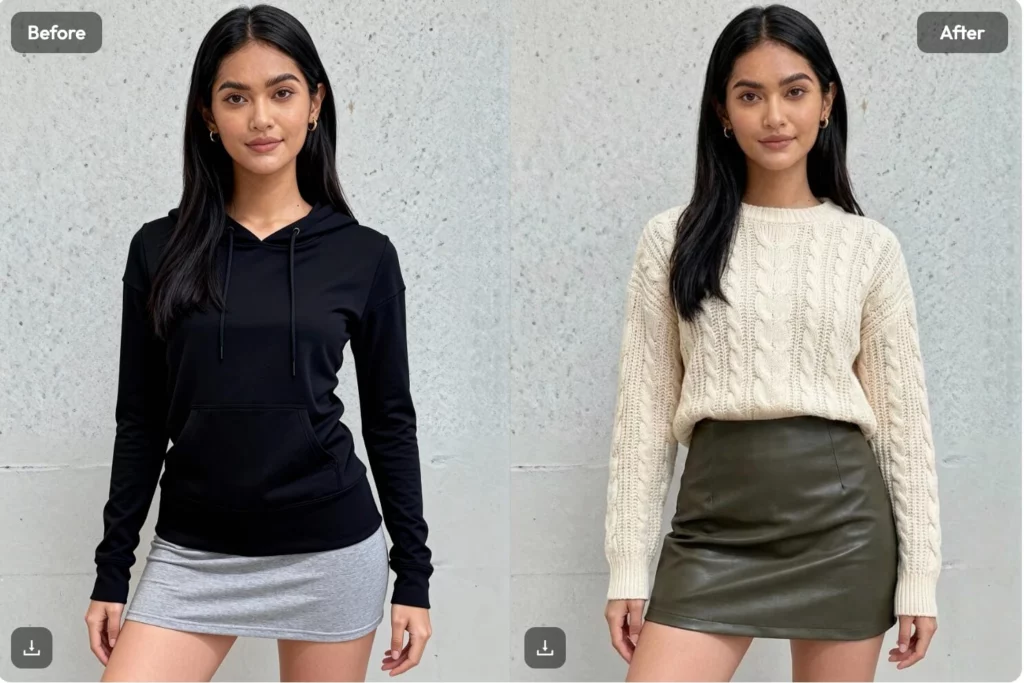
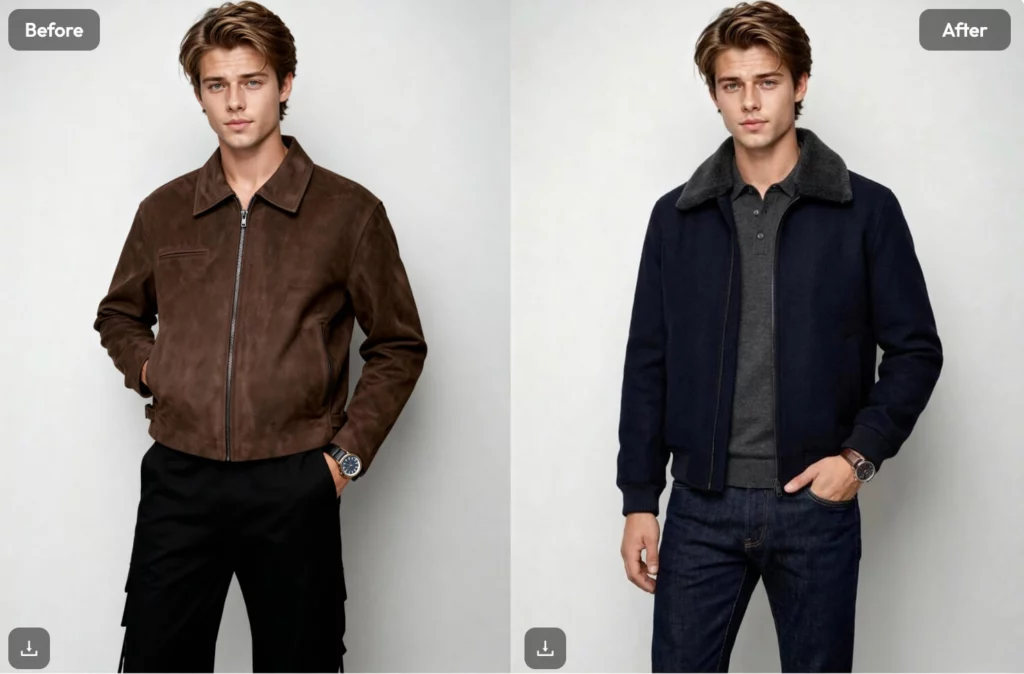
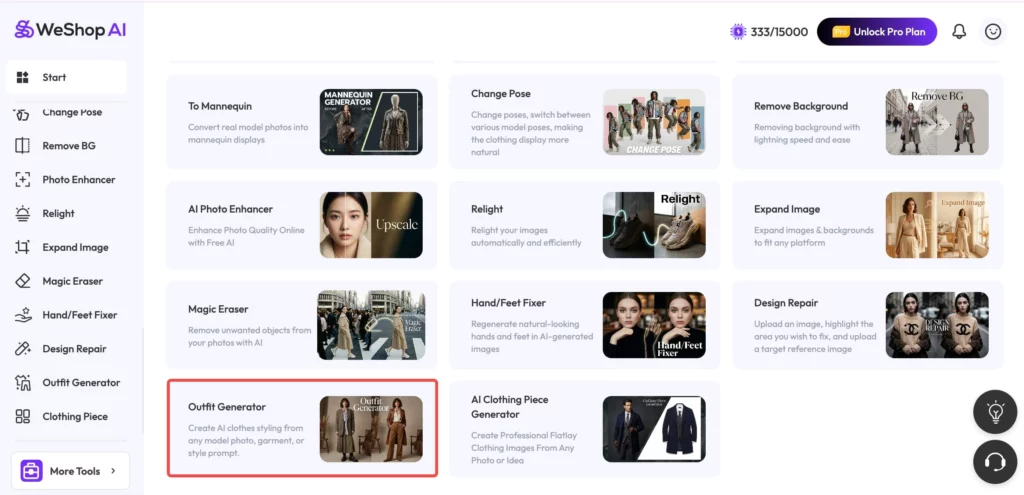
The “Outfit Generator” feature allows for a seamless transition from a simple photo to a high-end look. It keeps the model’s features while transforming the clothing. This is essential for maintaining brand identity. It also provides high-resolution outputs suitable for presentations. It is a tool designed to work within a professional ecosystem, not just alongside it.
Practical Tips for Rapid Prototyping
- Start with a clear persona photo. Use a high-quality image of your target audience.
- Use descriptive fabric terms. Mention textures like “tweed,” “satin,” or “mesh.”
- Iterate on the lighting. Use the tool’s settings to see how colors look in different environments.
- Save your best prompts. Build a library of keywords that fit your brand’s signature style.
- Focus on silhouettes. Use AI to find the perfect balance of volume and structure.
Conclusion
AI will not replace the fashion designer. It replaces the tedious parts of the job. It handles the repetitive sketching and the basic visualization. This leaves you with more time for the true creative work.
The most successful brands will be those that adapt. Integrating an AI Outfit Generator is the first step. It makes your workflow leaner and faster. It allows you to fail quickly and succeed even faster. Prototyping is about learning. With AI, you learn at the speed of thought.