

Ever saved ten room inspo boards and still felt unsure what your space would actually look like? 😵💫 That is the exact problem an AI room planner is trying to solve. Some tools start with a single photo. Others lean into floor plans, 3D layouts, or full design libraries. The difference matters more than most people think, because the right tool depends on whether you want fast visual ideas, layout control, or presentation-ready interiors. WeShop AI’s room planner belongs to the photo-first camp, using room understanding, spatial recognition, and lighting preservation to generate realistic redesigns while keeping the original layout intact.
What people actually want from an AI room planner
Most users are not looking for complicated software. They want a faster way to answer one simple question: “Will this look good in my room?” That is why AI room planning has become so popular. Some tools are built for instant redesigns from a photo. Others are better for floor-plan creation, 3D walkthroughs, or deeper customization. A good choice depends on the stage of the project, not just the style of the interface.
Table 1. How the main AI room planner tools differ
| Tool | What it focuses on | Best fit |
|---|---|---|
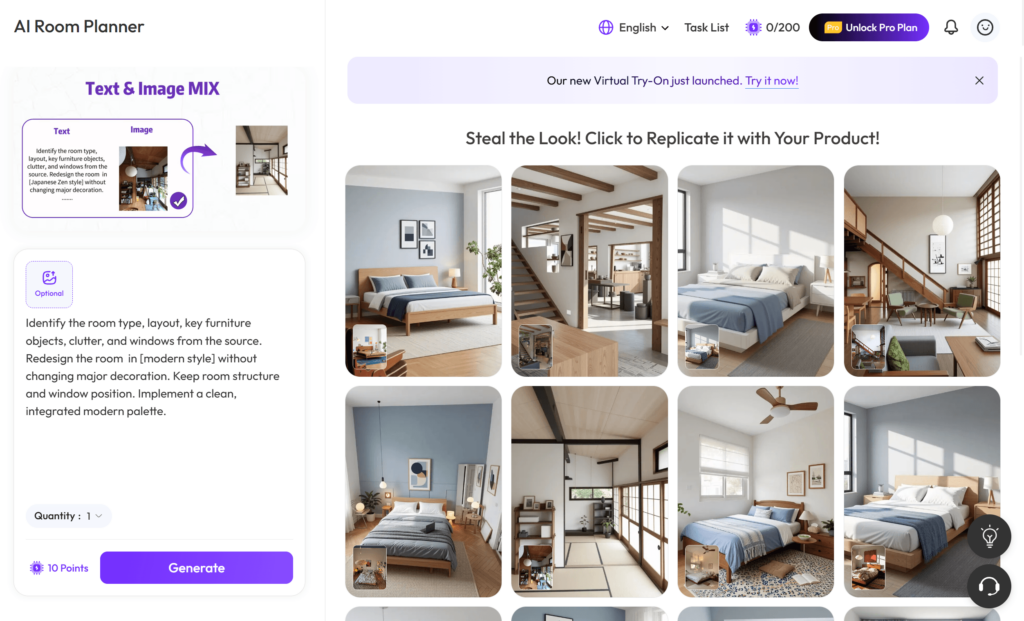
| WeShop AI | Upload a room photo, detect layout and lighting, then generate photorealistic redesigns while keeping the original structure intact. | Readers who want realistic photo-based room previews fast. |
| Planner 5D | Offers a free AI room design tool, room size/style/layout control, AI floor plan recognition, and 3D or VR walkthroughs. | Users who want a stronger floor-plan and 3D planning workflow. |
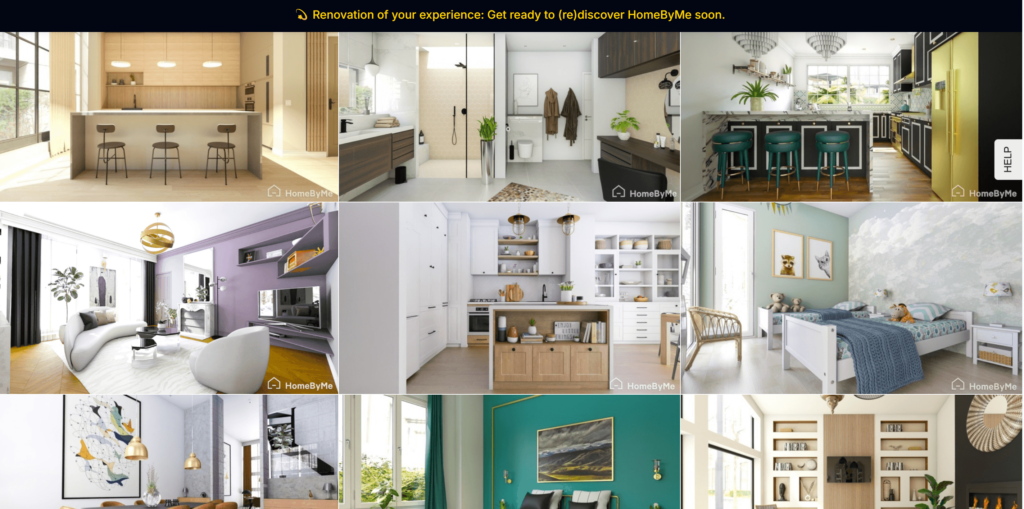
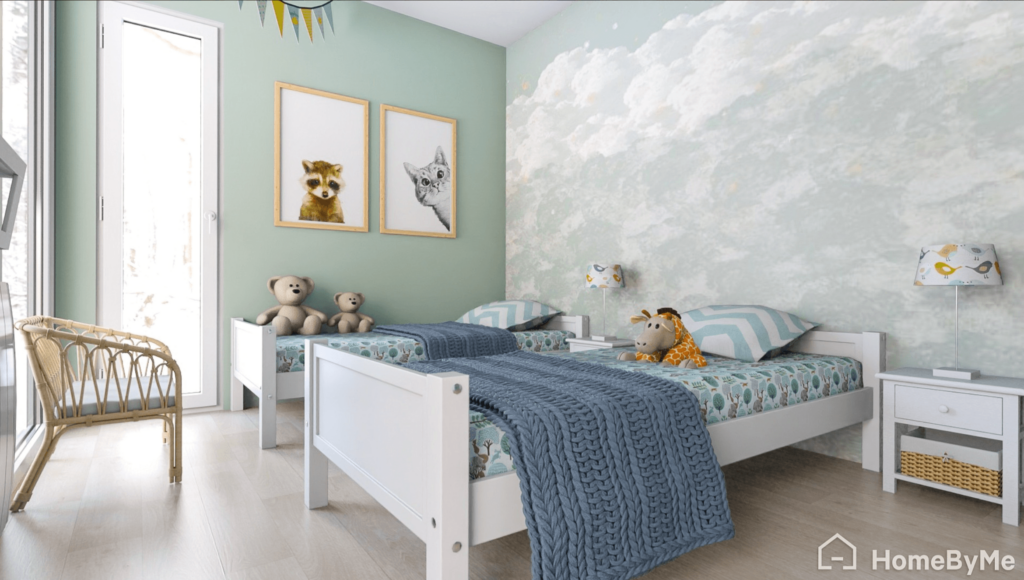
| HomeByMe | Lets users create a 2D floor plan, furnish in 3D, use branded product catalogs, and generate 4K images. | People who want a classic 2D-to-3D home design process. |
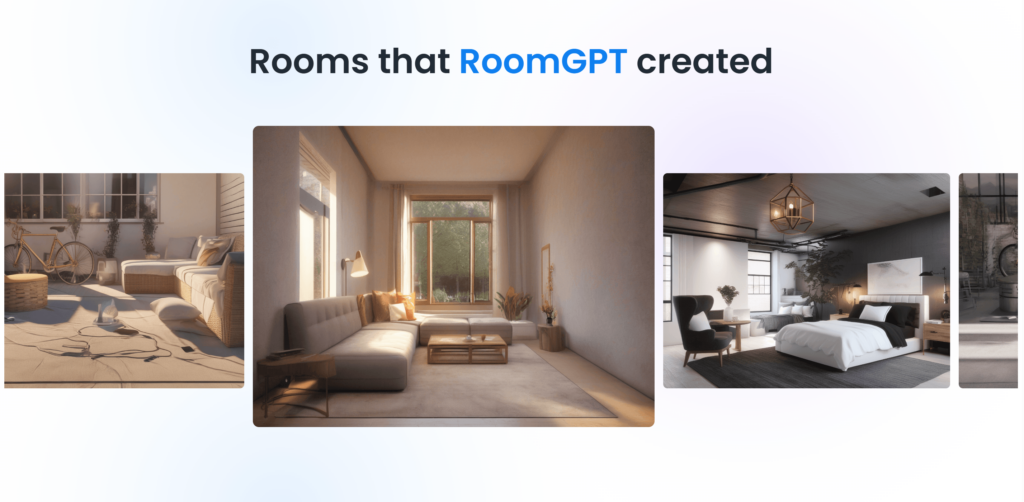
| RoomGPT | Positions itself as a personal AI interior designer, says it is used by over 2 million people, and can redesign a room from one photo. | Users who want a simple one-photo redesign experience. |
| Homestyler | Starts with an uploaded room image, then lets users choose a style and room type inside its AI home design flow. | Users who want style-led room redesign options. |
The big split photo first or floor plan first
This is the real decision point. Photo-first tools are about speed and realism. They help you see how a room might look without asking you to become a designer first. Floor-plan-first tools are more about control. They are stronger when you want to build a space from measurements, test room configurations, or move deeper into 3D design. Planner 5D and HomeByMe lean more toward that structured planning side, while RoomGPT, Homestyler, and WeShop AI are closer to the “upload and redesign” experience.
If you care most about realism
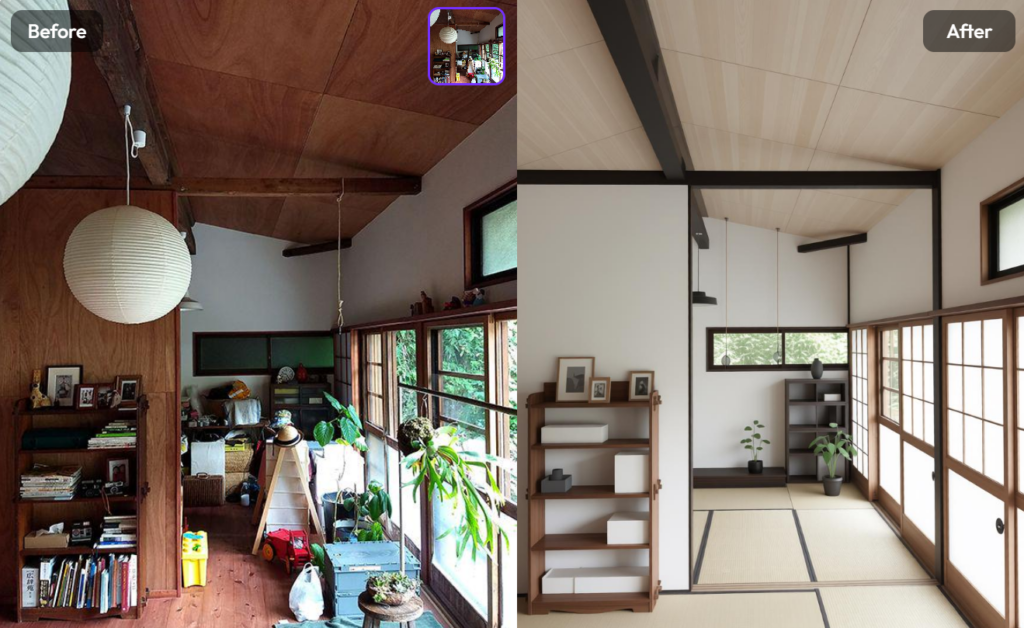
This is where a photo-based workflow usually feels easier. WeShop AI says its room planner uses automatic room understanding, spatial recognition, and lighting preservation to create photorealistic renders while keeping the original layout intact. That makes it especially useful when the goal is not just inspiration, but a believable preview of the actual room.
If you care most about planning control
Planner 5D and HomeByMe are stronger fits when the room itself is the project. Planner 5D emphasizes room size, style, layout control, floor plan recognition, and 3D or VR walkthroughs. HomeByMe focuses on 2D floor plans, 3D furnishing, branded product catalogs, and 4K visuals. In other words, these tools are better when you want to build and refine a space step by step.
If you care most about quick inspiration
RoomGPT and Homestyler are good examples of how simple the category has become. RoomGPT markets itself as a personal AI interior designer that can transform a room from one photo, and Homestyler’s AI room design flow begins with uploading an image, then choosing a style and room type. That makes both tools approachable for users who want ideas quickly without a long setup process.
Where WeShop AI fits in this landscape
The strongest case for the WeShop AI room planner is not that it tries to do everything. It is that it focuses on the “show me now” moment. The official page says users can upload a room photo, test multiple design variations, build mood boards, and generate polished visuals for bedrooms, living rooms, client presentations, and real estate staging. It also says users can try the feature for free, which lowers the friction for casual browsers and first-time users.
That matters because most people do not start a redesign with perfect measurements. They start with a room photo and a vague feeling. A useful AI room planner should turn that feeling into something visible, believable, and easy to compare. That is exactly where a photo-first tool tends to win attention.
Button suggestion: Try the Free AI Room Planner
Best placement: right after this section, when the reader has already compared the tools and is most likely to click.
So which tool should you actually choose
If you want a quick redesign preview from a real room photo, a photo-based planner makes the most sense. If you want full layout control, floor-plan accuracy, and deeper 3D design, the structured planners are stronger. If you want a simple inspiration tool, the one-photo apps do the job well. The best choice is not the loudest one. It is the one that matches how you naturally think about your space.
For readers who want a fast, visual, low-friction place to start, WeShop AI is a smart option. It is photo-based, easy to test, and built around realistic renders instead of abstract mockups. That combination makes the tool feel practical rather than gimmicky. ✨


