Ask any e-commerce operations team which AI tool they reach for first, and the answer is rarely the flashiest one. It is not the background generator or the virtual try-on. It is the image enhancer — the quiet workhorse that turns a 72-DPI supplier photo into a hero image that converts. AI photo enhancement has become the foundational layer of the modern product photography stack because every other tool downstream performs better when it starts with sharper, higher-resolution input.

Before

After
Product flat lay: label typography, package seams, and material textures all resolve — supplier photos become hero shots.
The Resolution Gap That Costs E-Commerce Brands Conversions
Amazon requires at least 1000px on the longest side for zoom. Shopify themes look best at 2048px. Instagram Shopping demands square crops at 1080px minimum. Yet supplier catalogs routinely ship 600×800 product shots — images that meet no platform’s quality bar.
The traditional fix — hiring a photographer to reshoot — costs $15–$50 per SKU and takes days. For a catalog of 500 SKUs refreshed quarterly, that is $30K–$100K annually just on product photography. AI photo enhancement collapses this cost to near-zero per image while delivering results that pass platform quality audits.
The technical mechanism: residual learning networks trained on millions of image pairs predict high-frequency detail (texture, edge, microstructure) that the low-resolution source lacks. Unlike bicubic upscaling, which averages neighboring pixels into mush, the network generates plausible detail guided by perceptual loss — a training objective that rewards textures the human eye perceives as realistic.

Before

After
Electronics promo: screen text becomes legible, bezel edges sharpen, and promotional typography crisps to print quality.
The Neural Architecture Behind E-Commerce Image Upscaling
The core innovation is the residual block. Instead of learning the entire high-res image from scratch, the network learns only the difference (residual) between the low-res input and the target output. This dramatically reduces the learning complexity and allows the model to focus computational budget on recovering fine detail: thread patterns on fabric, embossed logos on leather, refractive caustics on glass bottles.
WeShop’s AI Photo Enhancer wraps this architecture in a one-click interface. Upload a product image at any resolution, select 2× or 4× upscale, and the residual network produces an output that holds up under Amazon’s zoom lens or Shopify’s lightbox — no manual sharpening, no Photoshop actions, no parameter tuning.
Five E-Commerce Workflows Where AI Photo Enhancement Pays for Itself
1. Supplier Photo Upgrade. Chinese manufacturers’ product photos are optimized for WeChat, not Western marketplaces. Enhance to 4× before listing, and resolution meets Amazon/Shopify minimums without re-shooting.
2. Cross-Platform Asset Repurposing. A single hero image needs to serve Amazon (2000px), Shopify (2048px), Instagram (1080px square), and TikTok Shop (vertical 9:16). Enhance once at max resolution, then crop to each aspect ratio without quality loss.

Before

After
Model photography: enhancement doubles the usable pixel budget, enabling tight crops for social ads without resolution collapse.
3. Legacy Catalog Migration. Migrating from an older platform? Legacy product databases often contain images at 2005-era resolutions (300×400). Bulk-enhance before importing into your new storefront to avoid a catalog full of blurry thumbnails.
4. User-Submitted Review Photos. Customer reviews with photos drive 3× more clicks than text-only reviews. But phone-camera uploads are often noisy and low-res. Auto-enhance on upload to present customer evidence at its best without altering the content.
5. Print-on-Demand Fulfillment. Design files that look fine on screen pixelate at 300 DPI print. A 4× enhance pass converts a 1024×1024 design into 4096×4096 — enough for a 13″ × 13″ print at full DPI.
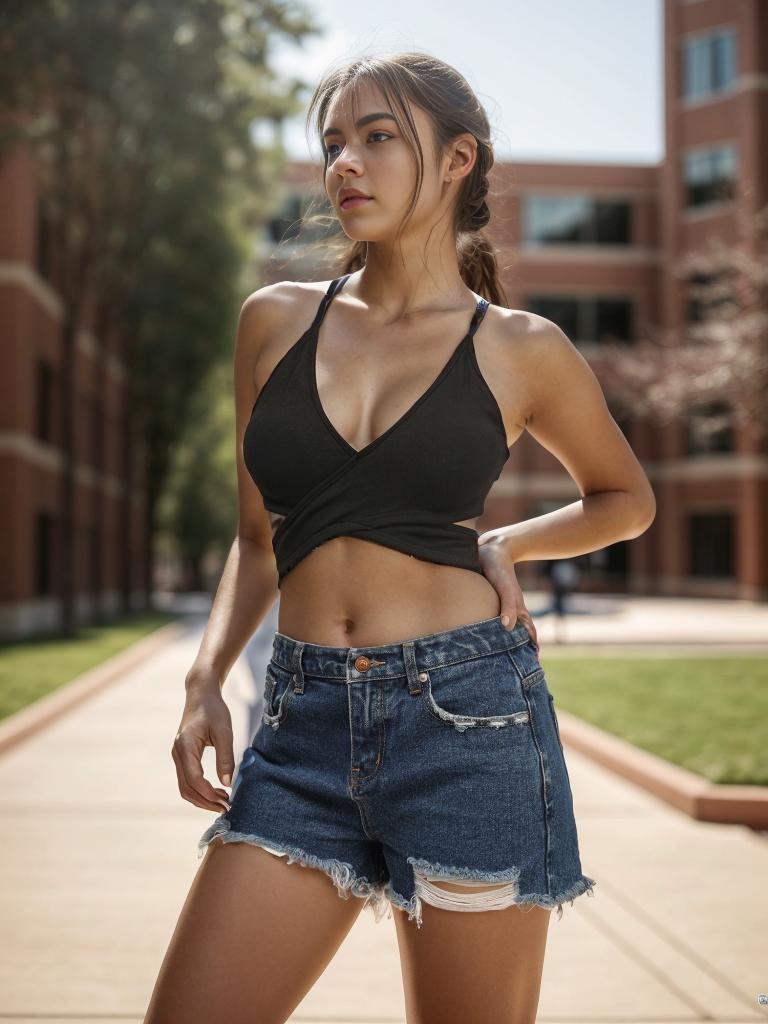
Before
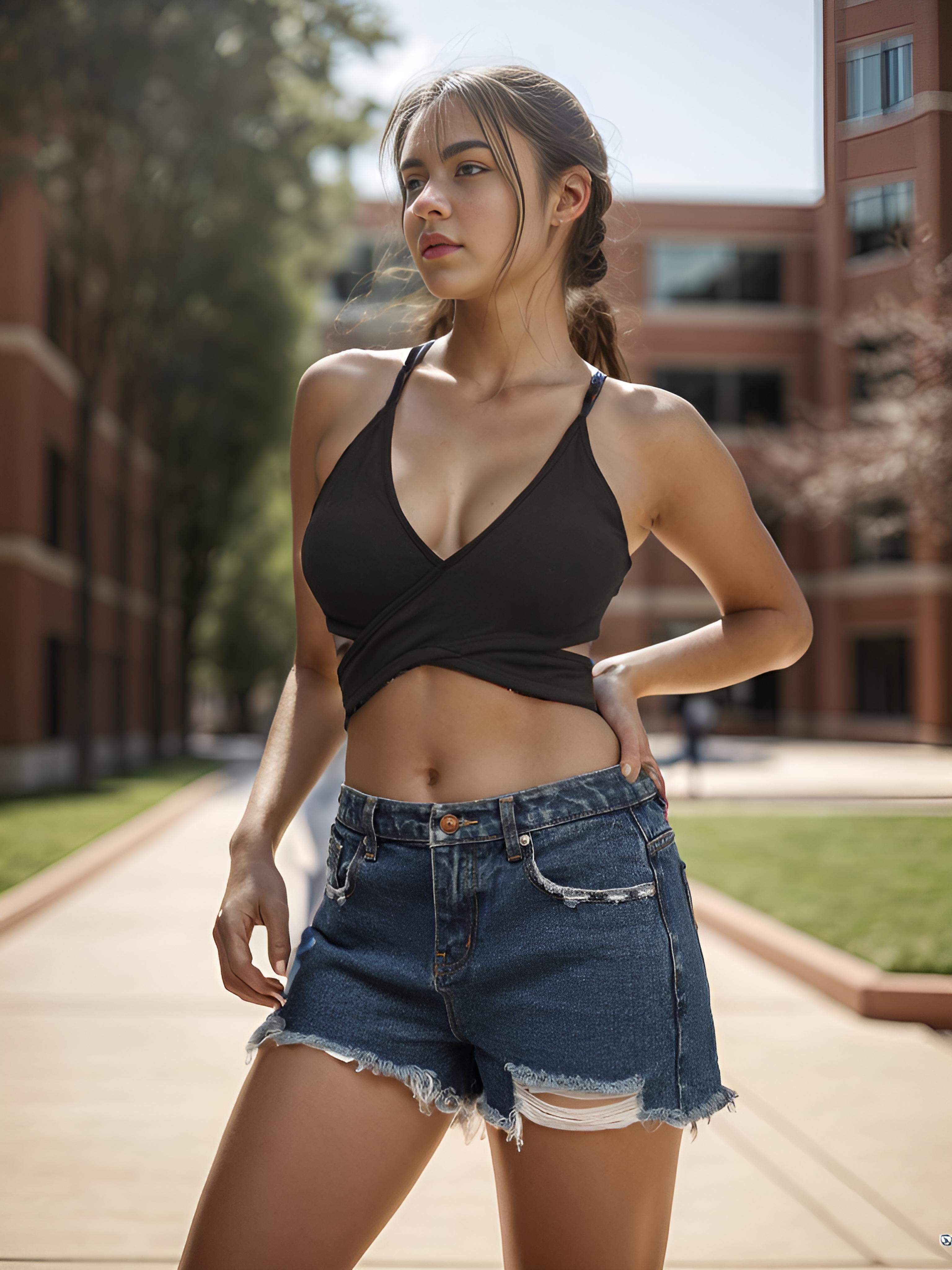
After
Stitching patterns, fabric weave, and color gradients all sharpen — the level of detail that earns the Amazon zoom badge.
The Enhancement-First Pipeline: How It Feeds Every Other AI Tool
Enhancement is not a standalone step — it is the foundation layer. In WeShop’s ecosystem, the output of the enhancer becomes the input for:
- Background removal — higher resolution means more edge data for the matting algorithm (learn more).
- Virtual model placement — sharper product detail improves garment-to-model compositing realism.
- AI video generation — upscaled stills produce smoother video interpolation with fewer artifacts.
The logic is simple: garbage in, garbage out. Start with the sharpest possible input, and every downstream tool delivers better results. For a step-by-step guide to the enhance → edit → publish pipeline, see the complete tutorial.
Technical Forecast: Real-Time Enhancement at the CDN Edge
The next evolution is inference at the content delivery network (CDN) edge. Instead of pre-enhancing images and storing multiple resolution variants, future e-commerce stacks will enhance on-the-fly as the user’s browser requests a specific size. This eliminates storage bloat, simplifies asset management, and guarantees every visitor sees the optimal resolution for their device — 2× for mobile, 4× for desktop 4K monitors, original for bandwidth-constrained connections.
The computational bottleneck is inference latency: current cloud enhancers take 2–8 seconds per image. Once edge GPUs bring that below 200ms, real-time enhancement becomes viable for production traffic. Expect early adopters within 18 months.
Expert FAQ
Does AI photo enhancement alter product colors or introduce inaccuracies?
Residual networks add detail without shifting the global color space. If your input is color-accurate, the output preserves those values. For marketplace compliance, spot-check enhanced images against physical samples under D65 lighting.
Can enhancement create detail that misleads buyers about product quality?
The network predicts plausible detail, not arbitrary detail. It fills in texture consistent with the surrounding context — fabric weave, logo edges, surface grain. It will not add features that do not exist (e.g., turning a matte surface into gloss). Still, always verify enhanced images against the physical product.
What is the ideal source resolution for best enhancement results?
The sweet spot is 500–1000px on the long edge for 4× upscale. Below 300px, even neural networks struggle to predict meaningful detail. Above 2000px, the gains from 2× are marginal — you are better off spending compute on downstream editing rather than upscaling.
How does bulk enhancement work for catalogs with thousands of SKUs?
Cloud-based tools offer API endpoints for programmatic access. Submit images via REST, receive enhanced versions as webhook callbacks or polling results. Processing throughput scales horizontally — 1000 images per hour is standard on mid-tier plans.
Should I enhance before or after white-background isolation?
Before. Enhancement adds edge detail that improves the accuracy of background removal algorithms. Enhance → remove background → composite onto marketplace white is the optimal sequence.