In 2026, a single image can determine your product’s fate. Recently, thousands of sellers have seen their best-selling items “Search Suppressed” due to stricter image audits. If your conversion rate is dropping, simply re-uploading photos won’t work. You need a data-driven strategy for Amazon Image Optimization.
Amazon’s A9 and COSMOS algorithms now prioritize technical compliance as much as visual appeal. This guide breaks down the latest regulations and the best Amazon Image Optimization tools to ensure your brand stays visible and profitable.
The “Why”: What Triggers an Amazon Image Optimization Failure?
Amazon’s image suppression isn’t random; it’s a programmatic enforcement of brand consistency. When your visual assets fail to meet the platform’s metadata or aesthetic standards, the “Search Suppressed” tag is automatically applied, removing you from search results entirely.
- The RGB (255, 255, 255) Requirement
The “Pure White” background is the most common point of failure. Human eyes might see “white,” but Amazon’s bots see pixel values. If your background is (254, 255, 255), it is non-compliant. A true Amazon Image Optimization process involves using digital levels to ensure every corner of the background is pure white.
- The Non-Compliance of “Floating” Items
Amazon requires that the product be seen in its entirety. If a product is cropped or if a shadow is cast in a way that obscures the silhouette, the listing fails. This is especially true for items with reflective surfaces like jewelry or electronics, where “light leaks” can confuse the algorithm’s edge-detection.
- Prohibited Digital Assets
The inclusion of watermarks, promotional text (e.g., “Free Shipping”), or even small brand logos that aren’t physically on the product will lead to immediate suppression. These elements interfere with the “clean” look Amazon mandates for its search result pages.


2026 Technical Specs: The Checklist for Amazon Image Optimization
To stay indexed and rank high, your listing’s visuals must meet these updated technical standards.
Main Image Rules: The Core of Amazon Image Optimization
The main image is the most heavily scrutinized. To ensure compliance, follow these rules:
- Background: Must be pure white (RGB 255, 255, 255).
- Product Ratio: The product must occupy at least 85% of the frame.
- No Props: Only the product being sold should be visible. Including accessories “for scale” in the main image is a violation.
- File Naming: Use your primary keywords in the filename (e.g.,
amazon-image-optimization-kitchen-knife.jpg) before uploading to help with external SEO indexing.
Resolution and File Specs for High Conversion
With the rise of 4K displays and high-definition mobile shopping, Amazon has increased its preference for larger files.
- Minimum Size: 500 pixels (but avoid this for 2026).
- Recommended Size: At least 1600 pixels on the longest side. This enables the Zoom Feature, a key component of effective Amazon Image Optimization.
- Maximum Size: 10,000 pixels on the longest side.
- Aspect Ratio: 1:1 (Square) is the standard for most categories, but some apparel categories now allow for 3:4 vertical crops.
Advanced Strategies for Secondary Images
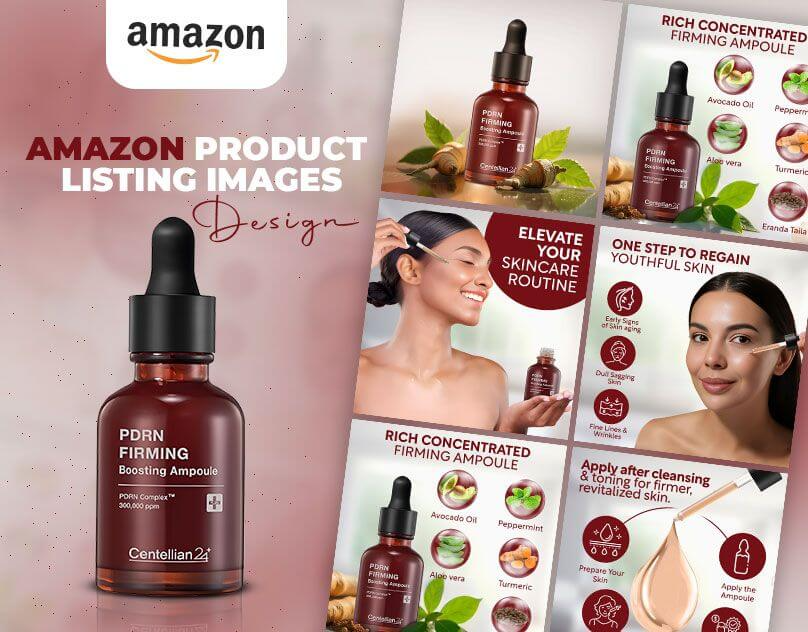
While the main image gets you into the search results, your secondary images (slots 2 through 7) are what close the sale. A complete Amazon Image Optimization strategy utilizes all available slots.
- The Power of Infographics
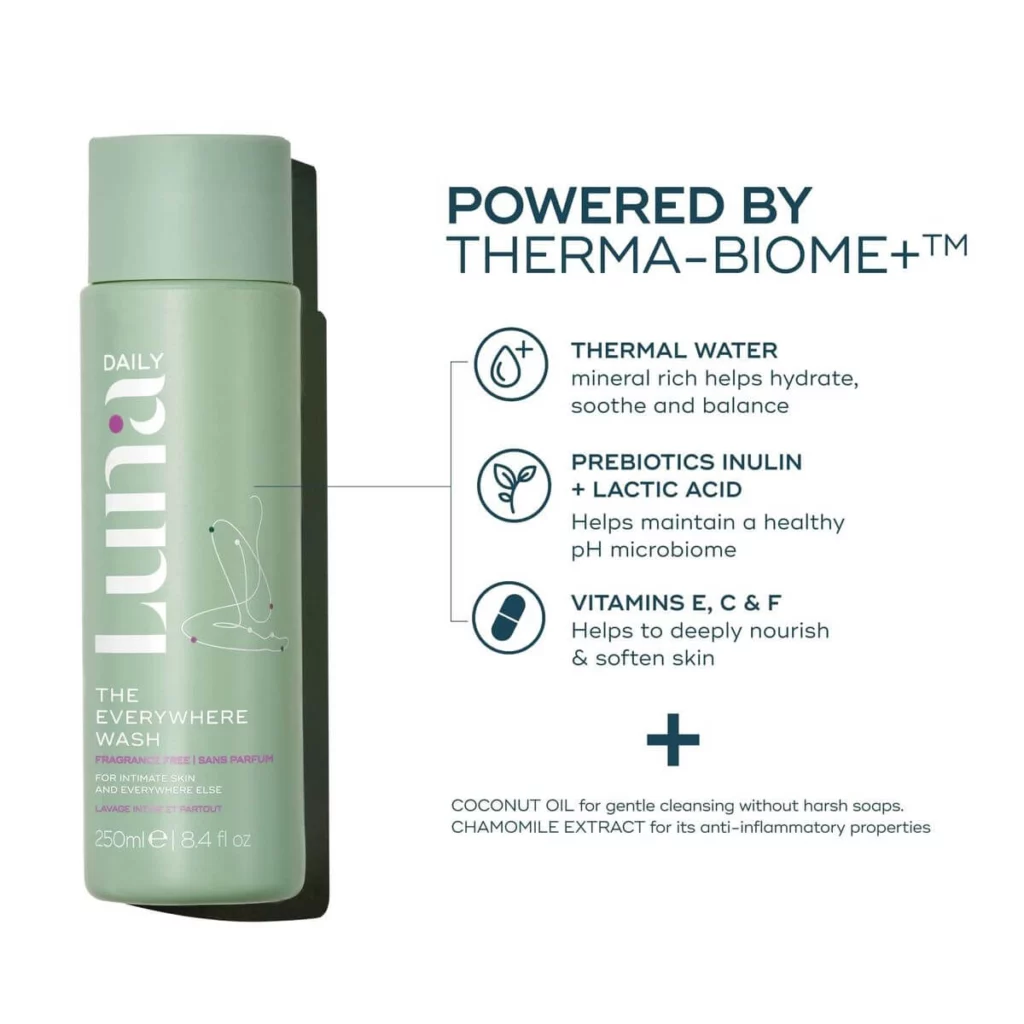
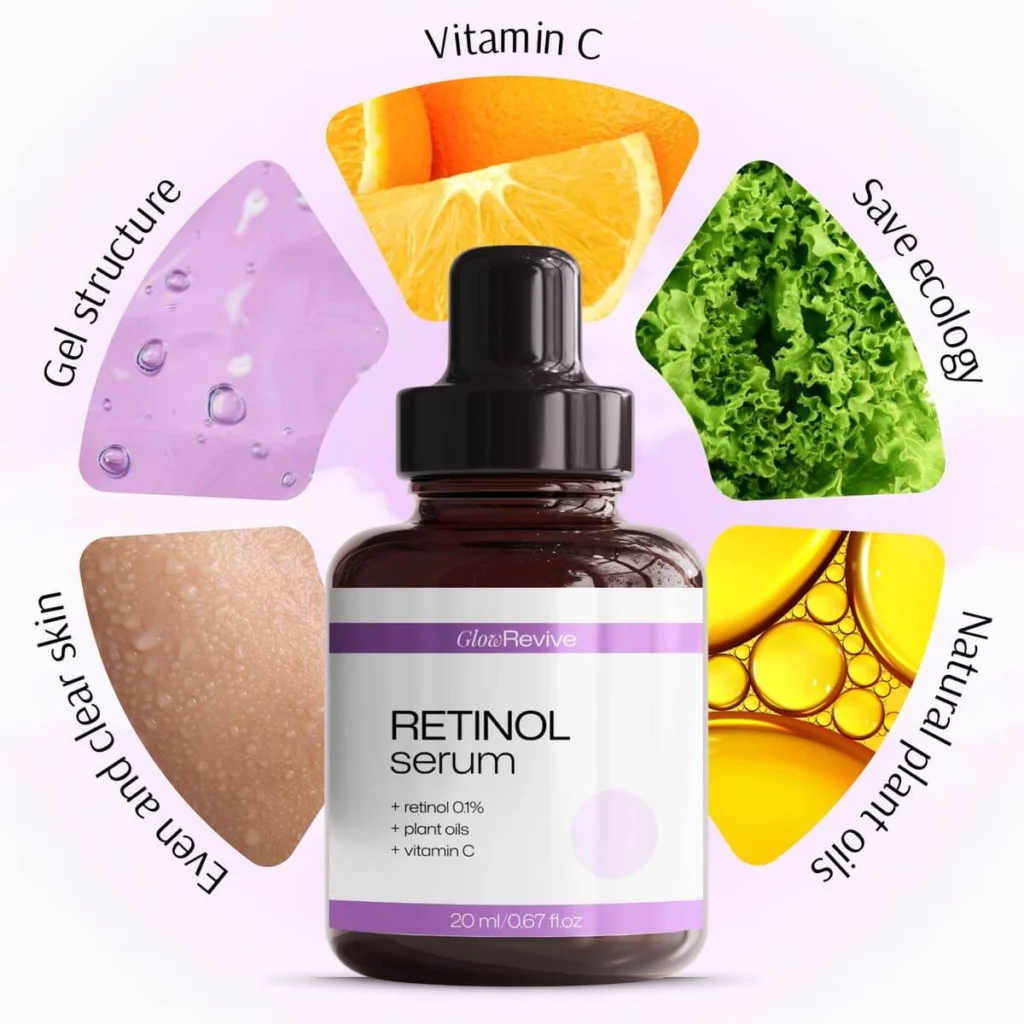
Infographics translate technical data into visual benefits.
- Dimensions: Show the product next to a common object for scale.
- Callouts: Use lines and text to point out unique materials or patented designs.
- Comparisons: A “US vs. Them” chart can be a powerful motivator, provided it doesn’t mention competitors by name.
- Lifestyle Photography and Emotional Connection
Lifestyle images show the product in its natural habitat. For a yoga mat, this means a serene studio; for a grill, a sunny backyard. This helps the customer visualize ownership.
- User Personas: Ensure the models in your photos reflect your target demographic.
- Aspiration: The lighting and setting should be slightly aspirational, making the product look like part of a better lifestyle.
- Video and 360-View Optimization
Video is the ultimate Amazon Image Optimization tool. A 15-second “unboxing” or “demonstration” video can reduce returns by up to 30% because it manages customer expectations.

Choosing the Right Amazon Image Optimization Tools
Meeting these strict standards manually can be time-consuming. Fortunately, the current landscape of AI and editing software offers several solutions.
- Professional Editing: Adobe Photoshop
Photoshop remains the industry standard for high-end Amazon Image Optimization. Its “Generative Fill” and advanced masking allow you to fix lighting issues or remove stray dust particles that would otherwise distract a buyer. It’s best for sellers with a dedicated design team.
- Resolution Enhancement: Topaz Photo AI & VanceAI
If your original photos are slightly blurry, upscaling tools are invaluable. They use deep learning to add pixels and sharpen details, helping you hit that 1600px “sweet spot” without a reshoot. This is a critical step in any Amazon Image Optimization workflow involving older photography.
- E-commerce Specific AI: WeShop AI
WeShop AI is specifically engineered to solve the practical, high-volume hurdles of e-commerce. Unlike general creative AI, it prioritizes product consistency, ensuring that your item’s details remain 100% accurate during the optimization process. It is a highly efficient Amazon Image Optimization tool for generating compliant “Pure White” backgrounds (RGB 255) and placing clothing on diverse AI models. For brands managing large catalogs, it offers a seamless way to maintain a uniform, professional look across hundreds of listings at a fraction of the traditional cost.
- Creative Scene Generation: Krea AI
For sellers looking for high-end visual fidelity, Krea AI offers powerful “Enhancer” and “Real-time Generation” features. Krea is excellent for taking low-resolution photos and upscaling them into cinematic-quality visuals. It is frequently used in the Amazon Image Optimization process to generate highly creative, atmospheric backgrounds for lifestyle shots where artistic lighting is the priority.
Category-Specific Optimization Tips
Different categories have different “unwritten” rules. Tailoring your Amazon Image Optimization to your niche is vital.
| Category | Optimization Focus |
| Apparel | Model diversity and fabric texture close-ups. |
| Electronics | Technical specs and compatibility charts. |
| Home & Kitchen | Lifestyle shots in clean, modern environments. |
| Supplements | High-contrast shots of the “Supplement Facts” label. |
Measuring Success: Metrics That Matter
How do you know if your Amazon Image Optimization is working? Monitor these three KPIs in your Seller Central reports:
- Unit Session Percentage (Conversion Rate): If this goes up after an image update, your secondary images are doing their job.
- Click-Through Rate (CTR): This is the ultimate test of your main image.
- Return Rate: If your returns for “Item not as described” decrease, your images are providing a more accurate representation.
Conclusion: The Future of Amazon Image Optimization
In 2026, the competition on Amazon is too fierce to lose sales over a technicality. A suppressed listing is effectively a dead listing. By adhering to the latest standards—focusing on that 1600px resolution, the pure white background, and the 85% product ratio—you protect your revenue stream and your brand’s future.
Ultimately, success comes down to your workflow. Whether you choose comprehensive software like WeShop AI, specialized upscalers like Topaz, or manual editing in Photoshop, the goal remains the same: to be proactive. Don’t wait for Amazon to flag your listing. Audit your visuals today, choose the right tools for your budget, and ensure every pixel of your Amazon Image Optimization strategy is working to convert browsers into buyers.