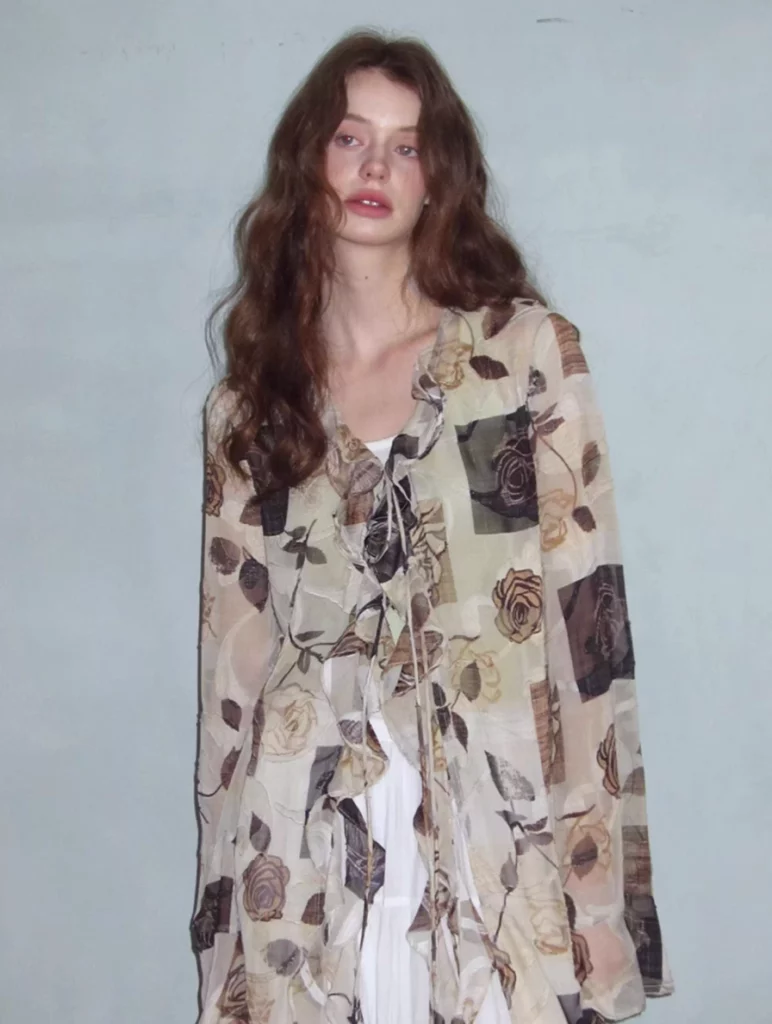
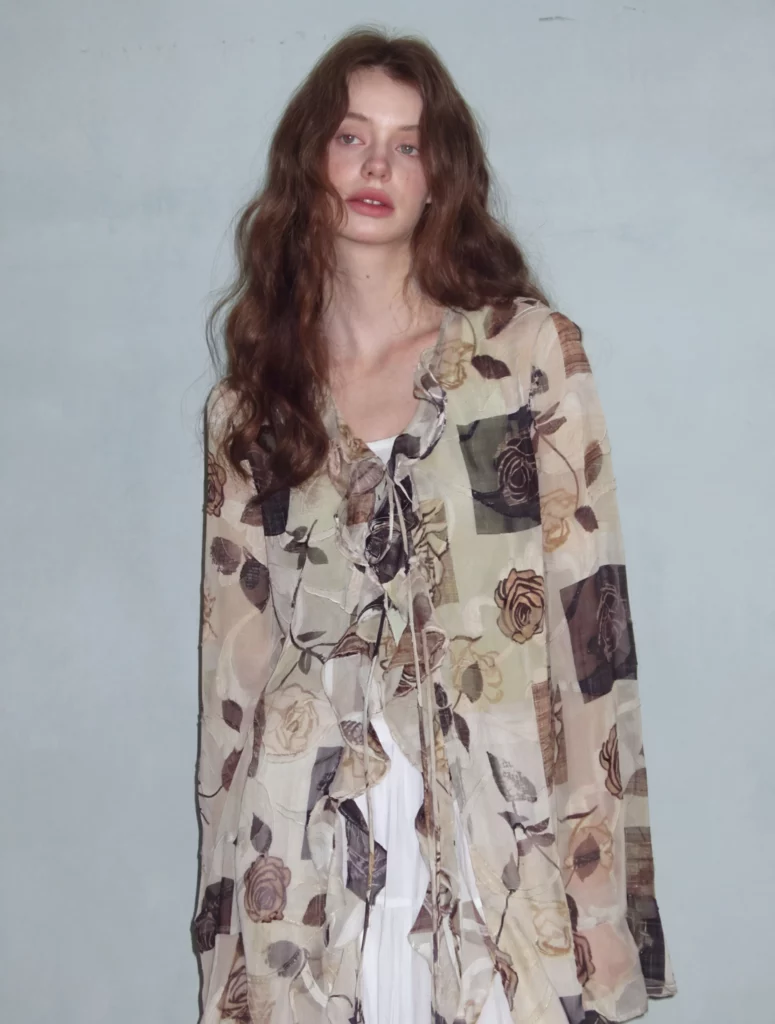
WeShop AI’s Upscale tool has been a favorite for creators, sellers, and designers everywhere. It helped transform ordinary product photos into crisp, high-quality visuals. Now, with the launch of WeShop AI 2.0, it is stepping up again — bigger, sharper, and more natural. This update isn’t just a tweak. It’s a whole improvement that changes how your images look and feel, while keeping the same easy workflow you love.
Why Upscale Matters
In e-commerce and social media, image quality makes a big difference. Blurry or low-detail photos can hurt your brand’s vibe. Customers scroll fast, and first impressions count. That’s where Upscale shines. With a click, you can boost resolution, increase clarity, and enhance detail so your photos look professional — without hiring a photographer or spending hours in editing software.
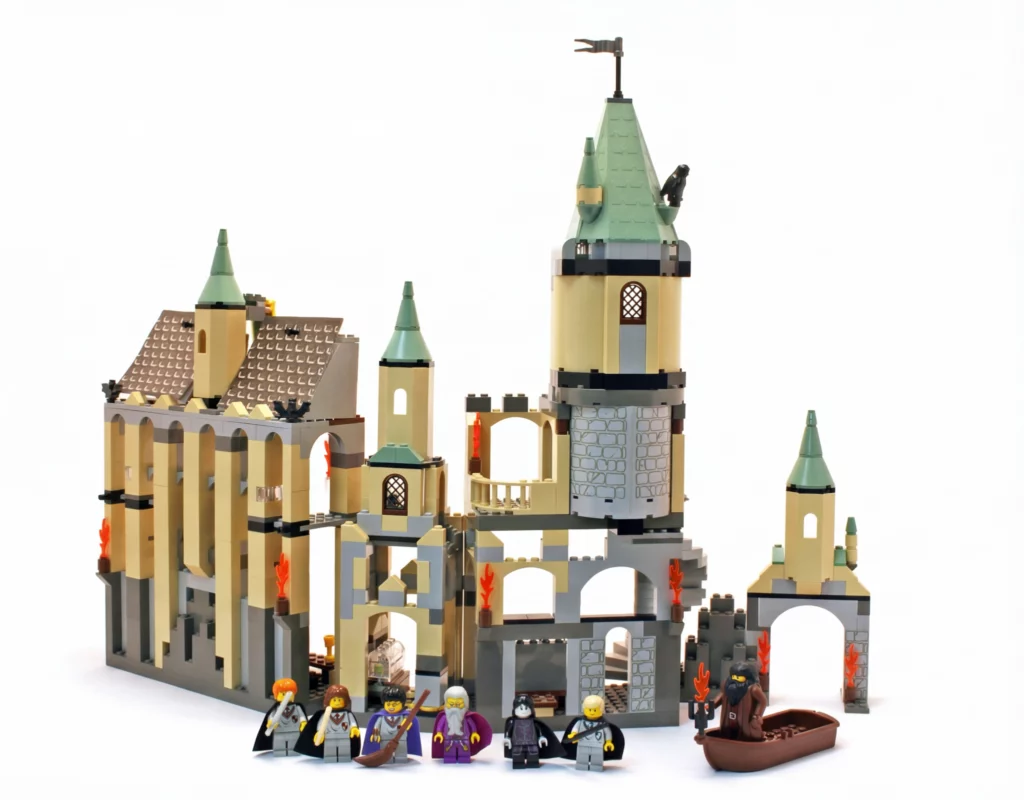
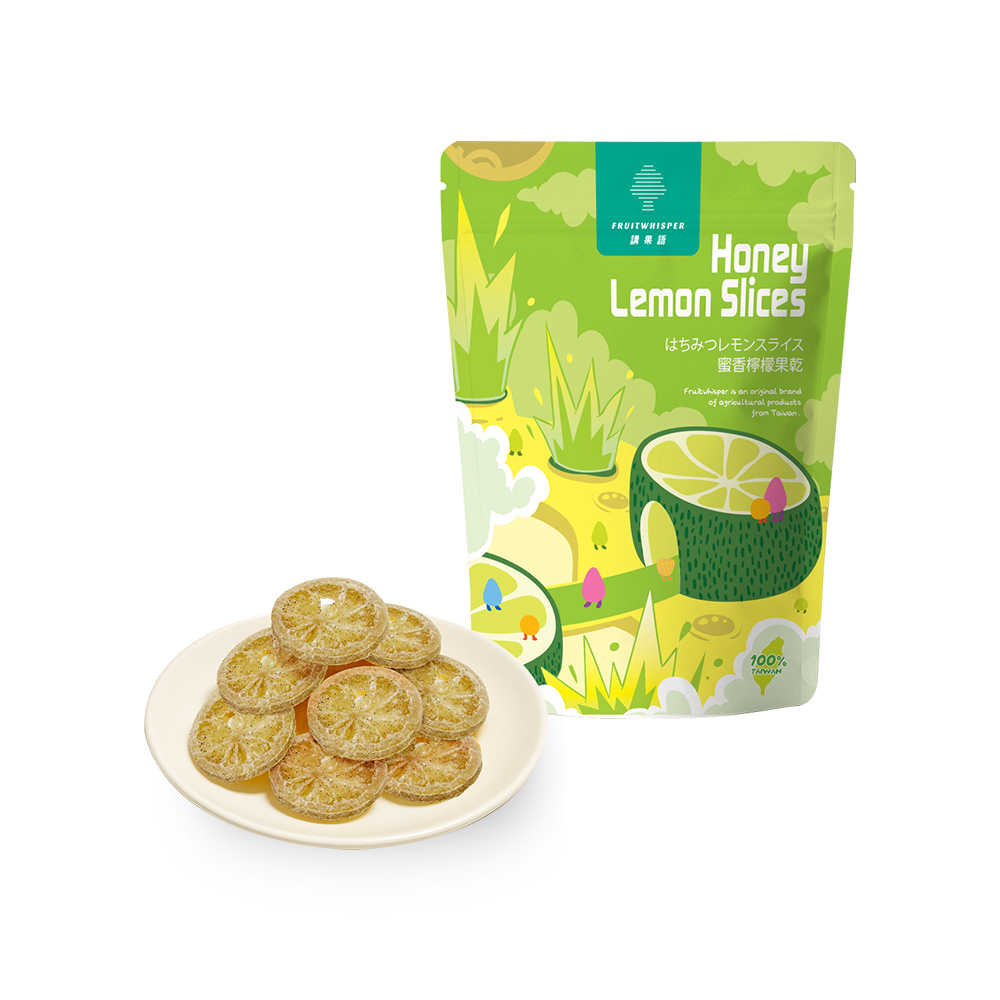
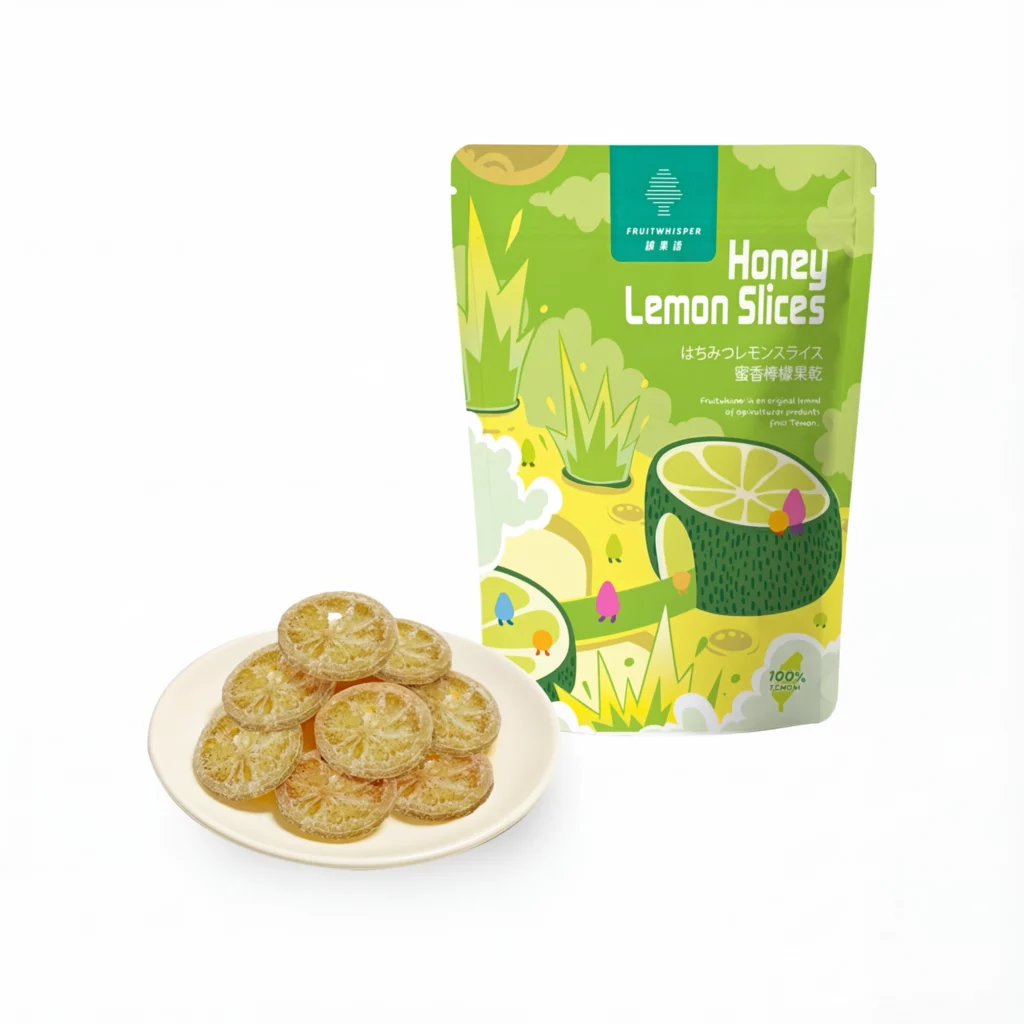
Lots of tools claim to enhance images. But what sets WeShop AI’s Upscale apart is how balanced and authentic the results feel. Instead of just making things sharper, it preserves texture and depth. So fabrics, product ornaments, and fine lines still look real — not over-processed.
What’s New in WeShop 2.0
Here’s the big news: the new version of Upscale in WeShop AI 2.0 goes beyond the old method. In the past, images could get sharper but sometimes look a little too crisp — almost artificial. The 2.0 update fixes this by keeping natural textures and smooth details while still giving you that high-definition look you want.
Instead of just ramping up sharpness, WeShop 2.0 works smarter. It understands the content better. That means:
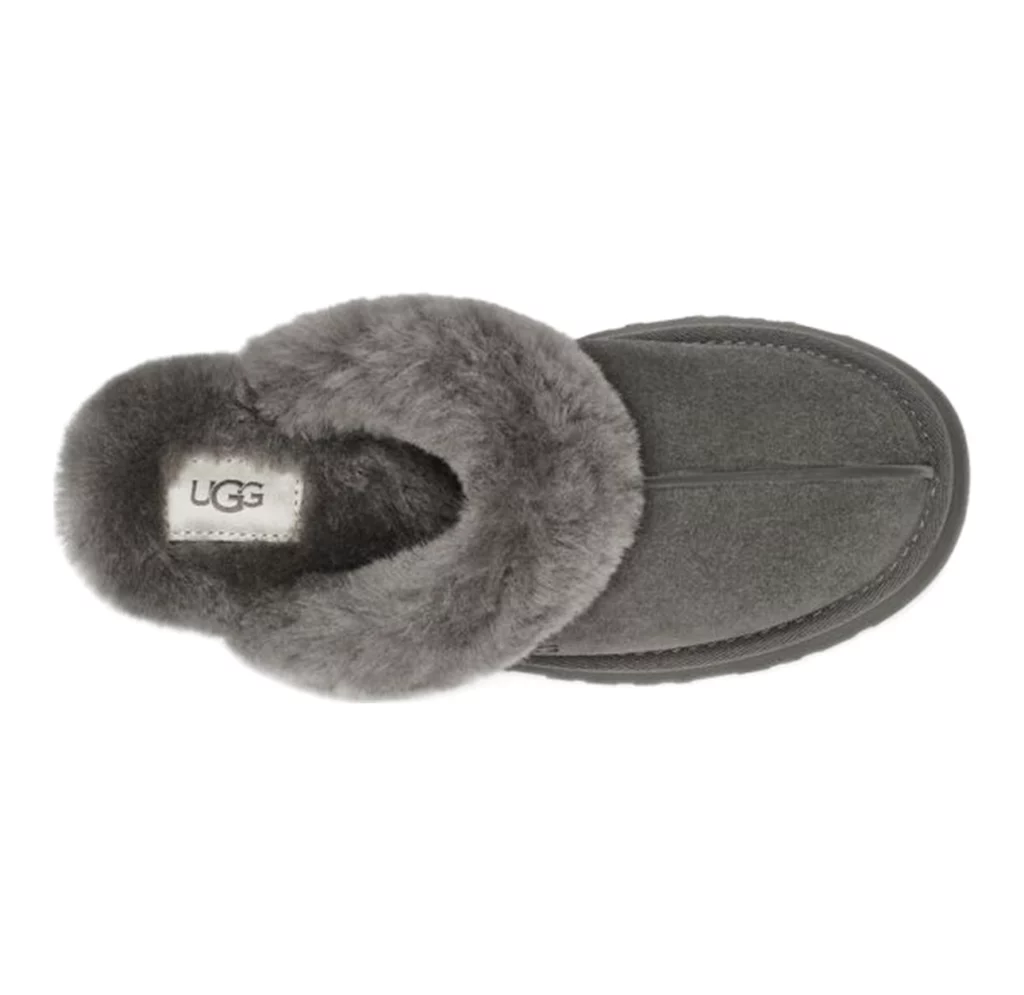
- More natural detail — textures like fabric or skin look real, not plastic.
- Balanced clarity — edges and patterns stay sharp, but not heavy or harsh.
- Soft yet crisp visuals — highlights stay gentle, shadows stay rich, and the whole photo feels complete.
This is more than just increasing pixels. It’s about upgrading the visual feel of your photos — so they look as good as a professional shoot. Originally, it helped you make your image clearer. With 2.0, it keeps your image authentically beautiful.



Simple Workflow, Better Results
One of the strongest things about WeShop AI is how accessible it is. With Upscale WeShop 2.0, nothing changes in your workflow. You still follow the same steps you already know, so there’s no learning curve — just better results. You don’t need a design degree or hours of practice to use it. Just upload, select your version, and hit generate.
Here’s how easy it is:
- Upload your image — it can be a product photo, a model shot, or even a lifestyle picture.
- Choose the version — pick WeShop AI 2.0 to see the new improvements.
- Select a resolution — options like 1K, 2K, 4K help you match your needs.
- Generate and evaluate — your image comes out clearer, with natural texture and vivid detail.
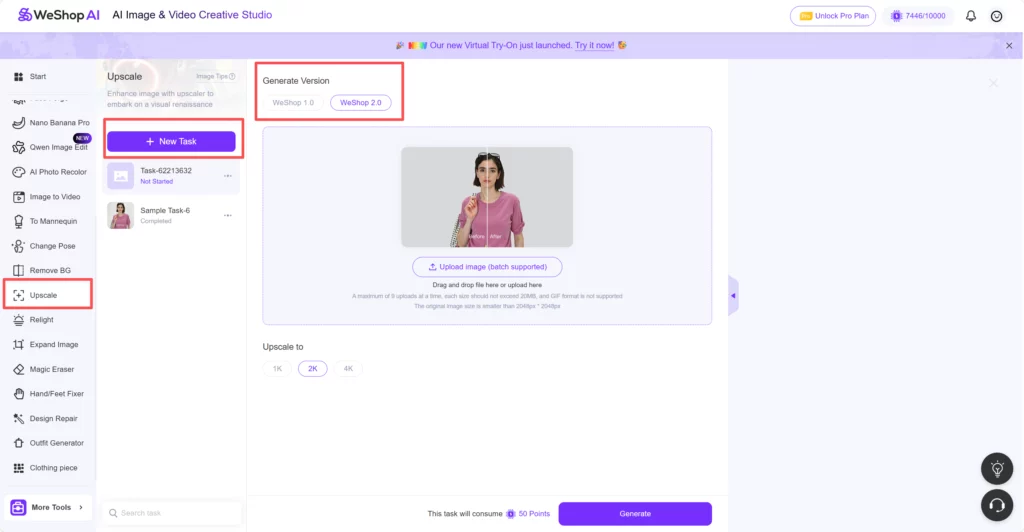
That’s it. No confusing menus. No complicated export settings. Just better visuals with the same process you already trust. And because the interface stays familiar, you can focus on creativity — not training.


Where Upscale WeShop 2.0 Helps Most
This isn’t just for e-commerce listings (though it does that amazingly). Upscale 2.0 is perfect for any space where visuals matter:
- Product catalogs — clearer main shots and detail views help customers understand quality.
- Model photography — skin, fabric, and accessories look life-like and premium.
- Social media content — high definition visuals drive engagement and click-throughs.
- Ads & banners — sharper images help your campaign perform better.
- Print use — 4K and high-resolution images make print materials look pro.
Basically, anytime you care about how a photo looks, WeShop 2.0 gives you that extra edge. And it’s all done without extra editing software or specialist skills.
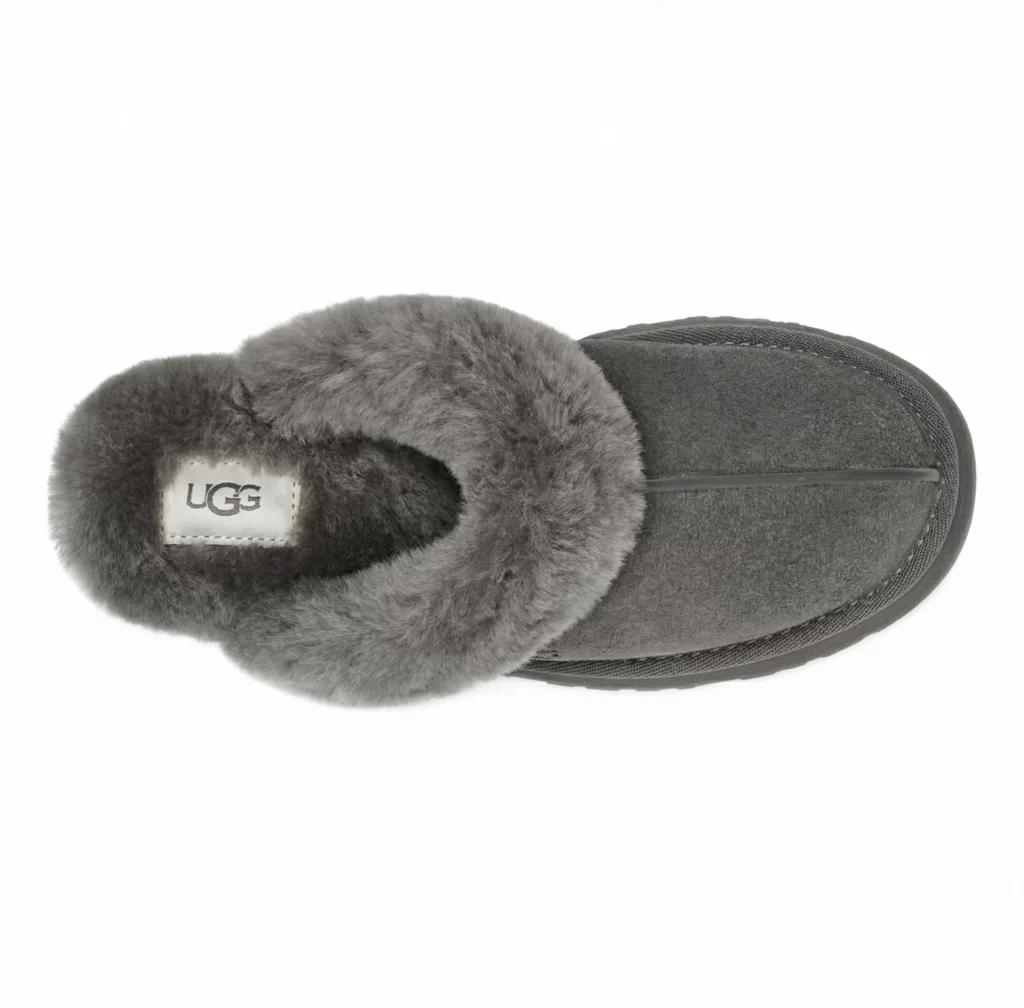
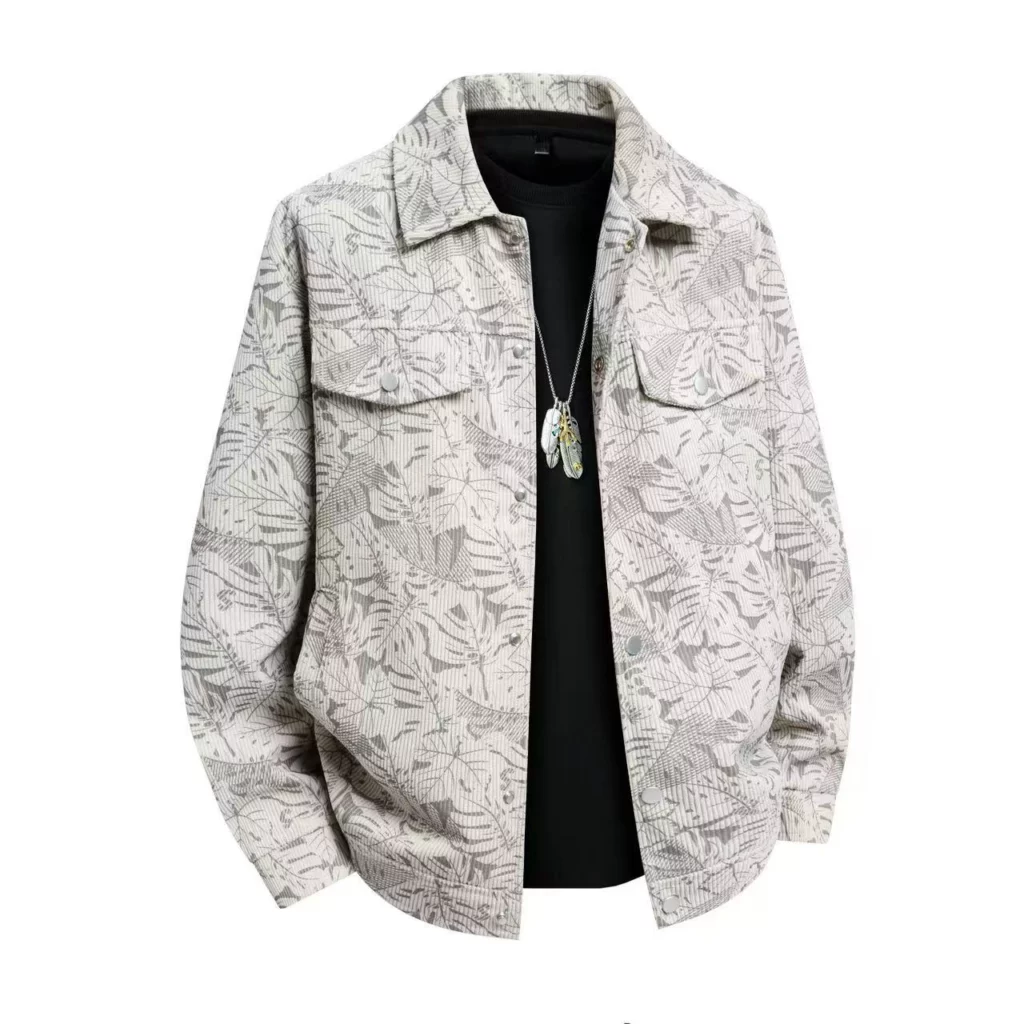
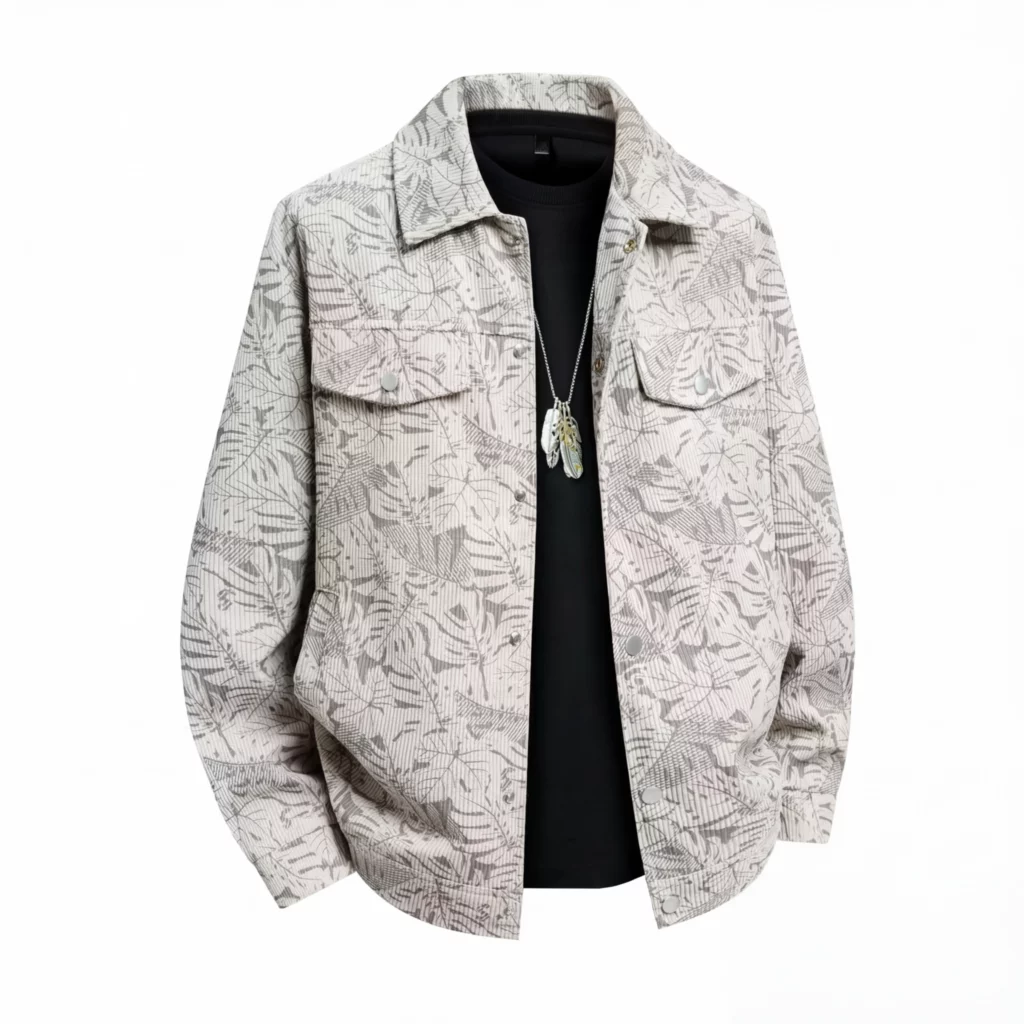
Better Together with Other WeShop AI Tools
WeShop AI isn’t just this — it’s a full creative suite. You can remove backgrounds, expand images, relight photos, and more. Upscale 2.0 works smoothly with all of these tools. So after you enhance a product photo, you can:
- Place it into a trendy scene with background tools.
- Adjust lighting for dramatic effect.
- Extend the image for banners or social posts.
- Combine with Virtual Try-On for lifestyle visuals.
This creates a seamless pipeline from raw image to final visual — all inside WeShop AI. You don’t have to jump between apps or learn multiple tools. It all works together — and Upscale 2.0 makes every step look better.
Final Thoughts — Clearer, Realer, Better
WeShop AI 2.0’s new Upscale isn’t just an upgrade. It’s a step toward visuals that feel professional without the effort. By balancing clarity with natural texture, WeShop helps you create images that customers want to trust. And because the workflow stays familiar, you can spend more time creating content and less time learning tools.
If you’ve used Upscale before, you’ll notice the difference right away. If you’re trying it for the first time, you’ll be amazed at how easy it feels. Great visuals shouldn’t be hard. With Upscale 2.0, they just look good — every time.
Try WeShop AI Upscale 2.0 now and see the difference for yourself!