
When people look for AI image editing tools, two names often come up: WeShop AI and PhotoRoom AI. At first glance, both promise faster image editing with AI. However, once you start using them, the differences become very clear.
This comparison breaks down where each tool excels, where each one falls short, and which type of user benefits most. Rather than declaring a “winner,” the goal is to help you choose the right tool for your actual workflow.
A Quick Overview: What Each AI Image Editing Tool Is Built For
Before comparing features, it helps to understand the core intent behind each product.
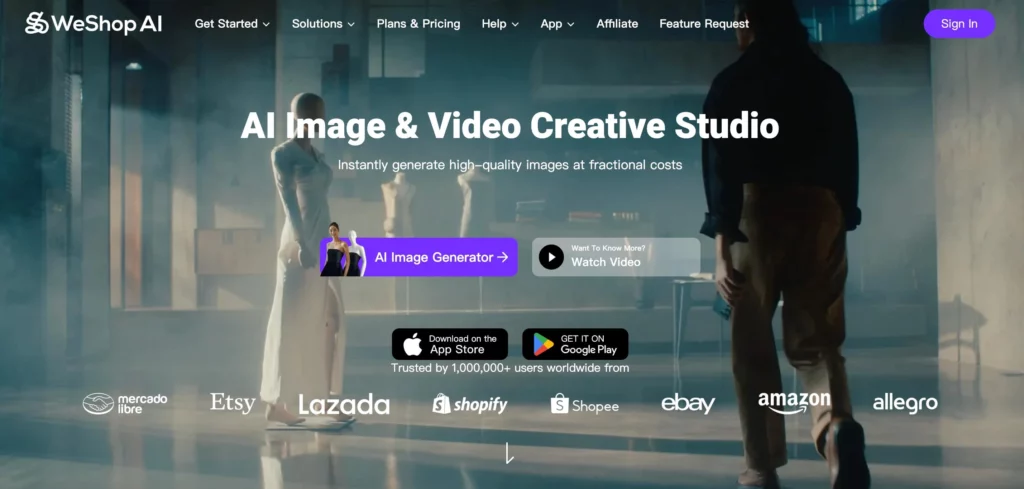
- WeShop AI is built as an AI-powered visual creation platform. It focuses on generating, editing, and scaling images and videos for ecommerce and marketing use.
- PhotoRoom AI is built as a smart image editor. It focuses on clean cutouts, layout tools, and fast design-ready visuals.
This difference in intent shapes everything that follows.

AI Image Editing Capabilities: Different Strengths, Different Goals
PhotoRoom AI: Fast, Clean, Design-Friendly Editing
PhotoRoom shines when the task is editing an existing image.
Its strongest features include:
- One-click background removal
- Simple object cutouts
- Quick layouts for social posts, thumbnails, and ads
- Built-in templates for common design formats
Because of this, PhotoRoom works especially well for:
- Creators making social media graphics
- Small teams designing posters or thumbnails
- Users who want fast results without learning complex tools
However, PhotoRoom stays largely within the boundaries of editing what already exists. It doesn’t try to generate new scenes, models, or visual concepts from scratch.
WeShop AI: Editing Plus AI-Driven Image Creation
WeShop AI also handles image editing tasks, such as:
- Background removal
- Lighting adjustments
- Color and style refinements
- Image expansion and cleanup
However, editing is only part of the story.
What makes WeShop AI different is that editing connects directly to generation. Instead of stopping at cleanup, users can:
- Generate new product images from prompts
- Create variations of the same product automatically
- Replace models, backgrounds, and scenes with AI
- Expand images to new ratios without cropping
- Generate AI videos from images
This makes WeShop AI more than an editor—it becomes a visual production system.


AI Image Generation: Where the Gap Widens
This is where the difference between the two tools becomes much clearer.
PhotoRoom AI: Limited AI Generation
PhotoRoom includes some AI-assisted features, but generation is not its focus.
You can:
- Enhance existing photos
- Apply simple AI-based edits
But you generally cannot:
- Generate entirely new product visuals
- Create multiple styled scenes from a single input
- Produce large batches of images automatically
For users who already have finished photos, this may be enough.
WeShop AI: Built for AI Image and Video Generation
WeShop AI is designed around AI-generated visuals at scale.
Key generation capabilities include:
- Text-to-image product generation
- AI model replacement and virtual try-on
- Scene generation for product showcases
- Batch generation for collections or catalogs
- AI video creation from static images
This matters because ecommerce teams rarely need one image—they need dozens or hundreds.
Instead of editing image by image, WeShop AI lets teams:
- Generate consistent visuals across SKUs
- Test multiple styles quickly
- Scale content without reshoots
AI Image Scaling Content: One-Off Designs vs Production Pipelines
PhotoRoom AI: Best for Individual Assets
PhotoRoom works well when:
- You need a clean image quickly
- You’re designing one post, one ad, or one thumbnail
- Visual consistency across hundreds of images is not critical
However, scaling often requires repeating the same steps manually.
WeShop AI: Designed for Volume and Consistency
WeShop AI focuses on repeatable workflows.
That includes:
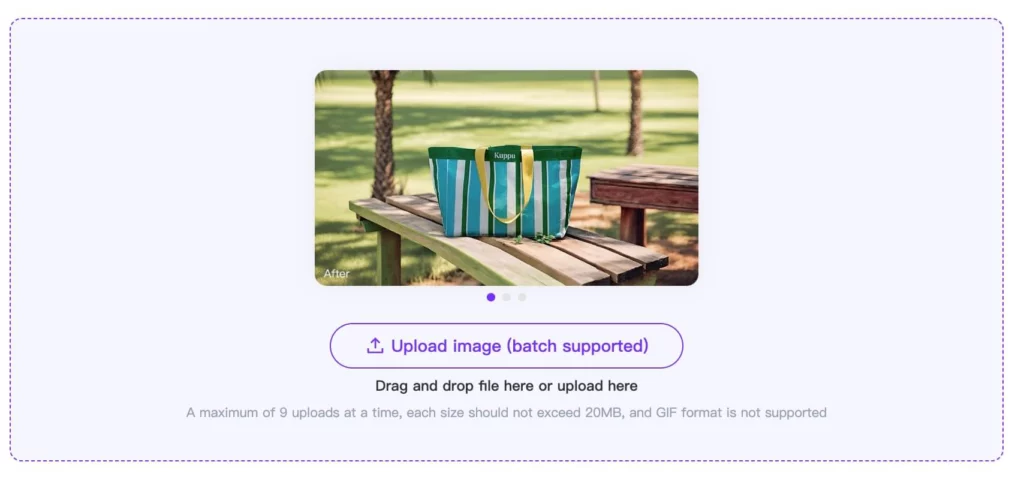
- Batch uploads
- Batch generation
- Consistent lighting, angles, and styles
- Reusable prompts for collections
For ecommerce brands, this reduces:
- Editing time
- Production costs
- Dependence on photoshoots
Video Support: A Clear Difference
PhotoRoom is primarily image-focused.
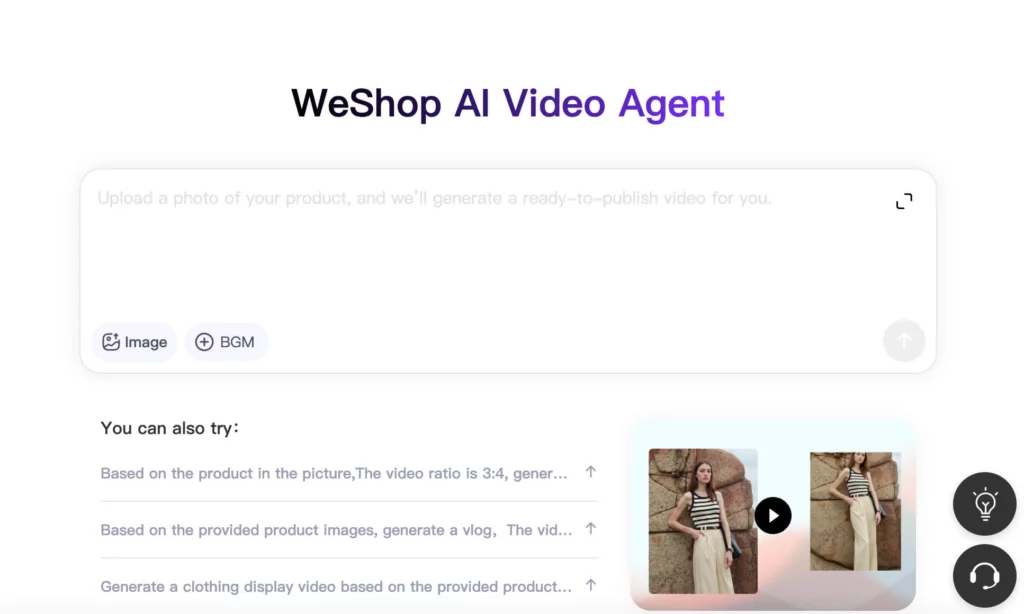
WeShop AI, on the other hand, extends into:
- AI-generated product videos
- Animated visuals for listings and ads
- Short-form video content from static images
For teams building omnichannel content, this adds another layer of flexibility.
Ease of Use: Different Learning Curves
Both tools aim to be accessible, but in different ways.
- PhotoRoom AI feels immediately familiar, especially for users with basic design experience.
- WeShop AI offers more control and more options, which means a slightly higher learning curve—but also much more flexibility.
In practice:
- PhotoRoom feels like a design assistant
- WeShop AI feels like a visual production engine
Pricing and Value Perspective
While pricing models change, the value proposition differs:
- PhotoRoom AI provides strong value for quick edits and simple designs.
- WeShop AI delivers value through scale, replacing multiple tools and reducing content production costs over time.
For ecommerce teams, the long-term savings often come from reducing photoshoots, editing labor, and manual workflows.
Which AI Image Editing Tool Should You Choose?
Choose PhotoRoom AI if:
- You mainly edit existing photos
- You design social graphics or thumbnails
- You value speed over customization
Choose WeShop AI if:
- You generate product images and videos regularly
- You need consistent visuals at scale
- You want AI-powered creation, not just editing
- You work in ecommerce, catalogs, or digital marketing
Final Thoughts
Both WeShop AI and PhotoRoom AI are strong tools—but they solve different problems.
PhotoRoom focuses on making images look good quickly.
WeShop AI focuses on creating and scaling visuals efficiently.
Understanding that difference makes the choice much easier.
If your workflow stops at editing, PhotoRoom may be enough.
If your workflow includes generation, variation, and scale, WeShop AI fits naturally into the picture.