
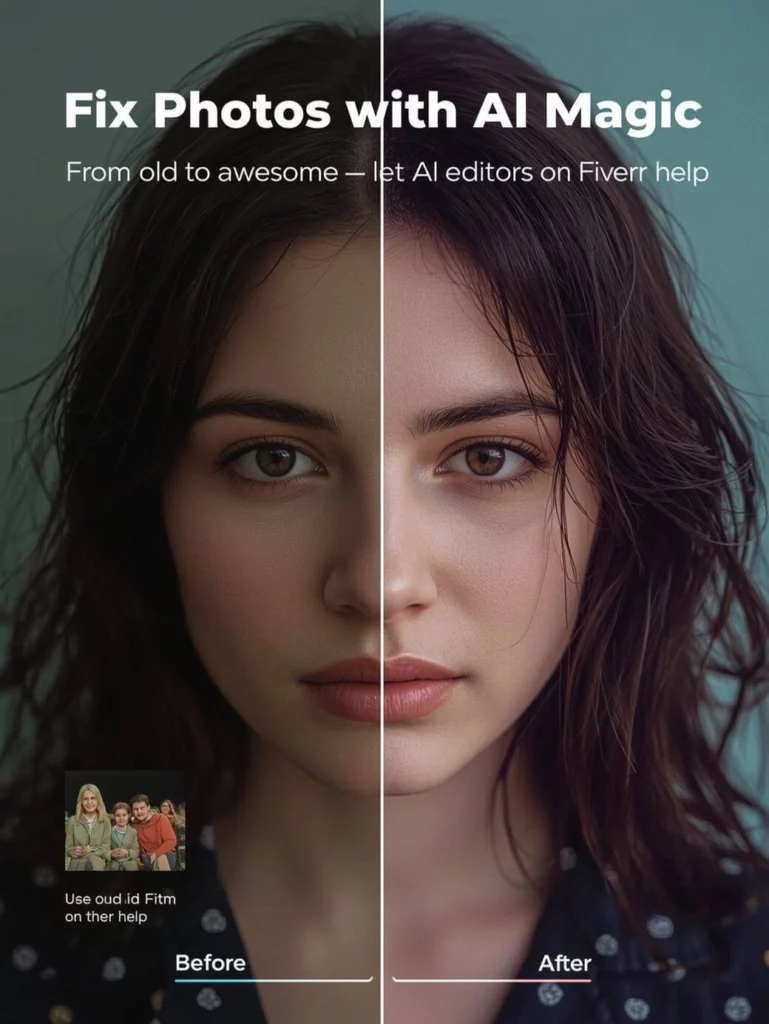
AI image editing tools are now used for far more than quick filters. They can remove backgrounds, clean up unwanted objects, improve lighting, expand a composition, and help teams create new visual directions from an existing image.
However, the best AI image editing tool depends on the task in front of you. A creator making social graphics may need a design-first editor. A product team may need background control and consistent product details. Meanwhile, someone restoring older photos may care most about clarity and resolution.
This guide compares several AI image editing tools for common workflows in 2026. It is not a benchmark or a one-size-fits-all ranking. Instead, use it as a practical starting point, then test your own image and review each tool’s current features, pricing, usage rights, and output quality.
How to Read This AI Image Editing Tools Comparison
The tools below overlap in some areas. Therefore, focus on the workflow you need most: background removal, product-image editing, detailed retouching, design layouts, creative exploration, or photo enhancement.
Before using any AI image editor for commercial work, check that the product shape, label, color, and material still match the original asset. Also, use only images you own or have permission to edit.
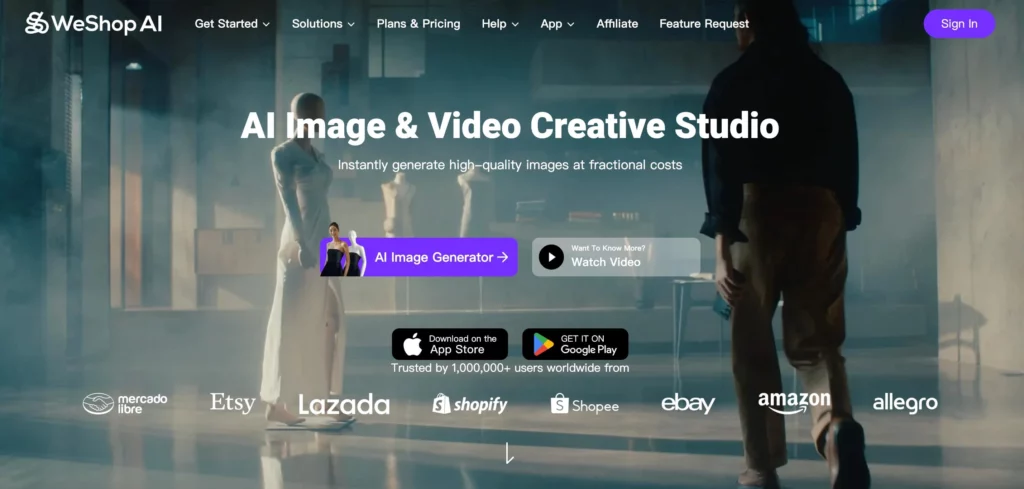
AI Image Editing With WeShop AI for Product Visuals
WeShop AI brings several image-editing workflows into one workspace. It can be useful when a team wants to work from an existing product image, test a new background, improve lighting, remove distractions, or adapt one asset for several placements.
With WeShop AI, users can work on tasks such as:
- Removing or replacing backgrounds
- Adjusting lighting and shadows
- Cleaning up unwanted objects
- Expanding an image for a new format
- Creating product and campaign visual variations
- Improving the overall presentation of an existing image
For example, an ecommerce team can begin with a plain product photo, create a cleaner background for a product page, and then test a lifestyle version for social media. However, every result should be reviewed before publishing. Small details such as labels, reflections, fine textures, and product edges may need extra attention.
Consider it if: You need a practical AI image-editing workflow for product images, campaign variations, and everyday visual cleanup in one place.
Users who want one AI tool that can handle most image editing tasks without switching between apps.
Explore WeShop AI’s AI Image Generator for product and marketing visuals.
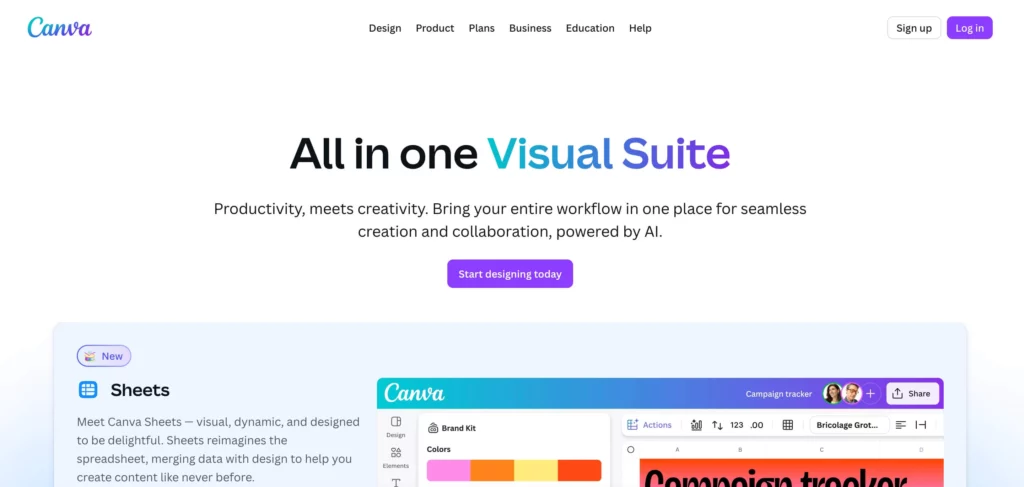
Canva AI – Design-First Image Editing
Canva AI is useful when image editing is part of a wider design task. Its background removal, photo-editing tools, templates, and layout features can help users move from an image edit to a finished social post, presentation, or simple campaign graphic.
Consider it if: You want to edit an image and place it into a branded layout without switching between several design tools.
Quick image edits for social media graphics, presentations, and simple layouts.
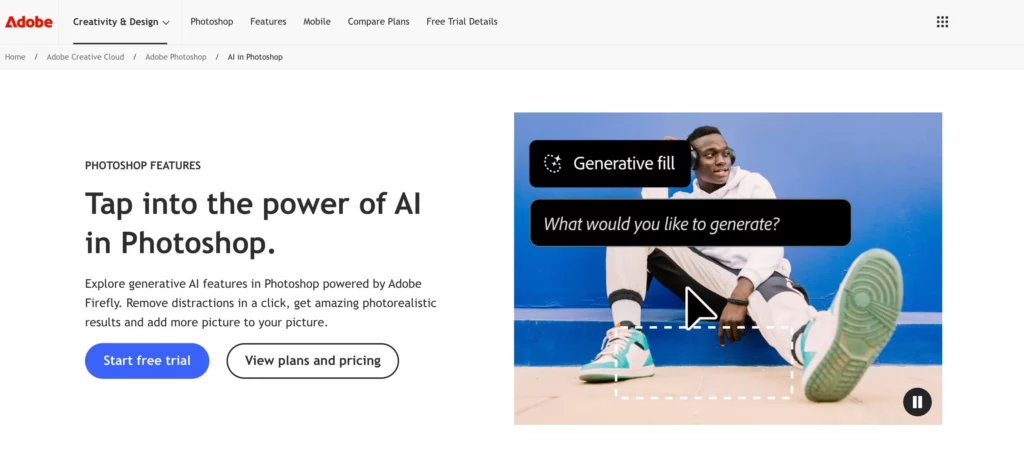
Adobe Photoshop + Firefly – Detailed Editing for Existing Photoshop Workflows
Adobe Photoshop and Firefly are useful for teams that need AI-assisted edits inside a familiar professional editing environment. Generative Fill, object replacement, and manual retouching can work well together when a project needs close control.
Consider it if: You already work in Photoshop and need detailed editing, layered files, or a more hands-on review process.
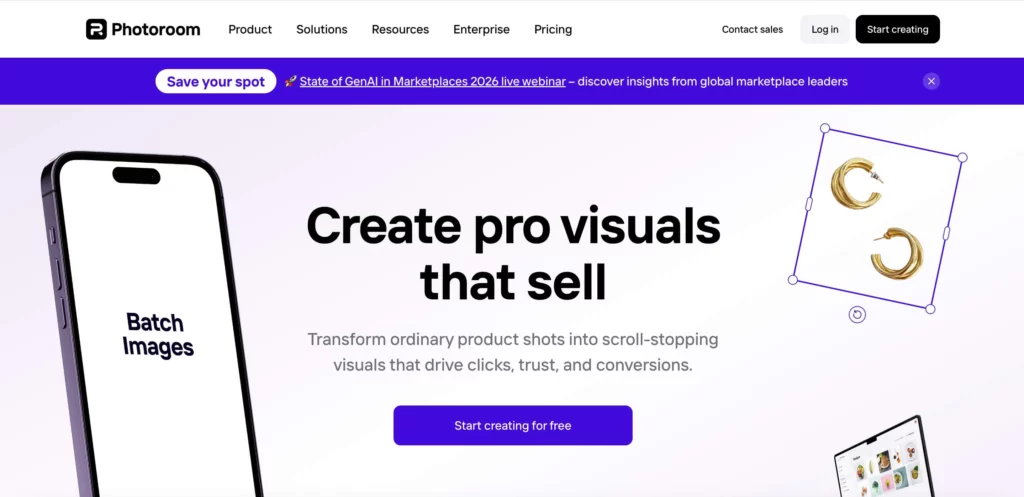
PhotoRoom – Background Removal and Quick Product Visuals
PhotoRoom is widely used for background removal and straightforward product or profile-image workflows. It can be a convenient option when the main goal is to isolate a subject and prepare a clean visual quickly.
Consider it if: Background removal and simple product-image cleanup are your main priorities.
People who mainly need fast, clean background removal.
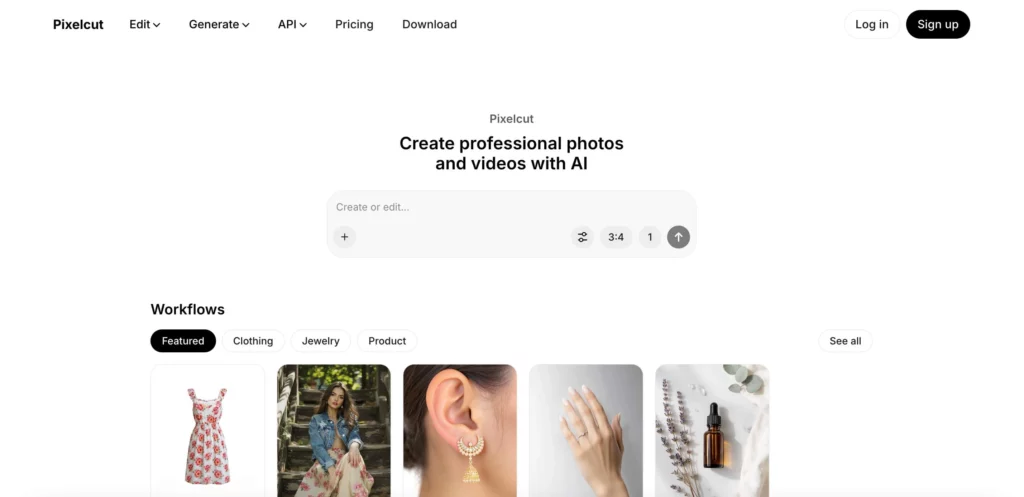
Pixelcut AI – Fast Everyday Image Cleanup
Pixelcut offers AI-assisted tools for common editing tasks, including background removal, object cleanup, and basic visual adjustments. It is worth considering for fast edits where a simple workflow matters more than deep manual control.
Consider it if: You need quick image cleanup for social posts, listings, or simple marketing visuals.
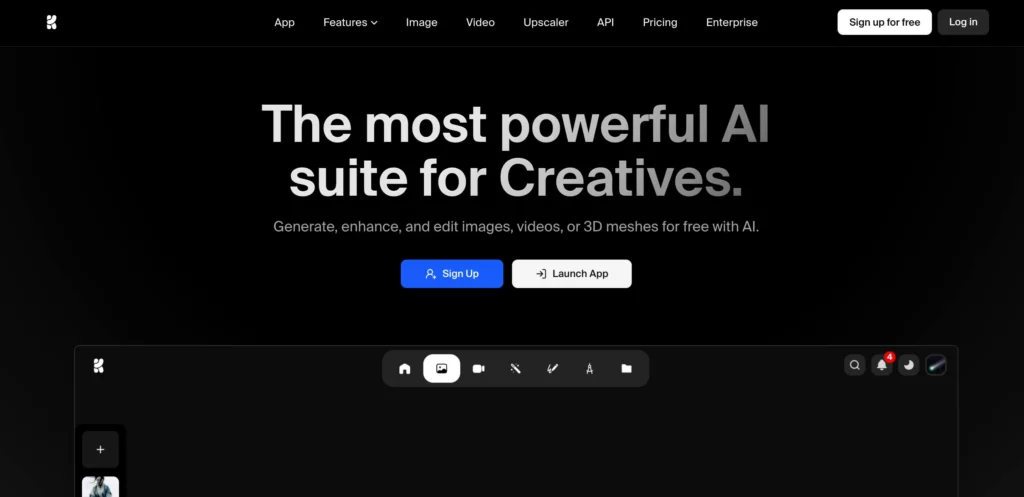
Krea AI – Flexible Creative and Reference-Based Editing
Krea AI supports prompt-based editing, background changes, object removal, image expansion, reference-based composition, and style exploration. It can suit creators who want to try several visual directions from the same source image.
Consider it if: You need a flexible editor for creative exploration, reference-based edits, or campaign concepts.
Artists and creators who want to explore AI-driven visuals.
Remini – Image Enhancement and Restoration
Remini focuses strongly on image enhancement, including sharpening, upscaling, restoration, color improvement, and background enhancement. It can be useful when the starting image is soft, low-resolution, faded, or damaged.
Consider it if: Your main task is improving image clarity or restoring an older photo before further editing.

How to Choose the Right AI Image Editing Tool
Start with the edit you need most:
- Product-image editing and campaign variations: WeShop AI
- Design layouts and social graphics: Canva AI
- Detailed manual editing: Adobe Photoshop + Firefly
- Fast background removal: PhotoRoom
- Quick everyday cleanup: Pixelcut AI
- Creative or reference-based edits: Krea AI
- Photo restoration and enhancement: Remini
There is no single perfect tool for every task. A better choice is the one that helps you finish your specific edit with the least rework and the clearest final result.
Final Thoughts
AI image editing can make everyday visual work faster, but it still needs human judgment. The strongest workflow is usually simple: start with a clear source image, make one main change at a time, and review the result before it goes live.
If you edit product images, social content, or campaign visuals regularly, test a few tools with the same sample image. That comparison will tell you much more than a generic “best tool” list.
Go to WeShop AI For Exploration: