
If you’ve searched for ping image maker images, you’re not alone.
Many people use this term when they actually mean PNG image maker images—high-quality images with transparent backgrounds that work across ecommerce, design, and social media.
So the real question isn’t what ping images are.
Instead, it’s which tools can reliably create PNG images that look clean, consistent, and ready for real use.
In this guide, we’ll break down the best PNG (ping) image maker tools, explain where each one works best, and show how platforms like WeShop AI fit naturally into modern ecommerce workflows.
What Are “Ping Image Maker Images”?
Let’s clear this up first.
In practice, “ping image maker images” usually refers to PNG images—a format known for:
- Transparent backgrounds
- Lossless image quality
- Easy layering and reuse
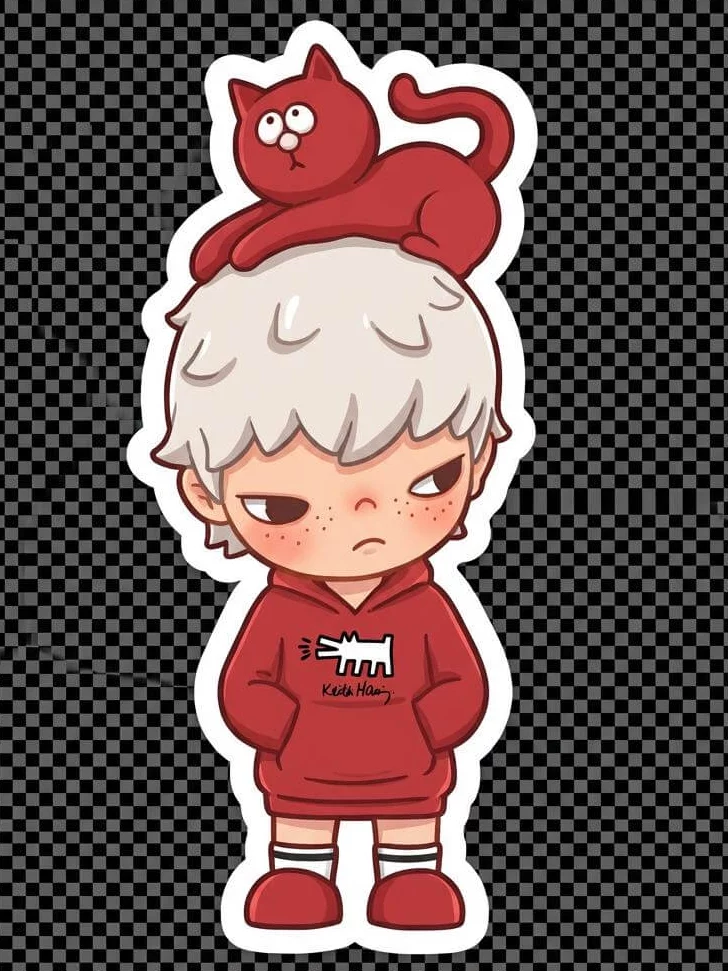
Because PNG images work so well for product visuals, logos, avatars, and overlays, many people search for tools that can create or export images as PNGs.
That’s where PNG image makers come in.

Why PNG Images Matter for Commercial Use
Not all AI-generated images work in real projects.
For commercial-ready PNG images, teams usually need:
- Clean edges and accurate shapes
- Consistent lighting and proportions
- Transparent or removable backgrounds
- Outputs that can be reused across pages, ads, or catalogs
While many AI tools focus on creativity, commercial use demands control and consistency.
Best Tools to Create Ping (PNG) Image Maker Images
Below are the most commonly used tools people rely on when searching for ping image maker images, along with where each one shines.
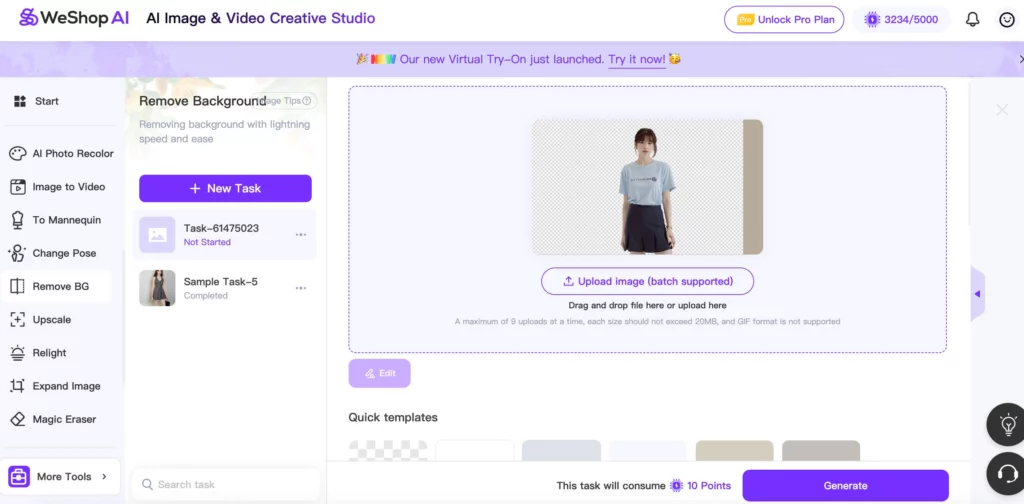
1. WeShop AI – Best for Ecommerce PNG Images
Best for: Product images, transparent PNGs, ecommerce listings
Unlike general image generators, WeShop AI is built specifically for product images.
It helps brands create PNG images that already match ecommerce standards.
With WeShop AI, teams can:
- Generate product images from text prompts
- Export clean PNG images with consistent framing
- Create multiple variations without reshooting
- Maintain visual consistency across collections
Because of this focus, WeShop AI often fits better into real ecommerce workflows than generic AI art tools.
2. Canva AI (Magic Media)
Best for: Social media graphics, quick designs
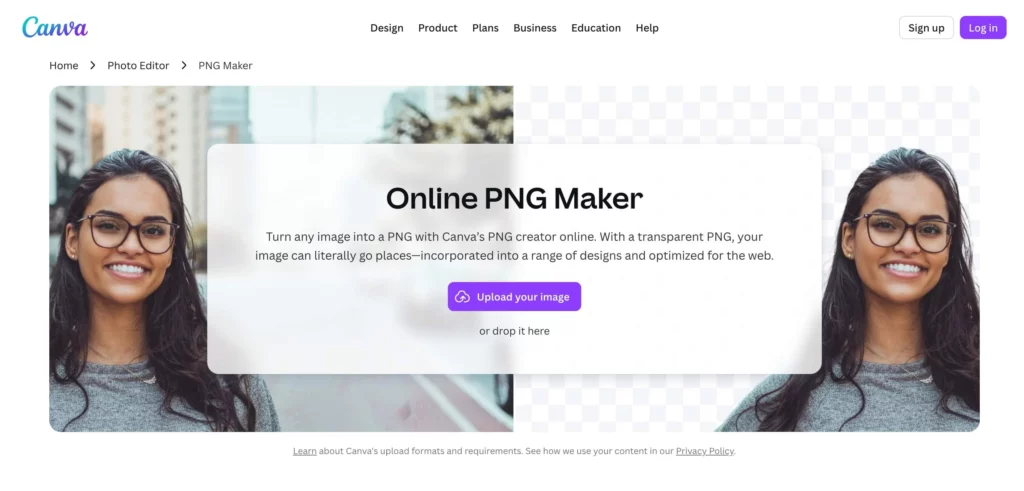
Canva’s AI tools make it easy to generate images and export them as PNG files.
However, Canva works best for design layouts, not detailed product accuracy.
If you need quick visuals, it’s helpful.
For precise product PNG images, it may require extra editing.
3. Adobe Firefly
Best for: Brand-safe creative assets
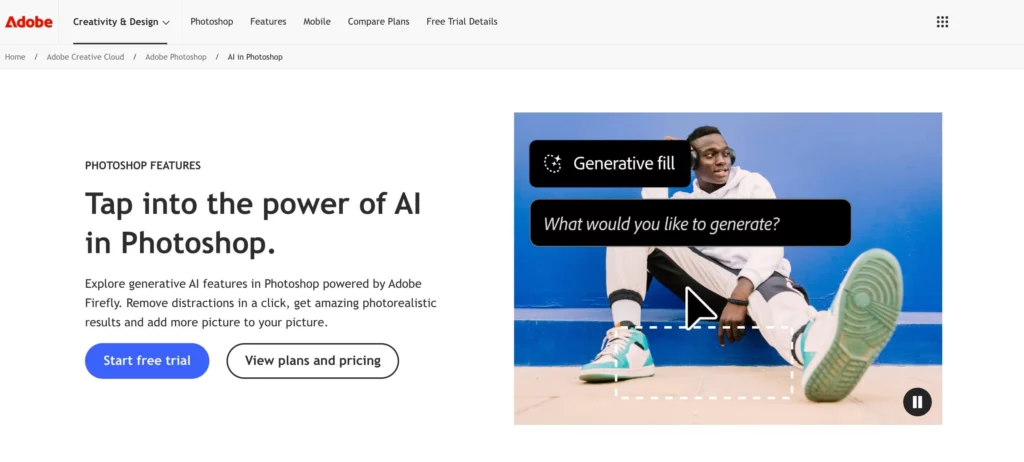
Adobe Firefly focuses on licensed data and integrates well with Photoshop.
It works well for creative elements and concept images.
That said, ecommerce teams often need additional manual steps to turn Firefly outputs into usable product PNGs.
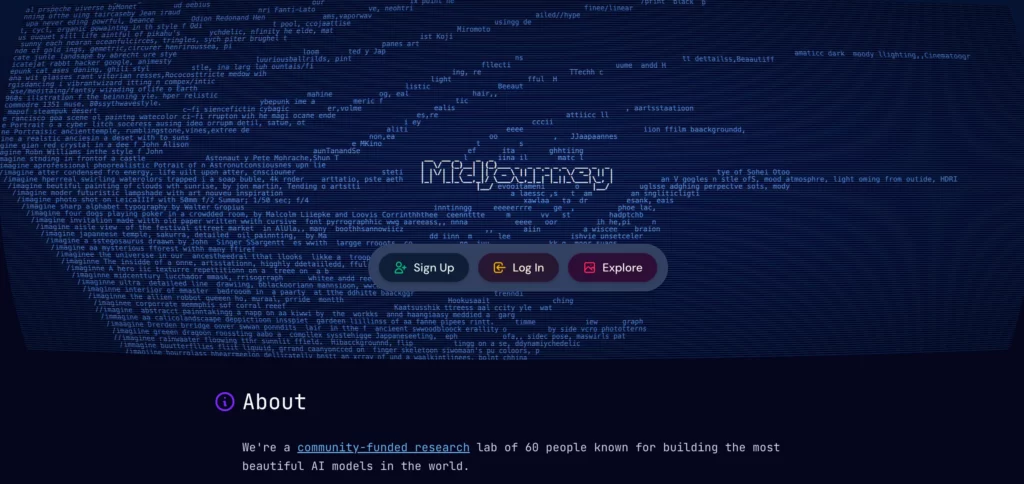
4. Midjourney
Best for: Artistic inspiration
Midjourney creates visually striking images.
However, its outputs are usually stylized and inconsistent—making them harder to use as product PNG images without heavy editing.
5. Stable Diffusion (and PNG exporters)
Best for: Advanced users and experimentation
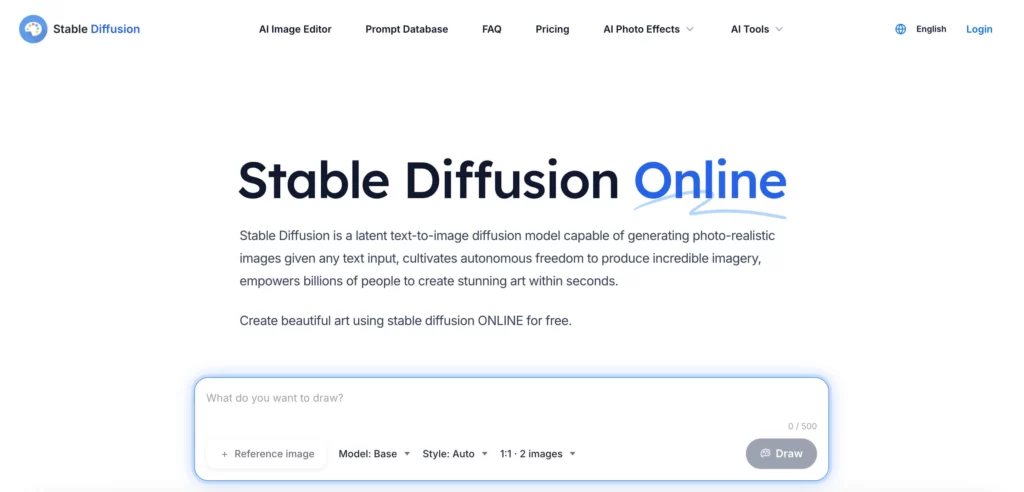
Stable Diffusion allows deep customization and PNG exports.
Still, it requires prompt expertise, model tuning, and post-processing to reach commercial quality.
How to Choose the Right PNG Image Maker
When choosing a tool to create ping image maker images, don’t focus only on how good images look at first glance.
Instead, ask:
- Can I use these PNG images directly in a product listing?
- Do they stay consistent across variations?
- How much editing do they require after generation?
Tools designed for ecommerce—like WeShop AI—tend to answer these questions better.

Where WeShop AI Fits Best
Compared to general AI image generators, WeShop AI focuses on practical results.
It helps brands:
- Reduce dependence on photoshoots
- Scale product images faster
- Create PNG images ready for listings, ads, and catalogs
Because of this, many teams choose WeShop AI when PNG images need to work—not just look interesting.
Conclusion
The term ping image maker images often points to a simple need:
creating high-quality PNG images that are easy to reuse and ready for real projects.
While many AI tools can generate images, only a few consistently produce commercial-ready PNG outputs.
For ecommerce teams in particular, tools like WeShop AI stand out by focusing on accuracy, consistency, and speed.
If your goal is to create PNG images you can actually use, choosing the right tool makes all the difference.