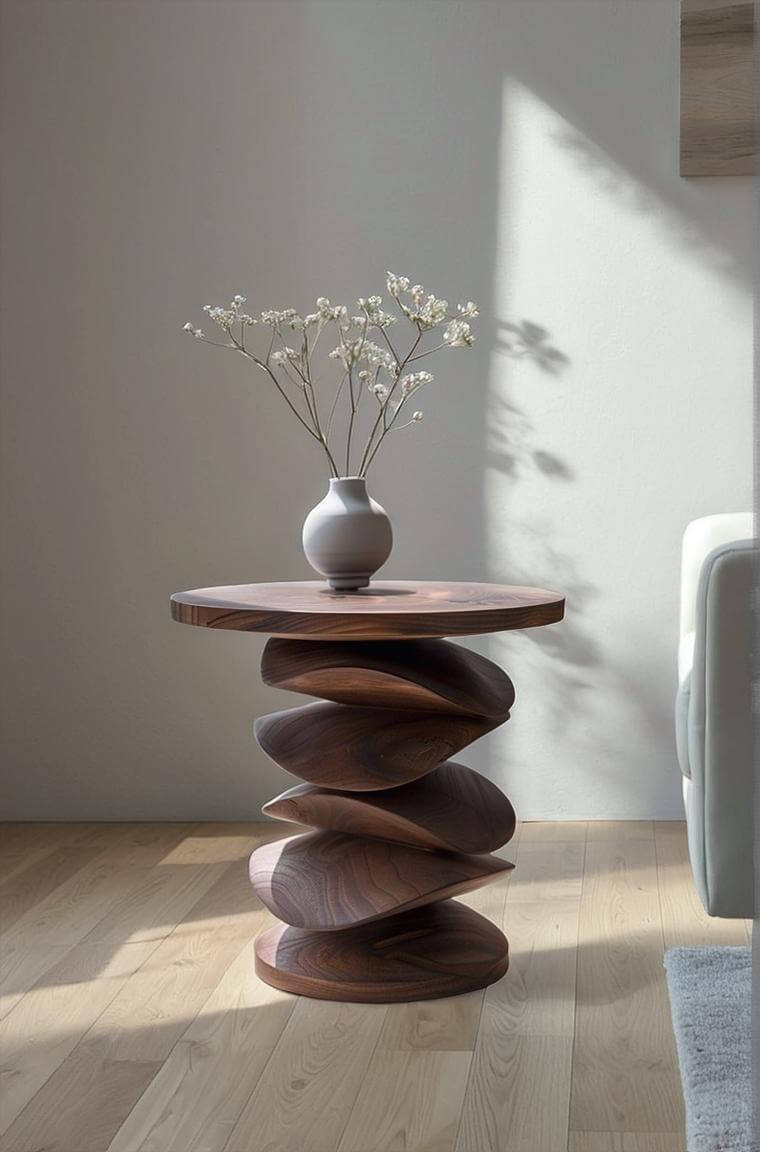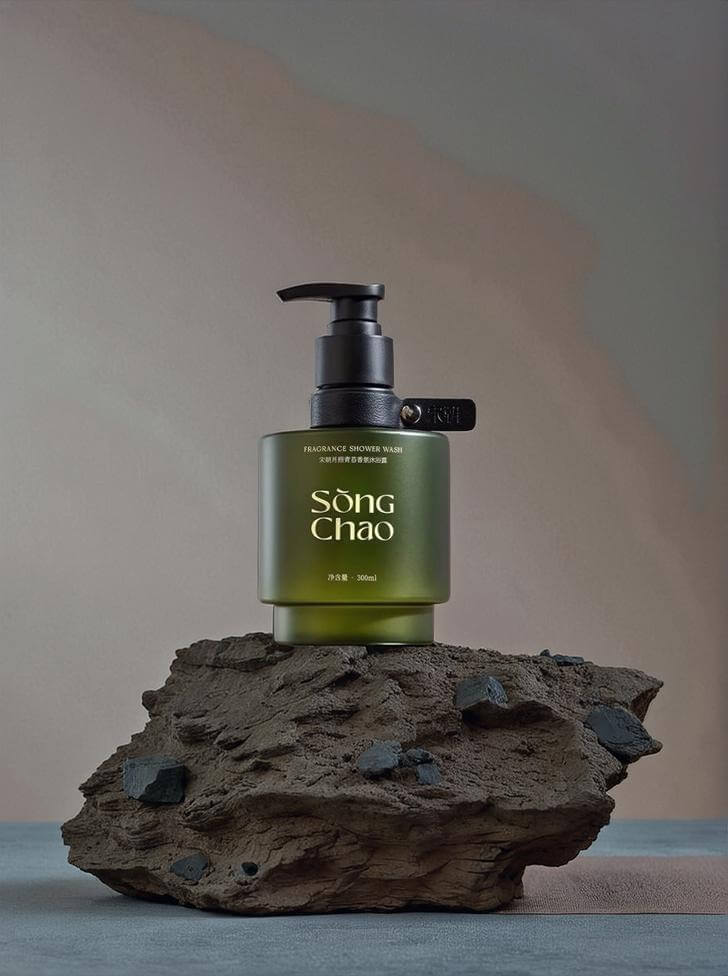
How to create product images without photoshoots is a question more ecommerce teams are asking every year. Traditional photoshoots are expensive, slow, and difficult to repeat—especially when you manage multiple products, colors, or seasonal updates. As a result, many brands are rethinking how they produce product images.
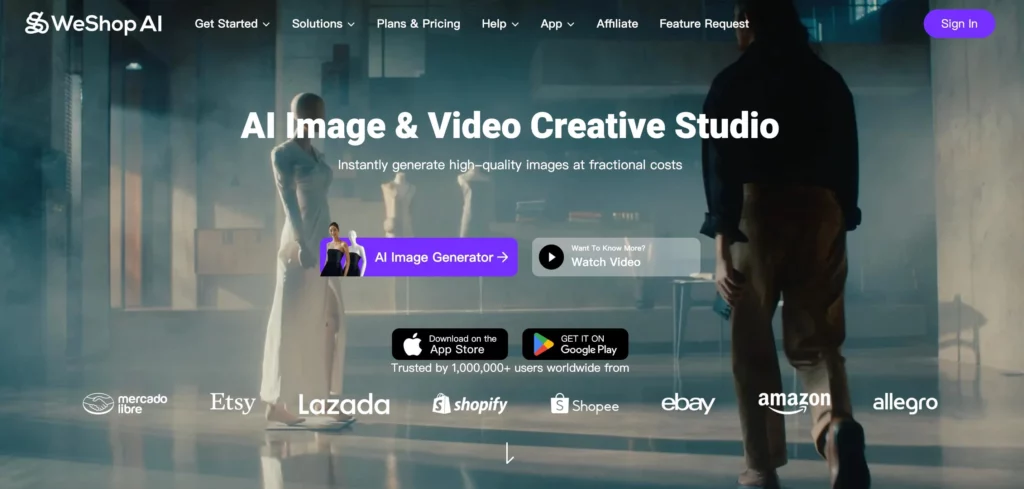
Today, AI tools make it possible to create high-quality product images without relying on studios, photographers, or repeated shoots. With platforms like WeShop AI, this approach has moved from “nice to have” to a practical, scalable workflow for ecommerce.
Why Product Images Without Photoshoots Matter
Product images aren’t just visuals. They’re what customers use to judge quality, trust the brand, and decide whether to buy.
The problem is that traditional photoshoots don’t scale well. Every time something changes—a new color, a small design update, a new campaign—you often need to shoot again. In practice, that means more cost, more coordination, and more waiting.
At the same time, ecommerce doesn’t slow down. Brands still need fresh product images for listings, ads, and social content. So teams start looking for a faster way to keep visuals up to date.
That’s where creating product images without photoshoots starts to make sense.
Using AI to Create Product Images
AI changes the starting point of product photography. Instead of beginning with a full shoot, teams start with existing images.
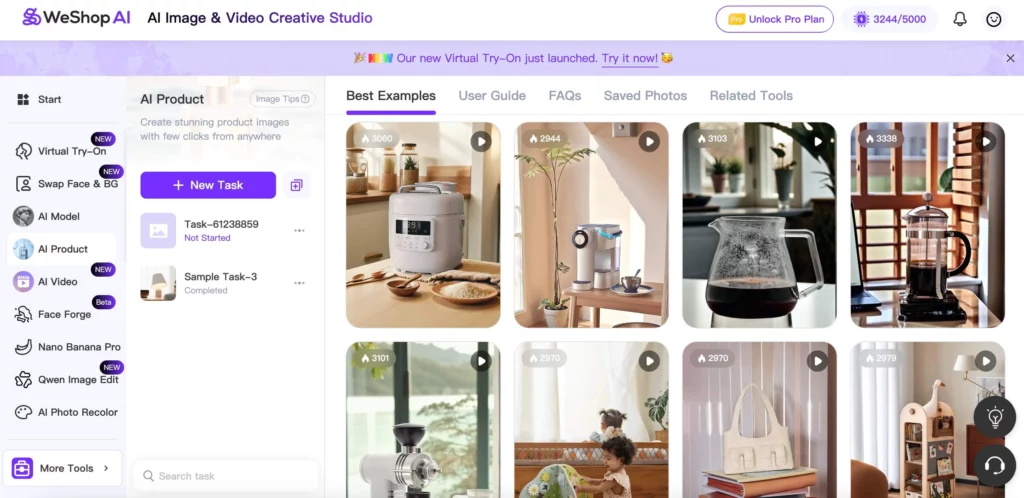
A simple packshot, a sample photo, or even a basic smartphone image can become the foundation for polished product images. AI handles tasks that previously required hours of manual editing, such as background cleanup, lighting adjustments, and image enhancement.
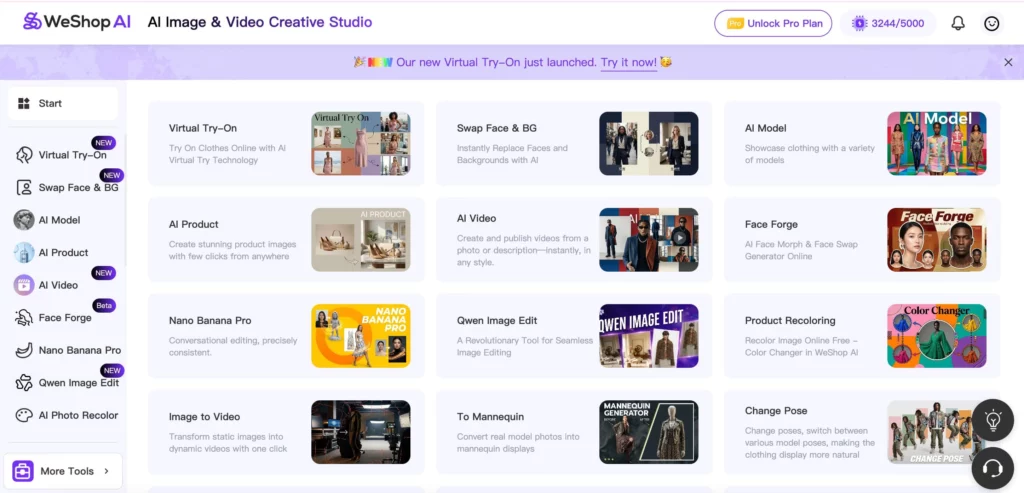
With WeShop AI, teams can turn basic inputs into ecommerce-ready product images that meet platform standards without heavy post-production.
Replacing Studio Setups with Digital Scenes
Another reason photoshoots feel limiting is the physical setup. You only get the environments you build on the day of the shoot.
AI removes that limitation.
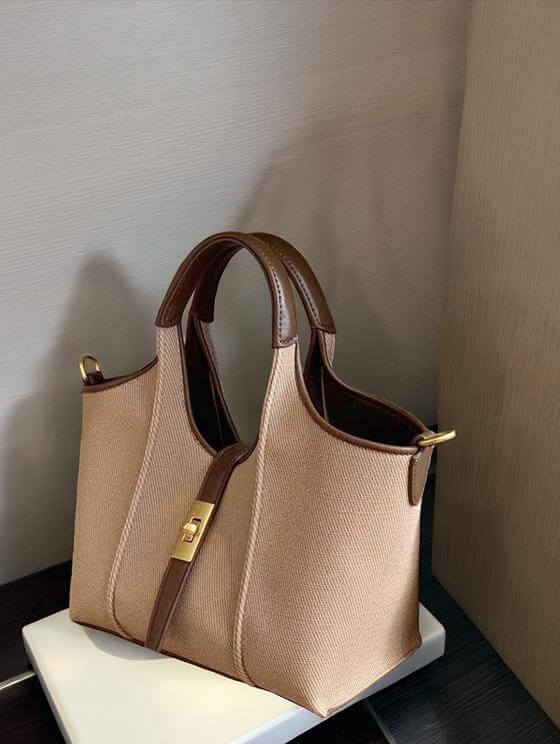
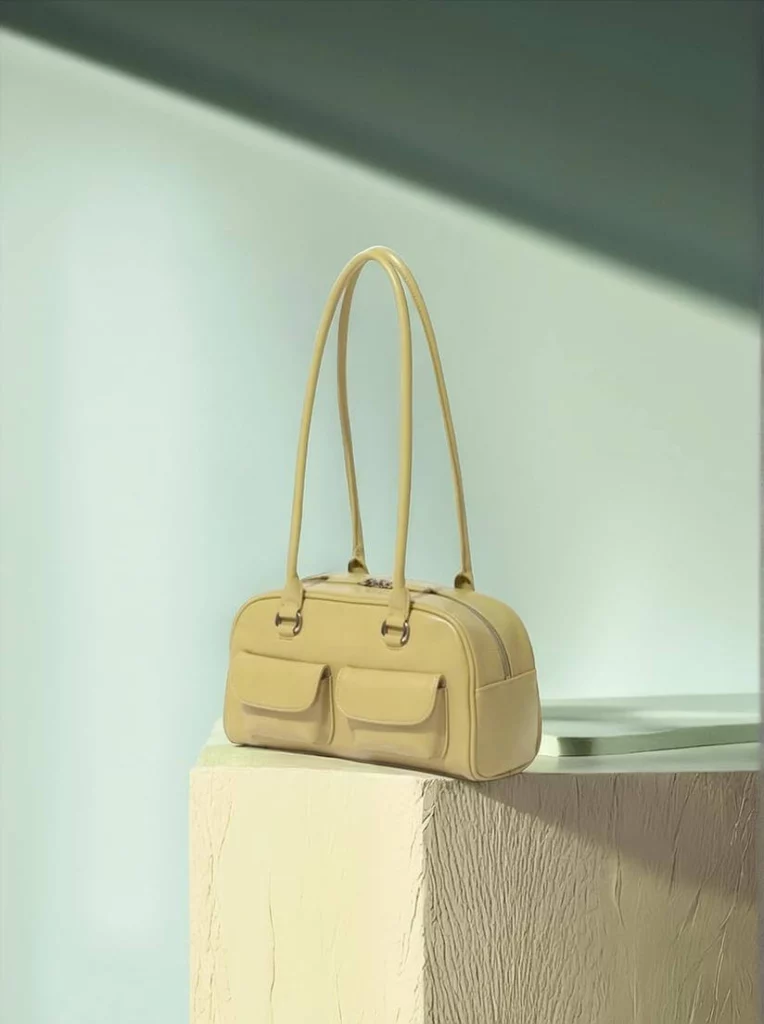
Once you have a clean product image, you can place it into different digital scenes. A handbag can appear in a studio setting, a lifestyle environment, or a campaign-style background—all without touching the product again.
This makes experimentation much easier. You can try different looks, compare performance, and update visuals without planning another shoot.
As a result, product images become something you can adjust and improve over time, not something fixed forever.
Showing Product Images on Models—Without Hiring Models
For many categories, especially fashion and accessories, flat product images aren’t enough. Customers want to see how items look in real use.
Traditionally, that meant booking models, arranging fittings, and managing more logistics.
AI changes this too.
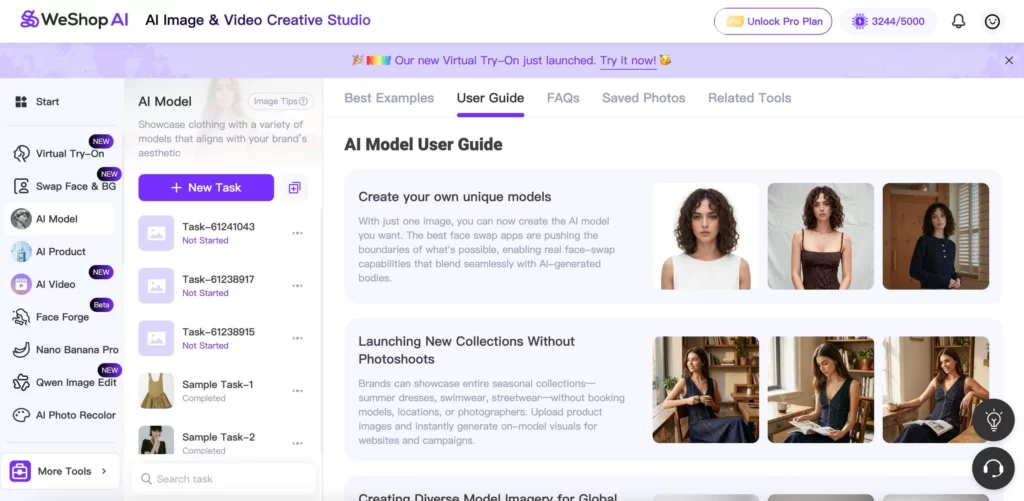
With virtual try-on and AI-generated model visuals, brands can create product images that show scale, proportion, and real-world context—without organizing a shoot. WeShop AI supports this by letting teams generate model-based product images that feel natural and consistent.
These visuals often perform better because they answer practical questions customers already have.
Scaling Product Images Without Slowing Down
This is where AI really outperforms photoshoots.
Photoshoots work one image at a time. AI works in batches.
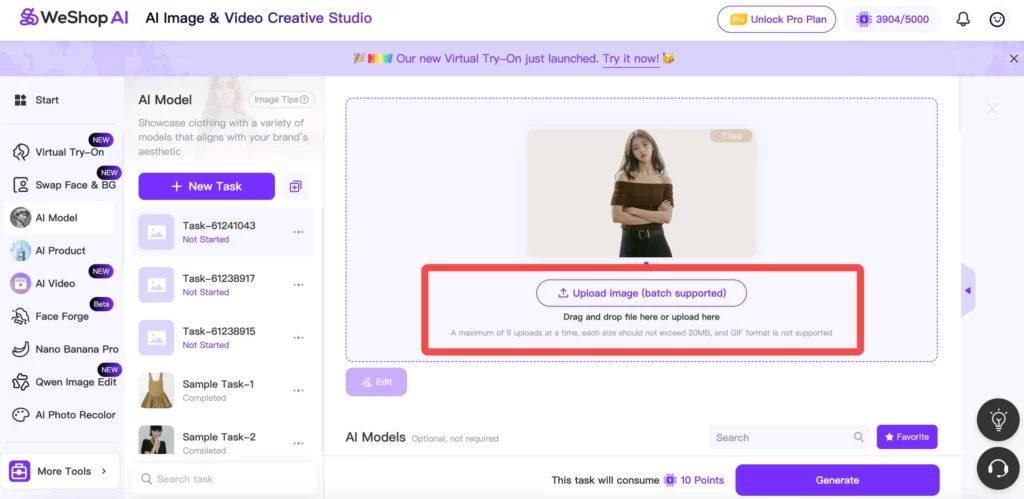
Instead of producing visuals individually, teams can upload multiple products and generate entire sets of product images at once. This is especially useful for large catalogs, seasonal launches, or products with many variations.
With WeShop AI, batch workflows make it possible to produce dozens—or hundreds—of product images in the time it used to take to prepare a single shoot.
That kind of scale simply isn’t practical with traditional photography.
Adapting Product Images for Different Channels
Another challenge with photoshoots is format. One image rarely works everywhere.
Marketplaces, brand websites, and social platforms all have different requirements. Traditionally, adapting images for each channel meant more editing and more time.
AI-generated product images are easier to adapt. Teams can quickly adjust backgrounds, compositions, or layouts without rebuilding everything from scratch.
This makes it much easier to keep product images consistent while still tailoring them to each platform.
When Creating Product Images Without Photoshoots Makes Sense
In practice, AI-generated product images work best when:
- You update or launch products frequently
- You manage many SKUs or variations
- Speed matters more than one-off perfection
- You want consistent visuals across channels
- Budgets and timelines are tight
In these situations, photoshoots often slow teams down. AI helps them move forward.
Combining AI and Traditional Photography
Using AI doesn’t mean abandoning photography altogether.
Many brands use a hybrid approach. They rely on traditional photoshoots for hero images or flagship campaigns. At the same time, they use AI for everyday needs—catalog updates, variant images, and marketing visuals.
This balance helps teams spend time and money where it matters most, while keeping product images fresh and flexible.
Why WeShop AI Fits This Way of Working
Not all AI tools are built for ecommerce. Some focus on creative experiments, others on single-image edits.
WeShop AI is designed around real ecommerce workflows:
- Product-focused image generation
- Virtual try-on and model visuals
- Batch processing for scale
- Consistent results across collections
Because of that focus, it fits naturally into teams that want to create product images without photoshoots—without sacrificing quality or control.
Final Thoughts
Photoshoots aren’t going away. But they’re no longer the only way to create strong product images.
With AI tools like WeShop AI, ecommerce brands can create clean, consistent, and scalable product images without photoshoots. They save time, reduce costs, and gain flexibility—while still meeting the visual standards customers expect.
For many teams, this isn’t a temporary solution. It’s becoming the new normal.