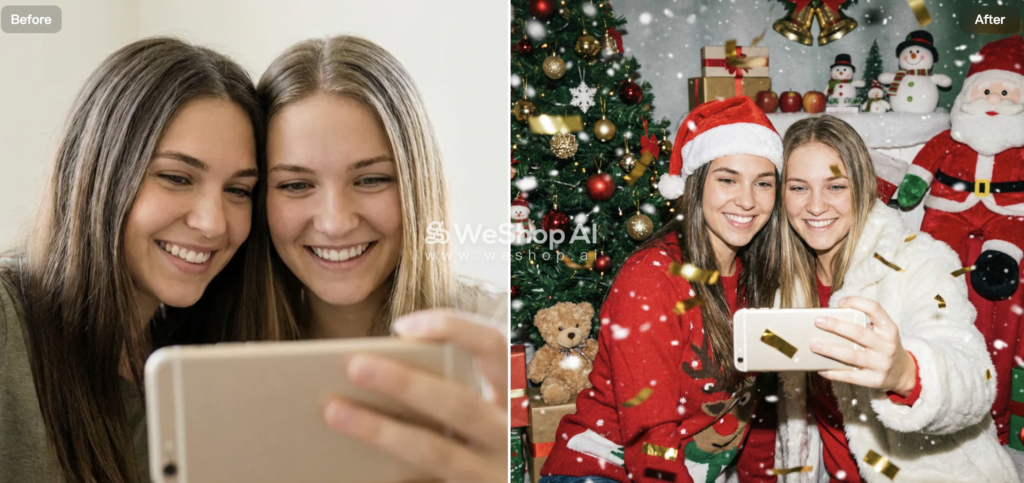
As one of the newest features released by WeShop AI, AI Christmas Photo is designed to help individuals, brands, and content teams transform everyday photos into festive Christmas visuals—ready for social media, marketing, and holiday sharing.
The way holiday content is created online is changing fast.
People scroll quickly, brands compete for attention, and seasonal visuals often decide whether a post gets noticed or ignored.
During Christmas, this becomes even more obvious.
Festive images matter more than ever.
However, creating high-quality AI Christmas photos is not easy.
Traditional holiday photoshoots take time.
Studio setups are expensive.
Coordinating outfits, locations, and props quickly becomes a burden—especially for families, creators, or small businesses.
AI Christmas Photo solves this problem by using AI to generate festive, polished Christmas images in seconds—without photography skills or design experience.
Let’s take a closer look at how it works, why it matters, and how it fits into real holiday workflows.
What Is AI Christmas Photo?
AI Christmas Photo is a tool inside WeShop AI that uses artificial intelligence to turn ordinary photos into Christmas-themed images.
In simple terms, it helps you:
- Upload a photo
- Apply Christmas backgrounds, outfits, and effects
- Generate festive holiday images instantly
- Skip traditional photo shoots and manual editing
Instead of arranging props or editing photos by hand, you can create holiday-ready visuals with just a few clicks.
More importantly, the results are designed for real use cases—not just playful filters, but images suitable for cards, social media, and marketing.
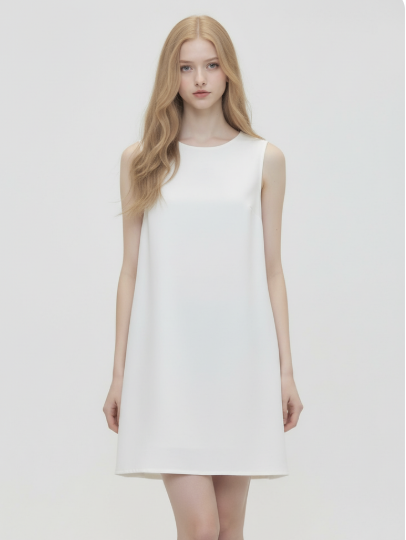
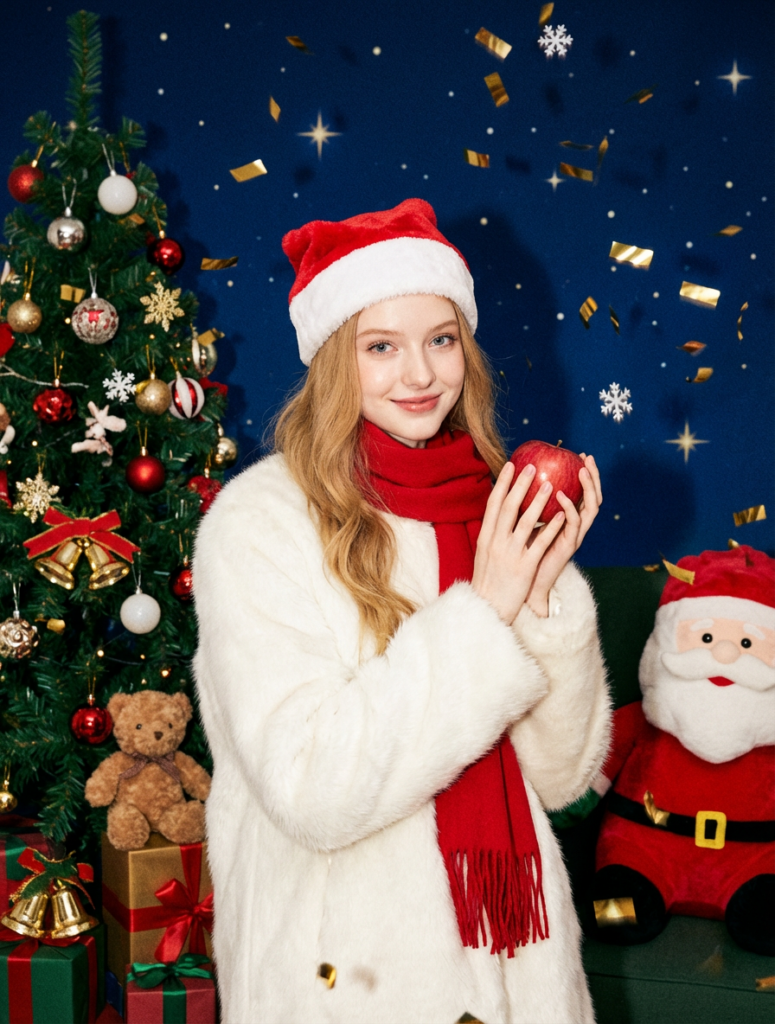
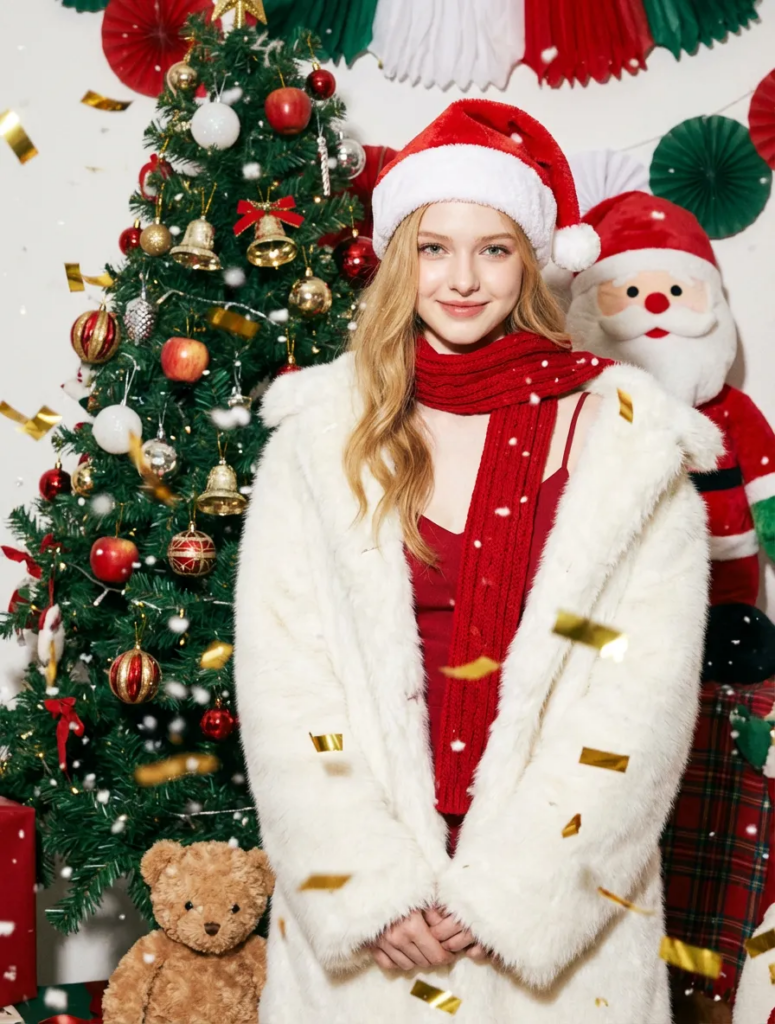
Why AI Christmas Photos Matter?
Christmas is one of the most visually driven seasons of the year.
People expect:
- Festive backgrounds
- Holiday outfits and accessories
- Warm lighting and cheerful atmosphere
At the same time, many people face the same challenges:
- No time for a holiday photo shoot
- No budget for professional photography
- No design skills to edit festive visuals
This often leads to rushed, low-quality images—or no holiday content at all.
AI Christmas Photo helps fill this gap by turning existing photos into festive visuals that feel intentional, warm, and seasonal.
Where to Find AI Christmas Photo in WeShop AI
Getting started is simple.
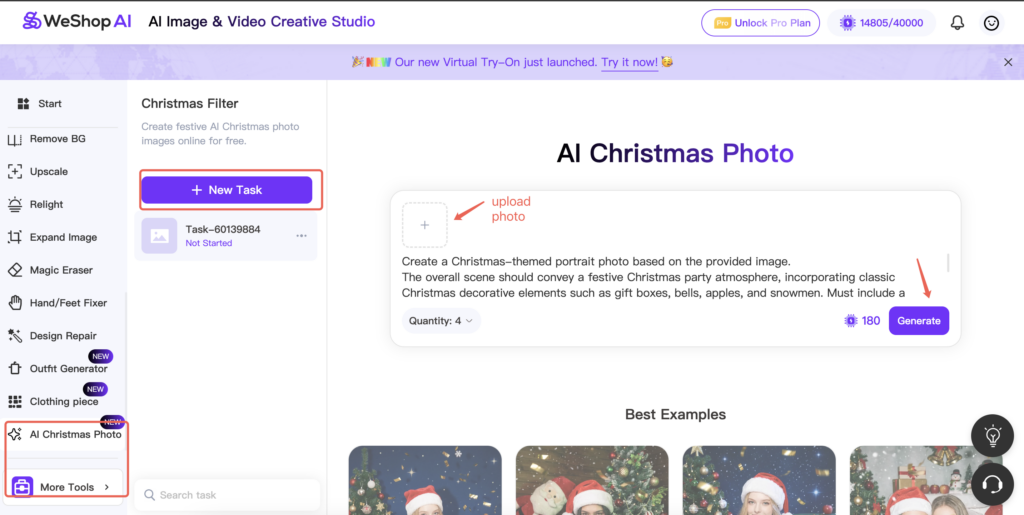
- Enter the WeShop AI platform
- Look at the left-side task bar
- Scroll down to More Tools
- Select AI Christmas Photo
You’ll enter a clean workspace focused entirely on holiday image generation—no complicated setup required.
Step-by-Step: How AI Christmas Photo Works
The workflow is straightforward, even if it’s your first time using WeShop AI.
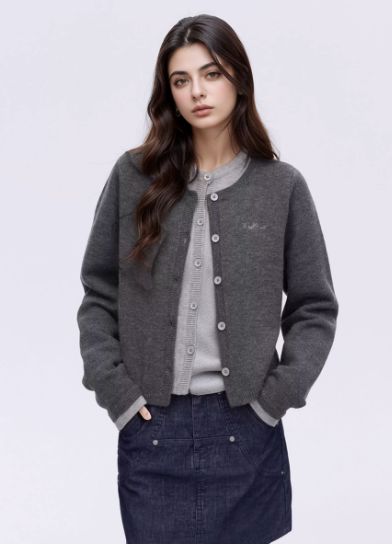
Step 1: Upload a Photo
Start by uploading any image.
This can be:
- A selfie
- A couple photo
- A family portrait
- A product image
- A lifestyle photo
As long as faces or subjects are clear, the AI can work with it.
Step 2: Click Generate
Once everything is set, click Generate.
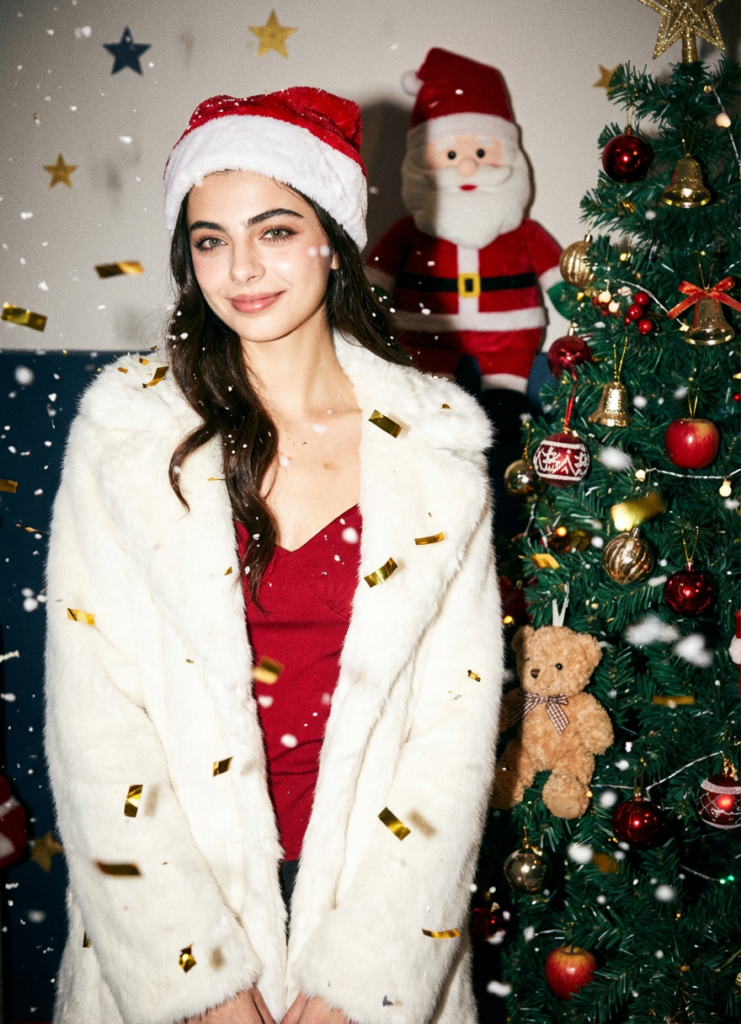
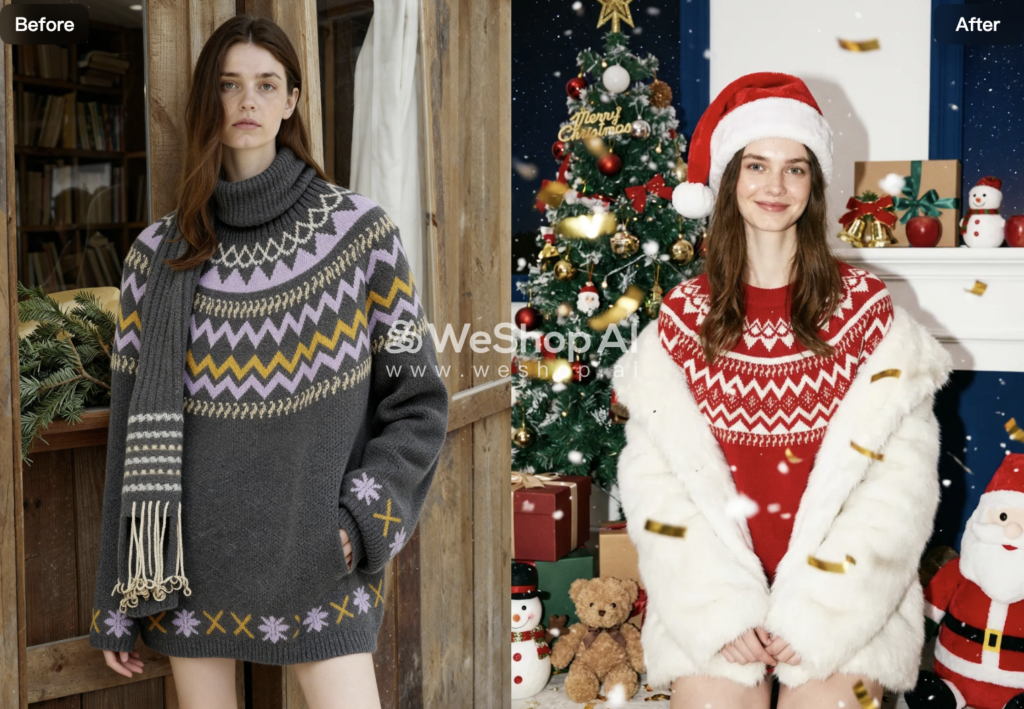
Within seconds, the AI creates a Christmas-themed image with:
- Natural lighting and shadows
- Realistic outfits and accessories
- Clean composition suitable for sharing or printing
No manual editing required.
Who Should Use AI Christmas Photo?
This feature is especially useful for:
- Families creating holiday memories
- Couples making Christmas photos
- Content creators and influencers
- Small businesses running holiday promotions
- Brands preparing seasonal visuals
- Anyone who wants festive images without a photoshoot
If you need Christmas visuals quickly and efficiently, this tool fits naturally into your workflow.

Easy to Combine with Other WeShop AI Features
Another advantage is integration.
AI Christmas Photo works smoothly with other tools inside WeShop AI.
For example:
- Generate a Christmas portrait
- Refine details with AI retouching tools
- Create multiple styles from one image
- Use results for cards, ads, or social posts
This makes the platform feel like a connected system, not isolated features.
Final Thoughts
AI Christmas Photo is built to solve a very real holiday problem: creating festive, high-quality Christmas images without time, cost, or complexity.
With a simple workflow, instant generation, and realistic results, the tool makes holiday content creation faster and more accessible. Whether you are sharing memories, preparing marketing materials, or simply celebrating the season, it helps you create Christmas-ready visuals without extra effort.
In short, it’s a practical way to turn everyday photos into meaningful holiday moments—and keep your Christmas content stress-free.