Flat lay, mannequin, or real model? If you sell clothes online, you ask this question every week. Two tools promise to answer it without a camera, a crew, or a budget: WeShop AI and Botika. Both turn product photos into model shots in minutes. Yet they work, feel, and price themselves in very different ways. This guide puts them side-by-side so you can pick the one that matches today’s launch calendar—and next year’s growth plan.
The 30-second snapshot of Botika and Weshop AI
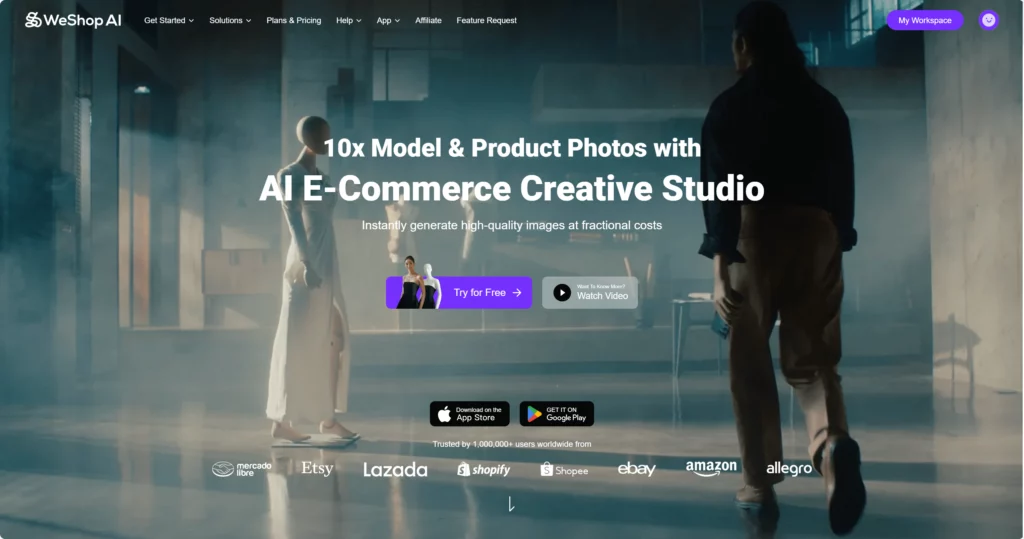
WeShop AI
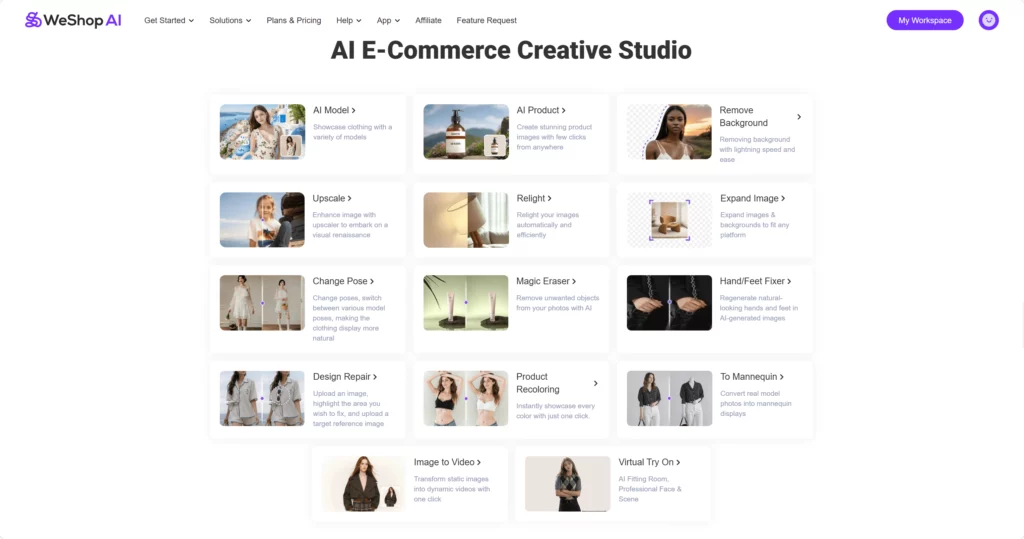
- 30+ tools in one workspace (model, product, video, relight, expand, recolor, fix hands, etc.)
- 60+ ethnicities, ages, body shapes
- Batch 50 images at once
- Free 400 credits every month (≈40 images)
- Paid plan from $12.99 for 3 000 credits
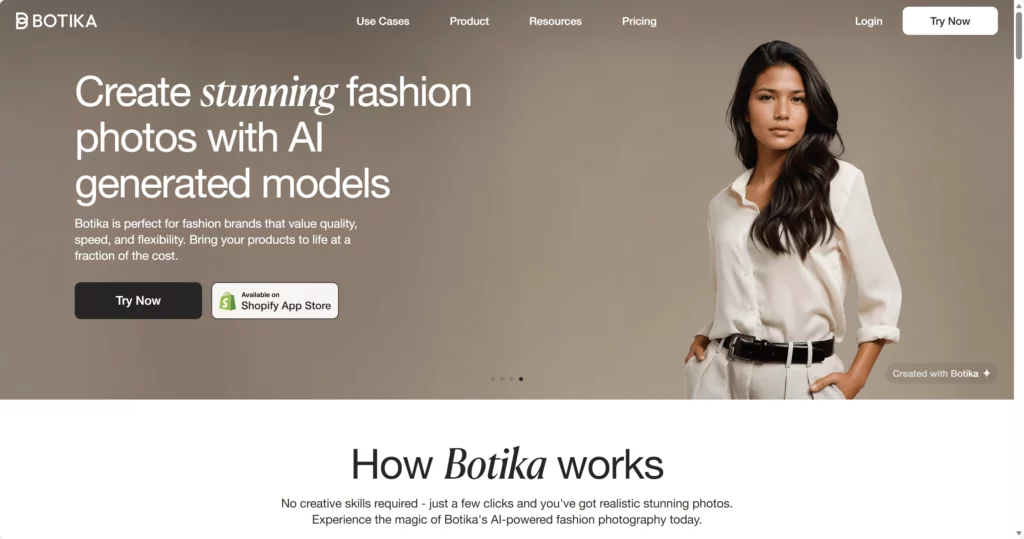
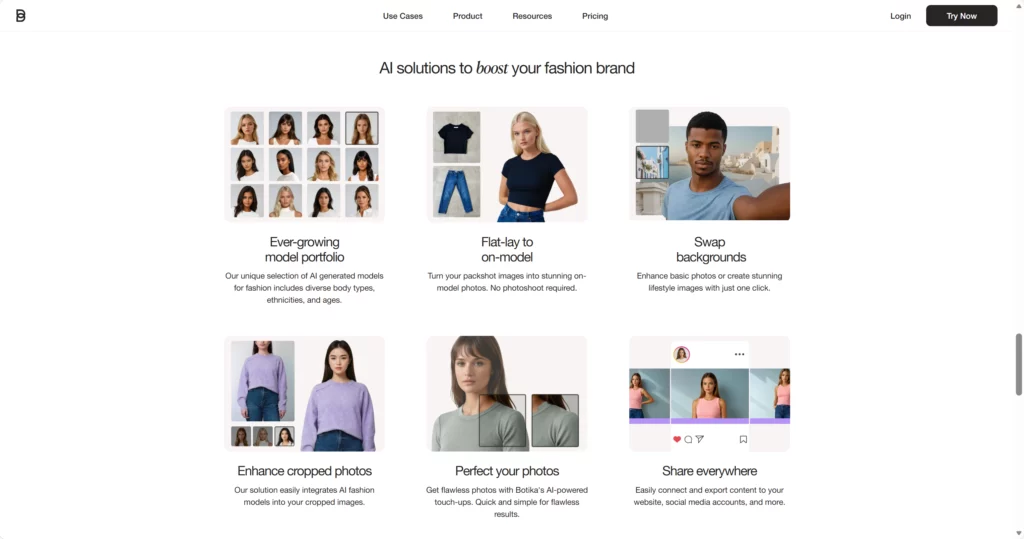
Botika
- Pure fashion focus: AI models + AI video only
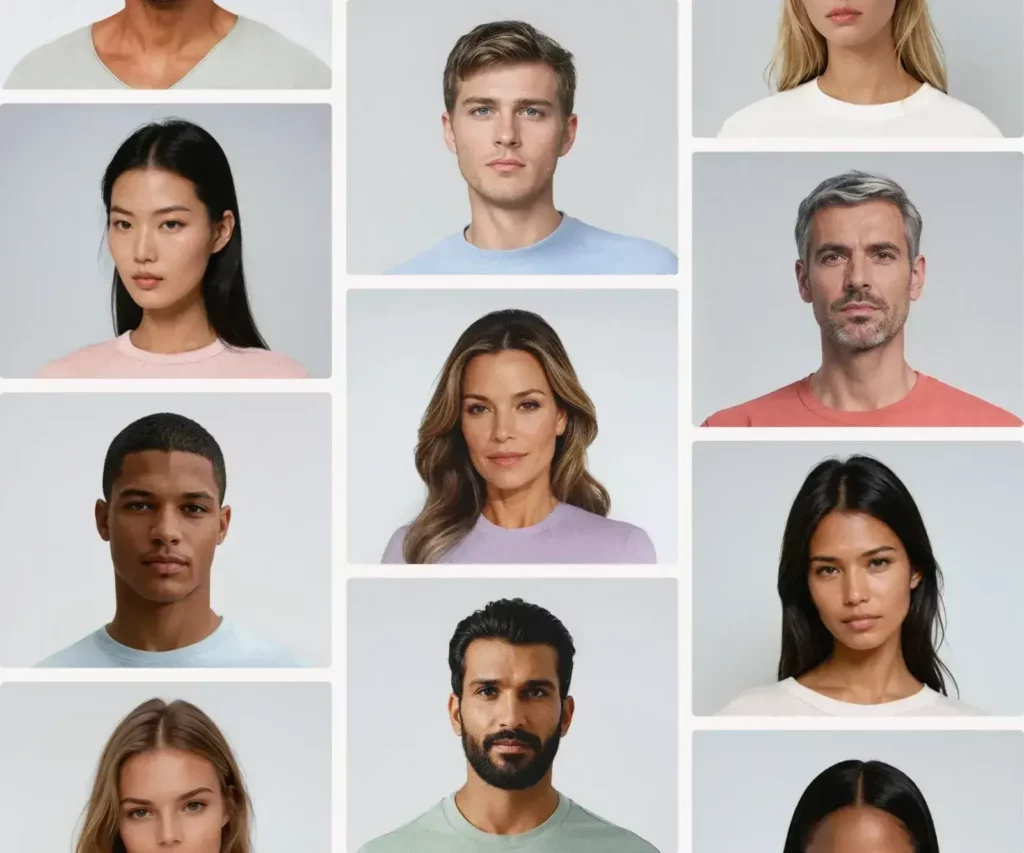
- 50+ exclusive models, no real people
- Flat-lay → on-model in three clicks
- No free credits; trial is 8 images then pay
- Paid plan from $15 for 50 credits (50 photos or 10 videos)
How each tool works
WeShop AI
Upload any image—flat lay, mannequin, or model.
Choose “AI Model” or “AI Product.”
Type a short line like “blonde model, Tokyo street, morning light.”
Hit create.
In under a minute you get four high-res shots, same face across every colorway, shadows already baked in.
Need video? Click “AI Video” and the same garment swings in a 6-second loop, ready for TikTok.
Botika
Upload a front-of-garment photo.
Pick a model card (face, body type) and a background set.
Botika returns one on-model photo in about 15 minutes.
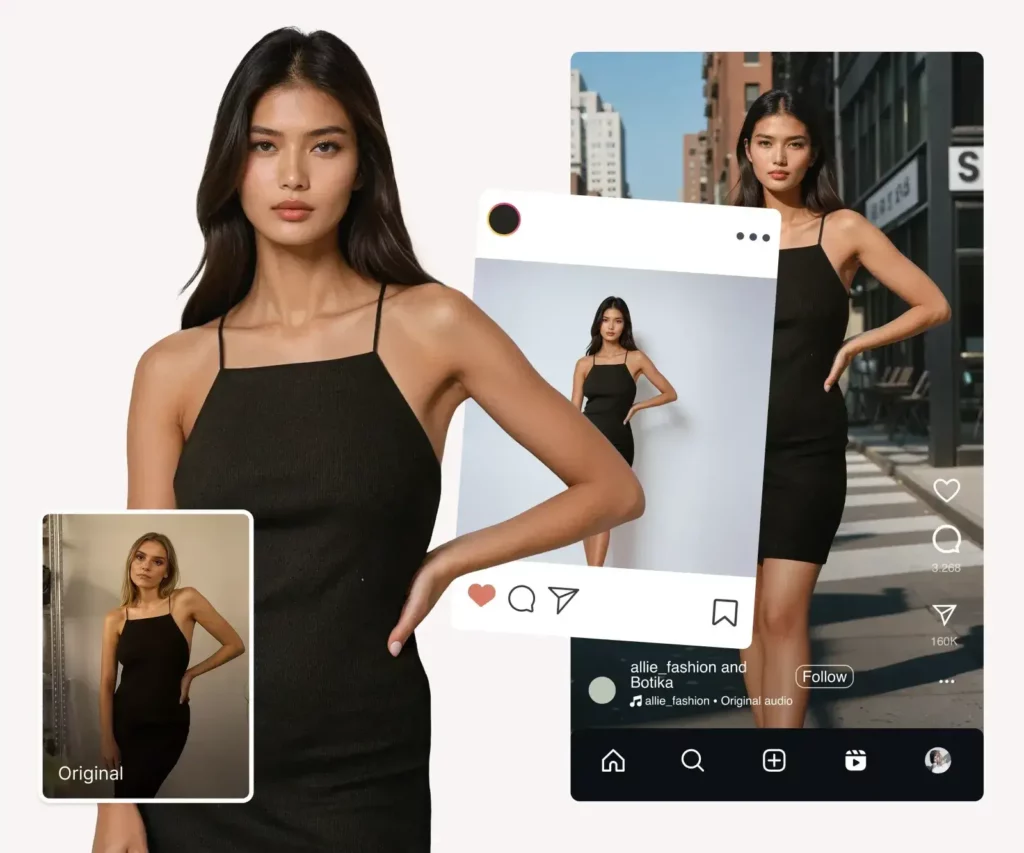
Want motion? Switch to “AI Video”; five credits gives a 3-second clip of the model walking.
No text prompts, no scene builder—just curated presets.
Video output
Both apps make video, yet in very different styles.
WeShop AI animates the product itself: a dress spinning, a handbag opening, earrings catching the light—perfect for ad creatives.
Clips render in under two minutes, 6–12 seconds long, square or vertical.
Botika animates the model, not the garment.
She walks, turns, or tosses her hair.
The cloth moves naturally, but you can’t zoom in on a zipper or show a hidden pocket.
File length is fixed at 3 seconds; no music track is added.
Cost reality check
Let’s say you list 100 new SKUs each month and want 4 model photos + 1 video per SKU.
WeShop AI
- 400 free credits cover the first 40 images.
- Remaining 360 images + 100 videos = 4 600 credits.
- Starter plan gives 3 000 credits for $12.99; you’ll need one extra 2 000-credit pack at $8.
Total ≈$21 and you still have rollover credits next month.
Botika
- 100 SKU × (4 photos + 1 video) = 900 credits.
- Closest plan is 1 000 credits for $150.
- Unused credits roll over, but there is no free tier.
If you drop to photos only, 400 credits cost $60.
Bottom line: Botika costs more for fashion-only output; WeShop AI gives extra tools and free headroom for about one-third of the price.
Who is each tool built for?
Pick WeShop AI if you:
- sell fashion plus accessories, home, beauty, or tech
- need multilingual prompts for global ads
- want one workspace for photo AND video
- like to tweak lighting, pose, color, and size in the same UI
Pick Botika if you:
- run a pure-play fashion label
- value done-for-you quality over control
- prefer curated models with zero legal risk
- rarely need more than five shots per style
Final Take
If you want a pocket studio that replaces the photographer, the model, the location scout, and the video editor, WeShop AI is the clear pick.
It packs more tools, costs less per image, and grows with you from Etsy side-hustle to global marketplace. If you care most about flawless fashion shots and you’d rather not think about lighting prompts, Botika is the faster on-ramp. You trade control for convenience and pay a premium, but the output looks campaign-ready straight out of the box.
Choose the one that matches the way you work, then launch the collection your competitors think you shot in Milan.
Conclusion
Both tools kill the old photoshoot, but they serve different tribes. WeShop AI hands you an entire creative studio—model, video, batch, edit—for the price of a take-out dinner. Botika gives flawless fashion shots in three clicks, then quietly adds a premium to each pixel. Pick the one that fits today’s clock and tomorrow’s balance sheet, hit create, and ship your collection before your rivals book the studio.