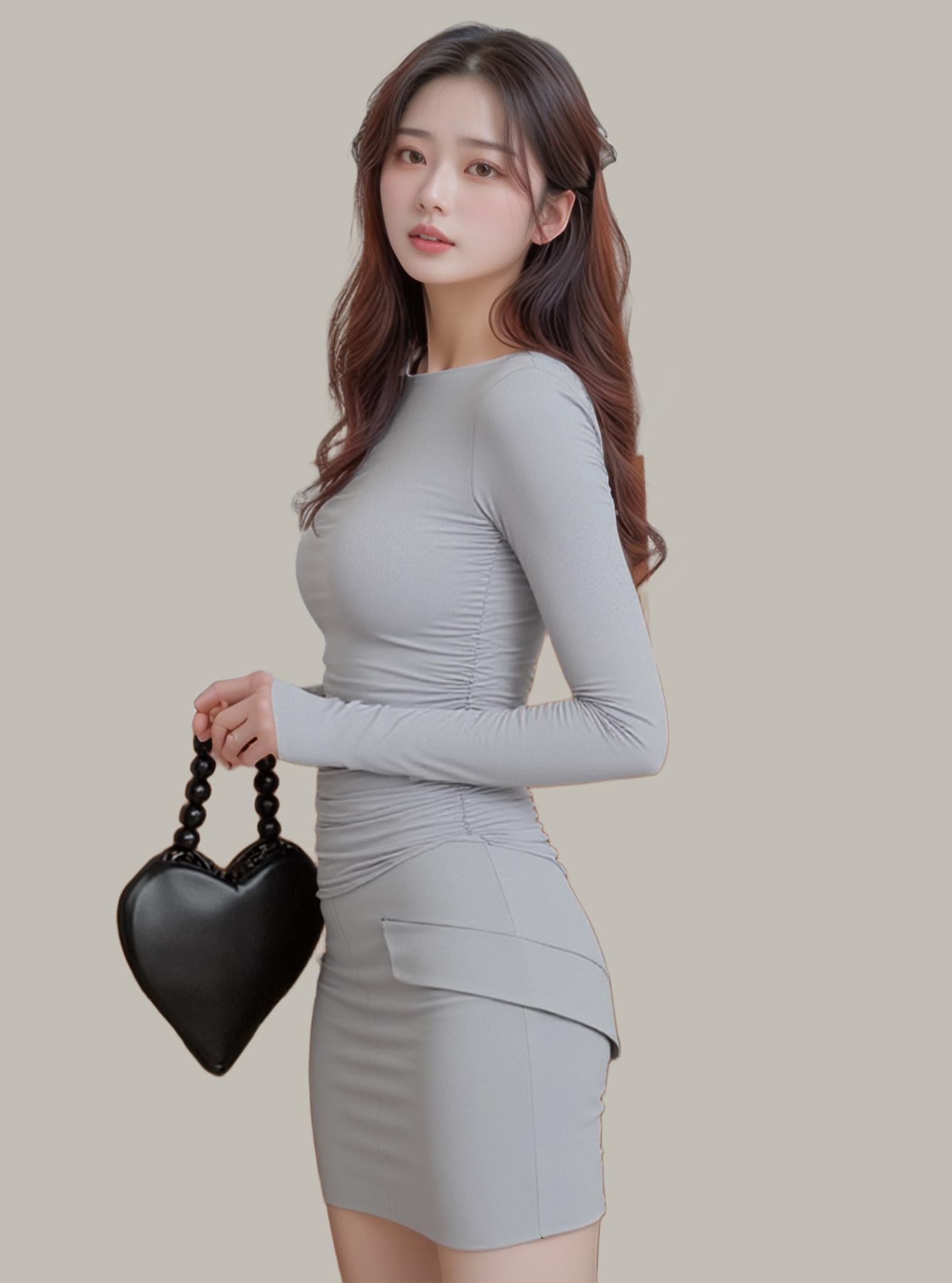
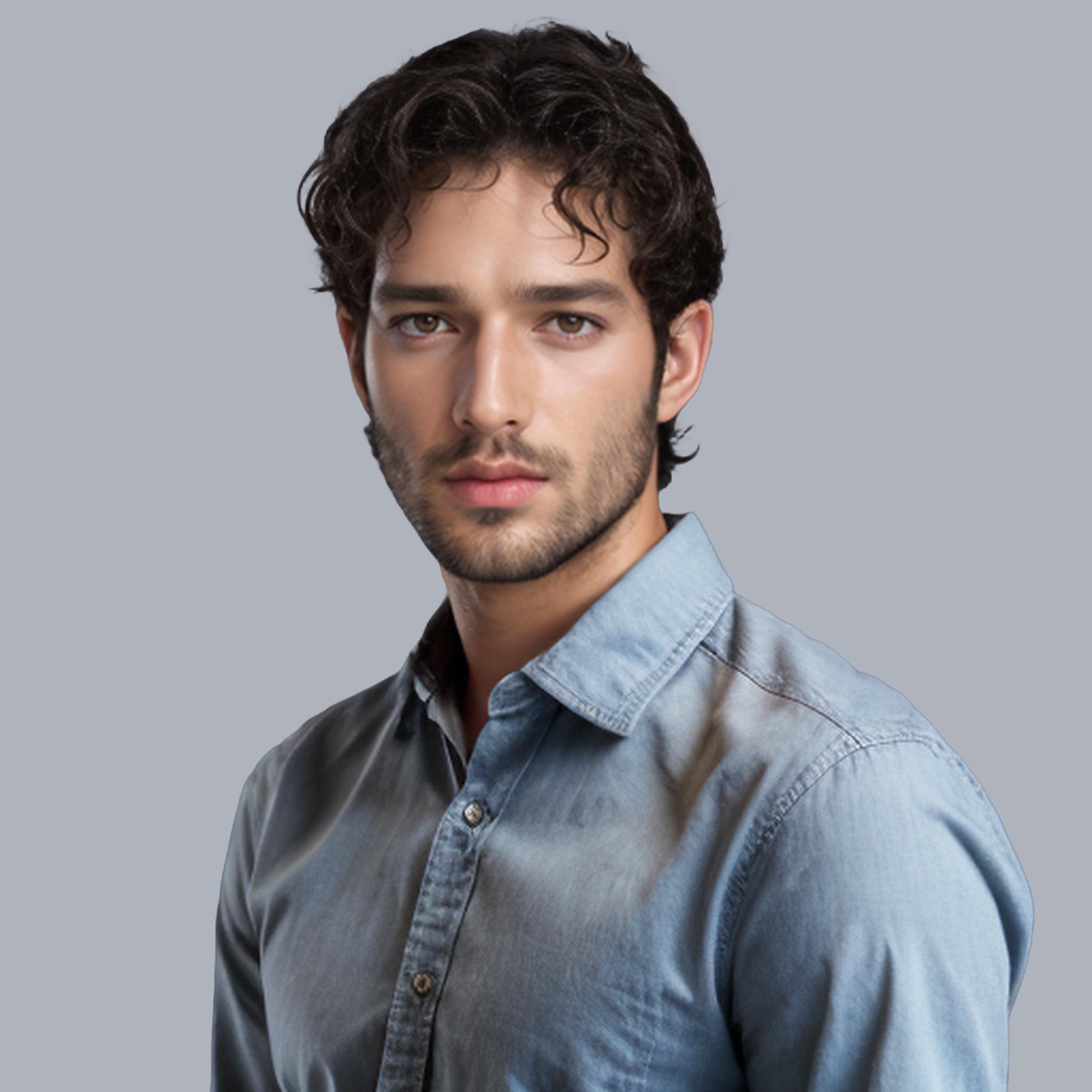
Hair extraction used to be the final boss of photo editing. Strand-by-strand selection, refine edge sliders, endless zooming at 400% — anyone who has spent an afternoon masking curly hair against a busy background knows the pain. AI background remover tools just made all of that optional.
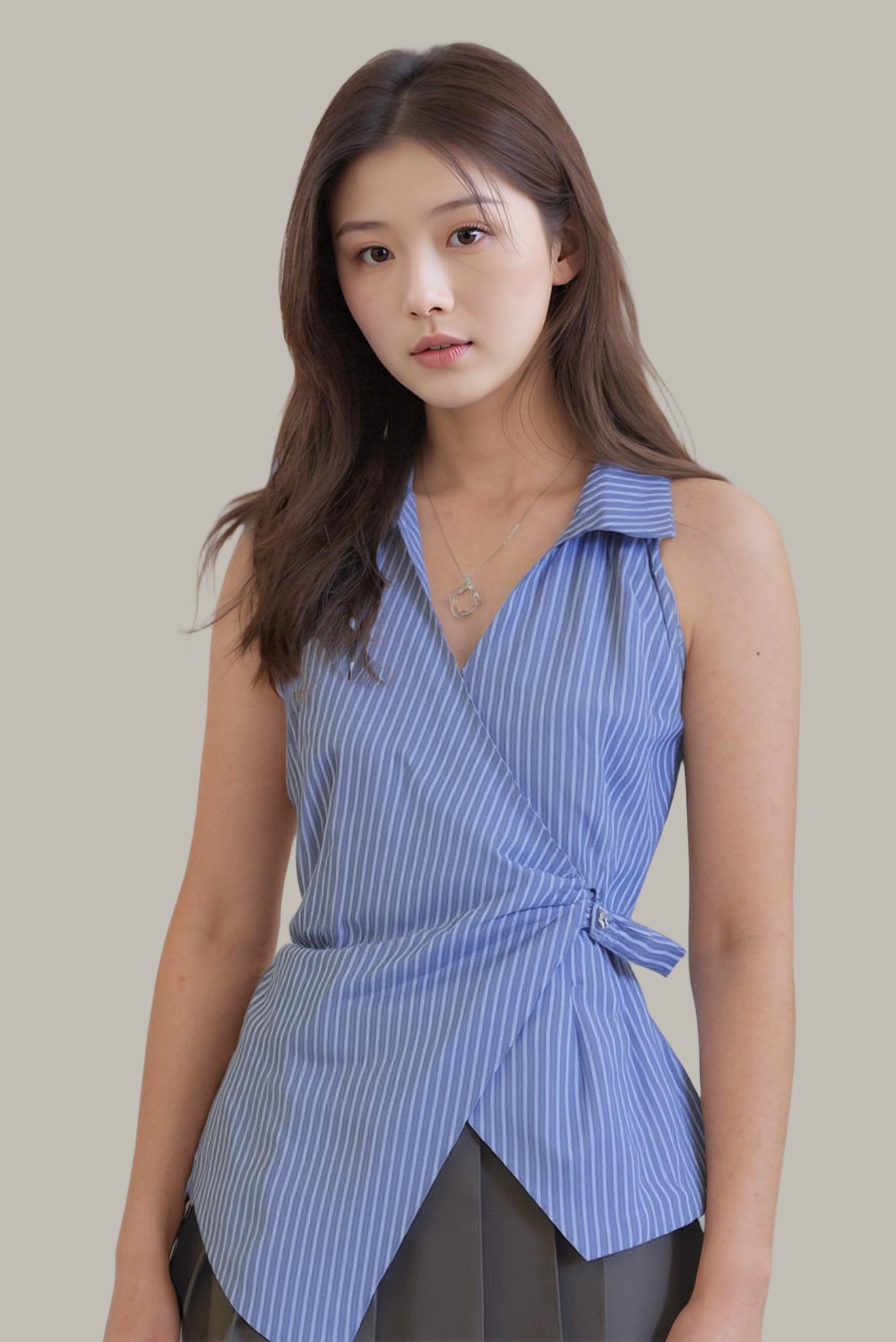
The Hair Matting Problem That Haunted Every Retoucher
Here’s why hair is so difficult to isolate: a single head of hair contains roughly 100,000 individual strands, each between 50–100 micrometers wide. At typical photo resolutions, many of those strands occupy sub-pixel space — they’re translucent rather than opaque. Traditional selection tools treat pixels as binary: foreground or background. Hair demands a third category: partially foreground.
Photoshop’s “Select and Mask” workspace introduced edge refinement sliders that improved results, but the process still requires manual intervention: painting over missed strands, adjusting feathering radius, checking against multiple background colors. A skilled retoucher spends 15–45 minutes per image. For an e-commerce shoot with 50 model images, that’s 12–37 hours of pure masking work.
How Neural Networks Cracked the Strand-Level Background Removal Challenge
Modern AI background removers approach hair matting as a regression problem rather than a classification problem. Instead of asking “is this pixel foreground or background?”, the model predicts a continuous alpha value (0.0 to 1.0) for every pixel — effectively learning the transparency of each strand.
The architecture that made this possible is deep image matting with trimap-free inference. Older matting networks required a “trimap” — a rough map marking definite foreground, definite background, and uncertain regions. Current models skip this entirely, processing the raw image end-to-end. WeShop AI’s background remover uses this approach, achieving strand-level accuracy without requiring any user input.
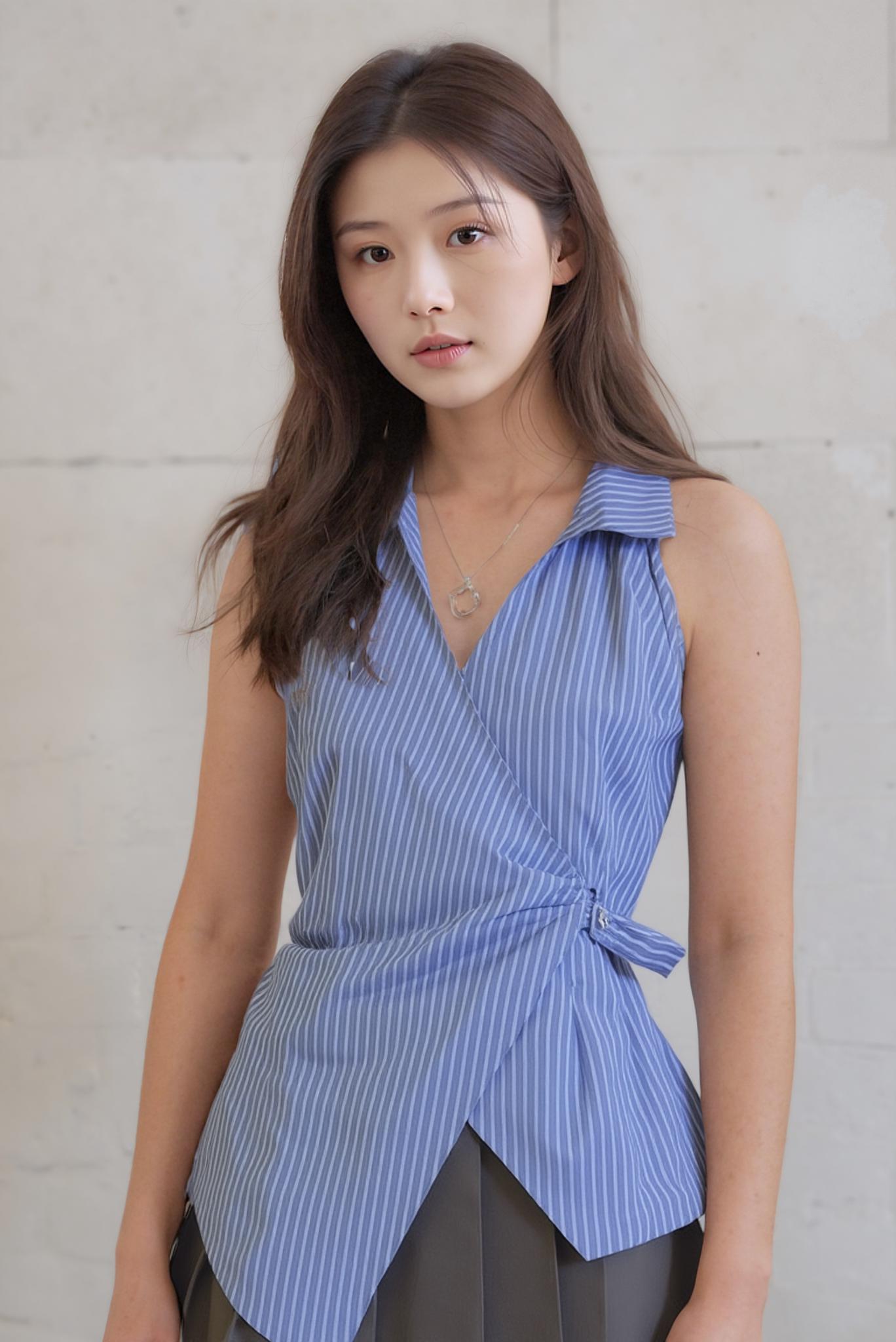
Every strand captured — the AI processes sub-pixel transparency that manual masking tools struggle to replicate.
Speed Comparison: AI Background Remover vs. Manual Masking
| Task | Photoshop Manual | AI Background Remover |
|---|---|---|
| Simple product (solid edges) | 2–5 min | 2 seconds |
| Portrait with straight hair | 10–15 min | 2 seconds |
| Portrait with curly/frizzy hair | 25–45 min | 3 seconds |
| Batch of 50 product images | 2–4 hours | 90 seconds |
| Sheer fabric overlay | 15–30 min | 3 seconds |
The speed differential isn’t just about convenience — it fundamentally changes what’s economically viable. A small e-commerce brand that couldn’t justify 20 hours of retouching can now process their entire catalog during a lunch break.
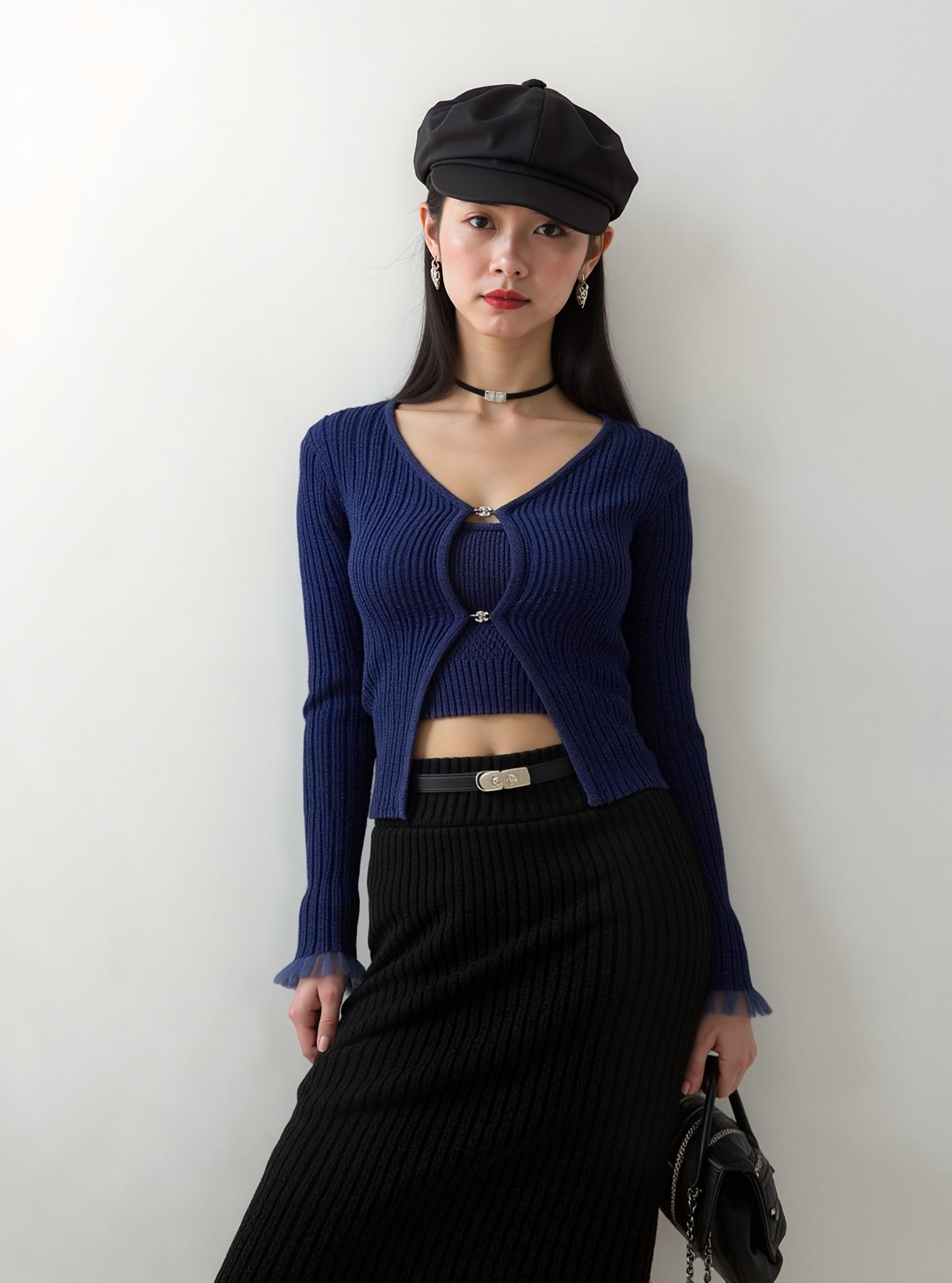
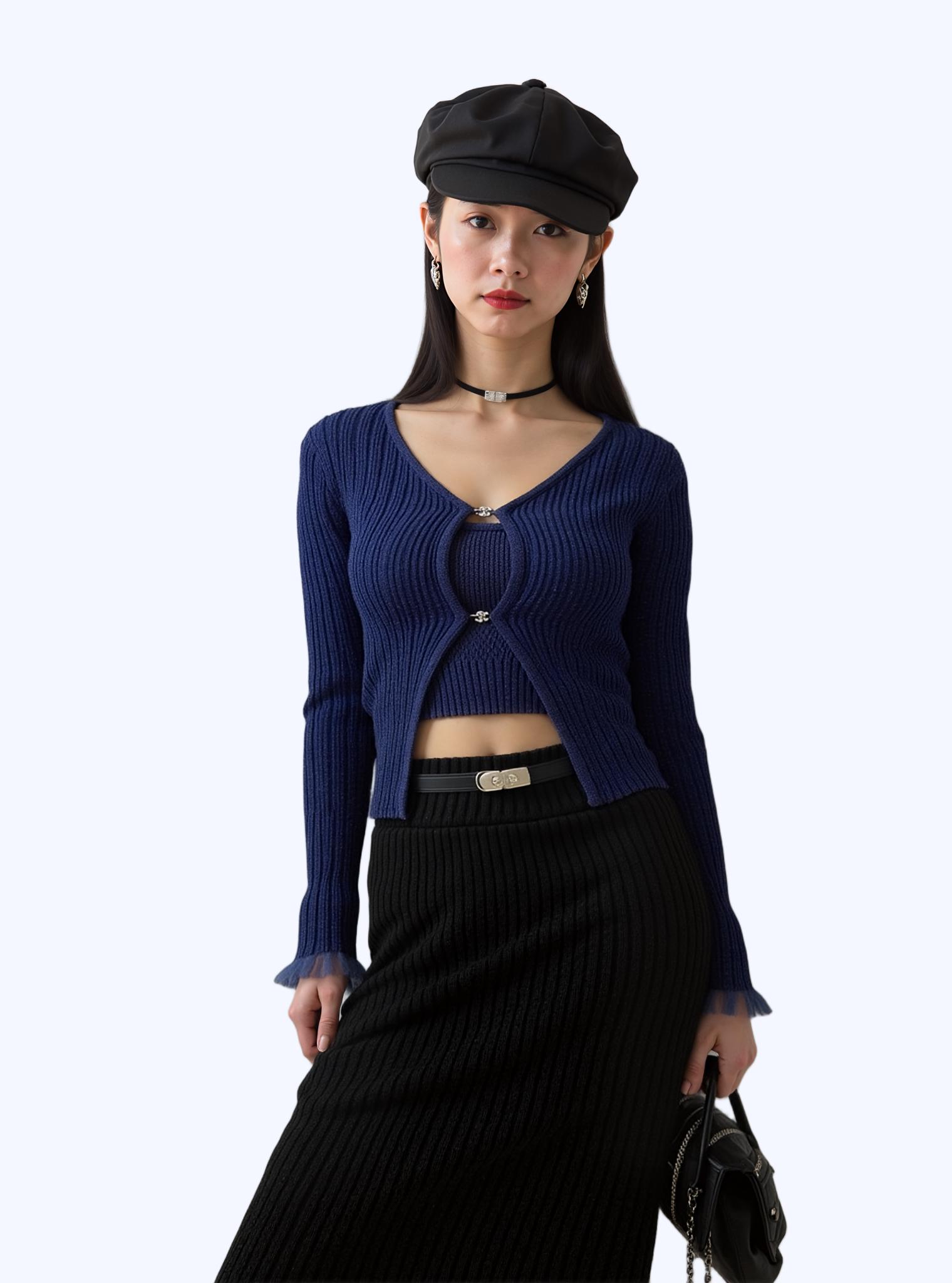
What used to require 30 minutes of careful manual selection now happens in a single click.
Your 60-Second Workflow: From Raw Photo to Transparent PNG
- Upload your image to WeShop AI’s background remover — drag and drop, no account required for free tier
- Wait 2–3 seconds while the AI processes
- Review the result — zoom into hair edges, check for any missed strands
- Download your transparent PNG at full resolution
- Next step: Drop the cutout into AI Change Background for a new scene, or use Image Enhancer to sharpen strand detail
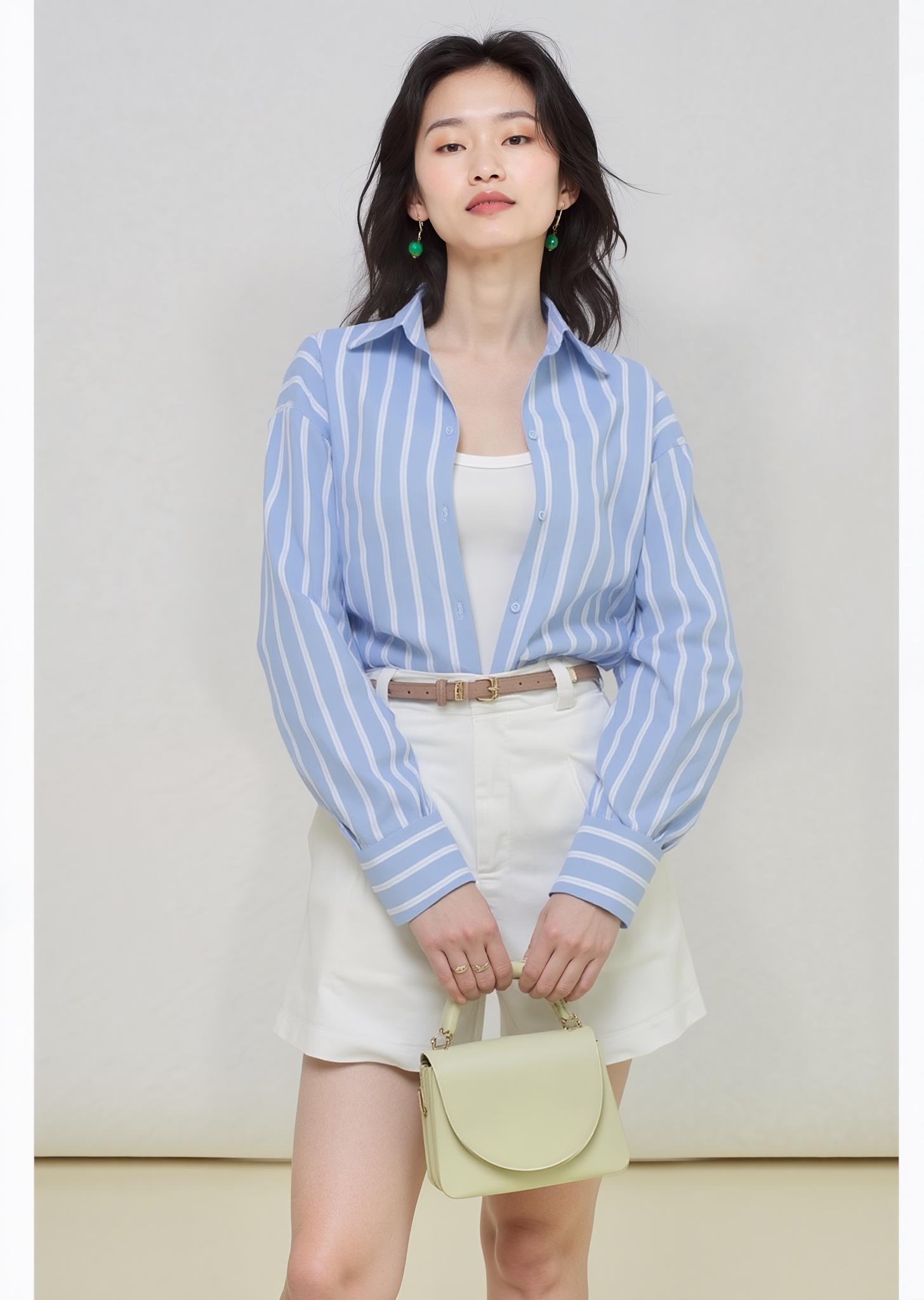
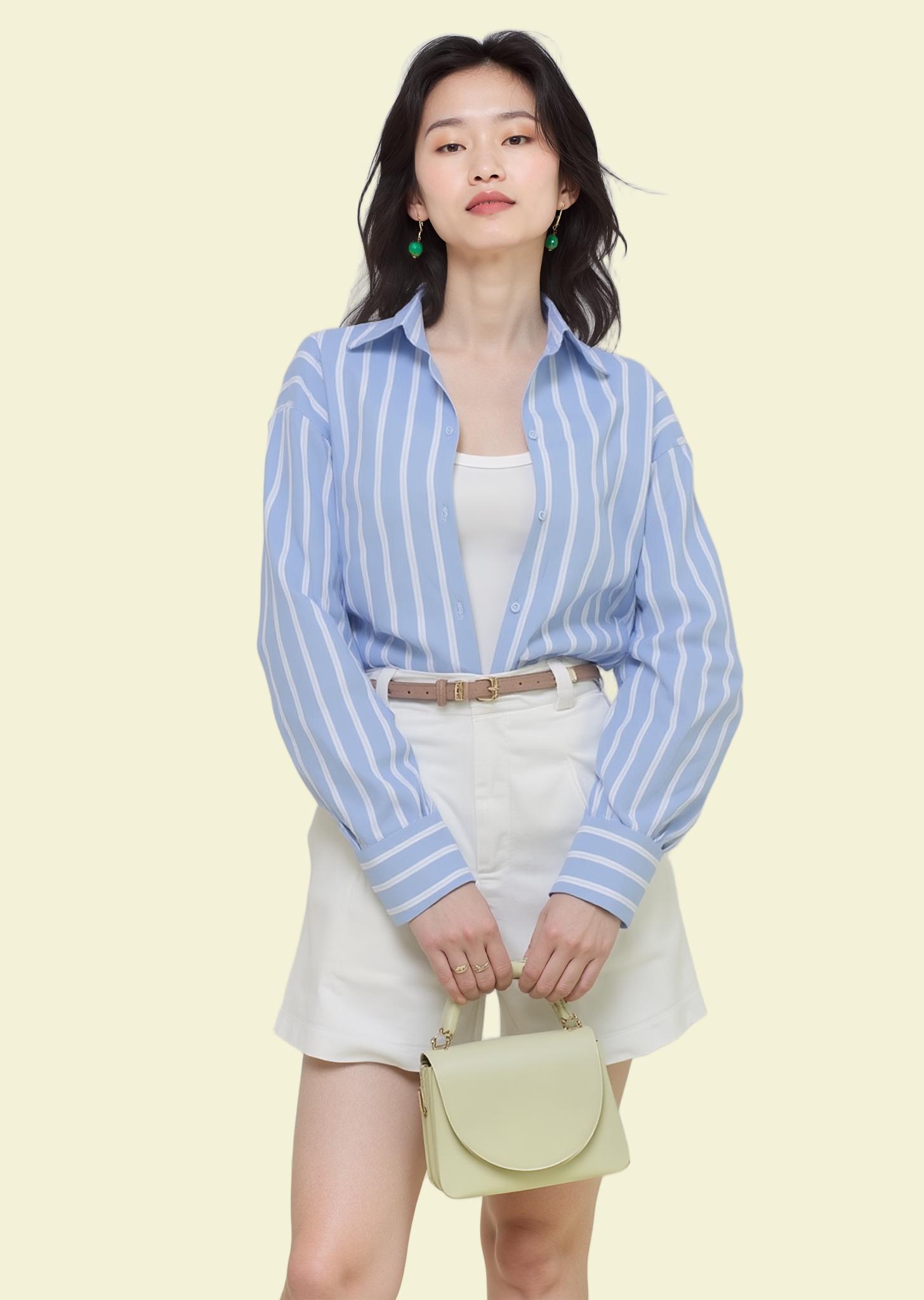
Production-ready cutout in seconds — ready for marketplace listing or campaign creative.
Expert FAQ
My model has flyaway hairs against a similar-colored background. Will AI handle this?
This is the hardest case for any tool. Tip: if you control the shoot, place a contrasting-color card behind the model’s head. If working with existing photos, AI captures about 85–90% of same-color flyaways. A 30-second manual touchup handles the rest — still far faster than full manual masking.
Does AI background removal work on video frames?
Most background remover tools are optimized for still images. For video, you’d process frame-by-frame, which works but may show flickering at hair edges. Dedicated video matting models exist but aren’t yet widely available as consumer tools.
Can I replace the removed background with a specific scene in one step?
WeShop AI’s workflow makes this seamless: remove the background first, then immediately use AI Change Background to composite your subject into any scene — studio, outdoor, seasonal campaign backdrop. Two steps, each taking seconds.
How does AI handle overlapping hair between two subjects?
AI models segment each person individually based on body detection. When hair from Person A overlaps Person B’s shoulder, the model assigns those strands to Person A. Accuracy is high for moderate overlap; extreme entanglement may need a manual pass.
Is the quality good enough for print production at 300 DPI?
Yes, provided your source image is high-resolution. AI matting operates at pixel level — output quality is a direct function of input resolution. Upload at 300 DPI, get 300 DPI output. WeShop AI doesn’t downscale during processing.
© 2026 WeShop AI — Powered by intelligence, designed for creators.