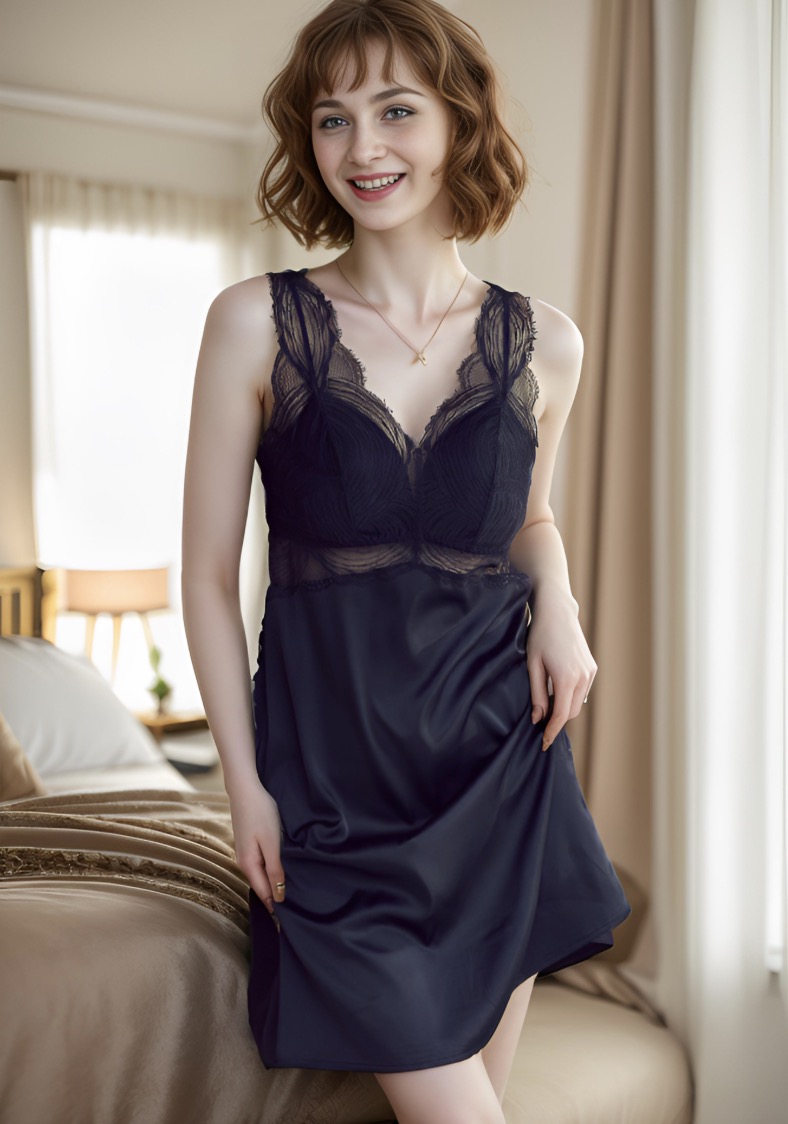
Your product photos look like they were shot through a screen door. Your supplier images are 500px wide. Every time you pinch-to-zoom, the quality collapses. We tested four free AI image upscalers head-to-head — here’s what actually works.
The Visual Proof: AI Upscaling That Preserves What Matters
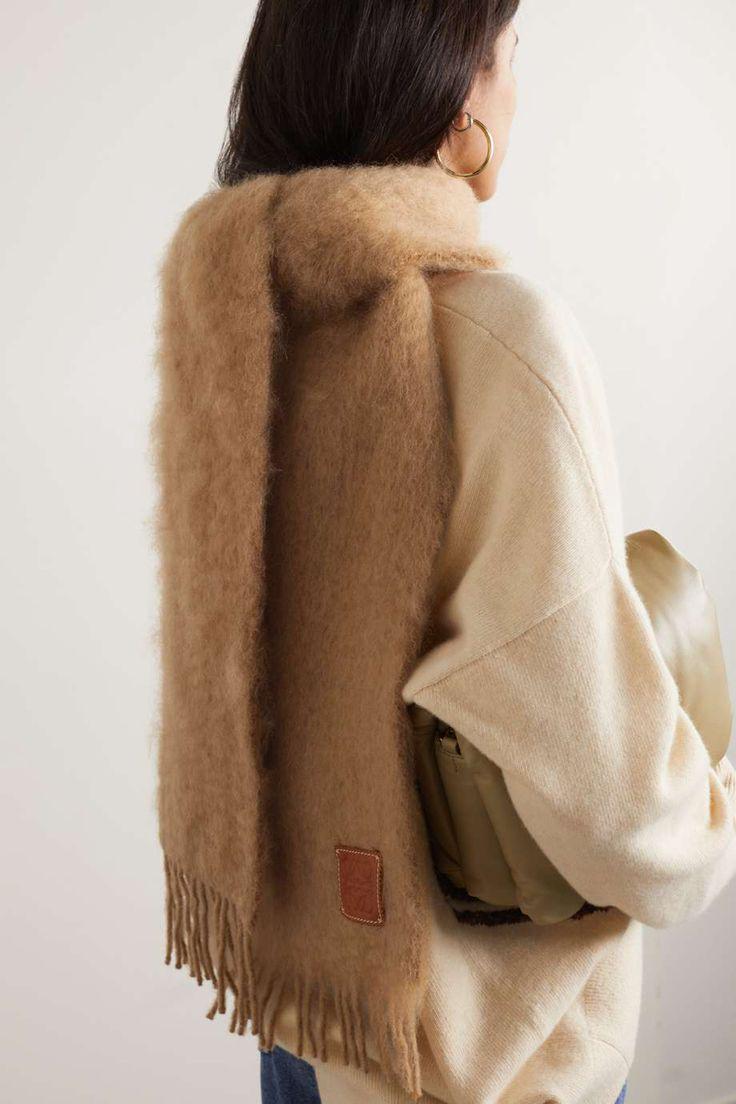
Before: Original
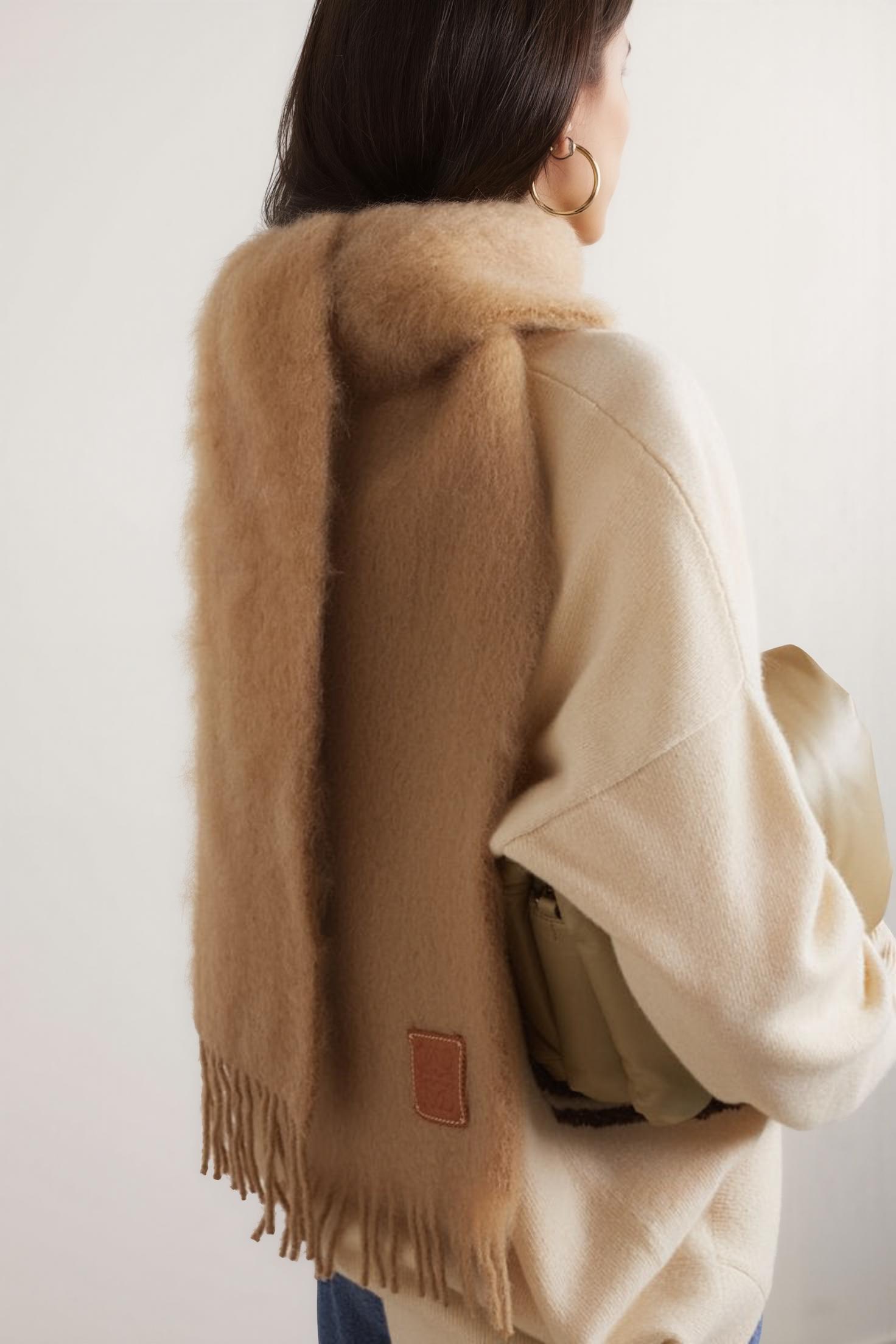
After: AI Enhanced
Fashion: 736×1104 → 1472×2208 — texture fidelity maintained for brand-appropriate quality
We ran identical source images through WeShop AI’s Image Enhancer. The difference between tools that reconstruct missing detail and tools that fake edges with over-sharpening is immediately visible in fabric texture, skin luminosity, and shadow gradients.
The Luxury Standard: Why Resolution Defines Brand Perception in Digital Commerce
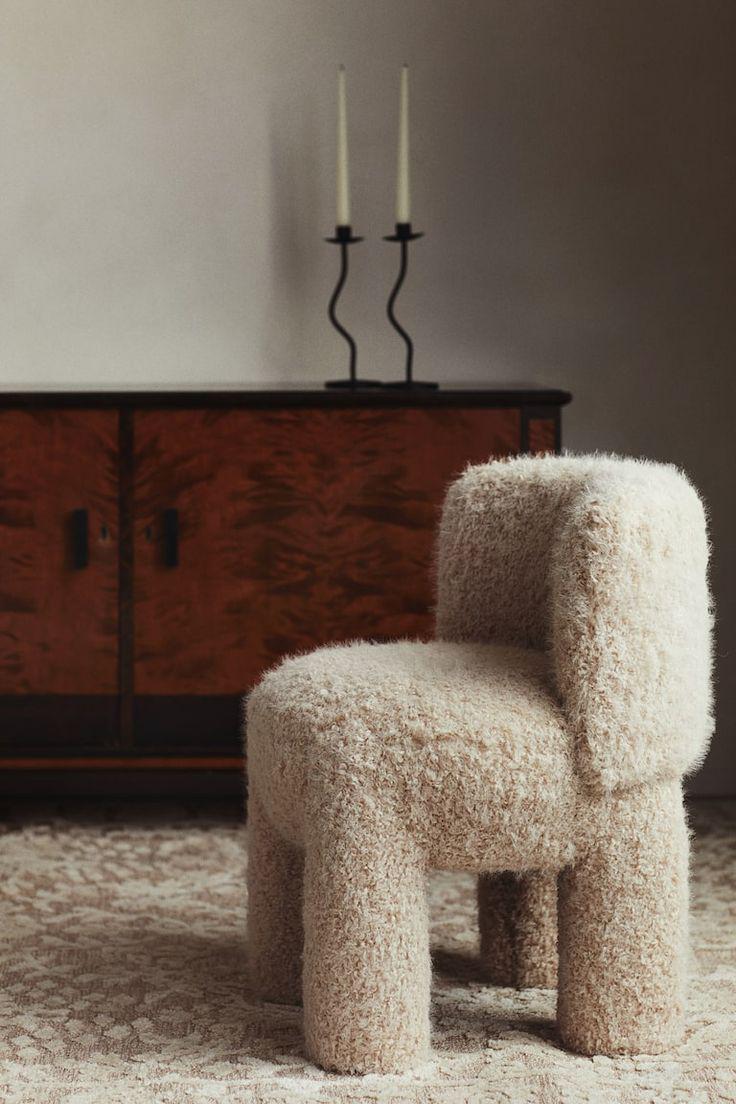
Before: Original
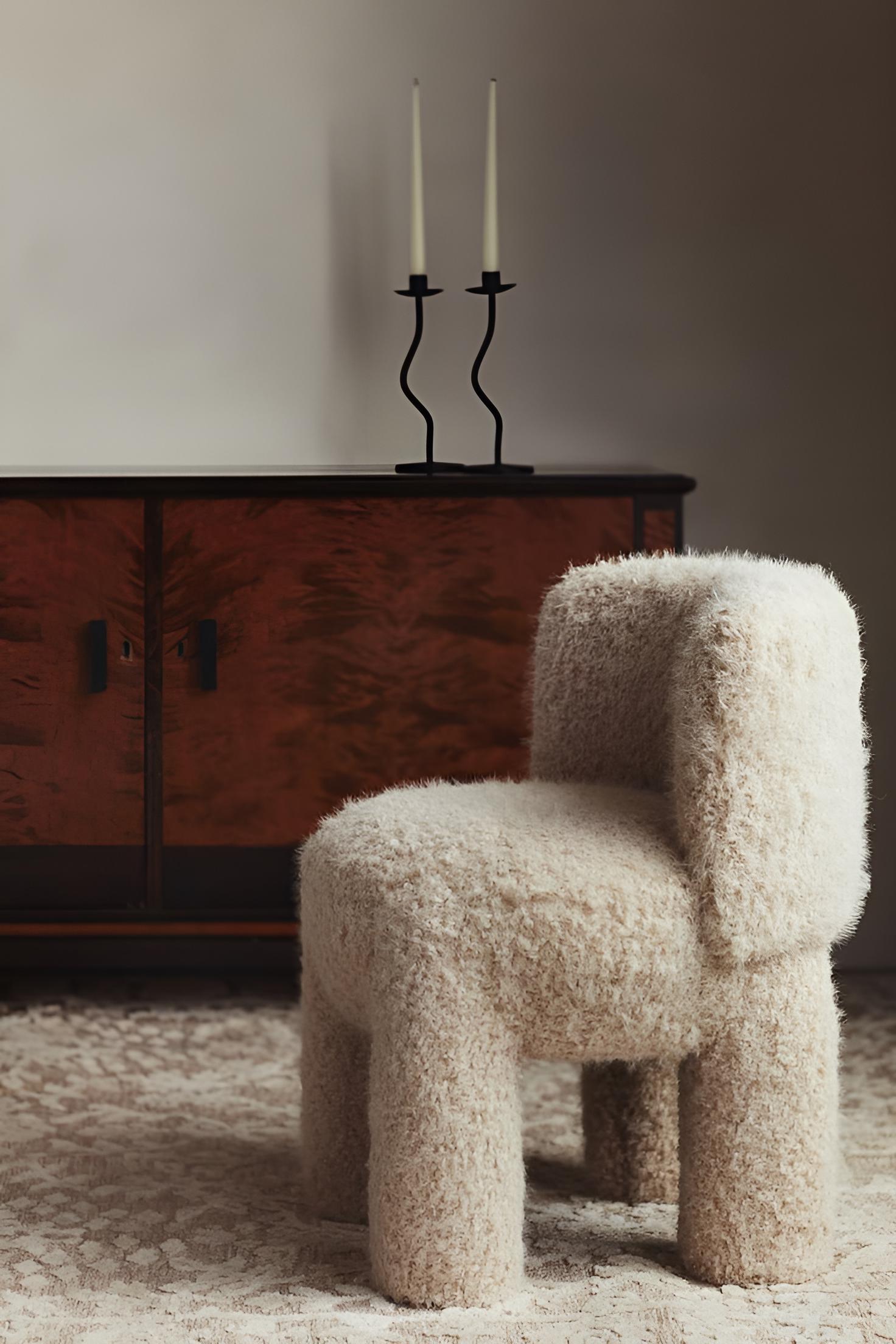
After: AI Enhanced
Product detail: shadow gradients and color accuracy preserved at commercial quality
In the world of high-end visual communication, resolution is not a technical specification — it is a statement of intent. A 4K product image whispers craftsmanship. A pixelated thumbnail screams disposability. Research from the Digital Luxury Group consistently shows image quality ranks among the top three factors influencing purchase decisions for products above $200.
This is precisely the pain point that drives AI photo enhancement adoption: photos are blurry, pixels are too low, old product images are fuzzy, and everything falls apart when you zoom in. These aren’t edge cases — they’re the daily reality for every brand managing visual content at scale.
The Four Pillars of Digital Visual Luxury
- Resolution Consistency: Every image across every touchpoint — website, social, email, marketplace — must meet the same minimum quality threshold. One soft image in a carousel of crisp ones destroys the entire visual narrative.
- Texture Fidelity: Cashmere must look like cashmere. Silk must catch light like silk. An AI photo enhancer that smooths away material texture in pursuit of “sharpness” defeats its own purpose. This is why perceptual loss optimization — as used in WeShop AI’s Image Enhancer — matters more than raw PSNR scores.
- Color Accuracy: Luxury consumers are exquisitely sensitive to color. Production testing shows keeping enhancement strength at 80% rather than 100% minimizes color drift, particularly in skin tones and neutral backgrounds.
- Detail Preservation: Stitching on a handbag. Bezel finish on a watch. Weave pattern on a fabric. These micro-details separate products that look expensive from those that merely are expensive.
The Science Behind Lossless Image Upscaling: Residual Learning and Perceptual Loss
The term “lossless” requires qualification. No AI upscaling process can recreate information that was never captured by the original sensor. What modern super-resolution networks do is more sophisticated: they predict what the high-resolution version should contain based on learned priors from millions of training images.
WeShop AI’s Image Enhancer is built on residual learning networks with perceptual loss functions — a technical approach that optimizes for how humans perceive quality, not just mathematical pixel accuracy. The model is penalized for wrong textures, wrong edge profiles, and wrong frequency distributions, not merely wrong pixel values. The result: output that looks like a better camera, not a Photoshop filter.
Why Upscaling Before Artistic Styling Produces Superior Results
A counterintuitive insight from production workflows: applying upscaling before artistic style transformation (oil painting, watercolor, sketch) produces dramatically better results than the reverse. The reason is geometric — upscaling gives the AI a larger canvas, so brushstrokes can follow object contours organically. At low resolution, the style model fights pixel blocks; at high resolution, it flows naturally around edges.
Style-specific recommendations:
- Oil Painting: Best for portraits and pet photography — softens skin while keeping eyes sharp
- Watercolor: Ideal for landscape and travel content — natural bleed with white space rendering
- Sketch: Perfect for architecture and headshots — clean, minimal, modern aesthetic
For the complete artistic enhancement workflow, see: Enhance and Upscale:Crystal-Clear Artistic Effects.
Testing the Four Free Upscalers: An Honest Brand-Level Assessment

Before: Original

After: AI Enhanced
Lifestyle: 736×909 → 2944×3616 — 4x upscale with skin tone preservation at 80% strength
The original Xiaohongshu recommendation listed Bigjpg, Clipdrop, Upscale.media, and Upscayl as free alternatives to paid image upscalers like MagnificAI. We tested each against the visual standards that luxury and premium brands require.
Bigjpg: The Illustration Specialist
Bigjpg excels at anime, manga, and illustration content — which makes sense, given its training data emphasis. For photographic content, particularly fashion and product imagery, the results fall short. Skin tones trend waxy, and the model struggles with the complex texture interplay found in premium materials. Free tier caps at 3000×3000px with queue times.
Brand verdict: Suitable for creative illustration. Not the right tool for commerce imagery where texture fidelity defines perceived value.
Clipdrop: Convenient but Brand-Compromised
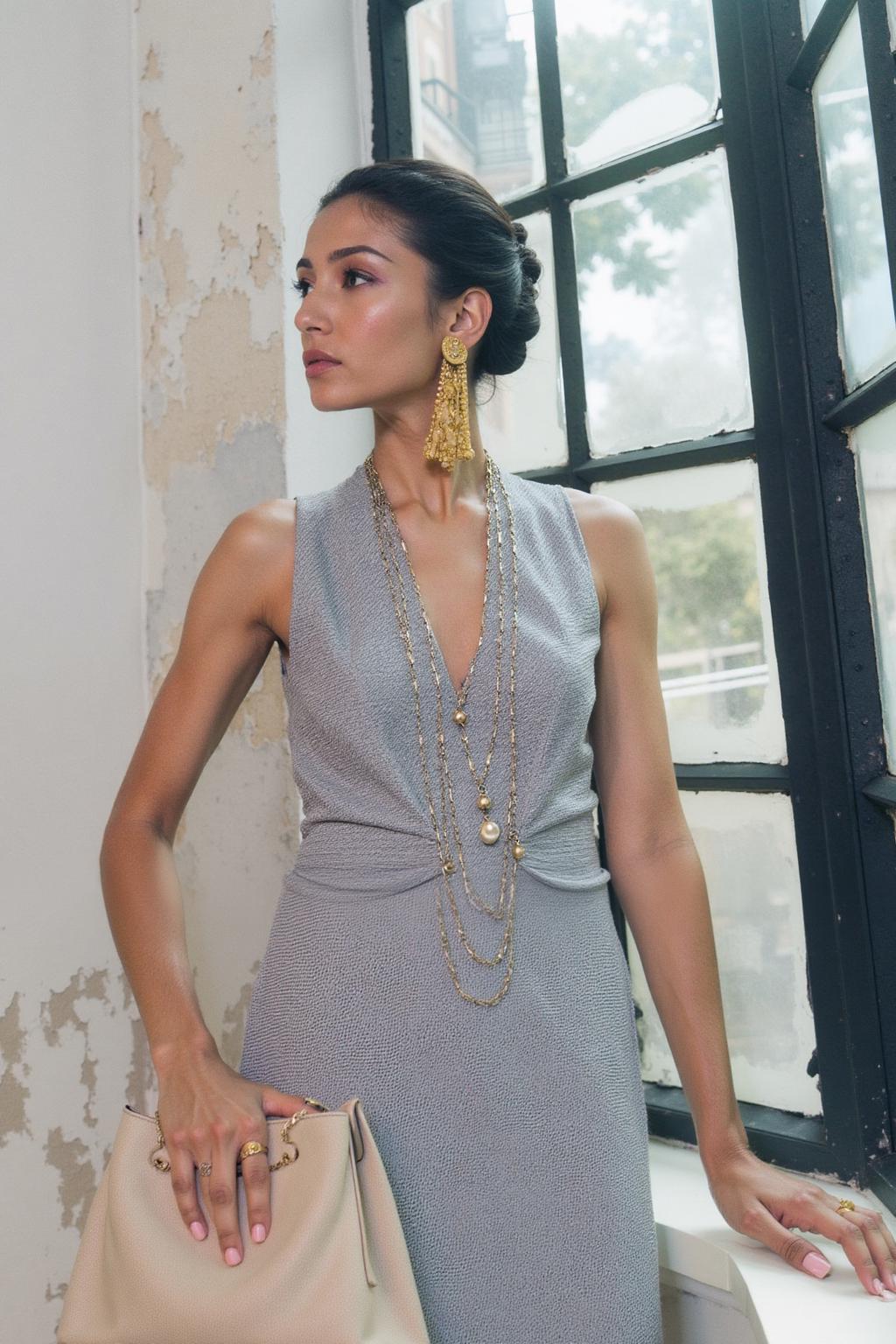
Before: Original
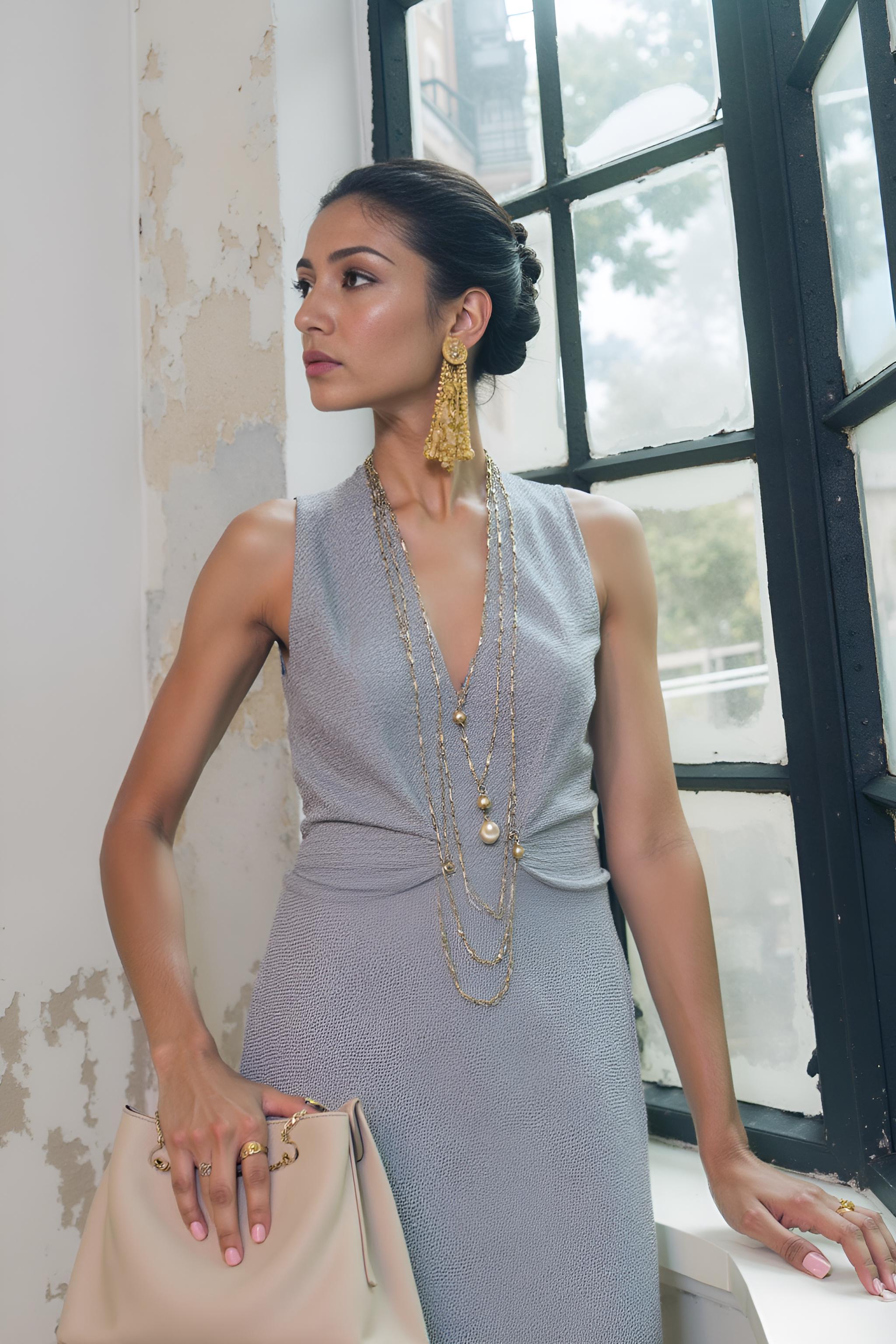
After: AI Enhanced
Portrait: clean edge reconstruction — detail, not fake edges
Clipdrop offers a sleek browser interface and reasonable results for casual use. The free tier’s watermarks, resolution caps, and output compression undermine any “lossless” positioning. The underlying model handles general photography but lacks domain-specific training.
Brand verdict: Acceptable for internal mockups. Insufficient for customer-facing brand imagery.
Upscale.media: The “Good Enough” Plateau
A straightforward web tool delivering consistent but unremarkable results. For brand managers who need consistently excellent results rather than merely acceptable ones, the gap between “good enough” and “brand-appropriate” is precisely where revenue lives.
Brand verdict: Reliable utility player. Will not differentiate your visual assets from competitors.
Upscayl: The Open-Source Contender
Upscayl deserves genuine respect. Running Real-ESRGAN locally means no upload limits, no privacy concerns, and no subscription. Results on photographic content are genuinely good — better than most paid web tools. Limitations are practical: basic interface, slow batch processing, no domain-specific fine-tuning.
Brand verdict: Best free option. The closest any free tool gets to professional output quality.
The Professional Alternative: WeShop AI Image Enhancer — The Universal Pipeline Closer
Where free tools are standalone utilities, WeShop AI’s Image Enhancer is a pipeline component. This distinction matters enormously for brand teams managing visual content at scale.
The Image Enhancer is the universal downstream tool in the WeShop AI ecosystem. The workflow: generate a model shot with Virtual Try-On → adjust the pose with AI Pose Generator → swap the background with AI Background Changer → run the final composite through Image Enhancer as the quality assurance step.
One click to transform any image into crystal-clear HD quality. No export-import friction between steps. No format conversion. No quality loss from repeated file handling. For brands managing hundreds of SKUs across multiple channels, this integrated pipeline saves more time than the enhancement itself.
Actionable Scene Guide: Right Tool for Your Brand Tier
Emerging Brands (<100 Images/Month)
Use Upscayl for routine product imagery. Reserve WeShop AI’s Image Enhancer for hero images — homepage banners, campaign leads, social features. Prioritize the assets that shape first impressions.
Growth-Stage Brands (100-500 Images/Month)
At this volume, manual tool-switching becomes a strategic liability. The WeShop AI pipeline — enhance → change background → model generation — saves hours weekly that compound into competitive advantage quarterly.
Established Brands (500+ Images/Month)
Consistency is luxury at scale. Every product image, every campaign asset, every marketplace listing must reflect the same quality standard. A unified pipeline with domain-specific optimization becomes non-negotiable. The cost of one soft image next to a sharp one in the same carousel is measured in perceived brand value, not pixels.
Expert FAQ
Can AI upscaling truly replace professional high-resolution photography?
For supplementary imagery — lifestyle shots, social content, marketplace listings — AI upscaling at 4x is indistinguishable from native high-res at normal viewing distances. For primary campaign work viewed at large scale or in print, professional photography remains the gold standard. Strategic approach: shoot hero assets professionally, use AI upscaling to extend that quality across every secondary touchpoint.
What is the maximum useful upscale factor before quality degrades?
4x is the practical ceiling. At 2x, results are nearly indistinguishable from native resolution. At 4x, the overall impression is excellent with only subtle artifacts under close inspection. Beyond 4x, the model generates more than it reconstructs — particularly visible in fine text, repetitive patterns, and hair detail.
How does enhancement strength affect output quality?
Counterintuitively, 80% strength produces more natural results than 100%. At maximum, the network over-commits to hallucinated detail, producing the uncanny valley of image enhancement — technically sharp but perceptually wrong. At 80%, the model retains enough original character while closing the quality gap naturally.
What’s the optimal format for web delivery after AI upscaling?
An upscaled image compressed with aggressive JPEG can lose the detail AI just generated. Use WebP at quality 85+ or AVIF at quality 70+ to preserve enhancement benefits while keeping file sizes reasonable. This preserves the commercial value of the upscaling investment.
How does WeShop AI’s Image Enhancer work within a complete brand content pipeline?
It’s the universal closer — the final step in every production workflow. Generate model photos → adjust poses → swap backgrounds → enhance as the last step. The ecosystem integration means zero friction between tools. For brand teams, this matters more than any individual tool’s output quality: it’s the difference between a 30-minute manual process and a 3-minute automated pipeline.
© 2026 WeShop AI — Powered by intelligence, designed for creators.