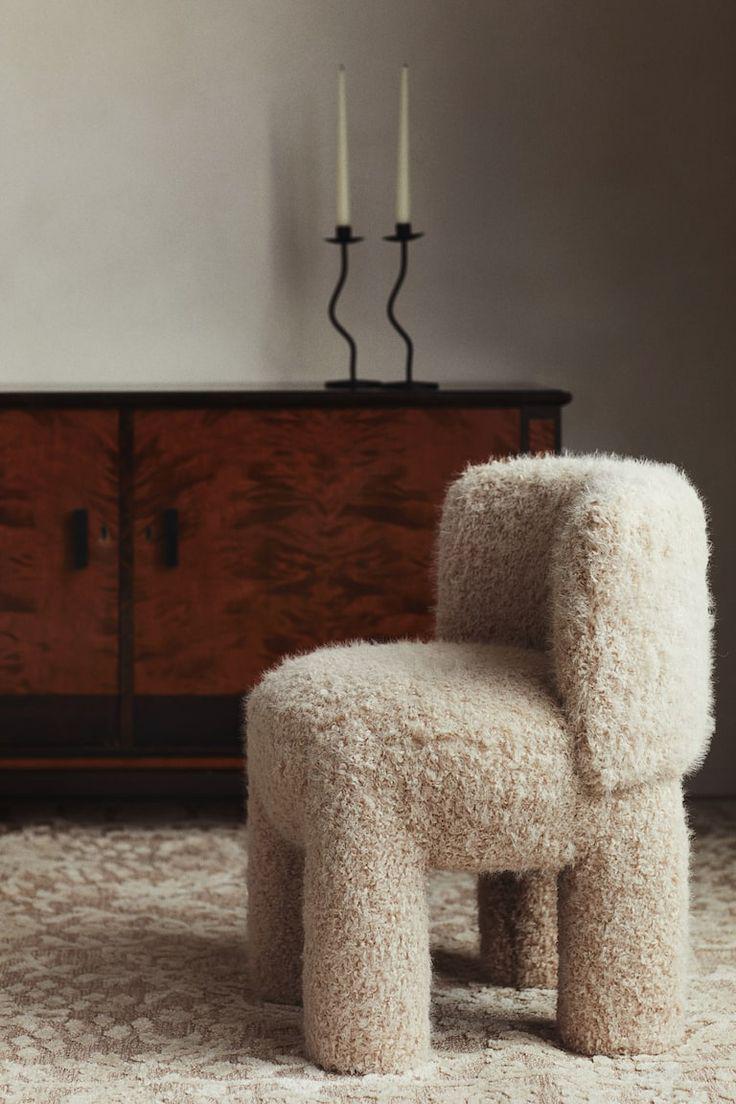
“Is there any AI that can make my image higher resolution without changing the original pattern?” The question comes from designers, textile manufacturers, wallpaper creators, and anyone whose work depends on exact visual fidelity. It’s also the most technically demanding request in the entire AI enhancement space — because most enhancement models are designed to improve images, and “improvement” often means “change.”

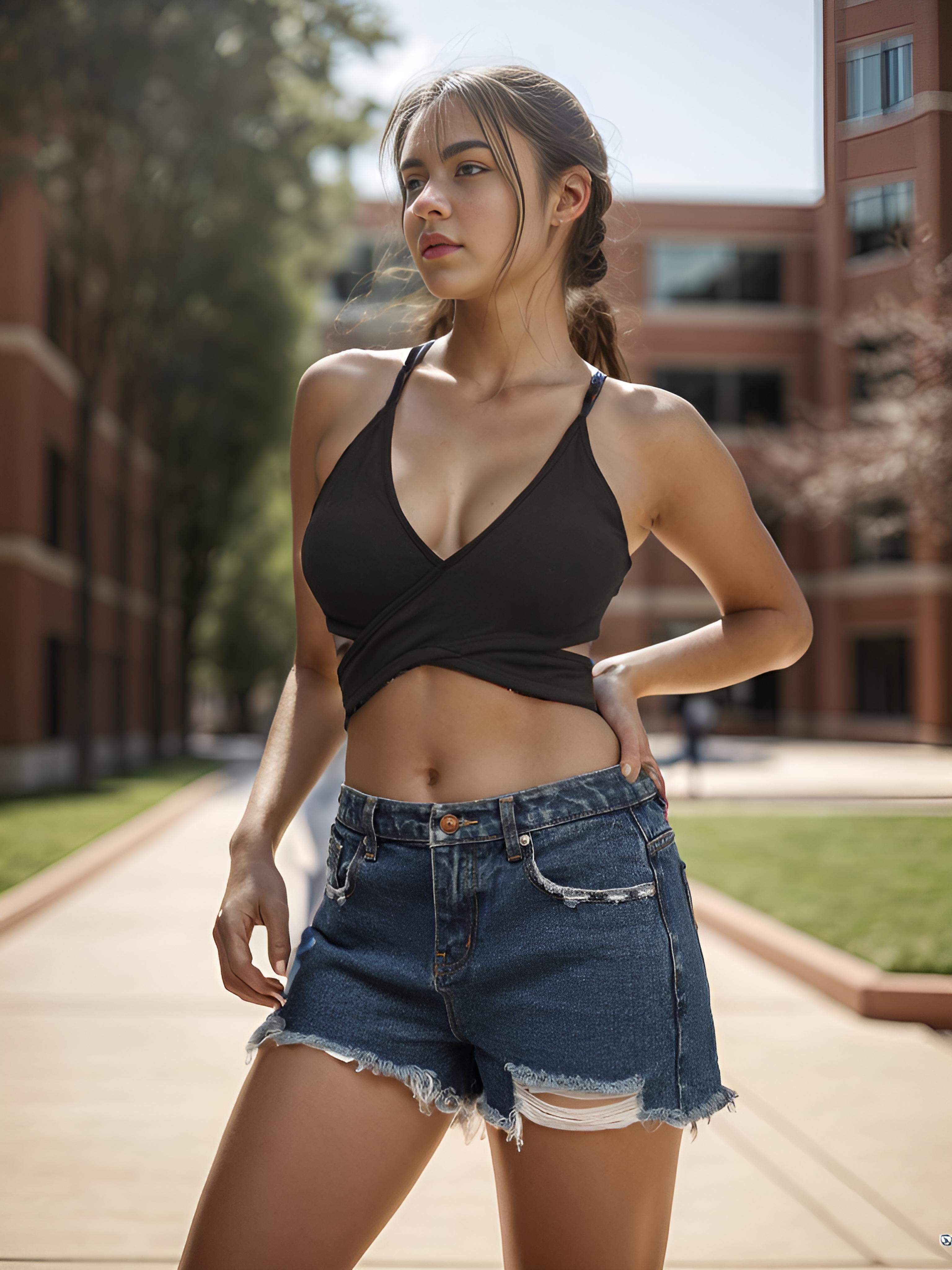
Left: Original 768×1024 source | Right: 4× neural enhancement to 3072×4096 — every pattern element preserved
The Science Behind Pattern-Preserving AI Enhancement
The technical challenge is specific: standard super-resolution models optimize for perceptual quality — meaning they generate detail that looks plausible to human viewers. For photographs of people and natural scenes, this is perfect. For technical patterns — textile weaves, circuit board traces, architectural blueprints, logo designs — “plausible” isn’t good enough. The detail must be structurally accurate.
Pattern-preserving enhancement requires a different optimization strategy. Instead of maximizing perceptual similarity to natural images, the model must maximize structural fidelity — the mathematical property that every geometric relationship in the input is preserved in the output. Parallel lines stay parallel. Repeating elements maintain their periodicity. Symmetry is preserved exactly, not approximately.
The best current models achieve this through multi-scale feature preservation. The network processes the image at multiple resolution levels simultaneously, enforcing consistency across scales. A pattern element that repeats every 50 pixels at the input must repeat every 200 pixels at 4× output — not 198, not 203, exactly 200. This constraint eliminates the subtle spatial drift that causes patterns to “wobble” in poorly enhanced outputs.
Why Most AI Upscalers Fail at Patterns (And What Makes the Difference)
The failure modes are predictable and consistent across tools:
- Periodicity drift — Repeating elements gradually shift position, making a regular grid look irregular. Caused by cumulative floating-point errors in models that process patches independently rather than maintaining global spatial coherence.
- Color interpolation at boundaries — Hard color transitions (black line on white background) become soft gradients. The model “smooths” boundaries that should remain sharp because its training data is dominated by natural images where hard boundaries are rare.
- Symmetry breaking — A perfectly symmetrical design becomes slightly asymmetrical after enhancement. One wing of a butterfly logo is 2 pixels wider than the other. Imperceptible at screen size, disastrous at print scale.
- Detail hallucination in geometric areas — The model adds “texture” to what should be flat color fills. A solid red square gains subtle noise patterns because the model has learned that real-world red surfaces are never perfectly uniform.

Detail: Pattern periodicity maintained precisely during 4× upscaling — no drift, no wobble, no symmetry breaking
Actionable Scene Guide: Pattern-Accurate Enhancement for Professional Use Cases
Textile and Fabric Pattern Upscaling for Production
Fabric designers often work at low resolution during the creative phase and need high-resolution files for digital printing. Enhancement must preserve weave structure, color separation between threads, and exact repeat dimensions. After upscaling, verify by overlaying the enhanced output at the original dimensions — any pattern element should align pixel-perfectly with its position in the input.
Logo and Brand Identity Enhancement for Large-Format Print
A logo designed at 500×500 pixels needs to work on a 20-foot banner. Traditional vector recreation is ideal but time-consuming. Neural enhancement with pattern preservation produces print-ready output in seconds. Verify: check that text kerning, curve smoothness, and color boundary sharpness match the original exactly at equivalent zoom levels.
Wallpaper and Surface Design Scaling
Wallpaper patterns must tile seamlessly at any scale. Enhancement that introduces even 1-pixel drift at tile boundaries creates visible seams when the pattern repeats across a wall. Test by tiling the enhanced output in a grid — seams should be invisible.
Technical Diagrams and Architectural Drawings
Line weight consistency, dimension accuracy, and text readability are critical. Enhancement should make thin lines cleaner, not thicker. Text should become sharper, not bolder. The background remover can isolate technical drawings from scanned backgrounds for cleaner enhancement results.
Product Photography Showing Patterned Merchandise
Clothing, home decor, and accessories with printed patterns need enhancement that makes the product look better while keeping the pattern recognizable. Customers who see a plaid shirt online need to receive the exact same plaid pattern. Enhancement → background styling creates marketplace-ready images without pattern compromise.
Expert FAQ: Pattern Fidelity in AI Image Enhancement
How can I verify that an AI upscaler preserved my pattern exactly?
Three verification methods: (1) Overlay test — downscale the enhanced output back to original size and compare pixel-by-pixel with the original. Differences should be near-zero. (2) Measurement test — measure the distance between repeating elements in both versions. Ratios must match the upscale factor exactly. (3) Tiling test — for patterns meant to tile, place four copies of the enhanced output in a grid and check for seam visibility.
Should I use vector conversion instead of AI enhancement for logos?
If you have a simple logo (flat colors, clean shapes, few gradients), vector tracing in Illustrator or Inkscape produces mathematically perfect scaling. If your logo includes photographic elements, textures, gradients, or complex effects, neural enhancement preserves those details better than vector conversion, which must simplify them.
Can AI enhancement handle transparent backgrounds (PNG with alpha)?
Most enhancement tools process the RGB channels and either preserve or discard the alpha channel. For pattern work with transparency, process the RGB and alpha channels separately if possible, then recombine. Some tools handle alpha natively — test with a small sample before processing your full design library.
What upscale factor gives the best pattern fidelity?
2× upscaling produces the most reliable pattern preservation because each output pixel corresponds to a specific quadrant of the original pixel — the spatial mapping is unambiguous. 4× is reliable with quality models. 8× pushes the limits of pattern fidelity for complex repeating designs. For mission-critical pattern work, upscale to 2× twice rather than jumping to 4× in a single pass, and verify between passes.
Do AI-enhanced patterns meet production specifications for textile printing?
At 4× upscaling with a pattern-preserving model, enhanced files typically meet the 150-300 DPI requirements of most digital textile printers. However, production specifications vary by printer and fabric type. Always request a test print swatch before committing to a full production run with AI-enhanced patterns — screen appearance and physical print can differ in ways that only a physical sample reveals.
Published by the WeShop Visual Intelligence Team
© 2026 WeShop AI — Powered by intelligence, designed for creators.