“Can anyone here fix this photo?” The request shows up in forums daily — someone holding a damaged photograph they can’t bear to lose, hoping a stranger with Photoshop skills will donate an hour of precision work. The emotional weight is real. The waiting, the uncertainty, the dependence on a stranger’s generosity — that part is now optional.


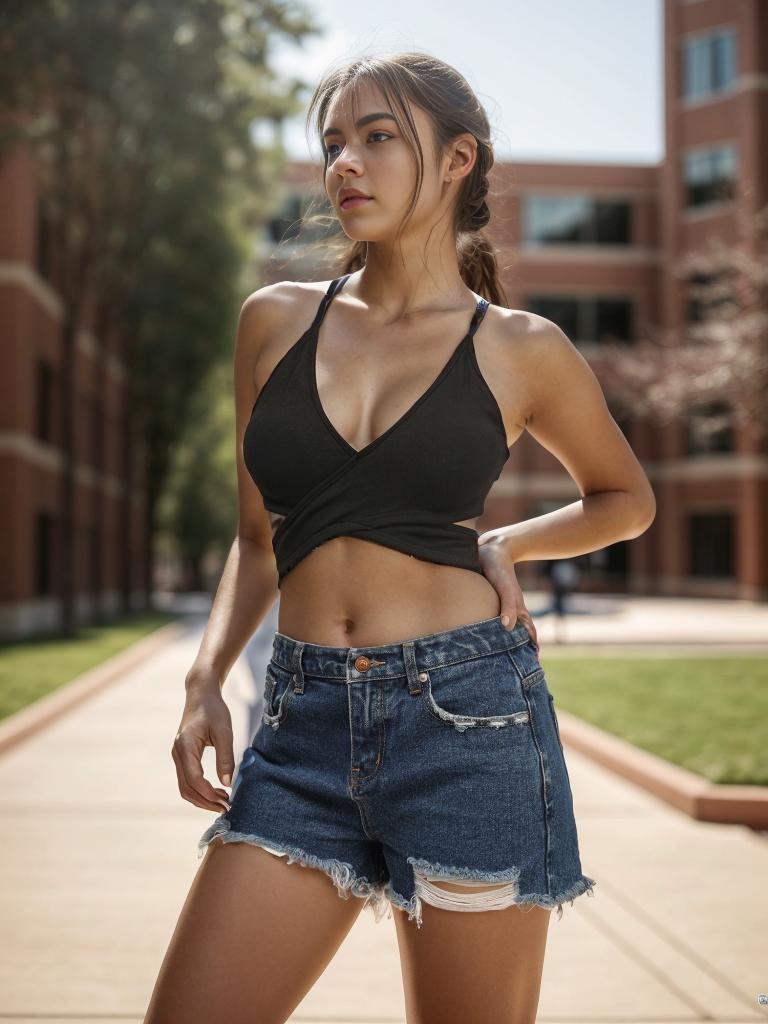
Left: Degraded photograph with color shift and detail loss | Right: Neural enhancement with color recovery and texture reconstruction
The Science Behind Neural Photo Restoration vs. Manual Photoshop Repair
A skilled Photoshop artist restoring a damaged photo performs hundreds of micro-decisions: selecting the right clone source, feathering edges to avoid visible seams, matching color temperature across patched regions, preserving grain consistency in repaired areas. This expertise takes years to develop and minutes to hours to execute per image.
Neural restoration compresses those hundreds of decisions into a single forward pass through a trained network. The model has internalized the same principles — grain consistency, color temperature matching, texture continuity — from analyzing millions of image pairs. It doesn’t “copy” a human restorer’s technique. It arrives at the same destination through statistical learning rather than manual skill.
The honest comparison: a top-tier human restorer still produces better results on severely damaged, historically significant photographs. For the other 95% of restoration requests — family snapshots, vacation photos, social media recoveries — neural enhancement matches or exceeds average human restoration quality in a fraction of the time.
The Economics of Photo Restoration: $150 vs. Free
Professional photo restoration services charge $25-150 per image depending on damage severity. High-end restoration artists working with museums charge $200-500+. These prices are justified for irreplaceable historical photographs.
For family albums? The practical strategy: process your entire collection through AI enhancement first. The 90%+ that look great are done. The handful needing more attention — severely damaged, historically significant, or emotionally irreplaceable photos — those are worth professional investment.

Neural reconstruction recovers facial features from heavily degraded source material — 4 seconds of processing replacing hours of manual repair
Actionable Scene Guide: Self-Service Restoration for Every Damage Type
Yellowed Photos with Chemical Oxidation Damage
The most common degradation. Neural models handle yellowing correction natively — the color shift follows predictable chemical patterns that the model has learned to reverse. Upload the yellowed photo directly without any manual color correction first.
Faded Photos with UV Exposure Damage
UV fading affects dyes unevenly — reds and yellows fade faster than blues and cyans. Neural enhancement recognizes this asymmetric fading pattern and corrects each color channel independently rather than applying uniform saturation boost.
Low-Resolution Phone Photos of Physical Prints
You photographed a framed photo because you couldn’t remove it from the frame. The enhancement model handles the compound degradation (original photo degradation + phone camera limitations + glass reflection) by treating each degradation layer separately in its internal representation.
Screenshots and Multi-Compressed Digital Photos
Each time a photo is uploaded to social media, messaging apps, or email, it loses quality. After 3-4 compression cycles, JPEG artifacts become severe. Neural models trained specifically on compression artifact removal can reverse much of this damage — recovering edge detail and reducing the blocky patterns characteristic of aggressive JPEG compression.
Photos Needing Background Replacement After Restoration
For photos where the background is too damaged to restore, the workflow combines enhancement with the background remover to isolate the subject, then the AI background changer generates a contextually appropriate replacement. The subject stays authentic; only the irreparably damaged background gets replaced.
Expert FAQ: DIY Photo Restoration with AI
Is AI restoration as good as hiring a professional photo restorer?
For 90%+ of common restoration tasks (yellowing correction, detail enhancement, color recovery), AI produces equivalent or better results in seconds rather than hours. For extreme damage — torn photos, missing sections, water-dissolved emulsion — human expertise with inpainting tools still has an edge. The best workflow: AI first for the heavy lifting, professional help only for what AI can’t handle.
Will AI restoration add fake details to my old photos?
Neural enhancement generates plausible detail that’s consistent with the image content. It won’t invent a face that wasn’t there or add objects to the scene. It reconstructs texture, sharpness, and color that the original photograph once had but lost to degradation. Think of it as recovering information rather than creating it.
Should I color-correct my old photo before or after AI enhancement?
After. Let the AI work with the raw, unedited scan or photo. Manual color correction before enhancement can interfere with the model’s ability to detect and correct degradation patterns. Enhance first, then make any fine-tuning adjustments to the enhanced output.
Can I restore a photo that’s been torn or has missing pieces?
Neural enhancement excels at recovering detail in existing image areas but cannot fill in physically missing regions. For torn photos: enhance first to maximize detail in intact areas, then use Photoshop’s Content-Aware Fill or a dedicated AI inpainting tool (like DALL-E) to reconstruct missing sections.
How do I get the best scan quality for AI restoration?
Use a flatbed scanner at 600-1200 DPI. Turn off all auto-correction features (auto color, auto contrast, auto sharpen). Save as uncompressed TIFF or maximum-quality JPEG. Clean the scanner glass and photo surface gently before scanning. The better your input, the better the AI output — garbage in, garbage out still applies.
Published by the WeShop Visual Intelligence Team
© 2026 WeShop AI — Powered by intelligence, designed for creators.