Ever found yourself staring at a folder of 200 photos that all need the same tweak? It is a slow, painful process to fix them one by one. You click, adjust, save, and repeat until your eyes blur. Luckily, you do not have to work that way anymore. Using a free AI photo editor can turn hours of manual labor into just a few seconds of waiting.
A high-quality batch photo editor is now a requirement for anyone creating digital content. Whether you are a social media manager or an e-commerce seller, speed is everything. AI tools have made it easier than ever to handle large volumes of images. They do the heavy lifting so you can focus on the creative side of your work.
Why Use a Batch Photo Editor?
Efficiency is the biggest reason to switch to a batch photo editor. Manual editing is prone to human error. You might set the brightness slightly differently on image ten compared to image one. A batch tool ensures every single file looks exactly the same.
These tools are not just for basic crops anymore. Modern software uses artificial intelligence to understand the content of your photos. An ai batch editor can detect faces, backgrounds, and lighting issues automatically. It applies smart fixes across your entire gallery in one go.
This saves you from the “click and repeat” trap. You can process 100 images in the time it takes to sip your coffee. For small businesses, this means getting products online faster. For creators, it means more time for filming and less time stuck in an editing suite.
Why Your Business Needs a Free AI Batch Photo Editor
Consistency builds trust with your audience. If your Instagram feed or shop page has mismatched lighting, it looks messy. A free AI photo editor keeps your brand looking professional.
Using an ai batch editor also helps with SEO. Many of these tools allow you to batch-rename your files. Giving your images descriptive names helps them show up in Google Image search. It is a small step that makes a huge difference in your traffic.
Best Mass Photo Editing Software for Professionals
Sometimes, free tools have limits on file size or quantity. If you are handling thousands of photos, you might need the best mass photo editing software. These tools are built for high-speed, high-volume production.
WeShop AI: The Ultimate AI Batch Editor for E-commerce
For online sellers, WeShop AI is a game-changer. It is specifically designed for the e-commerce workflow. Instead of just fixing colors, it helps you transform the entire scene.
You can upload a single product photo and use WeShop AI to put it on different models. It can also change the background of 100 items at once to match your store’s theme. This is far more advanced than traditional editors. It uses “generative AI” to make your products look like they were shot in a professional studio.
Adobe Lightroom: The Industry Standard
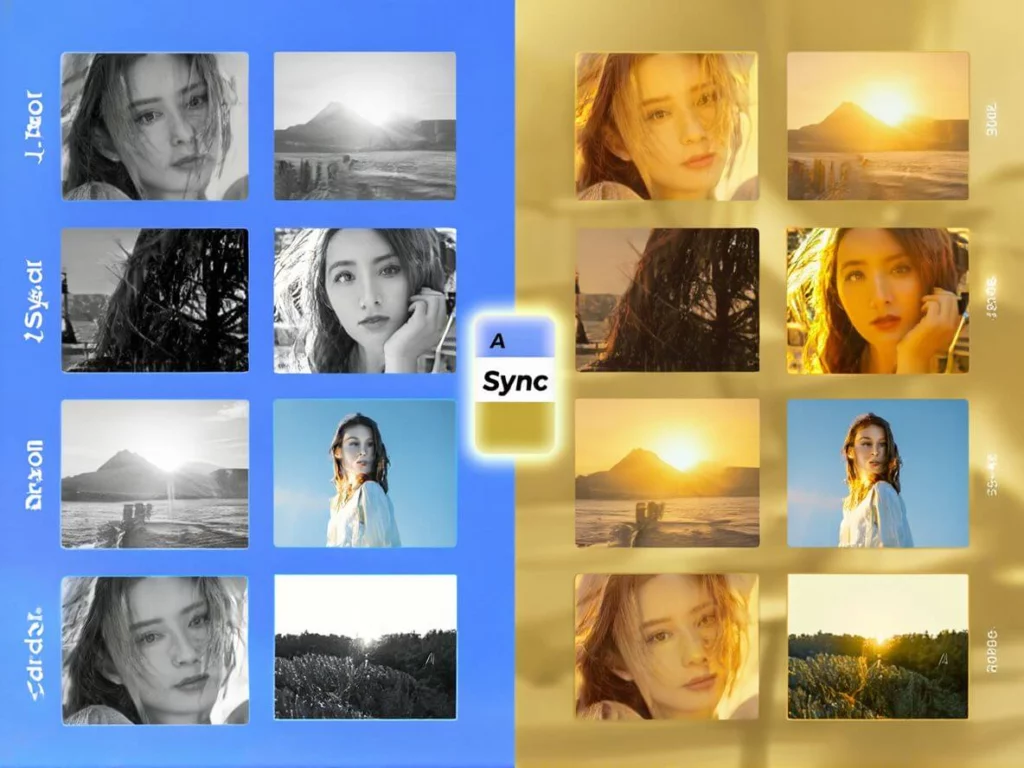
Lightroom remains the king for photographers. Its “Sync” button is legendary. It allows you to edit one photo and instantly apply those settings to the rest of the set. While it is not free, its organization features are unmatched. It is the best mass photo editing software for handling RAW files from professional cameras.
Fotor: A Versatile Free AI Photo Editor
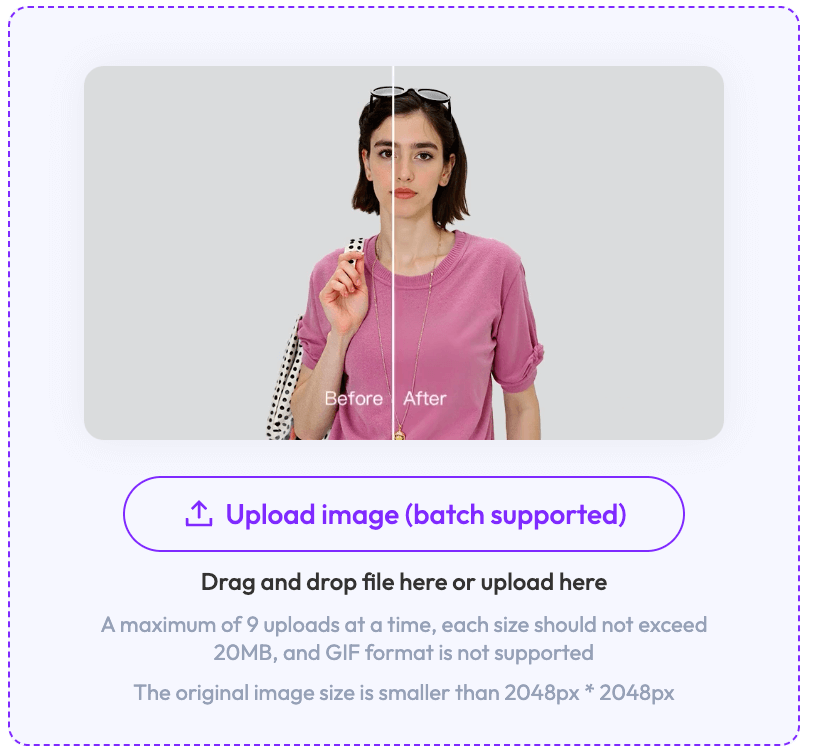
Fotor is a fan favorite for quick edits. It offers a dedicated section for image batch processing online free. You can upload up to 50 images at once in the free version. It excels at batch resizing, watermarking, and basic color correction.
The interface is very clean. You simply drag your photos into the window and choose your “Action.” It is perfect for beginners who want professional results without a learning curve. If you need to prep social media posts quickly, Fotor is a solid choice.
Pixlr: The Lightest Free AI Photo Editor
Pixlr is known for being fast and lightweight. Their batch tool allows you to apply “Macros.” A Macro is just a saved set of edits. This is the best way to learn how to give multiple photos the same edit without any cost.
Pixlr works well even on older computers. It handles tasks like background removal and cropping very smoothly. It is a great “no-nonsense” tool for daily tasks.
How to Give Multiple Photos the Same Edit Effortlessly
If you are new to this, don’t worry. The process is usually very simple. Most tools follow the same basic steps to ensure consistency.
- Upload your Batch: Import all the photos that were taken in the same lighting.
- Edit the “Anchor” Image: Pick one photo and make it look perfect. Adjust the exposure, contrast, and saturation.
- Sync or Copy: Look for a “Sync,” “Apply to All,” or “Copy Edits” button.
- Review and Export: Scroll through a few images to make sure the edit looks good on everyone. Then, hit export.
This workflow is the secret to how to give multiple photos the same edit in under a minute. It ensures that your “Before and After” looks consistent across the whole project.
Batch Generation Software for Adding Text to Free Pictures
Marketing often requires adding quotes, prices, or logos to images. Doing this one by one is a waste of time. You need batch generation software for adding text to free pictures.
Tools like Canva and PicWish are excellent for this. You can upload a CSV file with your text and have the software place it on 100 different backgrounds. This is how “Quote of the Day” accounts stay so active. It automates the design process so you never run out of content.
Choosing the Right AI Batch Photo Editor for Your Goals
Not every tool is right for every person. Your choice depends on your specific needs and your budget.
- For Social Media: Stick with a free AI photo editor like Fotor or Canva. They have the templates you need.
- For E-commerce: Use WeShop AI. The ability to swap models and backgrounds is worth the investment.
- For Pro Photography: Adobe Lightroom is still the safest bet for high-quality file handling.
The goal is to stop doing “busy work.” If a task feels repetitive, there is likely an AI tool that can do it for you.

Final Thoughts: Take Your Time Back
Workflow transformation starts with the right tools. A batch photo editor is the fastest way to increase your output. You no longer need to be a Photoshop expert to get high-end results.
Start by trying an image batch processing online free tool today. Upload a small batch of 10 photos and see how much time you save. Once you see the results, you will never go back to manual editing again.