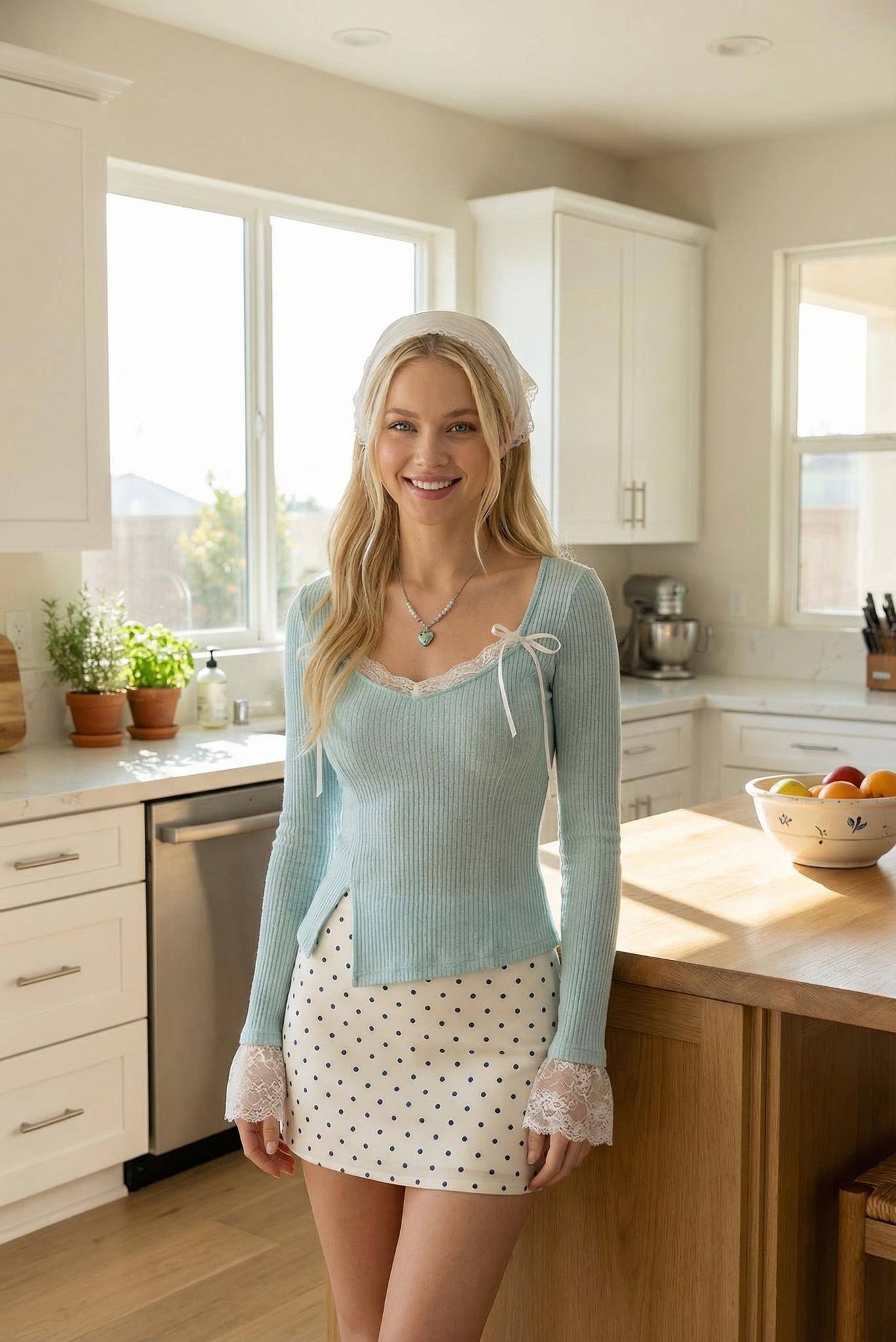
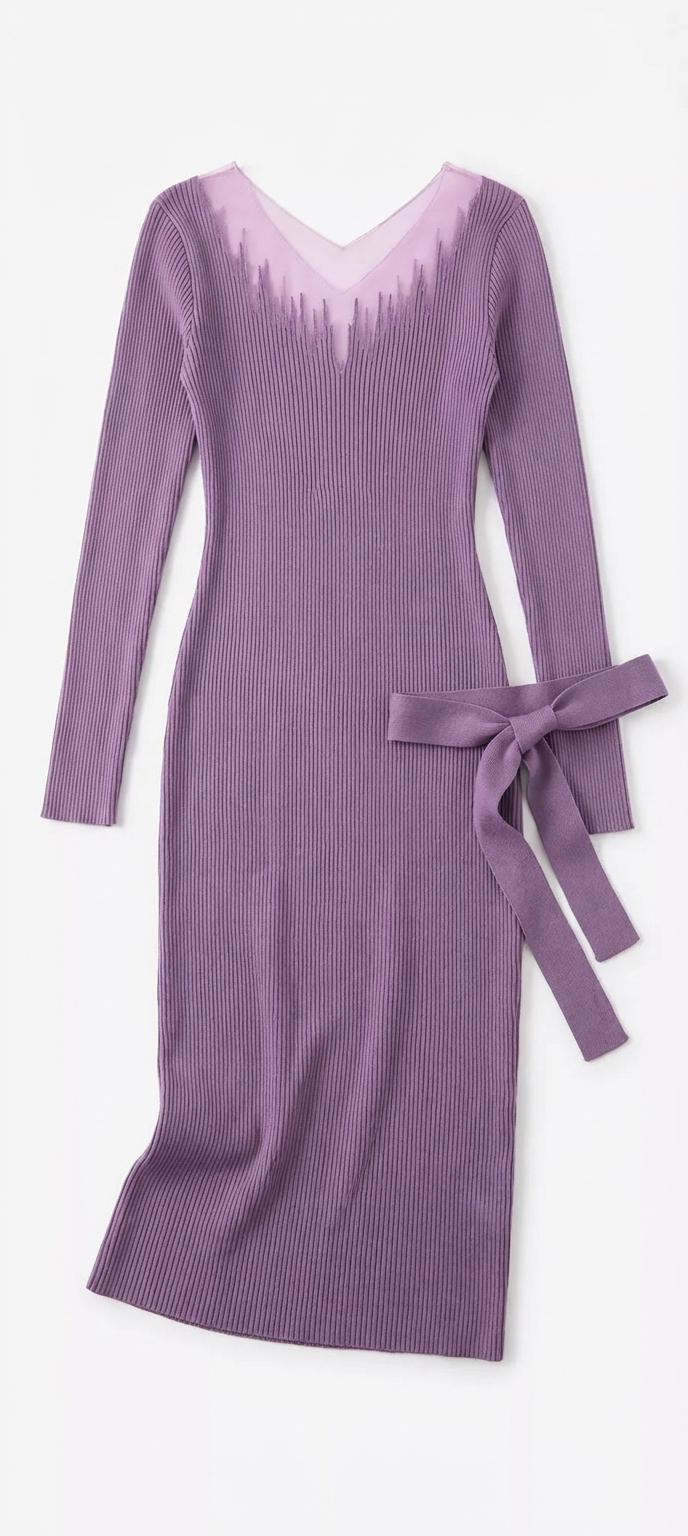
You planned the outfit for days. Cropped linen top, wide-leg trousers, the new sandals. You arrived at that pastel-walled café everyone’s posting about — and realized immediately that the warm amber interior lighting made your cool-toned outfit look washed out. The photos were flat. The vibe was off. Every content creator has been there. But a growing number of them aren’t re-shooting. They’re using AI to swap the outfit in post-production, matching their look to the location they’d already photographed.
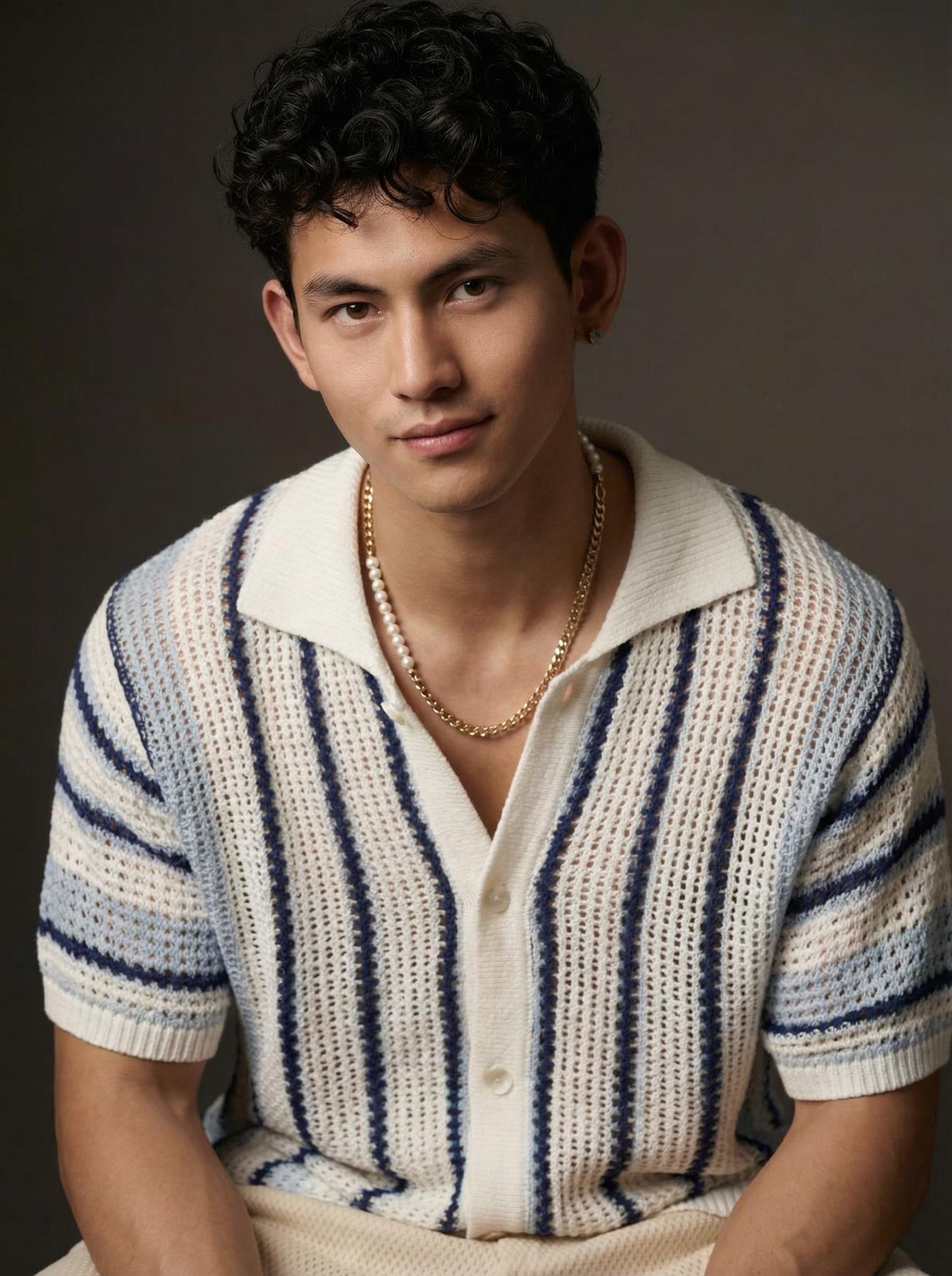
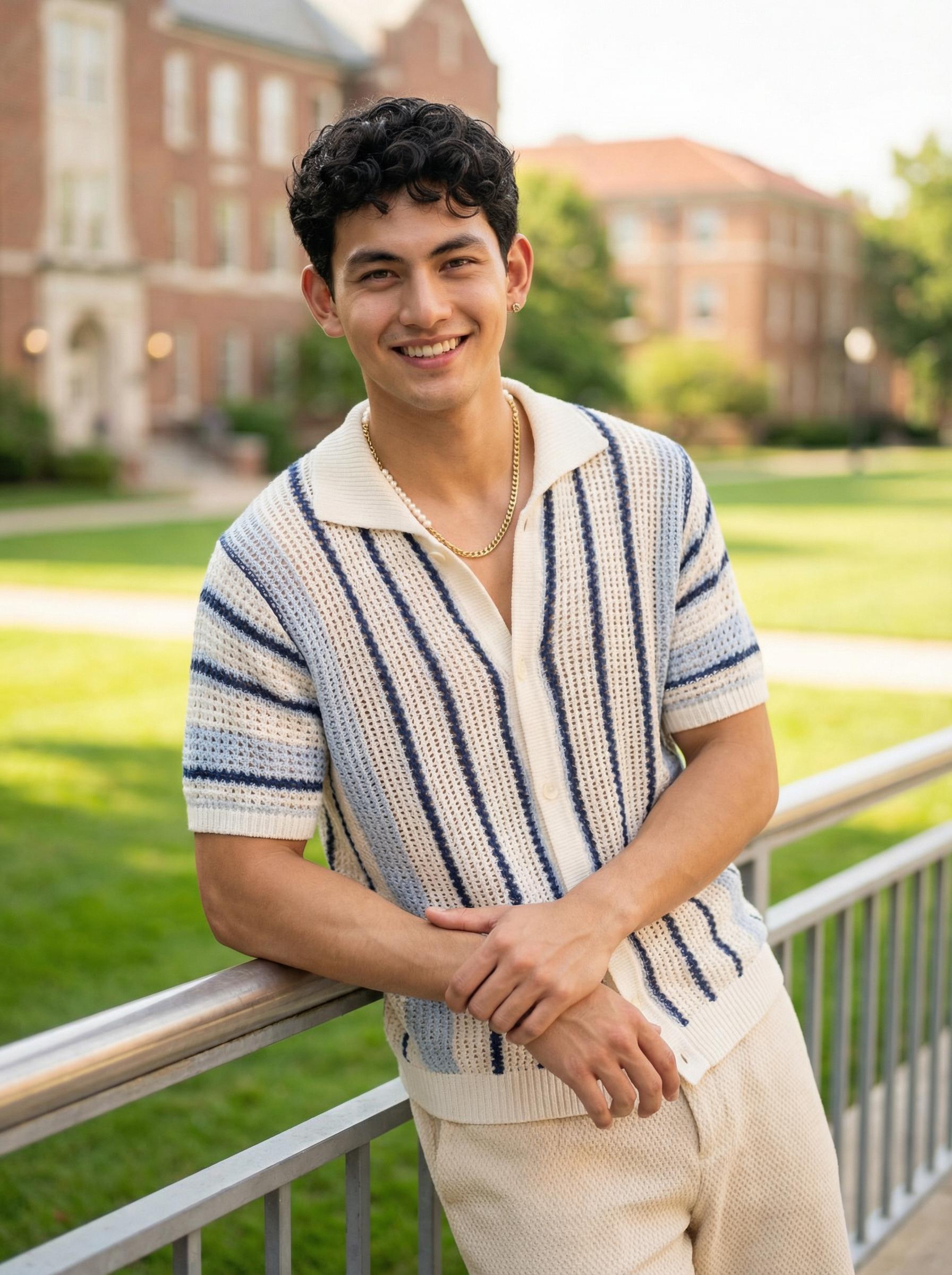
Left: Original look | Right: AI-swapped outfit matched to venue aesthetic
The Post-Production Wardrobe: How Content Creators Are Separating Clothing From Photography
The traditional content creation workflow is linear: choose outfit → choose location → photograph. Every element must align at the moment of capture. If something doesn’t work, you re-shoot. This dependency on simultaneous perfection is why professional fashion photography is expensive and time-consuming.
AI virtual try-on decouples these elements. You photograph the location. Separately, you photograph the garments. Then you combine them digitally, choosing which outfit matches which location after the fact. It’s non-destructive styling — the fashion equivalent of shooting in RAW format, where every creative decision remains reversible.
For creators who visit multiple locations in a single day, this is transformative. One photographer shared that she now shoots 5-6 locations in a morning (just the backgrounds and poses) and assigns outfits to each location later from her flat-lay library. Her content output tripled without any increase in wardrobe or shooting time.
The Science Behind Location-Aware AI Wardrobe Matching
The technical challenge of “rescue swaps” goes beyond standard virtual try-on. When changing a garment in an existing photo, the AI must not only render the new garment realistically but also match the lighting conditions, color temperature, and shadow direction of the original photograph.
This requires a relighting-aware diffusion model — one that analyzes the ambient lighting in the existing photo (warm café glow, harsh fluorescent, golden hour sun) and adjusts the garment rendering to match. Without relighting, the new garment looks pasted in, like a bad Photoshop job. With it, the garment appears to have been photographed in situ.
Current systems achieve this through estimated environment maps — a 3D representation of the lighting conditions extracted from the original image. The diffusion model uses this map to generate appropriate specular highlights on glossy fabrics, diffuse shadows on matte materials, and color-temperature-consistent rendering across the entire garment surface.
The Composite Pipeline: Head-Swap, Outfit-Swap, Background-Blend
The three-step workflow described by creators — swap the outfit, swap the head/face from another photo if needed, blend the composite — mirrors the actual computational pipeline. Each step uses a specialized model: garment transfer, face reenactment, and seamless blending. The key innovation is that these models now share a common latent space, allowing consistent quality across all three transformations rather than the degradation that previously occurred when chaining multiple models.
Actionable Scene Guide: Rescuing Outfit-Location Mismatches
Problem: Warm Interior, Cool Outfit
Your blue outfit looks gray under warm amber lighting. Fix: AI-swap to warm-toned garments (cream, rust, olive) that complement the environment. Alternatively, use the same AI tool to adjust the outfit’s color temperature without changing the garment itself — a subtler intervention.
Problem: Busy Pattern Clashes With Busy Background
Your printed dress competes with the graffiti wall behind you. Fix: Swap to a solid-color version of the same silhouette. The AI preserves the garment’s cut and drape while simplifying the visual texture, letting the background be the star.
Problem: Formal Outfit in Casual Setting (or Vice Versa)
Your blazer looks overdressed in the street food market photo. Fix: Swap to a more casual piece in the same color family. Maintaining color coherence while changing formality level produces the most natural-looking results.
Problem: Seasonal Mismatch
You’re wearing a summer dress but the background trees have autumn foliage. Fix: Either swap to a seasonal-appropriate outfit, or — even simpler — use an AI background tool to swap the foliage to match your outfit’s season.
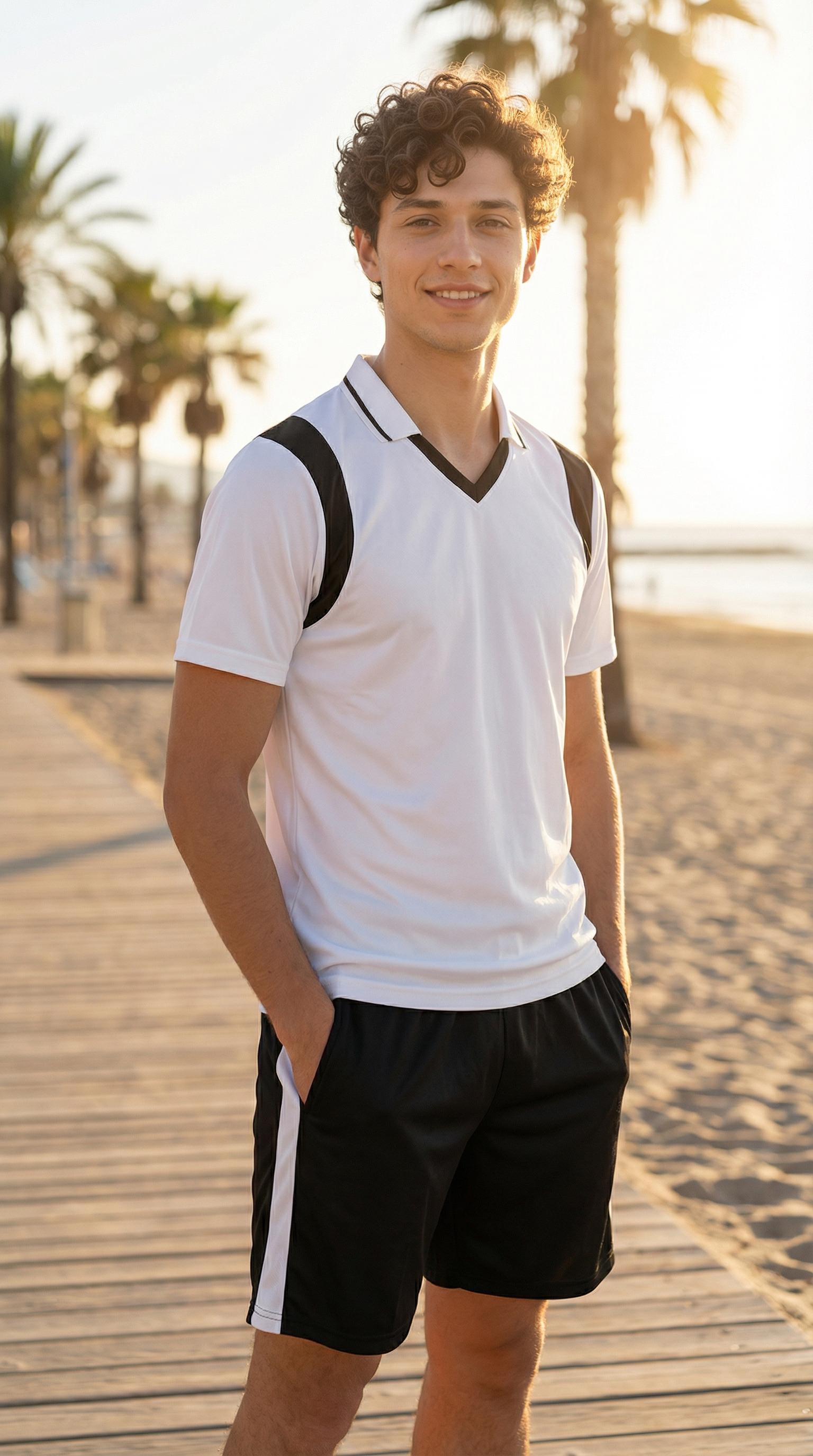
Observe how the knit texture interacts with the warm interior lighting — the fabric absorbs and reflects the amber tones naturally, creating visual harmony between garment and environment. This is what separates an AI swap that works from one that looks synthetic.
Expert Consulting FAQ
Q1: Does AI outfit swapping look realistic enough for social media?
For Instagram, TikTok, and similar platforms — yes. Phone-resolution viewing at social media scroll speed is very forgiving. Results that might look imperfect at full zoom on a desktop monitor are indistinguishable from real photos on mobile feeds.
Q2: Can I swap outfits in group photos?
Current tools handle single-person swaps well. Multi-person outfit swaps require processing each person independently, which works but requires more manual oversight to ensure consistent lighting across all subjects.
Q3: How do I preserve my hairstyle and accessories when swapping outfits?
Most AI swap tools are garment-specific — they change the clothing while preserving everything else (hair, accessories, makeup, expression). If you’re seeing hairstyle changes, you’re likely using a full-body generation tool rather than a targeted garment swap tool.
Q4: What resolution should my original photo be for the best swap quality?
Minimum 1500px on the shortest edge. Higher is always better. If your source photo is low-resolution, the AI has less environmental data to work with, resulting in less accurate lighting matching for the swapped garment.
Q5: Are there ethical concerns about posting AI-swapped outfit photos?
The primary ethical consideration is authenticity. If you’re an influencer recommending specific garments, posting AI-generated wearing photos without disclosure could mislead followers about actual fit and appearance. For aesthetic or creative content, the standard is less clear — it’s increasingly seen as equivalent to any other post-processing tool like filters or color grading.