Model family
GPT Image
OpenAI

尋找適合您工作方式的圖像模型。在一個目錄中探索文字到圖像的生成、基於參考的創建和編輯。
比較 AI 圖像模型的文字提示、參考照片和圖像編輯。查看範例並為您的下一個視覺效果選擇一個模型。
24 個型號
OpenAI
ByteDance
Midjourney
在選擇模型之前比較工作流程。文字提示描述新場景,而參考圖像提供生成或編輯的視覺起點。
Each task below keeps the input and full prompt fixed. Compare two recorded model runs, including the model version and output settings; the editing task also shows the shared reference image.
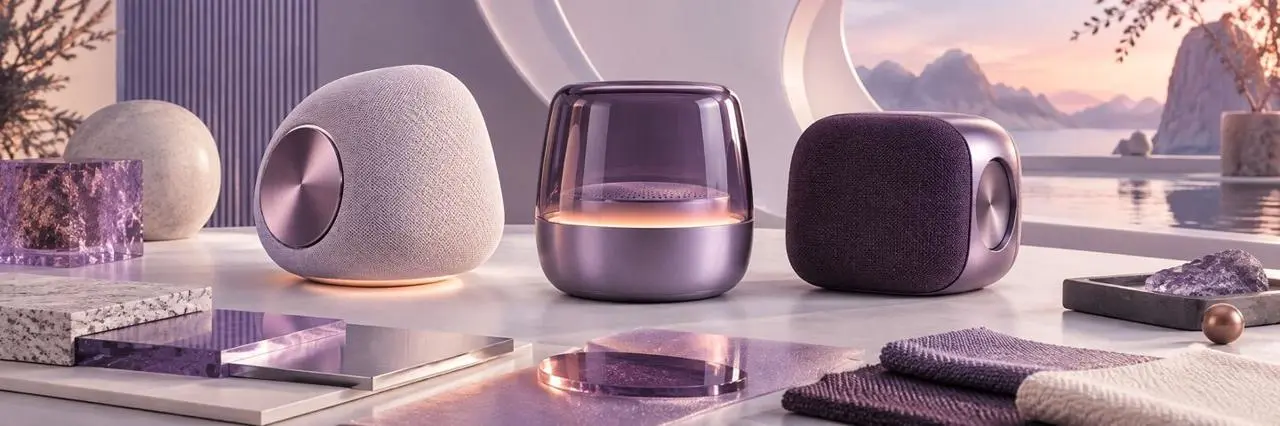
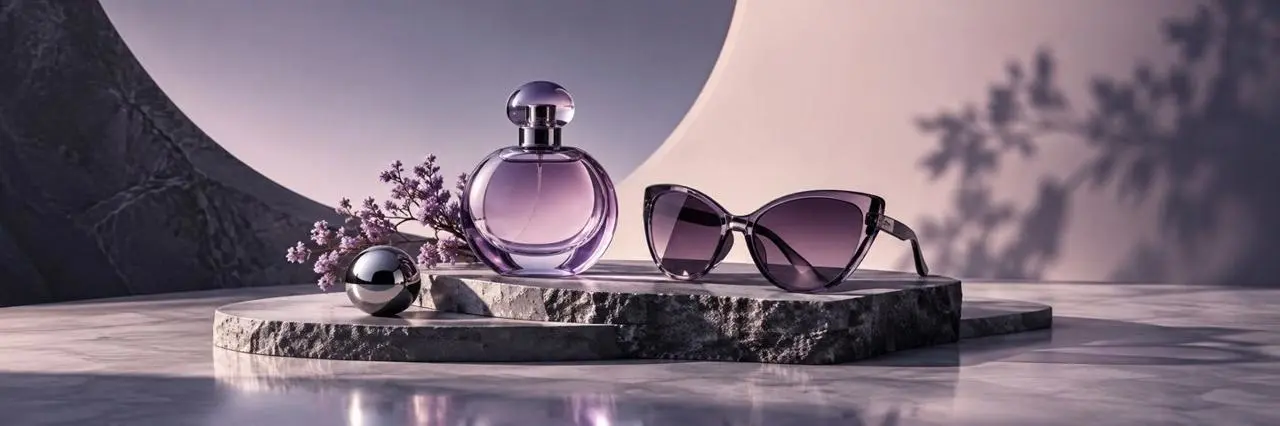
The same text input tests product placement, material detail, lighting, and the amount of usable campaign space.
Full promptCreate a premium campaign still life featuring an unbranded translucent lavender perfume bottle and black cat-eye sunglasses on dark stone plinths. Add small purple flowers, a polished pale stone surface, soft blush-and-violet studio lighting, elegant shadows, and generous negative space. Wide landscape composition. No text, logos, or watermark.

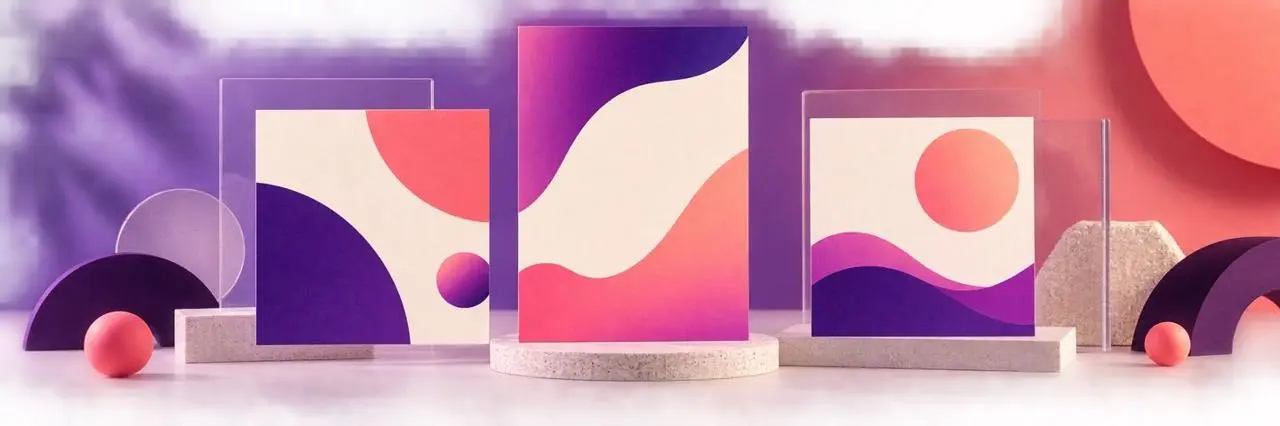
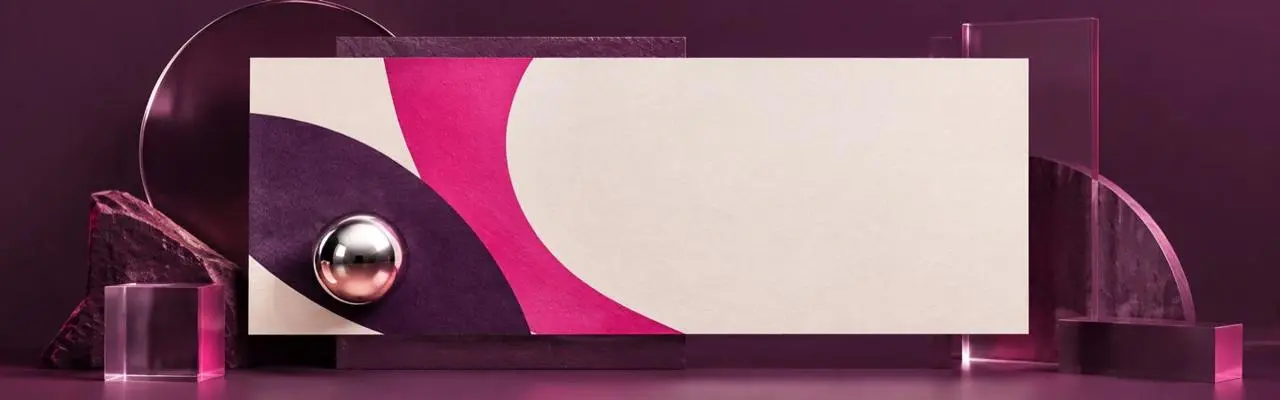
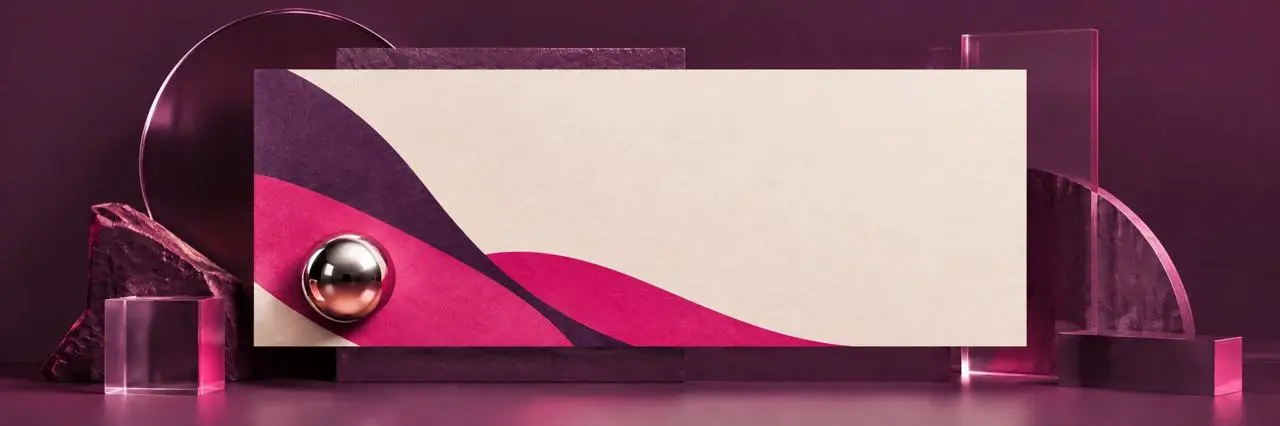
The shared brief tests geometric layout, visual hierarchy, material rendering, and reserved copy space.
Full promptCreate a premium photorealistic 3D poster mockup in a dark plum studio. Center one horizontal cream poster with bold plum and magenta geometric waves and a small chrome sphere. Surround it with restrained translucent acrylic and stone shapes under polished magenta studio light. Preserve generous blank cream space for future copy. Wide landscape composition. No readable text, logos, or watermark.
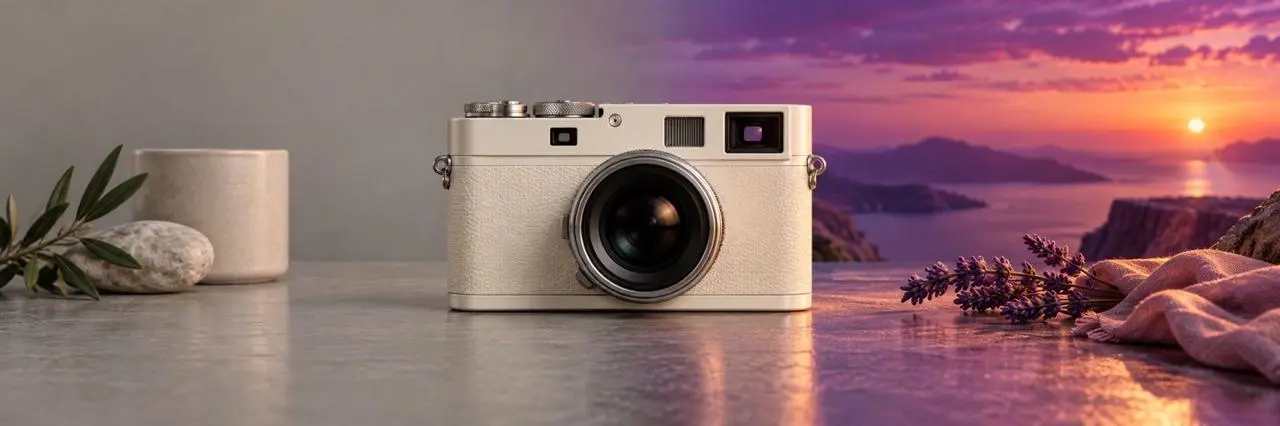
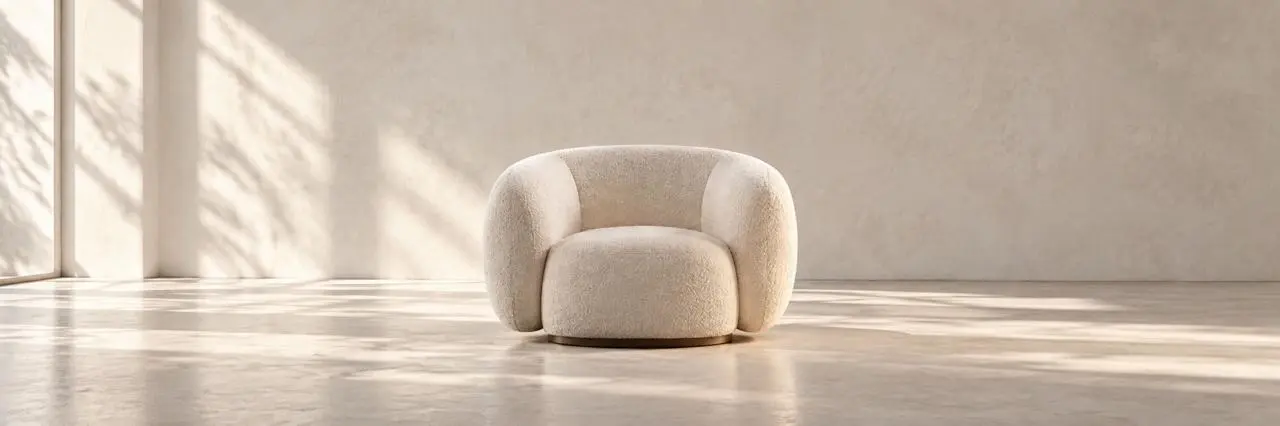
Both runs receive the same source image and edit instruction so you can compare subject preservation and background replacement.
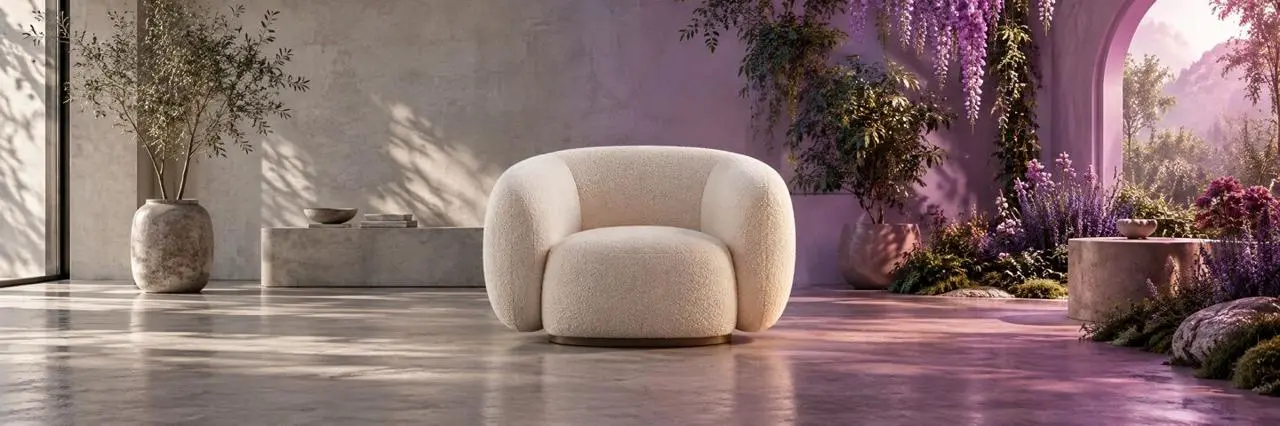
Full promptUse the uploaded image as the reference. Replace the entire environment with a bright warm-white daylight photography studio using a seamless plaster backdrop and soft shadows. Keep the cream boucle lounge chair unchanged as the sole hero product, preserving its position, scale, shape, upholstery texture, and camera angle. Remove all plants, archways, flowers, and colored garden light. Wide landscape composition. No text, logos, or watermark.

有關模型輸入、工作流程、設定和可用性的直接答案。
AI 圖像生成模型根據文字提示或參考照片等指令建立圖像。此目錄中的模型可透過 WeShop AI 工作流程取得。
根據您的任務進行選擇:建立新場景、探索佈局或編輯現有圖像。將範例與類似的輸入進行比較並查看可用的控制項。
列出了每個型號的參考照片支援。打開模型頁面以上傳圖像並查看可用的生成或編輯設定。
Yes. Each of the three comparison tasks keeps one complete prompt fixed across both model outputs. The cards record the model version and settings, and the reference-edit task uses the same displayed source image for both runs.
 Alibaba
 Tongyi Lab
 Xiaohongshu
 xAI
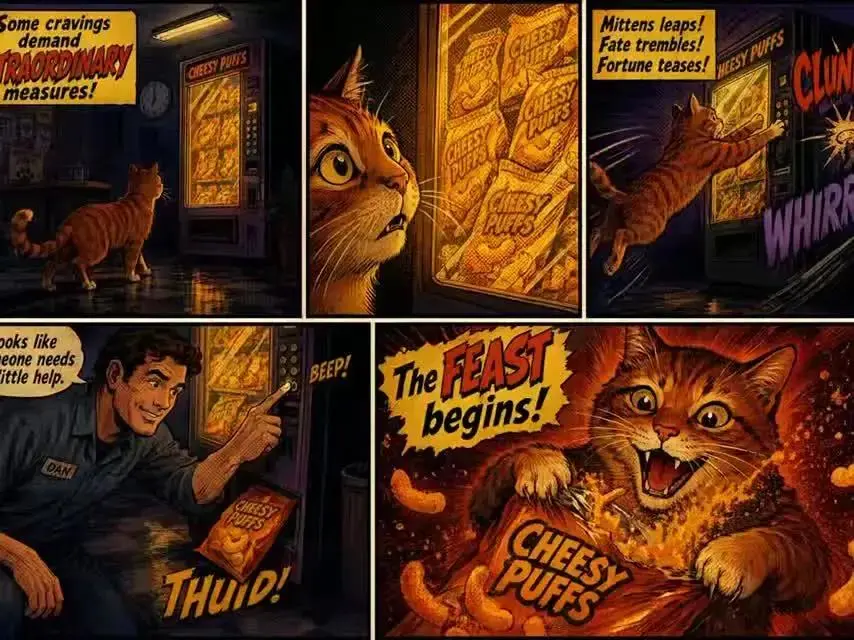 Google
 HiDream.ai
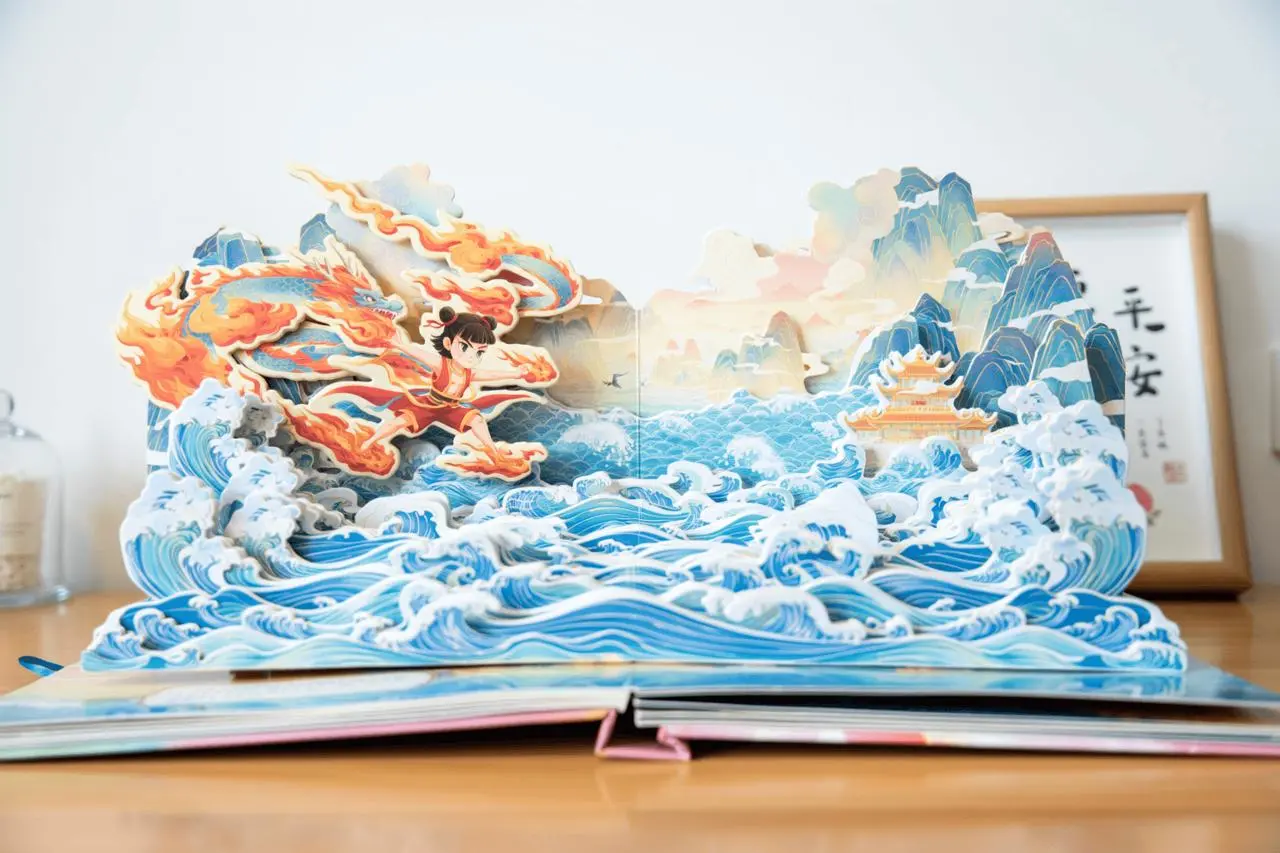 OpenMOSS