Turn a prompt and multimodal references into a complete video up to 30 seconds. Direct characters, products, camera movement, dialogue, music, and sound in one connected creative workflow.
Explore longer stories, product videos, and multilingual performances created with multimodal references and native sound.
Official Alibaba Cloud example. Prompt adapted by WeShop; not the original generation log.
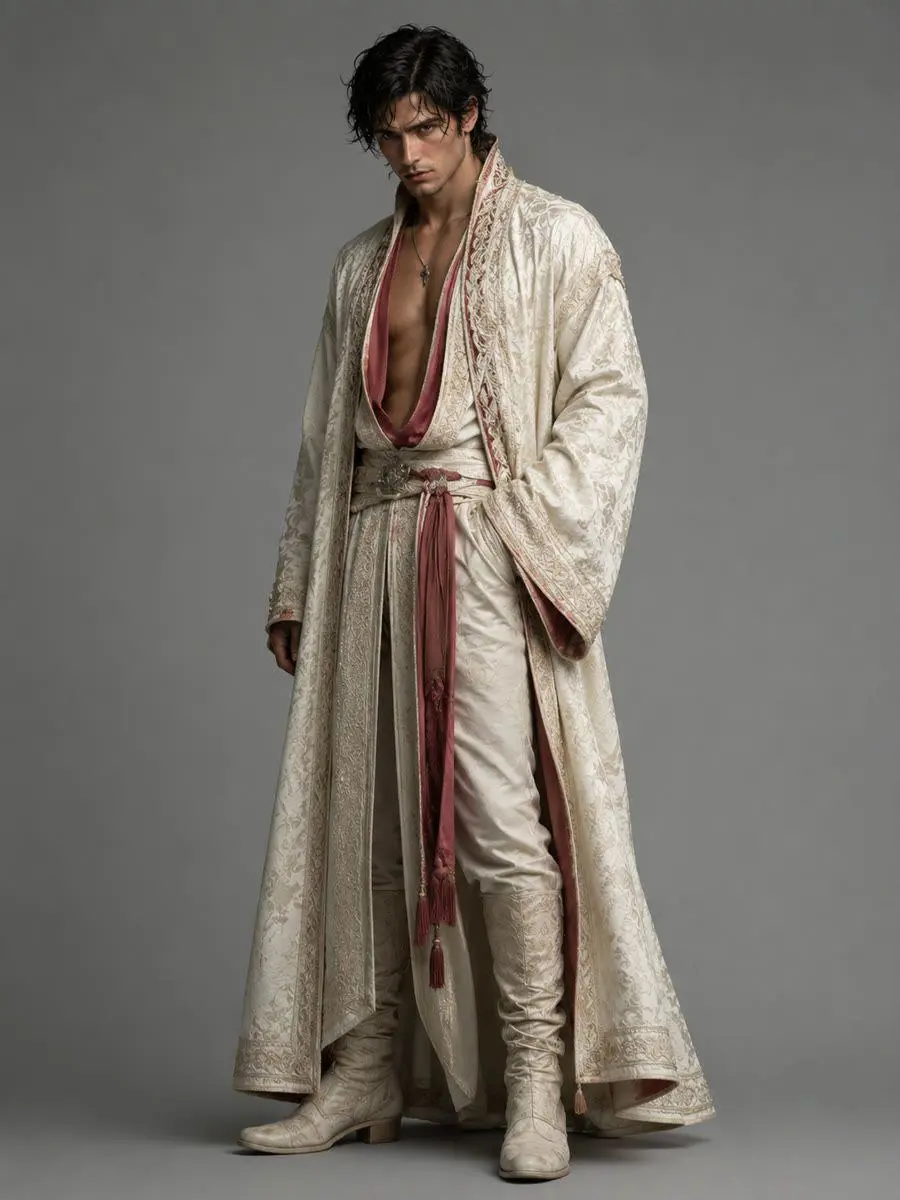
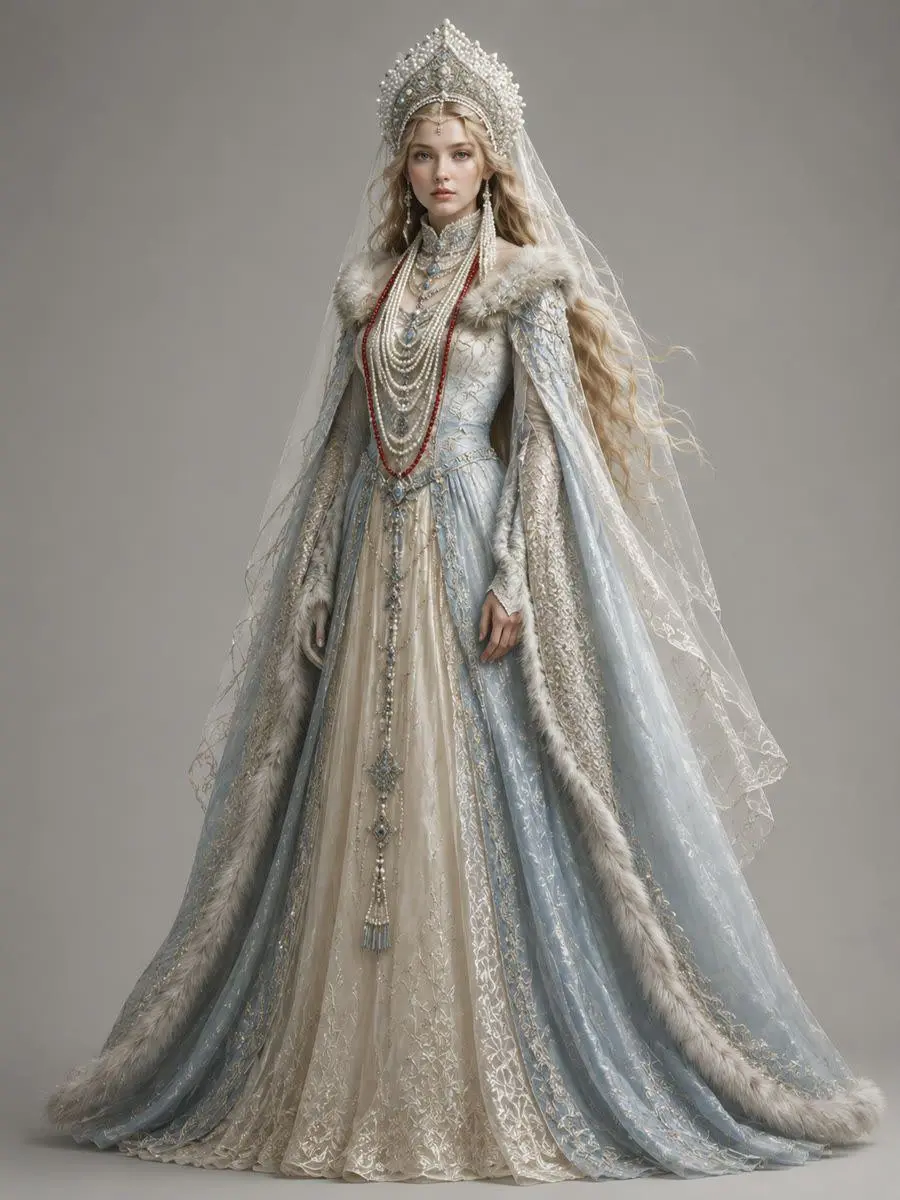
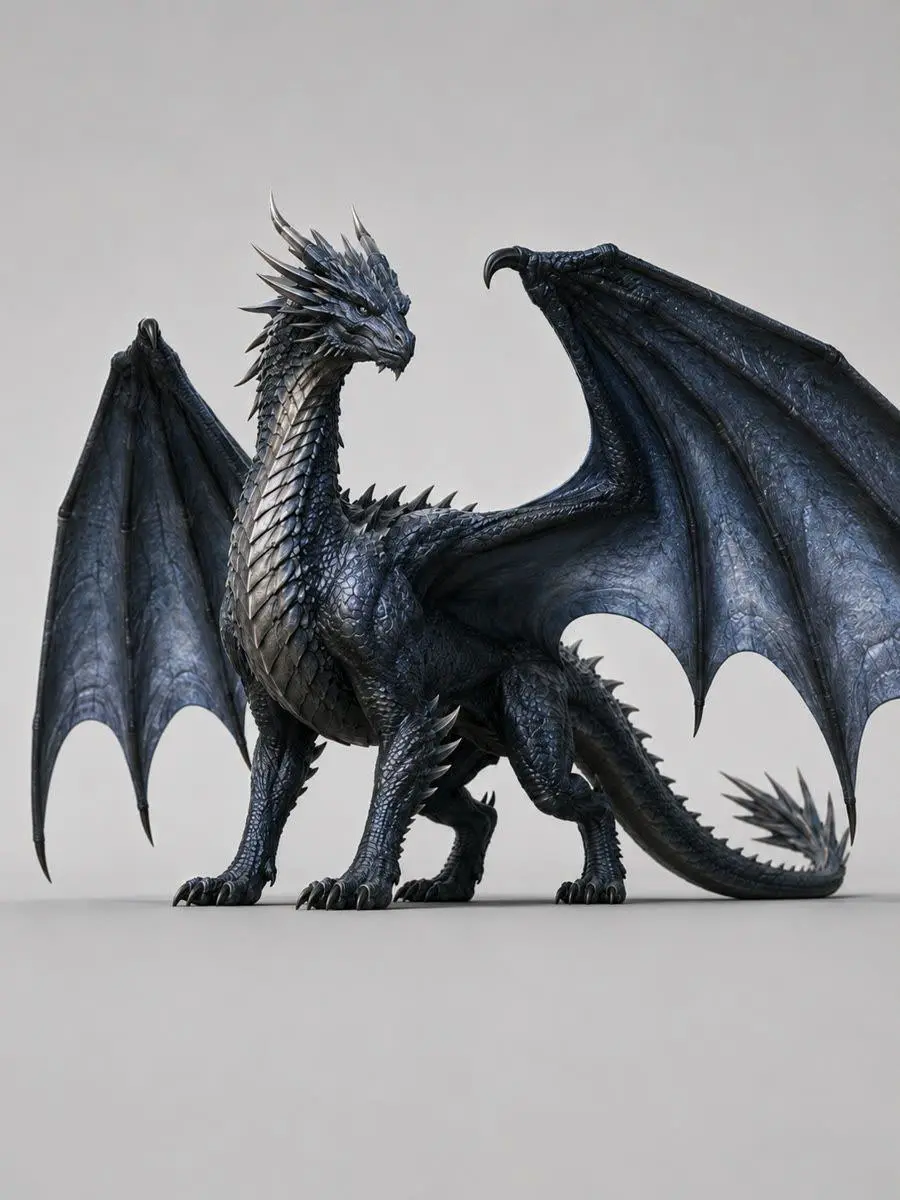
Molin in human formSuyunMolin in dragon form
Beyond the Snow, an Epic Begins
A 30-second vertical fantasy trailer with consistent characters, cinematic pacing, environmental sound, and a complete beginning-to-ending narrative arc.
Create a 30-second cinematic vertical fantasy trailer set in a frozen mountain kingdom. Keep the heroine, the male lead, the dragon, their costumes, and the color palette consistent across every shot. Begin with an extreme close-up of the heroine in falling snow, reveal a sacrificial altar and a dragon descending through the storm, then move to her escape through an abandoned ice-covered castle. End with the heroine confronting the male lead at the edge of a snowy cliff. Use fast trailer editing, cold blue lighting, restrained orchestral music, wind and snow ambience, and two short lines of whispered voice-over.
Official Alibaba Cloud example. Prompt adapted by WeShop; not the original generation log.
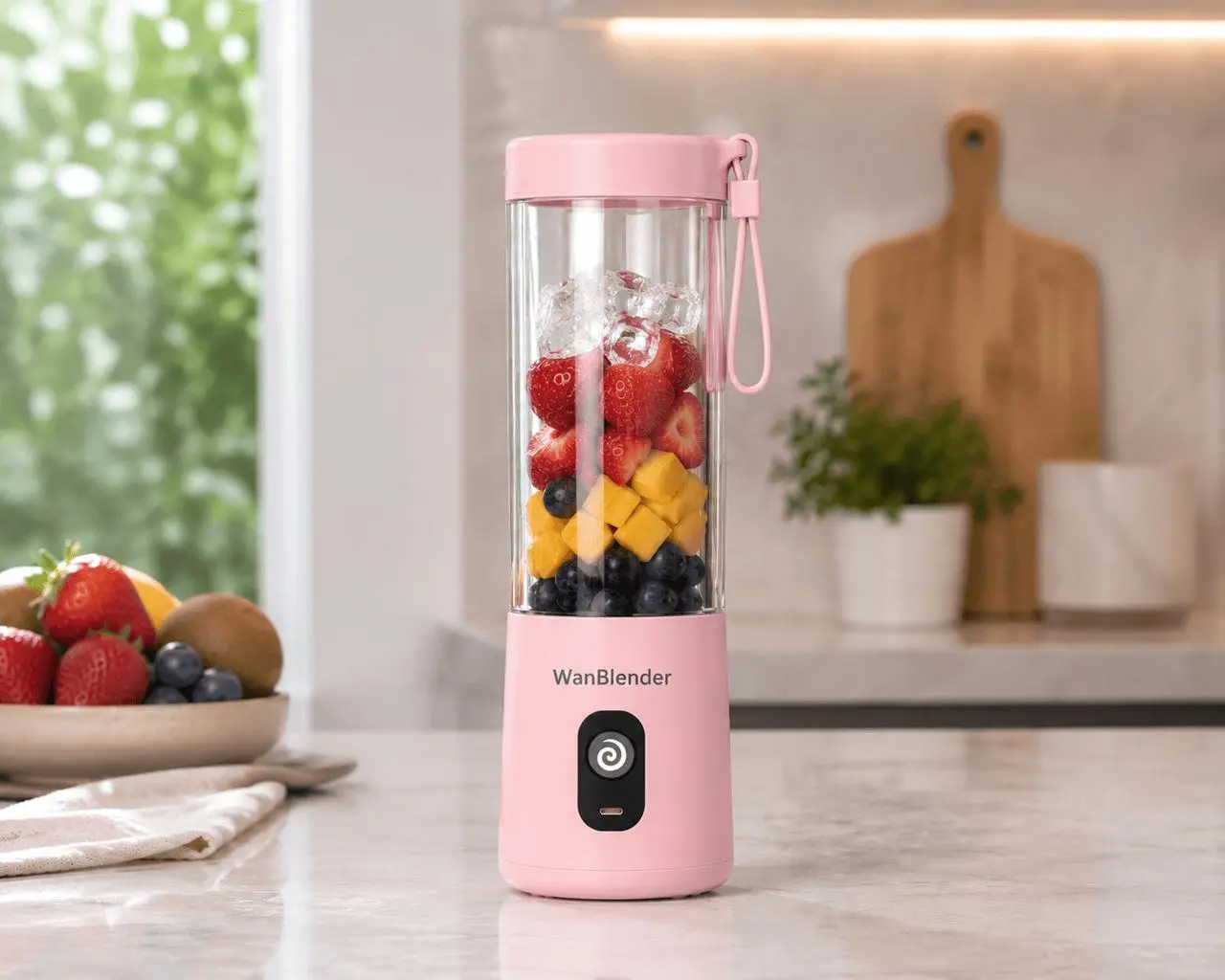
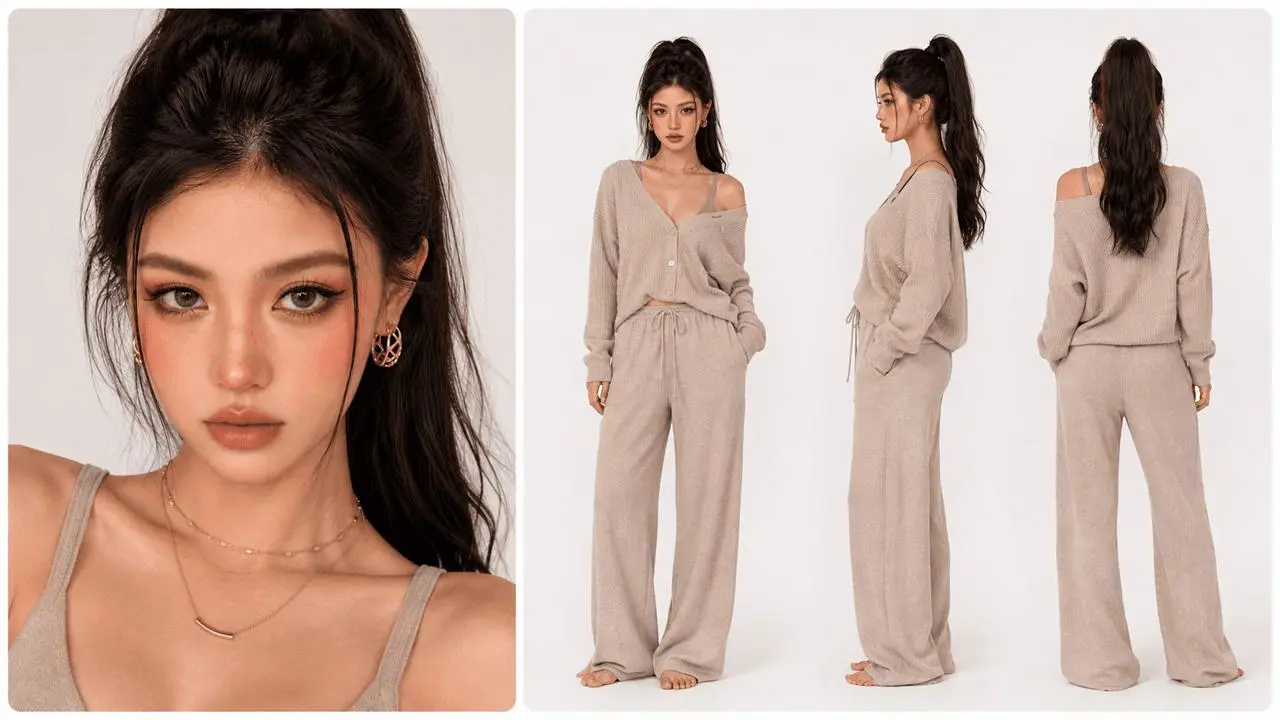
Blender product and kitchen referencePresenter and styling reference
A Blender, Elevated
A polished vertical UGC advertisement that keeps the presenter, product structure, kitchen, voice, and lighting consistent from introduction to final product shot.
Create a polished 20-second vertical UGC advertisement using the presenter, blender, and kitchen references. Keep the presenter's face, outfit, voice, product shape, logo placement, and kitchen layout consistent. Begin with a direct-to-camera introduction, cut to fruit entering the blender, show a dynamic blending close-up, and finish with the presenter pouring the drink and delivering the final line with accurate lip sync. Use bright morning light, clean product details, subtle music, and synchronized kitchen sound effects.
Official Alibaba Cloud example. Prompt adapted by WeShop; not the original generation log.
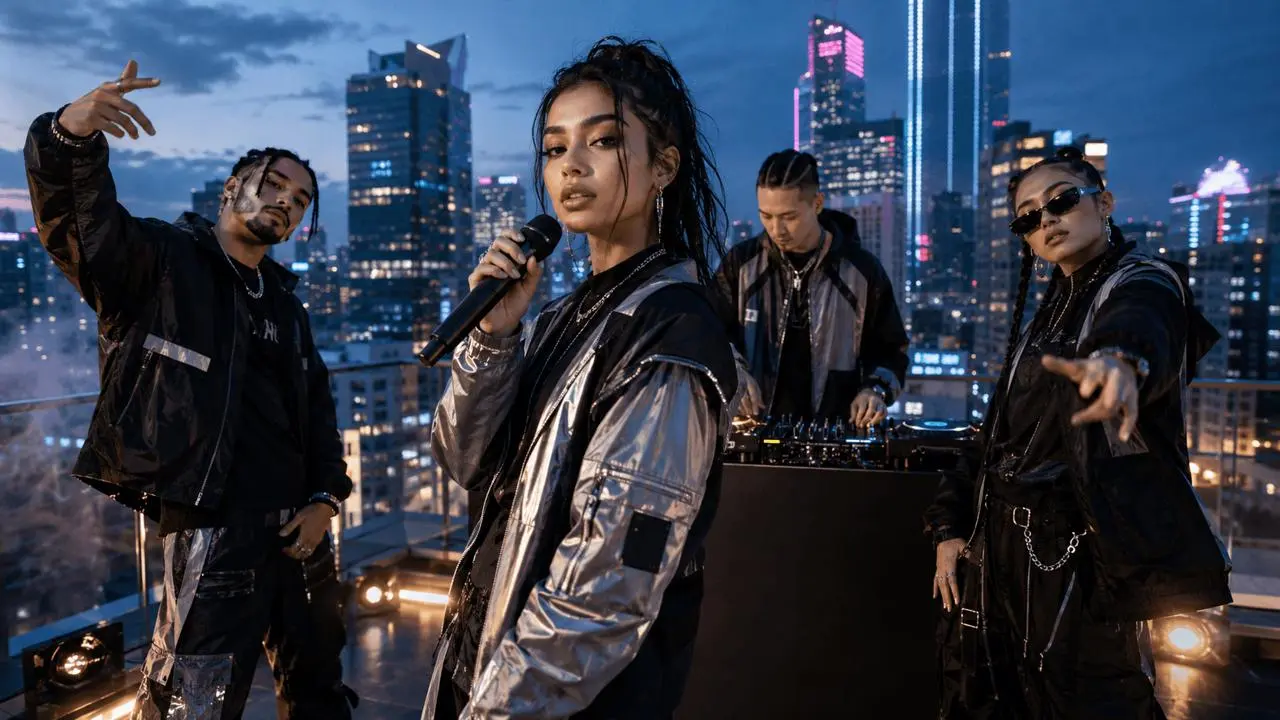
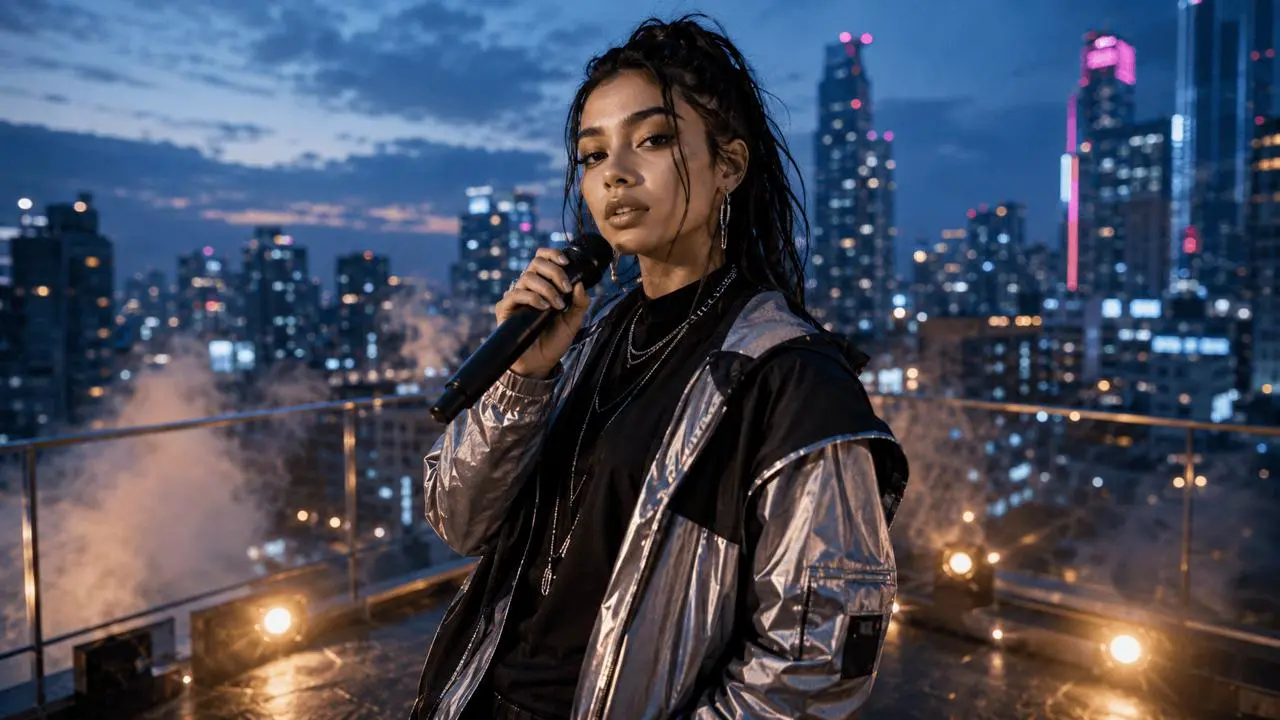
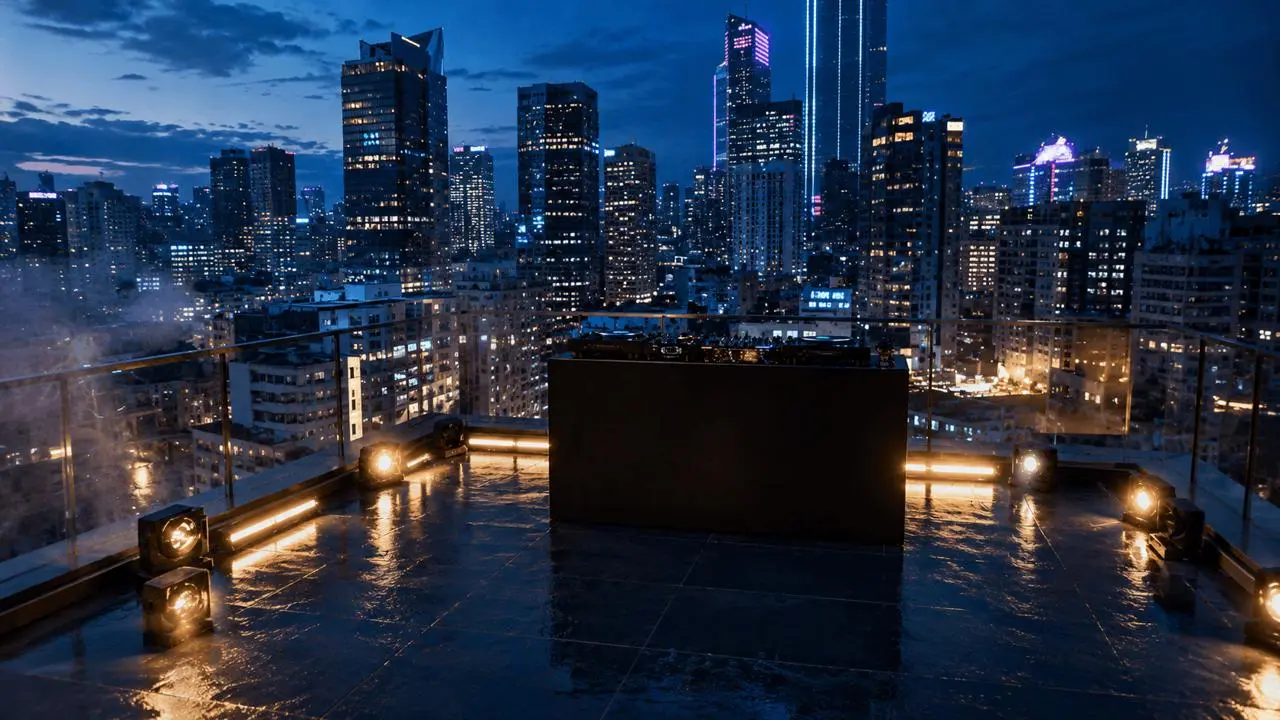
A multilingual rooftop performance that preserves the lead vocalist, four-person lineup, stage, camera axis, voices, lip sync, and beat throughout the sequence.
Create a 24-second rooftop music performance with one lead vocalist and a four-person backing lineup. Keep every performer's face, clothing, position, and voice consistent. Let the lead vocalist move naturally between multiple languages while staying on beat. Alternate between a wide stage view, medium performance shots, and close-ups with accurate lip sync. Preserve the rooftop environment, evening lighting, camera axis, rhythm, and spatial relationships throughout the video.
WHAT IS WAN 3.0?
One Model for Complete Audio-Visual Creation
Wan 3.0 is Alibaba's unified video generation model for longer storytelling and multimodal creative direction. It can generate videos from text and supported references, create native dialogue and sound, preserve important visual details across multiple shots, and produce clips up to 30 seconds at up to 1080p.
Native 30-Second Storytelling
Give the setup, action, camera movement, dialogue, and ending enough time to develop in one generation instead of stitching together several short clips.
Multimodal Creative Direction
Guide the result with up to 10 images, 5 video clips, and 5 audio clips. Use documents or web pages when the story begins with structured information rather than a finished visual.
Native Dialogue, Music, and Sound
Generate spoken lines, background music, ambience, and sound effects together with the picture so the performance and audio timing feel connected.
Stronger Visual Consistency
Keep characters, products, props, voices, locations, visual style, and spatial relationships recognizable across longer sequences and multiple shots.
Made for Real Creative Work
30-Second Brand Films
Build a complete campaign story with multiple shots, consistent subjects, dialogue, music, and sound effects.
Product and UGC Ads
Keep presenters, products, voices, and locations consistent across demonstrations, close-ups, and calls to action.
Multi-Character Stories
Direct longer dialogue and narrative scenes while preserving character identity, environments, and spatial relationships.
CREATION MODES
Choose the Right Way to Start
Text to Video
Start with a written idea and direct the subject, action, shot order, camera movement, lighting, dialogue, music, and sound.
Image to Video
Animate a character, product, illustration, or scene while using the source image to preserve composition and recognizable details.
First and Last Frame
Define how the video begins and where it should end, then let Wan 3.0 create the movement and transition between both frames.
Reference to Video
Combine images, videos, and audio to guide identity, styling, motion, camera language, voice, rhythm, and environment in one generation.
Build the prompt around what changes over time, not only what appears in the frame.
Subject + Action + Environment + Shot Order + Camera + Lighting + Style + Dialogue + Audio
Too Vague
A general prompt without scene or audio direction.
A woman walking through a city at night.
Better for Wan 3.0
Add a clear subject, timeline, camera movement, lighting, and sound.
A woman in a red coat walks slowly through a rain-soaked city street at night. Begin with a wide establishing shot, then track backward at eye level as she approaches the camera. Warm storefront lights reflect across the pavement while steam rises behind passing pedestrians. She pauses beneath a neon sign and looks toward an approaching taxi. Use cinematic realism, a 35mm lens, shallow depth of field, natural fabric movement, soft footsteps, distant traffic, and low city ambience.
Structure a 30-Second Story
Add a clear subject, timeline, camera movement, lighting, and sound.
0–5s: Establish the subject and environment.
5–15s: Develop the main action and camera movement.
15–25s: Introduce the key change, interaction, or product moment.
25–30s: Resolve the scene with a clear final image or line.
Keep References Clear
Assign one purpose to each reference and name it consistently in the prompt:
Image 1 defines the character.
Image 2 defines the product.
Video 1 defines the camera movement.
Audio 1 defines the voice and rhythm.
Add Audio Direction
Place spoken dialogue in quotation marks, identify who speaks, and describe the surrounding sound separately.
The presenter looks into the camera and says, “Made for mornings that move fast.” Add a soft blender motor, light kitchen ambience, and upbeat instrumental music beneath the dialogue.
HOW TO USE
How to Generate a Video with Wan 3.0
Step 1. Choose a Creation Mode
Start with a written idea, an image, first and last frames, or a set of multimodal references.
Step 2. Direct the Scene
Describe the timeline, subject, action, camera, lighting, dialogue, music, and sound. Add references for any identity, product, location, movement, or voice that must stay consistent.
Step 3. Set, Generate, and Review
Choose from the available output settings, generate the video, then check continuity, motion, lip sync, product accuracy, and sound timing.
Up to 5 combined image/video references in reference-to-video workflows
Up to 10 images, 5 videos, and 5 audio clips
Frame control
First frame, first and last frame
First frame, first and last frame
Workflow organization
Separate model routes for text, image, reference, continuation, and editing tasks
One model route for text, first/last-frame, and all-in-one reference generation
Best for
Shorter generation and focused reference tasks
Longer, reference-heavy stories and complete productions
Maximum duration
Wan 2.7
Up to 15 seconds
Wan 3.0
Up to 30 seconds
Resolution
Wan 2.7
720p or 1080p
Wan 3.0
480p, 720p, or 1080p
Frame rate
Wan 2.7
30fps
Wan 3.0
Up to 30fps
Native audio
Wan 2.7
Dialogue, music, and sound
Wan 3.0
Dialogue, music, and sound
Reference workflow
Wan 2.7
Up to 5 combined image/video references in reference-to-video workflows
Wan 3.0
Up to 10 images, 5 videos, and 5 audio clips
Frame control
Wan 2.7
First frame, first and last frame
Wan 3.0
First frame, first and last frame
Workflow organization
Wan 2.7
Separate model routes for text, image, reference, continuation, and editing tasks
Wan 3.0
One model route for text, first/last-frame, and all-in-one reference generation
Best for
Wan 2.7
Shorter generation and focused reference tasks
Wan 3.0
Longer, reference-heavy stories and complete productions
Wan 2.6
Explore a focused Wan workflow for reference-led character and scene generation.
Seedance 2.5
Create directed cinematic stories with multimodal references and longer scene development.
Kling V3 Omni
Compare another multimodal workflow for complex, reference-guided video creation.
MiniMax H3
Explore native audio-video generation for character performance, dialogue, and cinematic scenes.
Choose Wan 3.0 When
Choose Wan 3.0 When
The story needs more than a short visual beat.
• Several characters, products, locations, or media references must stay connected.
• Dialogue, music, ambience, and visuals should be planned as one sequence.
• You want text, frame guidance, and broader multimodal references in one generation workflow.
Choose Wan 2.7 When
Choose Wan 2.7 When
A shorter generation fits the final deliverable.
• The task uses a focused first-frame, reference, continuation, or video-editing workflow.
• You prefer a dedicated workflow for a specific video task.
Wan 3.0 is Alibaba's unified AI video generation model for text-led, frame-guided, and multimodal reference workflows. It is designed for longer audio-visual stories with consistent characters, products, scenes, and sound.
How long can a Wan 3.0 video be?
Wan 3.0 can generate videos from 2 to 30 seconds, giving multi-shot stories, product demonstrations, dialogue, and camera movement more time to develop.
What resolutions does Wan 3.0 support?
Wan 3.0 supports 480p, 720p, and 1080p output at up to 30fps.
Does Wan 3.0 generate audio?
Yes. Wan 3.0 can generate dialogue, background music, ambience, and sound effects together with the video.
What references can I use with Wan 3.0?
Wan 3.0 supports image, video, and audio references, as well as document and web-page inputs. A generation can use up to 10 images, 5 video clips, and 5 audio clips.
Does Wan 3.0 support first and last frames?
Yes. You can guide the opening frame, or provide both a first and last frame to define the starting composition and intended ending.
Can I use people, products, voices, or branded materials as references?
Only upload materials you own or are authorized to use. Obtain the necessary consent and usage rights for identifiable people, voices, logos, products, and copyrighted assets.
What is the difference between Wan 3.0 and Wan 2.7?
Wan 3.0 increases the maximum duration from 15 to 30 seconds, expands the multimodal reference capacity, adds a 480p option, and brings text, frame-guided, and all-in-one reference generation into one model route.