Animate a prepared product image
Use the current Wan workspace when the source image already establishes the subject and composition. Describe a modest action or camera movement.

Understand the Wan model family, then review the image input and clip settings in WeShop AI’s Wan workspace. Keep the selected integration details with each output.
Understand the Wan model family, then review the image input and clip settings in WeShop AI’s Wan workspace. Keep the selected integration details with each output.
Choose the workflow that matches your starting material and the result you need.
Use the current Wan workspace when the source image already establishes the subject and composition. Describe a modest action or camera movement.
Consult the official model documentation for named releases and input types. Keep those release names separate from the integration label shown in the workspace.
Use the same product image and a shared clip length in Wan and another image-to-video workspace. Inspect shape, texture, and movement in the actual clips.
Compare the available inputs and task fit. Check the selected workspace for current settings before generating.
| Model / entry | Input or reference | When to review it | Action |
|---|---|---|---|
| Wan AI on WeShop | Image reference and text prompt | Open the current image-led video workspace; record its displayed model details. |
Review real inputs and generated outputs alongside their complete prompts.
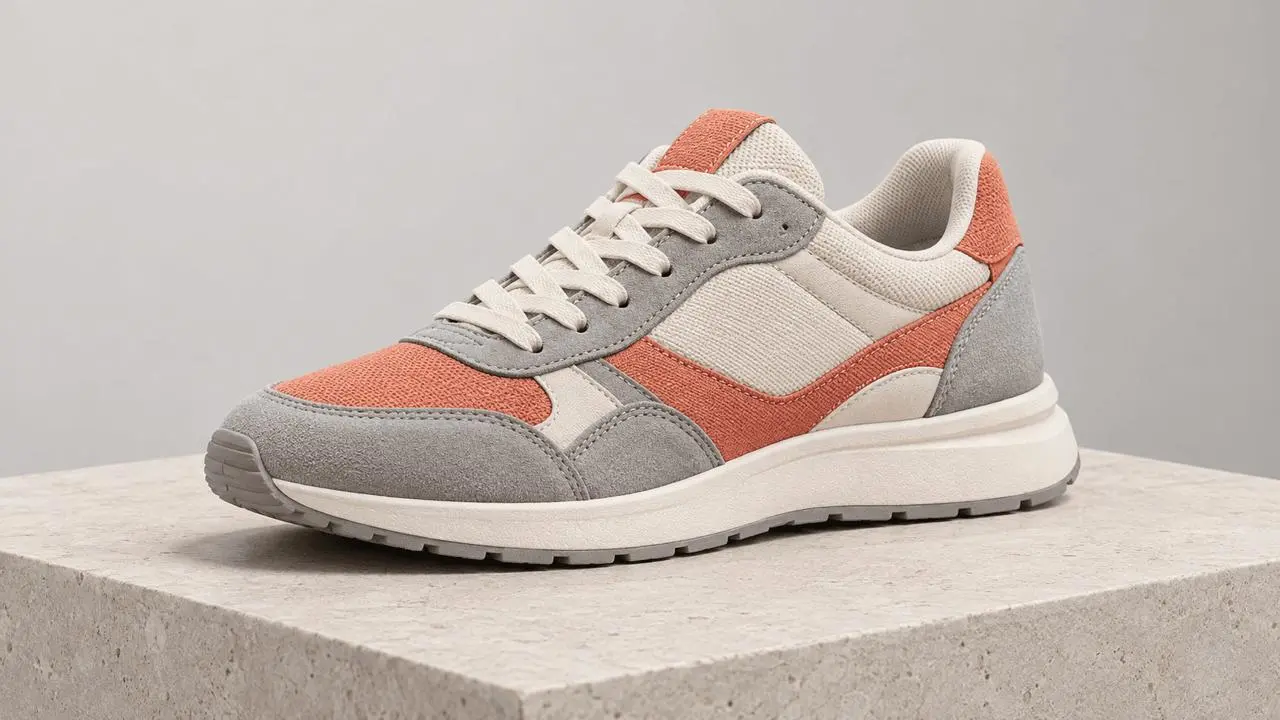
Reference input for this example; the actual video output remains pending.
A slow camera slide reveals the sneaker from a slightly different angle. Keep the sole, laces, logo placement, and color panels consistent with the reference. The shoe stays still on the pedestal. Soft studio light.
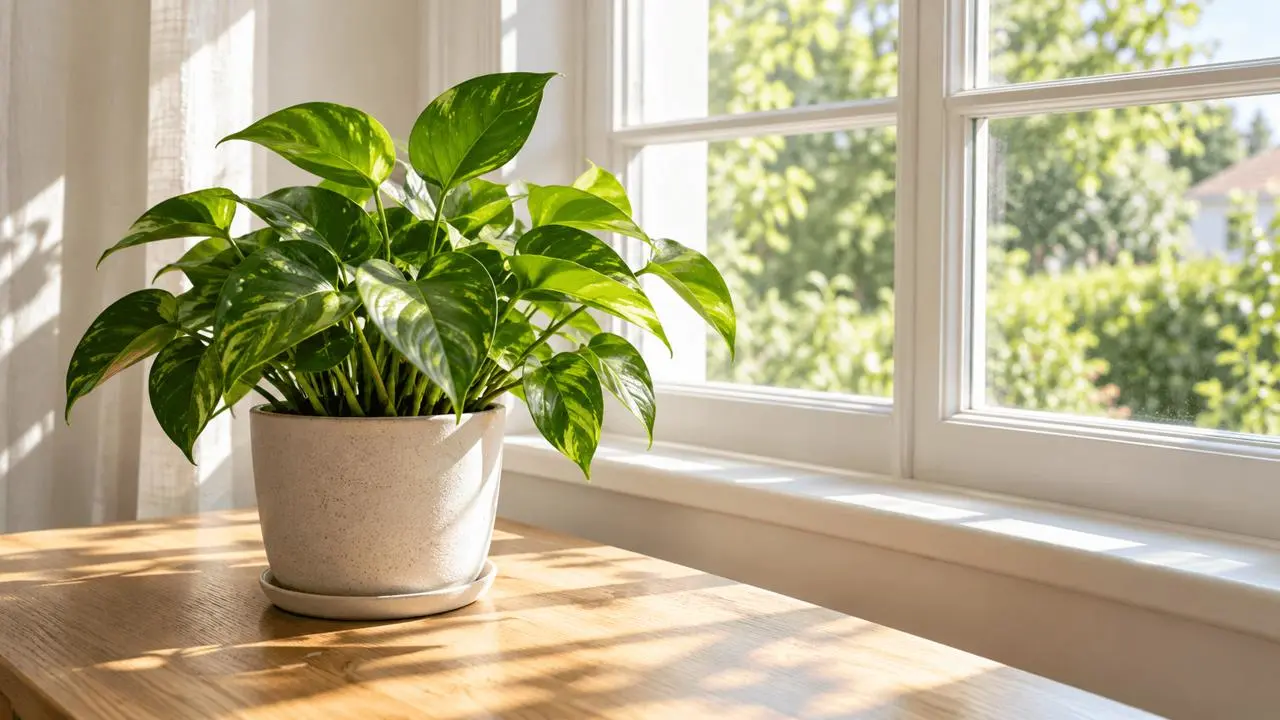
Reference input for this example; the actual video output remains pending.
Keep the plant pot and window frame fixed. Let the leaves move gently in a light breeze while soft sunlight shifts subtly across the table. A steady camera with no scene change.
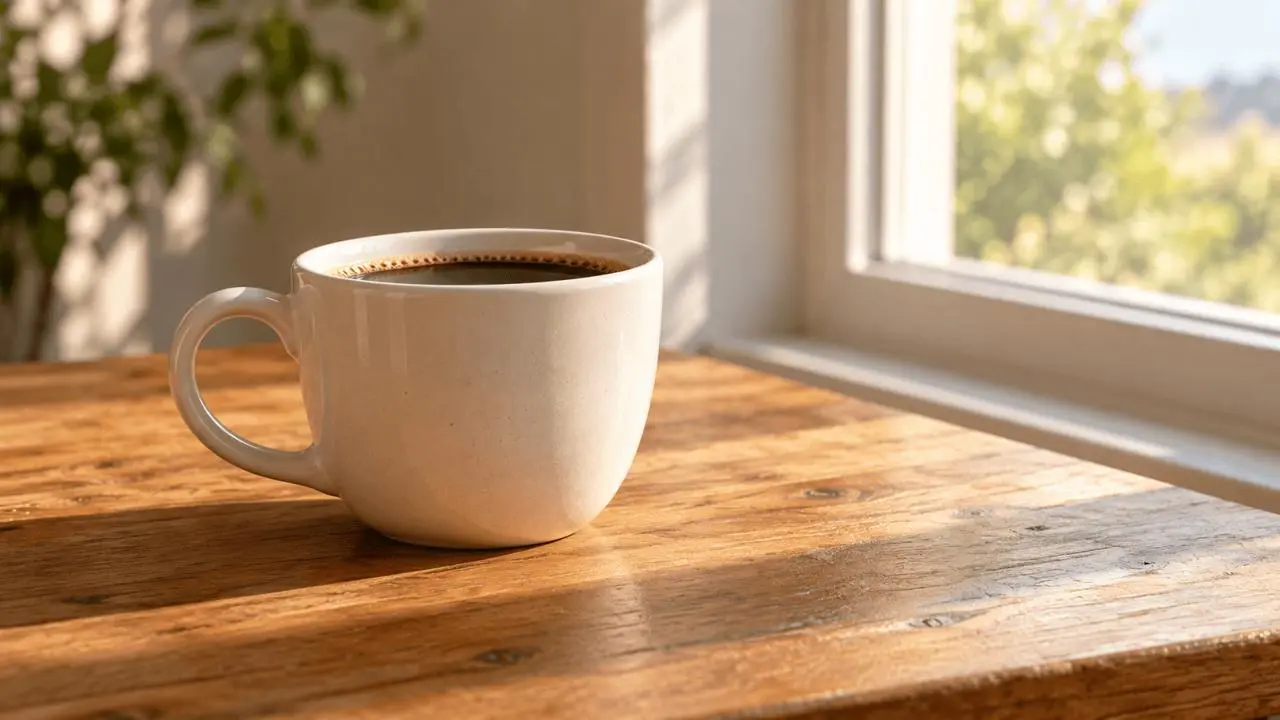
Reference input for this example; the actual video output remains pending.
Start from the reference cup on a wooden table. A faint wisp of steam rises while the camera slowly pushes in. Keep the cup handle, rim, and table edges consistent. Natural morning light.
Actual video generated on WeShop AI from the documented brief.
A slow camera slide reveals the sneaker from a slightly different angle. Keep the sole, laces, logo placement, and color panels consistent with the reference. The shoe stays still on the pedestal. Soft studio light.
Actual video generated on WeShop AI from the documented brief.
Keep the plant pot and window frame fixed. Let the leaves move gently in a light breeze while soft sunlight shifts subtly across the table. A steady camera with no scene change.
Actual video generated on WeShop AI from the documented brief.
Start from the reference cup on a wooden table. A faint wisp of steam rises while the camera slowly pushes in. Keep the cup handle, rim, and table edges consistent. Natural morning light.
Actual video generated on WeShop AI from the documented brief.
Start from the reference cup on a wooden table. A faint wisp of steam rises while the camera slowly pushes in. Keep the cup handle, rim, and table edges consistent. Natural morning light.
Prepare your brief and source assets, check the current controls, then inspect the generated result.
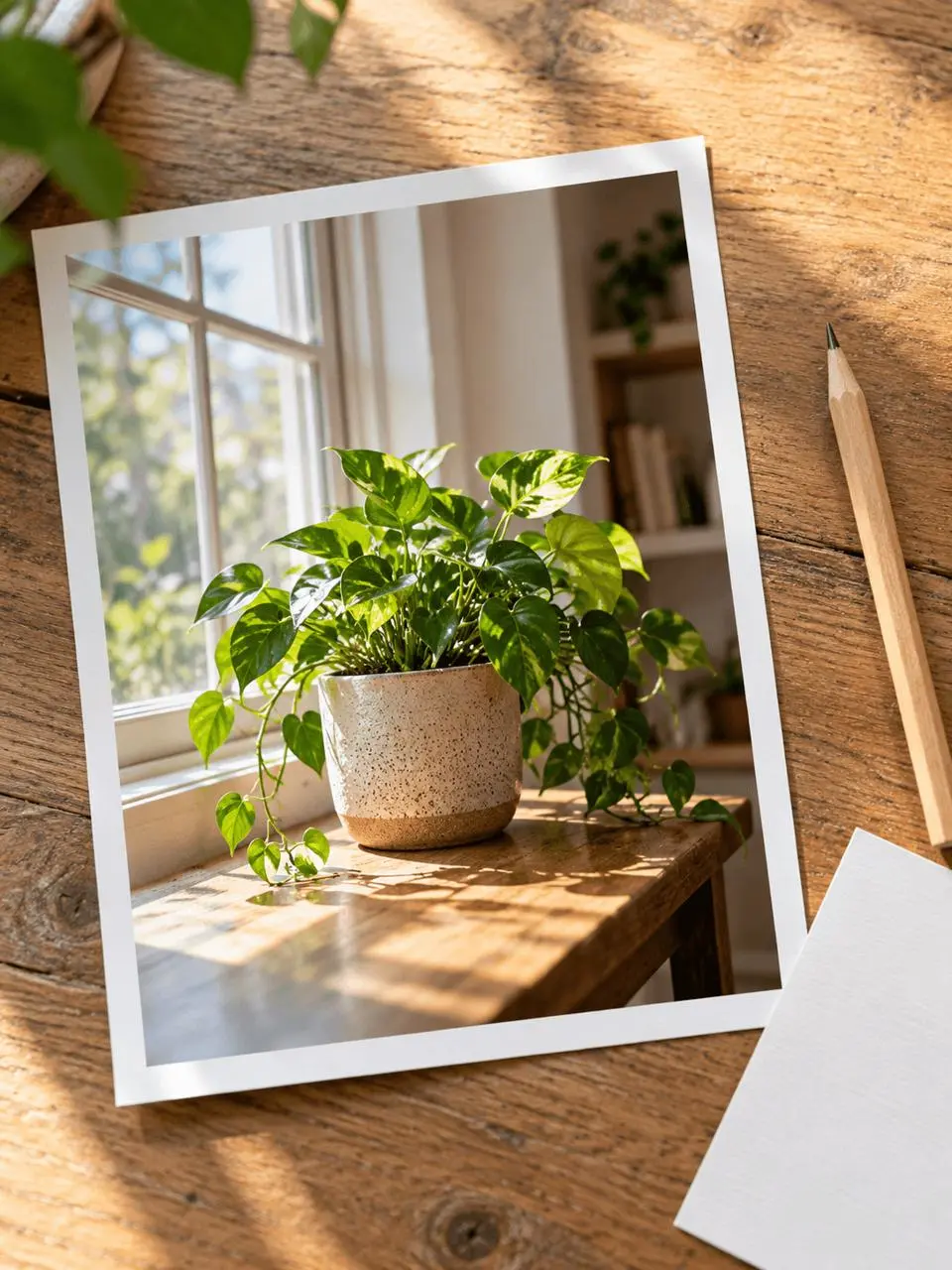
Choose a sharp source with a clear subject and suitable framing.
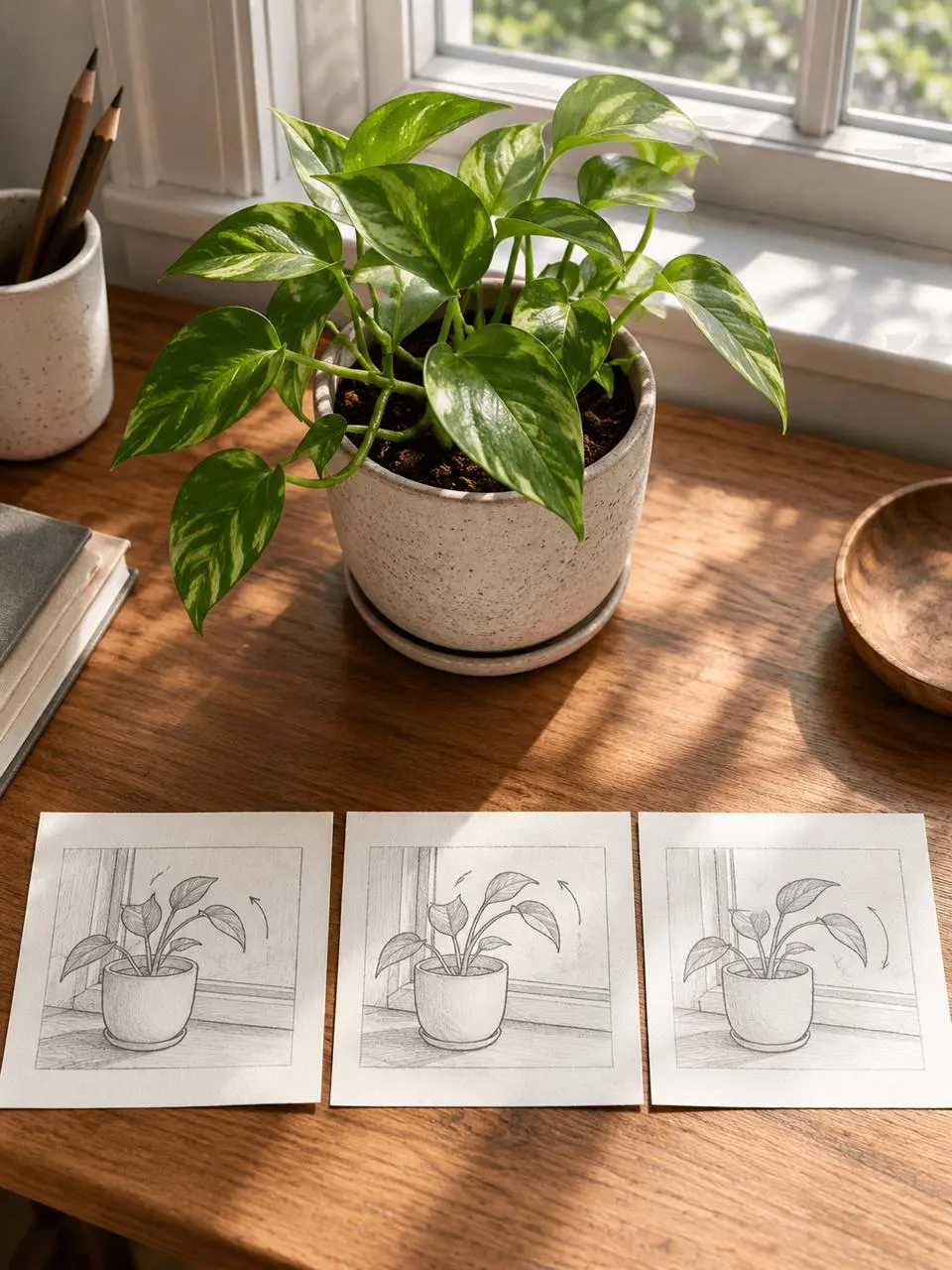
Open Wan AI, attach the image, and set a duration from the available choices.
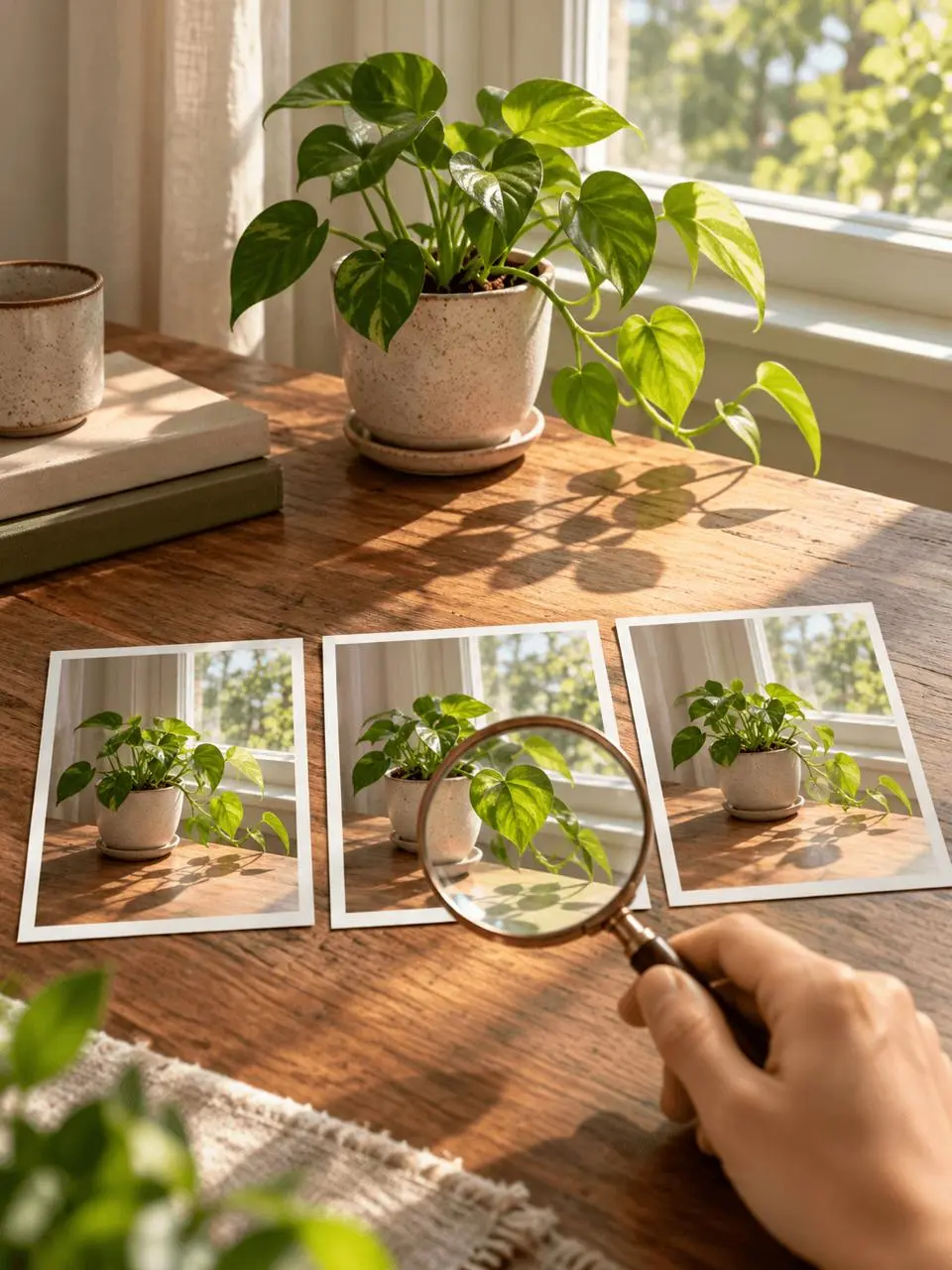
Check subject details and motion before saving the selected output.
Open the relevant workspace or supporting workflow to continue your task.
Direct answers about model inputs, workflows, settings, and availability.
The reviewed workspace is labeled Wan AI and does not display a numbered model version. Check the integration details when selecting a task; the official Wan repository describes named releases separately.
The current workspace provides an image input and a text prompt. Start with a clear reference image and describe the movement or camera direction you want.
The current Wan workspace displays durations from 3 to 8 seconds. Check the selected value and point cost before generating a clip.
Use the same reference, motion prompt, and a duration supported by both workspaces. Record the settings and compare subject shape, temporal consistency, and how well the movement follows the brief.
 Alibaba