
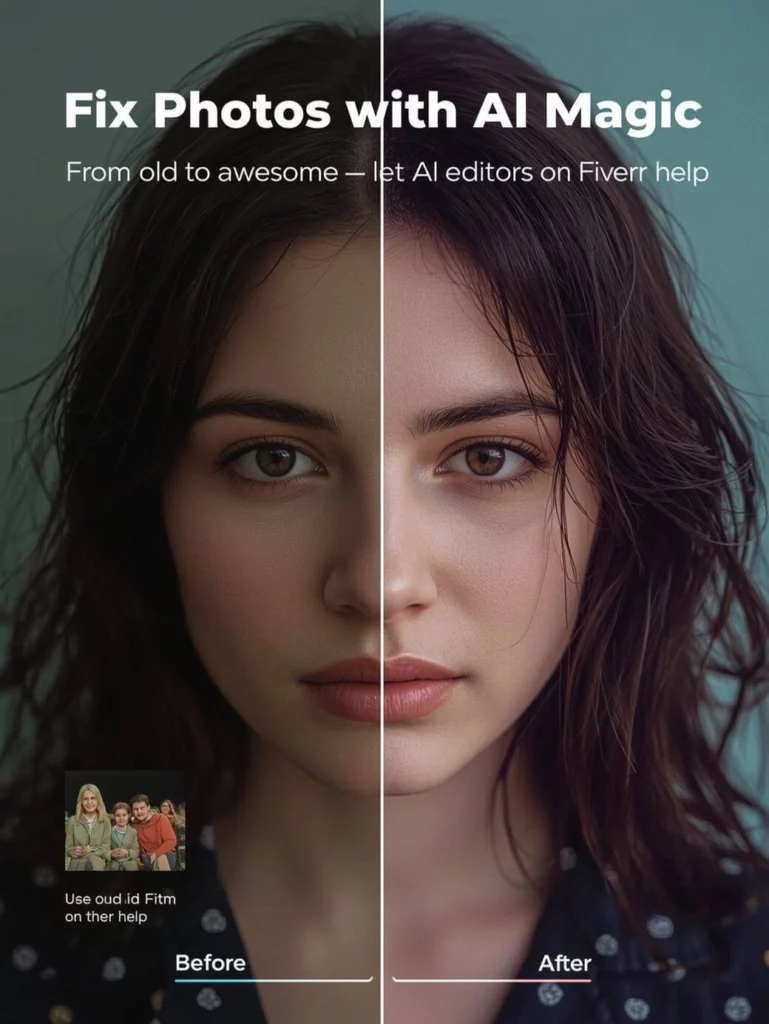
AI image editing tools have quietly become part of everyday life. You no longer need Photoshop skills—or even design experience—to edit photos. Today, AI can remove backgrounds, fix lighting, swap faces, clean up distractions, and even rebuild missing parts of an image in seconds.
So instead of asking “Can AI edit images?”, most people now ask a more practical question:
What are the best AI tools for editing images that actually work for real life?
In this guide, we’ll walk through the best AI tools for editing images in 2025, focusing on tools that everyday users can realistically use. Some are all-in-one platforms, while others specialize in one task and do it well. We’ll also explain where WeShop AI fits—and why it’s becoming a popular alternative to traditional photo editors.
What Makes a Good AI Image Editing Tool?
Before comparing tools, it’s important to clarify what “good” means in AI photo editing. A strong AI image editor should help users get results quickly, not create more work.
In general, the best AI image editing tools:
- Are easy to use without technical knowledge
- Handle common tasks like background removal, retouching, and lighting fixes
- Produce natural results that don’t look over-processed
- Work for everyday photos, not just marketing visuals
With that framework in mind, let’s look at the tools.
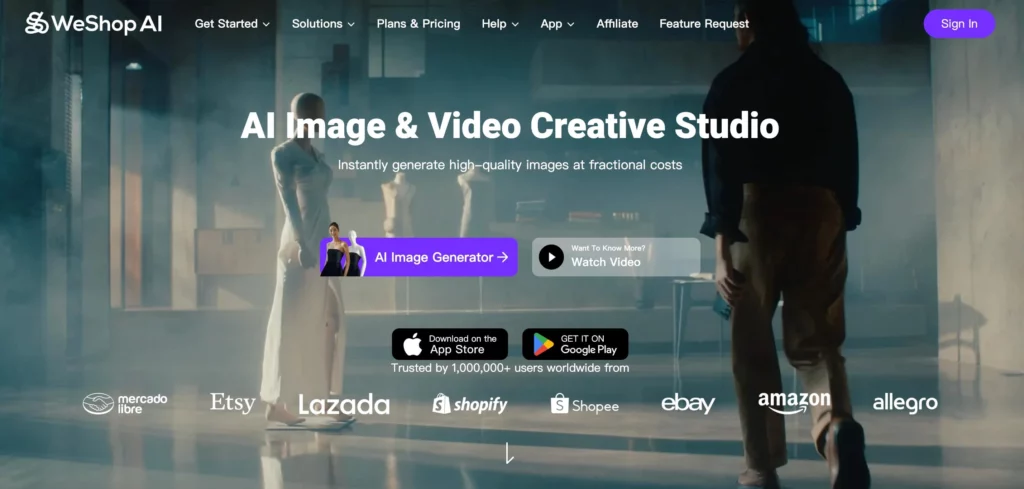
WeShop AI – The Most Complete AI Image Editing Platform
WeShop AI is one of the most flexible AI image editing platforms available today. While many tools focus on one feature, WeShop AI combines multiple AI editing tools into a single workspace.
With WeShop AI, users can:
- Remove or replace backgrounds automatically
- Adjust lighting and shadows with AI relight tools
- Swap faces or merge faces naturally
- Change outfits, poses, or entire scenes
- Expand images beyond their original borders
- Clean up unwanted objects with AI erasing
What makes WeShop AI stand out is how practical it feels. Instead of forcing users to fine-tune sliders or masks, it lets you describe what you want—or choose from preset actions—and the AI does the heavy lifting.
Although many ecommerce sellers use WeShop AI, it’s not limited to product photos. People also use it for:
- Profile pictures
- Social media posts
- Personal photos
- Creative experiments
Best for:
Users who want one AI tool that can handle most image editing tasks without switching between apps.
Canva AI – Easy Image Editing Inside Designs
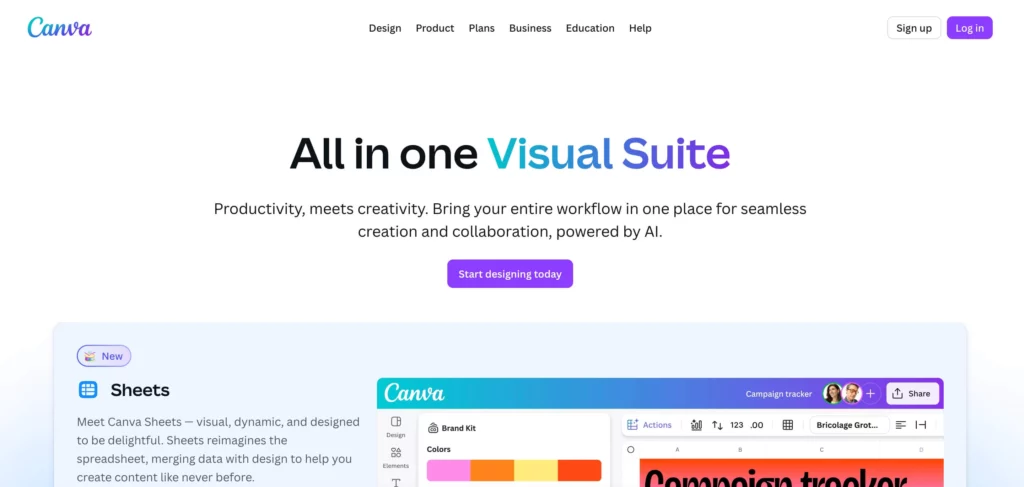
Canva AI remains a popular choice for beginners. Its AI tools are integrated directly into a familiar design interface, which makes basic image editing very approachable.
Canva AI can:
- Remove backgrounds
- Apply quick photo enhancements
- Generate images from text
- Edit images inside templates
However, Canva’s AI editing works best within designs. When it comes to detailed photo manipulation—like realistic face swaps or complex scene edits—it quickly reaches its limits.
Best for:
Quick image edits for social media graphics, presentations, and simple layouts.
Adobe Photoshop + Firefly – Maximum Control, Higher Effort
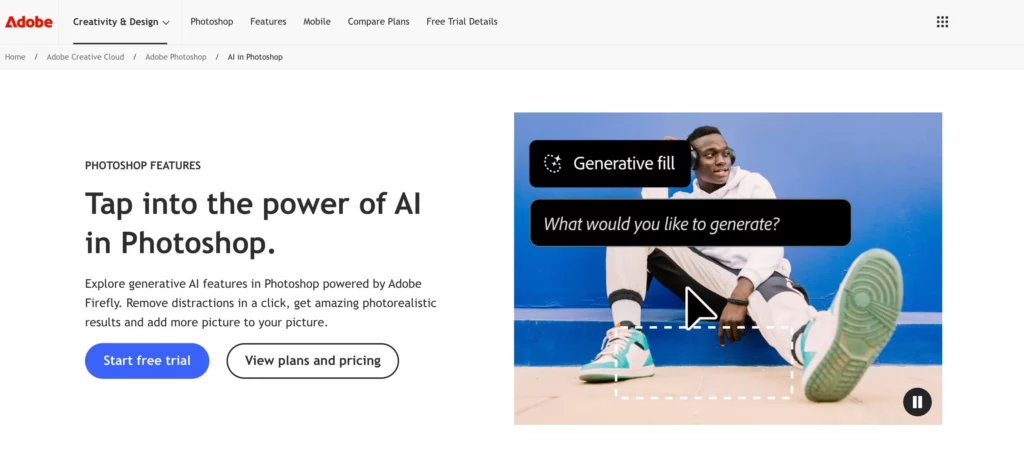
Adobe Photoshop with Firefly brings AI into professional photo editing workflows. It excels at precision and creative control.
It’s especially strong at:
- Generative fill and object replacement
- Detailed retouching
- High-end creative edits
That said, Photoshop still requires time to learn. For everyday users, it often feels heavy—especially if you just want to fix a photo quickly.
Best for:
Professionals who already work in Photoshop and want AI-assisted editing.
PhotoRoom – Best for Clean Background Removal
PhotoRoom has built a strong reputation around one core task: background removal.
It does a great job at:
- Removing backgrounds cleanly
- Creating cutouts for profile photos
- Producing simple marketing visuals
PhotoRoom is fast and easy, but it focuses on a narrow use case. If you want deeper edits—lighting changes, scene expansion, or face edits—you’ll need another tool.
Best for:
People who mainly need fast, clean background removal.

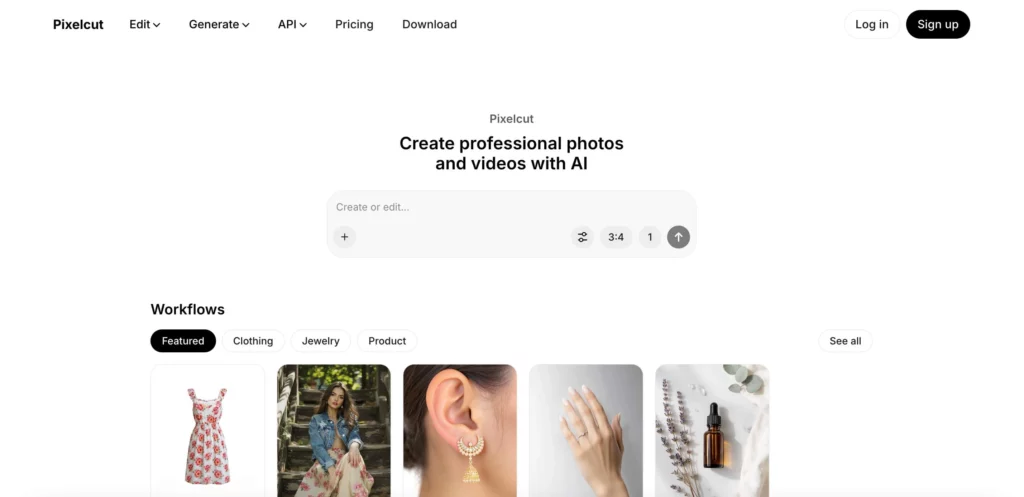
Pixelcut AI – Fast Object Cleanup and Simple Edits
Pixelcut AI is another lightweight tool that focuses on speed.
Its strengths include:
- One-click background removal
- Object cleanup
- Basic image enhancement
Pixelcut works well for quick fixes, but it doesn’t offer much creative or advanced control.
Best for:
Users who want fast edits with minimal setup.
Krea AI – Creative AI Image Editing
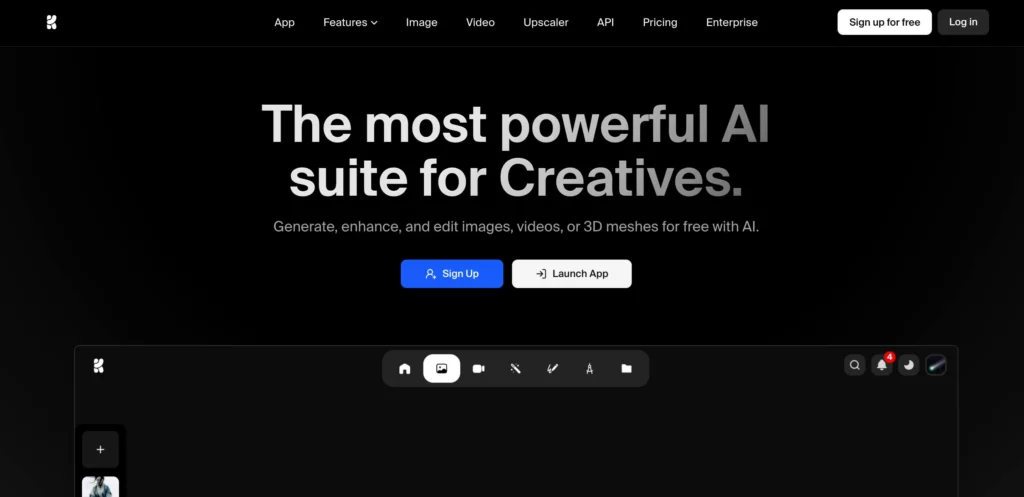
Krea AI appeals to users who enjoy experimenting with AI visuals.
It offers:
- Style refinement
- Creative enhancement
- Visual experimentation
However, Krea’s outputs often lean artistic rather than practical. That’s great for inspiration, but less reliable for everyday photo editing.
Best for:
Artists and creators who want to explore AI-driven visuals.
Remini – Best for Photo Enhancement and Restoration
Remini focuses on improving image quality rather than editing content.
It’s especially good at:
- Upscaling low-resolution images
- Enhancing faces
- Restoring old photos
Remini doesn’t handle backgrounds or object removal, but it excels at making photos sharper.
Best for:
Restoring or enhancing image quality.

How People Actually Use AI Image Editing Tools Today
Instead of thinking in terms of “industries” or “use cases,” most people choose an AI image editing tool based on one simple question:
What do I need to fix or create right now?
For some users, that means removing a messy background from a photo.
For others, it means improving lighting, fixing faces, or cleaning up distractions.
Sometimes, it’s just about experimenting and seeing what’s possible.
That’s why the best AI image editing tools don’t lock users into one narrow workflow. Instead, they support multiple everyday editing needs, often in a single interface.
This is also where the differences between tools become very clear.
Some tools focus on one task and do it well. Others try to cover more ground but require extra steps. A smaller group, like WeShop AI, aims to combine common editing actions—background removal, relighting, object cleanup, face edits—into one streamlined experience.
Once you look at tools through this lens, choosing the right one becomes much easier.
How to Choose the Right AI Image Editing Tool
To make your choice easier, here’s a simple breakdown:
- One tool for most tasks: WeShop AI
- Design-first editing: Canva AI
- Professional control: Photoshop + Firefly
- Background removal: PhotoRoom
- Quick fixes: Pixelcut AI
- Creative experimentation: Krea AI
- Image enhancement: Remini
There’s no single “perfect” tool—but there is a best tool for how you actually edit images.
Final Thoughts
AI tools for editing images have moved far beyond novelty. When used correctly, they save time, reduce frustration, and make photo editing accessible to everyone.
The best tools today focus on simplicity, speed, and flexibility. Platforms like WeShop AI show how AI image editing can feel natural—less technical, more intuitive, and usable for everyday scenarios.
If you edit photos regularly, it’s worth testing a few of these tools and seeing which one fits your workflow best.