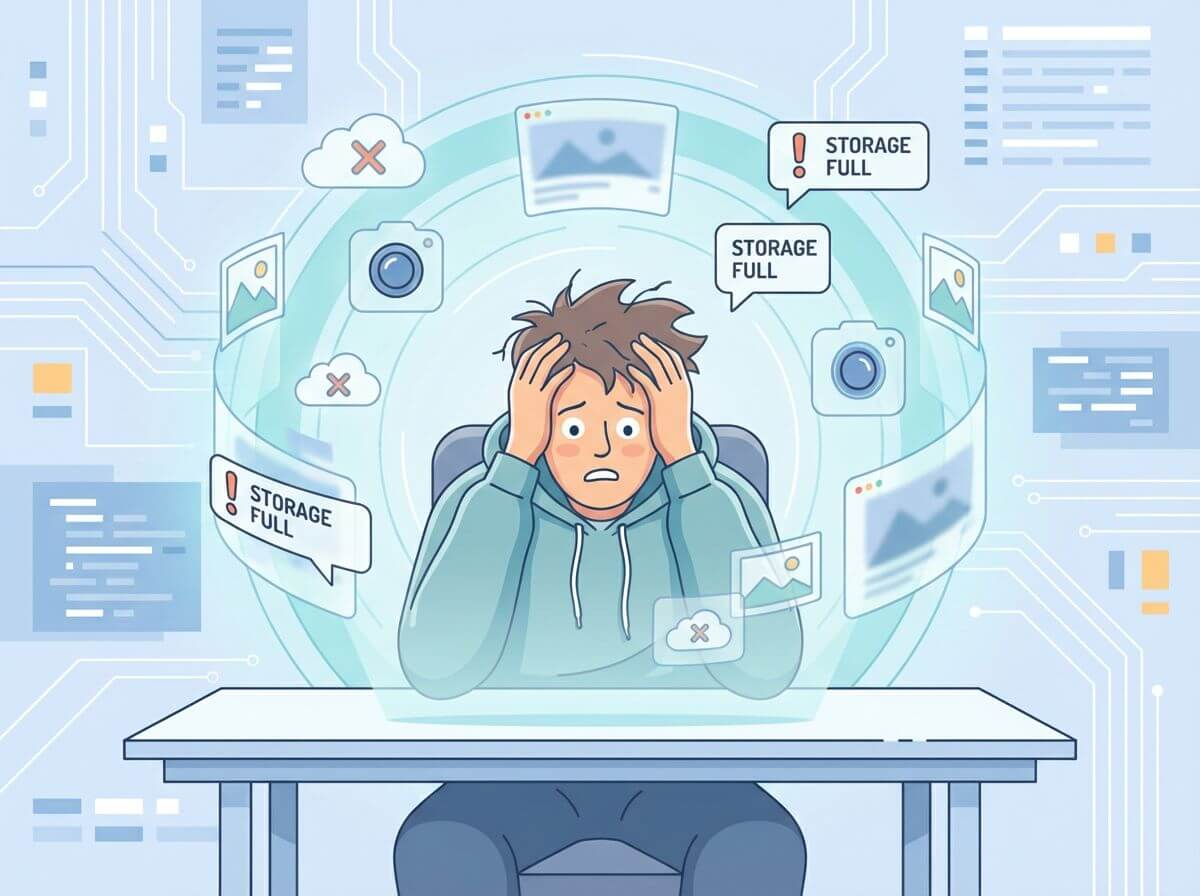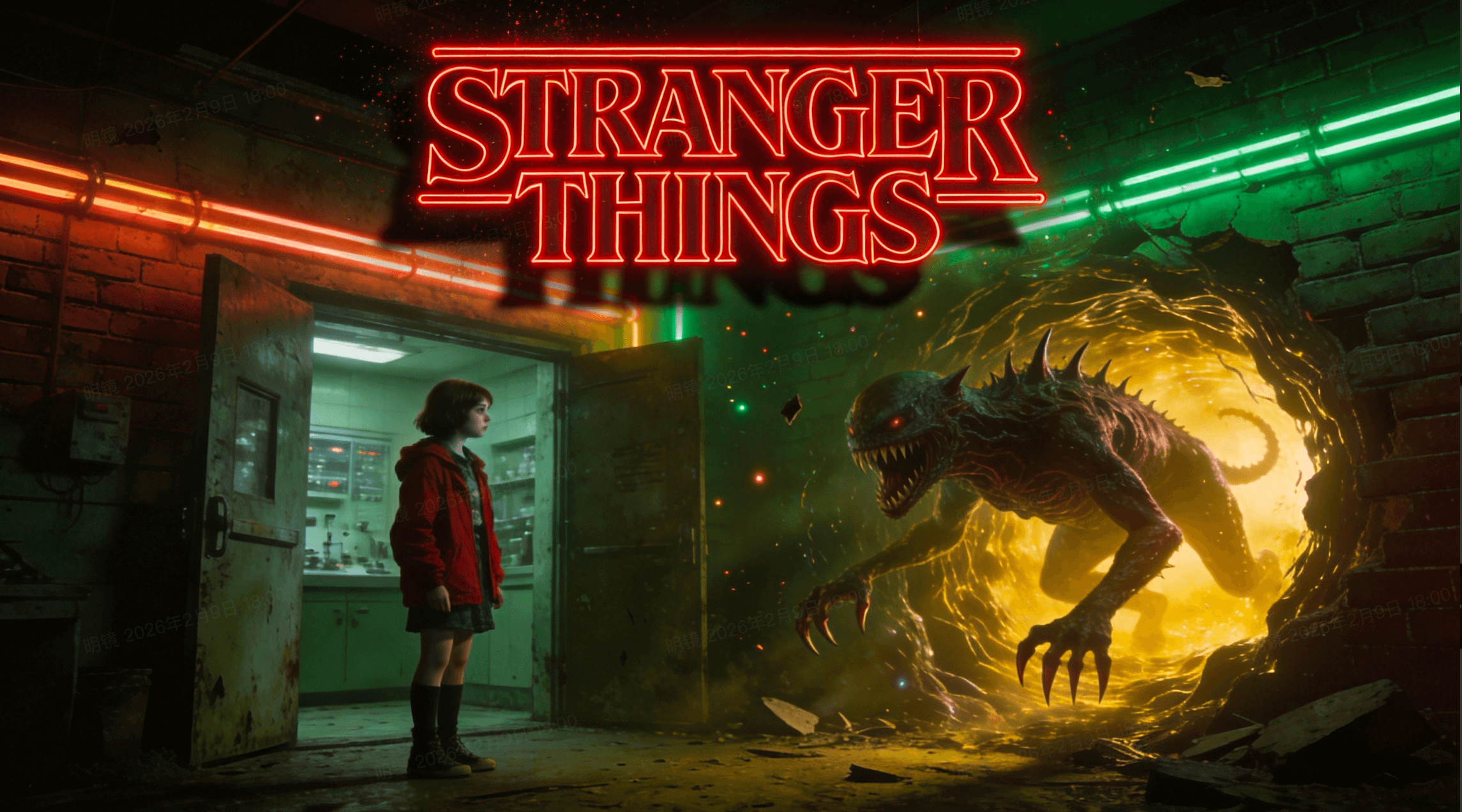
If you have ever tried making an anime with AI, you know the pain. You spend hours designing a perfect hero. Their hair is just the right shade of blue. Their armor looks legendary. But the moment they move, everything falls apart. The hair turns purple. The armor disappears. This “morphing” issue has been the enemy of AI animation for years. That is why Seedance 2.0 is such a massive deal for our community. ByteDance didn’t just give us a faster tool. They gave us a way to lock down our vision. Finally, we can focus on the story instead of fighting the software.
The new Seedance 2.0 engine uses a technology called “Identity-Lock.” It is a game-changer for consistency. You no longer have to cross your fingers and hope the AI remembers your character. You can now build complex, multi-shot narratives with one prompt. Whether you are making a high-octane battle or a quiet slice-of-life scene, the style stays the same. In this post, we will look at how to master this power. We will explore the tools that make this the best AI video generator 2026 has for anime artists.
The Nightmare of Character Morphing
In traditional animation, consistency is a full-time job. Artists use “model sheets” to keep every drawing aligned. AI has struggled to replicate this. Most models see every frame as a new start. This leads to flickering faces and shifting outfits. It ruins the immersion of a great anime. If your hero looks like a different person every three seconds, nobody will watch.
How @Tags in Seedance 2.0 Keep Your Hero Consistent
The @tag system is the solution we have been waiting for. When you upload your character art, the system labels it as @Image1. In your prompt, you can write: “@Image1 is the main character in this duel.” This tells the model to prioritize that specific face and outfit. The “Identity-Lock” mechanism then tracks those features through every frame of the video. It doesn’t matter if the character is jumping, spinning, or crying. Their blue hair stays blue. Their armor stays legendary. This is the precision that Seedance 2.0 brings to the table.
Designing Your Character Bible with References
You can take this even further by uploading multiple references. The platform allows you to mix up to 12 files in one project. You can upload a front view, a side view, and a close-up of the eyes. Label them as different tags. This builds a “digital model sheet” for the AI. When you ask for a camera turn, the AI knows what the character looks like from the side. This eliminates the guesswork. It makes your anime look professional and intentional.

Choreographing Epic Action with Seedance 2.0
Anime is famous for its dynamic camera moves. Think about a samurai duel or a magical girl transformation. These scenes require extreme motion control. Most AI models struggle with fast movement. They often turn characters into blurry blobs. Seedance 2.0 changes this with its “All-Round Reference” mode. This allows you to combine your character art with a motion template.
Turning Video References into Fluid Combat
Imagine you find a cool sword-fighting clip on social media. You love the way the camera follows the blade. You can upload that clip as @Video1. Then, you tell the AI: “@Image1 performs the sword sequence from @Video1.” The ByteDance AI video model then maps your anime character onto that motion. It respects the laws of physics. It calculates the weight of the cloak and the speed of the strike. The result is a fluid, high-octane action scene that keeps your style intact.
Mastering the Dynamic Camera
A director doesn’t just watch the action. They move the camera. You can use text to direct the lens. Try prompts like “low-angle tracking shot” or “dynamic zoom-in.” Because the AI uses a “Dual-branch Diffusion Transformer,” it understands 3D space. It knows how the background should blur when the character moves fast. This creates a cinematic feel. It gives your anime the “big studio” look without the million-dollar budget.
Building Immersive Worlds with Sound
A great anime is 50% sound. The “clink” of a sword or the “whoosh” of magic is vital. Usually, you have to add these sounds in post-production. It takes forever to sync them perfectly. Seedance 2.0 solves this with native audio generation. It creates the soundscape at the same time as the video.
Native Audio Sync in Seedance 2.0
The AI listens to the visual rhythm. If your character casts a fire spell, the AI generates a “roar” of flames. If they are walking on gravel, you hear the crunch of their boots. This synchronization is done at a millisecond level. The audio and video are born together. In my tests, the lip-sync is also surprisingly accurate. If you provide a voice clip, the character’s mouth will follow the words. This makes the Seedance 2.0 review scores skyrocket among solo creators.
Creating Atmospheric Backgrounds
You can also prompt for ambient sounds. Words like “echoing footsteps in a cave” or “cicadas in a summer afternoon” work wonders. The AI understands the mood. It adds layers of sound that make your world feel alive. This level of integration is why this is the best AI video generator 2026 for storytelling. You get a complete, sensory experience in a single render.
Why 2K Resolution Matters for Anime Aesthetics
Anime is all about the lines. We want sharp edges and vibrant colors. Many AI tools produce “waxy” or “blurry” images. This doesn’t work for our style. Seedance 2.0 generates in native 2K resolution. This is not just a fancy filter. The model is trained to handle high-density pixels from the start.
The Beauty of Sharp Textures
In 2K, you can see the fine details of the art. You see the cross-hatching in the shadows. You see the sparkle in the eyes. This is crucial for maintaining the “hand-drawn” feel. If the video is blurry, it looks like a cheap mobile game. If it is sharp, it looks like a masterpiece. The ByteDance AI video model ensures that every frame is gallery-quality. This makes your work stand out on platforms like YouTube and TikTok.
Color Consistency Across Shots
Another hidden feature is the color palette lock. You can upload a style reference image. Tell the AI to follow that specific color scheme. This ensures that every shot in your movie has the same “vibe.” If you want a moody, dark fantasy look, the AI won’t suddenly give you bright sunshine. It respects your artistic choices. This allows for a cohesive visual narrative across a 30-second or 60-second film.
The Success Rate for Anime Content
Let’s talk about the “gacha” problem. With most AI, you have to generate a video 20 times to get one good clip. That is a waste of time and credits. Seedance 2.0 has a 90% usable output rate. This is because it follows the references so closely.
If you use the @tag system, the AI has a clear map. It isn’t guessing. It is following your instructions. This efficiency is why the Seedance 2.0 review community is growing so fast. Professionals can’t afford to waste time on random results. We need tools that work the first time. ByteDance has delivered exactly that.
Final Thoughts: The Future of Indie Anime
We are entering a golden age for indie creators. The barriers to entry are falling. You don’t need a team of a hundred animators anymore. You just need a great character, a vision, and Seedance 2.0. The ability to maintain style across complex scenes is the final piece of the puzzle.
Start by building your character library. Get your @Image tags ready. Experiment with motion imitation using your favorite anime clips. You will find that the tool is very intuitive. It feels like a collaborator, not a robot. The era of the “one-person anime studio” has officially begun.
The technology will only get better. But right now, this is the gold standard. It respects our art. It understands our motion. And it gives our characters a voice. If you haven’t tried it yet, now is the time. Your stories deserve to be told with the best quality possible.