Design work can feel like a heavy burden. You need social media posts, website headers, and marketing ads every single day. Most of us don’t have hours to spend on a single image. This is where an AI Design Generator becomes a true lifesaver. It is no longer just a toy for tech fans. It is a powerful tool that helps you create professional visuals in seconds. In this guide, we will explore how to use these tools to change your workflow forever.
Why You Need an AI Design Generator Right Now
The old way of designing is slow. You usually start with a blank page and wait for inspiration. Or you pay a high price for stock photos that everyone else uses. An AI design generator removes these barriers. It gives you a head start by generating high-quality drafts instantly. You are the director, and the AI is your fast-working assistant.
Using an ai graphic design generator allows you to stay ahead of the curve. It helps you keep your content fresh and relevant. You can react to trends as they happen. If something big happens in your industry, you can have a visual ready in five minutes. This speed gives you a competitive edge that manual design simply cannot match.
Bridging the Creativity Gap
Many people have great ideas but lack the “artistic hand.” You might know exactly what you want but can’t draw it. An ai graphic design generator turns your descriptions into reality. It understands lighting, texture, and composition. This means your final product looks like it came from a professional studio.
Scaling Your Content Production
If you run a business, you need a lot of content. One or two images a week is not enough anymore. You need a constant stream of visuals for different platforms. AI helps you scale without hiring a massive team. You can produce dozens of ai graphic variations for different audiences in one afternoon.

The Best Tools to Change Your Design Game
Not all tools are built the same. Some focus on social media, while others are great for product photography. Here are the top recommendations that are actually worth your time.
Canva: The All-in-One Powerhouse
Canva is a name everyone knows. But their new “Magic Studio” has turned it into a top-tier AI design generator. You can use “Magic Design” to turn a simple prompt into a full presentation or a social media post. It is perfect for those who want templates and AI in one place. It is very user-friendly and great for beginners.
Weshop AI: The E-commerce Specialist
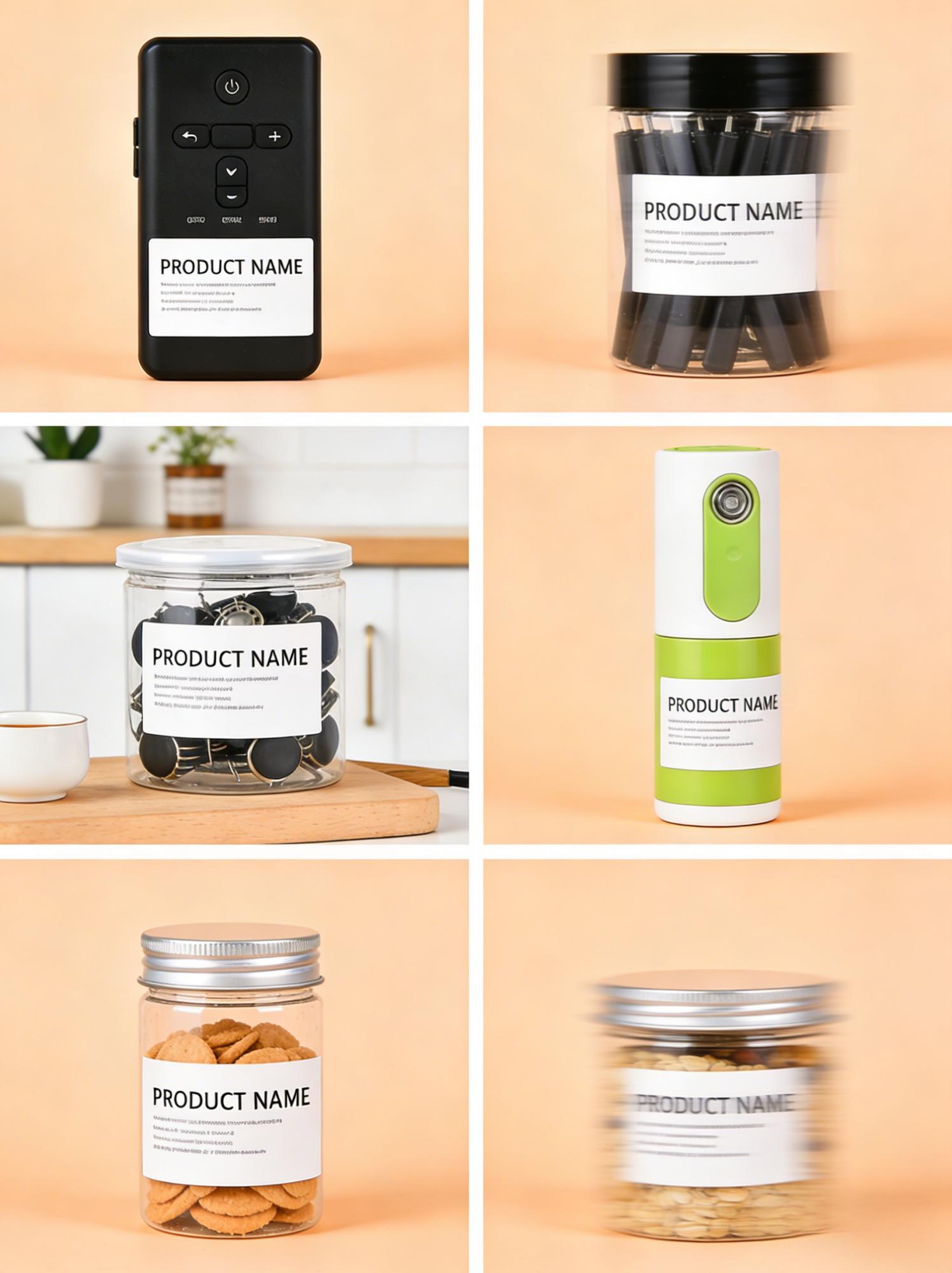
If you run an online store, Weshop AI is a game-changer. It focuses specifically on commercial needs. It can change the background of a product photo or even put your clothes on a virtual model. This saves thousands of dollars on professional photoshoots. It is an ai graphic design generator designed for business growth.
Midjourney: For High-End Artistry
Midjourney is famous for its incredible detail. It is best for creating unique, high-concept visuals. If you need a stunning hero image for your website, this is the tool. While it has a learning curve, the results are often breathtaking. It produces an ai graphic that looks like high-end digital art.
Finding a Quality AI Design Generator Free of Charge
Budget is always a concern when you start a project. Luckily, you can find an ai design generator free version for almost every major tool. Most companies offer a “freemium” model. You get a set number of credits every month to test the features. This is a great way to find the tool that fits your style without spending a dime.
When searching for an ai graphic design free option, look at the community features. Tools like Leonardo.ai or Bing Image Creator offer generous free tiers. They allow you to see what other people are creating. You can copy their prompts and learn the best techniques. This helps you get better at designing without any financial pressure.
Getting the Most from Free Credits
To maximize an ai design generator free plan, be precise with your prompts. If you waste credits on vague ideas, you will run out fast. Plan your designs before you hit the “generate” button. Think about the colors, the mood, and the layout. This ensures every credit brings you closer to a masterpiece.
Using Open Source Options
For those who are tech-savvy, there are open-source tools like Stable Diffusion. These are essentially free forever if you run them on your own computer. This is the ultimate ai graphic design free route. It gives you total control over your privacy and your creative output.
How to Create a Stunning AI Graphic Every Time
Creating a great image is about communication. You are talking to an algorithm. To get a high-quality ai graphic, you must provide context. Don’t just say “a cat.” Say “a fluffy ginger cat sitting on a neon-lit street in a cyberpunk style.” The details make the difference.
The Power of Descriptive Prompts
A good prompt is like a recipe. You need the main ingredient, the style, and the “flavor.” Use words that describe the camera angle or the lighting. For example, “cinematic lighting” or “wide-angle lens” can change the whole feel. This is the best way to use an ai graphic design generator effectively.
Iterating for Perfection
Rarely is the first result perfect. Use the “upscale” or “variations” buttons. If you like the colors of one image but the layout of another, tell the tool. Most ai design generator platforms allow you to refine your work. It is a process of narrowing down until you find the winner.
Refining with Human Editing
Even the best AI can make small mistakes. Maybe it added an extra finger or a weird shadow. Use a free tool to make stunning graphic image to touch up the final result. Simple tools like Pixlr or Canva can fix these tiny errors. This final step ensures your design looks professional and clean.
Optimizing Your AI Graphics for Your Business
A beautiful image is great, but it must work for you. In marketing, your ai graphic needs to lead to a result. This might be a click, a like, or a sale. Always keep your target audience in mind when you generate designs. What colors do they like? What kind of mood resonates with them?
Consistent Branding
Don’t let your feed look like a mess. Use an ai design generator to maintain a consistent style across all posts. If you use a “vintage film” look for one post, stick with it for the next ten. Consistency builds brand recognition. It makes your business look more established and trustworthy.
High-Resolution Exports
Always download the highest resolution possible. If you use an ai graphic design free tool, check if they limit the size of your downloads. Some tools require a small fee for “pro” exports. High-quality images look better on high-density screens and mobile phones.
Testing and Analytics
The best part about AI is that you can make many versions. Try A/B testing two different designs on your ads. See which ai graphic gets more clicks. This data-driven approach takes the guesswork out of design. It helps you understand what your customers actually want to see.

The Best Free Tool to Make Stunning Graphic Image for Social Media
Social media is the most common place for AI art. Platforms like Instagram and Pinterest are visual-first. You need something that stops the scroll. A free tool to make stunning graphic image like Adobe Firefly can help with this. It allows you to add or remove objects with simple text commands.
Creating Eye-Catching Thumbnails
YouTube thumbnails are a science. They need to be bright and clear. Use an ai design generator to create high-contrast backgrounds. Then, place your text on top. This makes your videos stand out in a crowded feed. It is a simple way to boost your views without extra effort.
Designing Vertical Content
TikTok and Reels are vertical. Make sure your ai graphic design generator is set to a 9:16 aspect ratio. This ensures your images fill the entire screen. It creates a more immersive experience for your followers. Most modern tools allow you to choose the size before you generate.
Final Thoughts on Your New Creative Workflow
The world is moving fast, and design is moving with it. Embracing an AI design generator is not about replacing your talent. It is about magnifying it. These tools take away the “grunt work” and let you focus on your vision. Whether you are a small business owner or a hobbyist, there is a tool for you.
Start by exploring an ai design generator free option today. Play with the prompts. Try different styles. You will soon see how much time you save. Your workflow will become smoother, faster, and more enjoyable. The future of design is here, and it is at your fingertips.