Let’s be honest. Nobody likes seeing that $20 monthly charge for a software subscription they only use once a week. For years, Adobe held the crown, and we all just paid the “creative tax.” But things have changed. You no longer need a deep pocket to access AI Photoshop features. In 2026, the best tools for editing are living right in your browser.
Whether you are a small business owner or a social media creator, the barrier to entry has vanished. We are moving away from complex layers and toward “prompt-based” editing. This guide will show you how to master artificial intelligence photoshop free alternatives that deliver professional results without the hefty bill.
Why Free AI Photoshop Move Beyond Paid Software in 2026?
The software landscape has shifted. A few years ago, “free” meant “basic.” Today, “free” means “powered by neural networks.” You can now perform complex tasks—like generative fill or lighting adjustments—in seconds.
Most creators are looking for an online photoshop ai because it saves time. You don’t need to install 3GB of software. You just upload an image and let the machine do the heavy lifting. This efficiency is why many are switching to a magic photo editor workflow. It’s faster, cheaper, and often smarter than manual editing.
The Top 5 AI Photoshop Free Platforms
Not all AI tools are equal. Some excel at creative art, while others are built for e-commerce. Here are the top five tools you should be using this year.
1. Adobe Firefly: The Professional AI Photoshop Choice
It might surprise you, but Adobe offers a robust web version of its AI engine. Adobe Firefly has evolved into a powerhouse. By 2026, it features the Image Model 4, which handles human skin and complex textures with ease.
Using this online photoshop ai is simple. You get a set of monthly “Generative Credits” for free. This allows you to use Generative Fill and Generative Expand. It is the best way to get that signature “Photoshop look” without actually owning the desktop app. Firefly also introduces “Firefly Boards,” which are infinite canvases for brainstorming and remixing images.
2. Canva: Your All-in-One Magic Photo Editor
Canva is no longer just for making posters. Their Magic Studio has turned it into a top-tier magic photo editor. The “Magic Edit” feature allows you to brush over an object and describe what you want to replace it with.
If you have a photo of yourself in a park but want to be in a library, Canva handles it. It’s the ultimate tool for “daily” creators. It’s intuitive, fast, and the free tier is incredibly generous. You can also use their AI Image Expander to turn a vertical photo into a wide landscape shot in one click.
3. Photoroom: The Magic Image Editor for Business
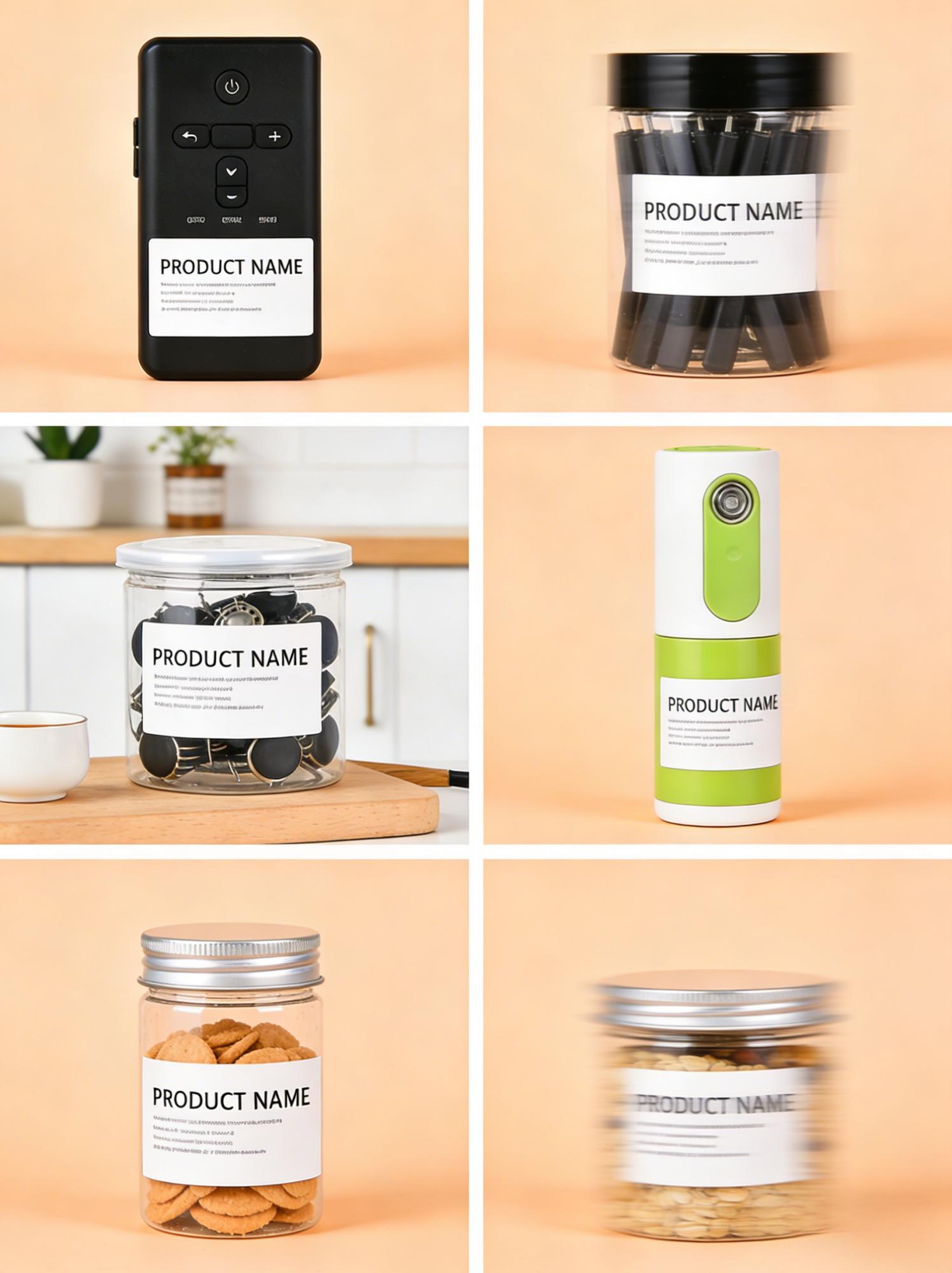
If you sell products online, Photoroom is your secret weapon. This magic image editor specializes in object isolation and studio-quality backgrounds. In 2026, its batch-editing capabilities are unmatched.
You can upload 50 product photos at once. The AI will remove the messy backgrounds and place your products in a clean, professional setting. It saves hours of manual masking. For anyone running an Etsy shop or an Amazon store, this is the most efficient artificial intelligence photoshop free tool available today.
4. WeShop AI: The E-commerce Powerhouse
WeShop AI is a niche but powerful player. It is specifically designed for fashion and apparel brands. If you have a photo of a dress on a mannequin, WeShop AI can replace the mannequin with a realistic human model.
This used to cost thousands in photography fees. Now, it’s part of your magic image editor toolkit. It allows for diverse model selection, meaning you can adapt your marketing to different global markets instantly.
5. Picsart: The Creative Social Suite
Picsart bridges the gap between professional editing and social media fun. It offers a wide range of AI filters and “replace” tools. Their ai replace photo online free feature is particularly popular for changing outfits or hair colors in portraits.
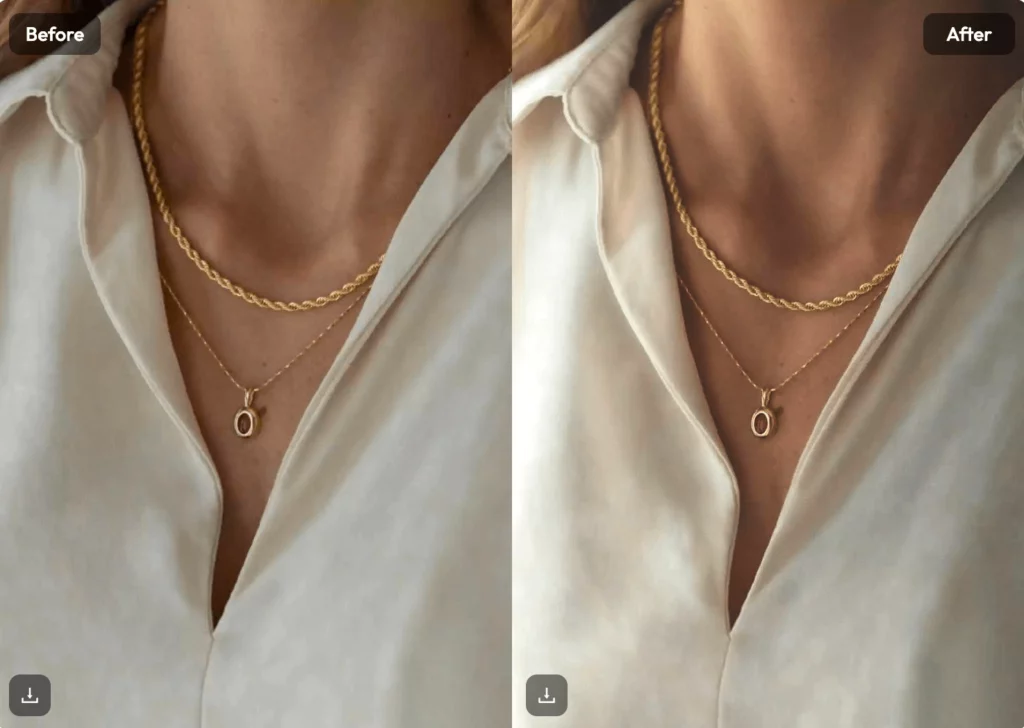
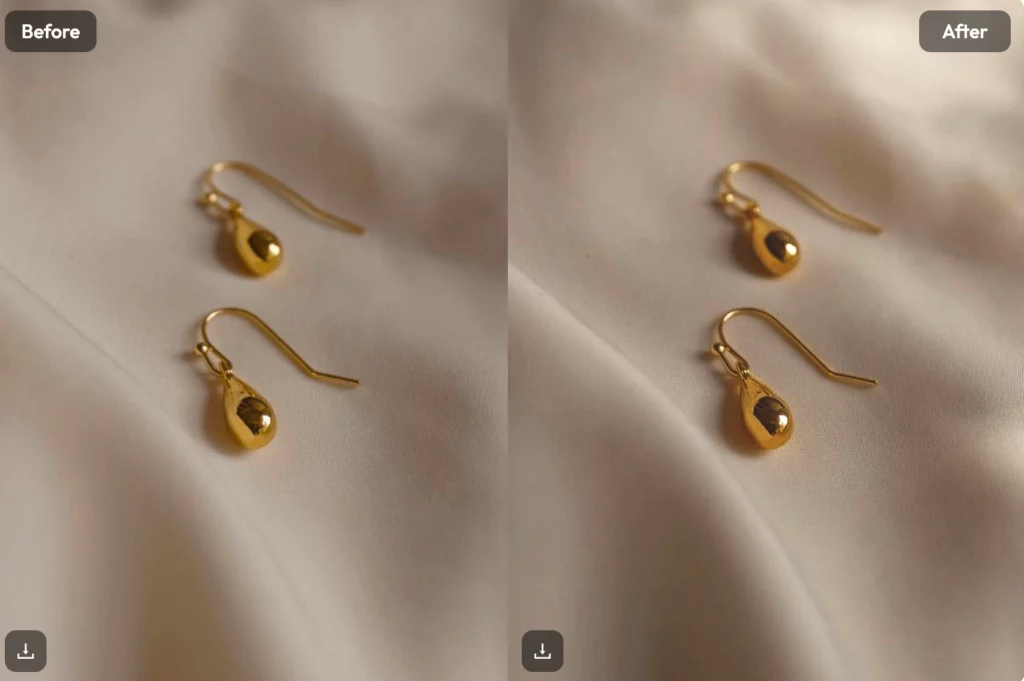
Picsart’s AI also helps with “image upscaling.” If you have an old, blurry photo, the AI can reconstruct the pixels to make it sharp and high-resolution. It’s a versatile platform that works just as well on a phone as it does in a desktop browser.
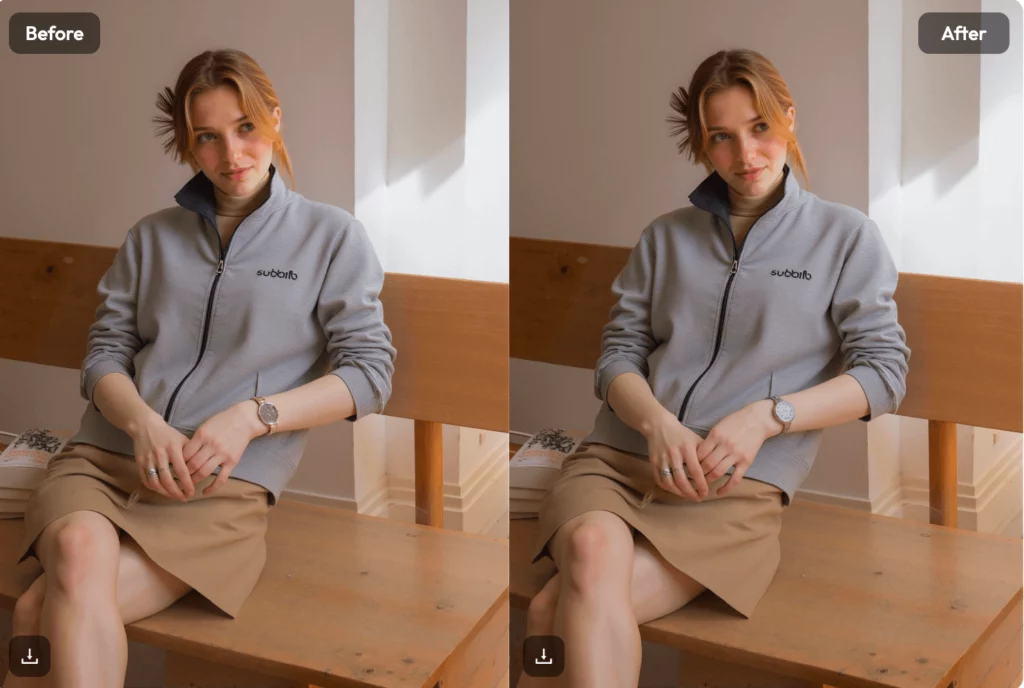
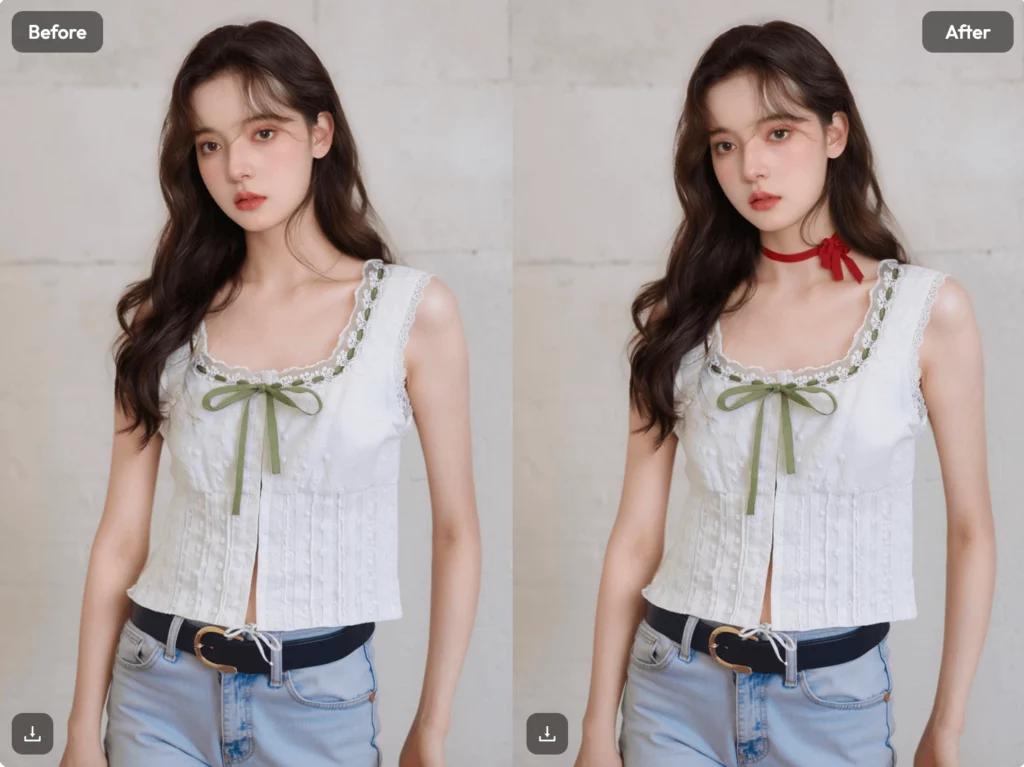
How to AI Replace Photo Online Free: A Step-by-Step Tutorial
One of the most requested features is the ability to swap objects within a scene. Here is how you can ai replace photo online free using any of the tools mentioned above.
Step 1: Choose Your Canvas
Upload your high-resolution image to your chosen online photoshop ai. Make sure the lighting is decent, as the AI uses existing light to blend new objects.
Step 2: Select the “Brush” or “Selection” Tool
Use the brush to highlight the area you want to change. If you want to change a coffee cup to a glass of wine, paint over the cup. Don’t worry about being 100% perfect; the AI is smart enough to find the edges.
Step 3: Input Your Prompt
This is the most important part. Be descriptive. Instead of saying “wine,” say “a glass of red wine with realistic reflections and condensation.”
Step 4: Generate and Refine
Click “Generate.” Most magic photo editor tools will give you 3 or 4 variations. Pick the one that looks most natural. If the edges look weird, use the “refine” or “soften” brush to blend it into the background.
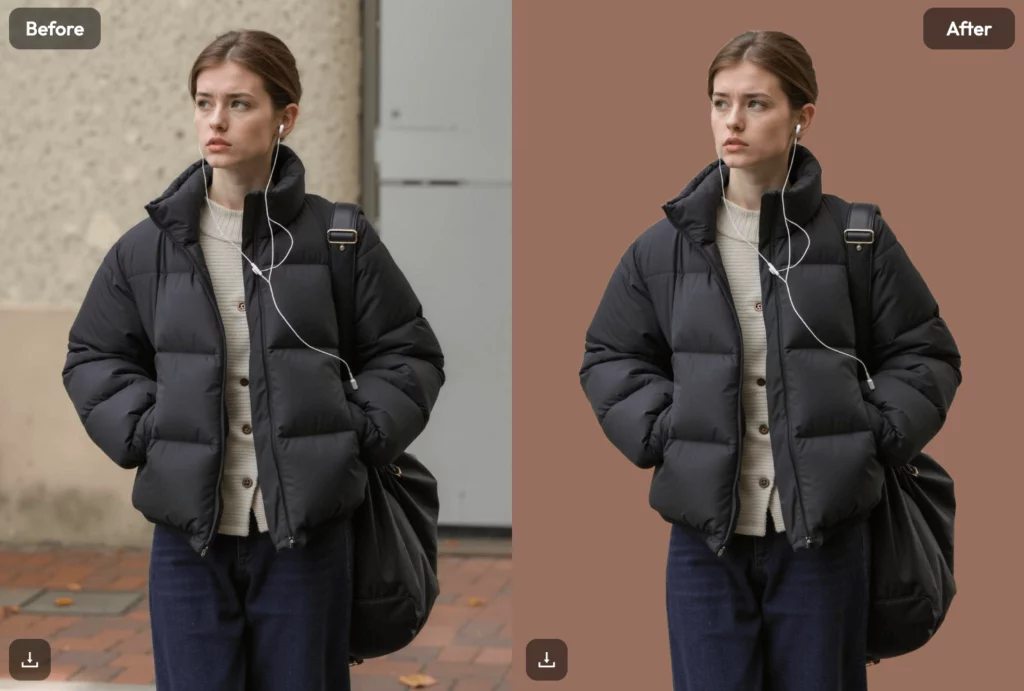
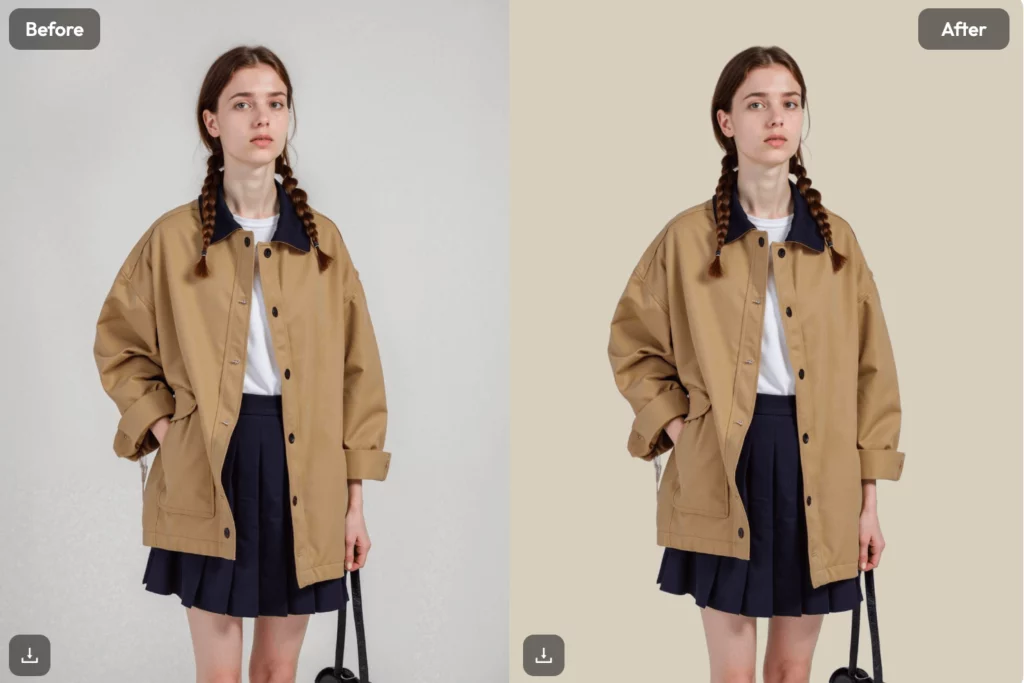
Key Comparison: Free AI Photoshop Tools vs. Paid Photoshop
| Feature | Magic Photo Editor (Free AI) | Adobe Photoshop (Paid) |
| Learning Curve | Very Low (Minutes) | High (Months) |
| Speed | Instant (Cloud-based) | Dependent on Hardware |
| Cost | $0 (Freemium) | ~$20/month |
| Creativity | Prompt-driven | Manual Control |
FAQ: Common Questions About Free AI Editing
Is it really possible to AI replace photo online free?
Yes. Tools like Canva, Adobe Firefly (web), and Picsart offer free versions of their generative fill tools. You usually get a set number of free “credits” per month.
Which is the best magic image editor for beginners?
Canva is generally considered the easiest for beginners due to its drag-and-drop interface and simple AI prompts.
Does online photoshop ai produce high-quality images?
Most modern AI tools can export images at 2K or 4K resolution. This is more than enough for social media and website use.
The Future of Your Creative AI Photoshop Workflow
The year 2026 is all about democratization. You no longer need a high-end PC or a degree in graphic design. By using an artificial intelligence photoshop free tool, you are choosing efficiency.
The “magic” in a magic image editor isn’t just a marketing term. It represents a shift in how we interact with pixels. We are moving from “doing” to “directing.” You tell the AI what you want, and it executes. This allows you to focus more on the big picture and less on the tiny details.
Conclusion: Start Creating Today
Stop waiting for a “better time” to learn design. The tools are here, they are free, and they are powerful. Whether you choose the pro-integration of Adobe Firefly or the business focus of Photoroom, you have everything you need.
Start by trying one small edit. Use an online photoshop ai to fix a background or enhance a portrait. Once you see the results, you’ll never want to go back to the old way of manual editing.