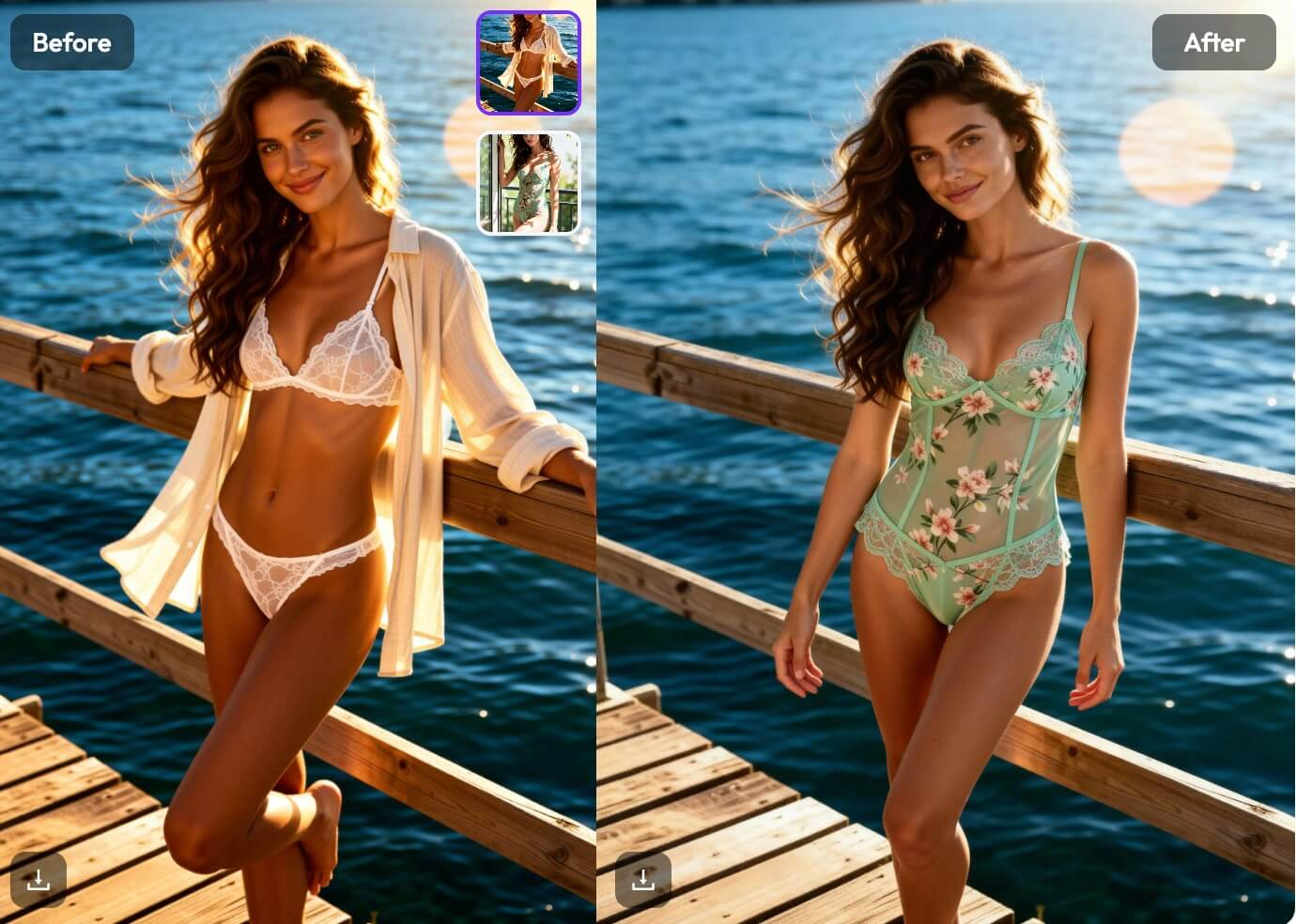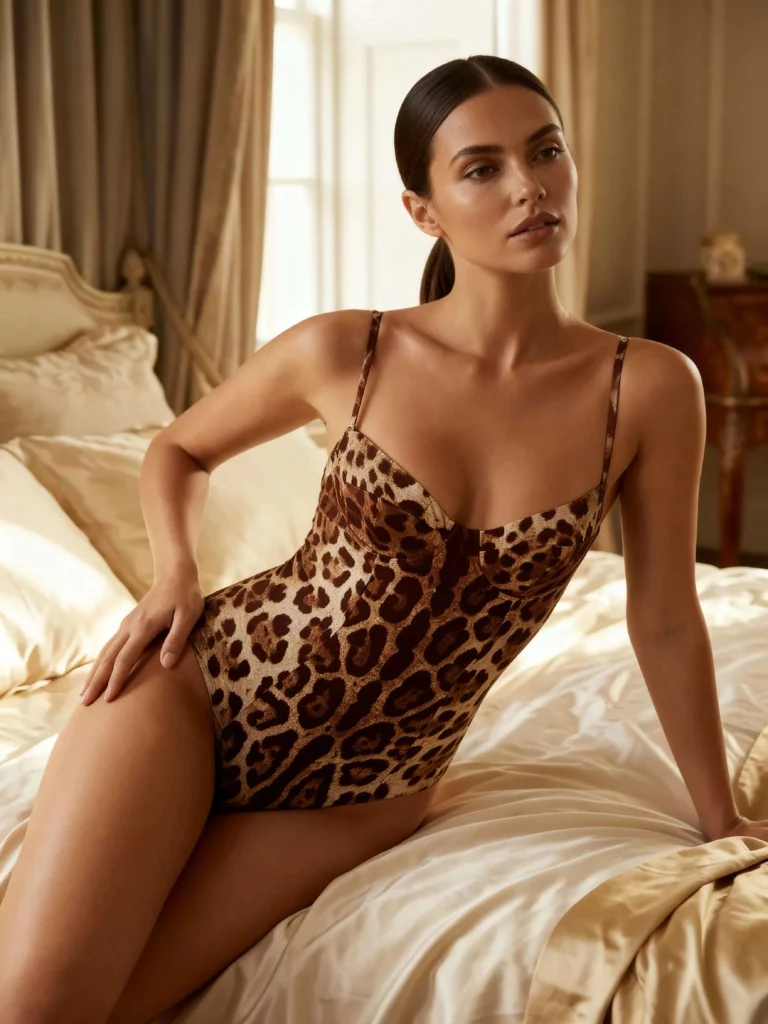
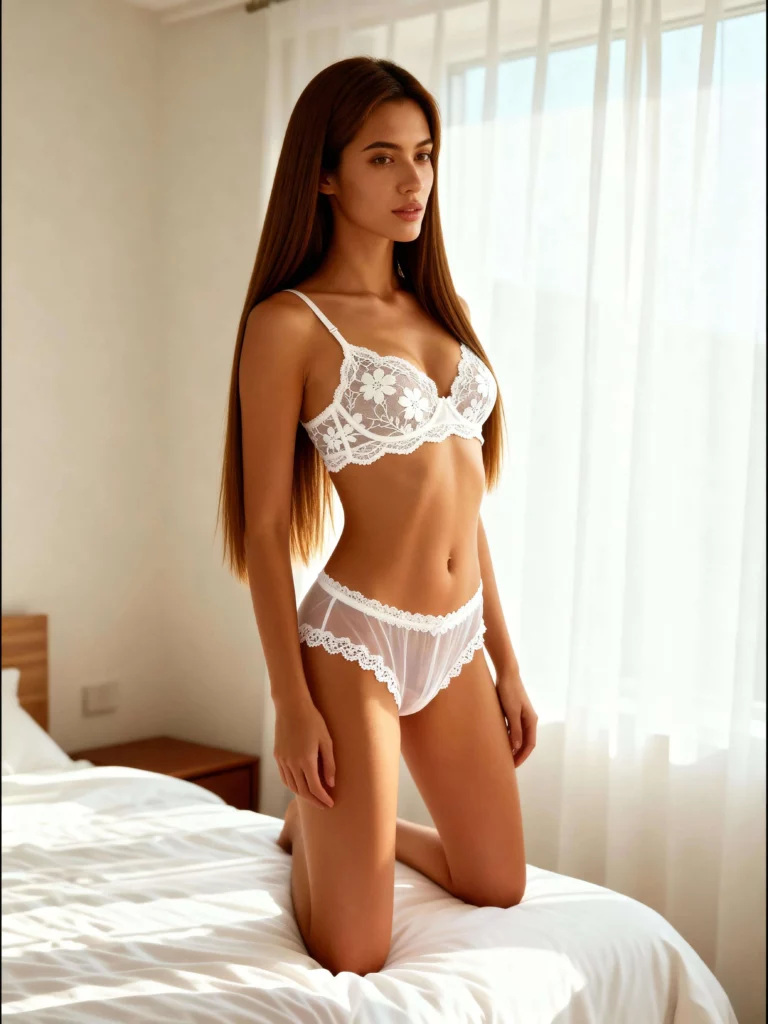
The “Outfit Fatigue” is Real
If you create content for social media, run an e-commerce store, or simply care about your online presence, you know the struggle.
It usually goes like this: You drag a suitcase full of clothes to a location, awkwardly change in the back of a car (or a public restroom), and pray the lighting doesn’t change while you switch from Look A to Look B.
It’s expensive, it’s exhausting, and honestly? It’s a terrible way to scale content.
For years, the only way to get a new photo was to put on new clothes and take a new picture. But recently, I’ve been experimenting with a different approach: AI clothes changers–tools designed to change clothes in photos digitally.
These tools claim to let you swap outfits instantly without a physical photoshoot. Skeptical? So was I. But after testing WeShopAI’s AI Clothes Changer, I realized this isn’t just a gimmick–it’s a massive productivity hack for anyone working with visuals.
Why Traditional Photoshoots Don’t Scale
Let’s be honest about the logistics of fashion content.
Whether you are a fashion blogger needing daily posts or a dropshipper testing ten different t-shirt designs, the bottleneck is always the same: production.
Cost: Buying clothes just for a photo is wasteful.
Time: Styling, shooting, and editing take hours.
Skill: PS(Photoshop) is great, but manually editing a dress onto a body realistically takes serious skill.
This is where the concept of the AI clothing changer enters the conversation. The idea is simple: take one high-quality “base” photo, and let AI handle the wardrobe changes digitally.
What Actually Is an AI Clothes Changer?
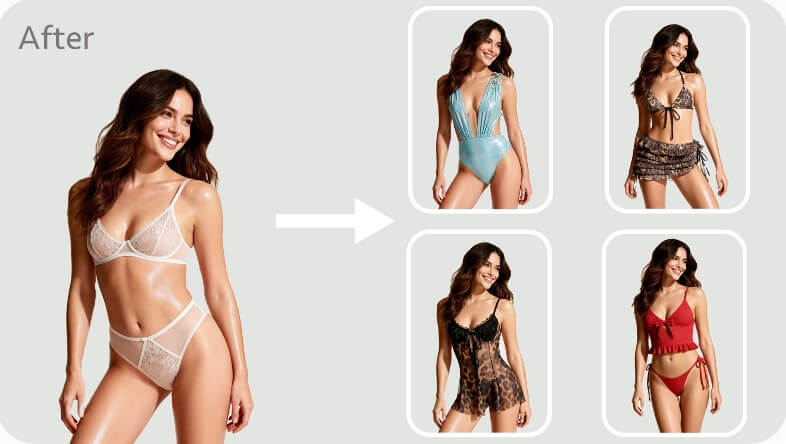
In simple terms, an AI clothes changer is an online tool that uses generative AI to detect the clothing in your photo and replace it with a new prompt or style you select.
Unlike old-school photo editors where you’d paste a flat 2D image of a shirt over a person, modern AI (like the one used by WeShopAI) understands body proportions, posture, and lighting.
It doesn’t just “paste” clothes; it generates them. It calculates how fabric should fold around an arm, how shadows fall on the chest, and how a texture should look in that specific lighting condition.
This is why the results don’t look like filters or cheap overlays–they look like real outfits photographed on a real person.
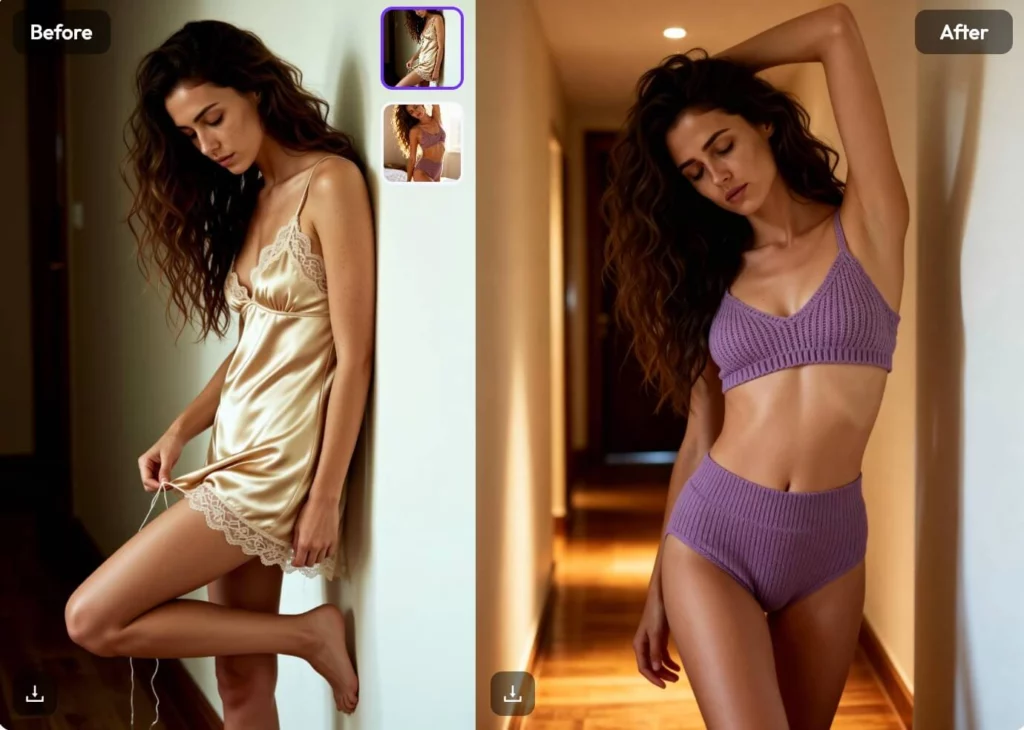
My Experiment with AI Clothes Changer: From Flat Lay to Realistic Fit
To see how the tool handles real-world styling, I conducted a specific test. Instead of just asking the AI to “imagine” an outfit, I wanted to see how it handled a specific piece of clothing–a workflow that is essential for fashion brands and online sellers.
Here is exactly how the process went:
The Base Image: I started with an AI-generated model wearing a simple blue button-down shirt. This served as our “blank canvas.”
The Input: I then uploaded a separate flat lay image (a “ghost mannequin” style photo) of a vibrant red dress.
The Transformation:The AI clothes changer analyzed the structure of the red dress and mapped it onto the model’s body.
The result was surprisingly professional. The AI didn’t just overlay the red color; it recalculated the entire silhouette. It understood how the fabric of the dress should drape over the model’s shoulders and waist, preserving the natural shadows and the model’s original posture. This demonstrated that you don’t need a physical fitting to see how a specific product will look on a real person.
How to Change Clothes in Photos with AI
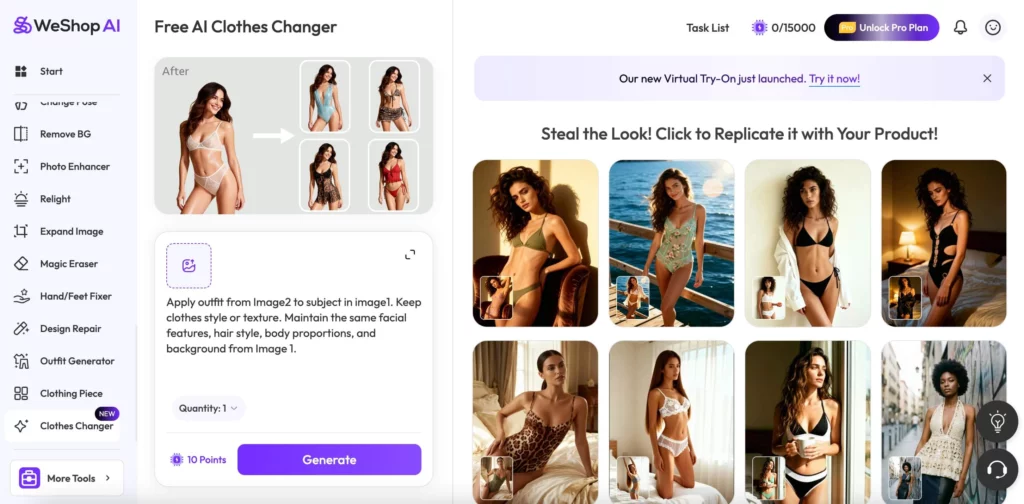
If you want to try this yourself, the process is incredibly straightforward. It eliminates the need for complex prompt engineering or design skills.
Here is the exact workflow for a professional virtual try-on:
Step 1: Upload Your Model Photo Start by uploading a clear photo of yourself or a model. This acts as the “base” image. For the most realistic results, use a photo with good lighting and a clear view of the body’s posture.
Step 2: Upload the Target Clothing Image Next, upload an image of the specific garment you want to see on the model. This can be a flat lay photo, a product image from a website, or even a “ghost mannequin” shot of the clothing.
Step 3: Define the Area and Refine the Instructions Use the tool to indicate which part of the original outfit should be replaced. At this stage, you can also add or modify simple text instructions to help the AI understand the fabric or fit.
Step 4: Generate and Download Click the “Generate” button. In just a few seconds, the AI analyzes the dimensions of the garment and the proportions of the model to produce a high-resolution image of the model wearing the new item.
Who Is AI Clothes Changer Actually For?
After playing around with it, I see three massive use cases:
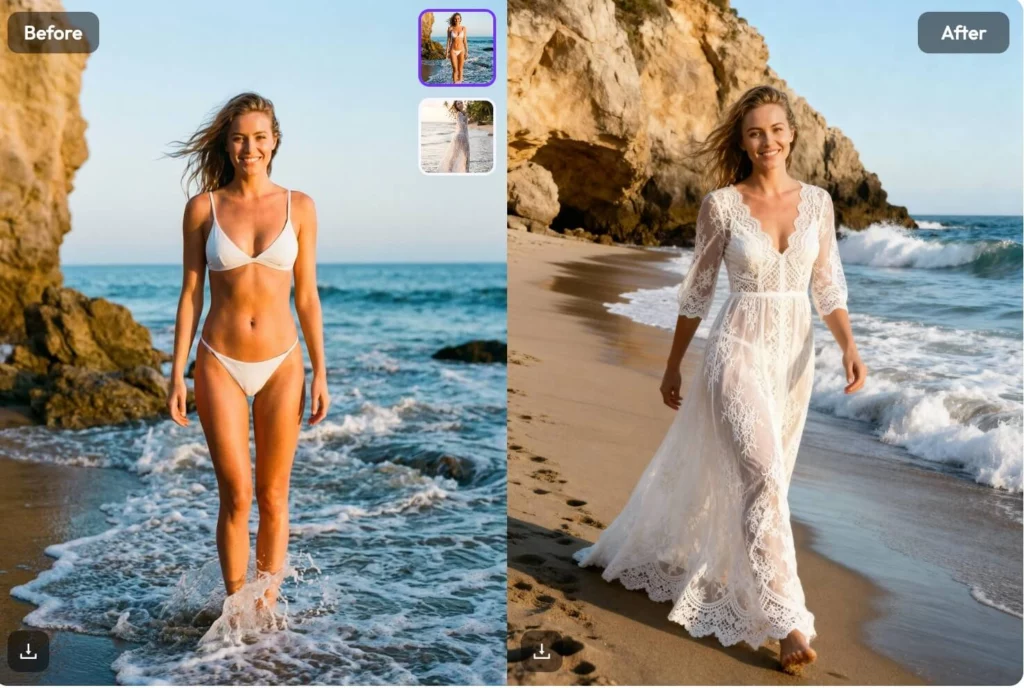
Content Creators & Influencers: With an AI clothes changer, you can now post “Outfit of the Day” content without constantly buying new clothes. It allows you to maintain a fresh feed and experiment with styles that might be too expensive or risky to purchase.
E-commerce & Print-on-Demand For online sellers: AI outfit changers dramatically reduce the cost of model photography. You can shoot your model once and generate hundreds of product variations–different colors, different patterns, different styles–in minutes.
Personal Branding: AI-powered clothing swaps make it easy to maintain multiple visual identities from one photo. Need a photo for a casual blog post and a formal corporate bio? Don’t book two shoots. Just use AI to swap the hoodie for a suit.
The “Free” Factor and Privacy of AI Clothes Changer
One thing I appreciated about WeShopAI is accessibility. The tool is free to use online, which is rare for AI tools that offer high-resolution output.
Also, for those worried about data: the platform emphasizes secure photo processing, meaning your uploads aren’t being stored or used without permission. For anyone hesitant about uploading personal photos, this makes the tool far more trustworthy than many AI alternatives.
Final Thoughts: The Future of Digital Fashion
We are moving toward a world where the clothes in our digital photos don’t necessarily need to exist in our physical closets.
Using an AI tool isn’t about “faking” it; it’s about creativity and efficiency. It allows you to visualize yourself in new styles, prototype fashion designs, or simply save money on clothes you’ll only wear once for Instagram.
If you’re curious about digital fashion or simply want to create more with less effort, this is a great place to start.