
The AI image generation race in 2026 has become a battle of the titans. While Midjourney v7 wows us with artistic flair and DALL-E 4 integrates perfectly with ChatGPT, Google has quietly unleashed its most potent weapon yet: ImageFX.
Built on the back of the revolutionary Imagen 4 model, ImageFX isn’t just another text-to-image box. It represents a fundamental shift in how we interact with AI—moving away from “guess-work prompting” toward a tactile, iterative creative process. After a month of “prompt-torturing” this tool, I’m ready to share if this Google Labs experiment is truly ready for the big leagues. In this ImageFX review, we’ll look at the textures, the speed, and the unique “chips” that make it a standout.
What is ImageFX?
Unlike Google’s more formal tools, ImageFX is a playground. It’s part of Google Labs, designed specifically for creators who want high-fidelity output without needing a PhD in prompt engineering.
The secret sauce here is Imagen 4. Google has optimized this model to understand natural language with incredible nuance. It doesn’t just “see” keywords; it understands the physics of lighting, the drape of fabric, and the subtle imperfections of human skin. If you’ve ever been frustrated by AI making everything look too “plastic,” this tool is your antidote.
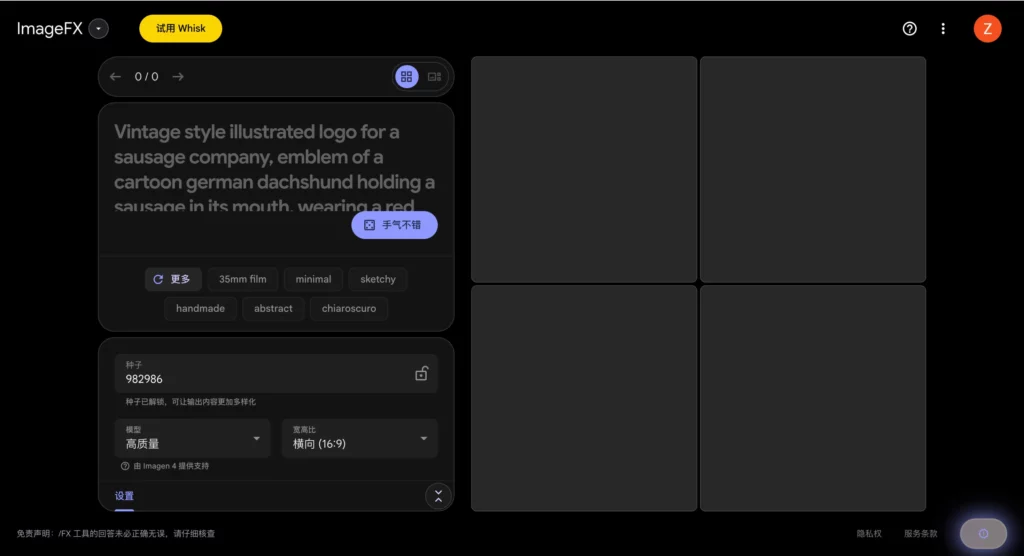
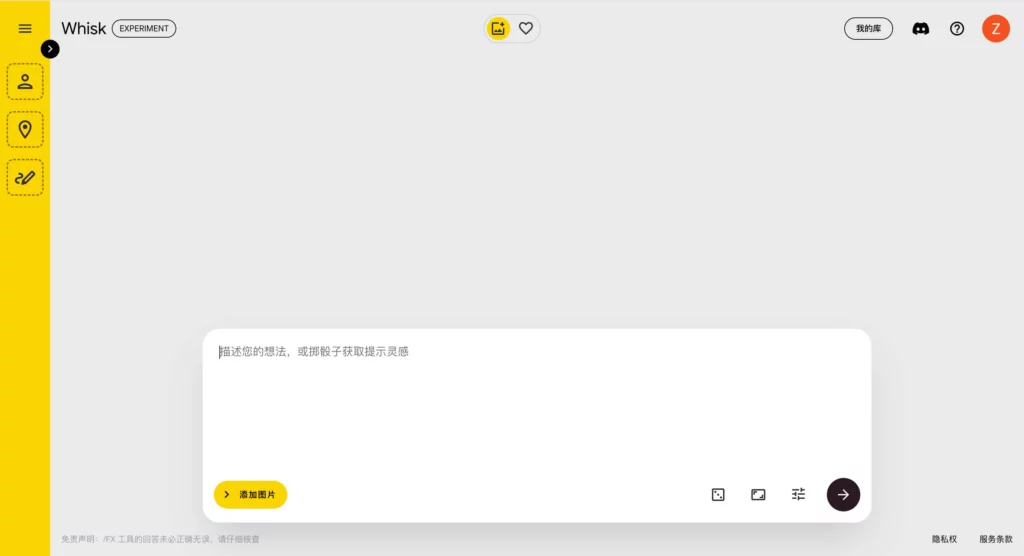
The ImageFX Workflow: Mastering “Expressive Chips”
The most brilliant part of the ImageFX experience is something Google calls “Expressive Chips.” This is the feature that makes you realize how outdated standard text bars feel.
Why the Interface Changes Everything for Beginners
When you type a prompt into ImageFX, the tool automatically identifies key terms—like “oil painting,” “cinematic,” or “vintage”—and turns them into interactive dropdown chips.
- The Pivot: Instead of re-typing the whole prompt to see a different style, you just click the “oil painting” chip and swap it for “hand-drawn sketch” or “3D render.”
- Discovery: It suggests styles you might not have thought of, acting as a co-pilot rather than just a silent executor.
The Magic of Imagen 4: Unmatched Realism and Texture
During my testing, the sheer detail in the Imagen 4 output was staggering. In 2026, we expect AI to handle hands and text well, but ImageFX goes further. It captures the vibe.
“A macro shot of a sourdough bread crust” doesn’t just look like bread; you can almost smell the char.
The model’s ability to render text—long a weakness of AI—is now nearly flawless. Whether it’s a neon sign or a handwritten note, the spelling is accurate and the font styles are stylistically consistent with the scene.
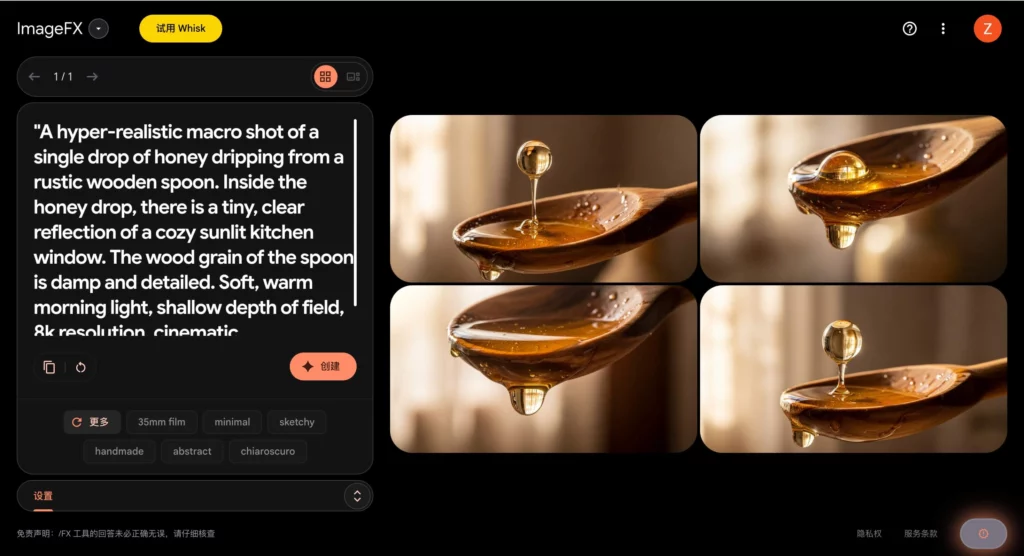

Real-World Performance: Testing the ImageFX Limits
How does it hold up against the competition? In 2026, the benchmarks have shifted from “Can it draw a cat?” to “Can it maintain consistency and follow complex spatial logic?”
Safety and Ethics: Navigating the ImageFX Guardrails
Google has always been more cautious than its competitors. ImageFX includes SynthID, an invisible digital watermark that survives cropping and editing, ensuring that AI-generated content can always be identified.
While this means the guardrails are a bit tighter—don’t expect to generate “edgy” or photorealistic political figures—it makes the tool far more viable for corporate and professional use where ethical compliance is a non-negotiable.
Comparison: ImageFX vs. The Competition
| Feature | Google ImageFX (2026) | Midjourney v7 | DALL-E 4 |
| Ease of Use | High (Expressive Chips) | Medium (Discord-based) | High (Natural Language) |
| Photorealism | Industry-Leading | Very High | High |
| Text Rendering | Excellent | Good | Excellent |
| Interface | Interactive Web Dashboard | Discord / Alpha Site | Chat-based |

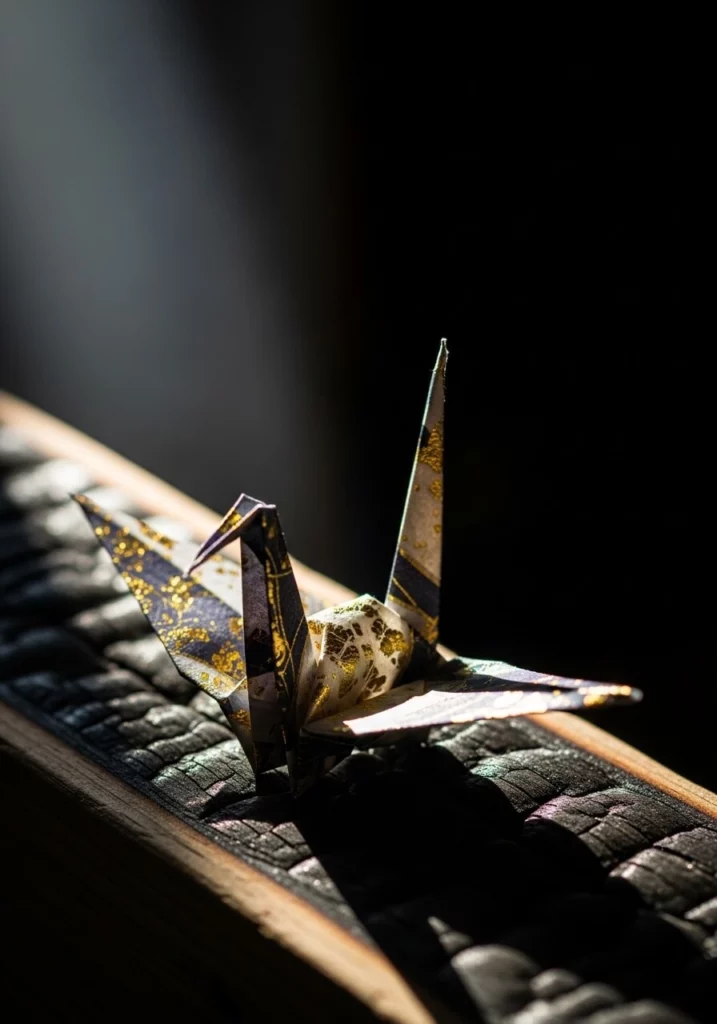
Final Verdict: Who Should Use it?
After dozens of tests for this ImageFX review, my conclusion is that Google has built the most “approachable” professional-grade tool on the market. It bridges the gap between the casual user and the digital artist perfectly.
The Good:
- Iteration Speed: The chips allow for lightning-fast style changes.
- Prompt Understanding: It follows long, complex instructions better than almost any other model.
- Free to Start: Currently, it’s one of the most powerful free-to-use tools available via Google Labs.
The Bad:
- Guardrails: Can be overly sensitive to certain prompts.
- Aspect Ratios: Sometimes more limited in frame-size options compared to the “raw” power of Midjourney.
Summary: If you are tired of fighting with prompts and want a tool that feels like a collaborative partner, ImageFX is a must-try in 2026. It turns the creative process into a conversation, and the results are nothing short of breathtaking.