
The holiday season is here, and your customers are searching for that perfect Christmas outfit. But here’s the challenge—how do you showcase festive fashion when studio time costs a fortune and models are booked solid? The answer lies in your laptop, and it takes less time than brewing a cup of hot cocoa. WeShop AI’s Virtual Try On Agent just got a holiday upgrade.
Now you can dress any model in any Christmas outfit with just one photo. No sewing. No shipping. Just pure festive magic that turns your winter catalog into a winter wonderland.
Why Christmas Styling Matters More Than Ever
The numbers tell a sparkling story. Christmas fashion searches jump 300% during November and December. Shoppers aren’t just buying gifts—they’re buying entire holiday wardrobes. From office parties to family dinners, everyone wants to look their best when the cameras come out.
Traditional photo shoots can’t keep up with this seasonal surge. You need winter coats in July? Impossible. Velvet dresses in October? Too late. But virtual styling changes everything. You can create Christmas magic in July, August, or any month you choose.
The best part? Your customers get to see exactly how festive pieces look on real people. Not mannequins. Not flat lays. Real models wearing real outfits in real holiday settings. This isn’t just photography—it’s visualization that sells.
Meet Your New Holiday Helper: Meets Virtual Try On
Here’s where things get exciting. WeShop AI combines two powerhouse features that work like holiday elves. The Virtual Try On Agent places any outfit on any model.
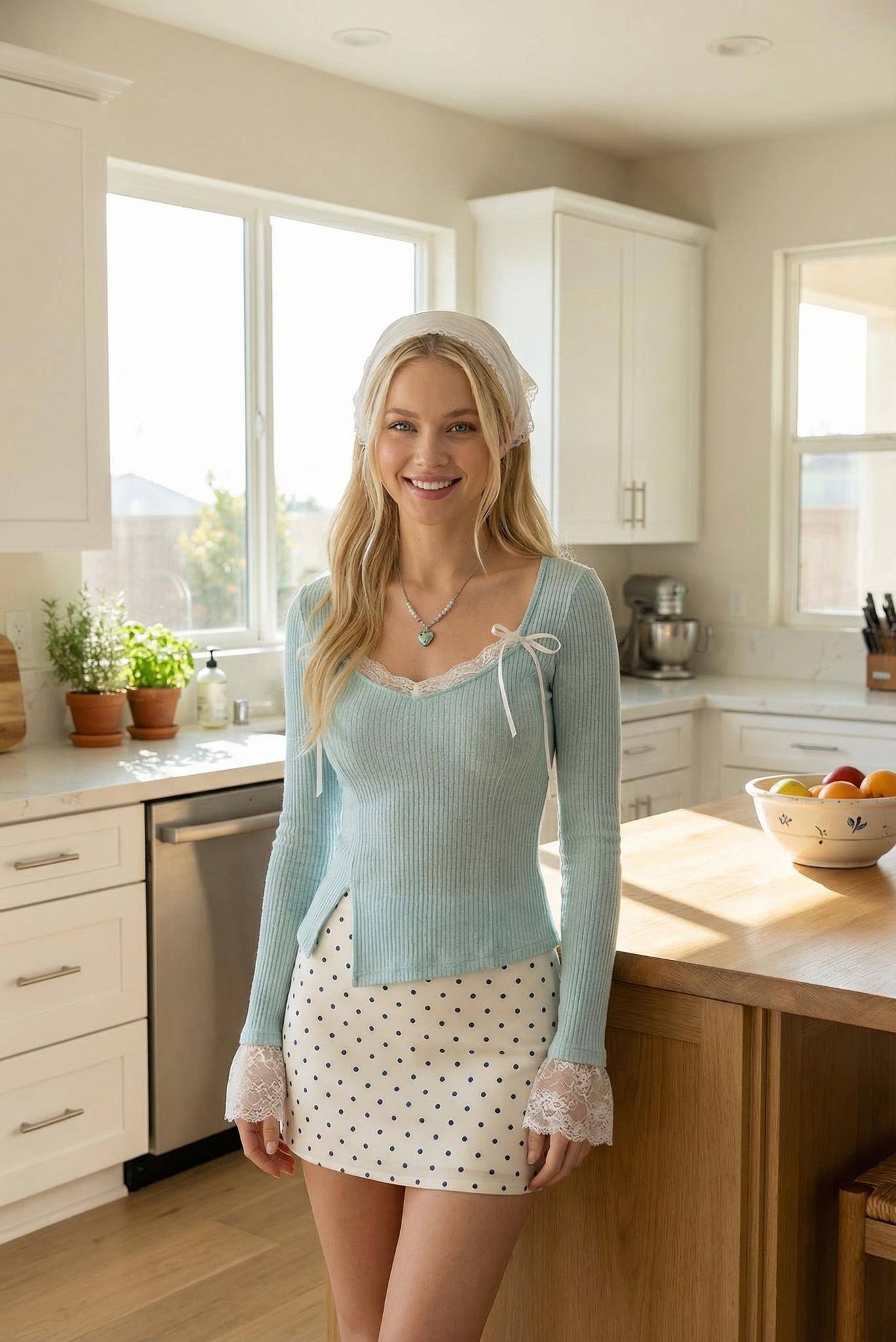
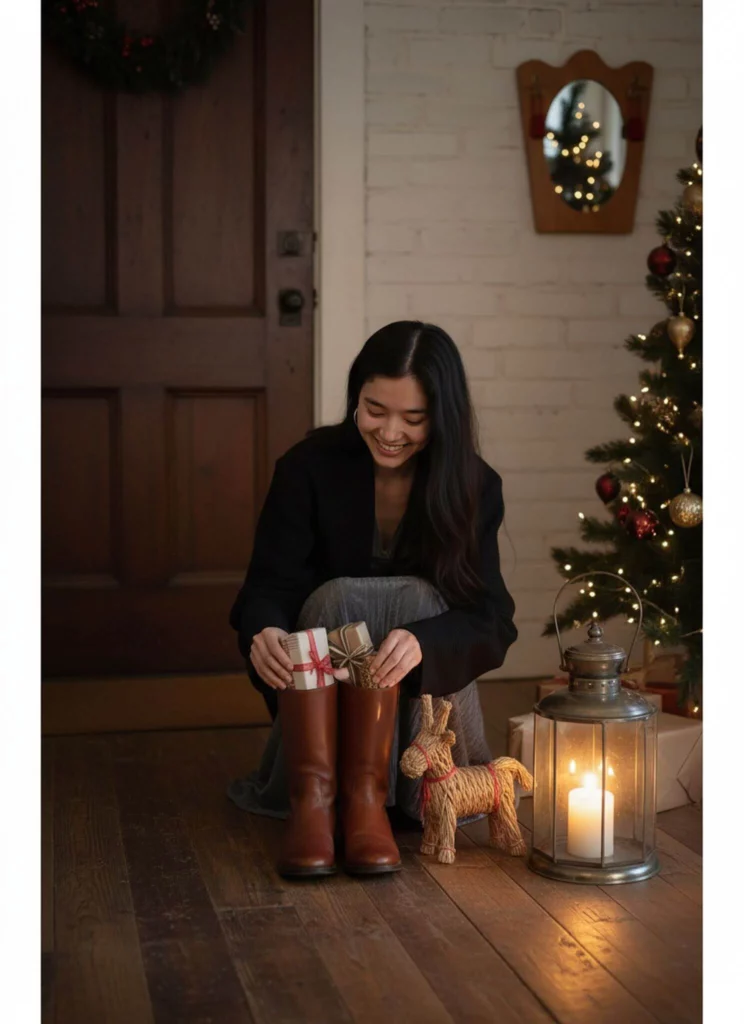
Think about it. Your red velvet blazer can now appear on a model raising a champagne glass at a holiday party. Your sequined dress lands on someone dancing under twinkling lights. Your cozy knit sweater wraps around a model building a snowman. All from one original photo.
The process takes minutes, not days. Upload your product shot. Choose your holiday scene. Pick your model. Click generate. While you’re hanging ornaments, your Christmas campaign comes to life.
Step-by-Step: Creating Christmas Magic with Virtual Try On
Step 1: Start with Your Base Photo in Virtual Try On
Grab any product photo you have. Flat lay? Perfect. Mannequin shot? Works great. Even a quick smartphone picture from your warehouse will do. The AI doesn’t judge—it creates.
Make sure your product is clearly visible. Remove any price tags or distracting elements. A clean, well-lit photo gives you the best results. But don’t stress about perfect lighting. The AI will handle that later.
Then upload the product image to Virtual Try On agent.
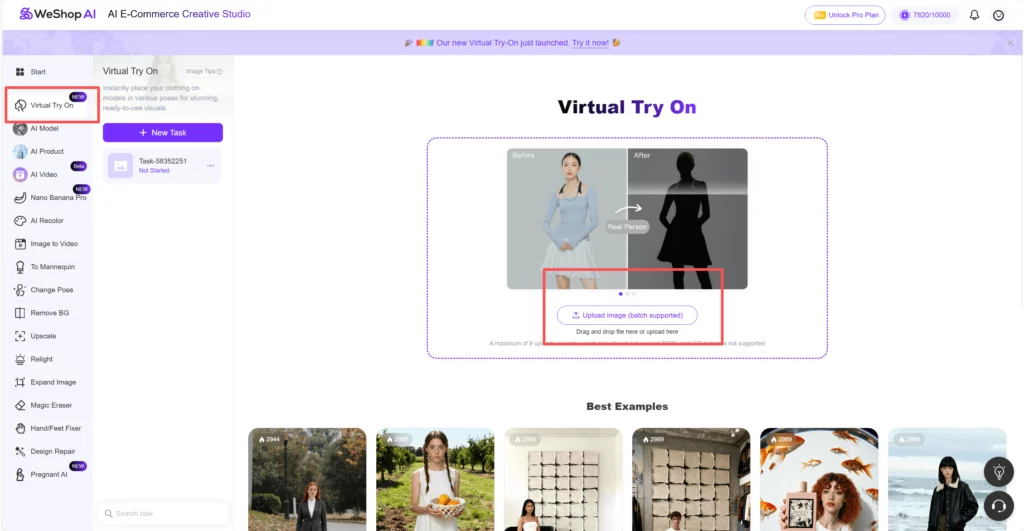
Step 2: Select Your Perfect Model
Your model library includes every body type, ethnicity, and age group. Choose someone who matches your target customer. Selling trendy pieces for twenty-somethings? Pick a young, fashionable model. Marketing classic styles to professionals? Select an elegant, mature look.
The AI keeps your product’s exact proportions. A size small stays a size small. A large remains a large. The model simply brings your clothes to life with realistic movement and natural positioning.
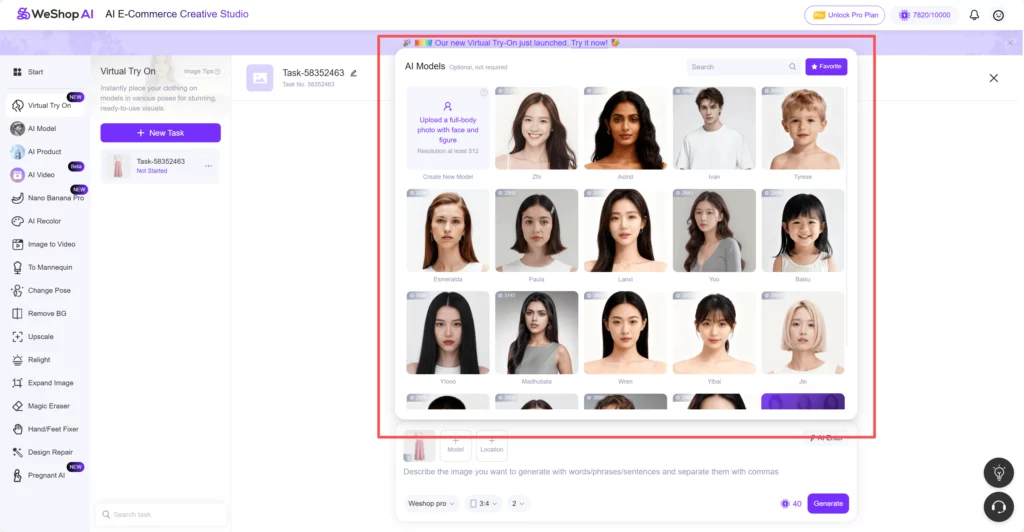
Step 3: Choose Your Holiday Scene
Now comes the fun part. WeShop AI offers dozens of festive backgrounds. Picture your winter coat against a snowy mountain backdrop. Imagine your holiday dress in a cozy cabin setting. Visualize your accessories sparkling at a glamorous New Year’s Eve party.
Can’t find the perfect scene? Describe it instead. Type some keywords like “Christmas” in the search bar. Then choose the perfect scene that fits your model and product.
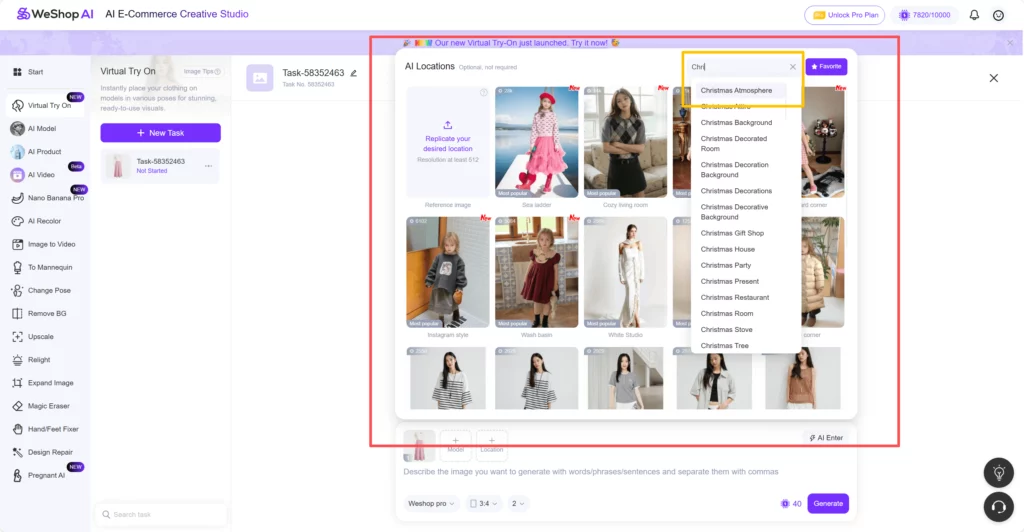
Step 4: Write Your Holiday Magic in One Prompt Box
Here’s where everything comes together. Instead of jumping between different features, simply type everything you want in the prompt box. This single box controls your entire scene.
For snowy Christmas scenes: Write “model walking through gentle snowfall, warm smile, holding shopping bags, snow-covered trees in background, golden hour lighting, cozy winter atmosphere.”
For party-ready poses: Type “model raising champagne glass, elegant posture, standing by decorated Christmas tree, warm indoor lighting, festive and sophisticated mood.”
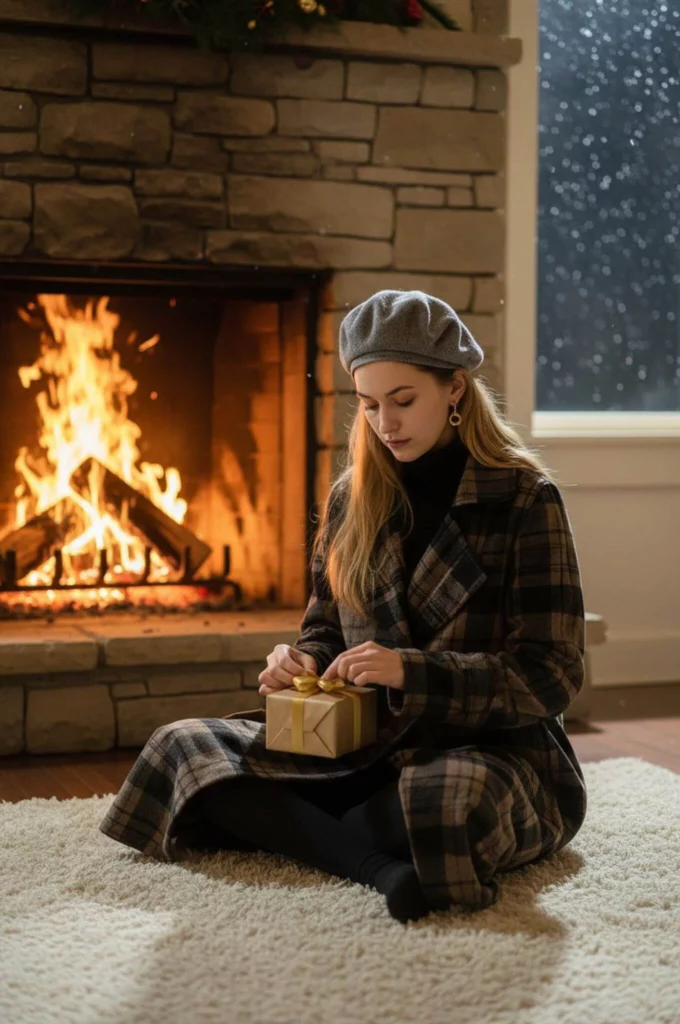
For cozy family moments: Describe “model sitting by fireplace, relaxed position, holding hot chocolate, wearing comfy slippers, stockings hanging in background, warm and inviting atmosphere.”
The AI understands context and relationships. When you mention “walking through snow,” it creates natural leg movement and appropriate winter styling. Request “sitting by fireplace” and you’ll get relaxed, cozy positioning. Every detail works together automatically.
Step 5: Generate and Celebrate
Hit the bright “Generate” button and wait 40-60 seconds. While the AI works its magic, you can upload another product or plan your next holiday scene. The system will notify you when your Christmas masterpiece is ready.
Conclusion
That’s the entire Santa-secret: one upload, one prompt, one minute. No booking fees, no weather worries, no post-production marathons—just pure holiday horsepower inside your laptop. This year, trade snow-day delays for same-day campaigns, swap model-hunting headaches for prompt-box creativity, and give every shopper the gift of seeing themselves sparkle before they click “add to cart.” Open WeShop AI now, describe your merriest scene, and let the Virtual Try-On Agent wrap your products in instant Christmas magic. Your customers are already dreaming of the perfect outfit—hit generate and make it theirs tonight.