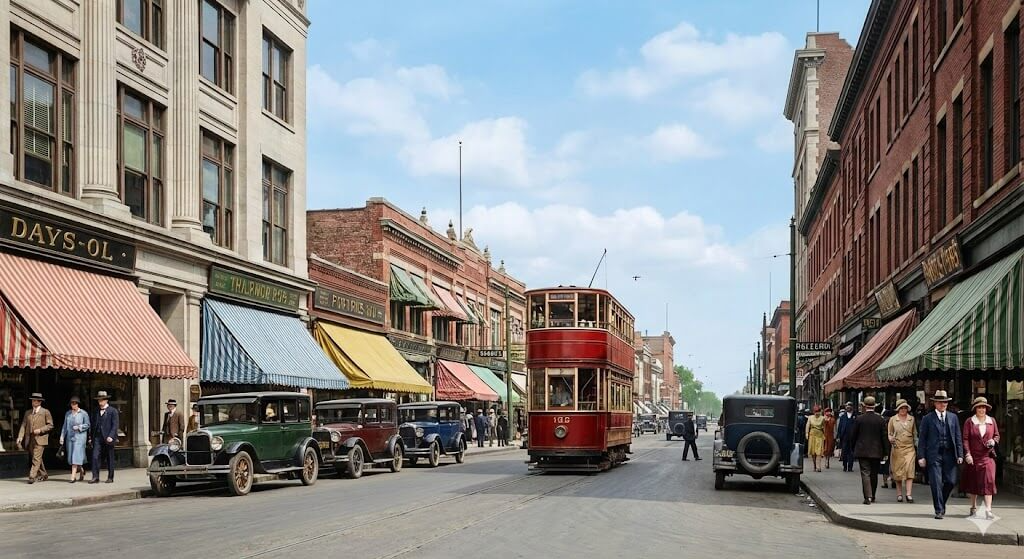
We all have those old photos tucked away in boxes. They represent memories, history, and a different era. But sometimes, a black-and-white photo feels distant. When you transform a color image from a monochrome original, the past suddenly feels present. It breathes new life into tired visuals. Whether you are a marketer or a hobbyist, adding color is a game-changer. It changes how people feel when they look at your work.
Why a High-Quality Color Image Wins Every Time
Color is not just about aesthetics. it is about psychology. Our brains process color much faster than shapes or text. A vibrant color image can stop a user from scrolling past your post. It creates an immediate emotional bridge. In marketing, this translates to higher click-through rates.
Black and white has its place in art. However, for modern branding, color is essential. It tells a story of energy and life. When you add color to image assets, you make them relatable. You turn a flat historical record into a living moment. This guide will show you how to do it efficiently.
How to Add Color to Image Files with Modern Tools
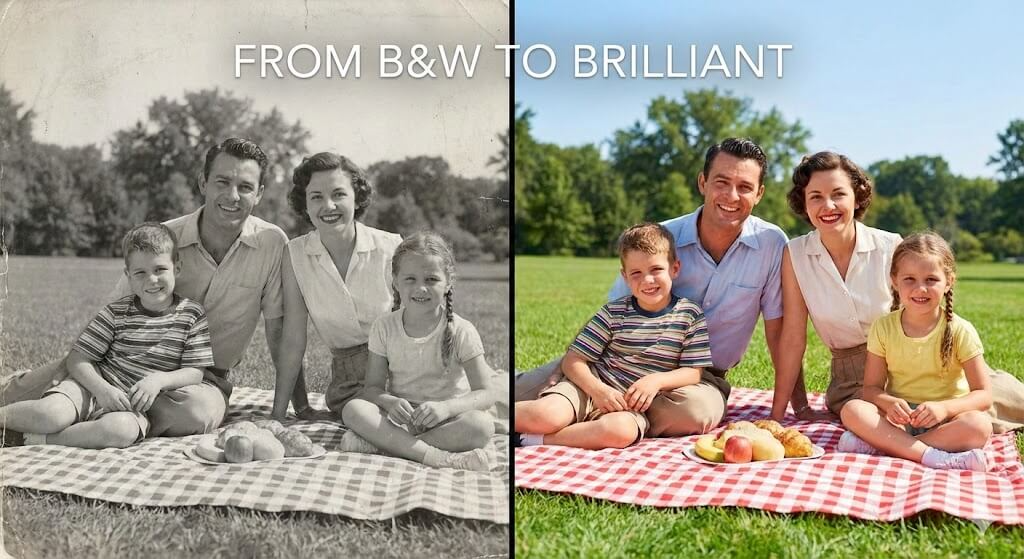
You no longer need to be a Photoshop expert. Years ago, manual colorization took hours of tedious work. You had to paint every pixel by hand. Today, the process is much faster. You can use a color photo editor driven by AI to do the heavy lifting.
Picking the Best Pic to Colour Tool
Most people start with a simple pic to colour search. You want a tool that understands context. For example, the AI should know that grass is green and sky is blue. Good tools use deep learning to guess the right shades. They look at textures to decide which colors fit best. This saves you from making awkward mistakes.
Why You Should Use a Color Photo Editor
A dedicated color photo editor offers more control. Automated tools are great, but they aren’t perfect. Sometimes the skin tones look a bit gray. Or perhaps the background is too bright. A professional editor lets you tweak the saturation. You can balance the warmth of the light. This ensures your color image looks natural rather than digital.
The Ease of Online Picture Recolor Techniques
Sometimes, you already have color, but it is the wrong color. This is where an online picture recolor tool comes in. Imagine you have a product photo of a blue shirt. Now, you need it in red. Instead of a new photo shoot, you just recolor it. This is a massive boost to your workflow. It keeps your brand consistent without extra costs.
Best Platforms to Convert Image Color Online
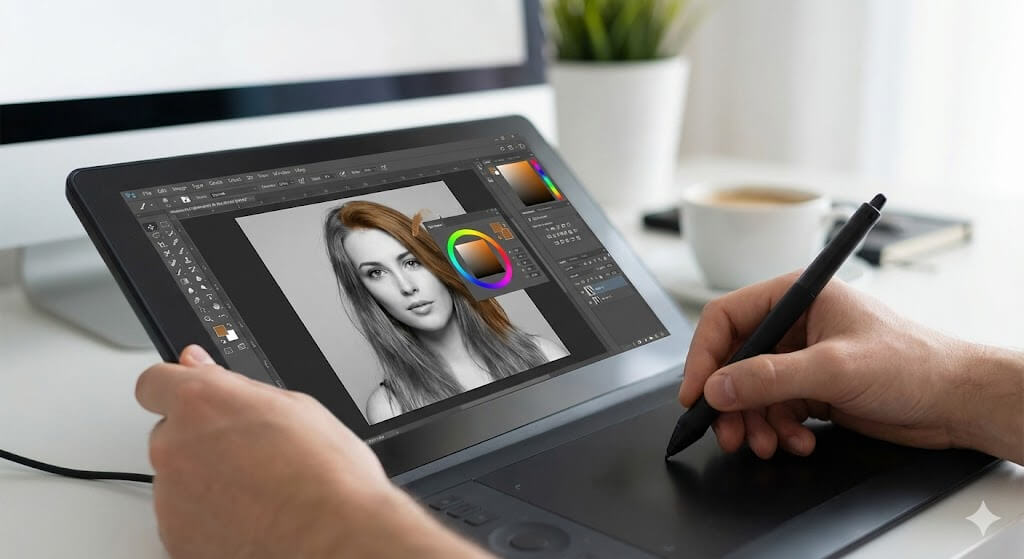
The internet is full of “one-click” solutions. But which ones actually work? You need a platform that maintains image resolution. Nobody wants a blurry color image after all that work. You should look for tools that offer a preview mode. This lets you compare the before and after results instantly.
Streamlining E-commerce with Weshop AI
For business owners, Weshop AI is a standout choice. It is specifically designed for e-commerce and creative tasks. If you need to convert image color online for products, this is your best bet. It handles complex textures remarkably well. Weshop AI helps you create professional looks without a studio. It is a massive time-saver for busy entrepreneurs.
Choosing an Online Picture Recolor Utility
Many free tools allow you to online picture recolor specific elements. These are perfect for quick social media updates. Look for tools that support “masking.” Masking allows you to change the color of one object while leaving the rest alone. It is the secret to high-end digital marketing.
Managing Your Color Image Workflow
Efficiency is about having a repeatable process. Don’t just colorize photos randomly. Create a folder for your monochrome assets. Use a batch color photo editor if you have many files. This keeps your visual style uniform across all platforms. A consistent color image strategy builds a stronger brand identity.

Step-by-Step: From B&W to a Brilliant Color Image
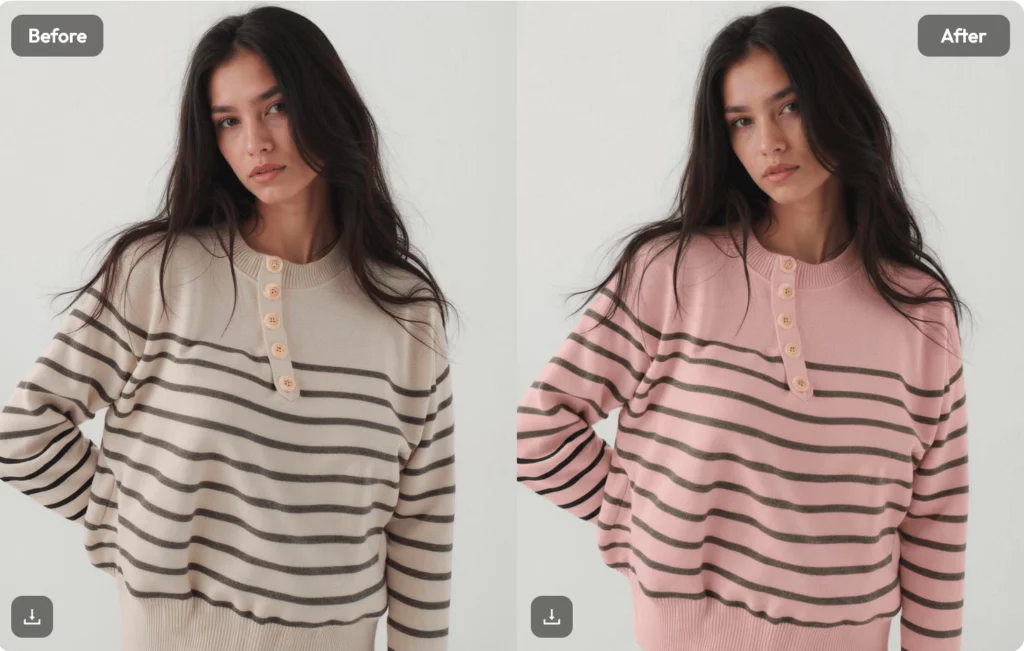
Let’s walk through a simple workflow. First, choose a high-resolution black and white photo. Dust and scratches will affect the final result. Clean the digital file if possible. Next, upload it to your chosen pic to colour service.
Once the AI generates the colors, look at the details. Check the eyes and the edges of clothing. If the colors bleed, use a color photo editor to clean up the lines. Finally, adjust the overall brightness. A well-lit color image looks much more professional. Save your file in a high-quality format like PNG or TIFF.
The Future of the Color Image in Marketing
As AI improves, the results get more realistic. We are reaching a point where you cannot tell a colorized photo from an original. This opens doors for content creators everywhere. You can repurpose old archives for new campaigns. You can add color to image sets from the 1950s and make them look like they were shot yesterday.
The goal is always engagement. People love nostalgia, but they live in the present. By providing a clear color image, you give them the best of both worlds. You respect the history while making it accessible. This is how you revitalize your content effectively.
Final Thoughts on Your Color Image Strategy
Mastering your visual workflow doesn’t have to be hard. Start by exploring an online picture recolor tool today. See how a few clicks can change the mood of a photo. Whether you use Weshop AI or a simple pic to colour app, the results will surprise you.
Don’t let your visual content stay dull. Every color image you create is an opportunity to connect. It is an opportunity to tell a better story. Take your old photos and bring them into the light. Your audience will thank you for the extra effort.