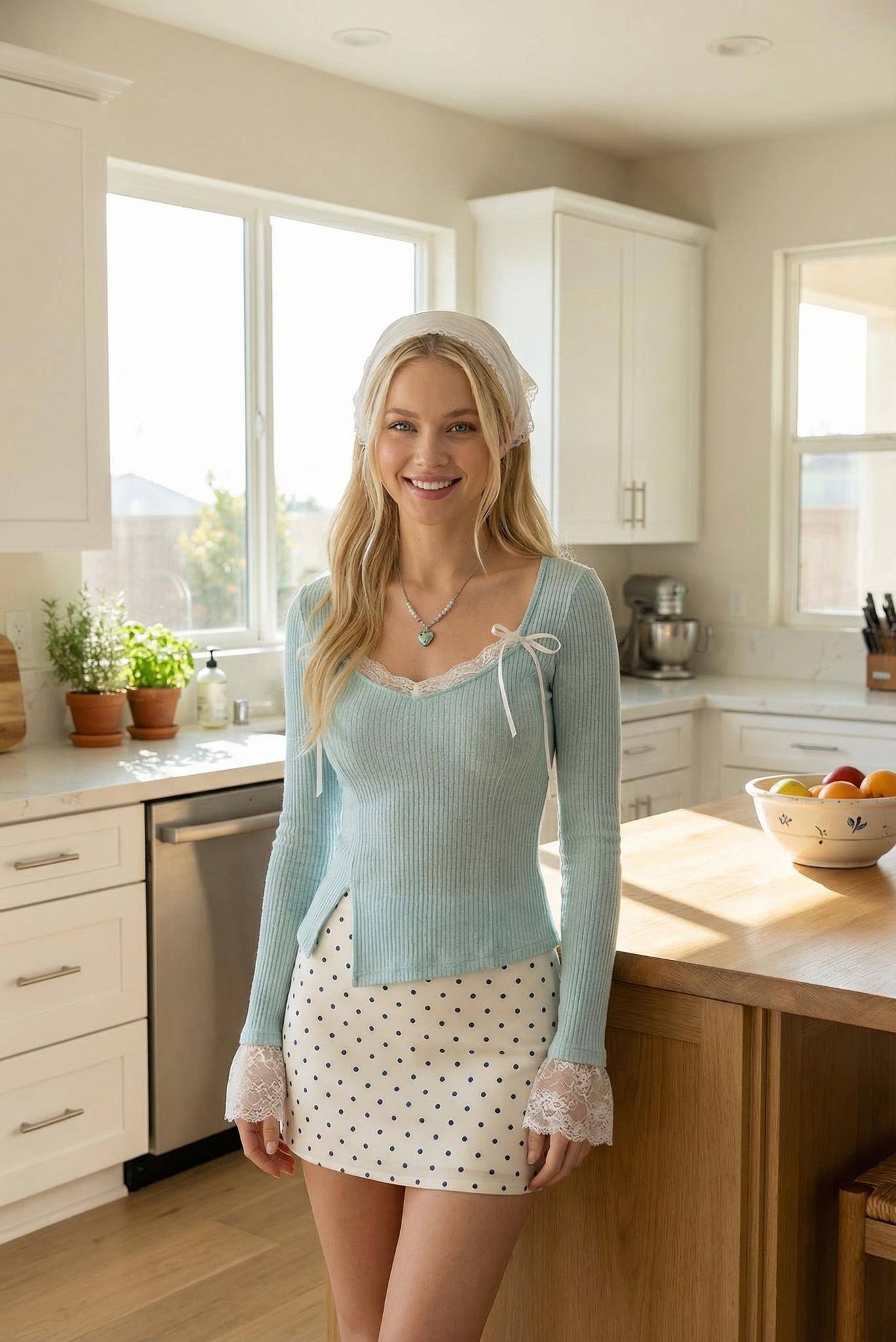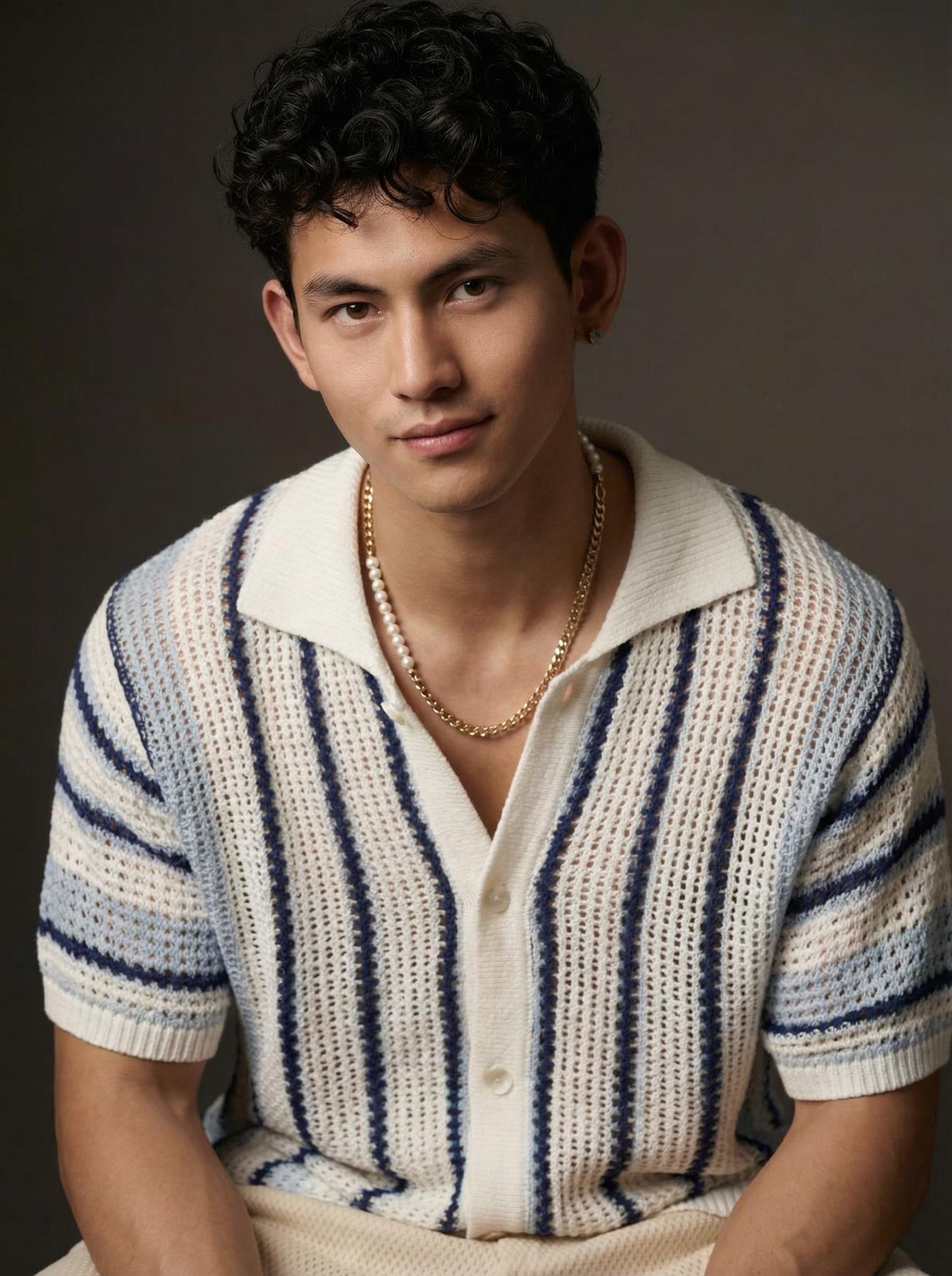
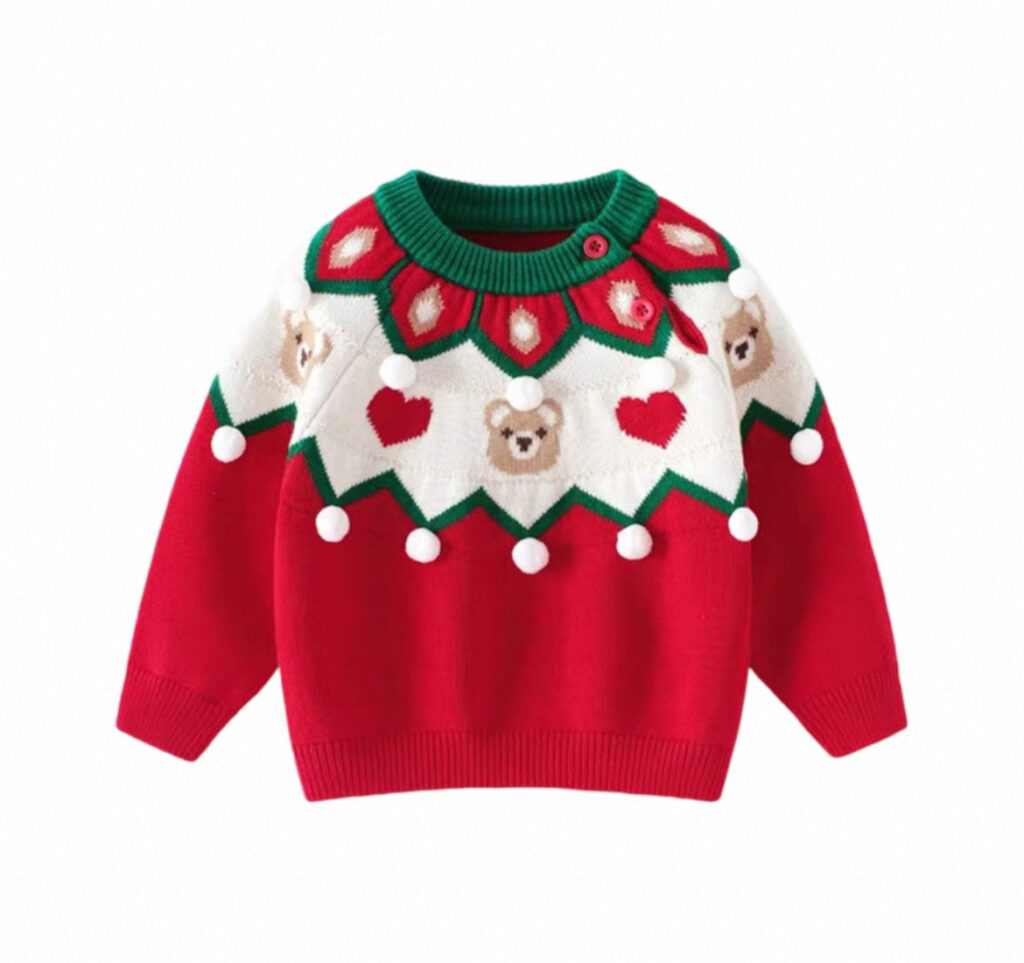
The holiday season always comes with a little rush, especially for kidswear brands. Parents start shopping early, they compare every detail, and they expect cute photos that feel warm and festive. They want to see how clothes look on real kids, not just flat product shots. But most small and mid-sized kidswear sellers do not have the budget or time to plan a full holiday photoshoot. Finding child models, booking a studio, preparing props, and decorating a Christmas set is expensive and stressful. This is exactly why WeShop AI Virtual Try On feels like a cheat code.
t transforms your clean product image into a Christmas-themed kids model photo in seconds. All you need is a white-background product shot. Then you choose a child model and a holiday scene, and the system handles the rest. No studio. No waiting.
Why Kidswear Sellers Need Virtual Try On This Holiday Season
Kidswear is super visual. Parents want to know how the clothes fit, how the style feels, and whether the product matches the vibe they want for their child. Because of this, photos matter a lot. Yet taking pictures of kids is famously tricky. Scheduling is hard. Getting the right pose takes time. And Christmas shoots make everything even busier.
Virtual Try-On solves all of these problems at once. It offers:
Speed
You can generate multiple Christmas model shots in minutes.
Flexibility
One product photo becomes many looks. You can match different models and different holiday scenes.
Consistency
All images follow a similar mood and lighting style, making your store look cleaner and more professional.
Lower costs
You skip model fees, studio rentals, props, and editing. Everything happens online.
With these advantages, more kidswear brands use AI to create Christmas banners, festive PDP images, holiday bundles, and weekly social content. It makes your storefront look polished without burning your budget.
Step-By-Step Guide: Create Christmas Kidswear Try-On Images with Virtual Try On
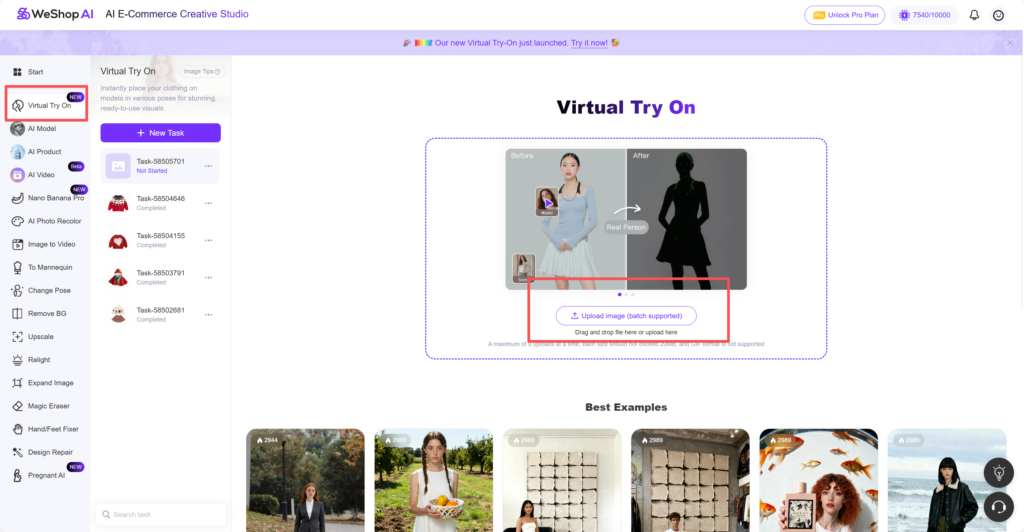
Step 1 — Upload Your Kidswear Product Photo
Start with a clean white-background product image. Flat lays and mannequin shots work best. When you open Virtual Try-On, Slot #1 is where you upload the product.
Clear outlines always help the model image look more realistic. Try to avoid wrinkles or strong shadows. Simple is best.
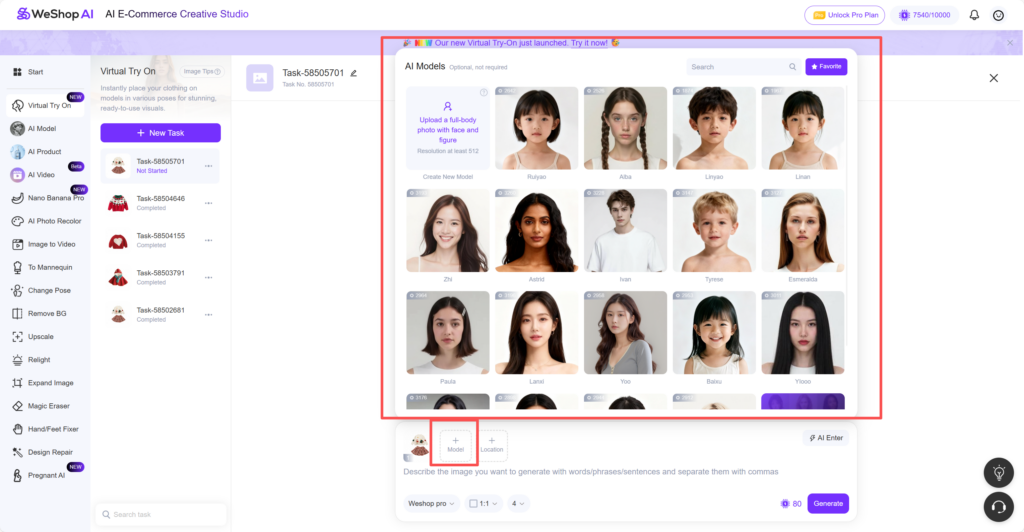
Step 2 — Choose a Child Model
Now move to Slot #2. Select your model here. You’ll see many child options across ages and styles. Pick the one that matches your clothing size and target audience.
This step matters a lot. A toddler sweater should appear on a toddler model, not an older child. Making the right match makes the try-on image feel believable.
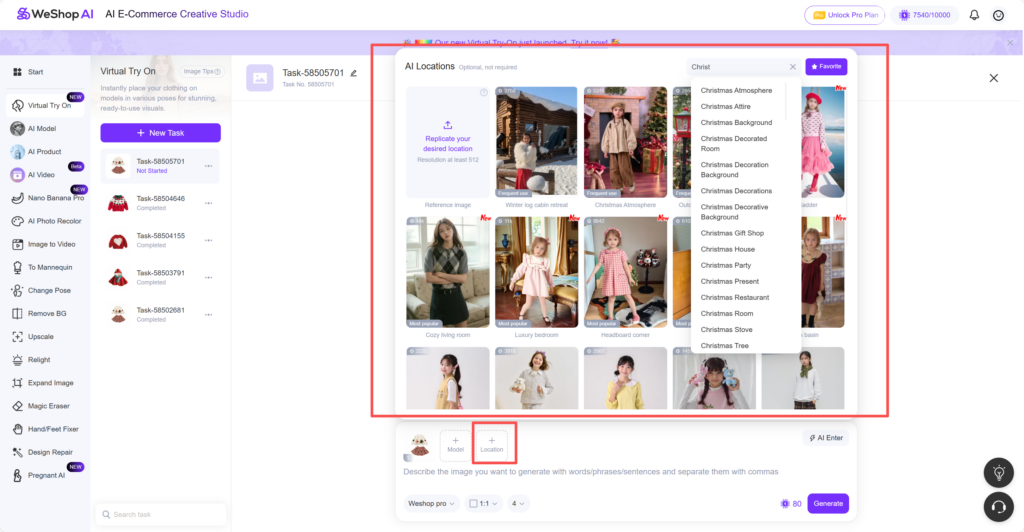
Step 3 — Choose a Christmas Scene
Next, go to Slot #3. Type “Christmas” into the search bar. A range of holiday scenes will appear. Some feel cozy, some feel bright, and some look like professional studio sets. Choose one that matches your brand’s holiday vibe.
A good scene instantly brings emotion, warmth, and that classic Christmas charm.
Step 4 — Add Prompts to Personalize the Mood
Adding a few short lines can make the image even better. Try things like:
- “soft warm lights”
- “gentle Christmas sparkle”
- “studio-quality holiday atmosphere”
- “light snowfall in the background”
- “cozy festive glow”
Short prompts help shape the overall mood without making the results unstable.
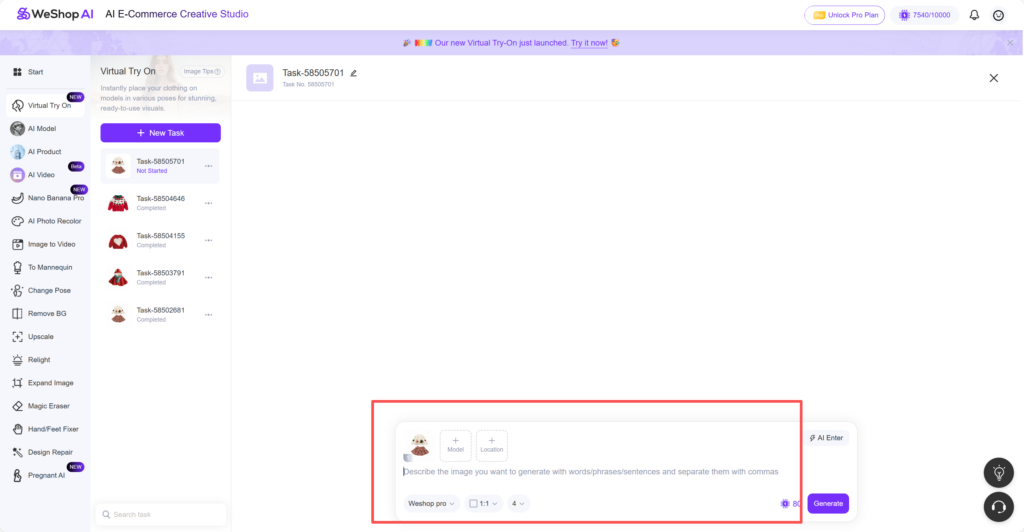
Step 5 — Generate Your Christmas Try-On Image
Once everything is set, click generate. The AI will process your selections in seconds. After the results appear, you can try different models or scenes and create as many variations as you want.
Best Cases: What Christmas Kidswear Looks Like with Virtual Try On
In the final section of the blog, you can showcase your best cases. These examples show exactly how sweaters, skirts, dresses, and winter sets look when transformed into Christmas model shots.
Each case can include:
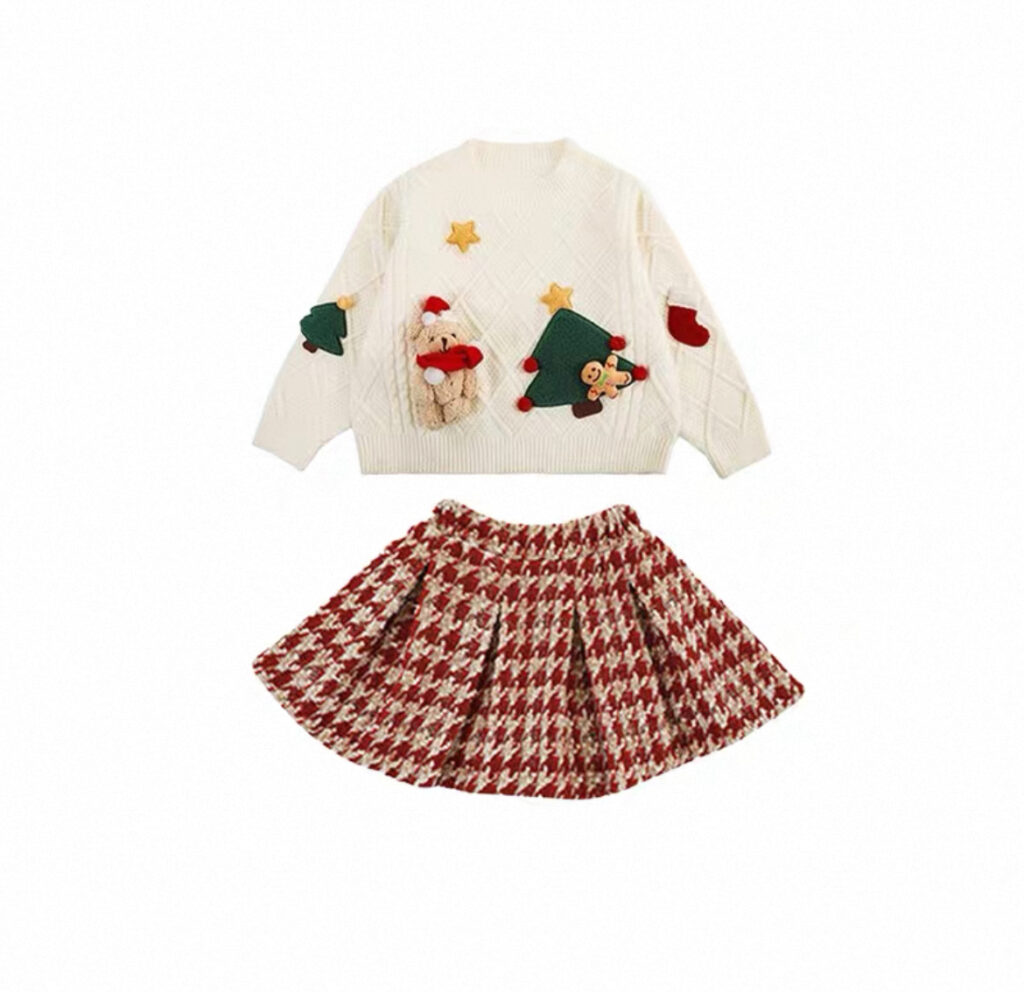
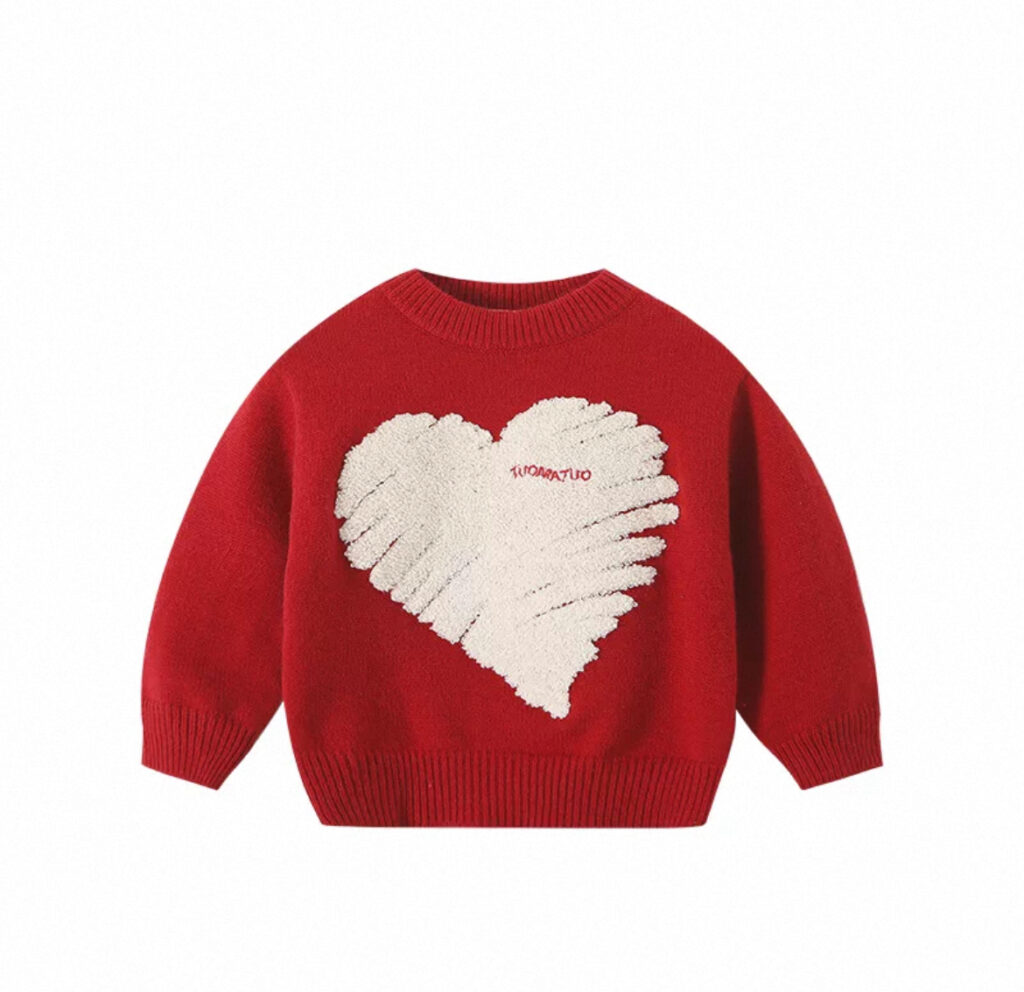
- the original product photo
- the final Virtual Try-On result
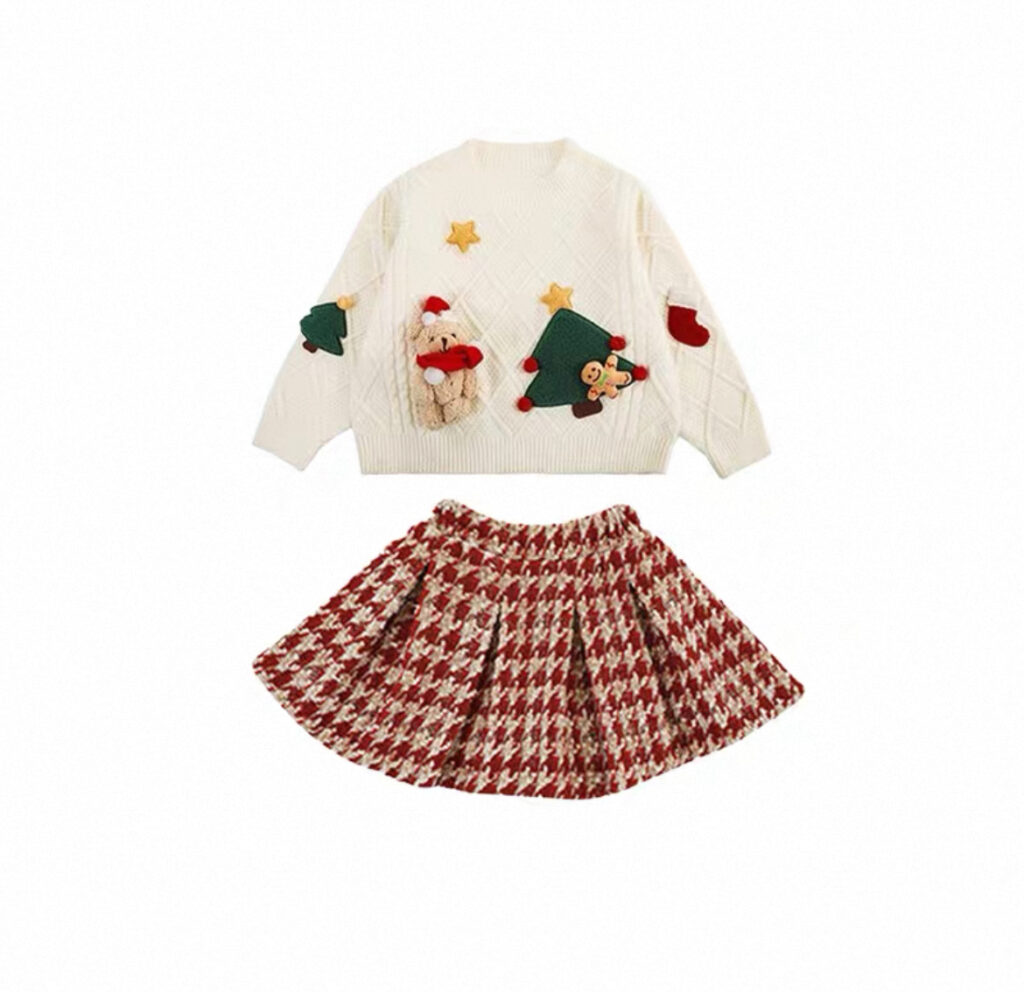
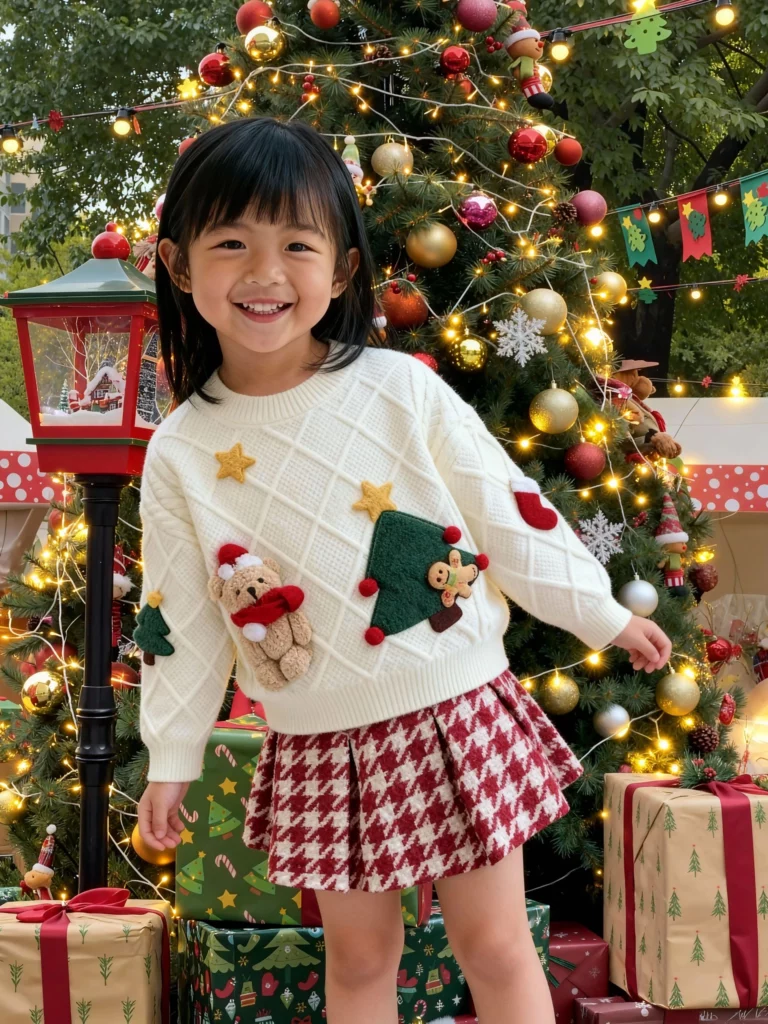
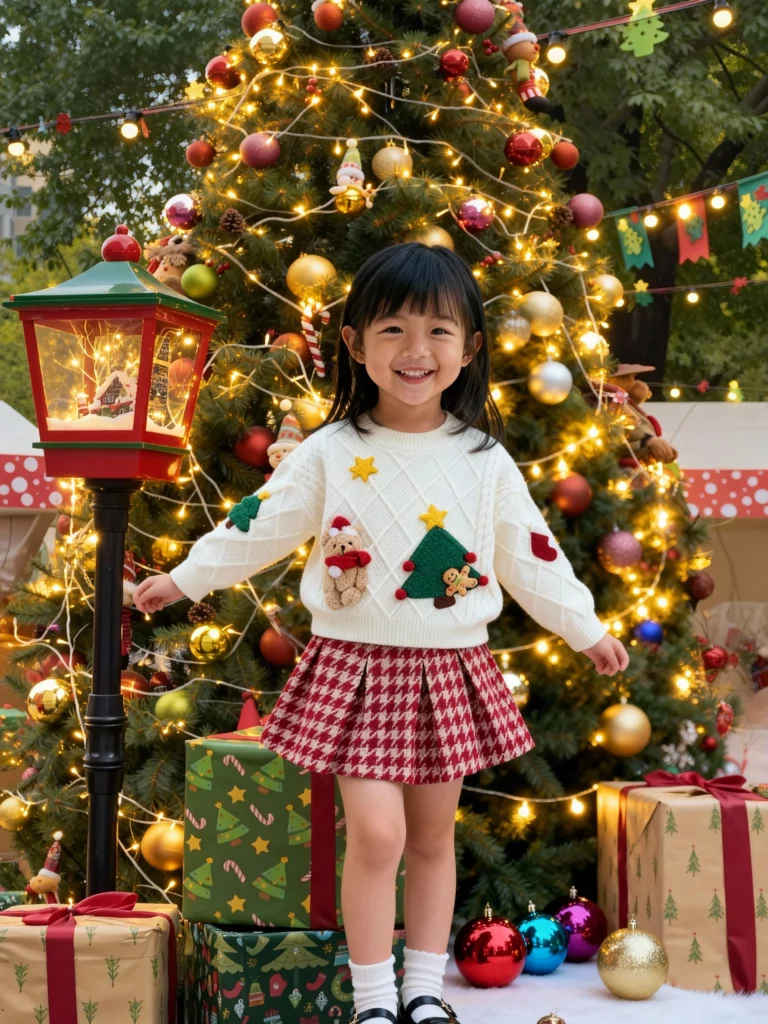
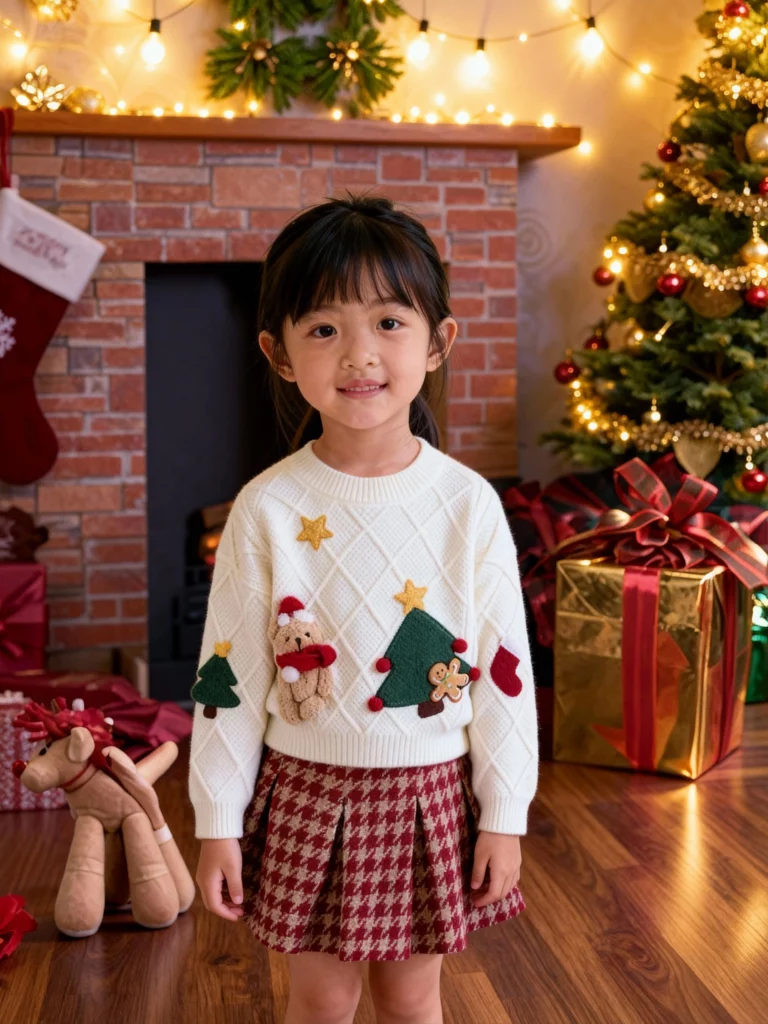
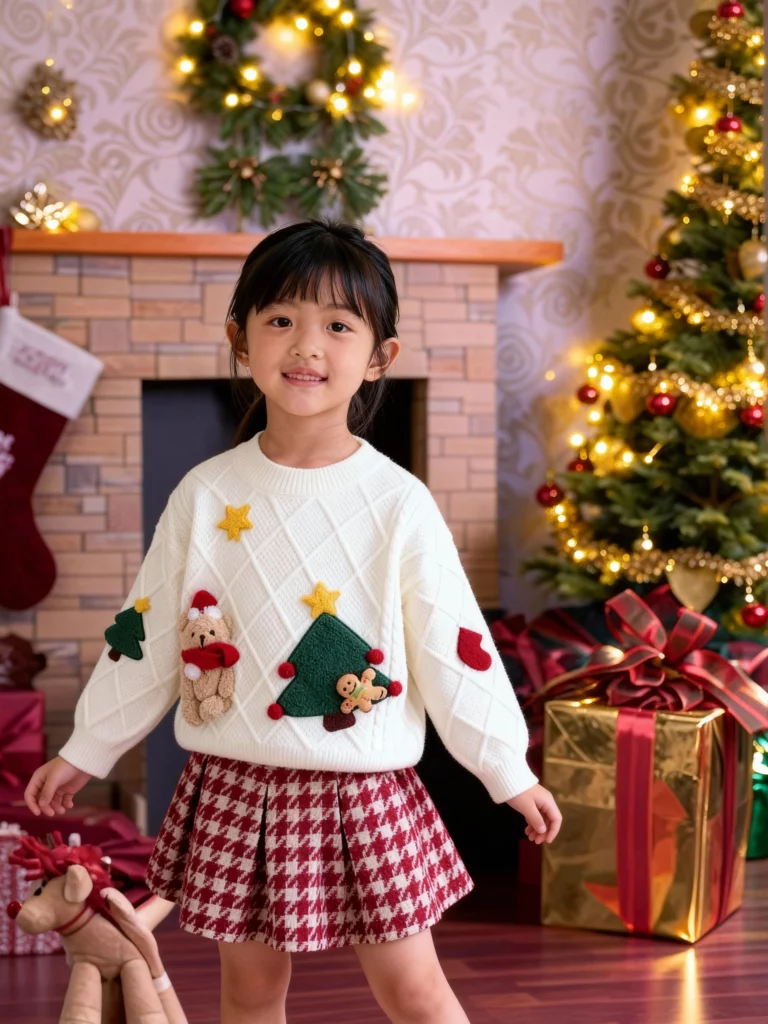
Prompt: A young girl wearing the uploaded sweater and short skirt, standing in a warm Christmas setting with soft golden lights, gentle holiday decorations, and a cozy festive mood. Natural pose, clean details, high clarity.
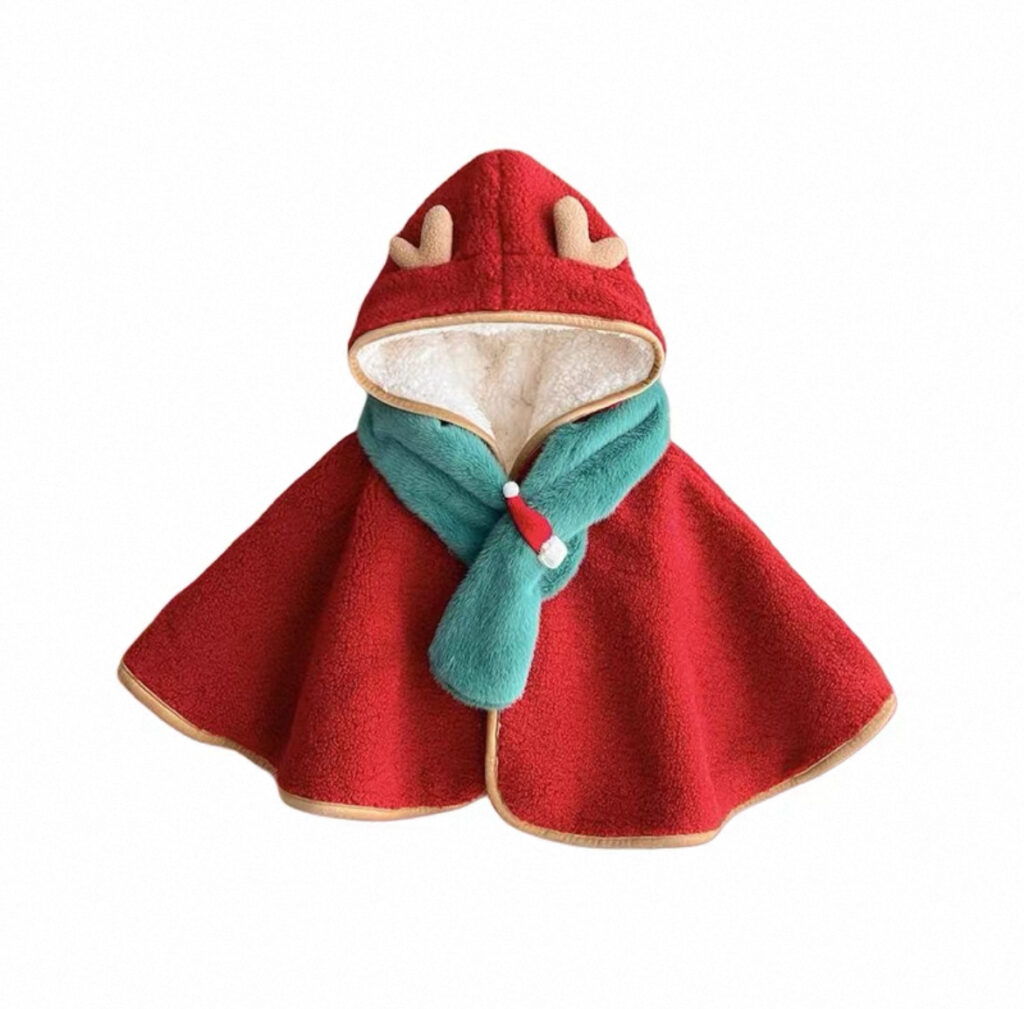
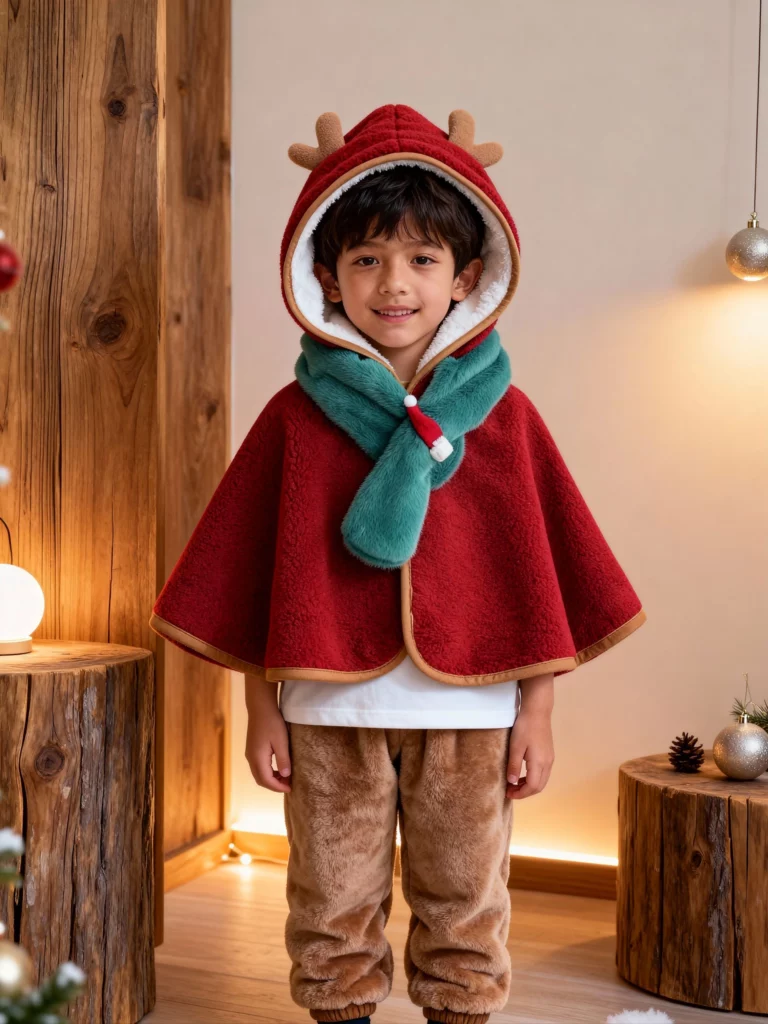
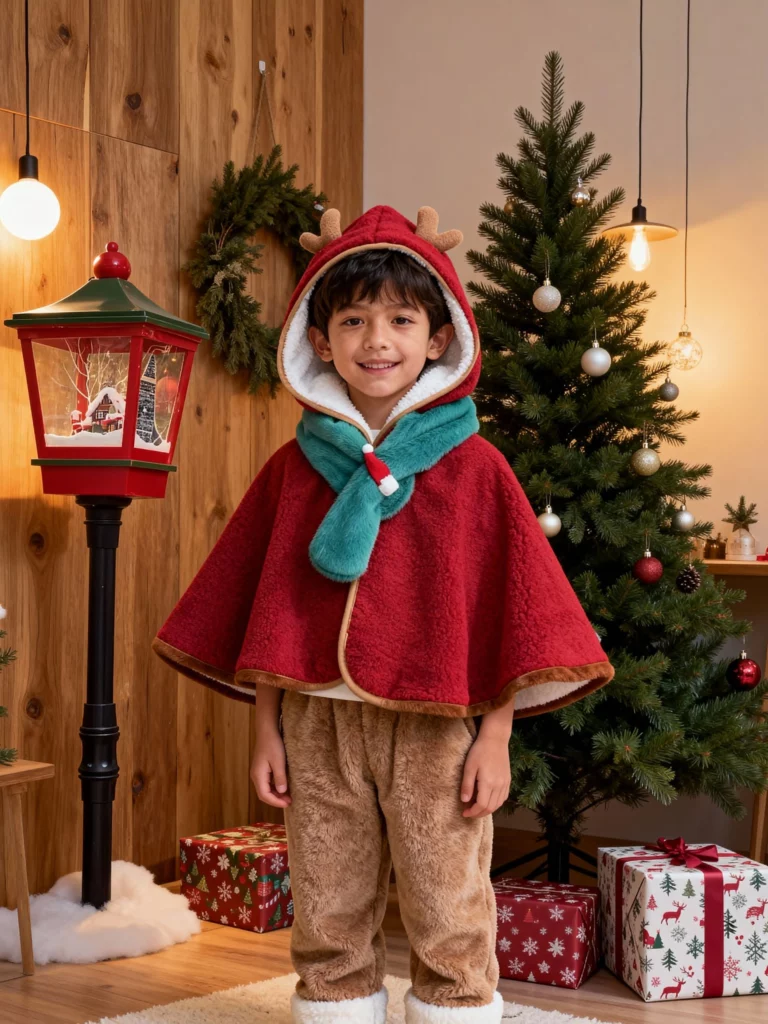
Prompt: A young boy wearing the given sweater and Fleece-lined pants, in a Scandinavian-style Christmas environment with wooden textures, soft warm lighting, and minimal holiday ornaments. He is smiling. Simple, calm, and natural.
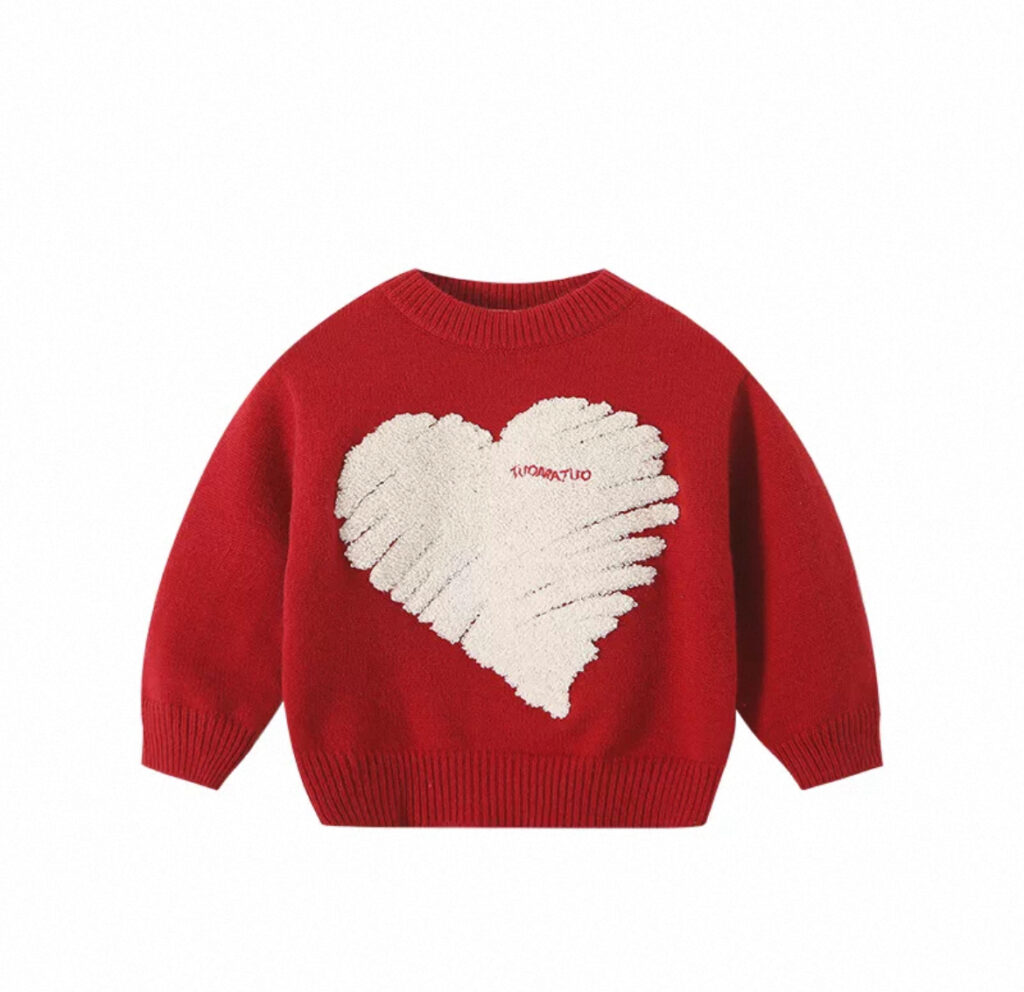
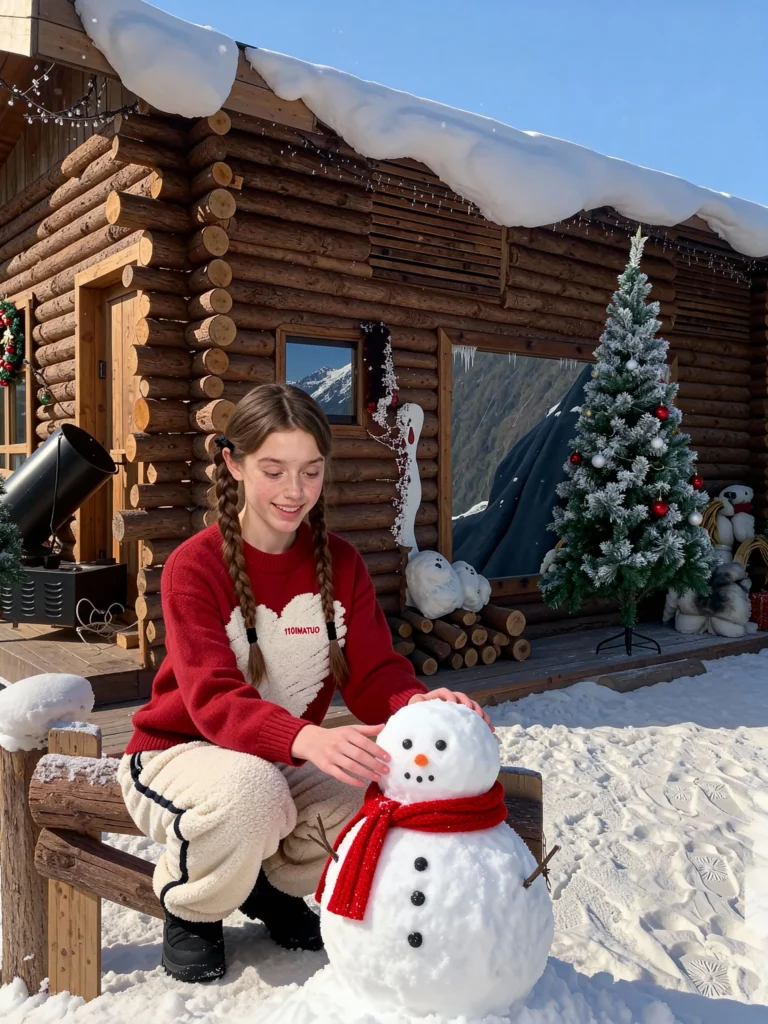
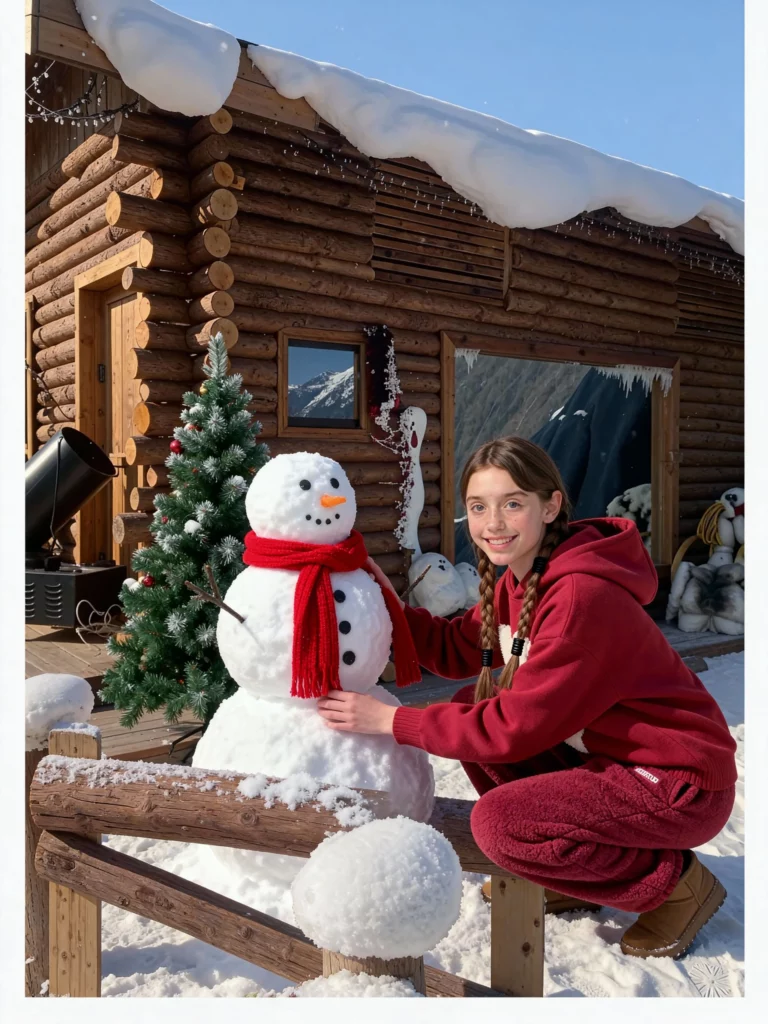
Prompt: A girl in a red hoodie and winter fleece pants crouched before a small wooden cabin adorned with Christmas decorations, building a snowman. She smiled happily. Beside the cabin stood a Christmas tree, and the snowman wore a red scarf around its neck. The atmosphere was warm and cozy, and the girl’s movements were natural.
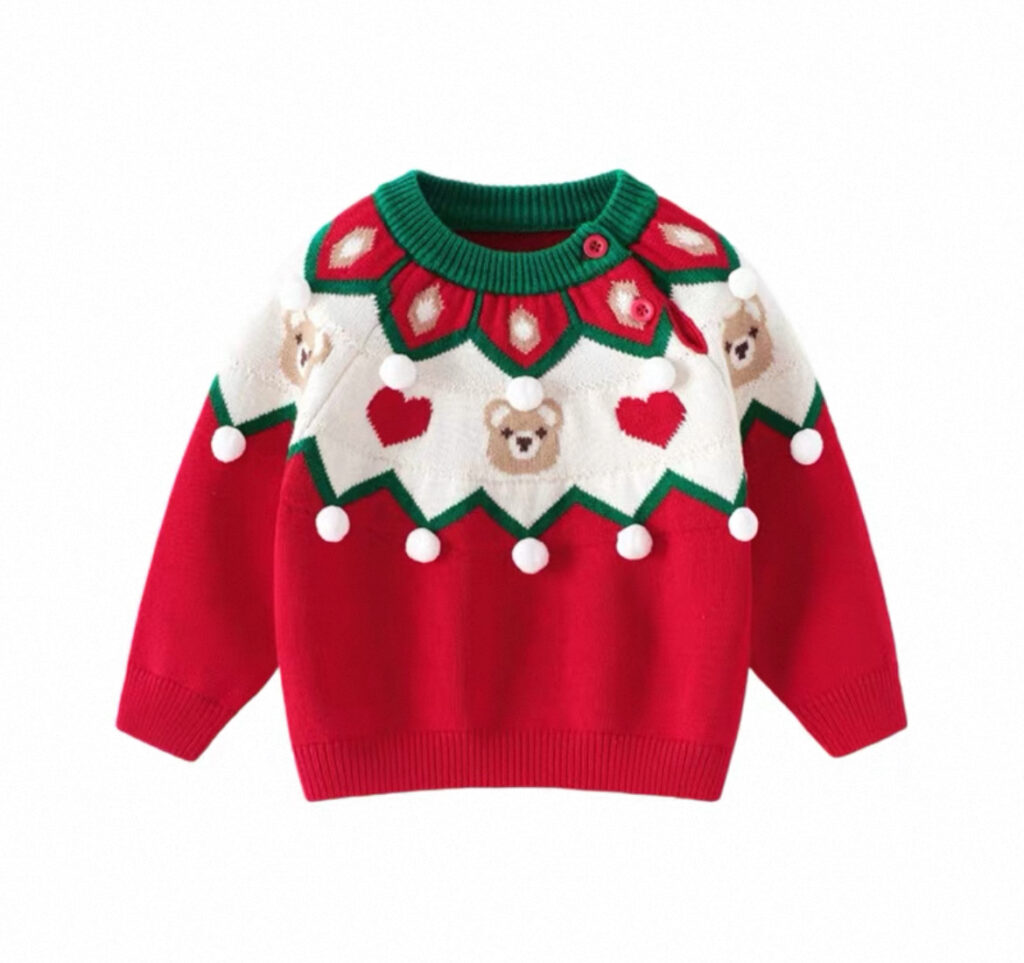
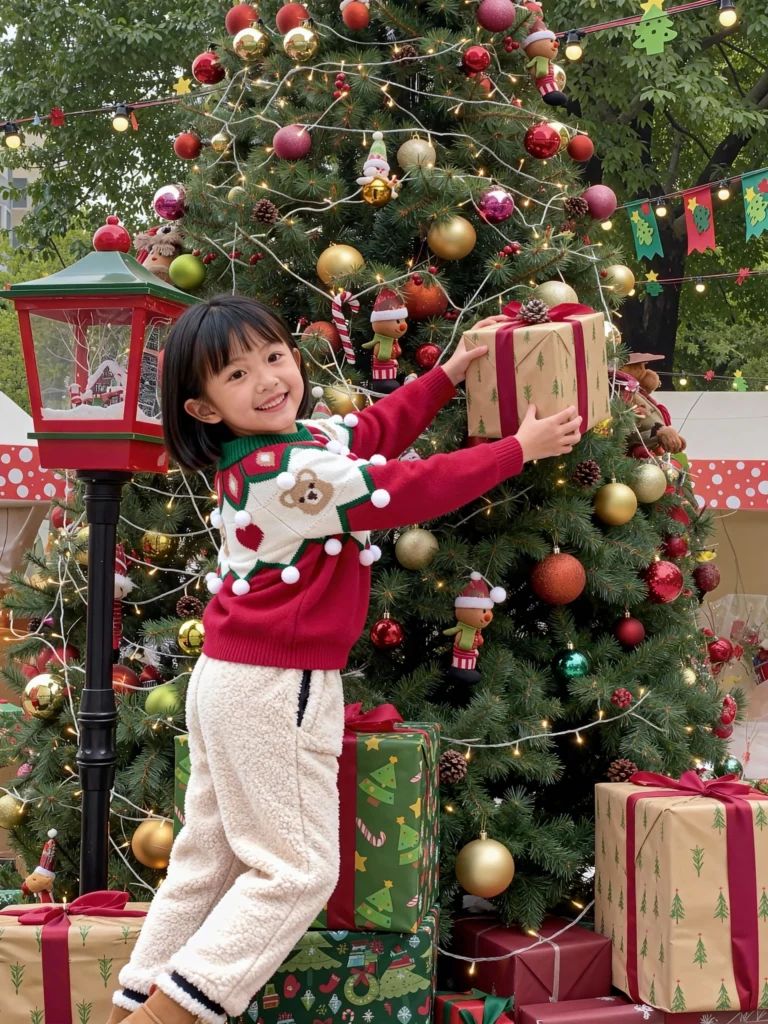
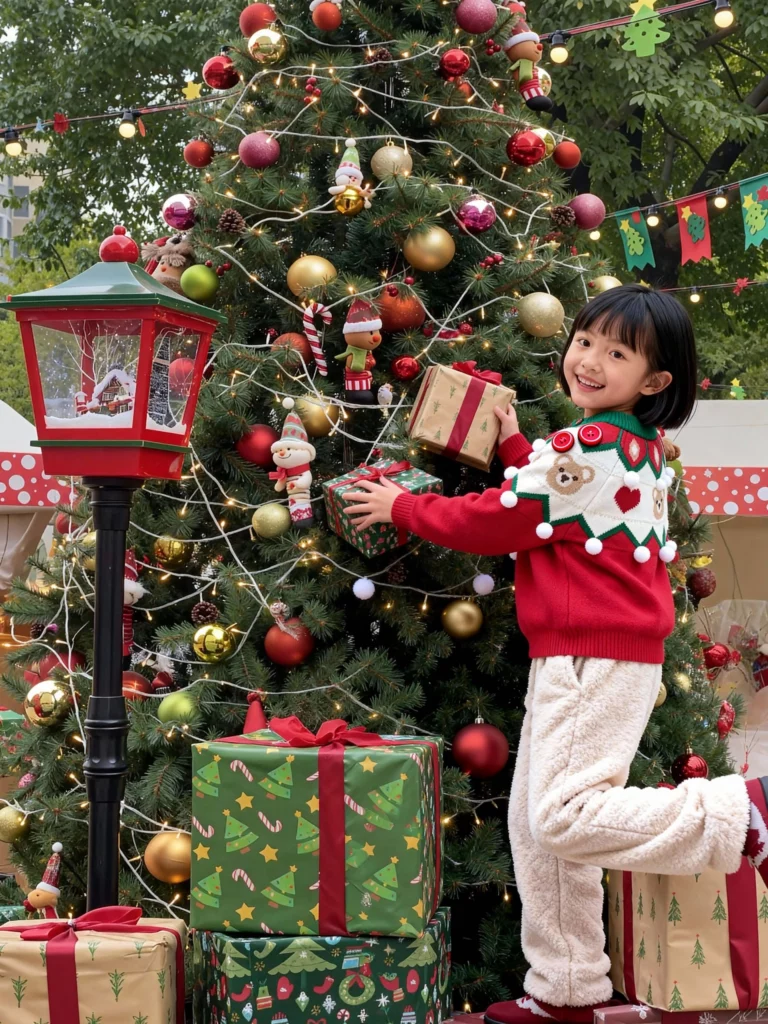
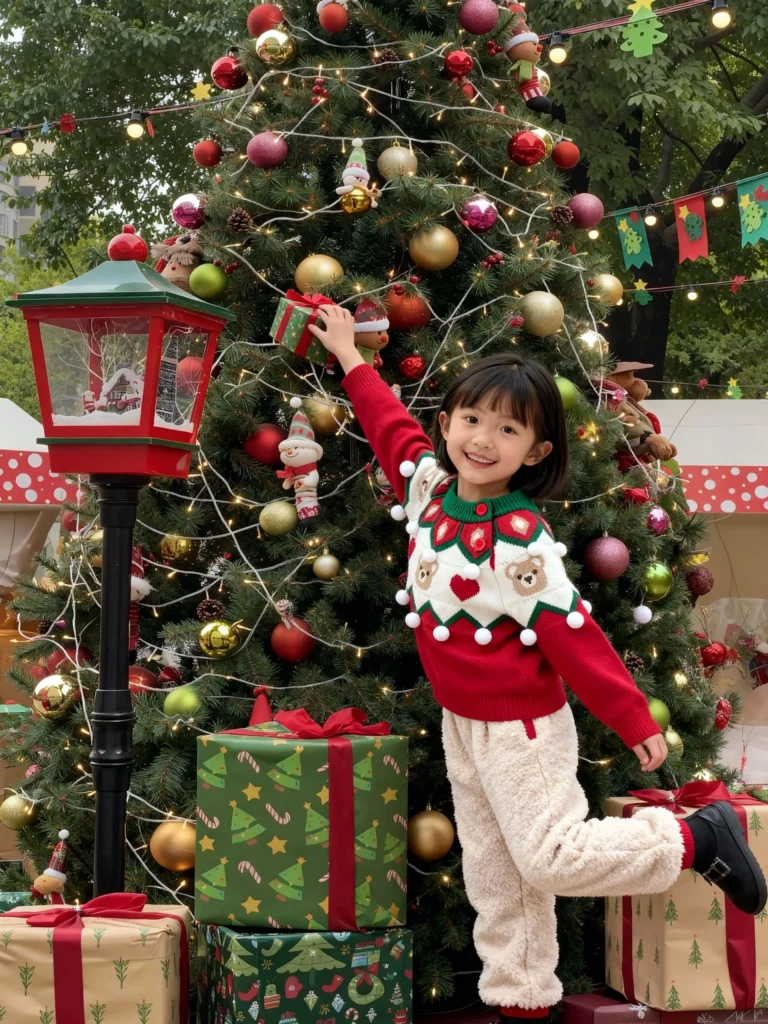
Prompt: A girl in a sweater and winter fleece pants searches for her gift among the Christmas tree’s decorations and small presents. She smiles happily, tiptoeing to reach for a gift on the tree. The atmosphere is warm, and her movements are natural.
Conclusion
WeShop AI Virtual Try-On gives kidswear sellers a fast and affordable way to create Christmas-ready visuals. The tool makes it simple to turn a basic product photo into a festive model image without booking a studio or hiring a child model. With just a few clicks, you can upload a product, choose a kid model, and pick a Christmas scene. The system handles the rest.
With the right scenes, models, and prompts, you can turn simple clothing photos into magical holiday moments. And those moments help build trust, drive clicks, and increase conversions across your entire store.